





How To Use Parabolic Microphone In Phasmophobia
How To Use Parabolic Microphone In Phasmophobia
The parabolic microphone is a valuable tool in Phasmophobia for detecting ghostly activity and communication. This guide will walk you through the essential steps to effectively use this equipment to locate and interact with ghosts in your investigations.
Getting Started With The Parabolic Mic
First, bring your parabolic microphone into the house where you’re conducting your ghost investigation. Before you can use the microphone effectively, you’ll need to locate the ghost room.
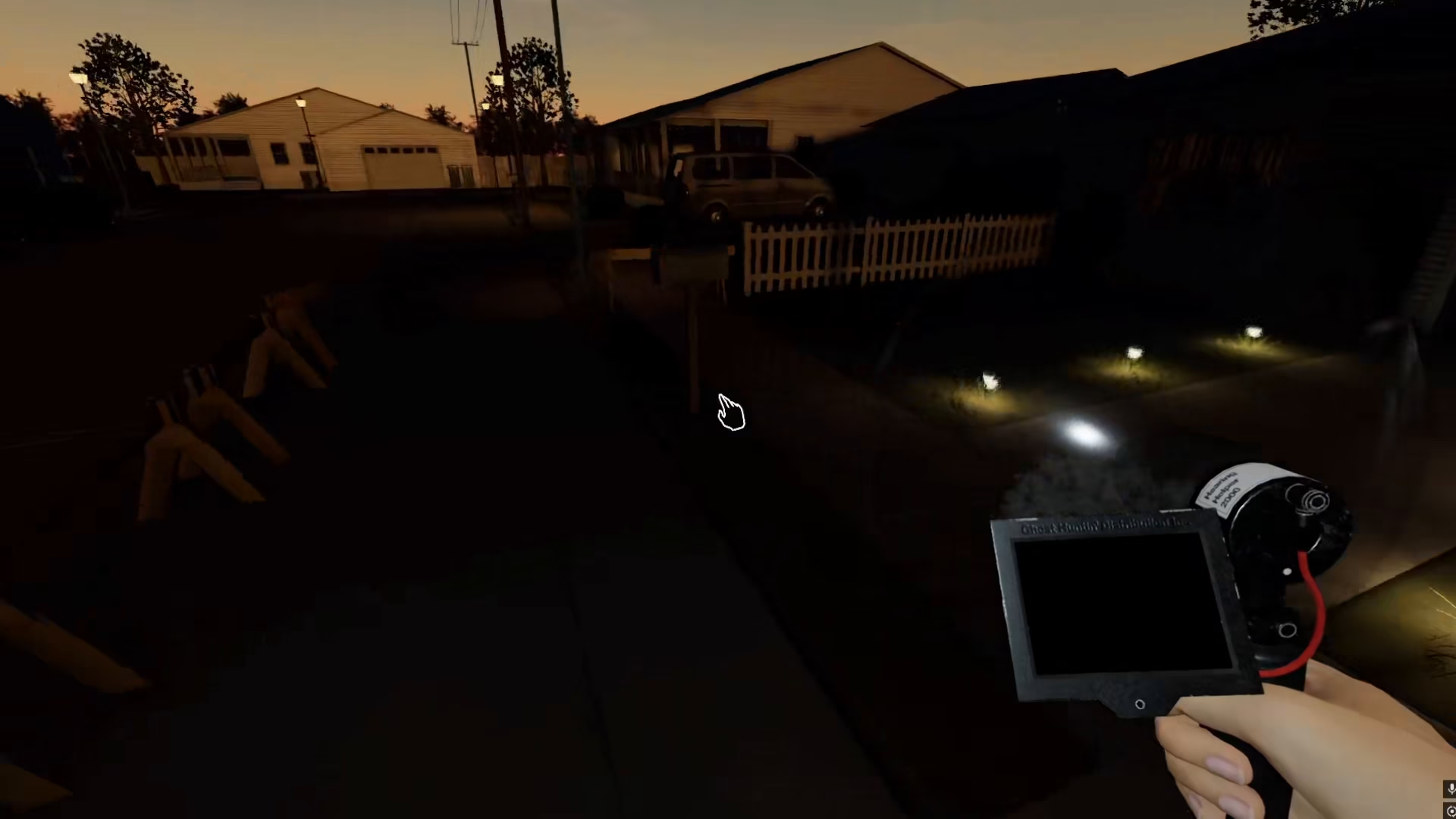
Locating The Ghost Room
To find the ghost room efficiently, you can use cursed items if you have a custom game enabled. Cursed items are scattered throughout different rooms and can help you pinpoint the ghost’s location.
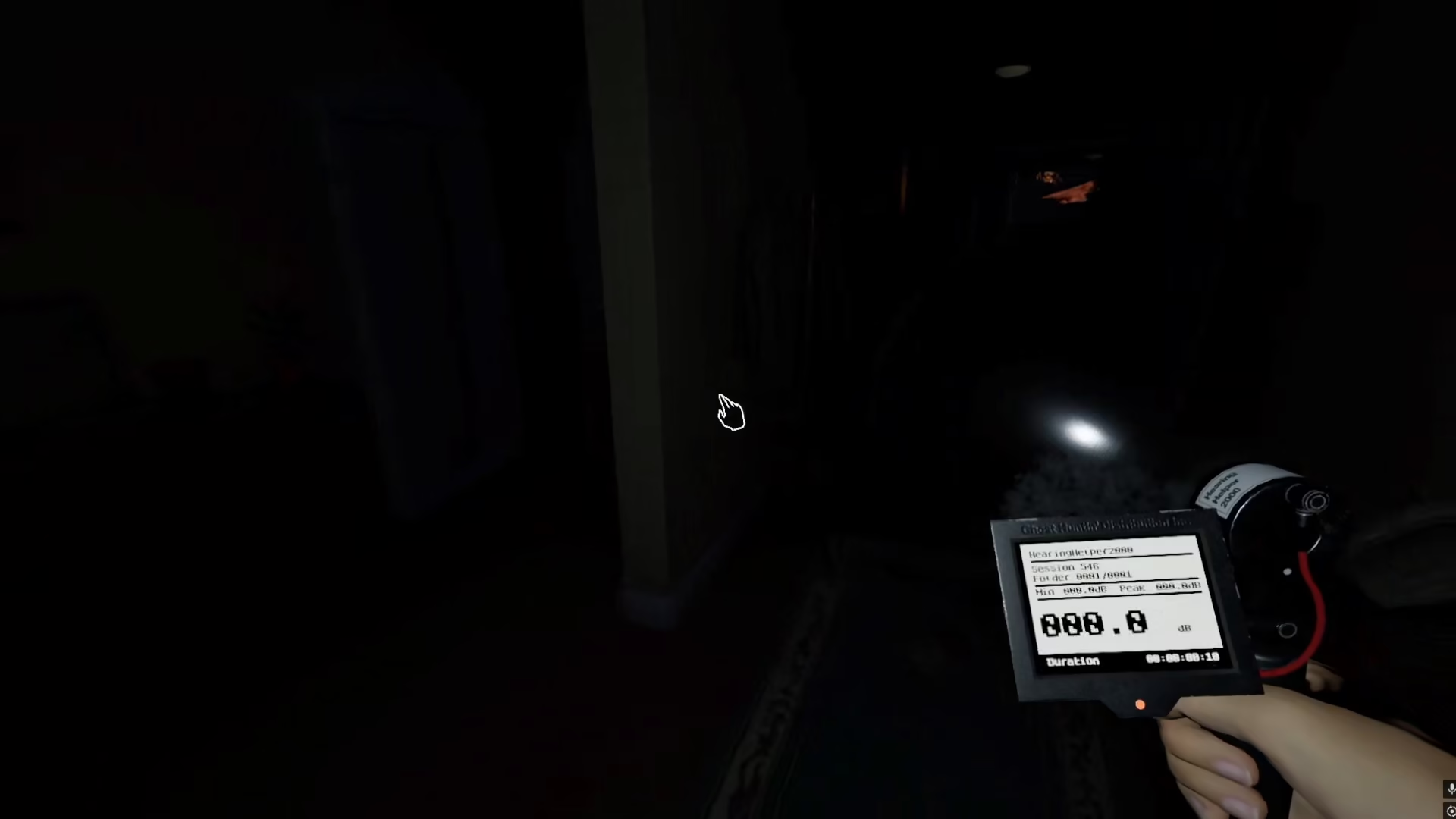
Using Cursed Items
Several types of cursed items can assist you in your search. You may find items like voodoo dolls in certain rooms, or you can use a cursed mirror to reveal the ghost room’s location.
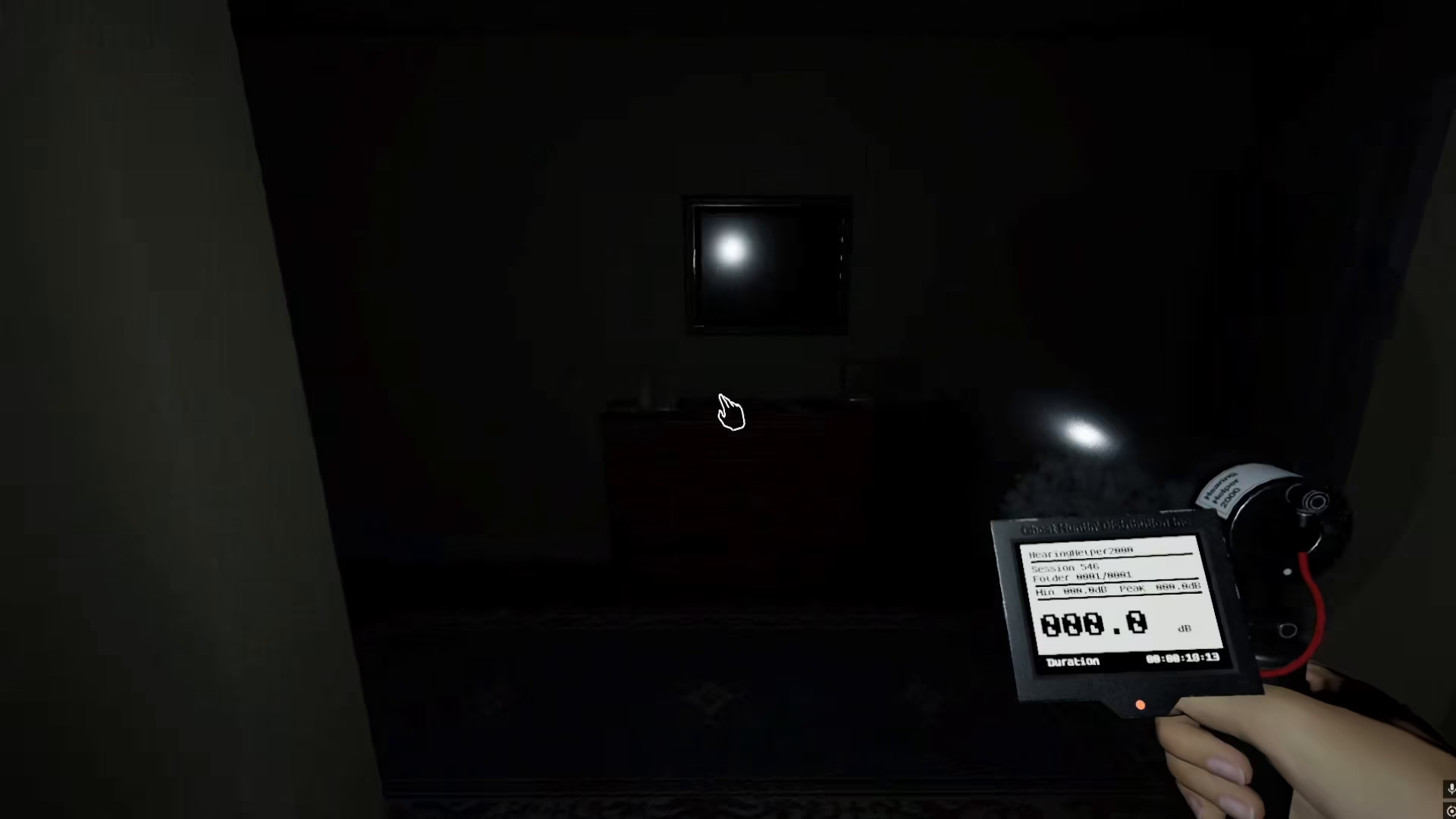
Reading The Parabolic Microphone
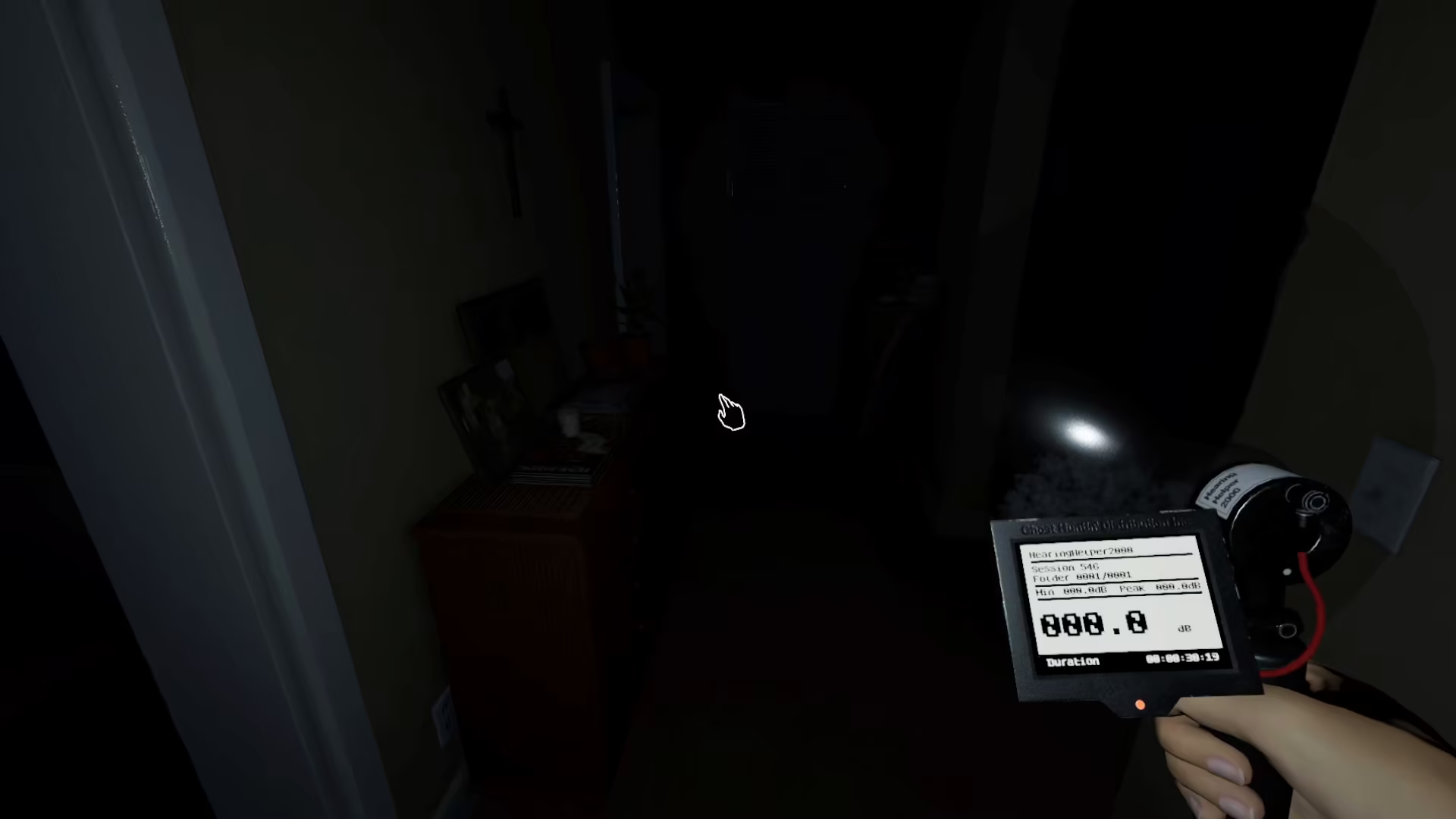
Once you’ve located the ghost room, position your parabolic microphone to detect the ghost’s presence. When the microphone picks up any ghostly voices or sounds, the device’s reading will increase, indicating that the ghost is trying to communicate with you.
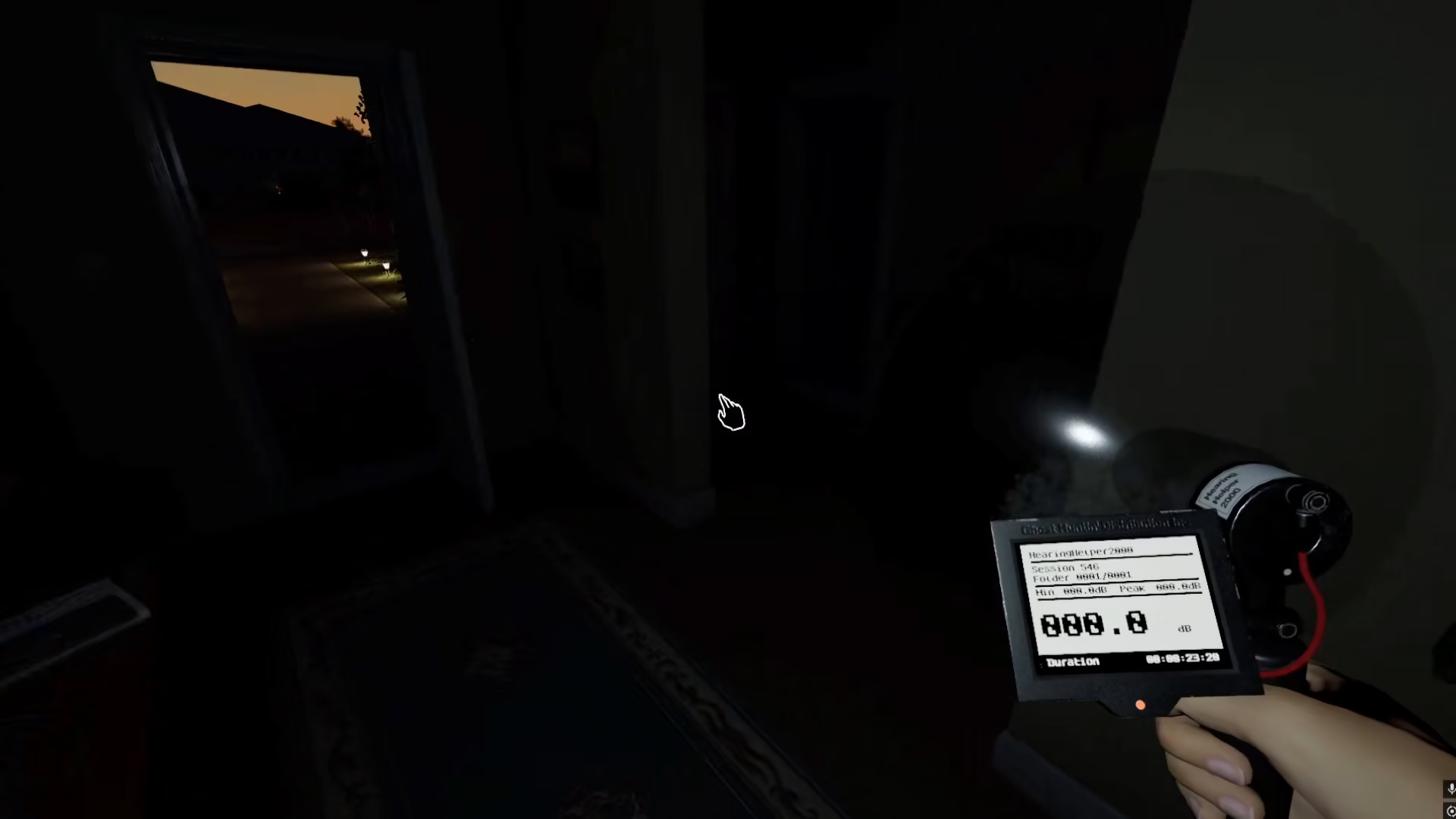
Watch the meter closely as you investigate. The rising reading confirms ghost activity and means you’re successfully detecting paranormal communication through the parabolic microphone.
Summary
Using a parabolic microphone in Phasmophobia is straightforward: bring it into the house, use cursed items to locate the ghost room, and then monitor the microphone’s readings for signs of ghostly communication. When the device’s reading goes up, you’ll know the ghost is attempting to interact with you. This simple but effective technique will help you gather evidence and complete your paranormal investigations successfully.
— Want to Support? —
If you would like to help us continue making these guides – please consider joining our patreon here – https://www.patreon.com/c/JaviHeals
Alternatively – you can join our discord here – https://discord.gg/zD7Gjt6MHF


