



How To Use Spirit Box With Text In Phasmophobia
How To Use Spirit Box With Text In Phasmophobia
If you’re playing Phasmophobia and want to use the spirit box feature more effectively, switching to text mode is a game-changer. This guide will walk you through the simple steps to enable text-based spirit box interactions, making it easier to communicate with ghosts without relying on voice recognition.
Accessing Your Game Settings
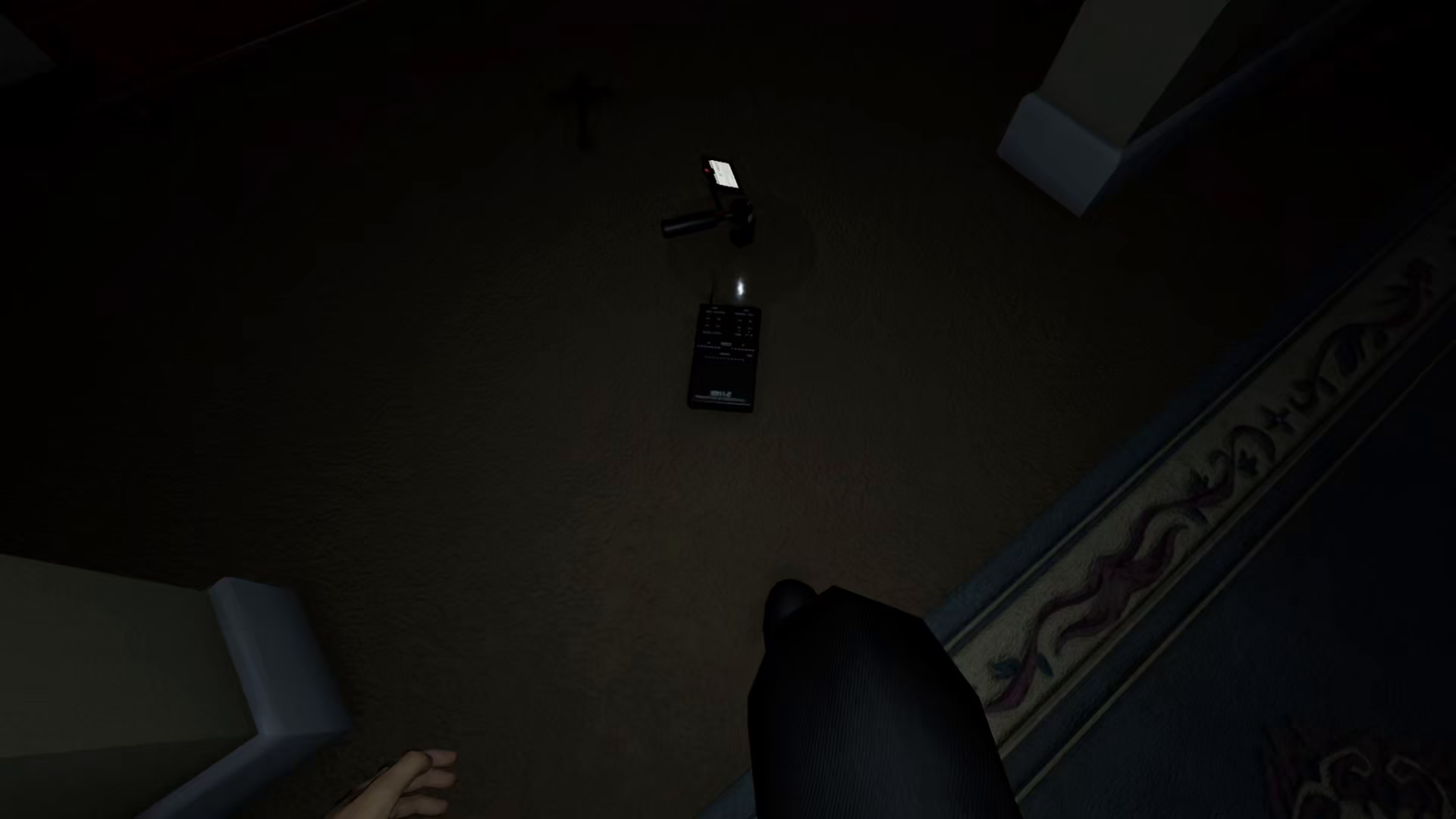
To get started, you’ll need to access the settings menu. Press the Escape key on your keyboard to open the settings panel.
Navigating to Game Options
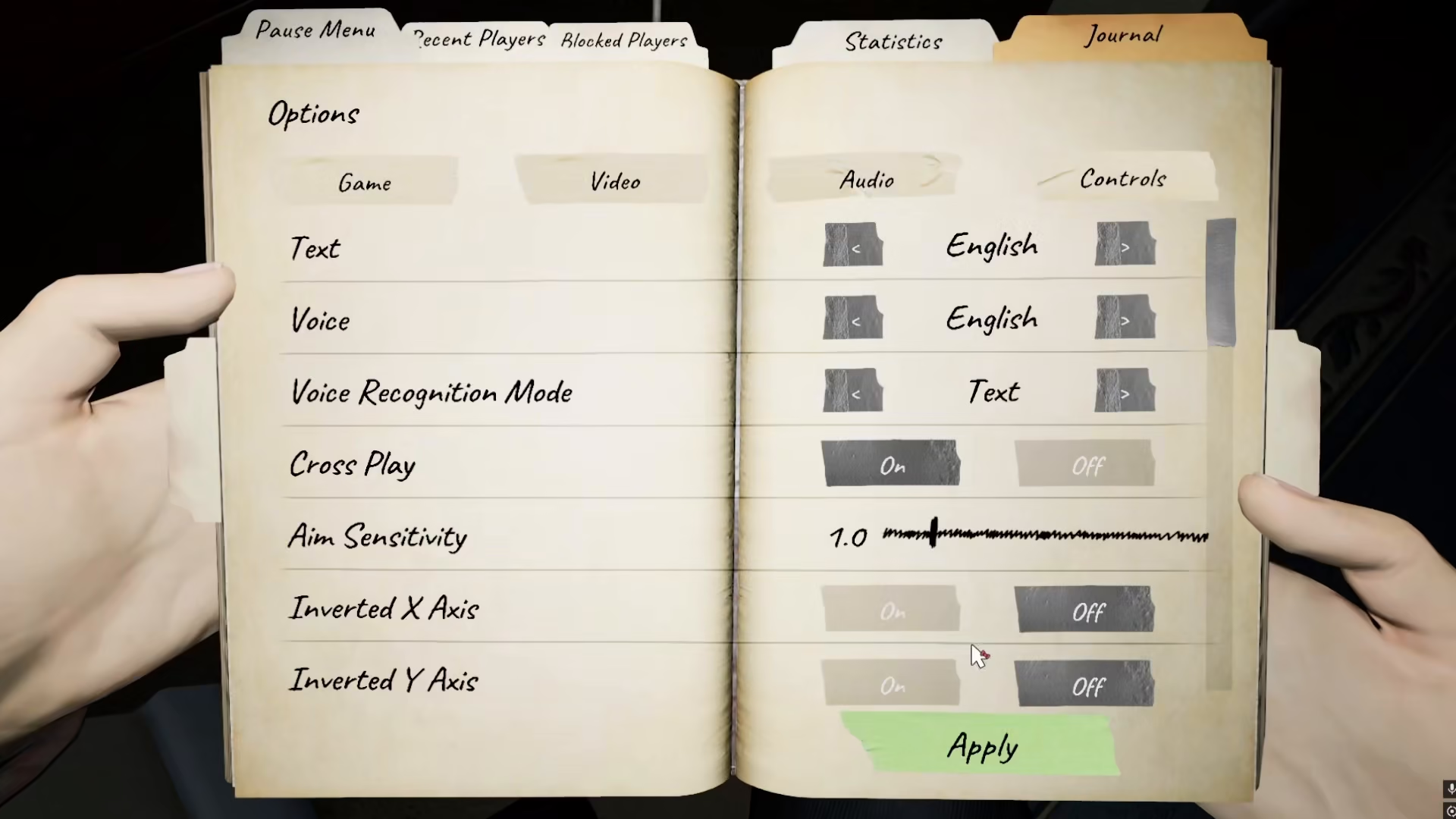
Once the settings menu is open, navigate to your Options. From there, select the Game section where you’ll find voice recognition settings.
Changing Voice Recognition to Text Only
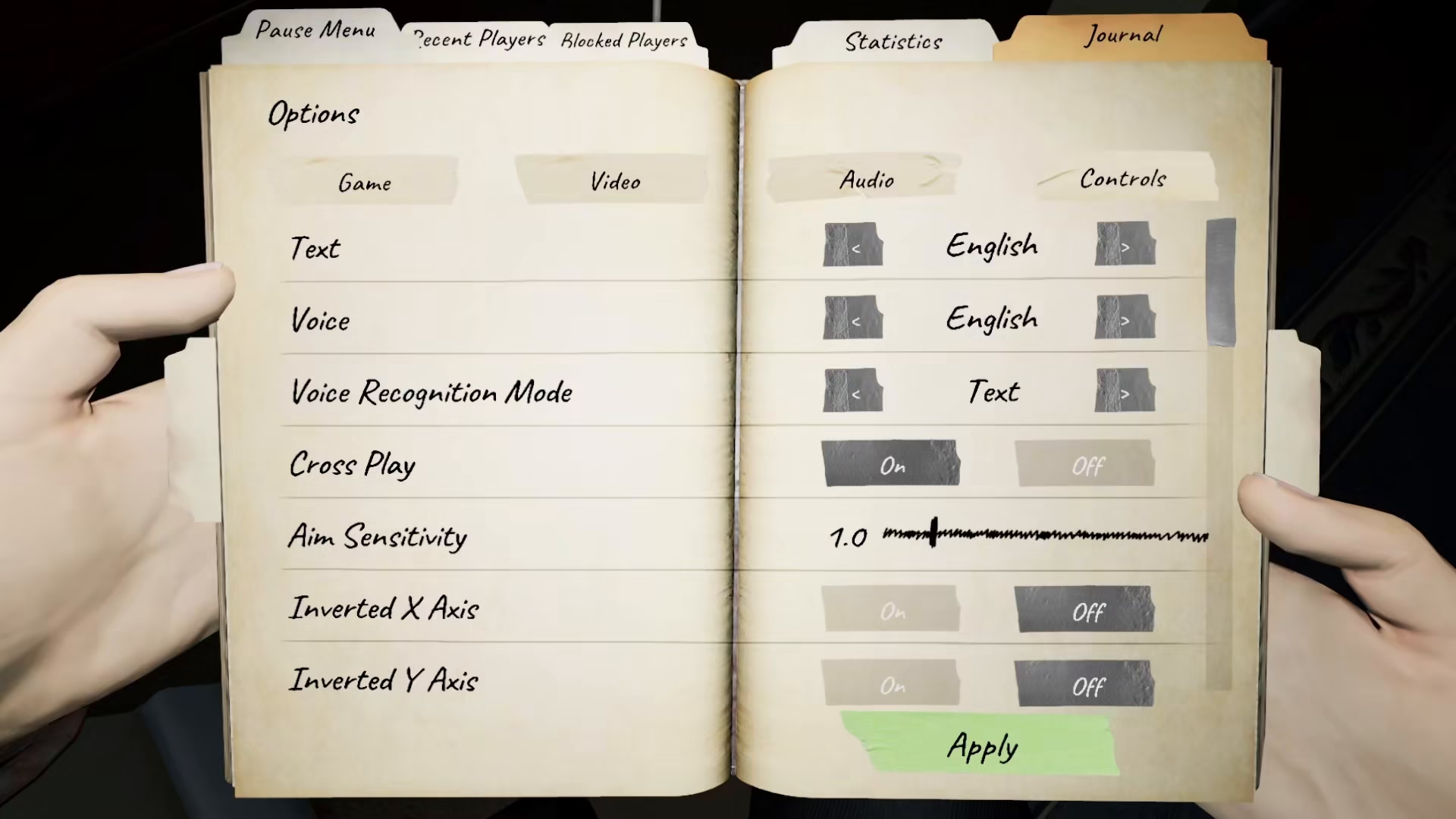
In the Game options, locate the voice recognition mode setting. Change it from voice to text only. This adjustment is crucial as it converts your game’s recognition system from voice-based input to text-based input, making spirit box interactions much more reliable.
Using Text Mode With Spirit Box
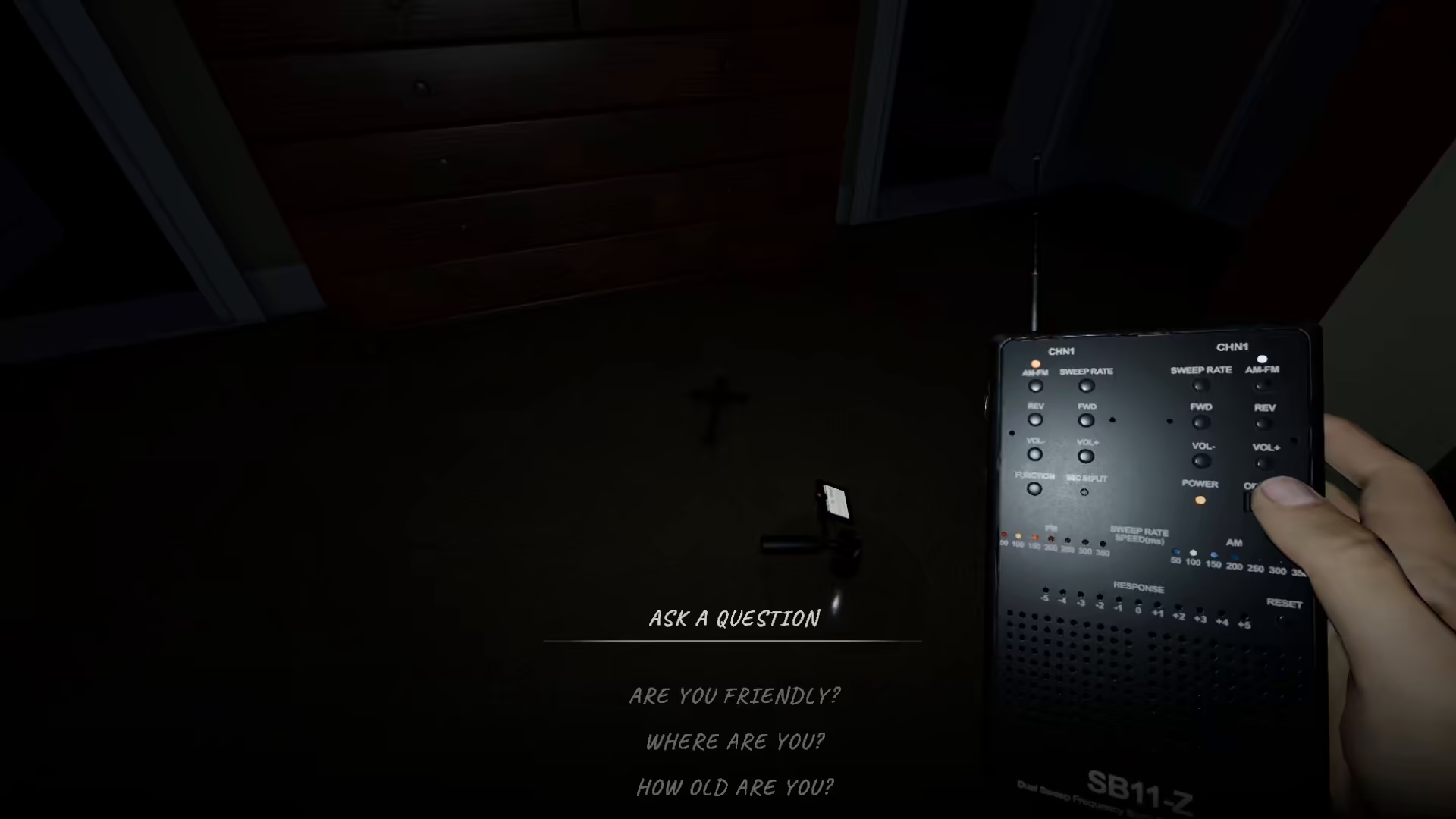
After enabling text-only mode, you’ll have access to all available spirit box questions. Simply press the right mouse button, and the game will display a list of all the questions you can ask the spirit box. This makes it much easier to interact with ghosts without worrying about voice recognition accuracy.
Summary
Using the spirit box with text mode in Phasmophobia is straightforward and significantly improves your ghost-hunting experience. By pressing Escape to access settings, navigating to Options > Game, and switching the voice recognition mode to text only, you’ll unlock a more reliable way to communicate with spirits. This feature eliminates voice recognition issues and gives you instant access to all available questions via right-click.
— Want to Support? —
If you would like to help us continue making these guides – please consider joining our patreon here – https://www.patreon.com/c/JaviHeals
Alternatively – you can join our discord here – https://discord.gg/zD7Gjt6MHF