





How To Use Spirit Box Without Mic In Phasmophobia
How To Use Spirit Box Without Mic In Phasmophobia
If you don’t have a microphone but want to use the Spirit Box in Phasmophobia, don’t worry — the solution is simple and straightforward. By adjusting a single setting in your game options, you can switch to text-based communication and interact with ghosts without any audio equipment. This guide will walk you through the quick setup process.
Switch Your Voice Recognition Mode to Text
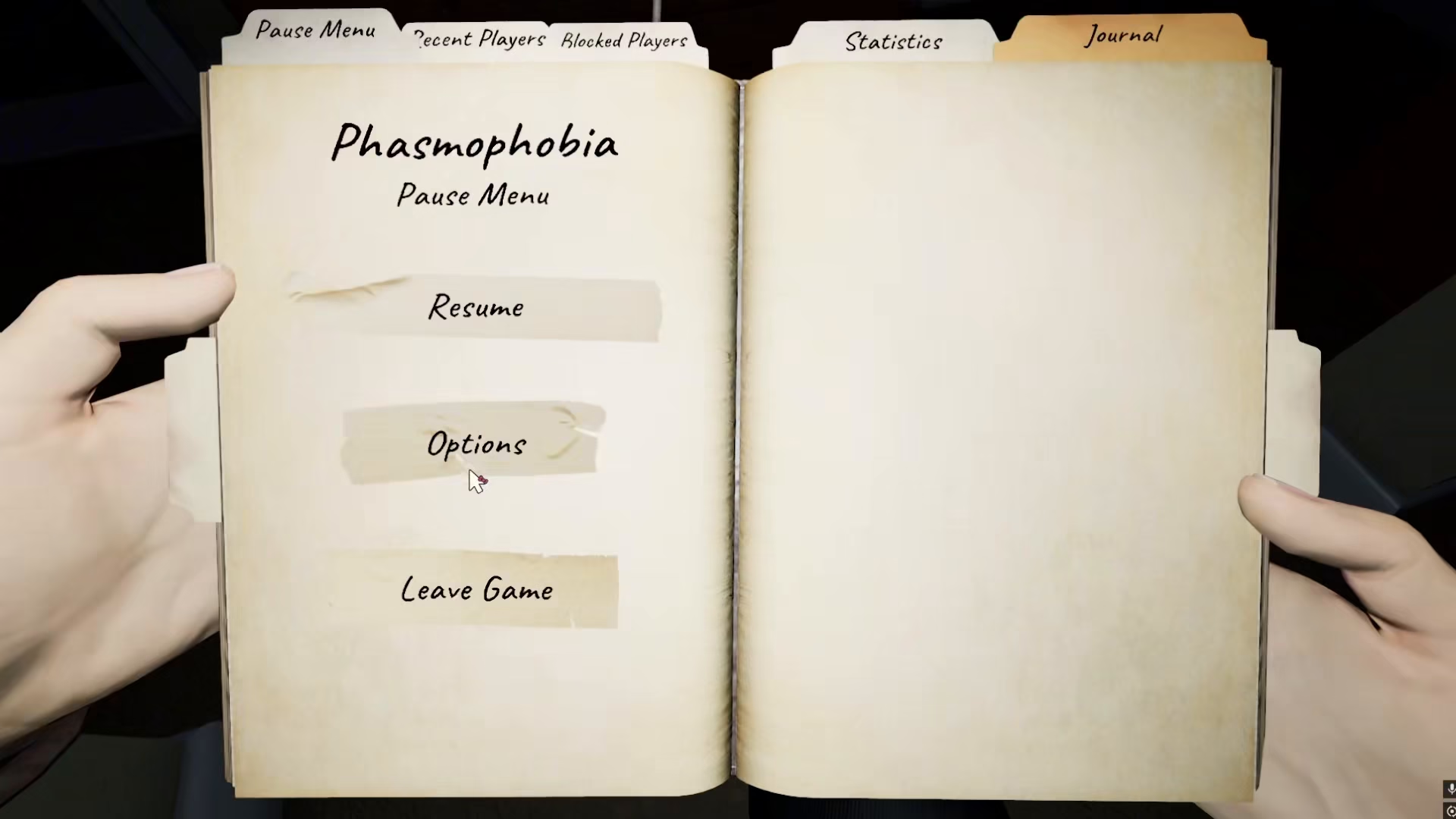
The key to using the Spirit Box without a microphone is changing your voice recognition mode from voice to text. Start by navigating to the game’s main menu and accessing your settings.
Open the Options menu in Phasmophobia.
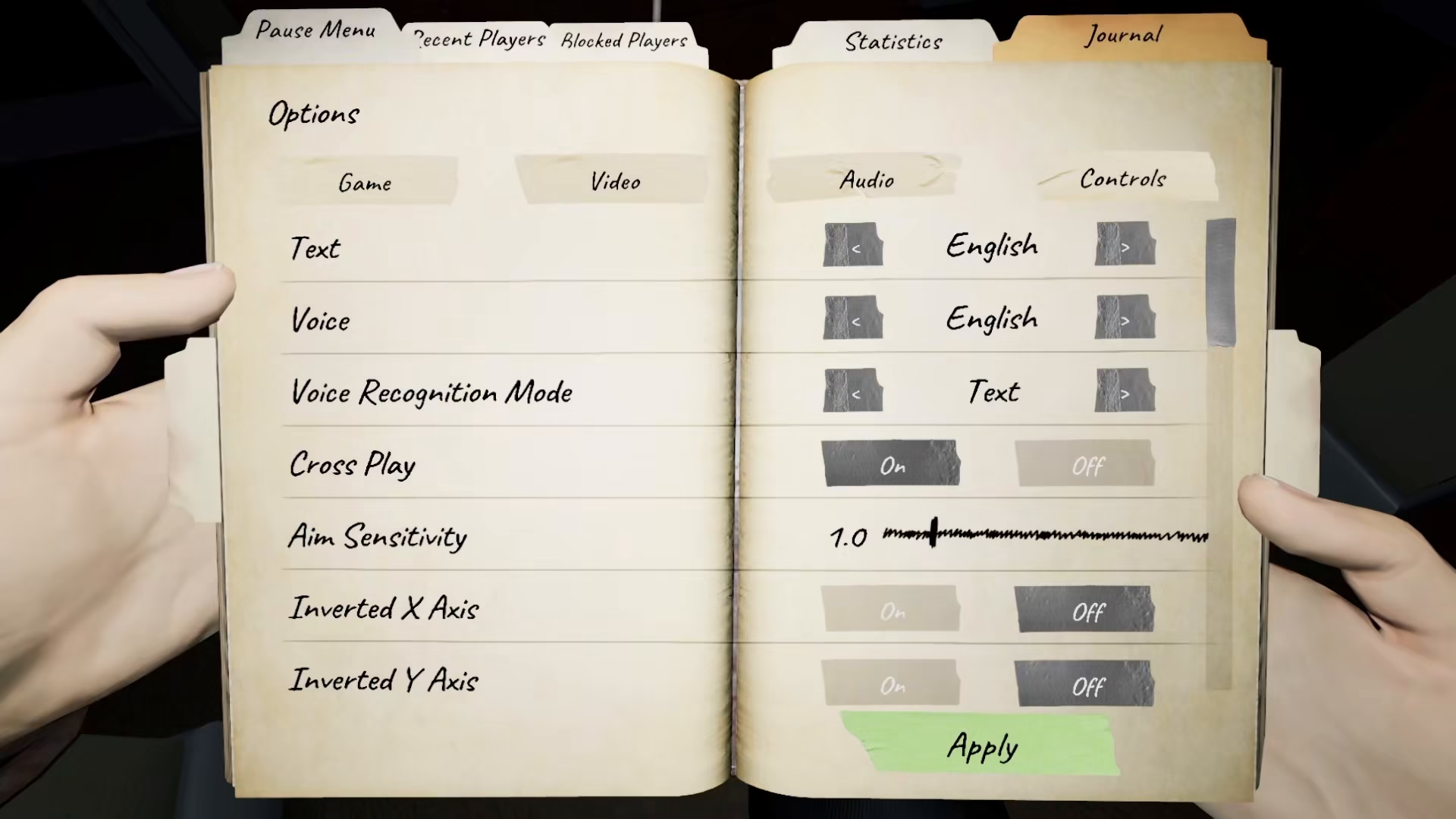
Look for the Voice Recognition Mode setting and change it from your current selection to Text. This simple adjustment will disable the need for a microphone entirely.
Communicate With Ghosts Using the Text Menu
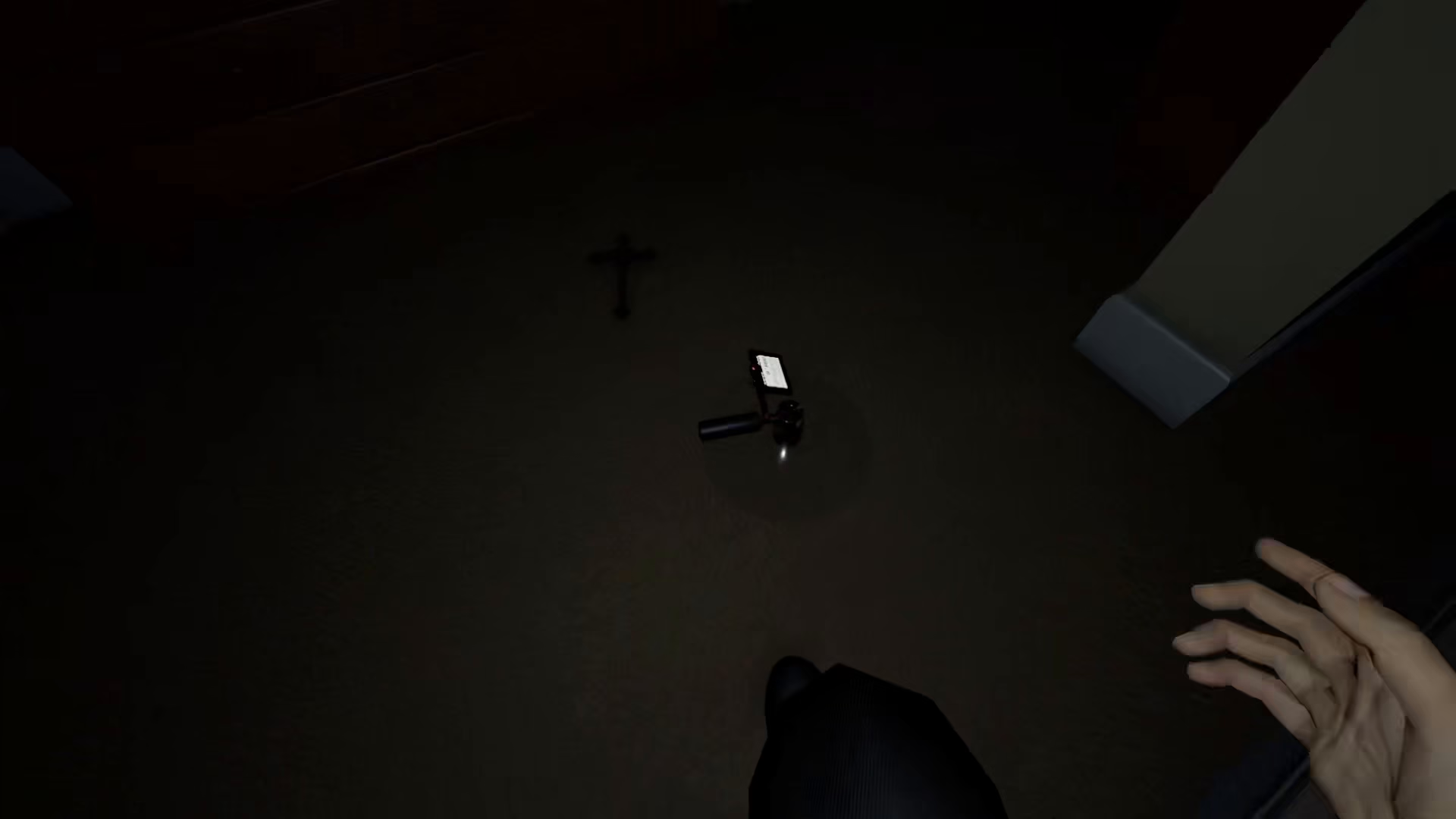
Once you’ve switched to text mode, you can now use the text menu to interact with the Spirit Box. Even without a microphone, you have full access to all ghost communication features in the game.
When you interact with the Spirit Box, simply use the text menu to type your questions or messages to the ghost. This method works just as effectively as voice communication, allowing you to gather evidence and communicate with spirits throughout your investigation.
Summary
Using the Spirit Box in Phasmophobia without a microphone is easier than you might think. All you need to do is access your Options menu, find the Voice Recognition Mode setting, and switch it to Text. From that point on, you can communicate with ghosts using the text menu instead of speaking into a microphone. This solution opens up Spirit Box functionality for everyone, regardless of whether they have audio equipment available.
— Want to Support? —
If you would like to help us continue making these guides – please consider joining our patreon here – https://www.patreon.com/c/JaviHeals
Alternatively – you can join our discord here – https://discord.gg/zD7Gjt6MHF


