




How To Turn Flashlight On And Off In Fallout 4
How To Turn Flashlight On And Off In Fallout 4
Learning how to control your flashlight in Fallout 4 is essential for navigating dark areas and caves throughout the game. This quick guide will show you exactly how to toggle your flashlight on and off using a simple keyboard command.
Turning Your Flashlight On and Off
To activate or deactivate your flashlight in Fallout 4, you need to hold down your PipBoy button. On keyboard, this is the Tab key. Simply press and hold Tab, and your flashlight will turn on. Press Tab again to turn it off.
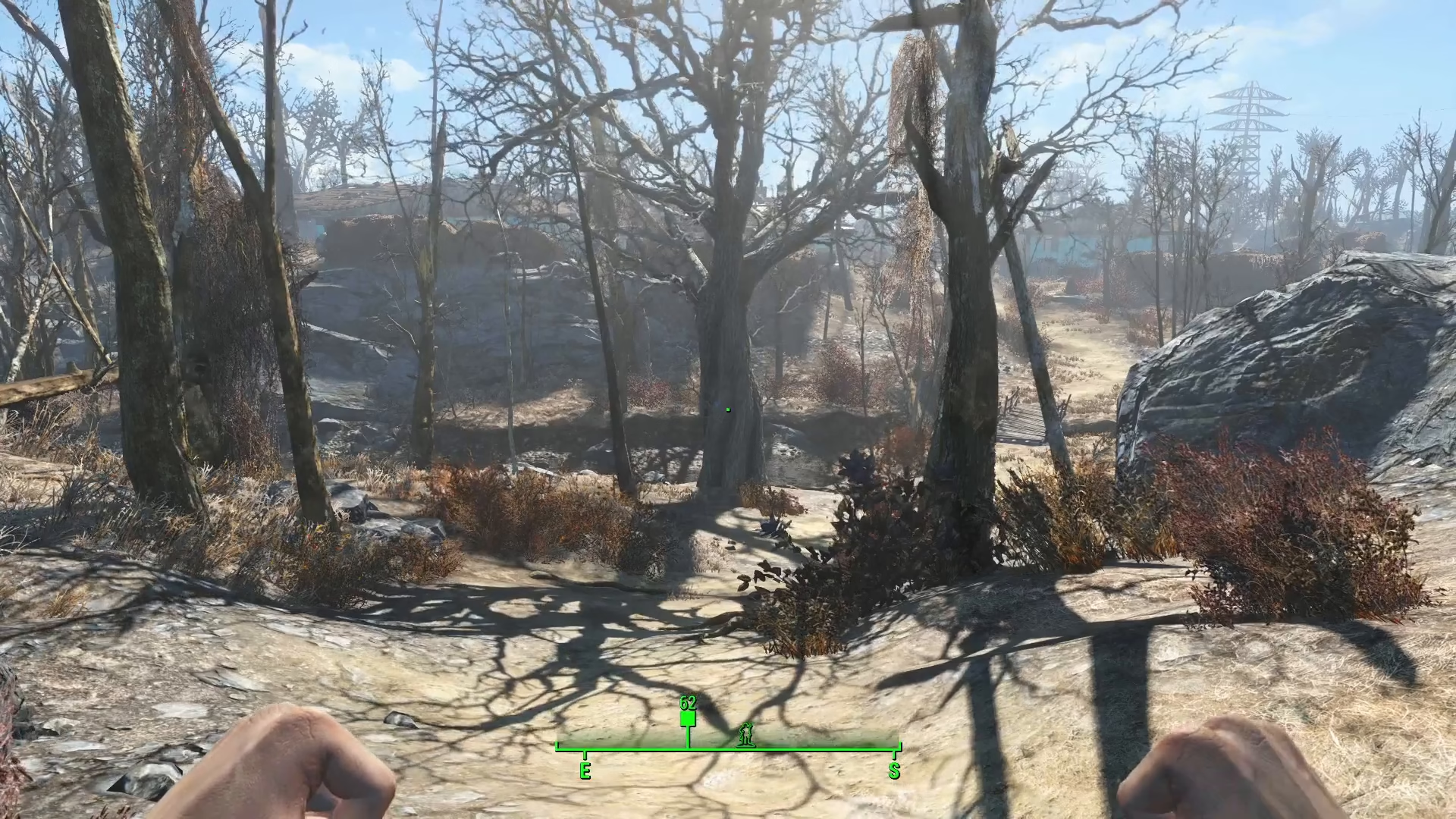
While it may be difficult to see the flashlight effect during daytime gameplay, this mechanic becomes invaluable when exploring dark underground locations, dungeons, and caves where visibility is limited. The same PipBoy key controls this feature, making it easy to remember and access whenever you need it.
Summary
Controlling your flashlight in Fallout 4 is straightforward: simply hold down your PipBoy key (Tab on keyboard) to toggle your flashlight on and off. This simple control will help you navigate dark areas more effectively throughout your adventure in the Commonwealth.
Want to Support?
If you would like to help us continue making these guides – please consider joining our patreon here – https://www.patreon.com/c/JaviHeals
Alternatively – you can join our discord here – https://discord.gg/zD7Gjt6MHF