






How To Travel Without Companion In Fallout 4
How To Travel Without a Companion in Fallout 4
Want to explore the Commonwealth solo? Traveling without a companion in Fallout 4 is simple once you know the steps. This guide walks you through the process of dismissing your companion so you can venture out on your own.
Dismissing Your Companion
The process is straightforward. Start by approaching your current companion. In this example, we have Codsworth as our active companion.
Press the E key to command your companion. This will open the interaction menu with them.
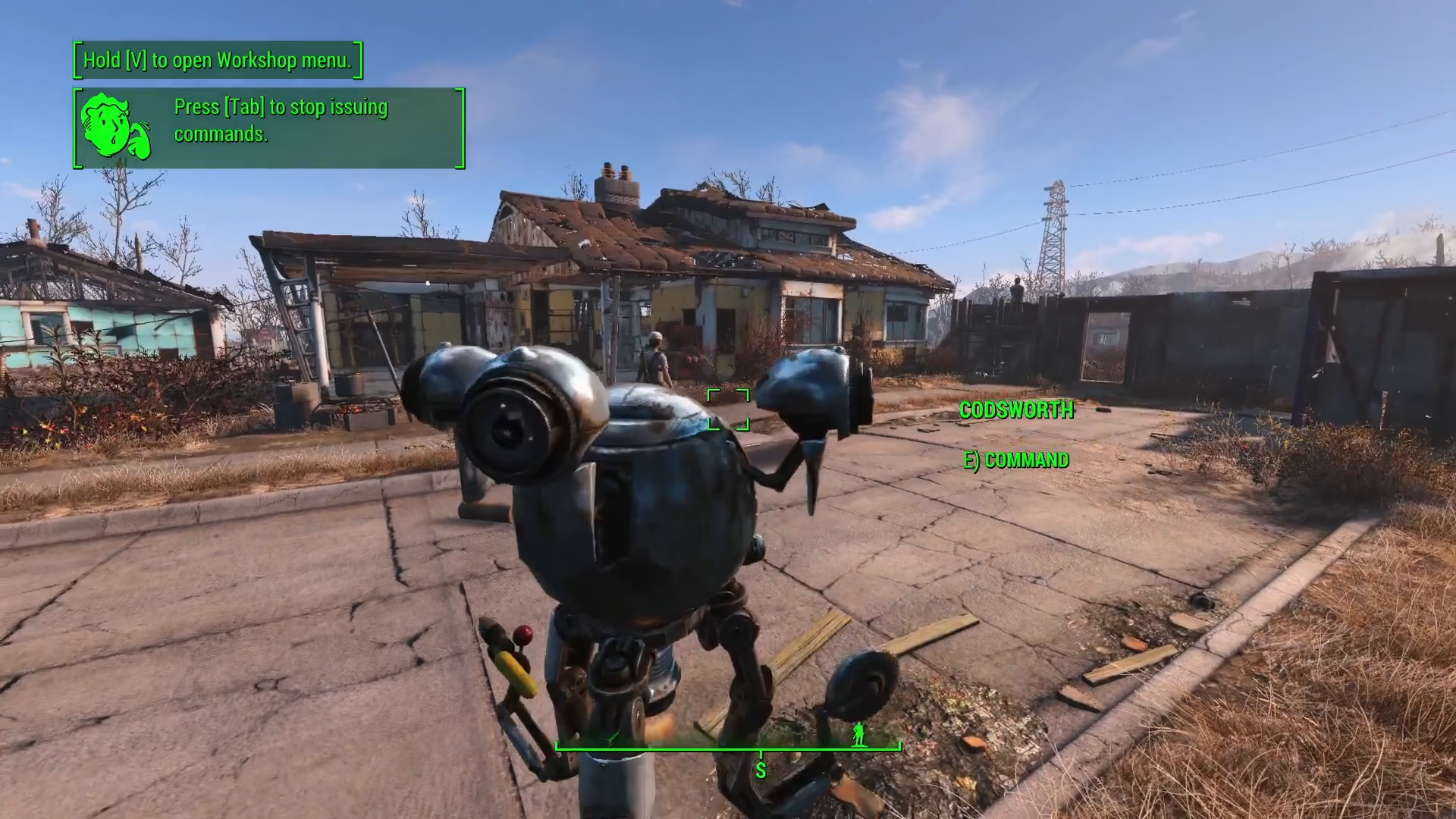
From the menu options, select “Dismiss”. This will remove your companion from your active party.
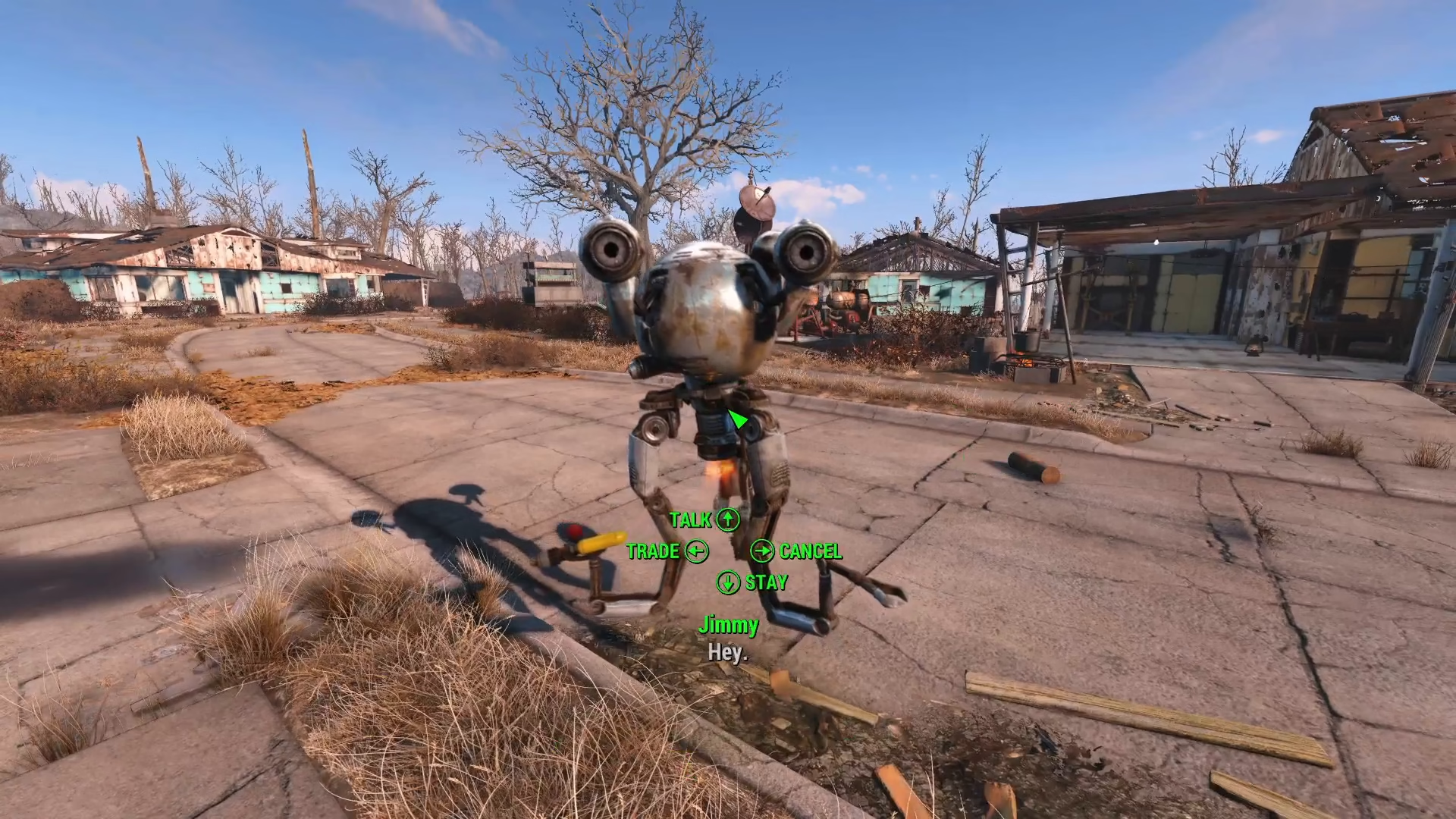
Choosing Where Your Companion Goes
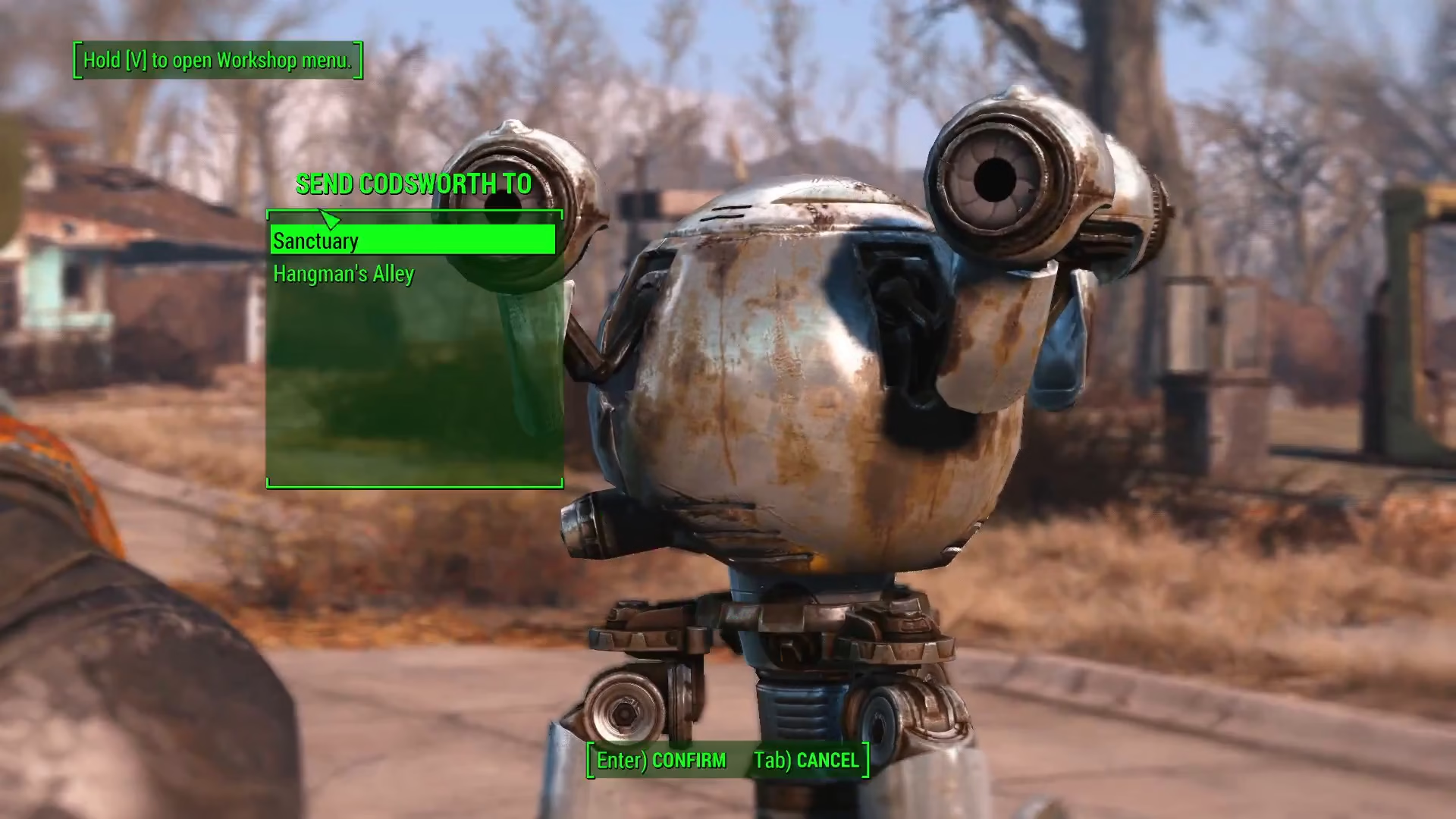
After selecting dismiss, you’ll have two options:
Send to a Specific Settlement
You can choose to send your companion to a specific settlement if you’d like to keep track of them or have them wait at a particular location.
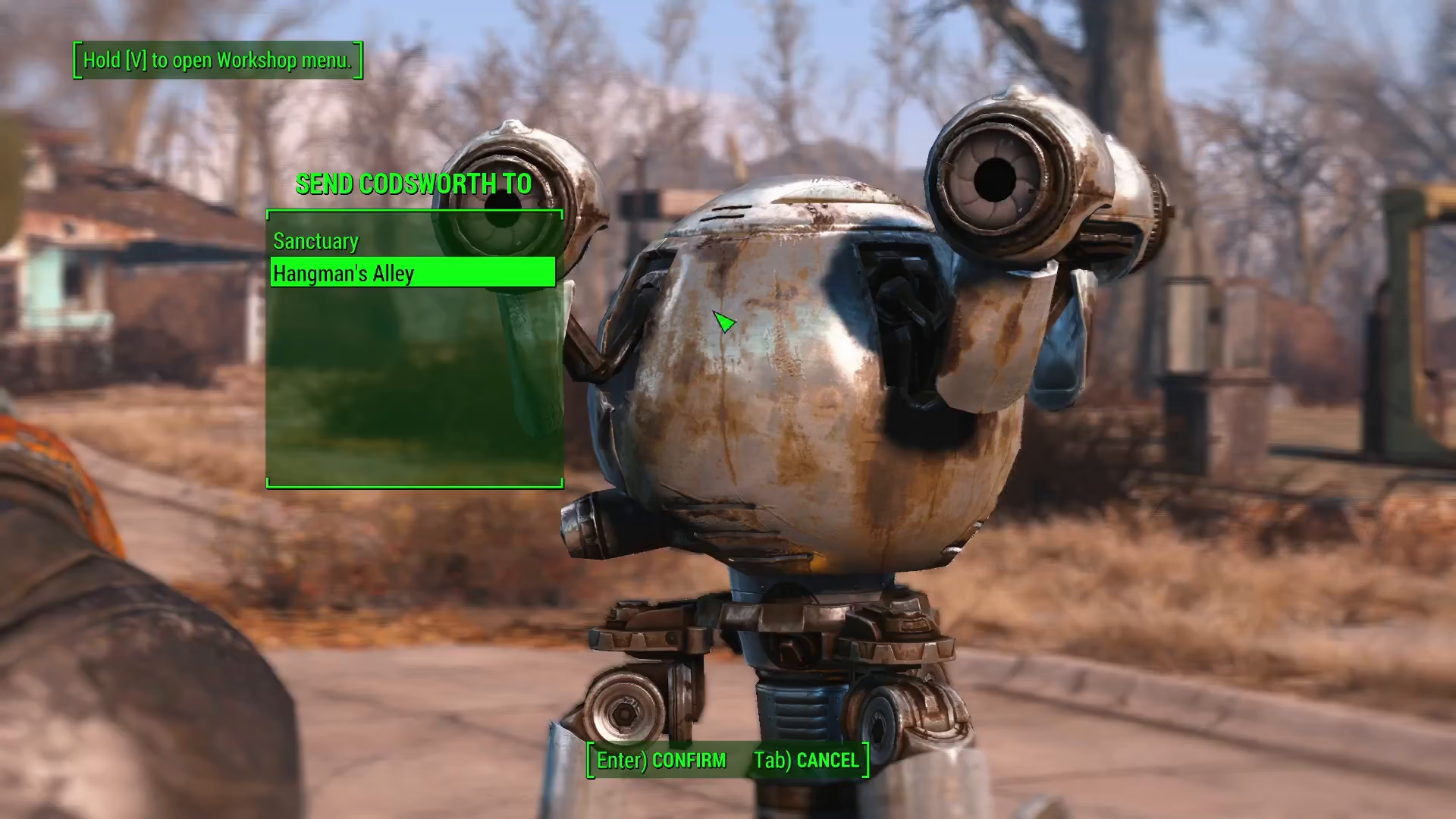
Cancel and Default Location
If you select cancel instead, your companion will simply return to their original location—wherever you originally found them.
Summary
That’s all there is to it! By pressing E on your companion and selecting dismiss, you can travel solo through Fallout 4. Choose whether to send them to a settlement or let them return to their home location. Codsworth will now hang around this area while you explore on your own.
— Want to Support? —
If you would like to help us continue making these guides – please consider joining our patreon here – https://www.patreon.com/c/JaviHeals
Alternatively – you can join our discord here – https://discord.gg/zD7Gjt6MHF