







How to Create a Squad in Wardogs
How to Create a Squad in Wardogs
Squads are an essential part of teamwork in Wardogs. This guide walks you through the simple steps needed to create and manage your own squad, from opening the menu to customizing squad settings and inviting other players to join you.
Opening the Squad Menu
To begin creating a squad, press the Escape key on your keyboard. This will open up the main menu where you’ll find all squad-related options.
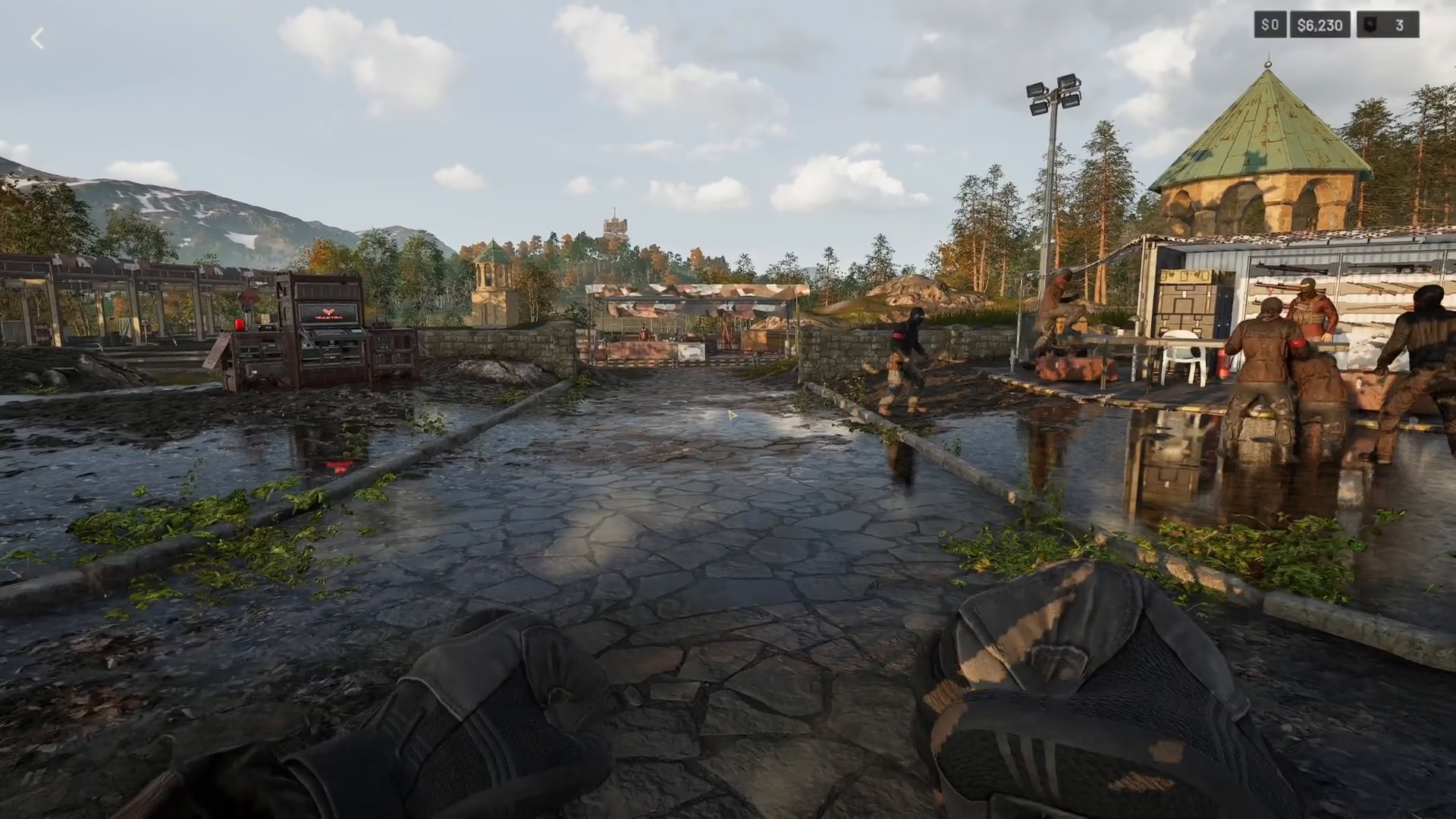
Creating Your Squad
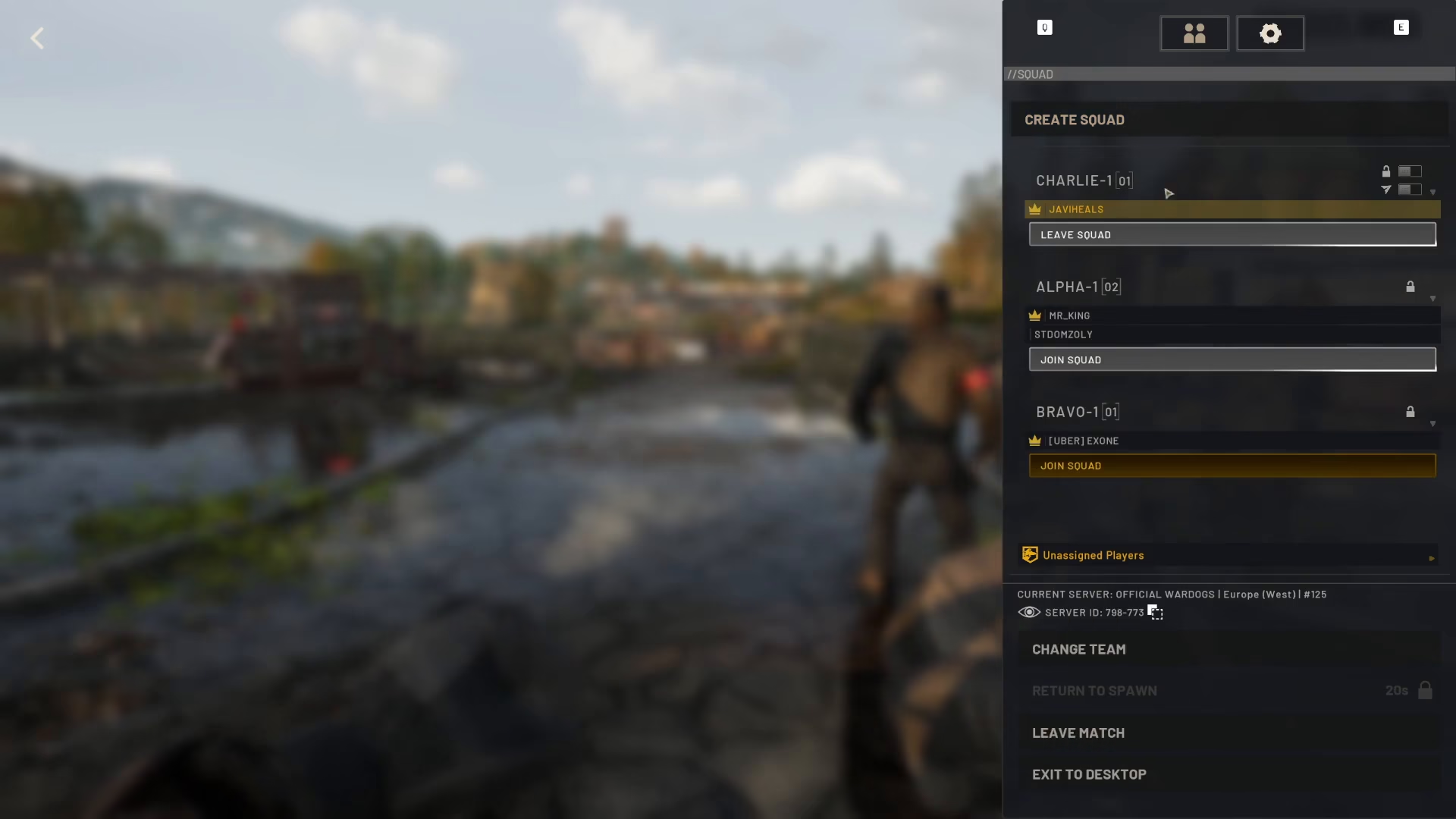
Once the menu is open, click the button displayed on screen to access squad management options. You’ll then see the “Create Squad” option available to you.
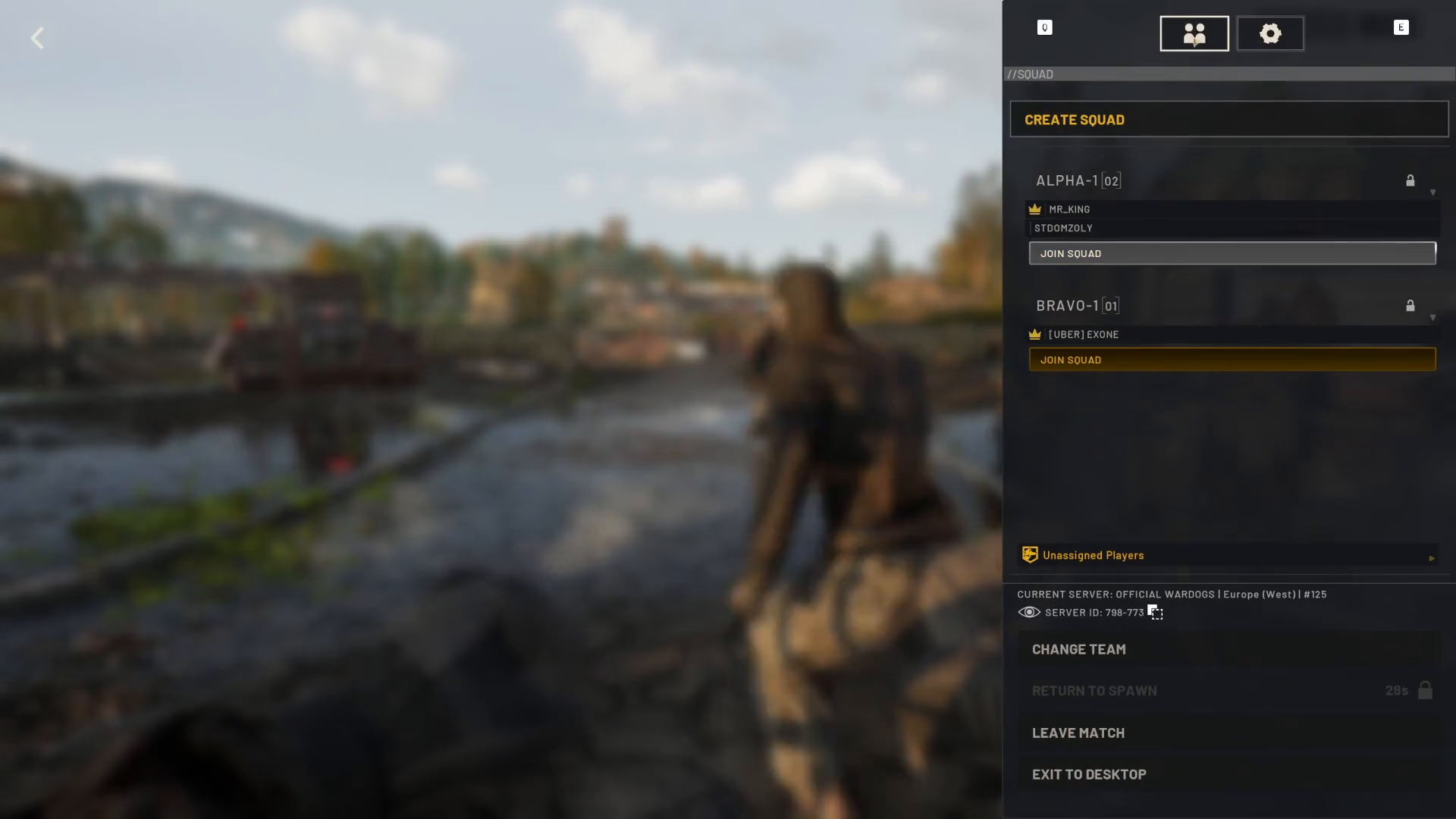
Naming Your Squad
When creating a new squad, you can name it whatever you’d like. For example, you might name it “Charlie” or any other identifier that helps your team recognize it.
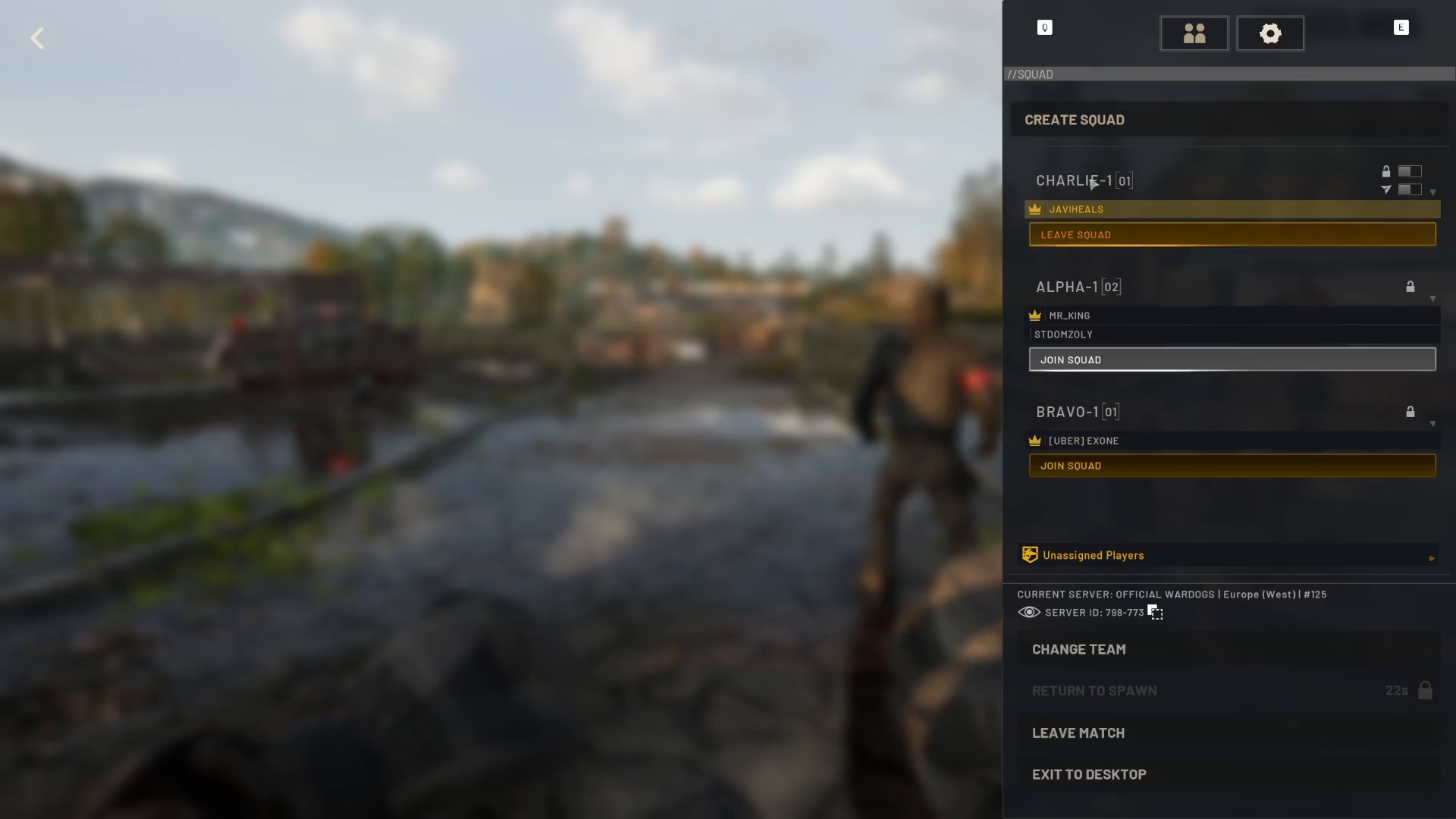
Squad Customization Options
After naming your squad, you have several customization options available:
Lock the squad to specific people
Restrict squad joining to certain locations
Configure additional squad settings
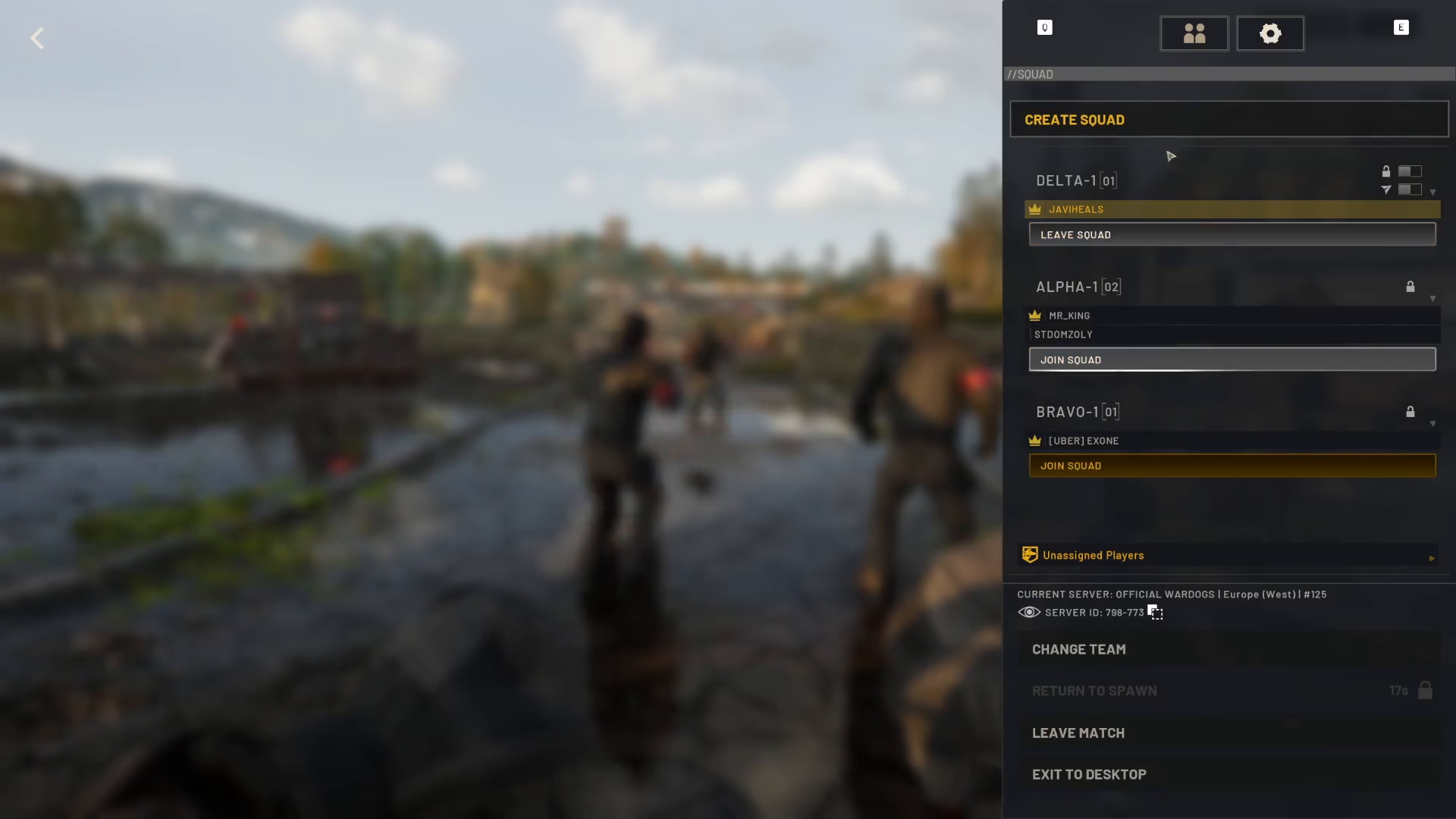
Managing Squad Membership
Leaving a Squad
If you need to leave your current squad at any time, you can do so directly from this menu.
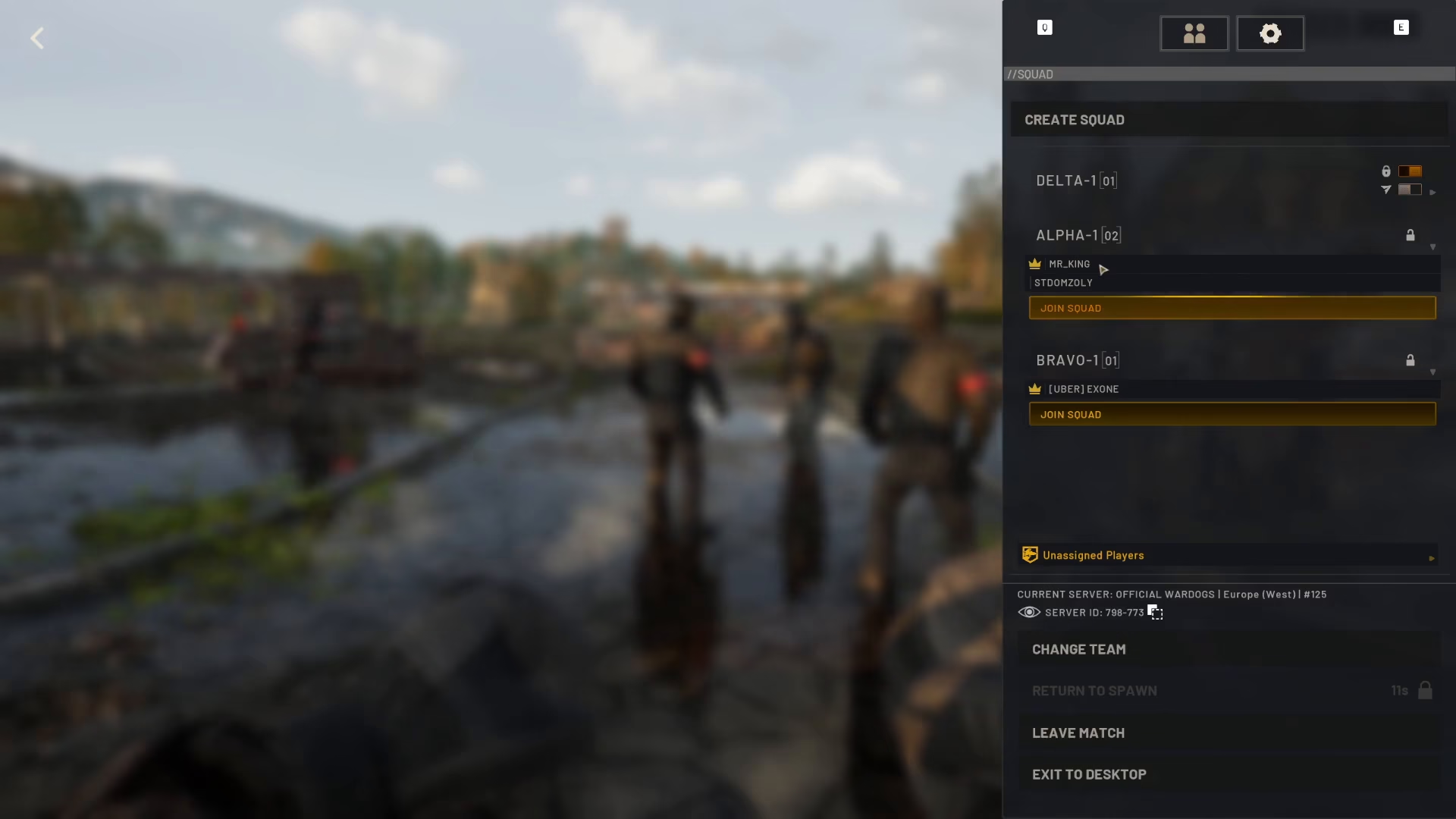
Joining an Existing Squad
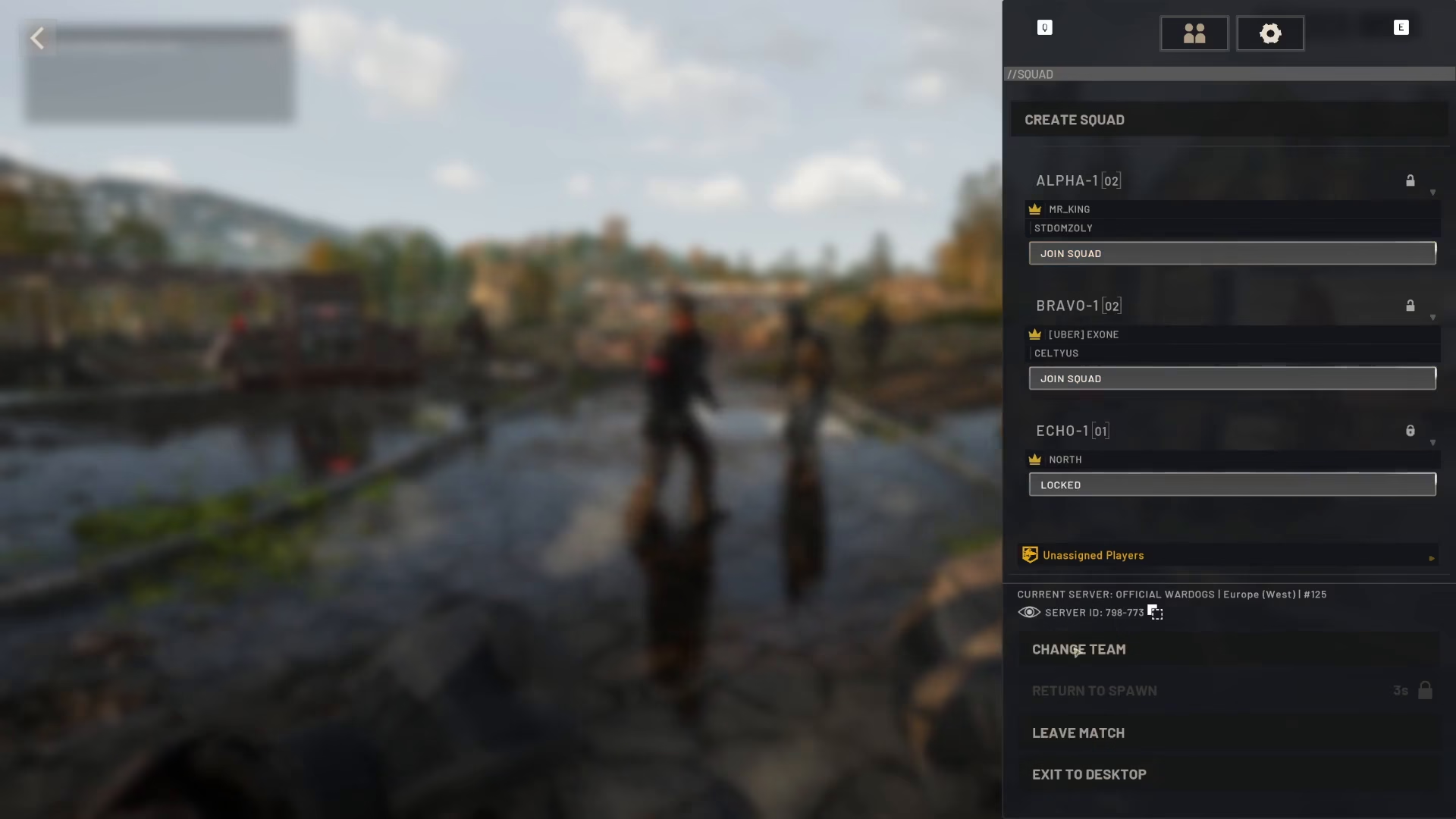
You can also join other squads from this menu. Available squads are displayed with names like Echo, Bravo, Alpha, and others. Simply select the squad you wish to join.
Additional Squad Menu Features
Beyond creating and joining squads, the menu offers several other useful functions:
Change Teams: Switch to a different team if needed
View Server ID: Display your server identification number
View Unassigned Players: See a list of players who haven’t yet joined a squad
Summary
Creating a squad in Wardogs is straightforward: press Escape, click the squad menu button, and select “Create Squad.” From there, you can name your squad, customize its settings, manage membership, and access other team-related options. Use these squad features to organize your team and improve your coordination in Wardogs.
— Want to Support? —
If you would like to help us continue making these guides – please consider joining our patreon here – https://www.patreon.com/c/JaviHeals
Alternatively – you can join our discord here – https://discord.gg/zD7Gjt6MHF



