







How to Change Language in Wardogs
How to Change Language in War Dogs
Changing the language settings in War Dogs is a quick and straightforward process. Whether you’re looking to play in English or switch to one of the many other available languages, this guide will walk you through the exact steps needed to customize your game language preferences.
Accessing the Language Settings
To begin changing your language in War Dogs, you’ll need to open the escape menu. This is your gateway to all game settings and customization options.
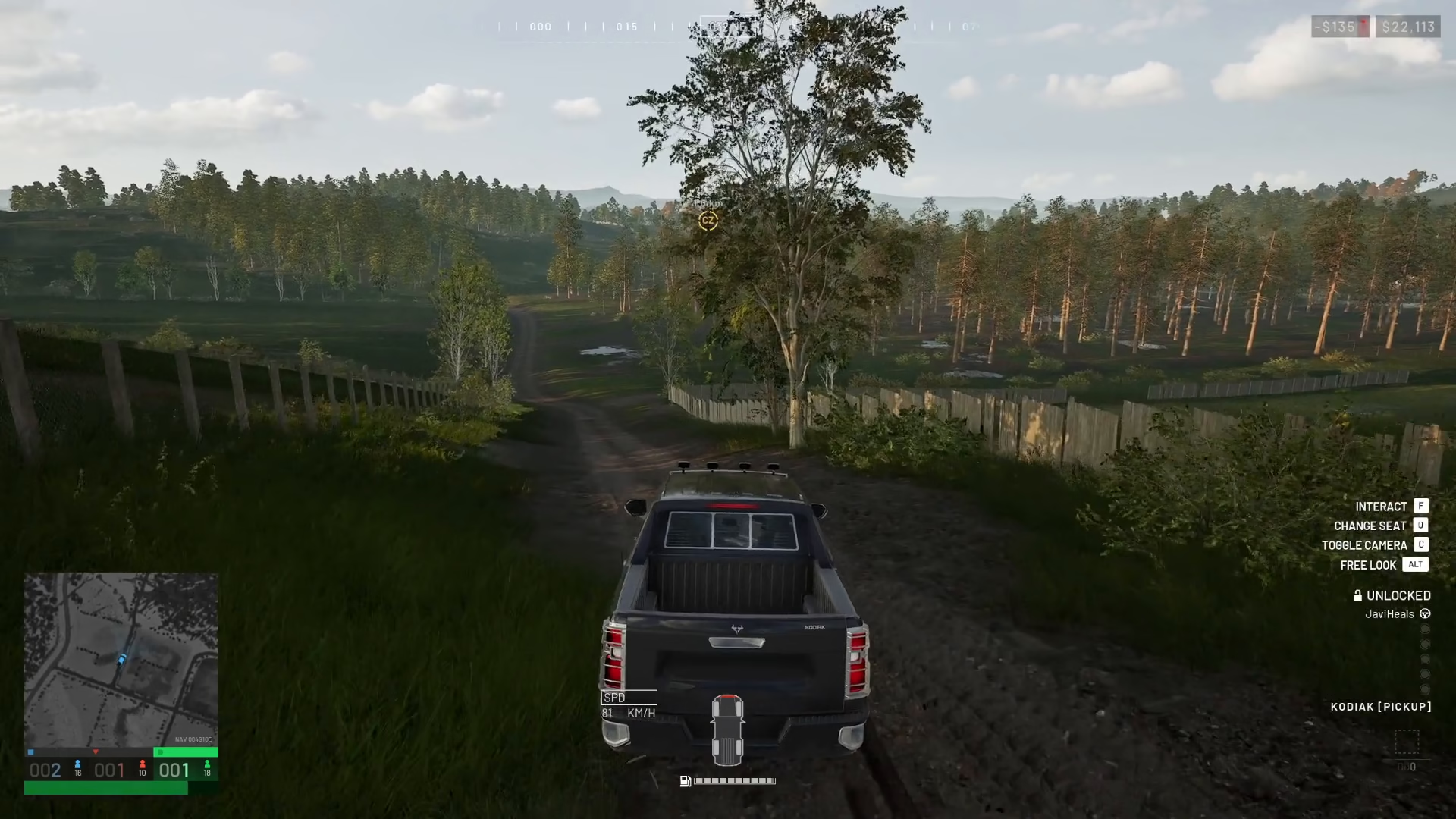
Once the escape menu is open, navigate to Settings to access the game’s configuration options.
Navigating to Interface Options
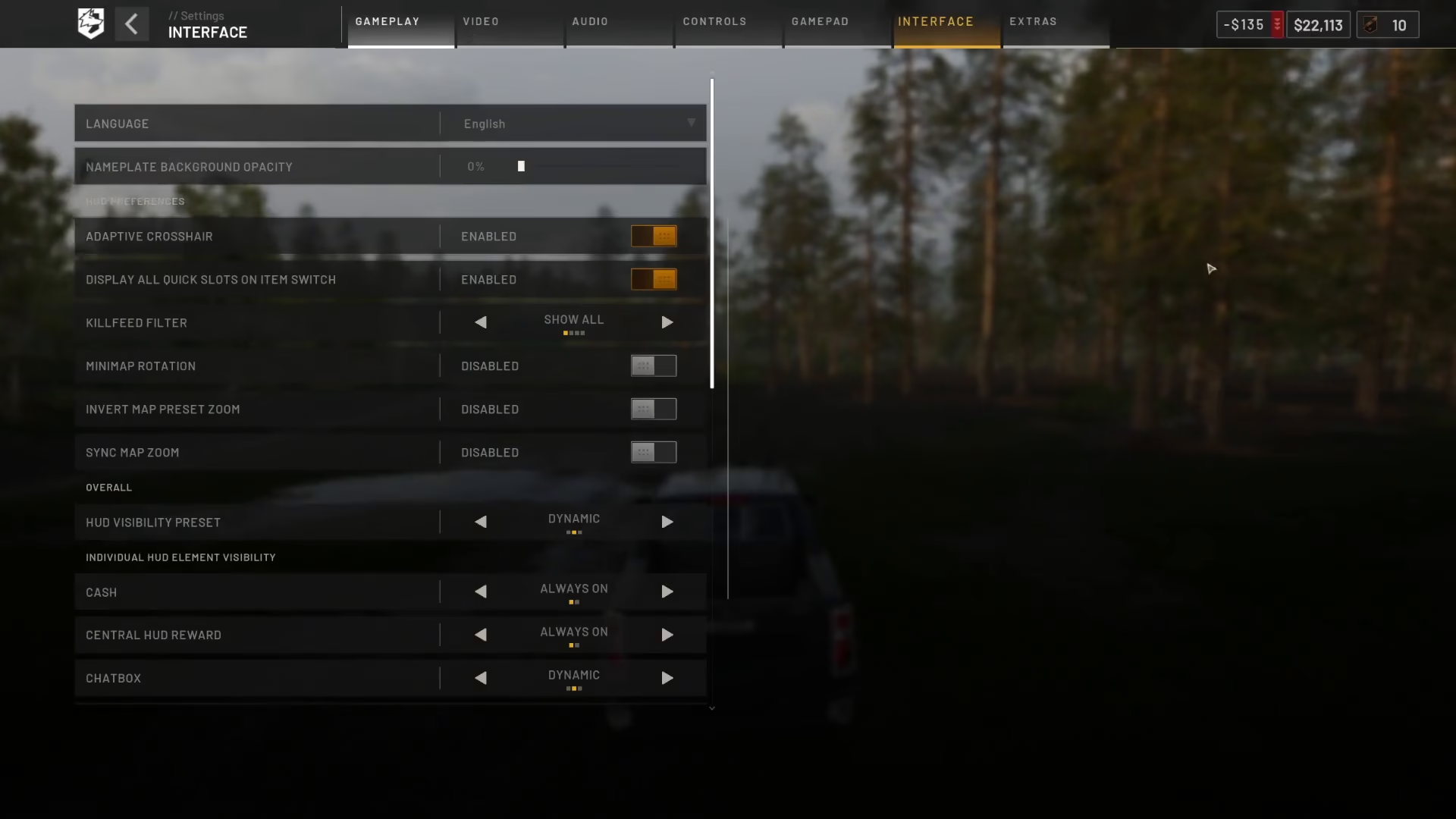
From the Settings menu, select Interface. This section contains all display and language-related preferences for War Dogs.
Selecting Your Preferred Language
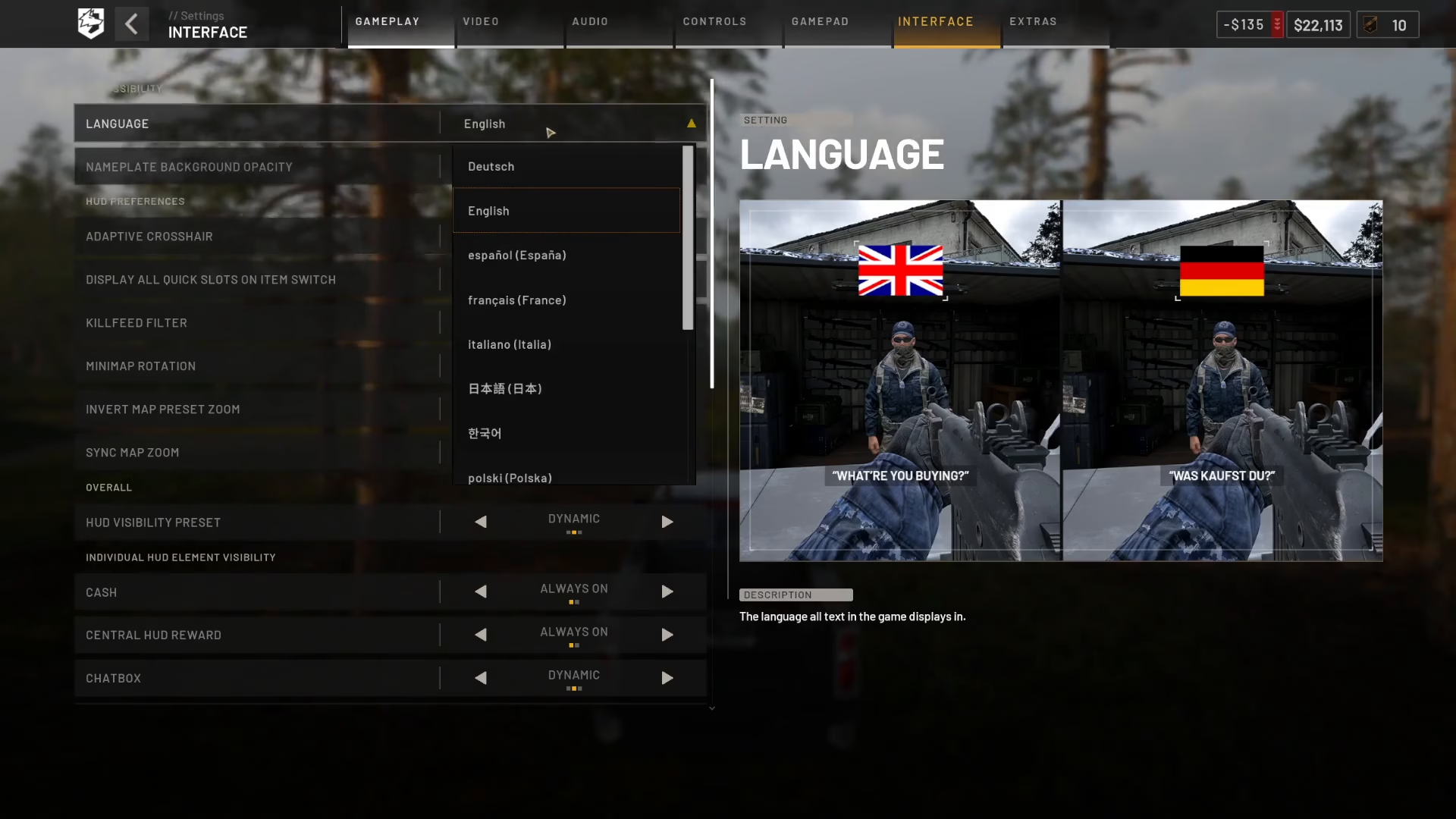
At the very top of the Interface settings, you’ll find the Language option. By default, it may be set to English, but you have access to a multitude of languages to choose from.
Click on the language dropdown menu to reveal all available language options for War Dogs. Select your preferred language from the list, and your game will update accordingly.
Summary
Changing the language in War Dogs is as simple as navigating through three straightforward menus: Escape Menu → Settings → Interface, then selecting your desired language from the dropdown at the top. This customization allows you to enjoy War Dogs in your preferred language without any complications.
— Want to Support? —
If you would like to help us continue making these guides – please consider joining our patreon here – https://www.patreon.com/c/JaviHeals
Alternatively – you can join our discord here – https://discord.gg/zD7Gjt6MHF



