







How To Disable Quick Chat Without Signing In In Among Us
“`html
How To Disable Quick Chat Without Signing In In Among Us
Many Among Us players wonder whether they can disable Quick Chat without creating an account. This guide will explain the requirements and limitations surrounding Quick Chat access in Among Us.
Understanding Quick Chat Requirements
Why You Cannot Disable Quick Chat Without Signing In
Unfortunately, you cannot get rid of Quick Chat without signing in to Among Us. According to the game’s policies, you must sign in to gain access to Free Chat, and you cannot disable Quick Chat without doing so.
Guest and Temporary Account Restrictions
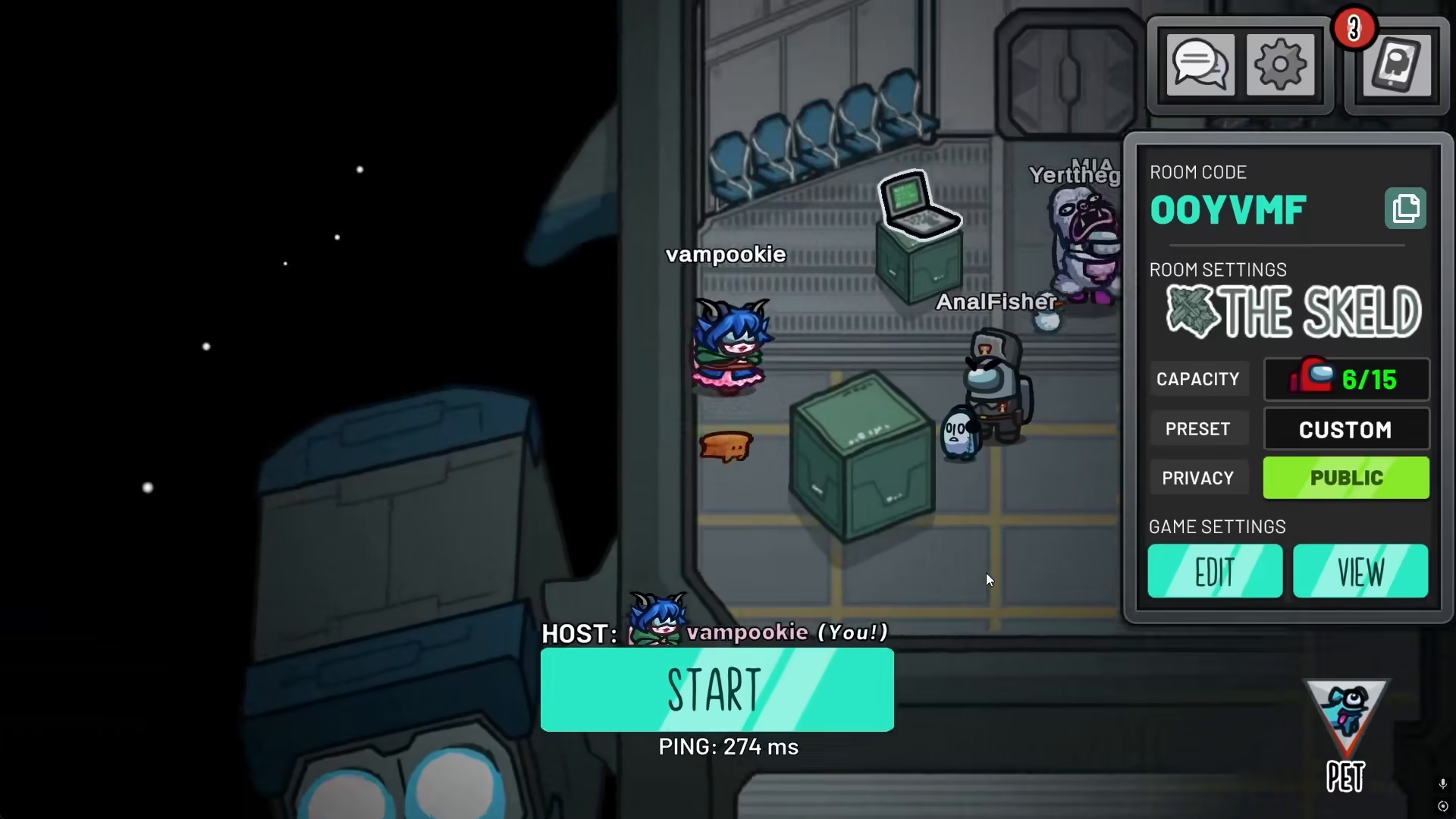
The InnerSloth Help Center confirms that guest and temporary accounts are permanently locked out of full communication features. This means that if you play without signing in, you will only have access to Quick Chat and cannot switch to Free Chat.
Account Presence Required for Chat Toggle
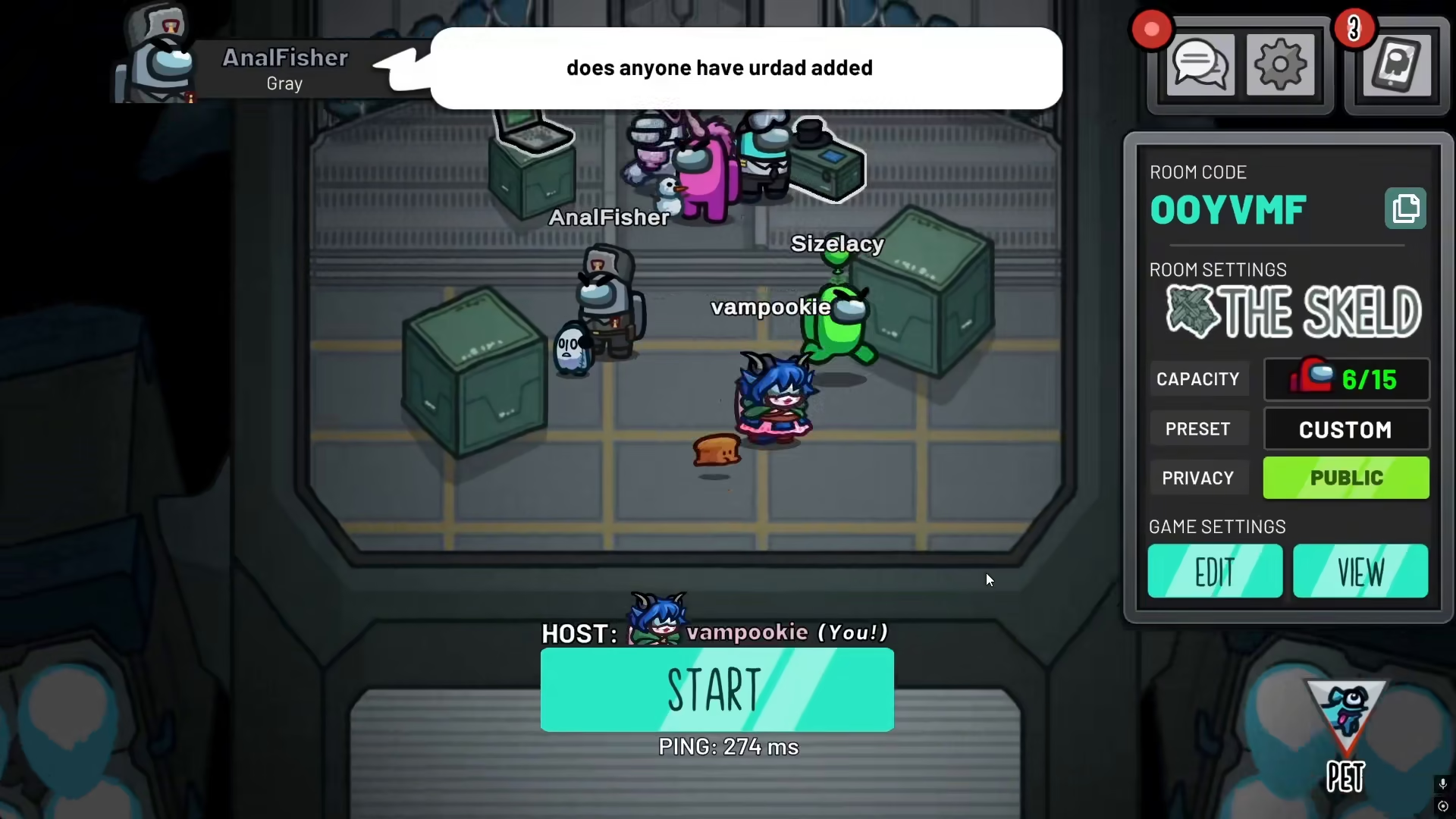
To switch from Quick Chat only to Free Chat, the game requires an active account presence. In other words, you need to log in to your Among Us account to access the toggle option that allows you to change your chat settings. This is a mandatory requirement built into the game’s design.
Summary
If you want to disable Quick Chat and access Full Chat in Among Us, you must create and sign in with an account. Guest players cannot change their chat settings and will remain restricted to Quick Chat only. This is a game-wide policy designed to protect younger players and maintain community safety.
Want to Support?
If you would like to help us continue making these guides – please consider joining our patreon here – https://www.patreon.com/c/JaviHeals
Alternatively – you can join our discord here – https://discord.gg/zD7Gjt6MHF
“`



