







How To Find Someone On By Username In Among Us
How To Find Someone By Username In Among Us
Need to find and add a friend in Among Us? The key is understanding how the username system works in the game. Among Us uses friend codes as usernames, and once you know someone’s code, you can easily add them to your friends list. This guide will walk you through the simple process.
Understanding the Friend Code System
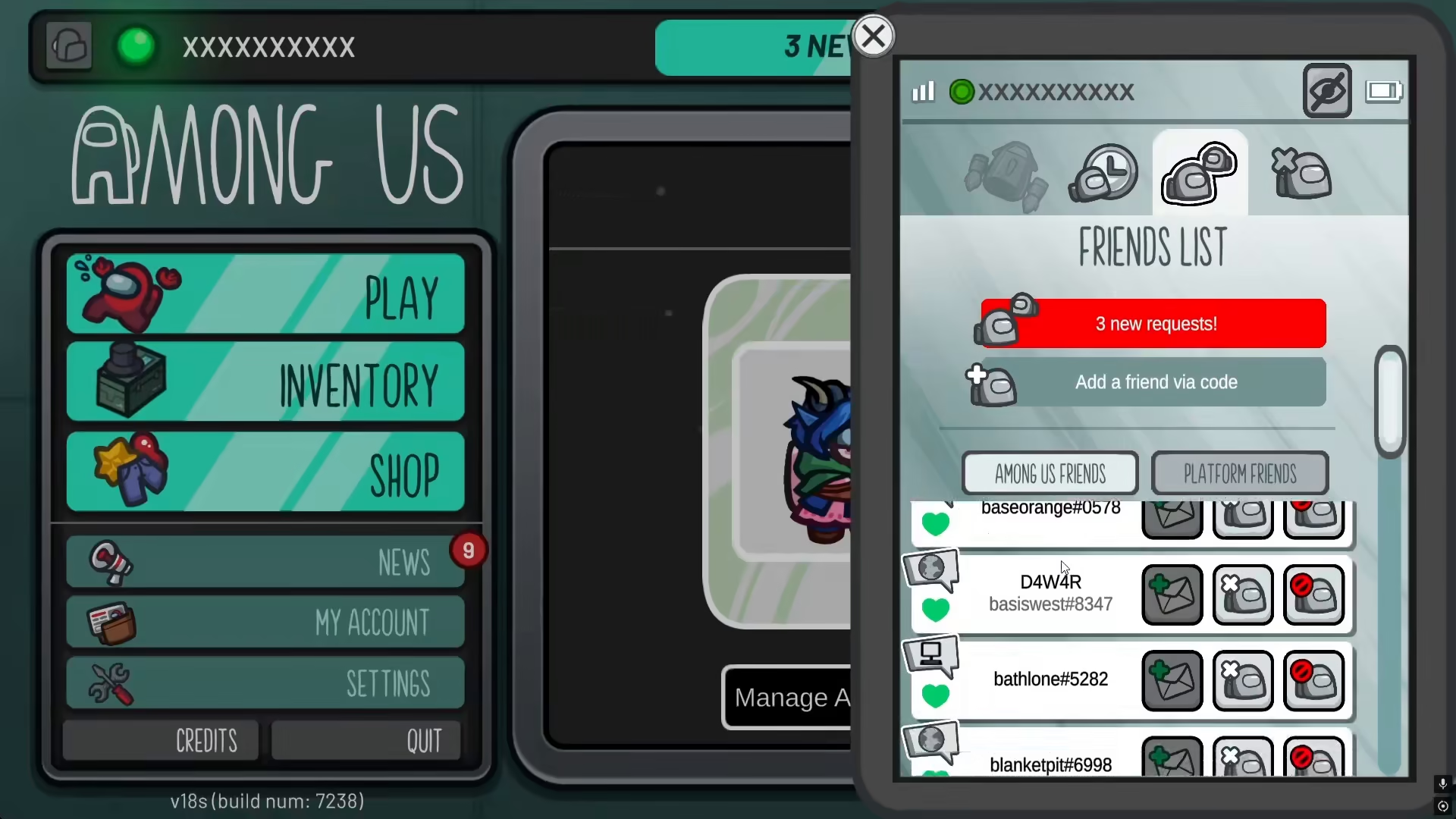
In Among Us, the username is actually represented by a friend code. Each player has a specific friend code that identifies them uniquely in the game. These friend codes follow a specific format—they include a hashtag (#) followed by a series of numbers and letters.
You can see these friend codes displayed for other players in the game. For example, players will have codes similar to #ABC123DEF. This is what you’ll need to add someone as a friend.
How To Add Someone By Their Friend Code
Step 1: Locate the Add Friends Menu
Open Among Us and navigate to the friends menu. This is where you’ll be able to add new friends to your account.
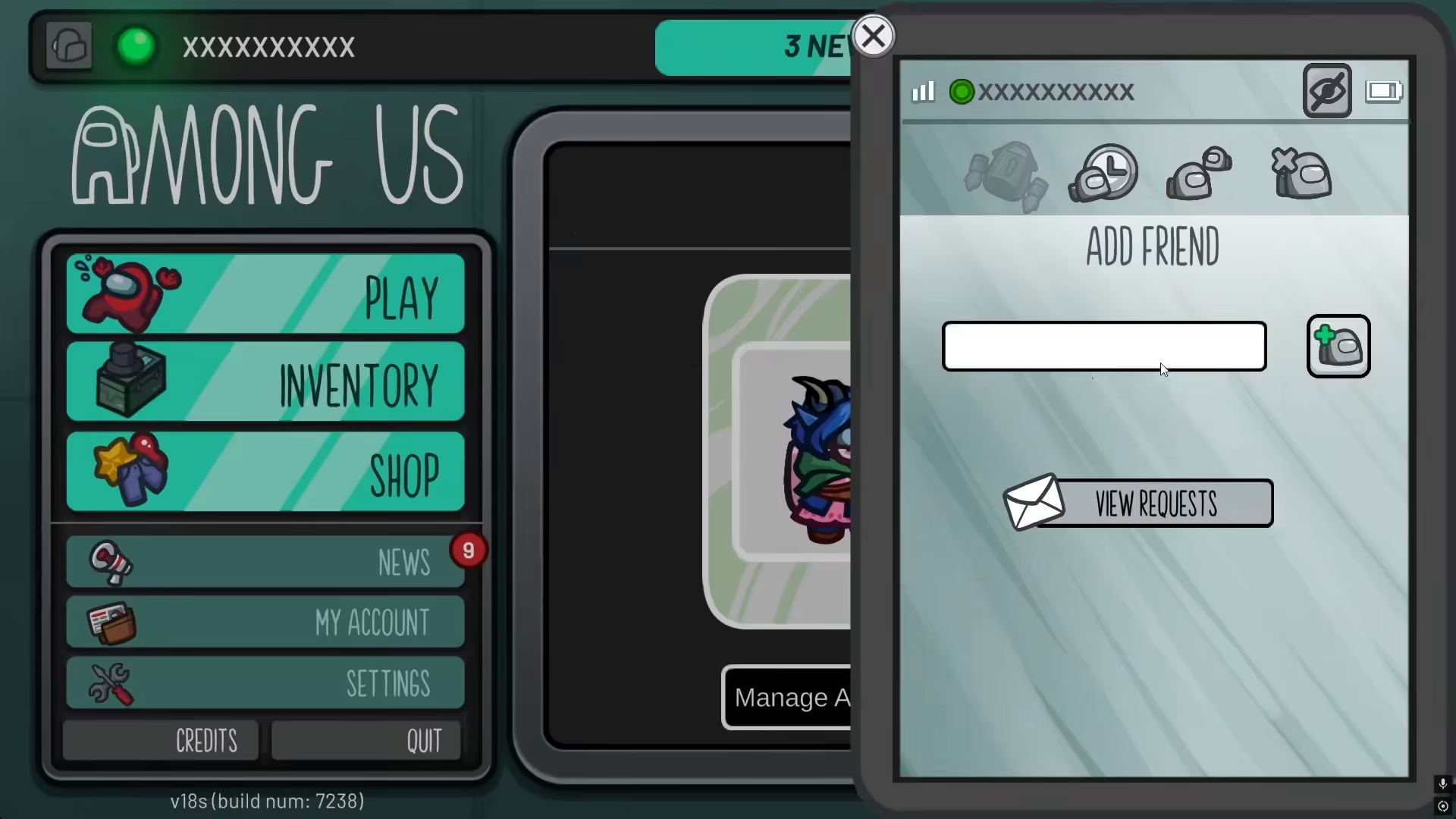
Step 2: Enter Their Friend Code
In the add friends menu, you’ll see a text field where you can type or paste someone’s friend code. Simply enter their complete friend code, which includes the hashtag and all the numbers.
Step 3: Submit and Add
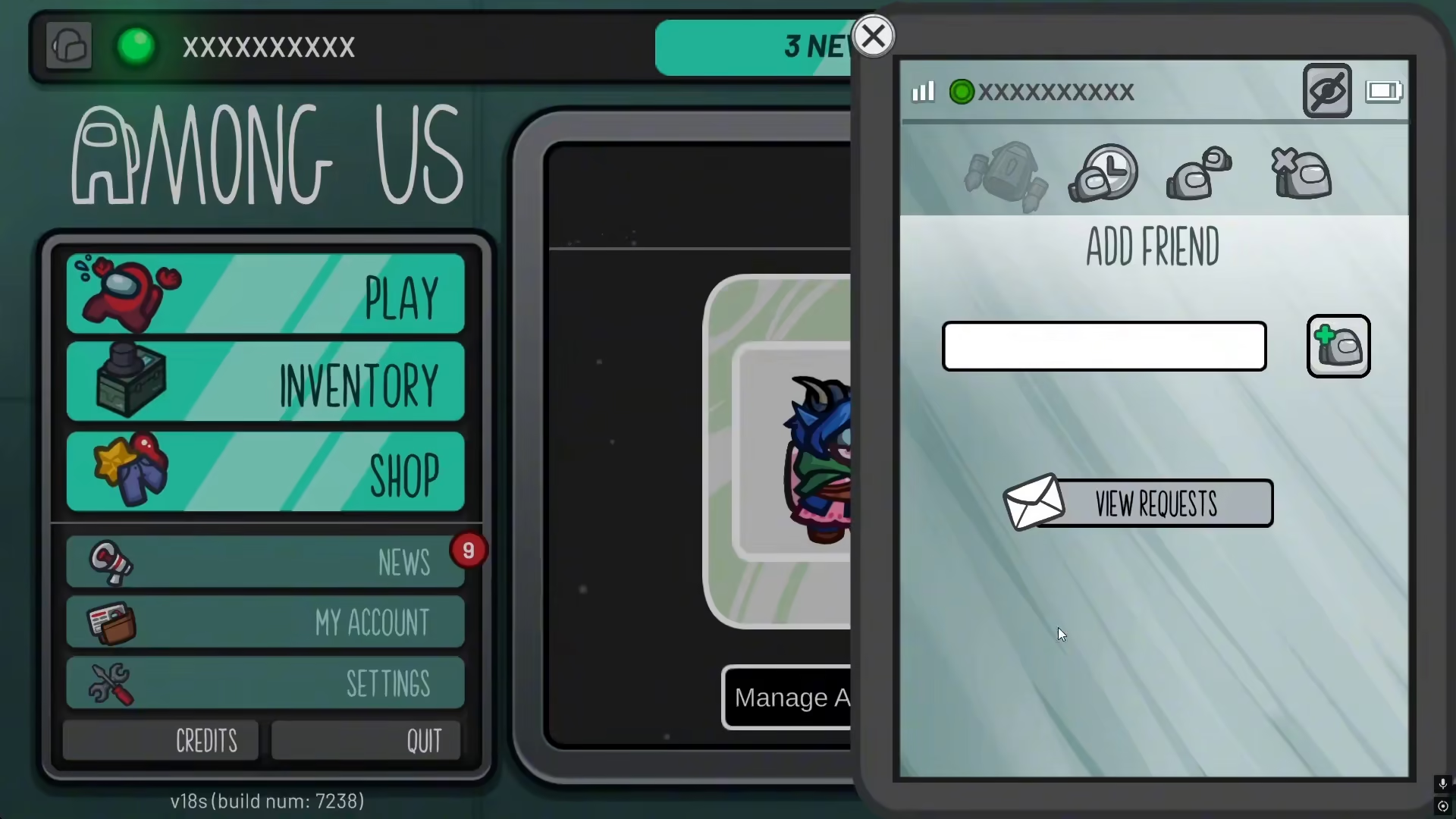
Once you’ve entered the correct friend code, submit the request to add them to your friends list. The player will then appear in your friends menu, and you can play together in future games.
Summary
Finding and adding someone in Among Us is straightforward once you understand the friend code system. Remember that usernames in Among Us are represented by friend codes containing a hashtag and numbers. Simply enter their code in the add friends menu, and you’ll be able to connect and play together. Keep your friend codes handy so you can easily share them with other players!
Want to Support?
If you would like to help us continue making these guides – please consider joining our patreon here – https://www.patreon.com/c/JaviHeals
Alternatively – you can join our discord here – https://discord.gg/zD7Gjt6MHF



