








How To Kick People As Host In Among Us
How To Kick People As Host In Among Us
As a host in Among Us, you have the power to manage your lobby by removing players who may be disruptive or unwanted. This guide walks you through the simple steps needed to kick people from your game.
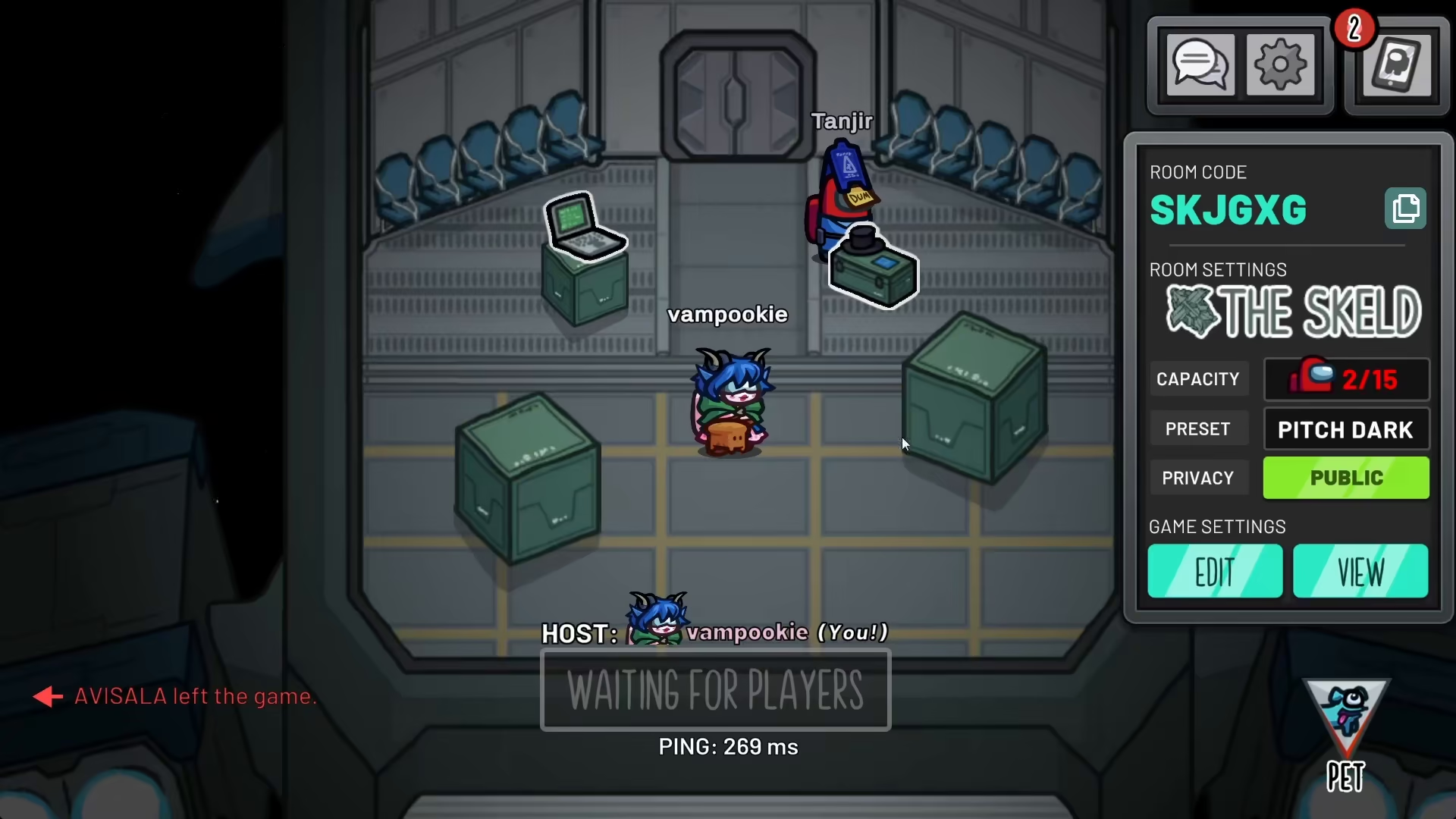
Accessing the Chat Option
To begin the kicking process, navigate to the chat option in Among Us. This is where you’ll find the tools needed to manage your lobby members.
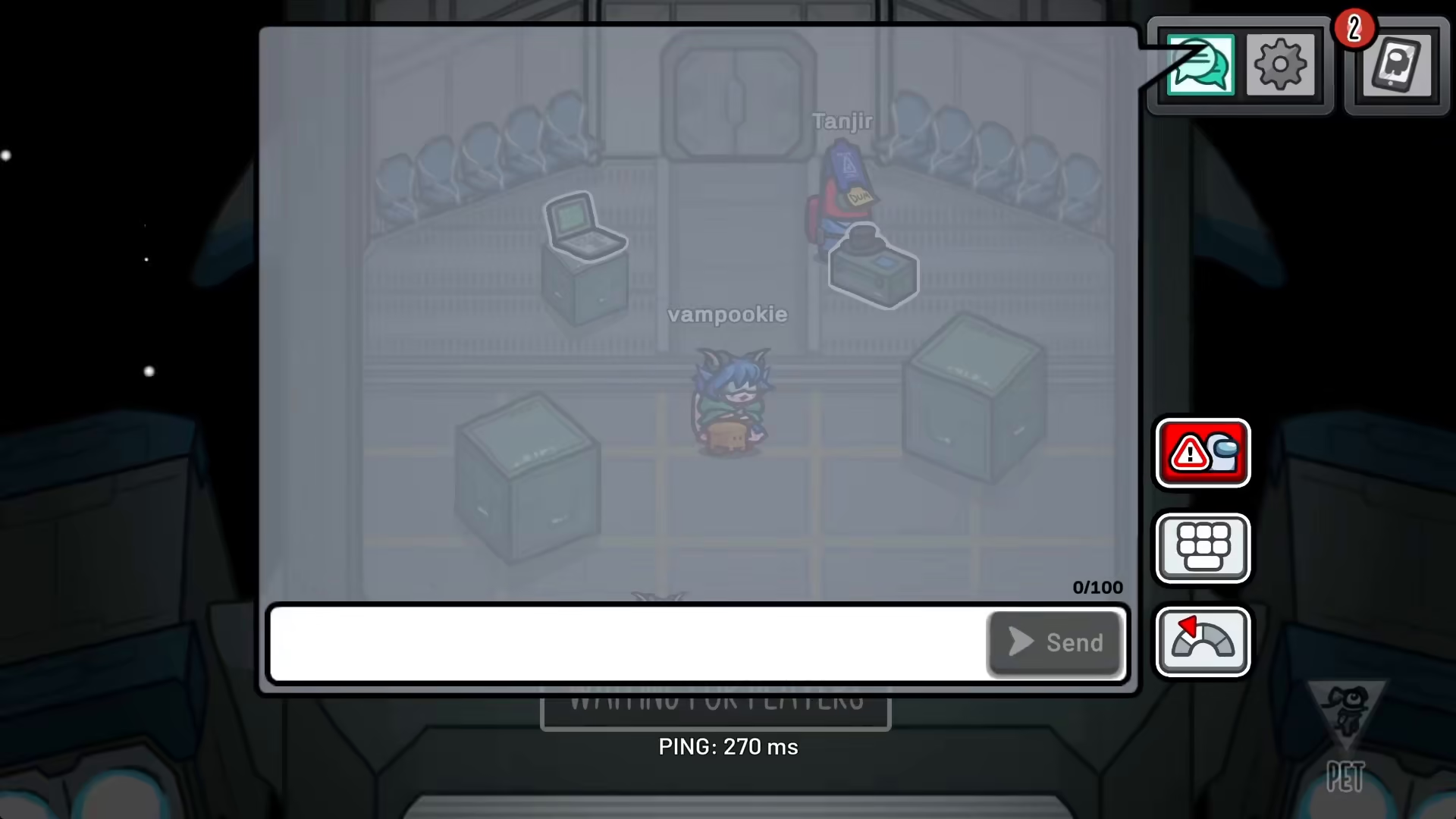
Using the Kick Icon
Once you’re in the chat option, look for a specific icon that allows you to interact with player names. Click on this icon to bring up a list of players in your lobby.
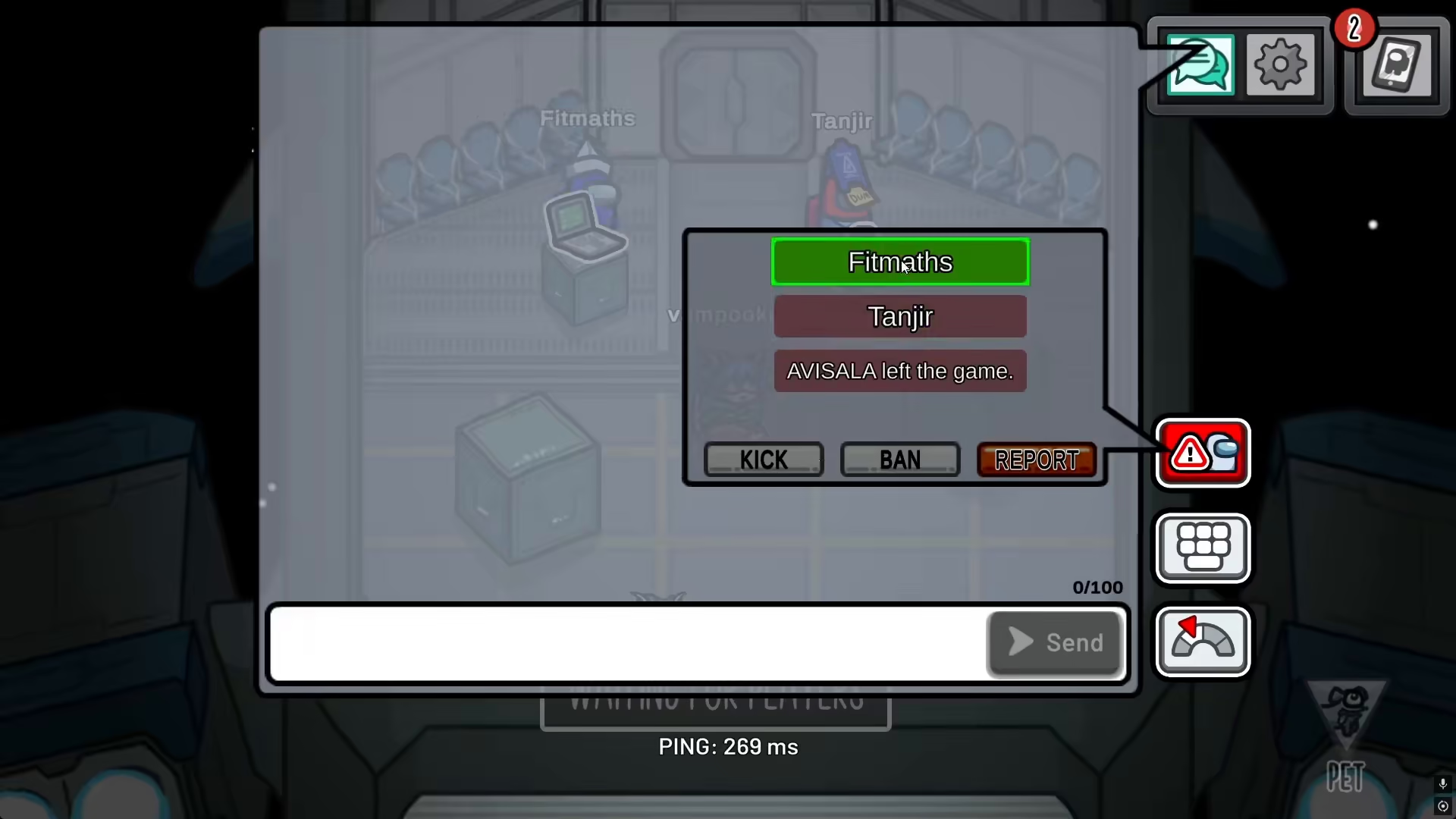
Selecting and Kicking a Player
From the player list that appears, simply select any name you wish to remove from your lobby and click to kick them. The player will be immediately removed from the game.
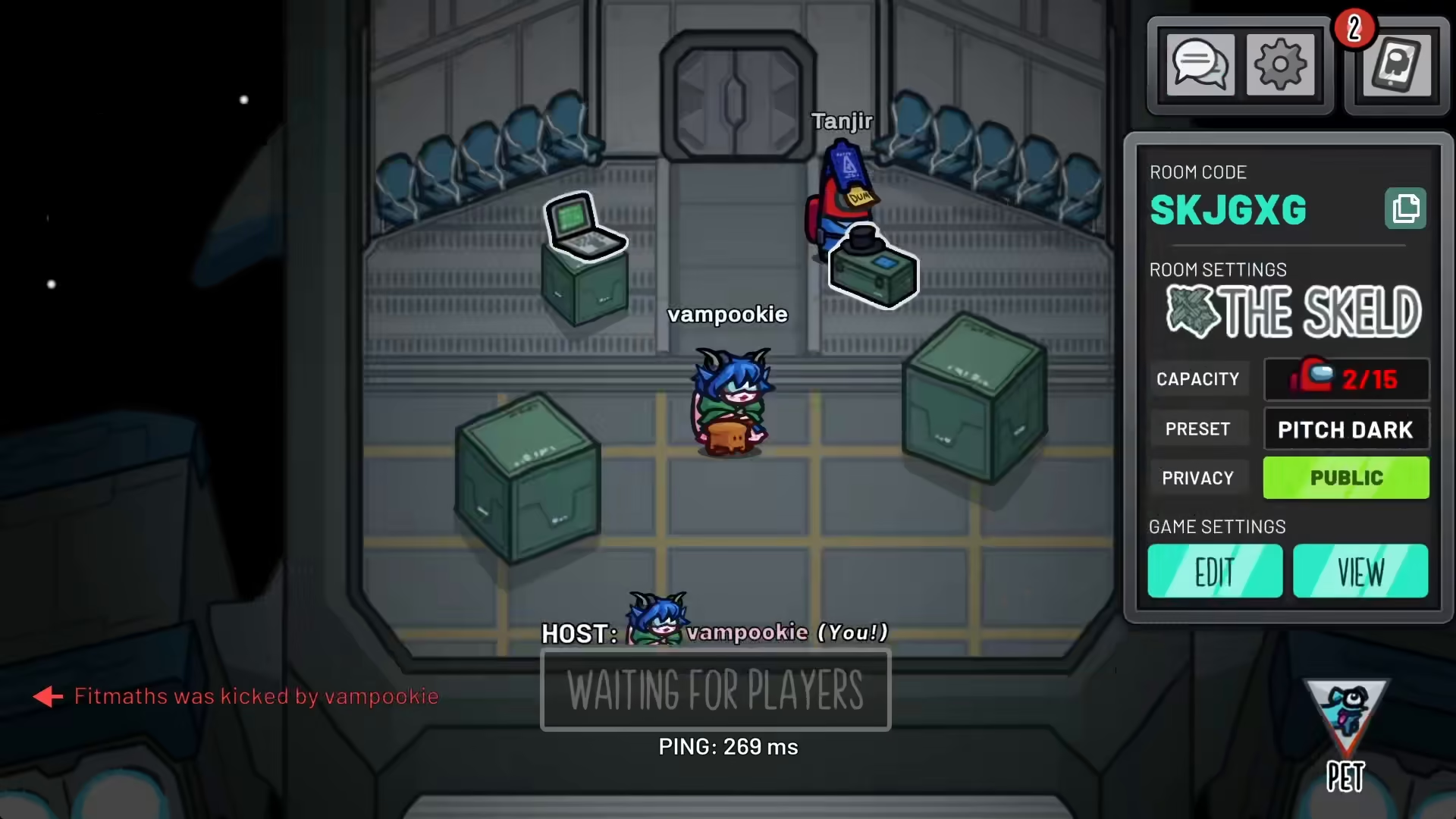
The Kick Confirmation
When a player is successfully kicked, a system message will appear in the chat displaying which player was kicked and which host performed the action. This creates transparency in your lobby and ensures all remaining players know what happened.
Summary
Kicking players as a host in Among Us is a straightforward process: access the chat option, locate the kick icon, select the player you want to remove, and confirm the action. The system will notify everyone in the lobby of the removal, maintaining clarity and order in your game.
— Want to Support? —
If you would like to help us continue making these guides – please consider joining our patreon here – https://www.patreon.com/c/JaviHeals
Alternatively – you can join our discord here – https://discord.gg/zD7Gjt6MHF



