







How To Change Your Name Without Randomizing It In Among Us
How To Change Your Name Without Randomizing It In Among Us
Changing your player name in Among Us doesn’t have to involve randomizing it. If you want to customize your name to exactly what you prefer, this guide will show you the simple steps to do it without using the randomize feature.
Accessing the Name Change Option
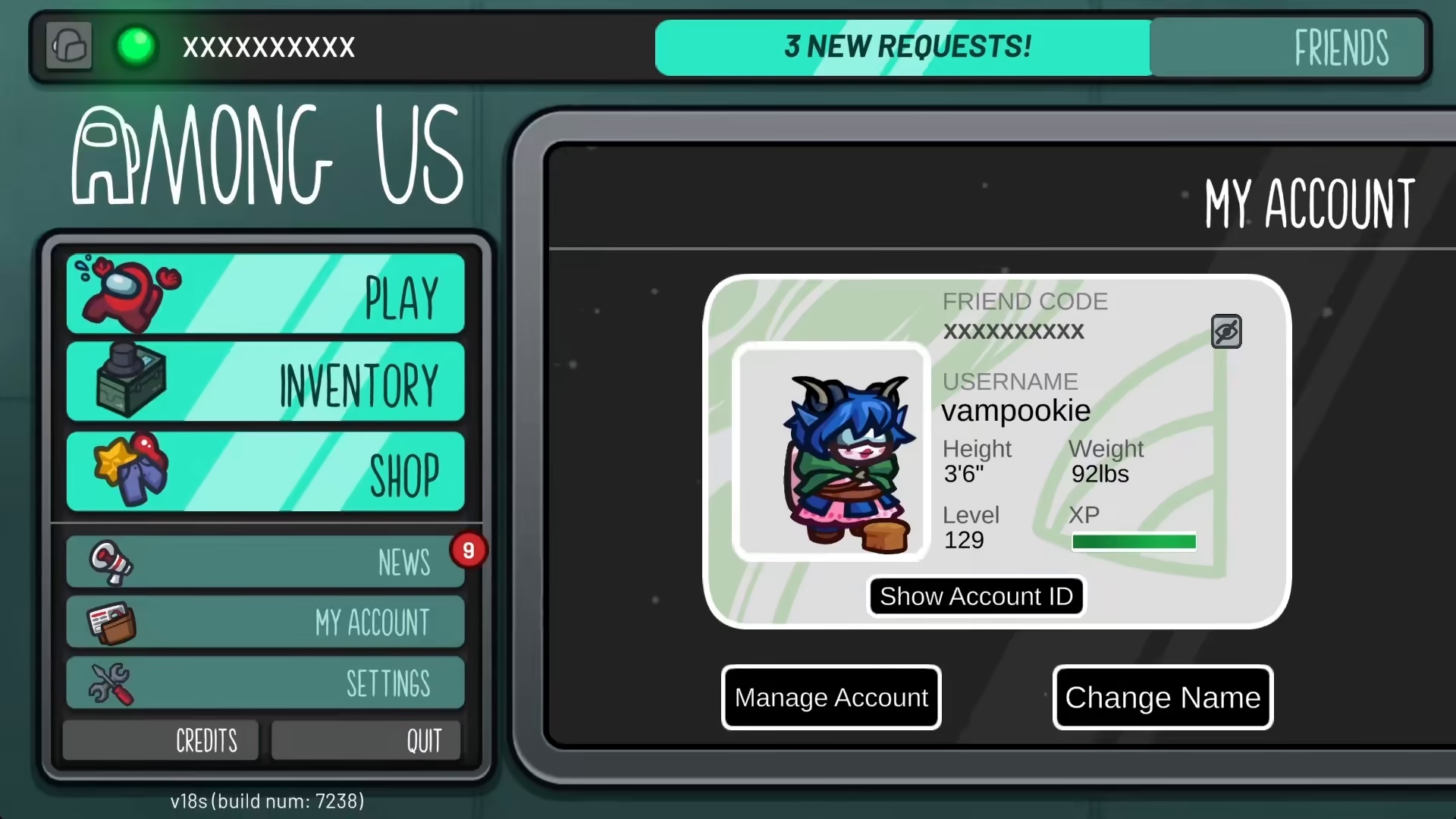
To begin changing your name in Among Us, you need to locate and click on the “Change Name” option in the game’s menu.
Entering Your Custom Name
Once you’ve clicked on “Change Name,” you’ll see a circle or randomize option appear on your screen. The key to avoiding randomization is to not click on this circle option. Instead, simply click on the text input field and type the name you want directly into it.
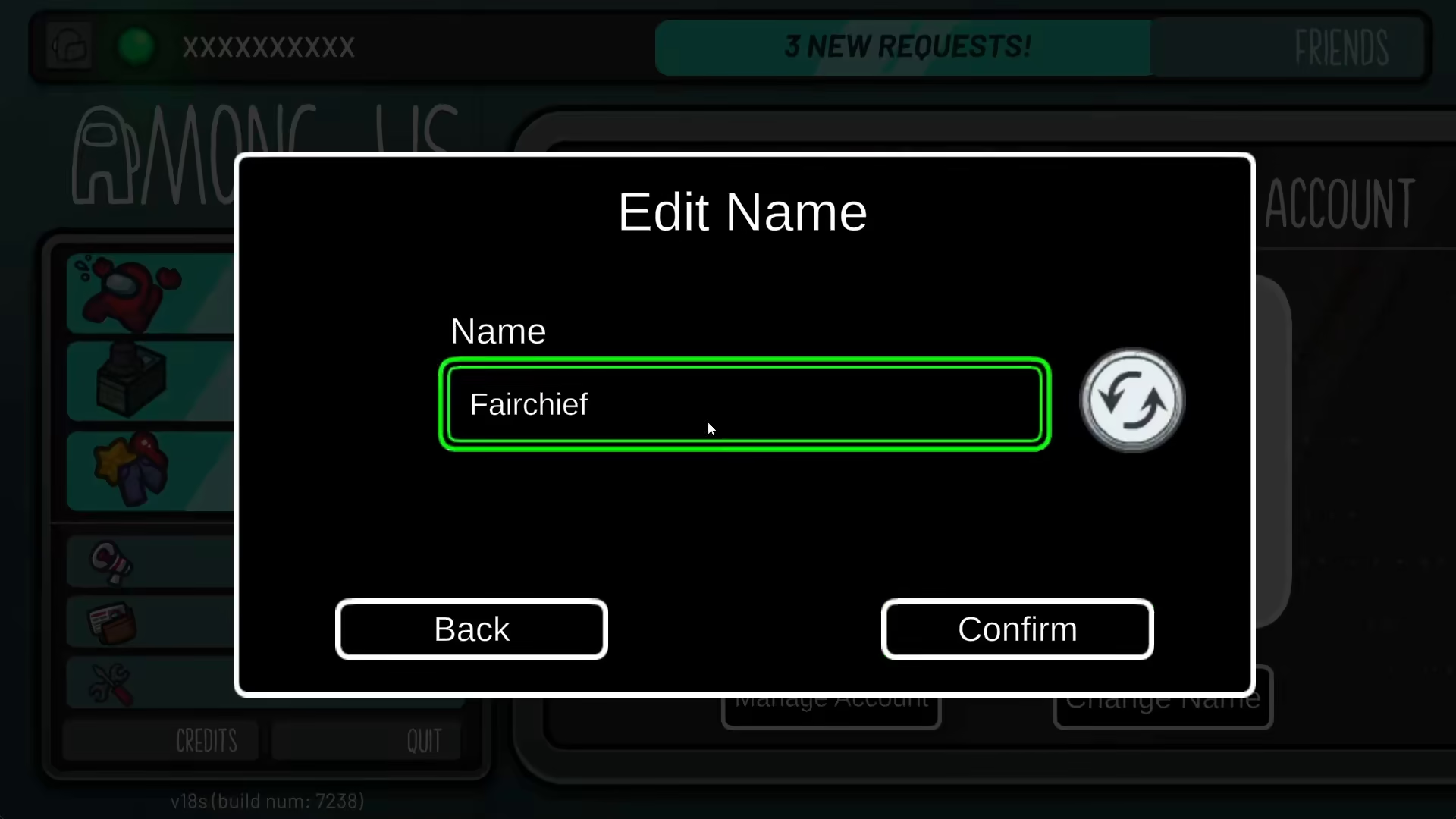
After typing your desired name into the field, the game will automatically assign that exact name to your player profile.
Conclusion
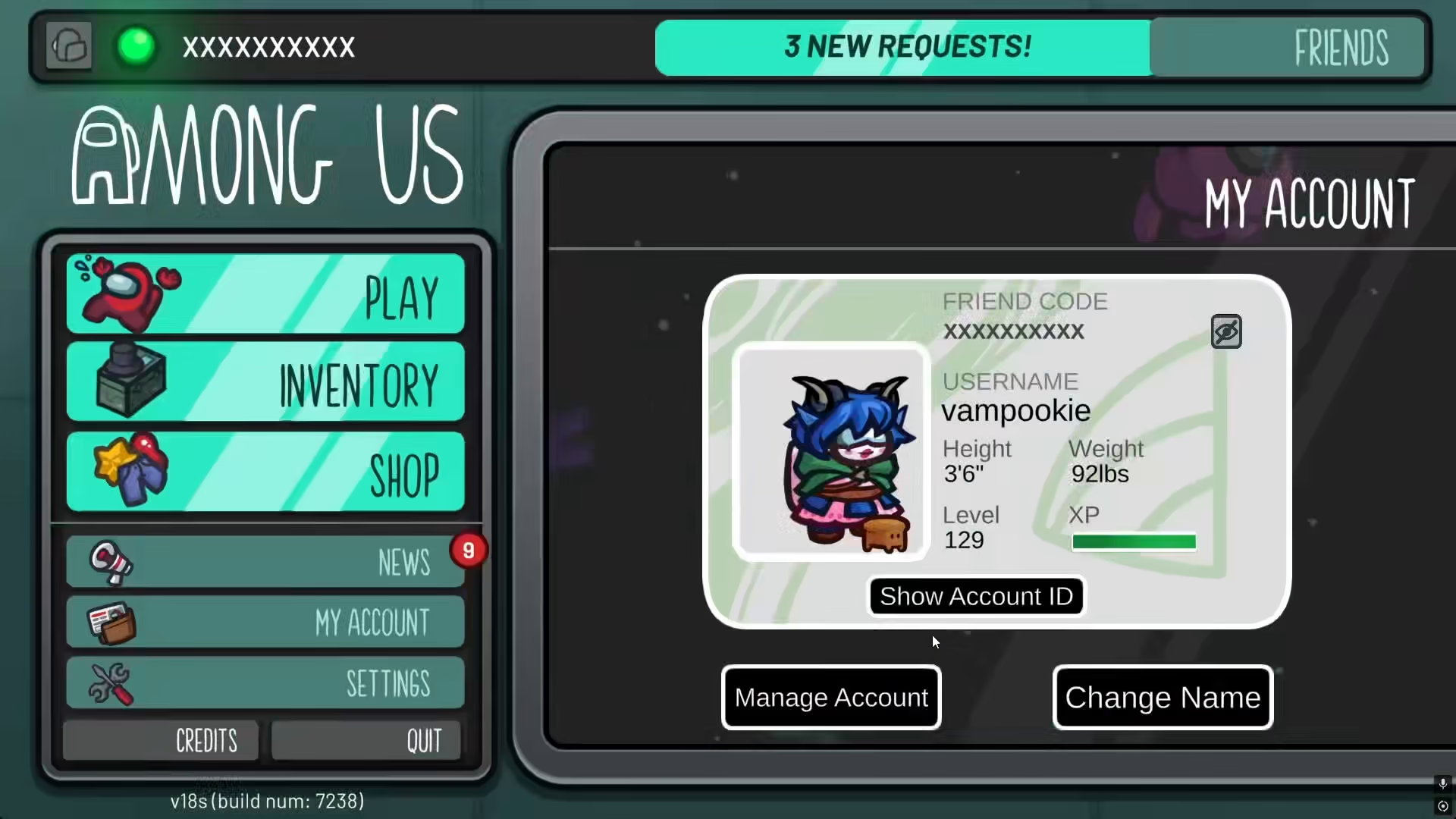
That’s all there is to it! By bypassing the randomize circle and typing your name directly into the input field, you can customize your Among Us player name exactly as you want it, without any randomization. This simple method gives you full control over your in-game identity.
— Want to Support? —
If you would like to help us continue making these guides – please consider joining our patreon here – https://www.patreon.com/c/JaviHeals
Alternatively – you can join our discord here – https://discord.gg/zD7Gjt6MHF



