








How To Scan In Among Us
How To Scan In Among Us
Among Us requires players to complete various tasks to prove their innocence, and scanning in the Medbay is one of the most common ones. This quick tutorial will walk you through the simple steps needed to successfully scan in Among Us.
Understanding the Scan Task
The scan task takes place in the Medbay, where players can verify themselves as crew members by using the scanning machine. When you enter the Medbay, you’ll see another player using the scanning device. This is a straightforward task that only requires one action to complete.
How to Perform a Scan
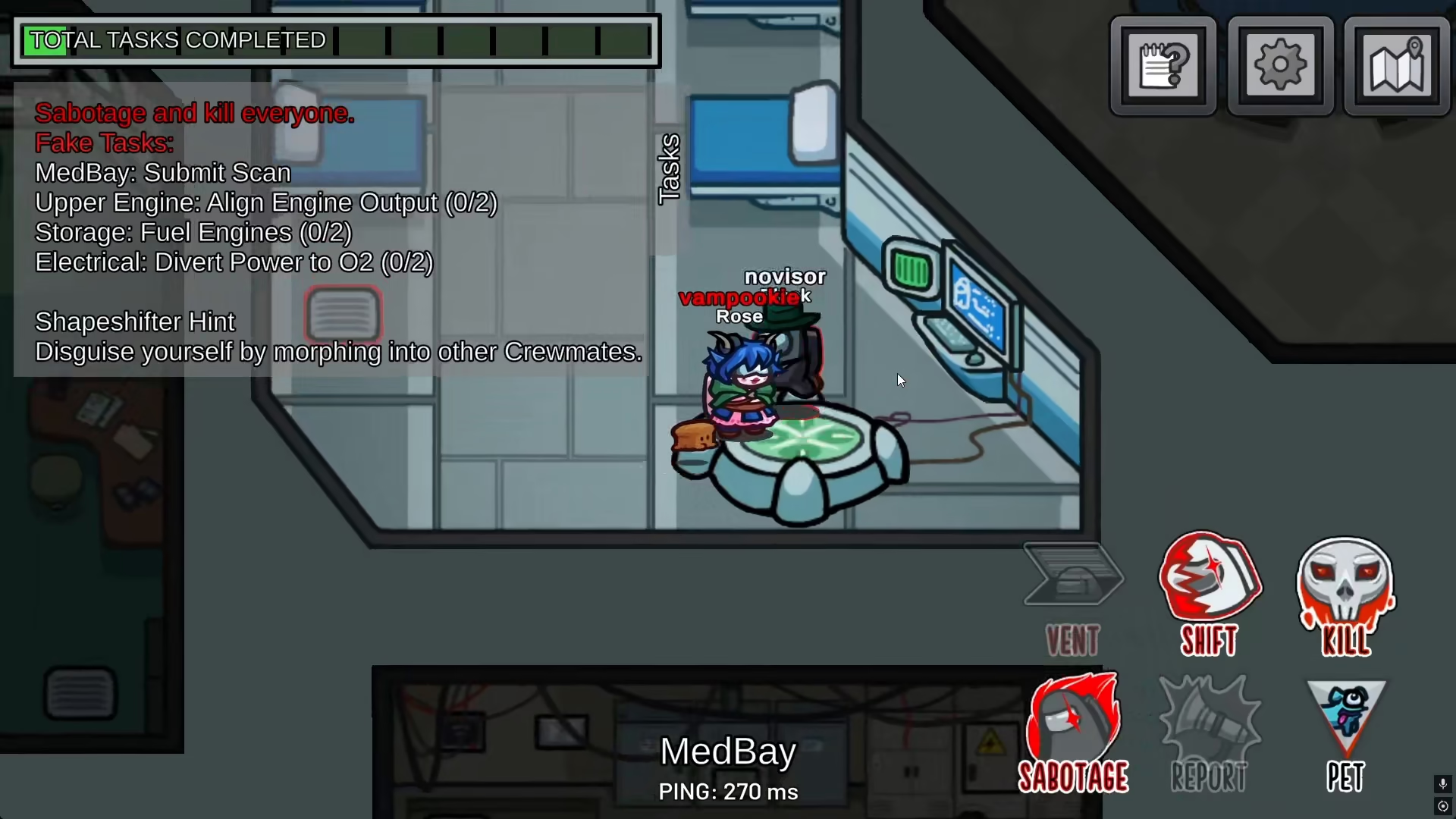
To scan in Among Us, simply press the E key on your keyboard. Once you press E while standing near the scanning machine in the Medbay, your character will automatically interact with the machine and begin the scan process.
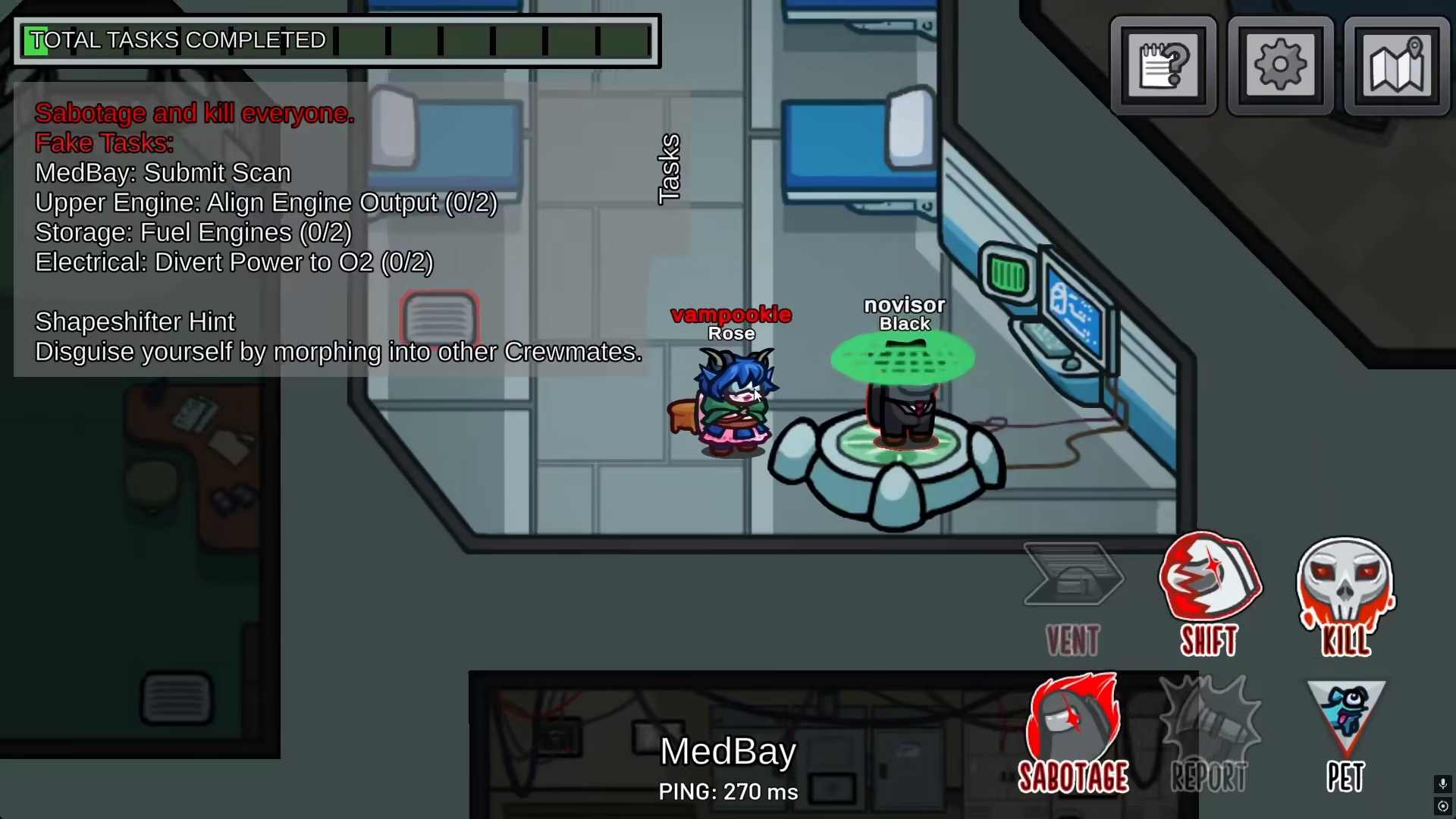
After pressing E, your character will go directly onto the scanning machine, and the scan will execute automatically. This completes the task with no additional steps required.
Summary
Scanning in Among Us is one of the easiest tasks in the game. Simply navigate to the Medbay, approach the scanner, and press E to complete the task instantly. This task is essential for proving your role as a crew member and building trust with other players.
— Want to Support? —
If you would like to help us continue making these guides – please consider joining our patreon here – https://www.patreon.com/c/JaviHeals
Alternatively – you can join our discord here – https://discord.gg/zD7Gjt6MHF



