







How To Walk In Among Us
How To Walk In Among Us
Among Us is a fun multiplayer game that requires basic movement controls to navigate through the map. Whether you’re playing on PC or mobile, learning how to walk is the first essential skill you’ll need to master. This guide will walk you through the simple controls needed to move around in Among Us.
Walking Controls on PC
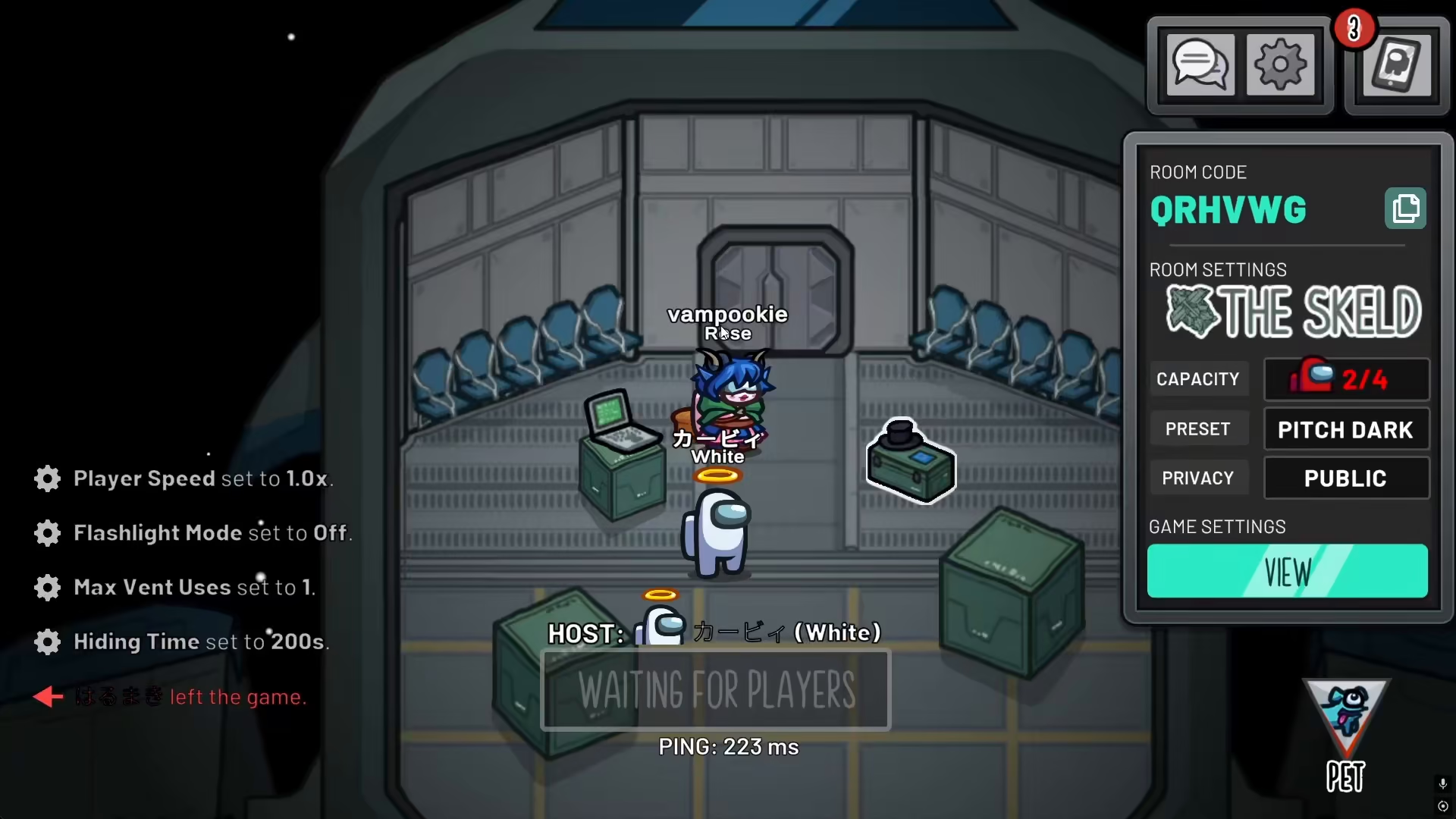
If you’re playing Among Us on your PC, movement is straightforward and uses standard keyboard controls. Simply press the W, A, S, and D keys to walk around the game map. These four keys control your character’s movement in all directions—forward, left, backward, and right respectively.
Walking Controls on Mobile
If you’re playing Among Us on your phone, the controls work differently than PC. Instead of using a keyboard, you simply need to scroll around the screen with your finger or touch controls. This intuitive mobile interface allows you to move your character around the map by interacting directly with the game screen.
Using the Sprint Action
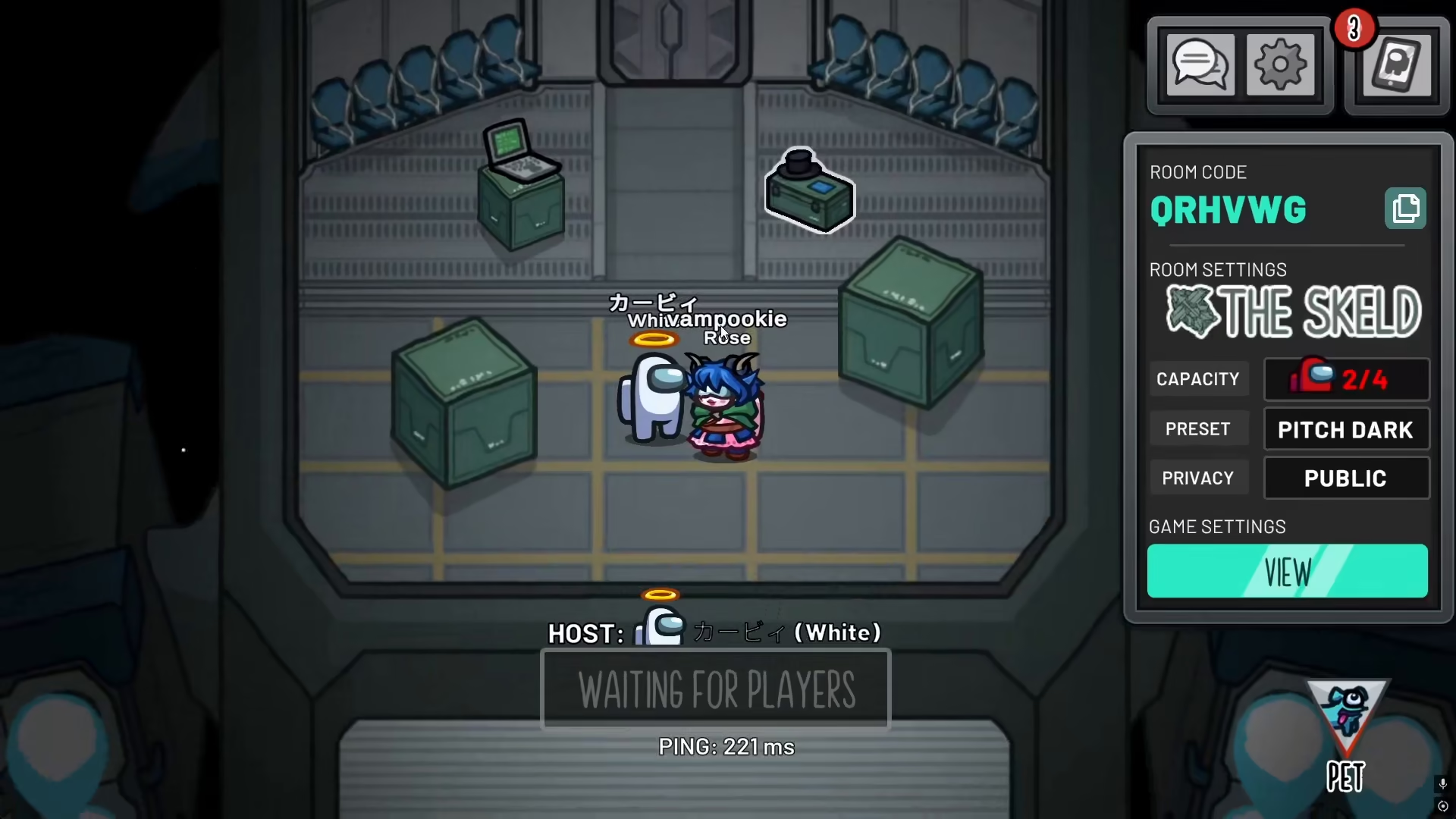
Beyond basic walking, you can also enhance your movement by using the sprint ability. On PC, you can press the Space bar to activate your speed boost and move faster across the map. This is useful when you need to quickly navigate to different areas or escape from other players.
Summary
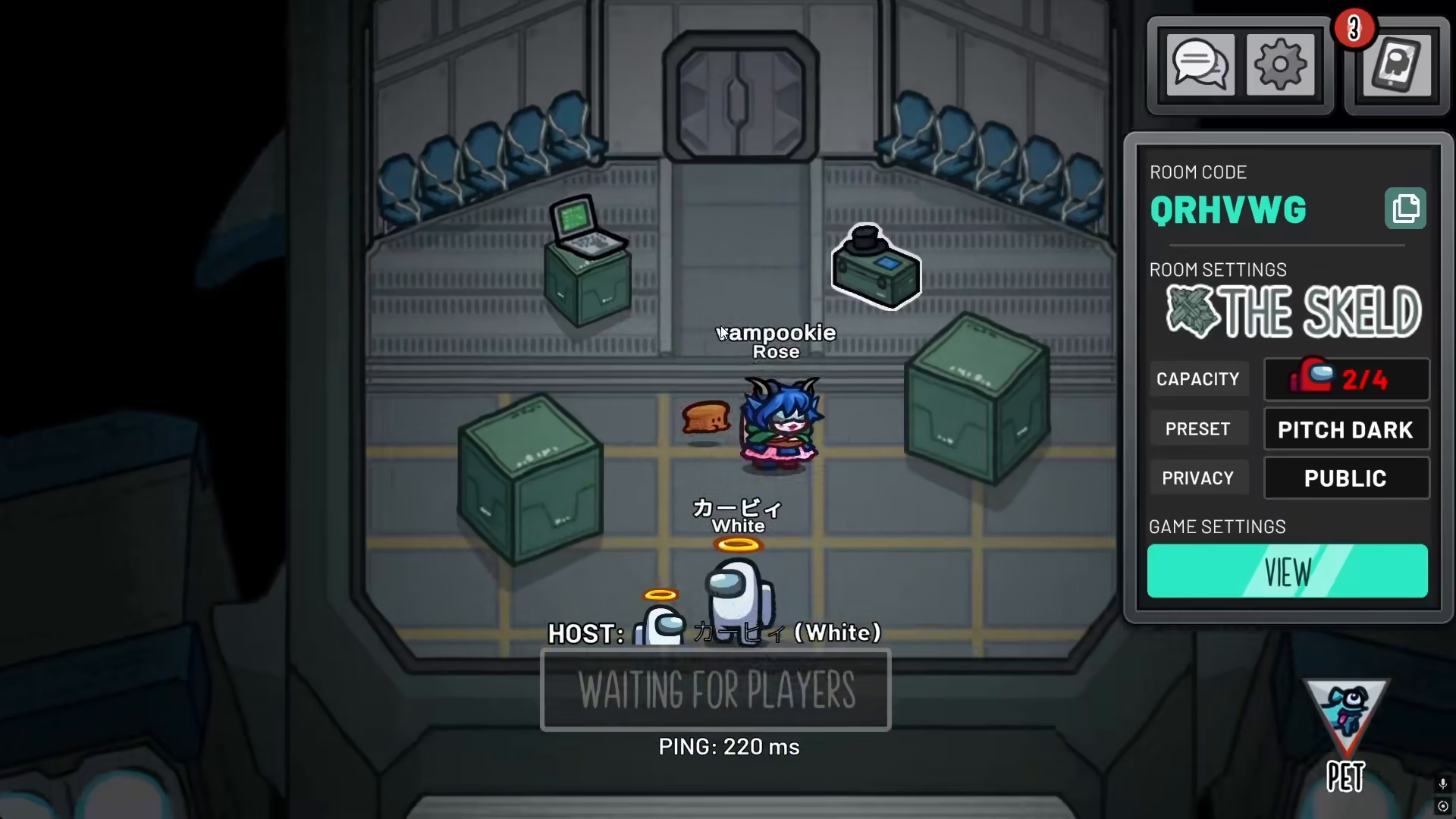
Walking in Among Us is simple and easy to learn. On PC, use W-A-S-D for movement and Space for sprint. On mobile, use touch controls to move your character around the map. With these basic controls mastered, you’re ready to start playing and enjoying the game!
— Want to Support? —
If you would like to help us continue making these guides – please consider joining our patreon here – https://www.patreon.com/c/JaviHeals
Alternatively – you can join our discord here – https://discord.gg/zD7Gjt6MHF



