








How To Vote In Among Us
How To Vote In Among Us
Voting is one of the most important mechanics in Among Us. Whether you’re trying to eliminate a suspected impostor or skip a round, understanding how to vote correctly is essential to mastering the game. This guide walks you through the voting process step-by-step so you can participate confidently in every meeting.
Understanding Meetings in Among Us
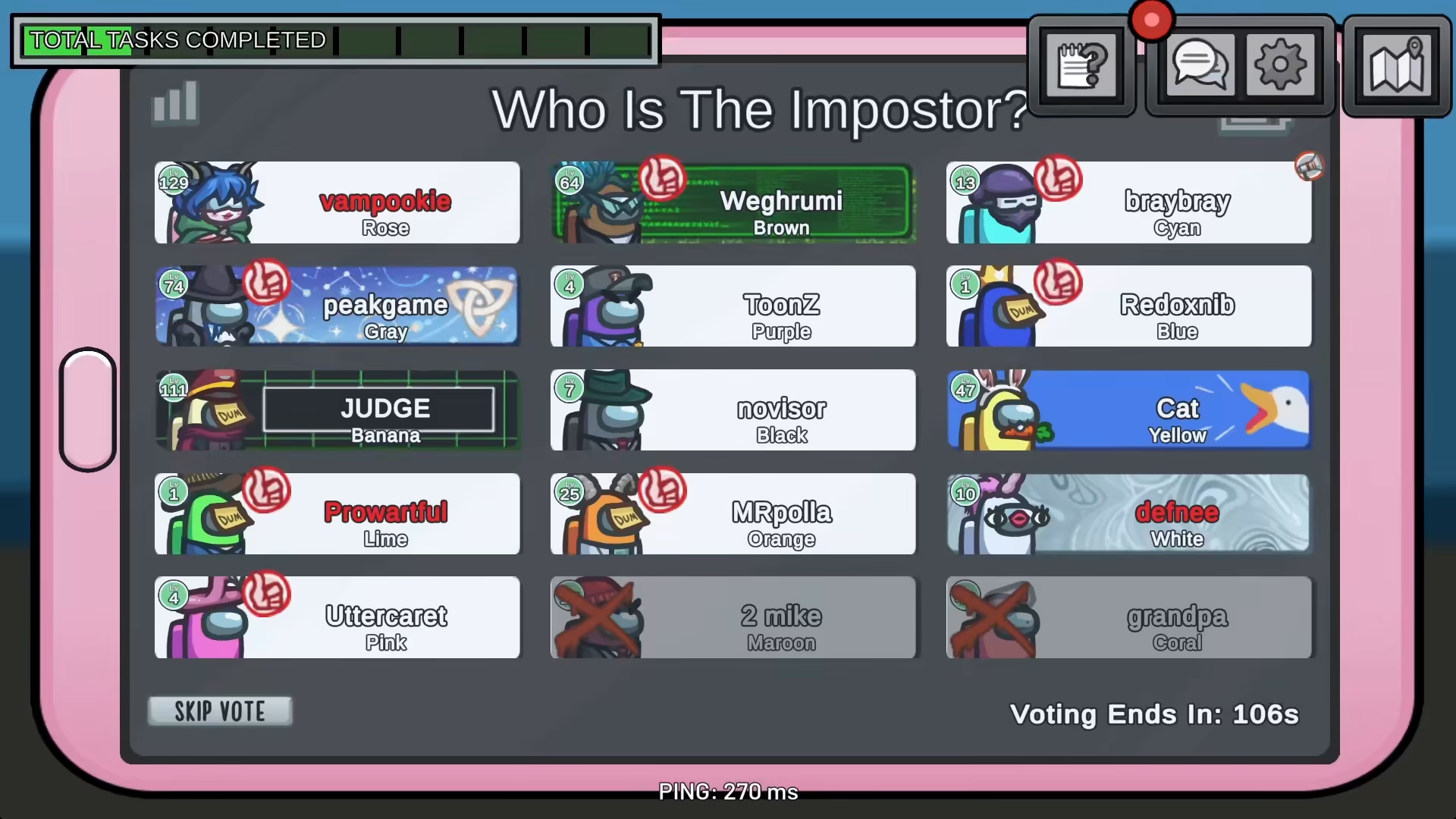
To vote in Among Us, you must first be in a meeting. Meetings are called when an emergency button is pressed or when a dead body is reported. During a meeting, all players gather together to discuss who might be the impostor and decide on a course of action through voting.
How to Vote: Step-by-Step Process
Clicking on a Player
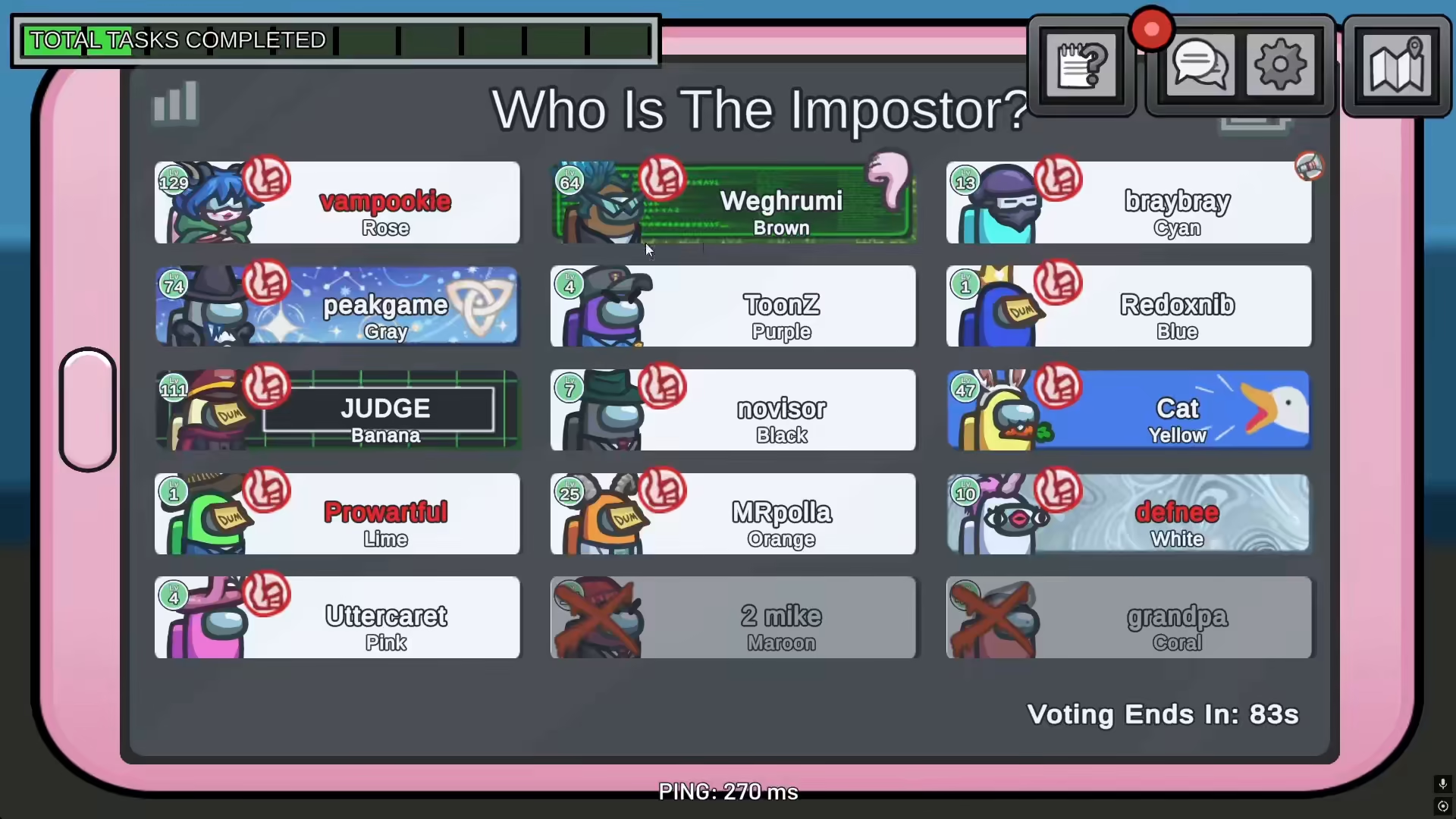
Once you’re in a meeting, voting is simple. To cast your vote, simply click on the player you want to vote for. This action directly registers your vote for that player to be eliminated from the game.
Confirming Your Vote
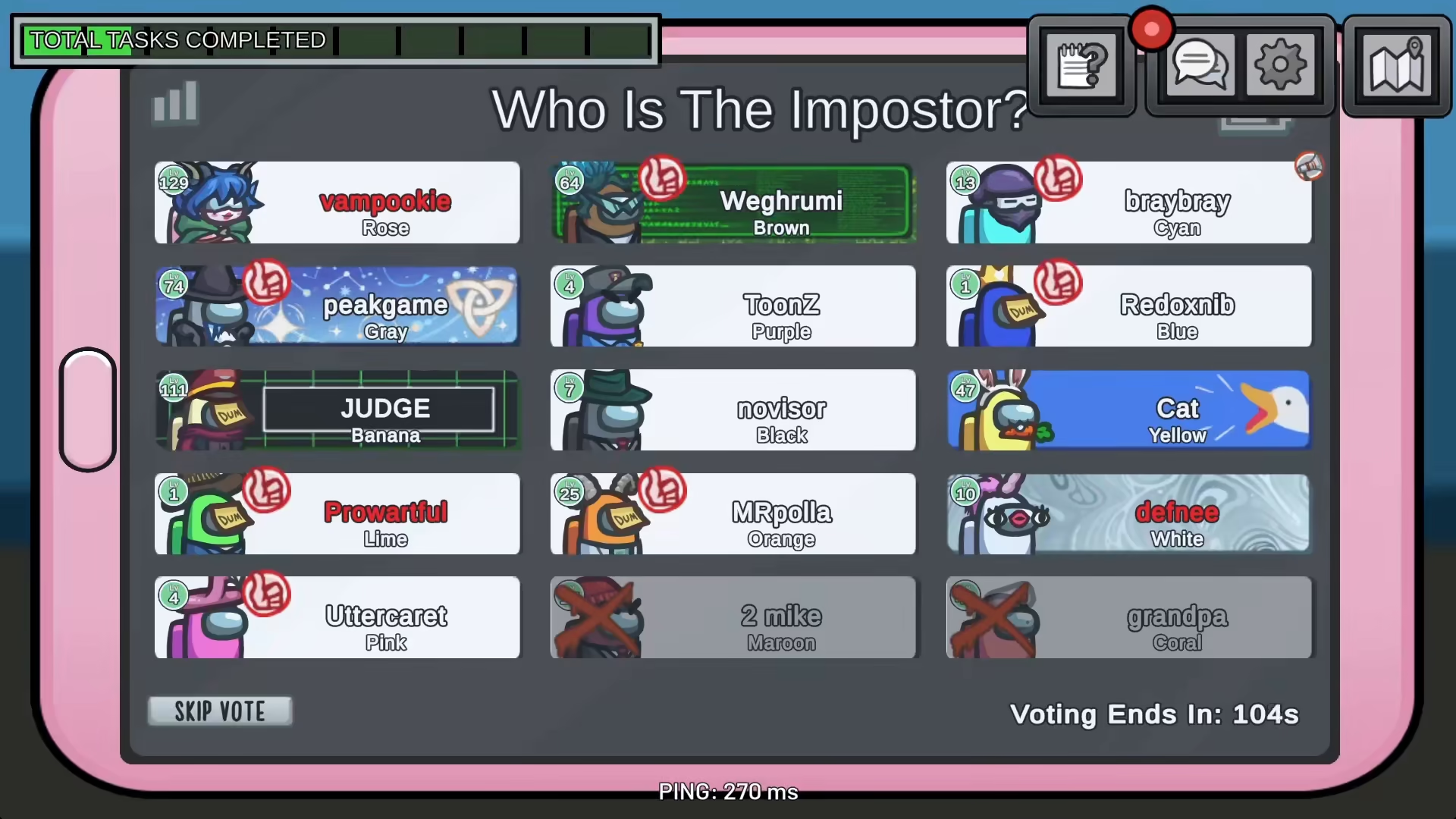
After clicking on a player, your vote is locked in. You can rest your cursor on the person you’ve selected to confirm your voting choice before the voting period ends.
Understanding the Voting Period
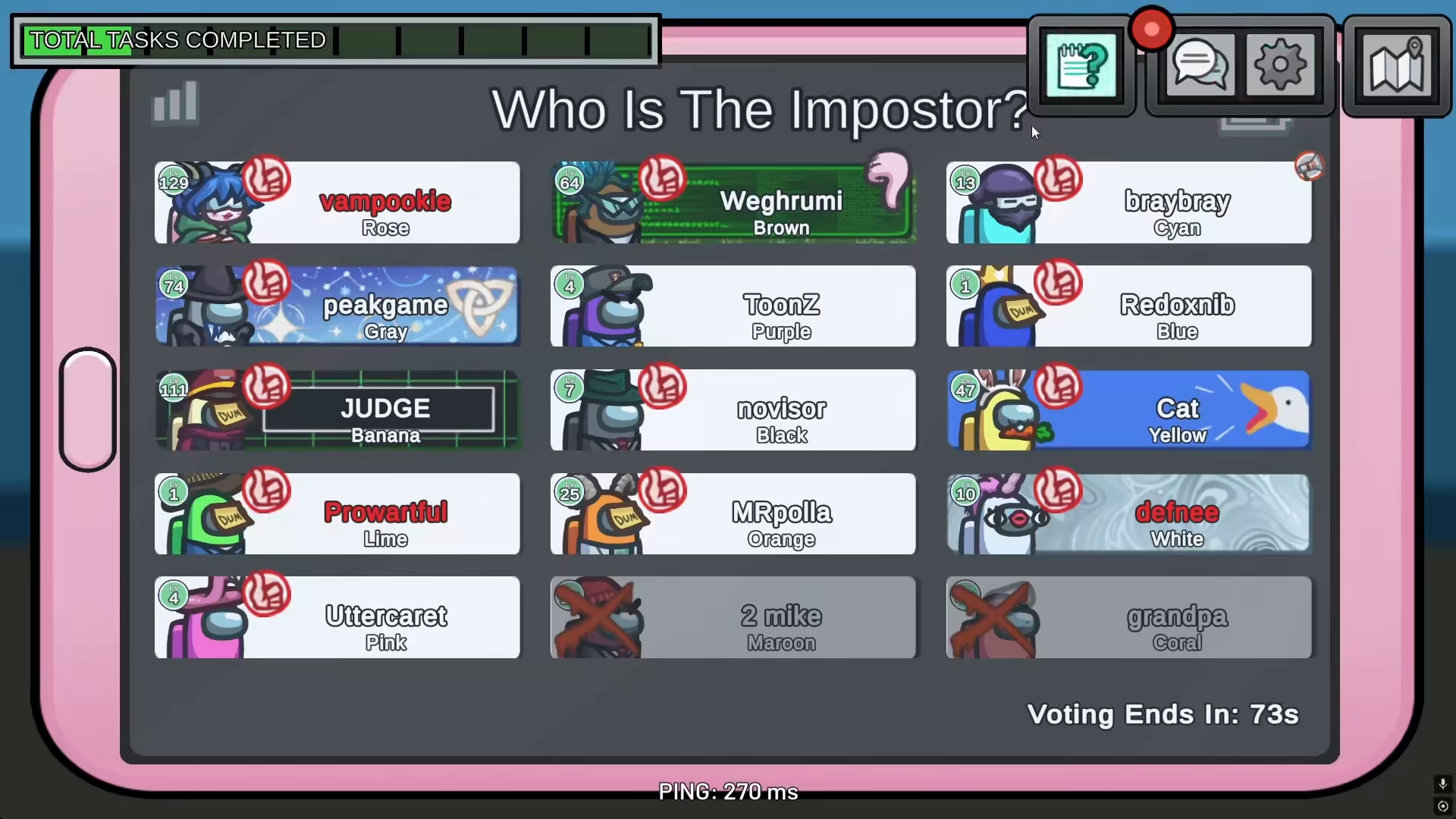
Every meeting includes a designated voting period. By default, the voting period lasts approximately 90 seconds, though this duration depends entirely on your game’s custom settings. During this time window, every player must cast their vote.
Skipping the Vote
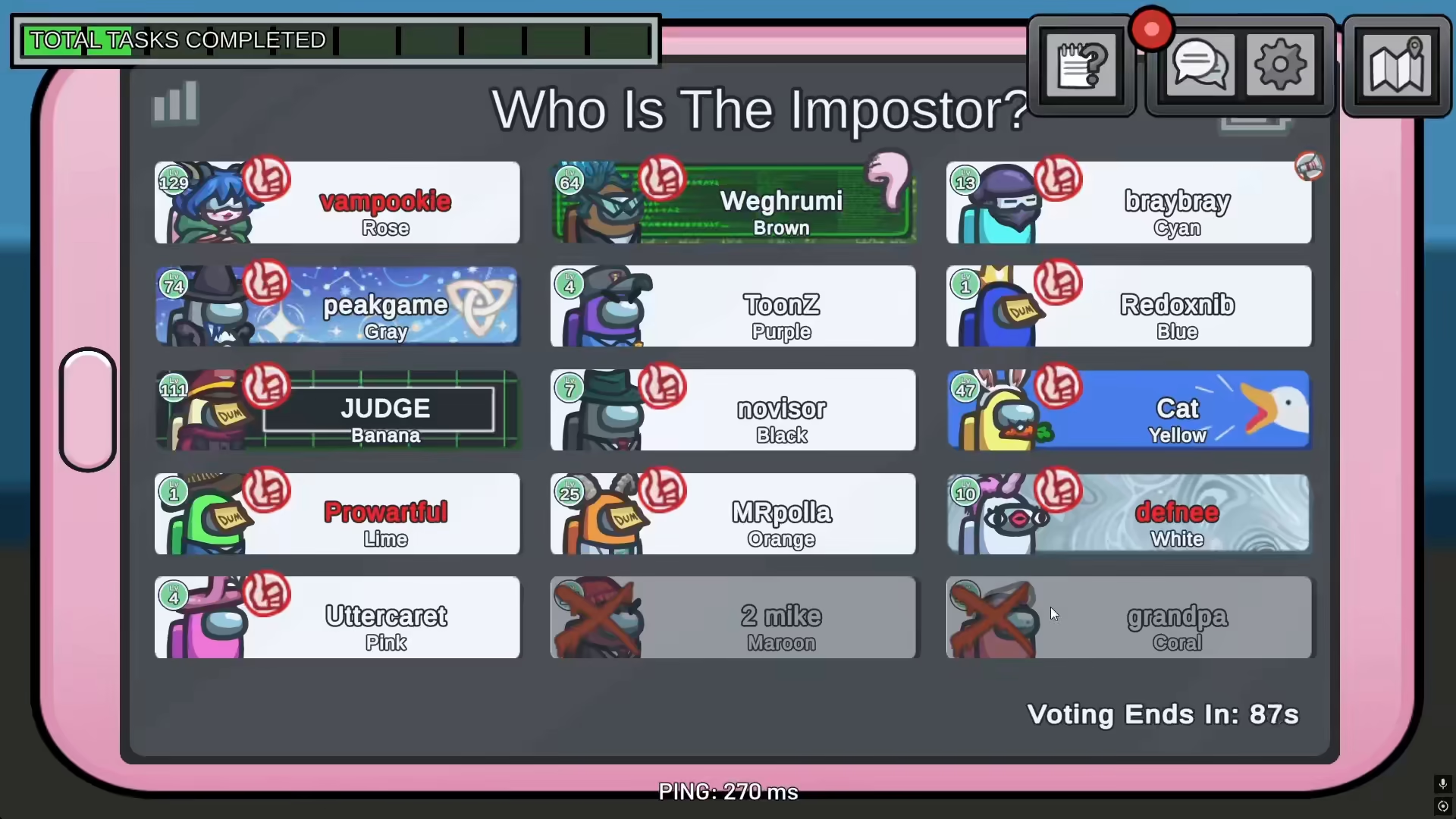
In addition to voting for a specific player, you have the option to skip the meeting entirely. All players can choose to skip, and if the majority votes to skip, no one will be eliminated during that round. This is a strategic option when players are uncertain about who the impostor is.
Summary
Voting in Among Us is straightforward: attend a meeting, click on the player you suspect, and submit your vote before the 90-second timer expires. You can also choose to skip the vote if you prefer. Mastering this mechanic is crucial for both crewmates trying to identify the impostor and impostors trying to blend in with the group.
— Want to Support? —
If you would like to help us continue making these guides – please consider joining our patreon here – https://www.patreon.com/c/JaviHeals
Alternatively – you can join our discord here – https://discord.gg/zD7Gjt6MHF



