
How to Increase Loot Abundance 7 Days to Die
How to Increase Loot Abundance in 7 Days to Die
Looking to get more loot while playing 7 Days to Die? Whether you’re playing solo or with a larger group, adjusting the loot abundance setting can significantly enhance your resource gathering experience. This guide walks you through the simple steps to modify this important game setting.
Accessing the Loot Abundance Setting
To increase loot abundance in your 7 Days to Die world, you’ll need to access the game settings during world creation or when continuing an existing game.
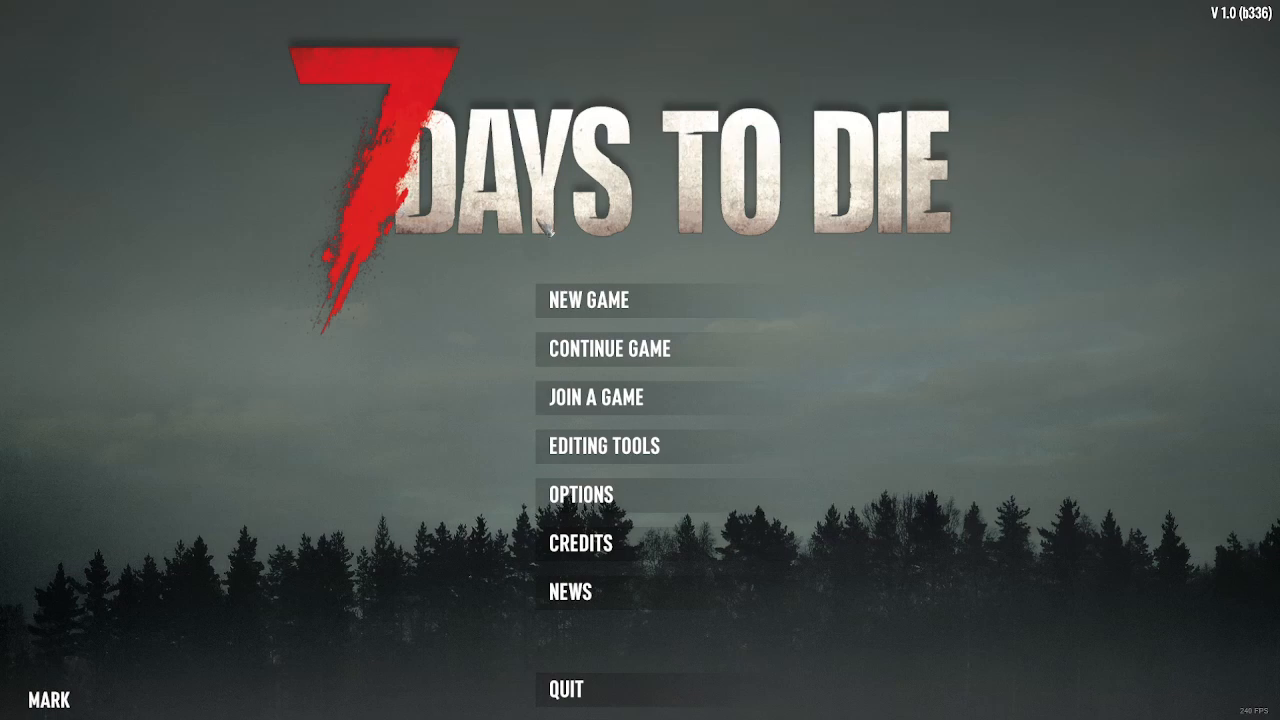
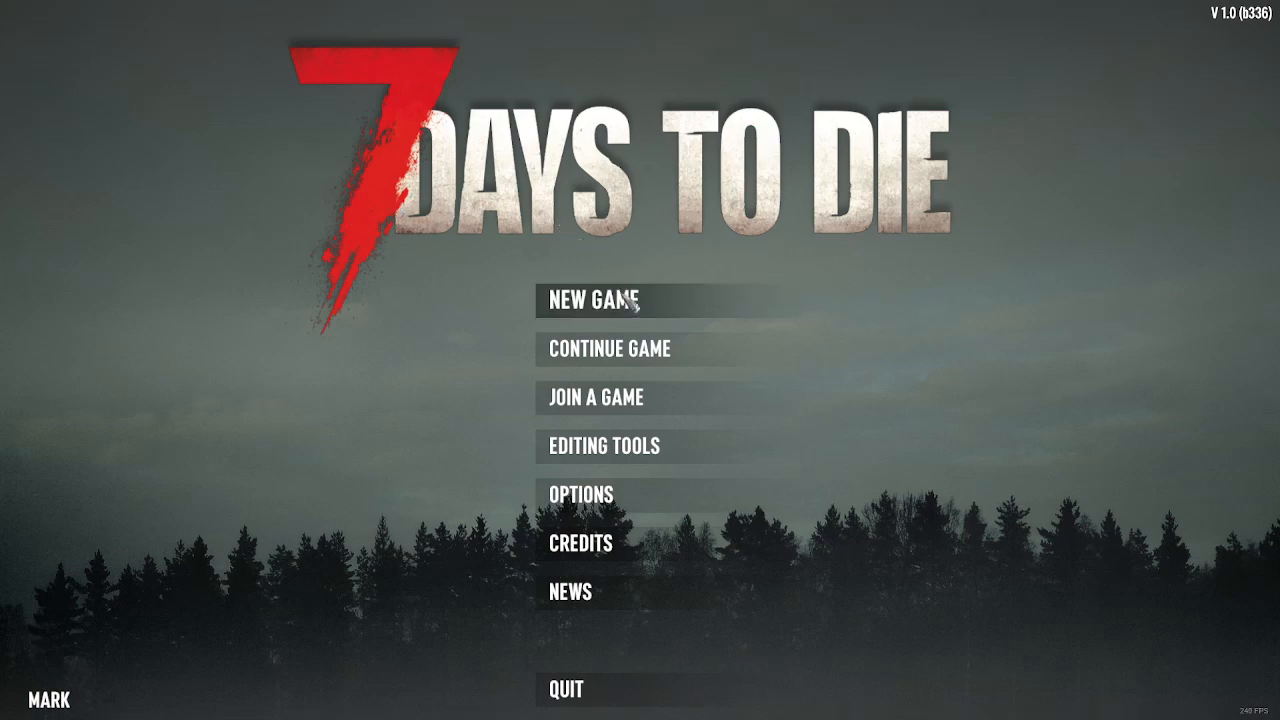
Start by selecting either New Game or Continue Game from the main menu. For this guide, we’ll be creating a new game to demonstrate the process.
Finding Advanced Settings
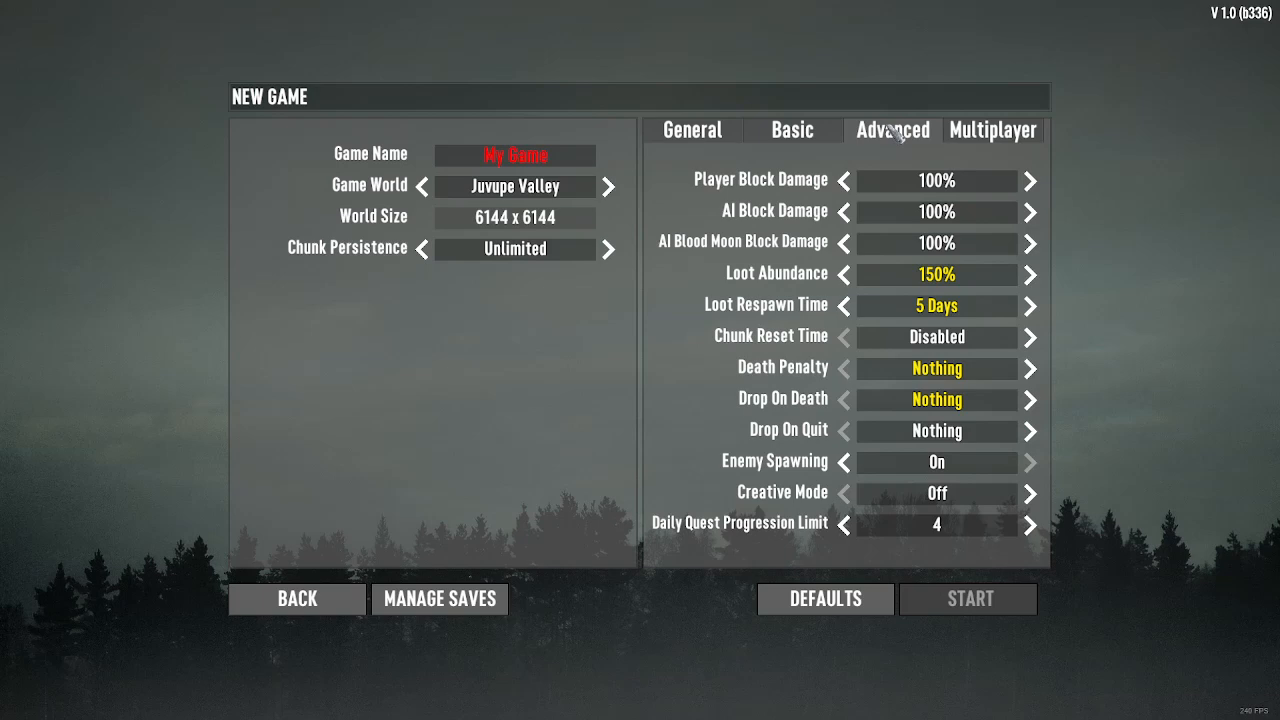
Once you’ve selected your game option, the next step is to access the advanced settings. Look for and click on the Advanced Settings option to reveal additional game configuration options.
Adjusting Your Loot Abundance
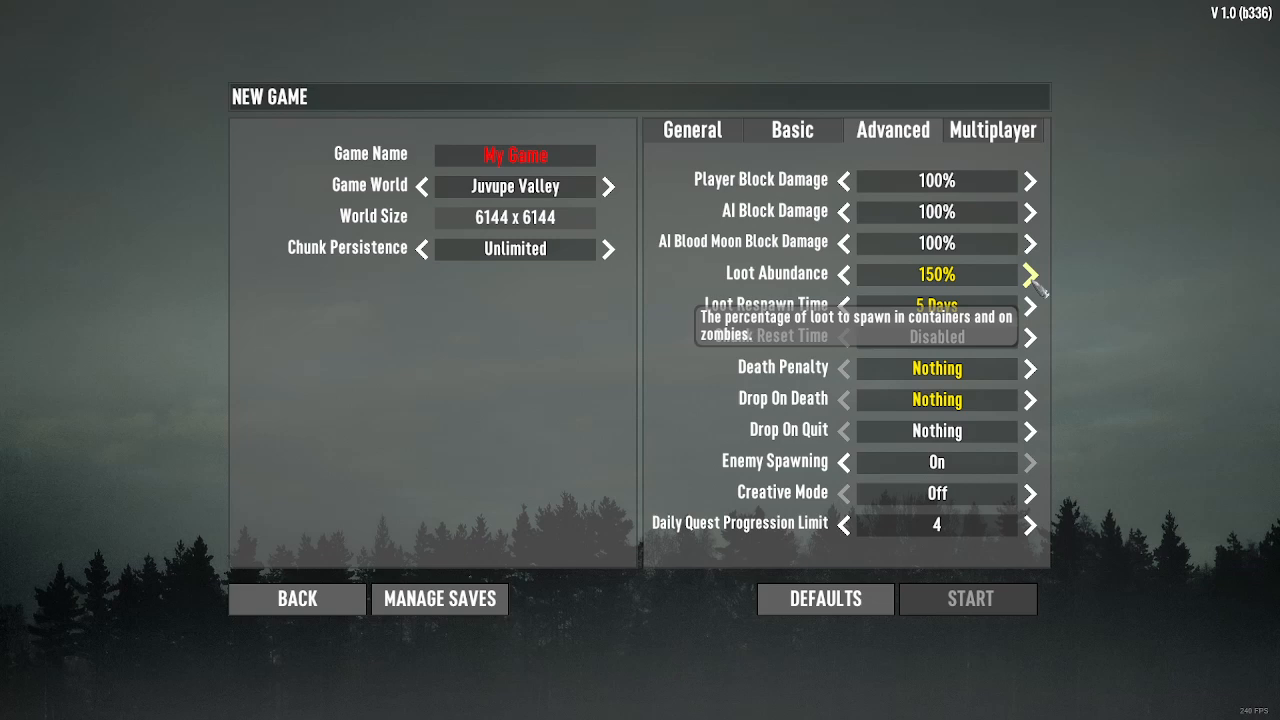
Within the Advanced Settings menu, you’ll locate the Loot Abundance setting. This setting controls how much loot spawns throughout your world.
To modify the loot abundance level, use the arrow buttons:
Left arrow — Decreases loot abundance
Right arrow — Increases loot abundance
When Should You Increase Loot Abundance?
Increasing loot abundance is particularly useful in several scenarios:
When playing solo and wanting more resources to find
When playing with a larger party or group — more players means you’ll want more loot to distribute among them
When you want to progress faster through early-game resource gathering
Summary
Adjusting the loot abundance setting in 7 Days to Die is straightforward and can greatly improve your gameplay experience. Simply navigate to New Game or Continue Game, access Advanced Settings, and use the arrow buttons next to the Loot Abundance option to increase or decrease the amount of loot in your world. This setting is especially valuable for solo players or larger groups looking to optimize their resource management.
— Want to Support? —
If you would like to help us continue making these guides – please consider joining our patreon here – https://www.patreon.com/c/JaviHeals
Alternatively – you can join our discord here – https://discord.gg/zD7Gjt6MHF