
Easiest Way to Find an Army Base in 7 Days to Die
How to Find an Army Base in 7 Days to Die
Finding an Army base in 7 Days to Die can be challenging, especially on randomly generated maps where specific coordinates don’t apply. Fortunately, there’s an efficient method using the game’s debug menu that allows you to locate and navigate to any Army base on your map. This guide walks you through the easiest approach to finding these valuable locations.
Accessing the Debug Menu
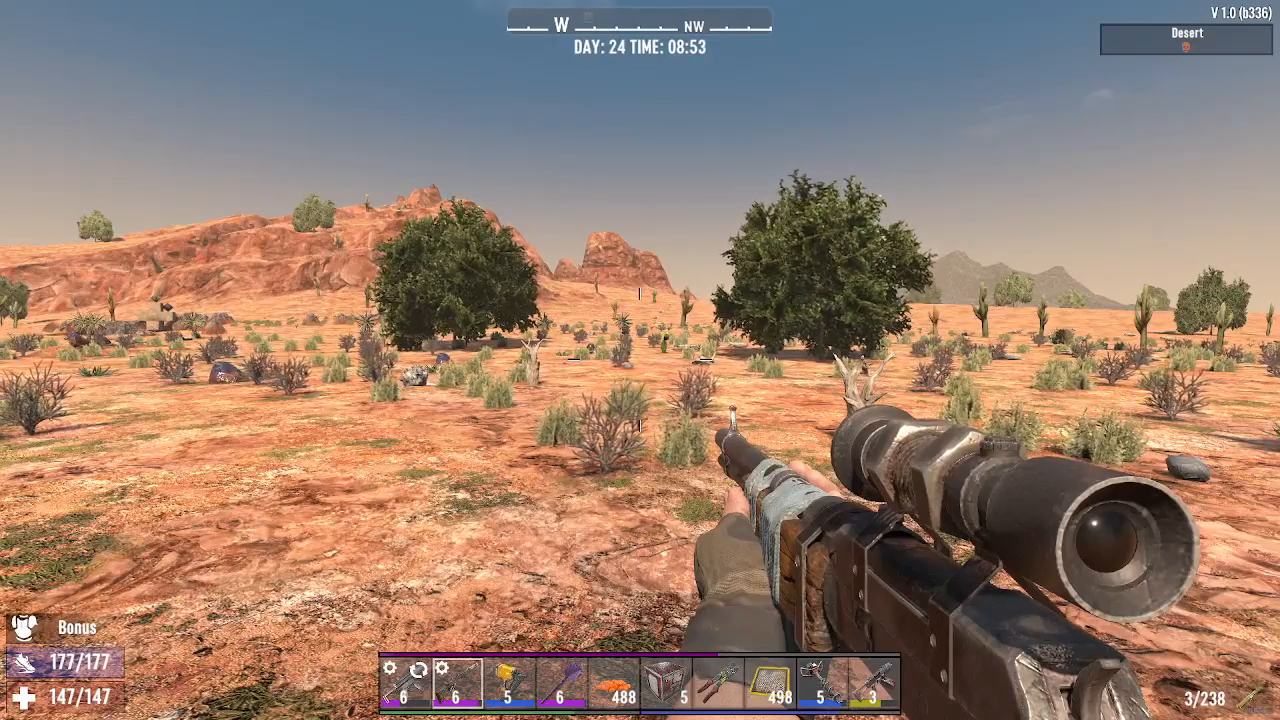
To begin your search for an Army base, you’ll need to access the console commands in 7 Days to Die. Simply press F1 to open the console.
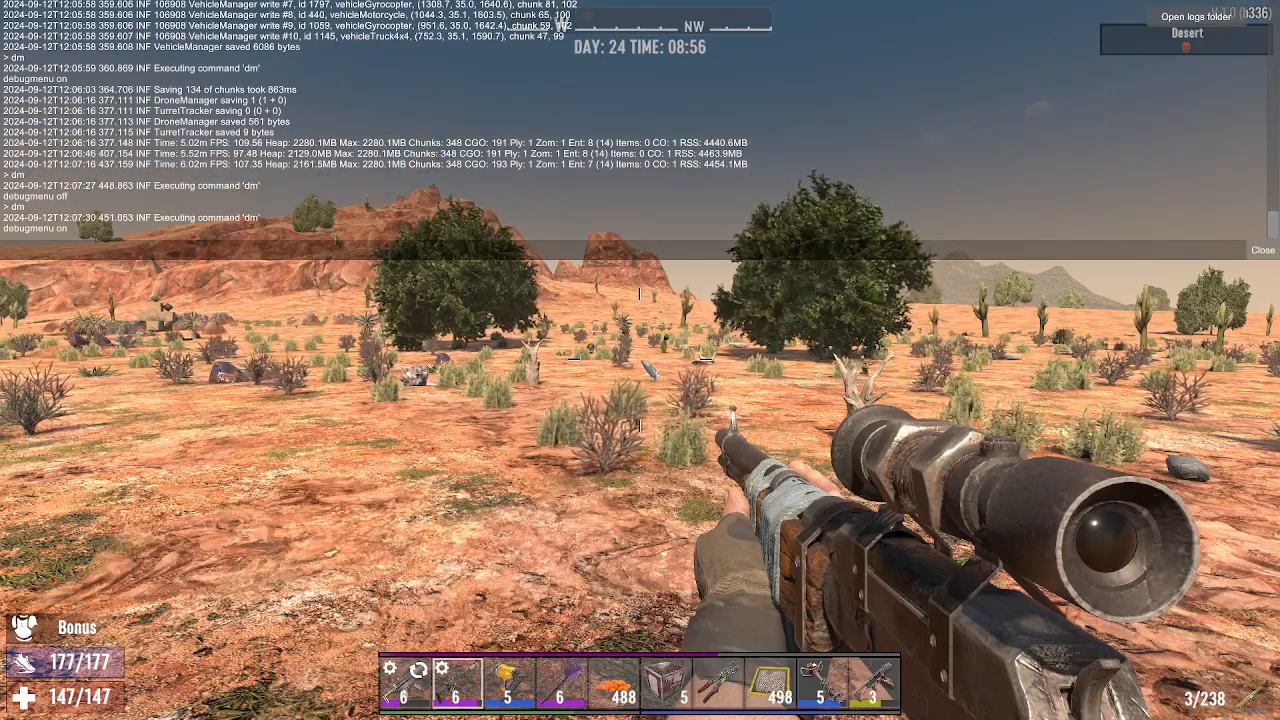
Once the console is open, type DM and execute the command. This activates the debug menu, which gives you access to advanced tools for navigation and exploration.
Using the P.O.I. Teleporter
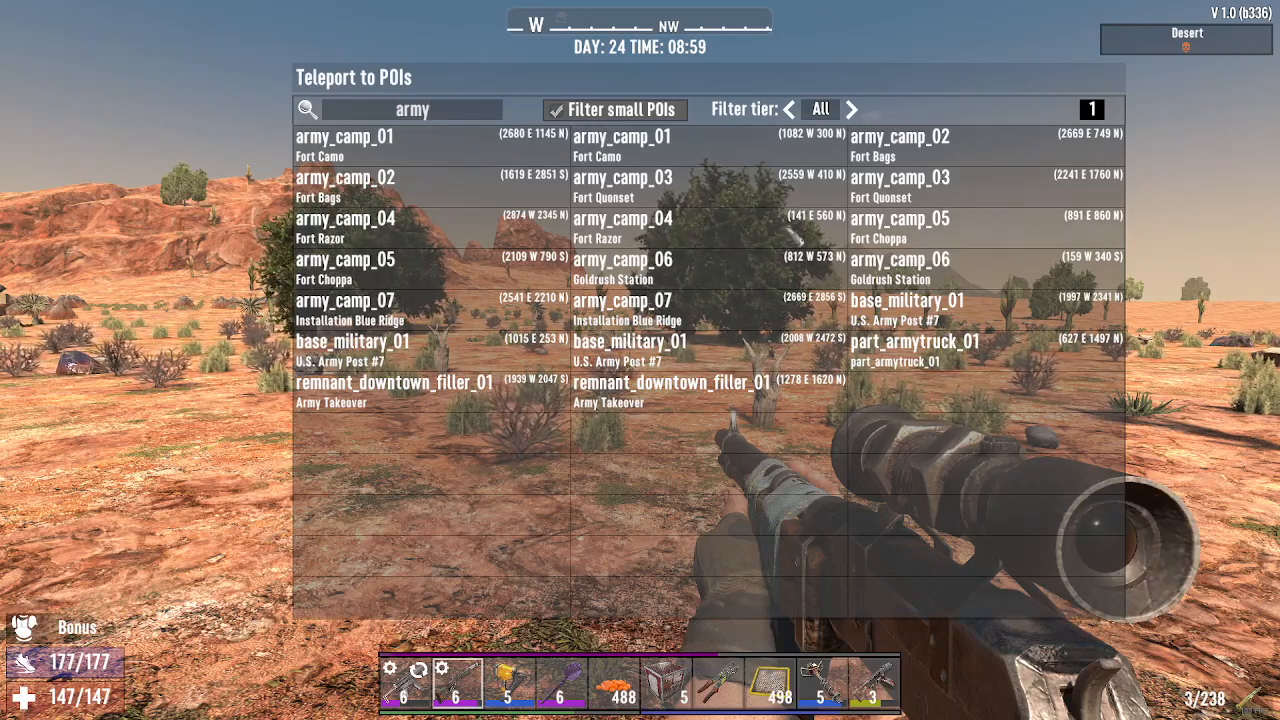
After enabling the debug menu, press Escape to access your P.O.I. (Point of Interest) teleporter. This is the key tool for finding Army bases quickly.
In the P.O.I. teleporter interface, type Army to filter all Army-related institutions on your map. You’ll see a list of every Army base available in your generated world.
Understanding Coordinates
Each Army base in the list displays specific coordinates. For example, you might see locations marked as “2541 East, 2210 North.” These coordinates help you navigate manually if you choose not to teleport.
To check your current position on the map, press M to open your map. You’ll see an arrow indicator that displays your current coordinates in the format “East” and “North.” This allows you to calculate distances and navigate toward any Army base you’ve identified.
Teleporting to an Army Base
If you want to reach an Army base immediately, simply select any location from your P.O.I. teleporter list and activate the teleport function. The game will instantly transport you to that location.
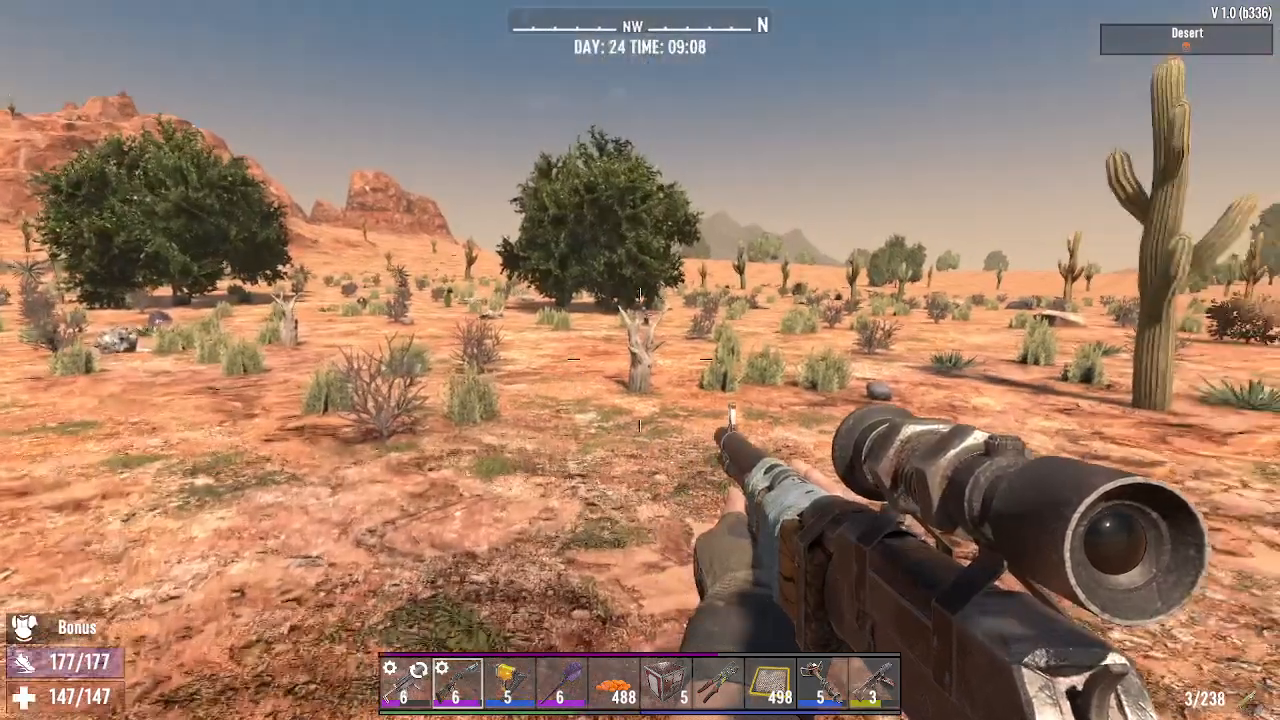
What to Expect at Army Bases
Army bases in 7 Days to Die are relatively simple structures, but they come with significant hazards. These locations appear in various biomes throughout your map, so you’ll encounter different environmental challenges depending on where they’re located.
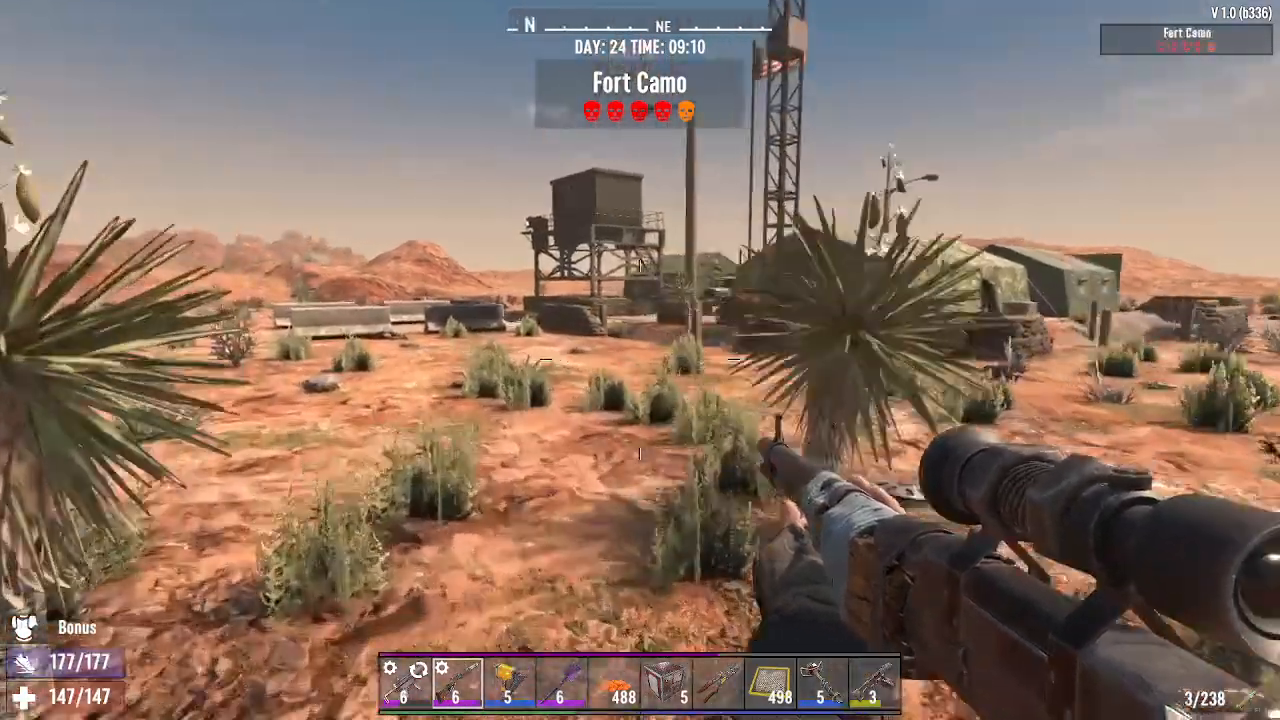
Mine Hazards
The most dangerous feature of Army bases is the presence of mines. These appear as hubcap-shaped objects scattered around the base. Be extremely careful when navigating these areas—stepping on a mine will cause it to explode and deal significant damage.
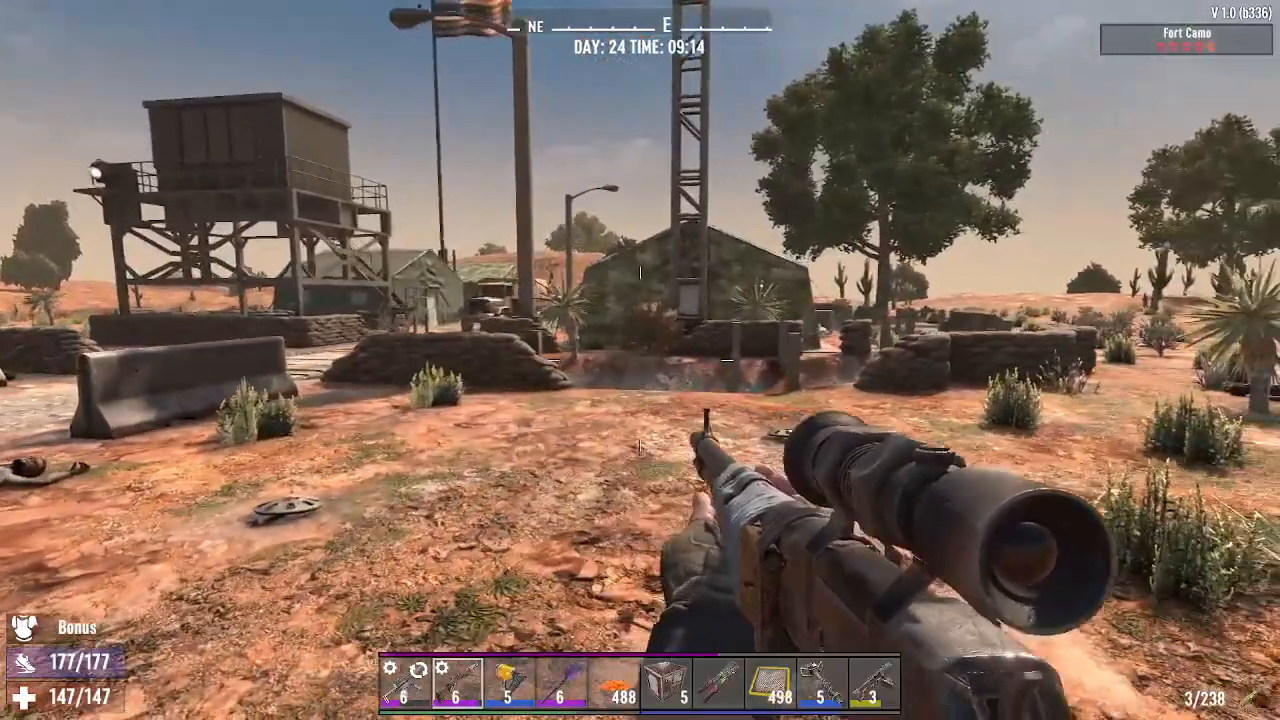
You can safely remove mines by shooting them from a distance. This eliminates the hazard and allows you to explore the base more safely.

Summary
Finding Army bases in 7 Days to Die is straightforward when you use the debug menu and P.O.I. teleporter. Press F1 to open the console, type DM to enable debug mode, then use your P.O.I. teleporter to search for “Army” locations. You can either teleport directly to these bases or use the coordinates provided to navigate manually. Remember to watch out for mines when you arrive, and clear them by shooting from a safe distance. With this method, you’ll have no trouble locating valuable Army base loot on any randomly generated map.
Want to Support?
If you would like to help us continue making these guides – please consider joining our patreon here – https://www.patreon.com/c/JaviHeals
Alternatively – you can join our discord here – https://discord.gg/zD7Gjt6MHF