Best Way to Get Rid of Loot Bags in 7 Days to Die
Best Way to Get Rid of Loot Bags in 7 Days to Die
Loot bags can quickly clutter your inventory in 7 Days to Die, making it difficult to manage your resources effectively. Fortunately, there’s a quick and easy method to dispose of them without wasting time. This guide will walk you through the fastest way to get rid of loot bags and keep your inventory organized.
How to Quickly Remove Loot Bags
The simplest way to remove a loot bag is to use the designated hotkey. First, press E to open the loot bag and see its contents.
Once the loot bag is open, press R to take everything inside it. When you do this, all items will transfer to your inventory and the loot bag will immediately disappear.
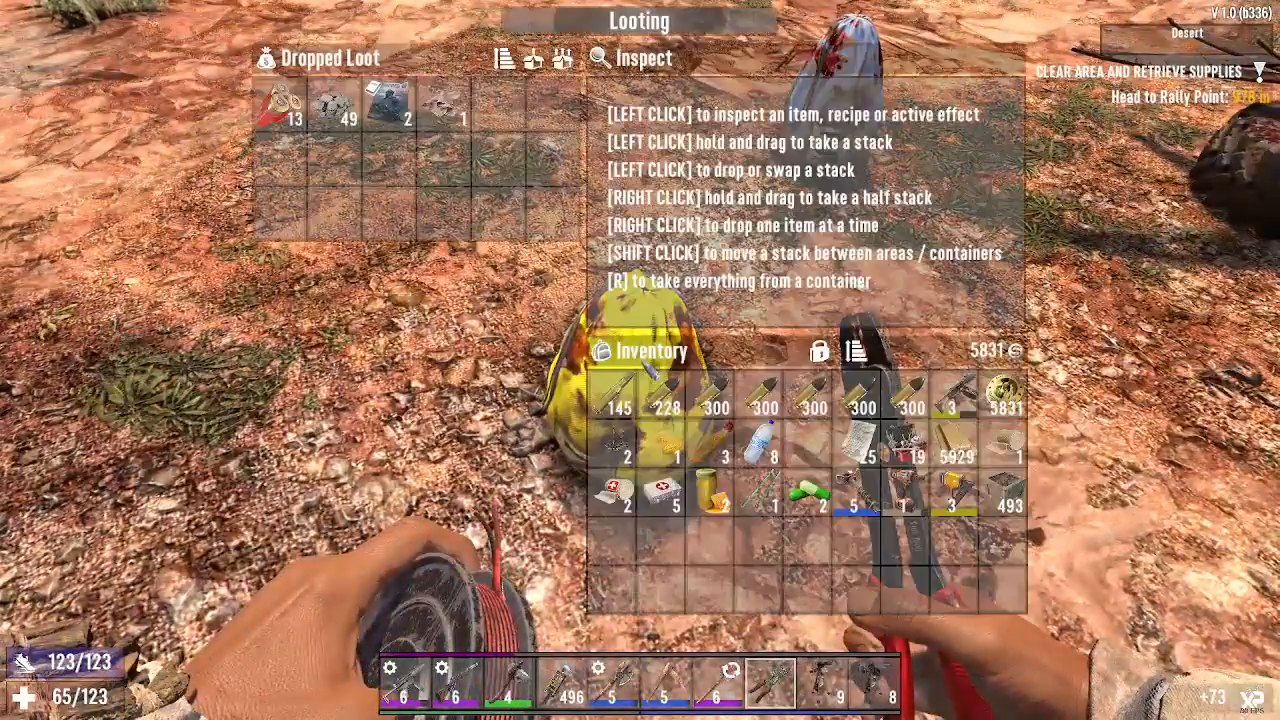
You can repeat this process for any additional loot bags you encounter in an area. Simply look at the next dropped loot, search it, and press R again. The bag will vanish completely.
Managing Inventory Space While Looting
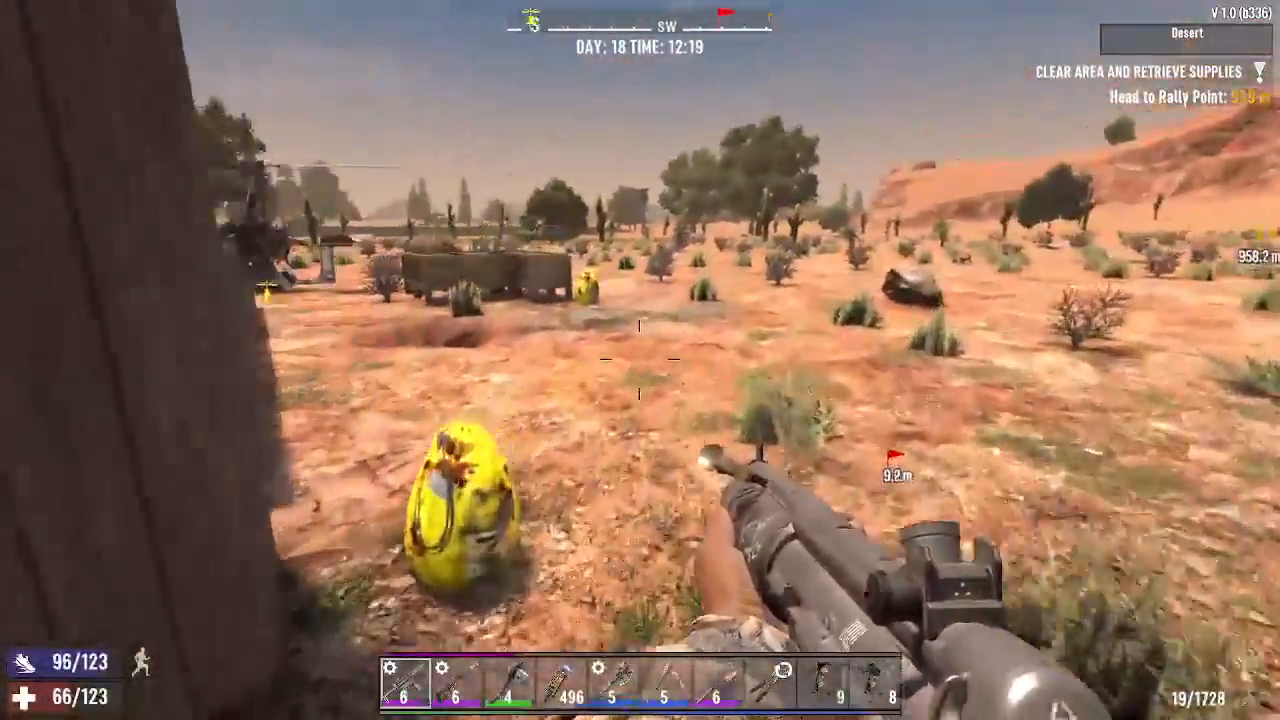
If you’re concerned about your inventory becoming too full while collecting items from multiple loot bags, there’s a strategic approach you can use. After you’ve cleared an area and confirmed it’s safe to investigate, open each loot bag individually.
Before pressing R to collect everything, take time to learn any magazines you find first. Once you’ve done this, you can then press R to collect the remaining loot. This method allows you to gradually manage the amount of loot bag items entering your inventory, preventing it from becoming overloaded.
Summary
Getting rid of loot bags in 7 Days to Die is straightforward: open the bag with E and press R to collect everything and make it disappear. If you want to manage your inventory more carefully, learn magazines from loot bags first, then press R to collect the remaining items. This efficient method will help you stay organized and maximize your looting efficiency.
— Want to Support? —
If you would like to help us continue making these guides – please consider joining our patreon here – https://www.patreon.com/c/JaviHeals
Alternatively – you can join our discord here – https://discord.gg/zD7Gjt6MHF