
How to Locate Friends in 7 Days to Die
How to Locate Friends in 7 Days to Die
Finding your friends in a multiplayer 7 Days to Die server is essential for cooperative gameplay and group survival. This guide walks you through the simple steps to locate your friends using the party system, which displays directional arrows and distance measurements on your screen.
Opening the Party Menu
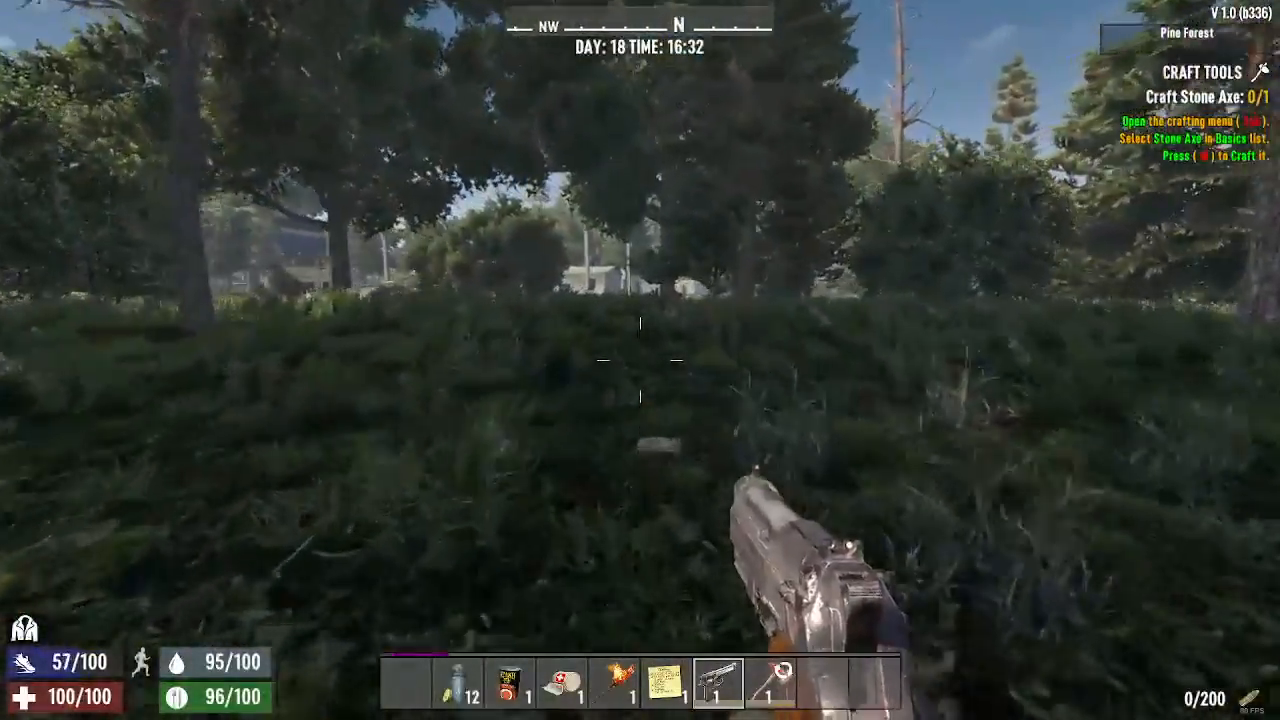
To begin locating your friends, press the Tab key on your keyboard. This will open the player menu where you can see available party options.
Sending a Party Invite
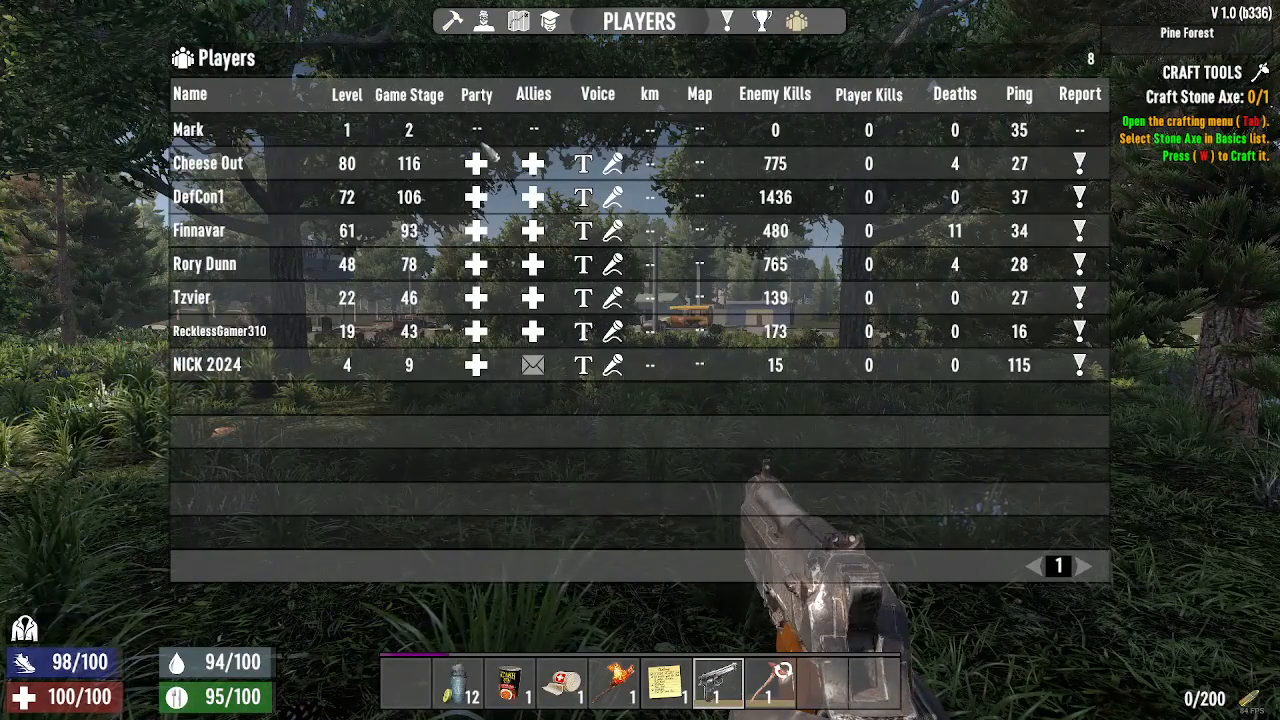
Once the menu is open, you’ll see party buttons displayed on the screen. Click on the party button corresponding to the friend you want to invite. This will send them a party invitation.
Accepting the Party Invite
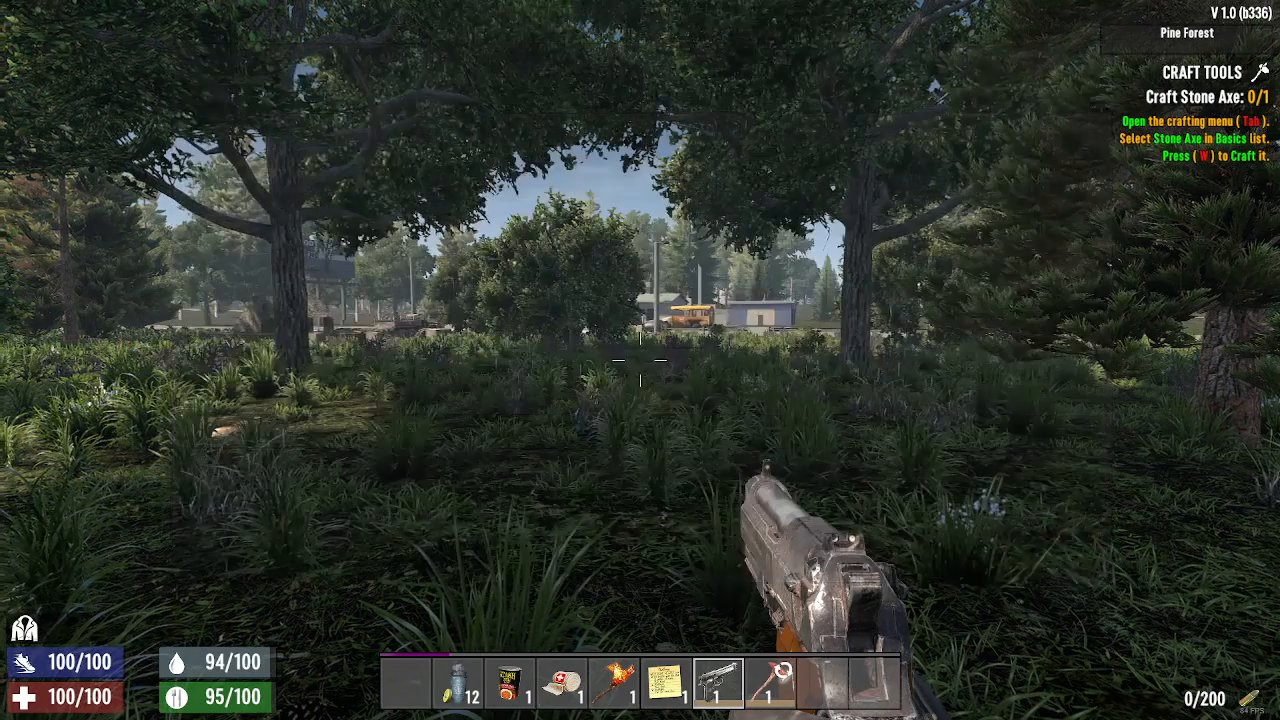
When your friend accepts the party invite, their name will appear on your screen with an arrow indicator pointing in their direction.
Using the Distance and Direction Indicators
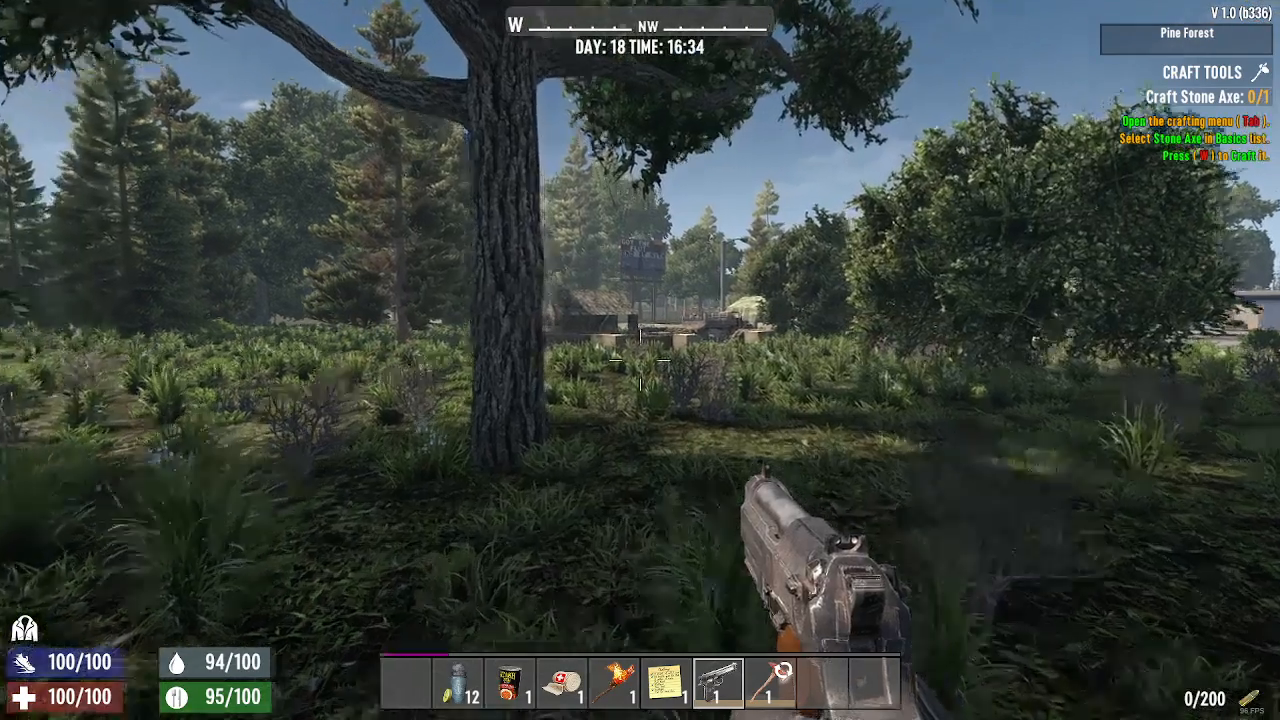
Along with the directional arrow, the game will also display the distance between you and your friend. You can use both the arrow and distance measurement to navigate toward them. Simply follow the arrow on your screen to move in their direction, keeping an eye on the distance to see how close you’re getting.
Summary
Locating friends in 7 Days to Die is straightforward using the party system. Press Tab to open the menu, select a party button to invite your friend, and once they accept, follow the directional arrow and distance indicator displayed on your screen. This feature is invaluable for coordinating with teammates, sharing resources, and surviving together in your 7 Days to Die world.
— Want to Support? —
If you would like to help us continue making these guides – please consider joining our patreon here – https://www.patreon.com/c/JaviHeals
Alternatively – you can join our discord here – https://discord.gg/zD7Gjt6MHF