
How To Form & Use Caravans In Rimworld
How To Form & Use Caravans In Rimworld
Caravans are an essential feature in Rimworld that allow you to send your colonists on expeditions beyond your settlement to explore the map, respond to distress signals, trade with other factions, or transport goods. This guide will walk you through the complete process of forming and managing caravans, from initial setup to monitoring your journey across the world map.
Accessing the World Map
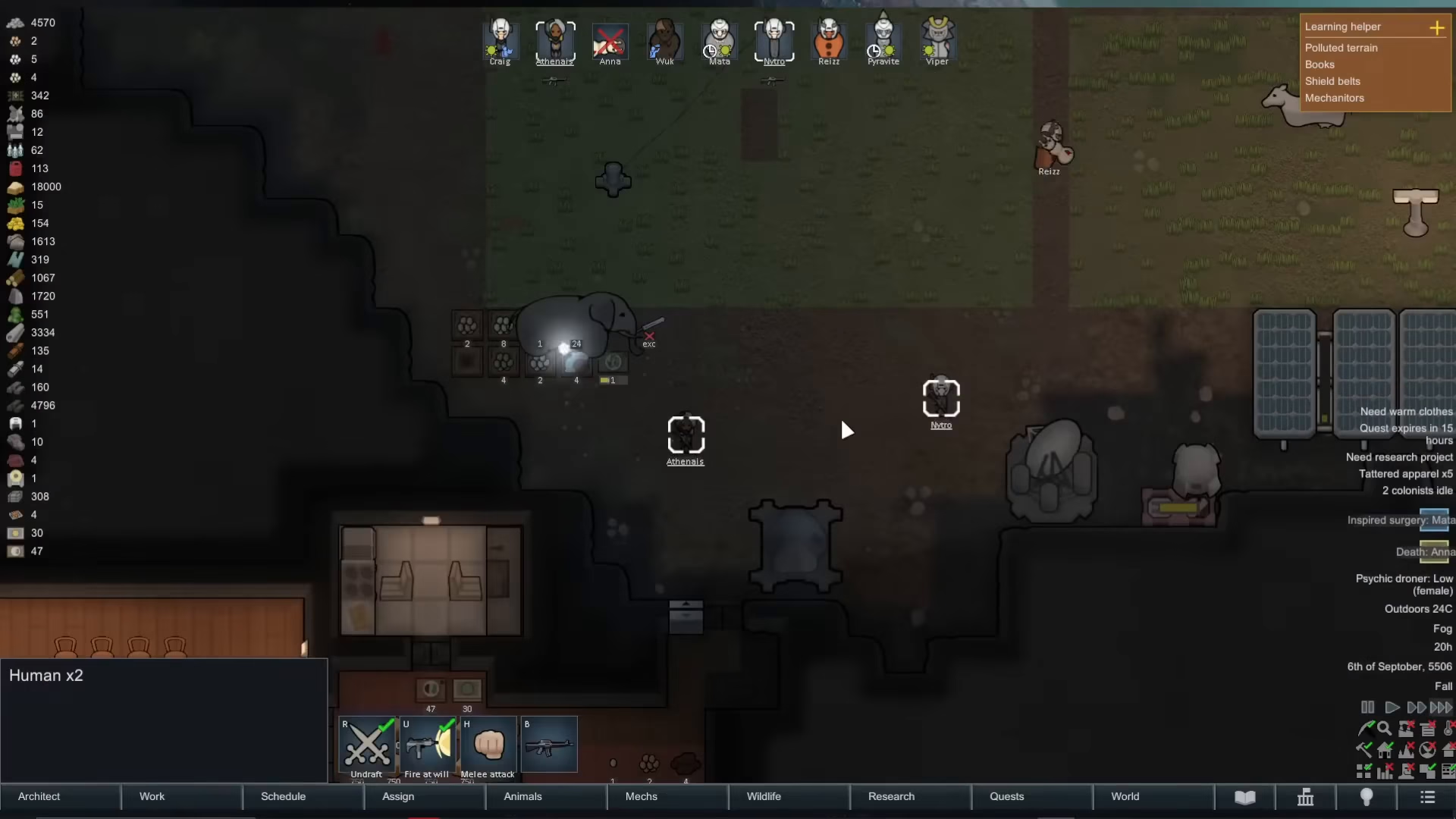
To begin forming a caravan, you first need to access the world map view. Click the world button located at the bottom of your screen. This takes you out of your settlement view and onto the larger world map where caravans actually travel.
Selecting Your Destination
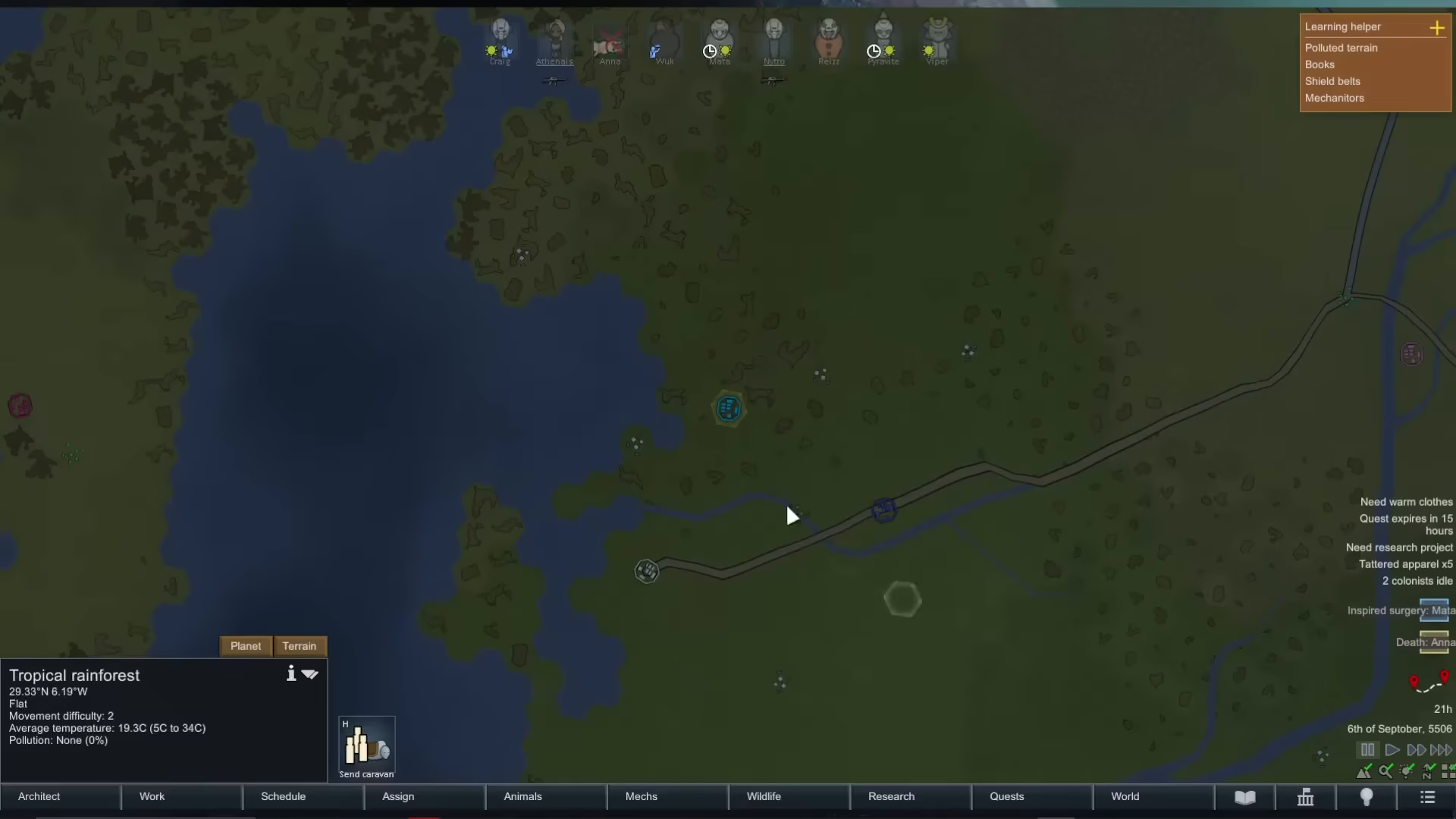
Once on the world map, you can click anywhere you’d like to travel. You might choose to respond to a distress signal, visit another settlement, or explore a point of interest. You can even click on your own city if you want to organize a caravan from your current location.
After selecting a destination, a “Form Caravan” button will appear. Click this button to proceed with creating your caravan.
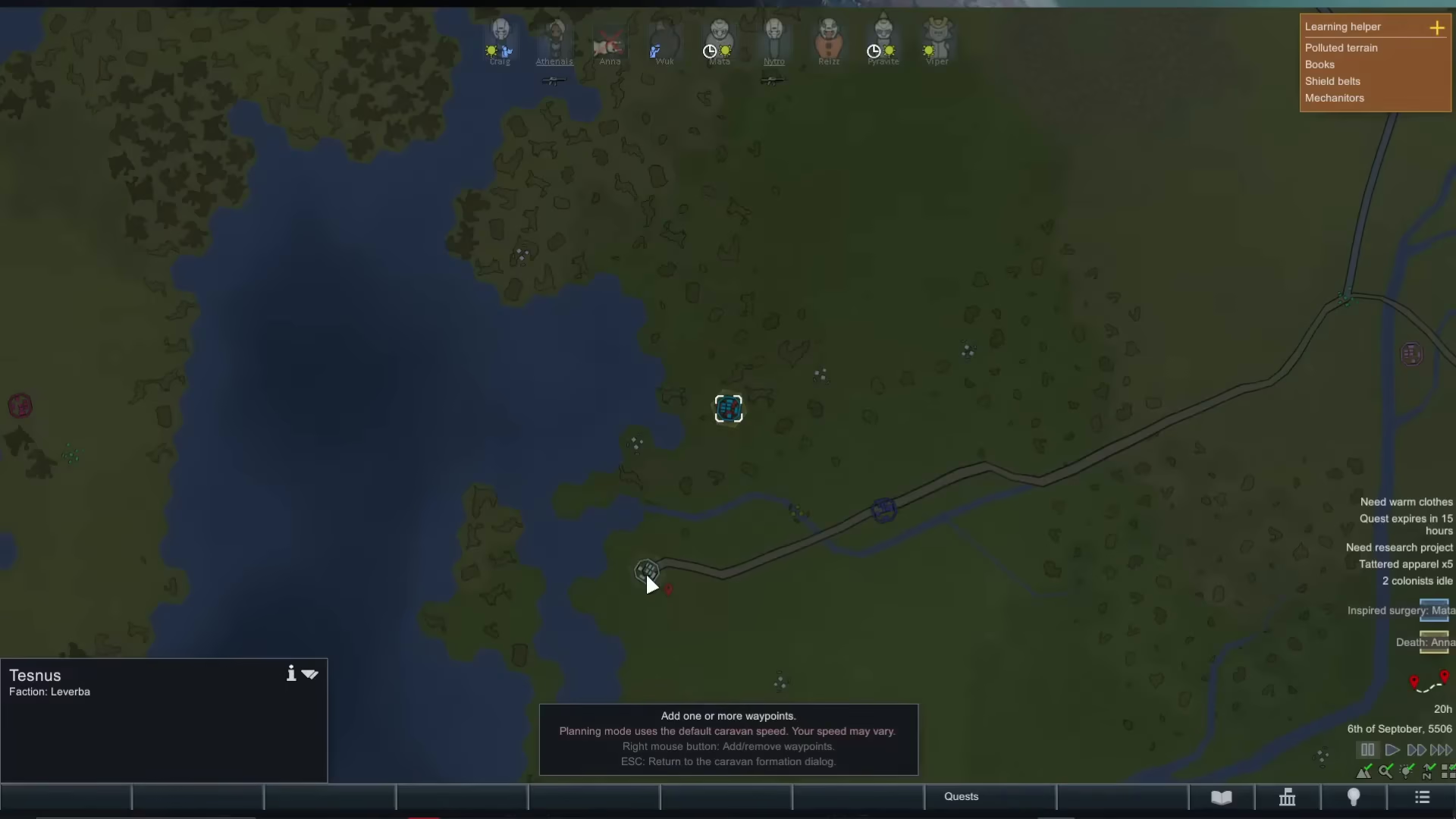
Next, right-click on your chosen destination to confirm the route. This action opens the caravan formation screen where you’ll configure all the details of your expedition.
Caravan Formation Screen Overview
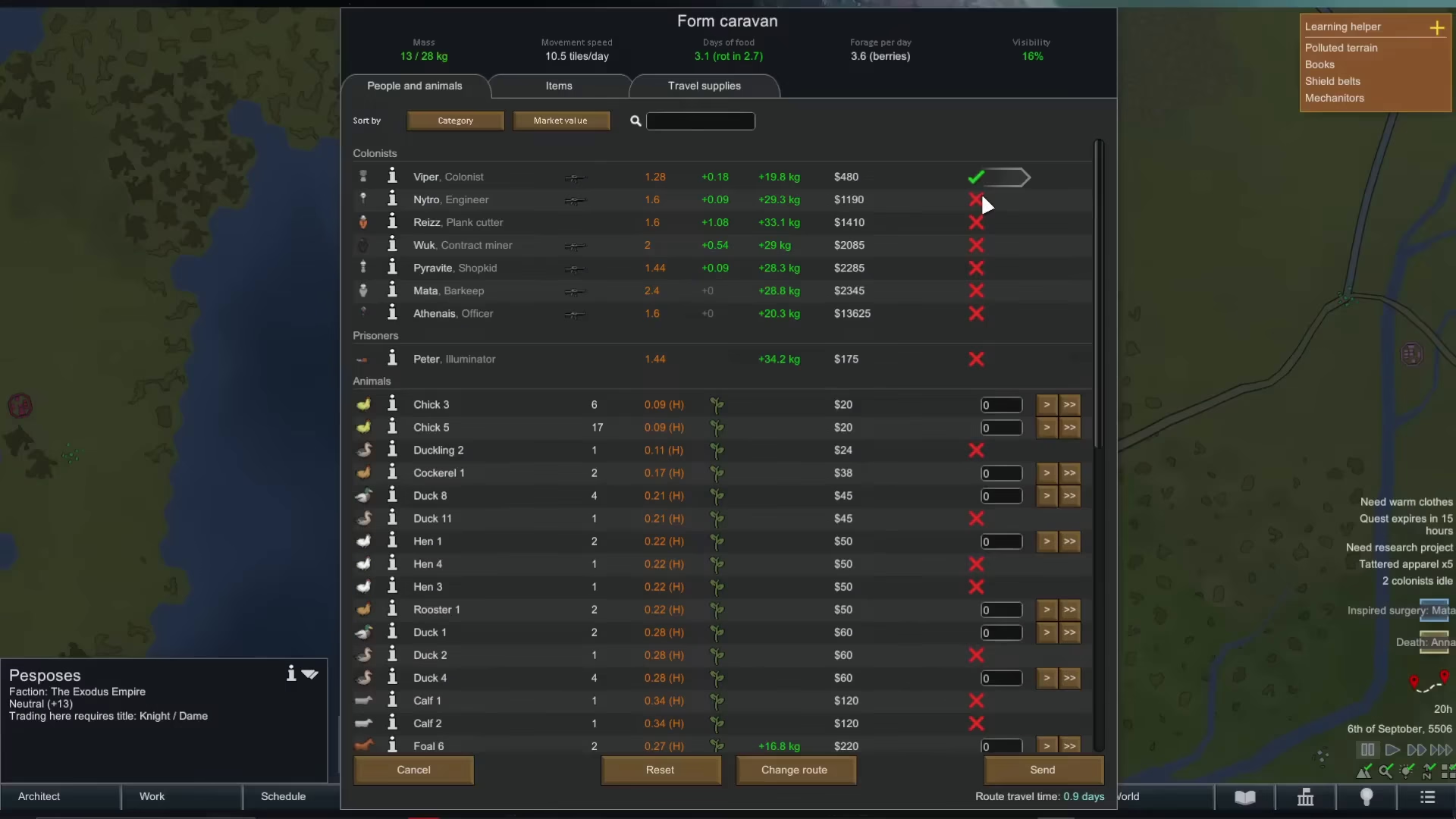
The caravan formation screen contains several important sections for customizing your expedition:
Colonists Selection
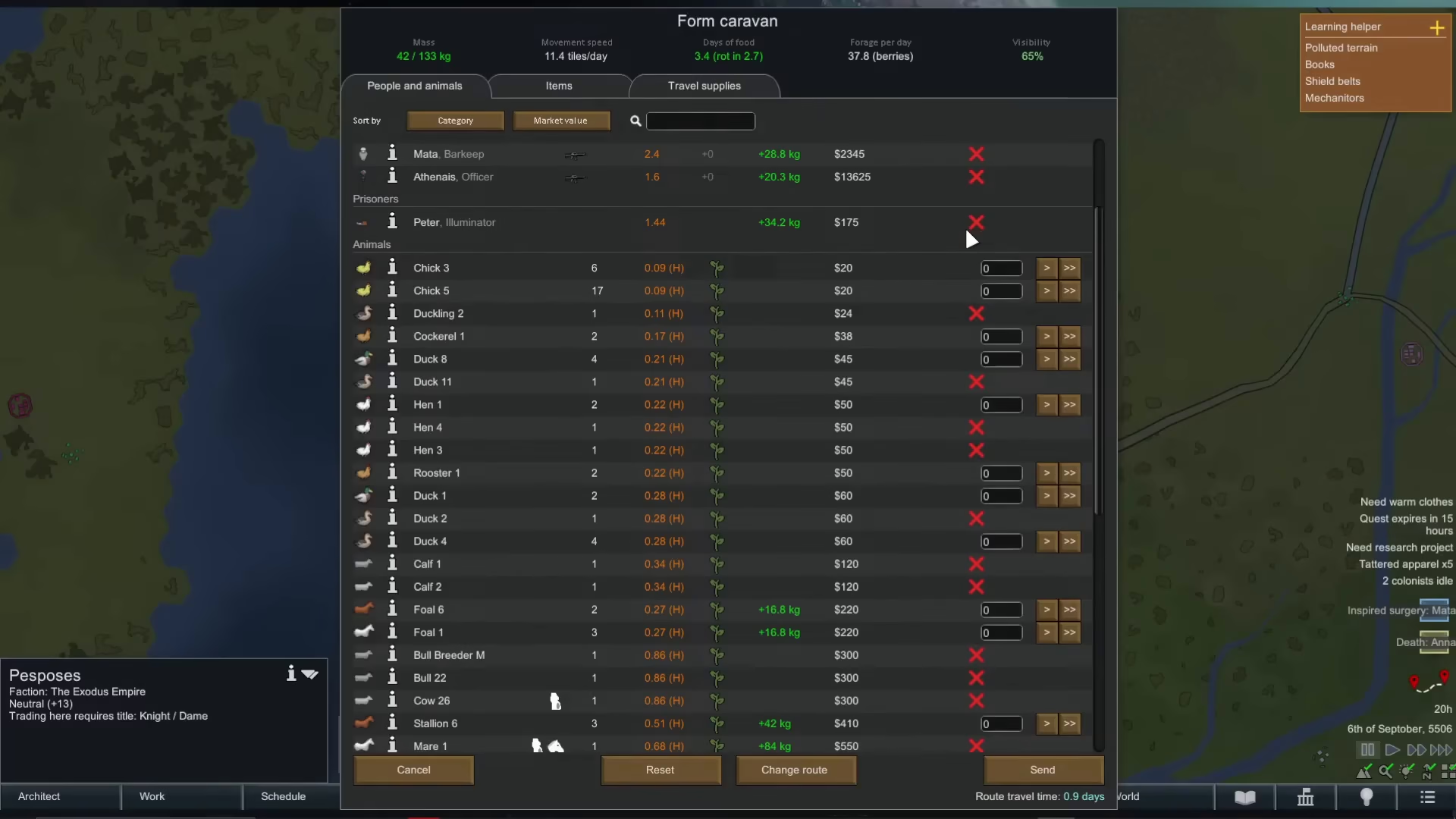
At the top of the screen, you’ll find a colonists section. Here you can tick checkboxes to select which colonists you want to take on the caravan. For each colonist, the screen displays:
Slave Value: How much they’re worth if you want to sell them as slaves
Weight Capacity: How much weight they can carry (their carrying capacity)
Foraging Ability: How much food they can forage per day
Nutrition Consumption: How much nutrition they will eat per day
Equipment: What weapon they currently have equipped
Animals and Prisoners
Below the colonists section, you can manage animals and prisoners. You have the option to bring prisoners along — perhaps to sell them on the black market at another settlement. You can also bring animals with you, whether for transportation, selling, or other purposes. This includes meccanoids if you’ve managed to capture them.
Items and Travel Supplies
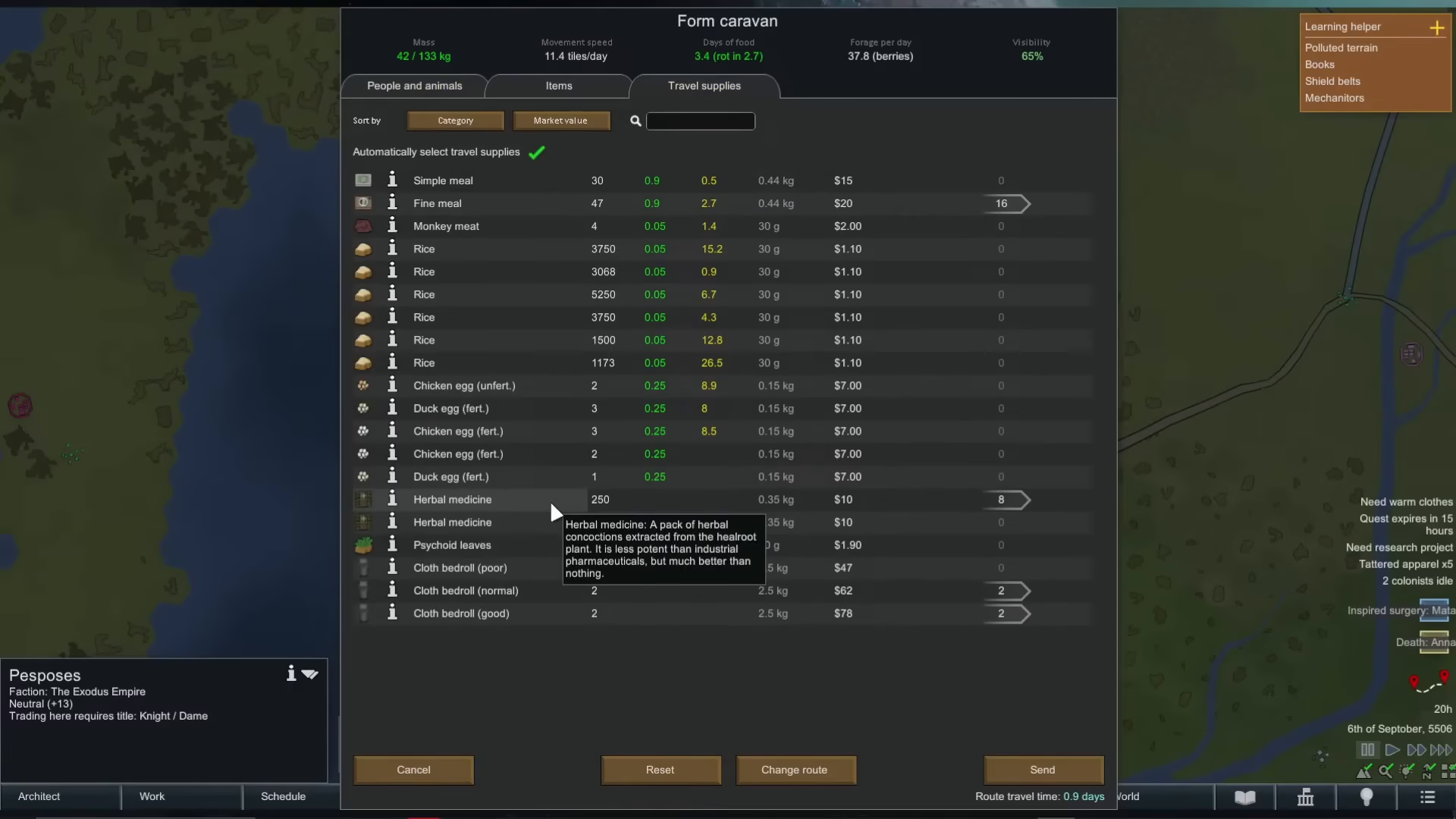
The screen includes tabs for managing items and travel supplies. You can pack essential goods like food, medicine, and cloth rolls. This ensures your caravan has adequate resources for the journey and any unexpected encounters.
Finalizing Your Caravan
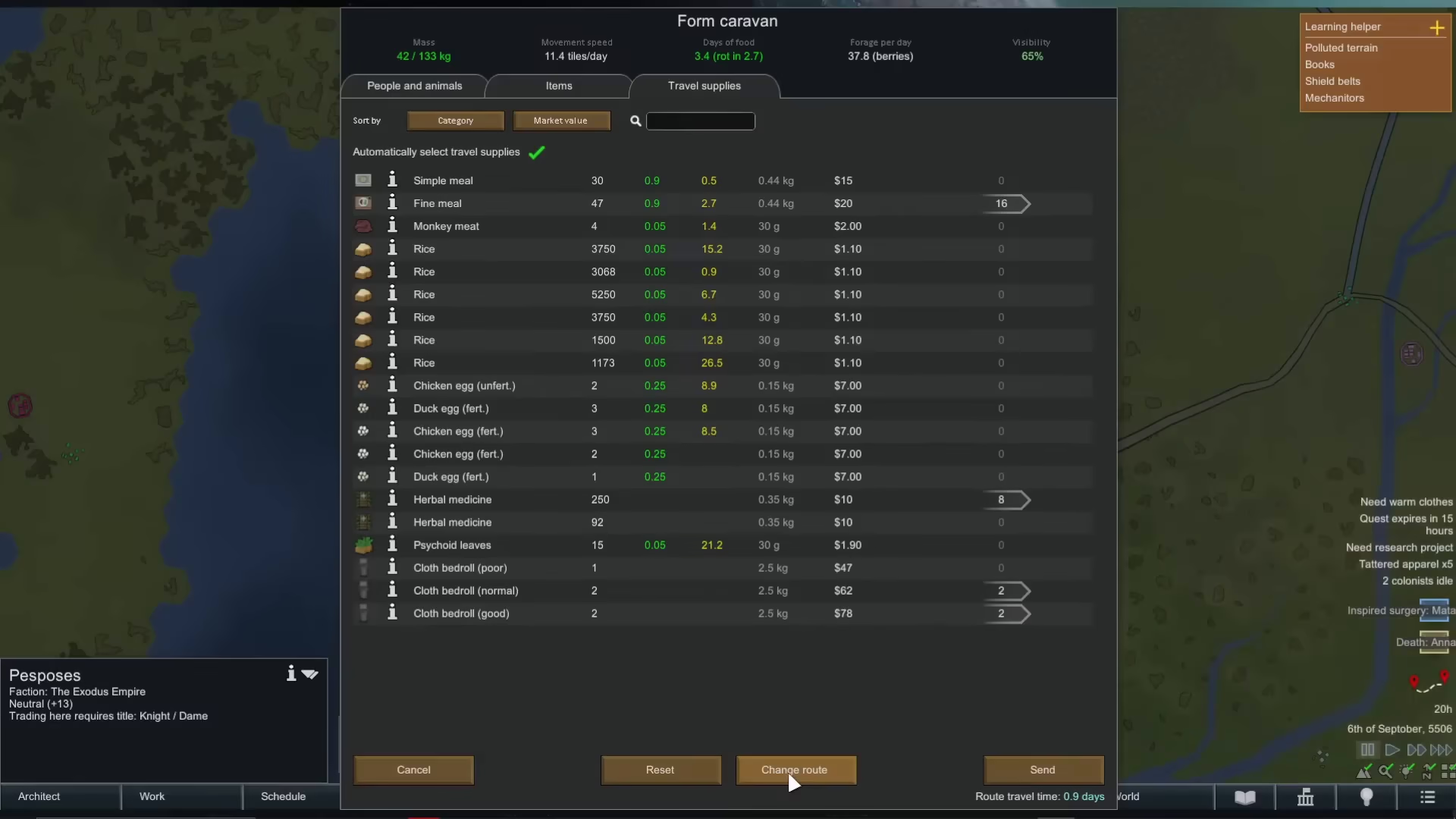
If you decide you want to travel to a different destination, click the “Change Route” button to select a new location. When you’re satisfied with your caravan composition and destination, click the “Send” button to dispatch your caravan.
The screen will show your estimated travel time. In this example, the journey takes 0.9 days.
Caravan Departure and Monitoring
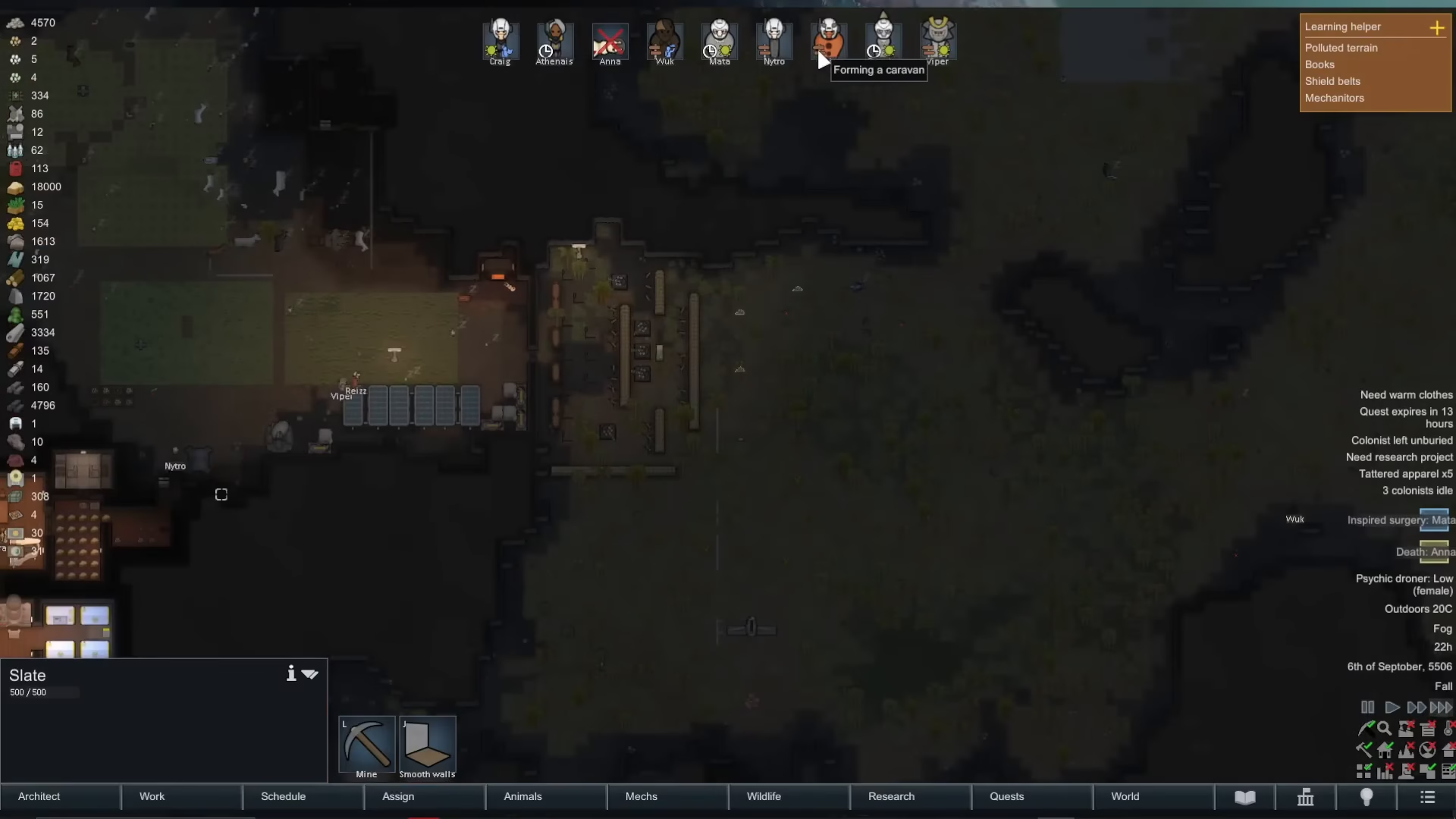
After you press send, the view zooms back into your settlement. Your selected colonists will begin gathering their items and assembling at the caravan point. You’ll see notification indicators at the top of the screen showing “Forming a caravan” for each colonist involved in the expedition.
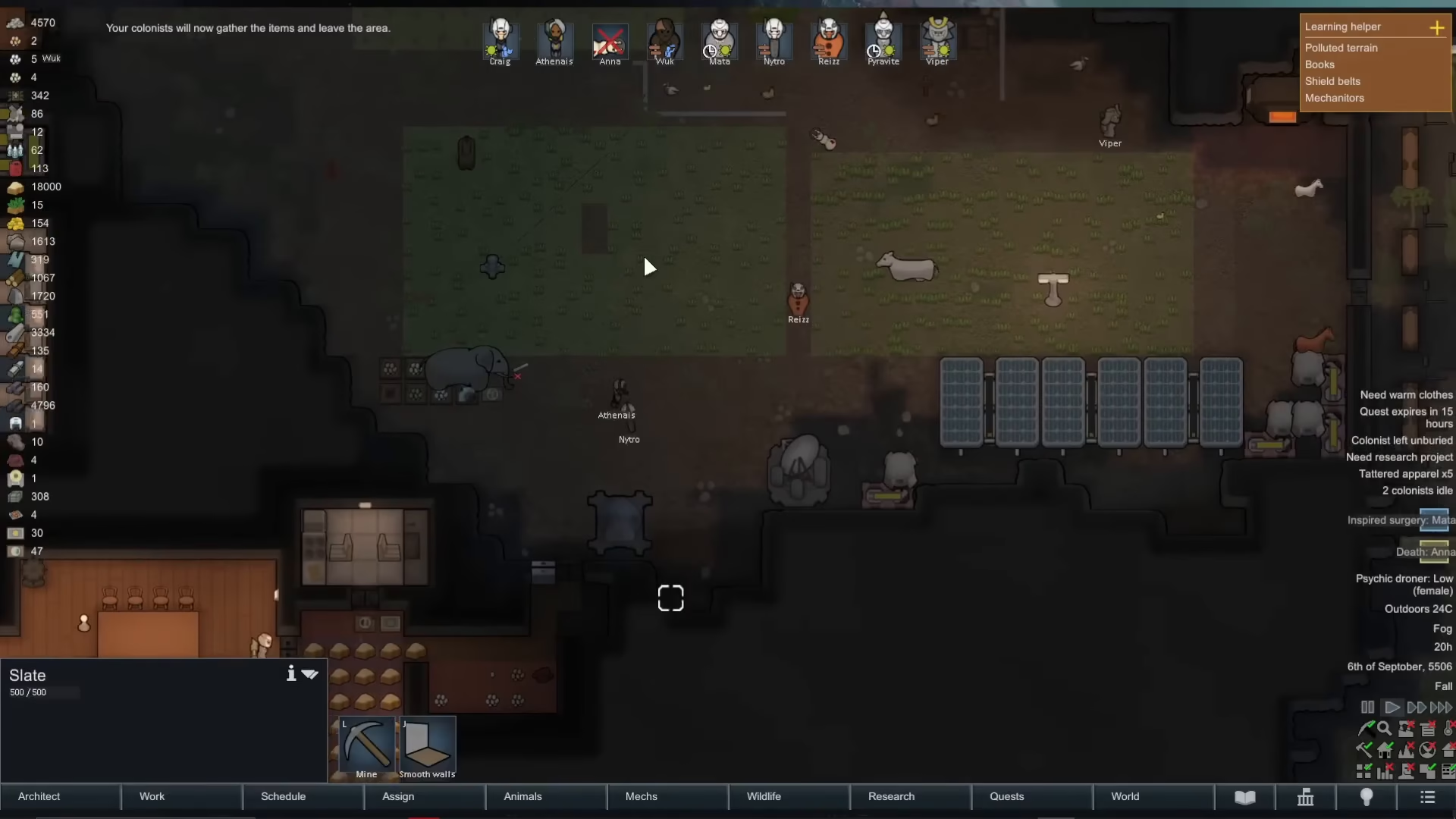
Once they’ve gathered everything, the colonists will slowly walk off the map to embark on their caravan journey. You can track their progress by watching them exit your settlement borders.
Tracking Your Caravan on the World Map
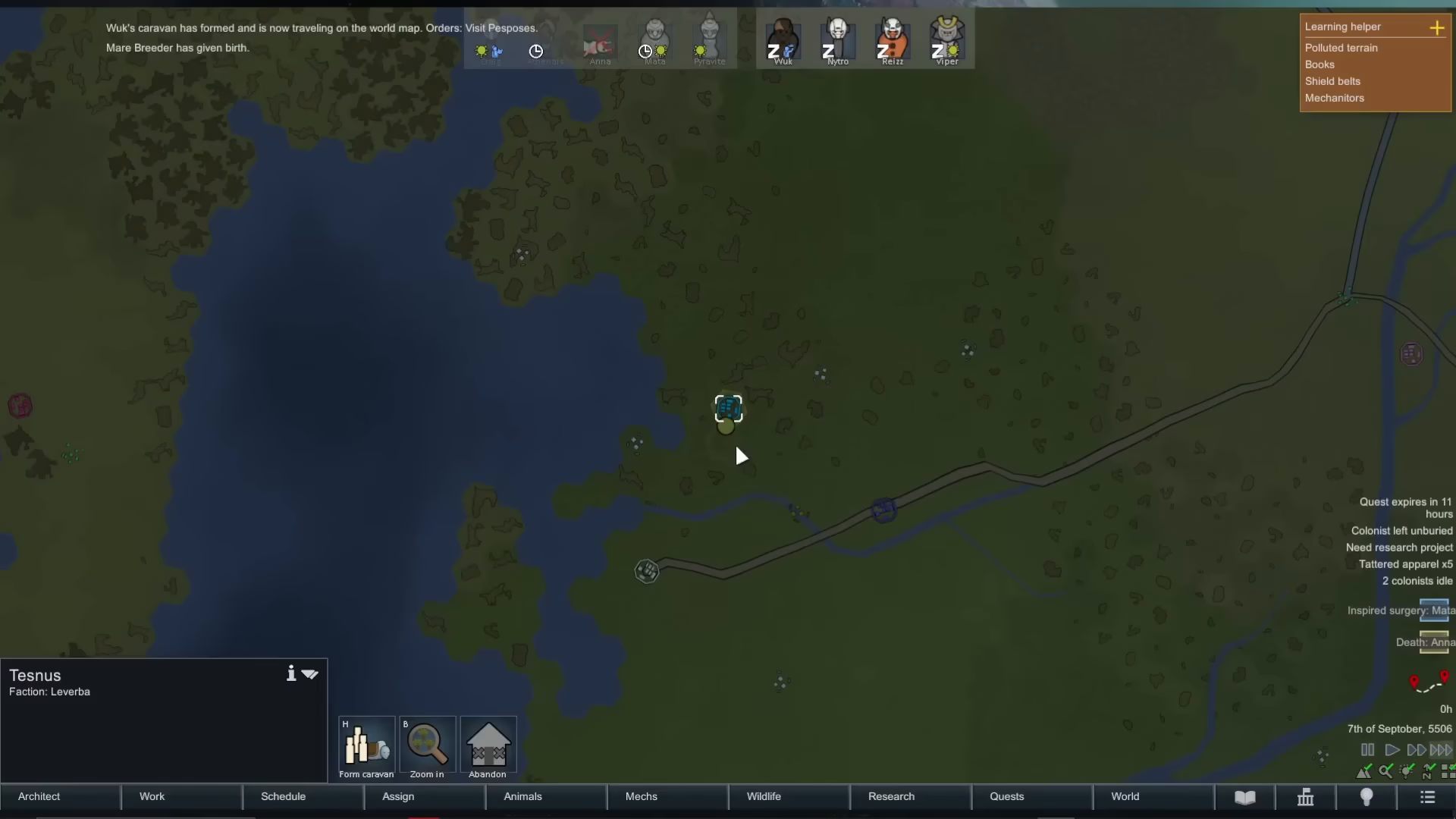
After your caravan leaves, you can monitor their progress on the world map. A small dot or circle represents your caravan, and you can see the route they’re taking across the map. The caravan information display shows:
Weight Capacity: How much they’re currently carrying
Movement Speed: How quickly they’re traveling
Food Supply: How much food they have
Foraging Potential: How much food they can gather during their journey
Visibility: How easy they are to detect by other factions or threats
Summary
Forming and using caravans in Rimworld is a straightforward process once you understand the steps. Start by accessing the world map, select your destination, configure your colonists and supplies, and send them on their journey. From there, you can monitor their progress and visibility as they travel across the world. Caravans open up new opportunities for exploration, trading, and resource gathering that extend far beyond your settlement’s borders.
— Want to Support? —
If you would like to help us continue making these guides – please consider joining our patreon here – https://www.patreon.com/c/JaviHeals
Alternatively – you can join our discord here – https://discord.gg/zD7Gjt6MHF