How To Forbid Areas In Rimworld
How To Forbid Areas In Rimworld
Forbidding areas in Rimworld is an essential mechanic for controlling where your colonists (and animals) can go. Whether you want to restrict access to dangerous zones, keep your colonists out of specific rooms, or create designated safe areas, understanding how to properly forbid areas will give you much better control over your colony. This guide will walk you through the process step-by-step.
Accessing the Area Management System
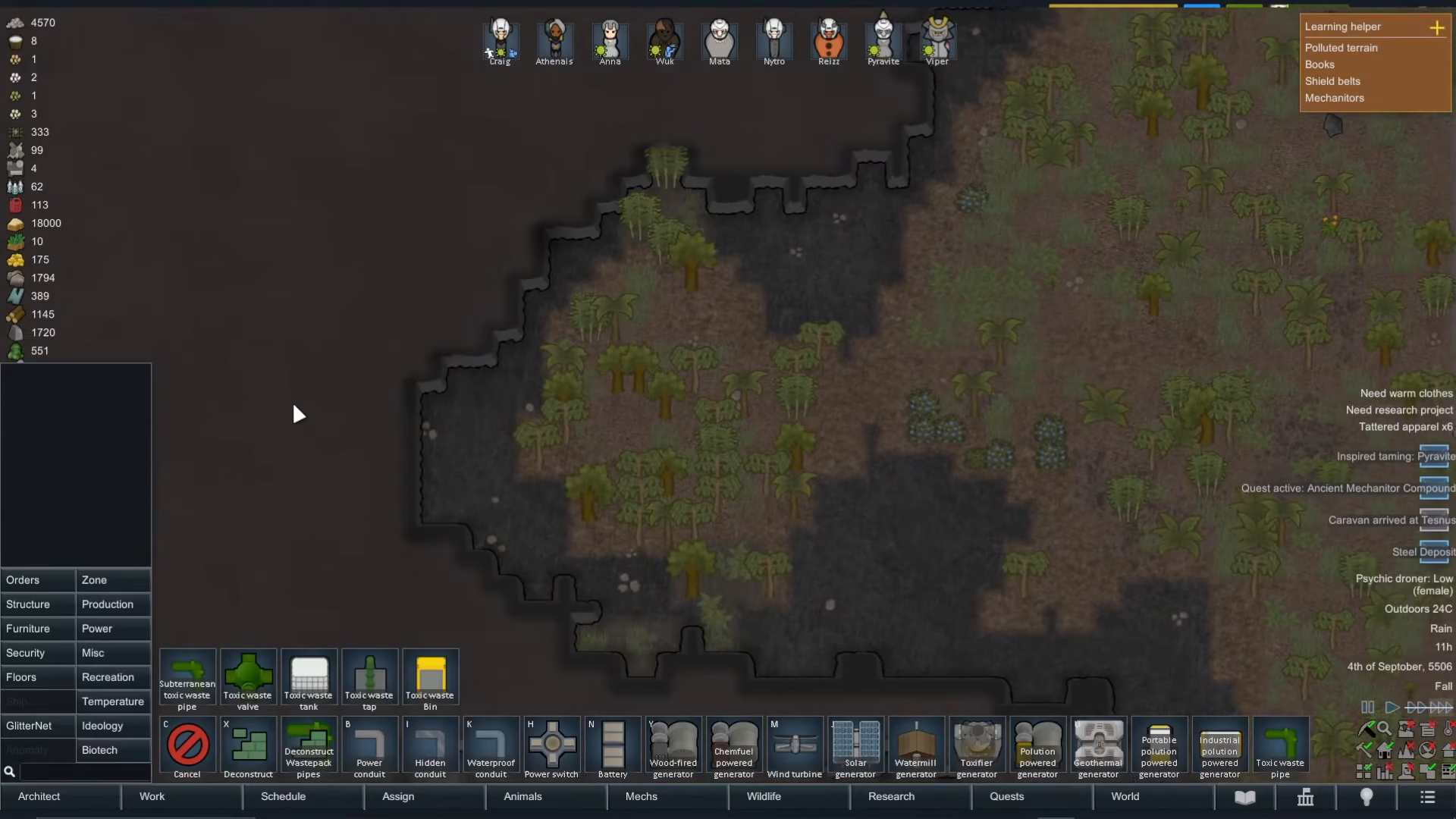
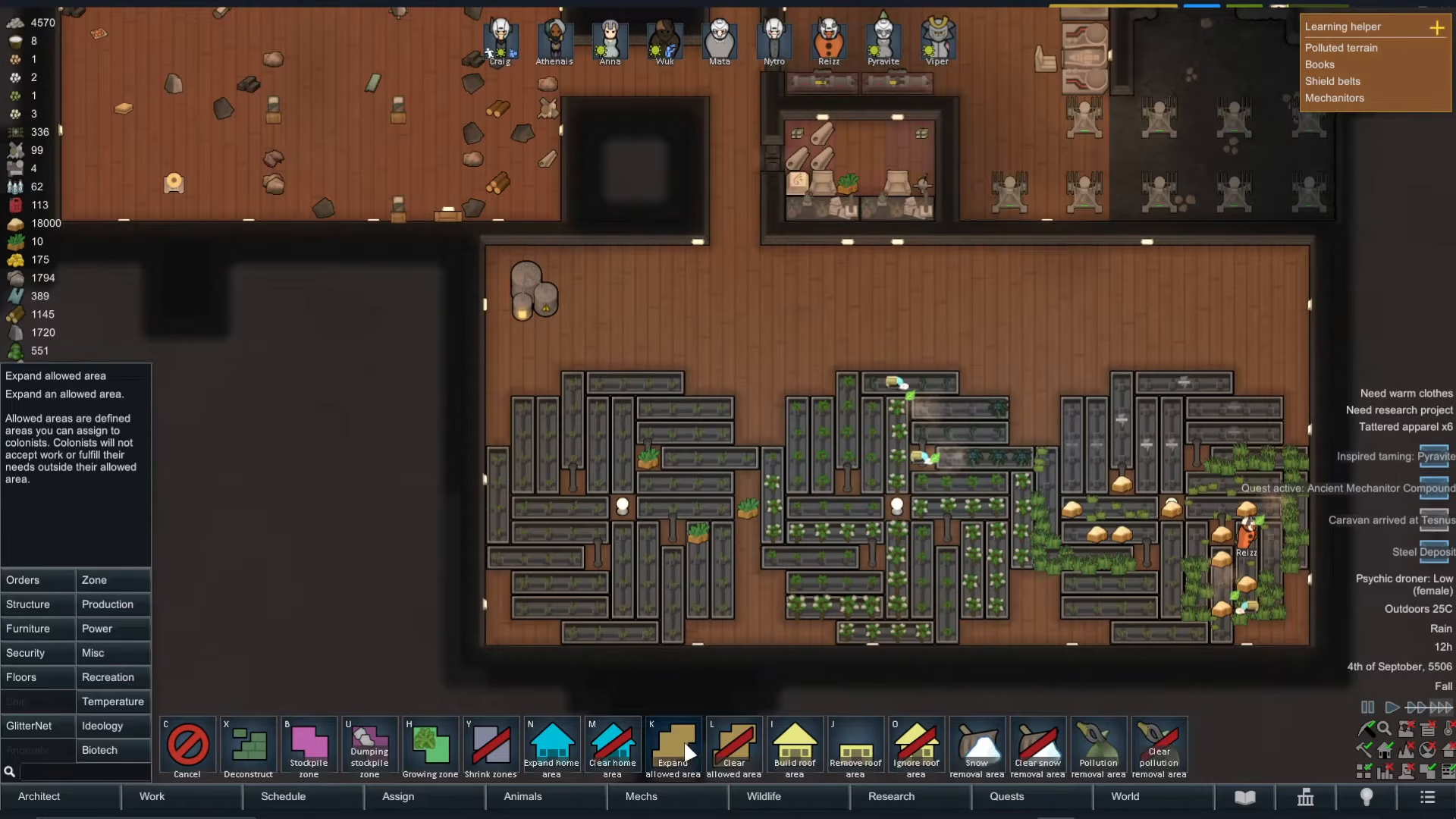
To begin, navigate to the Architect menu and select Zone. This will open up your area management interface where you can create and edit restricted zones throughout your colony.
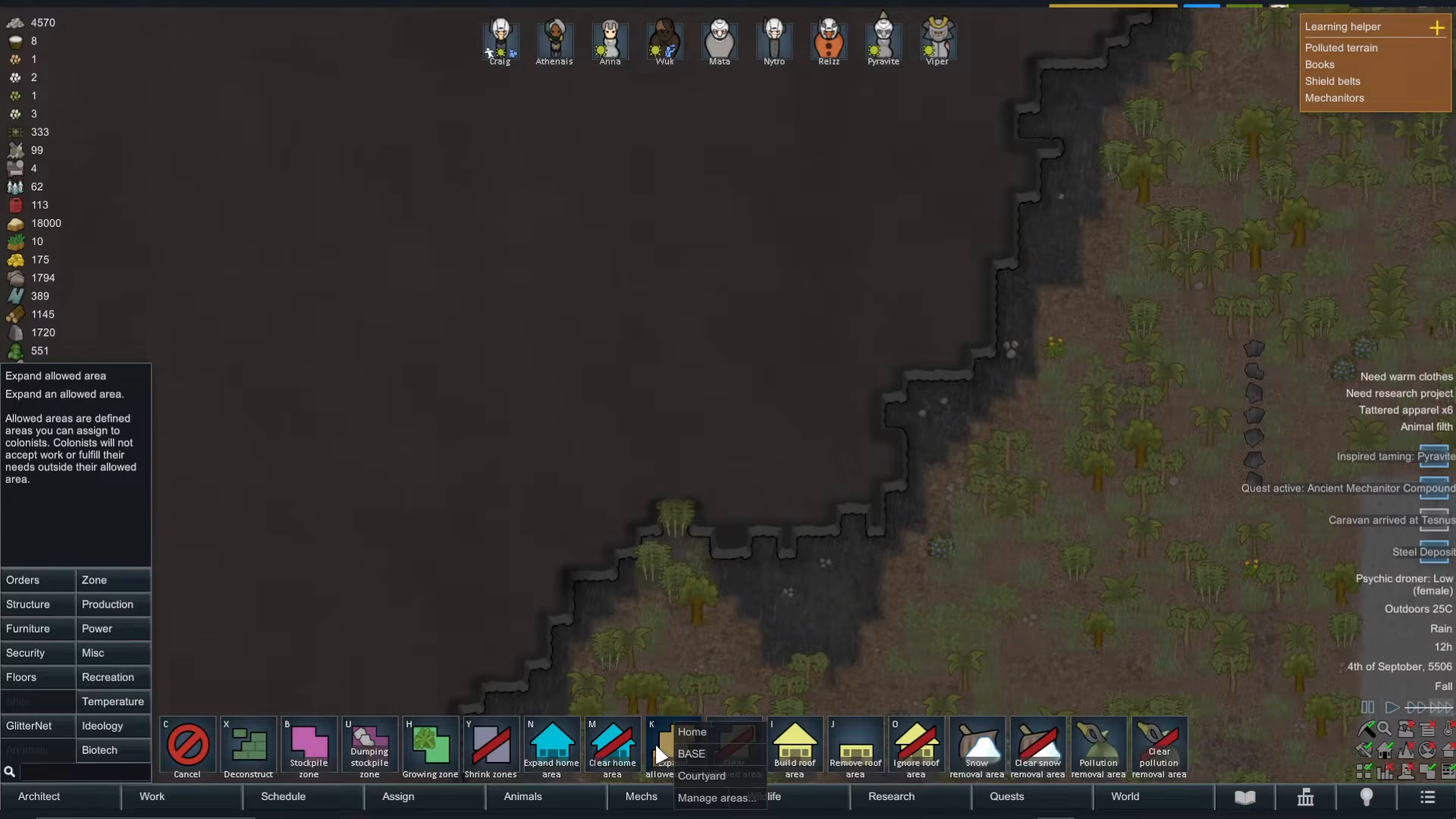
You’ll notice there’s an option to expand your allowed areas. If you’ve already set up areas in your colony, you’ll see them listed here—for example, a home area, base, and courtyard.
Creating a New Forbidden Area
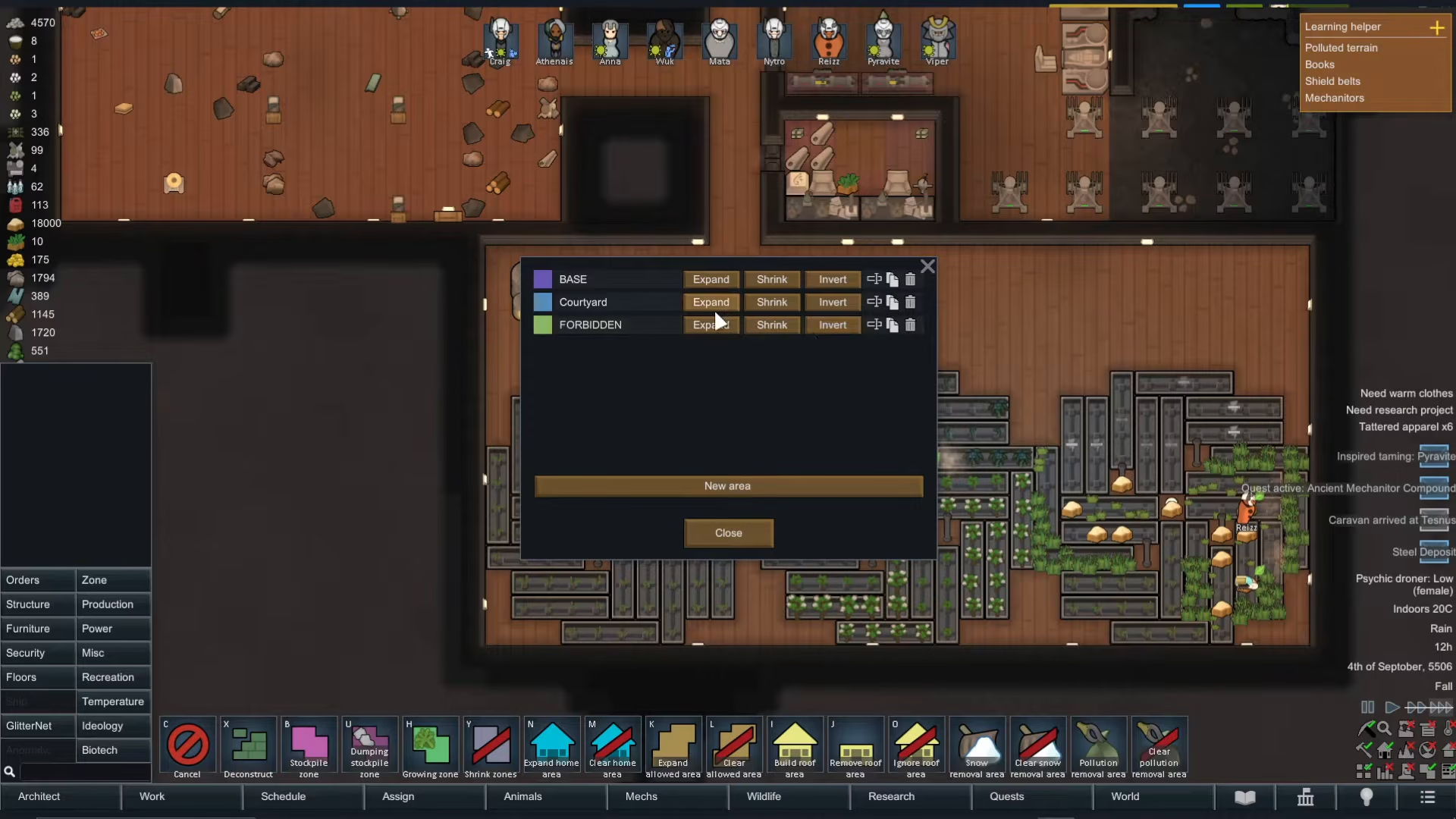
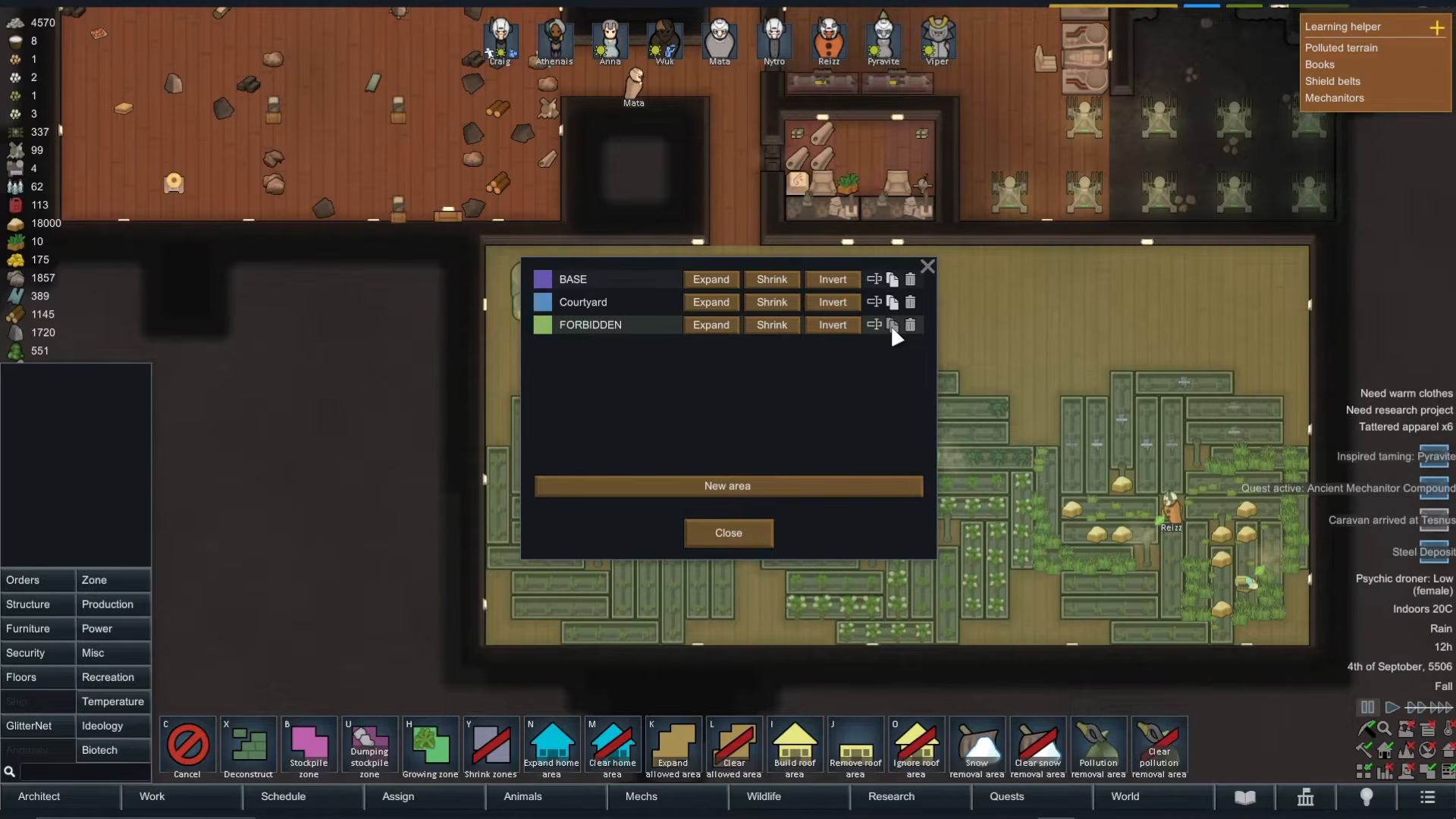
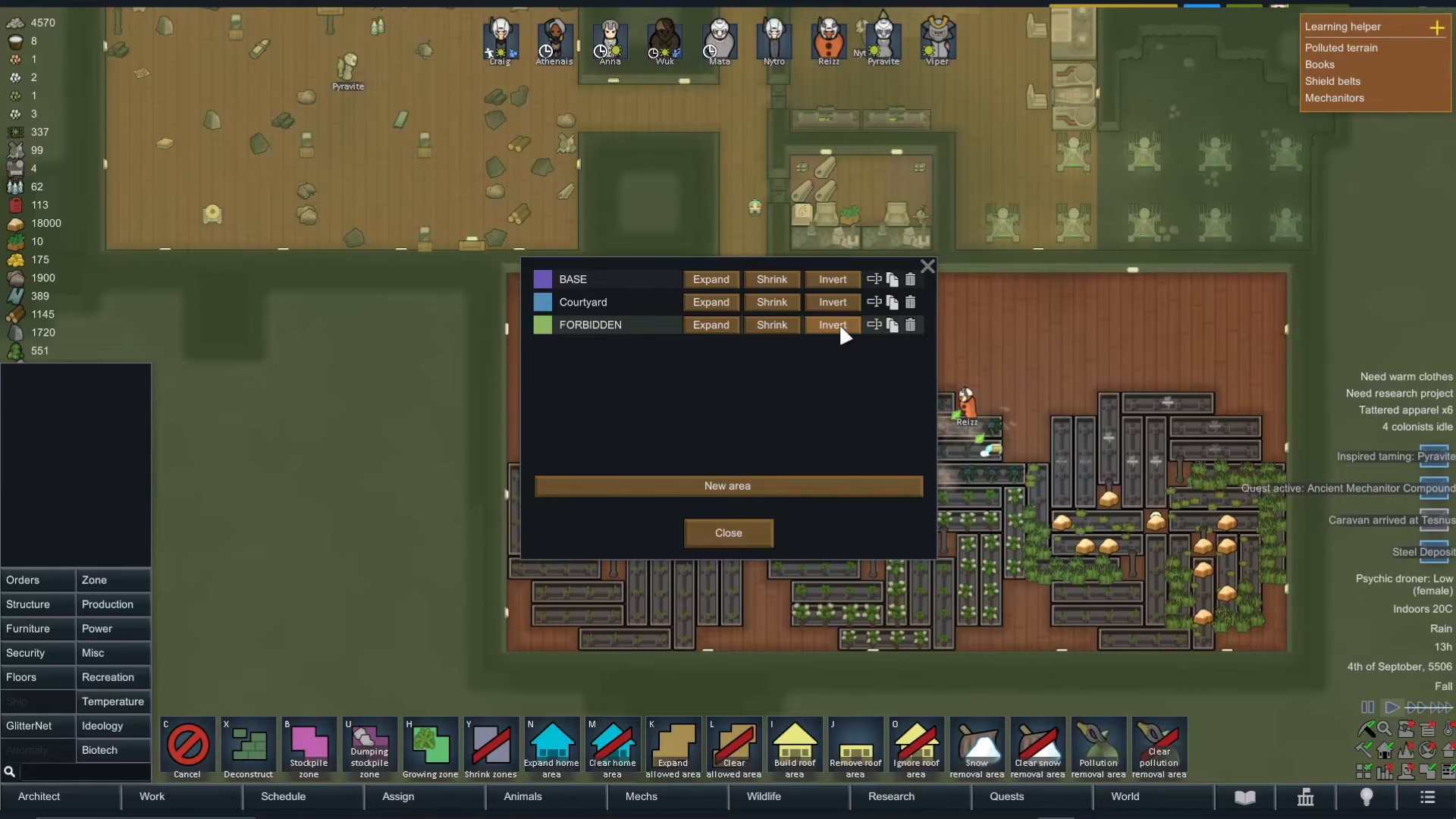
To create a new forbidden area, click on Expand Area and then select Manage Areas. From there, click New Area and give it a name—for this example, we’ll call it “forbidden.”
After naming your area, press Expand and click-and-drag over the entire region you want to restrict. This visual selection makes it easy to see exactly which spaces you’re forbidding.
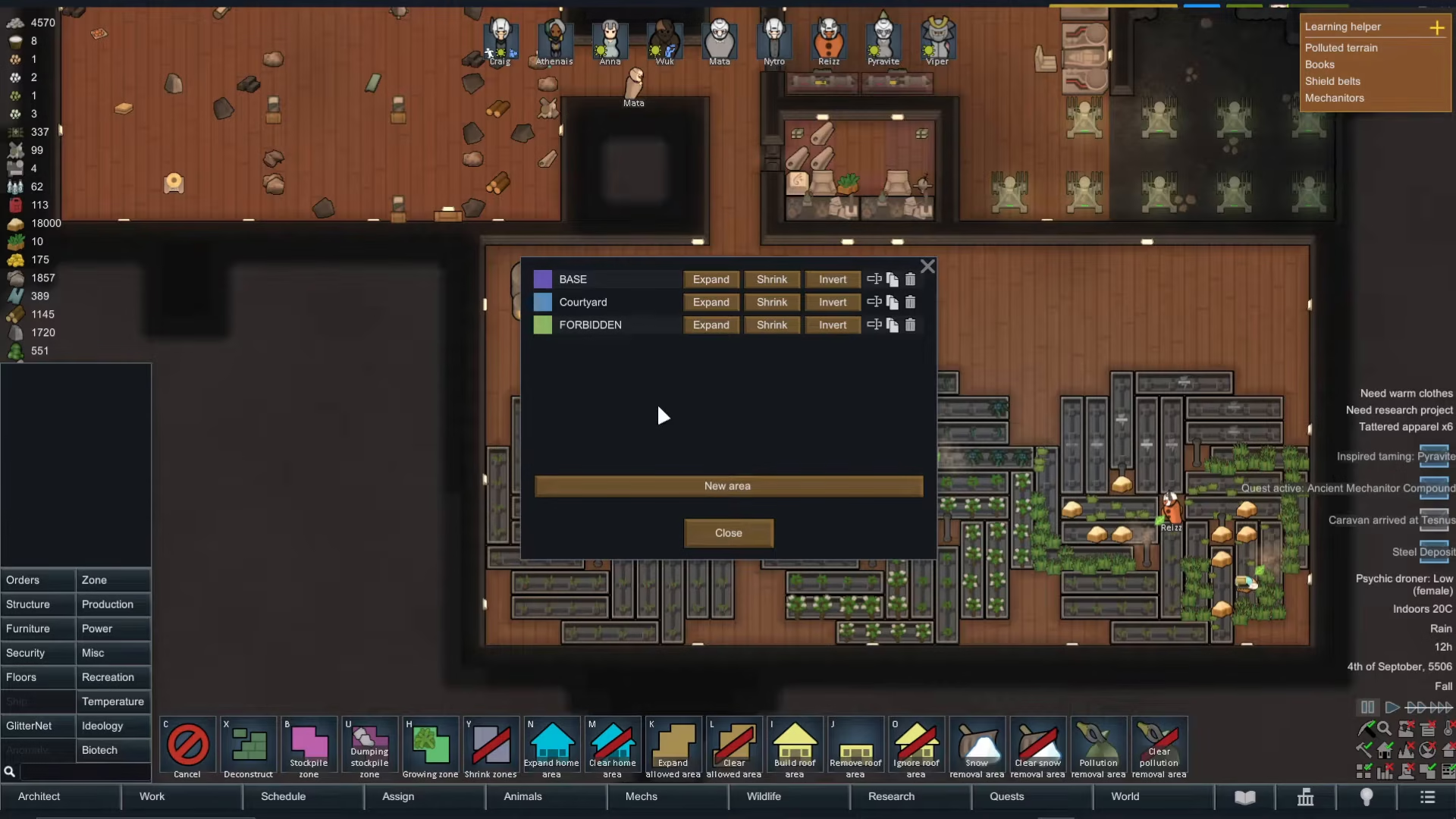
Understanding Area Inversion
Once you’ve created your forbidden area, go back to Manage Areas. Here you’ll see an important option: you can invert the area. This is a powerful feature that flips the restriction logic.
When you invert an area, it means that everywhere except that marked region becomes the restricted zone. This is especially useful if you’re trying to forbid a small room—instead of carefully mapping out the entire rest of your colony, you simply mark the one room and invert it.
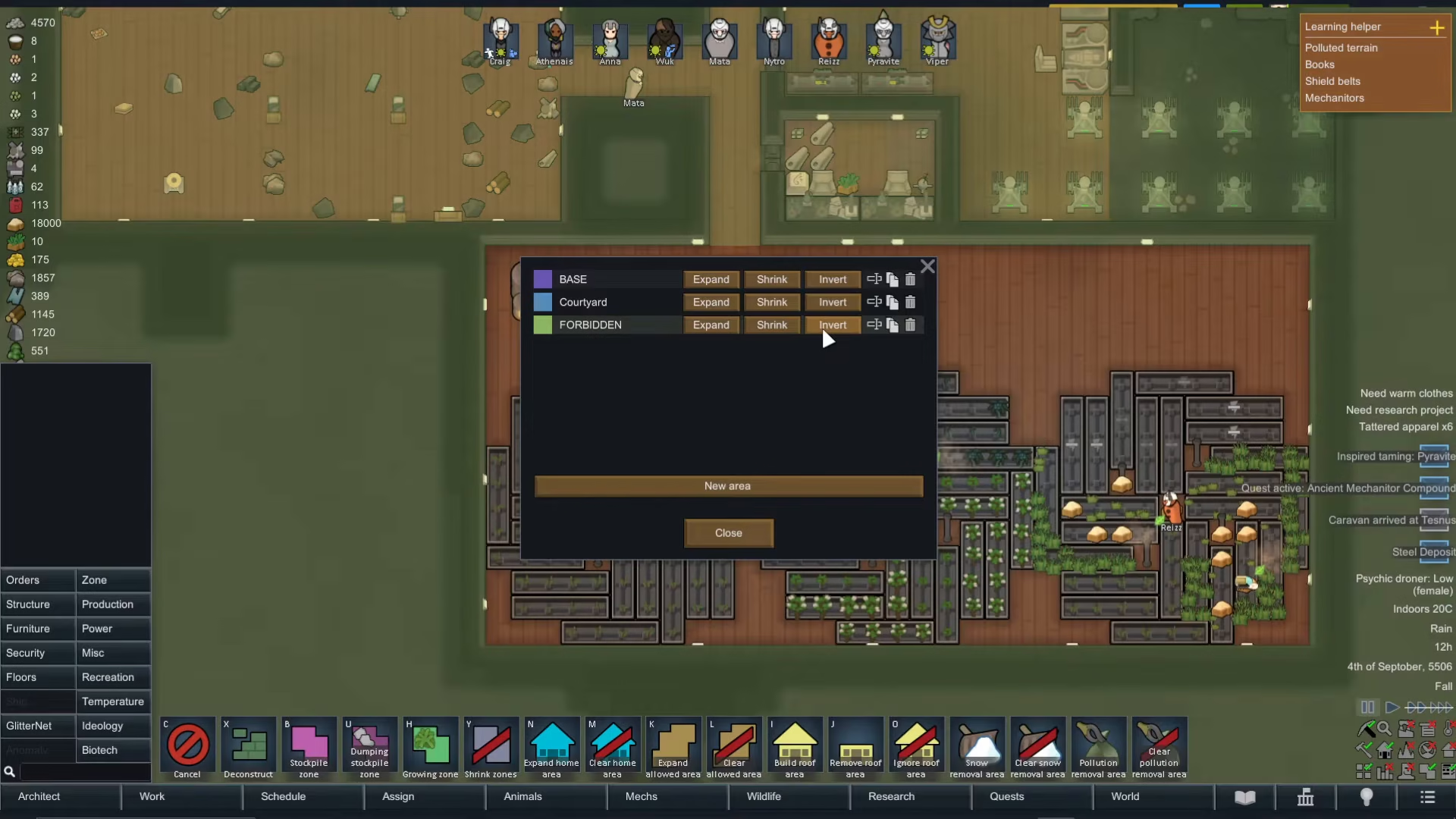
You can also copy and paste areas to other locations, which saves time if you have multiple identical spaces you want to restrict.
Setting Forbidden Areas in the Schedule
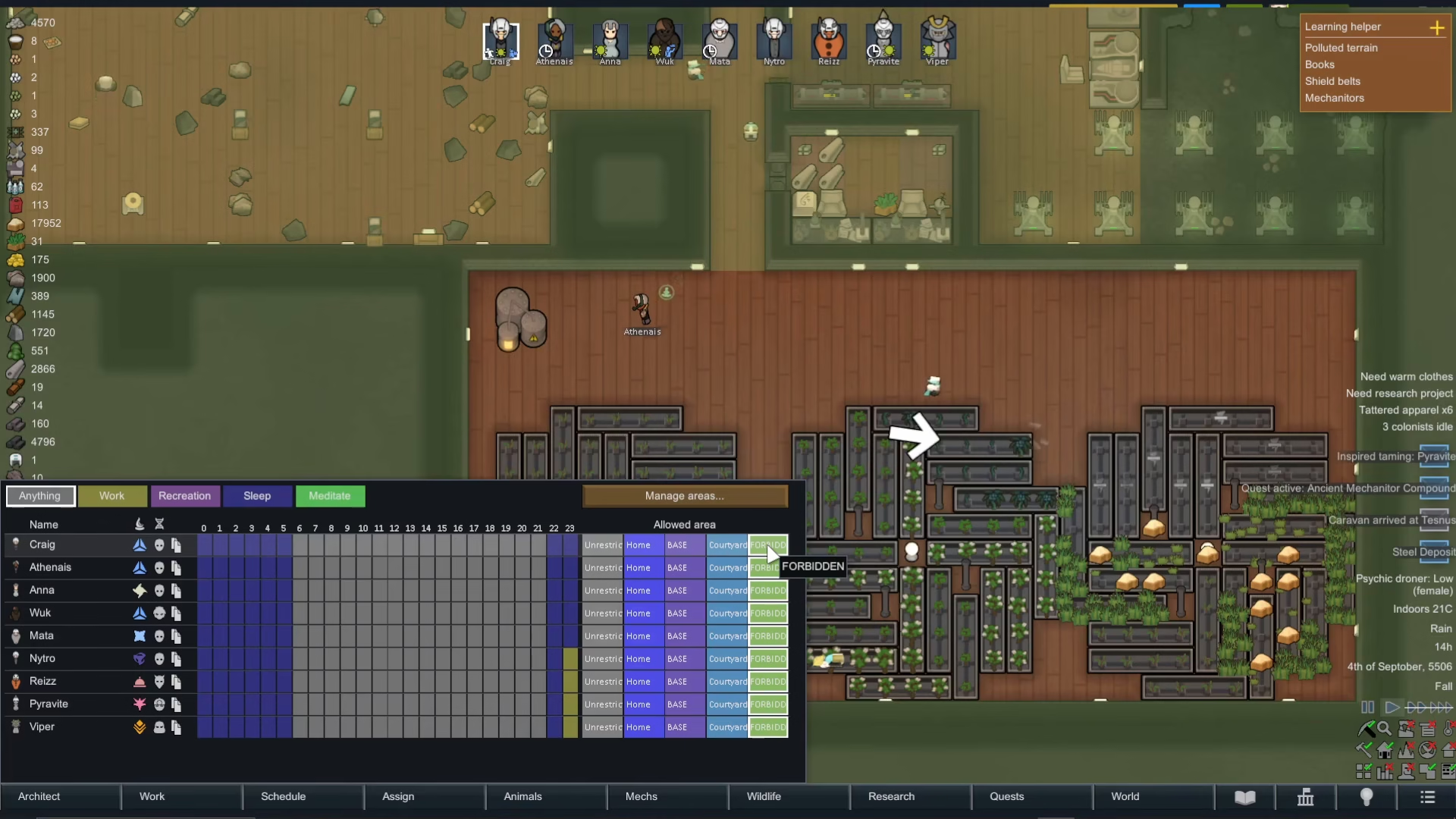
Once your areas are created, you’ll see a new Forbidden tab appear in your colonist assignment areas. This is where you control which colonists have access to which zones.
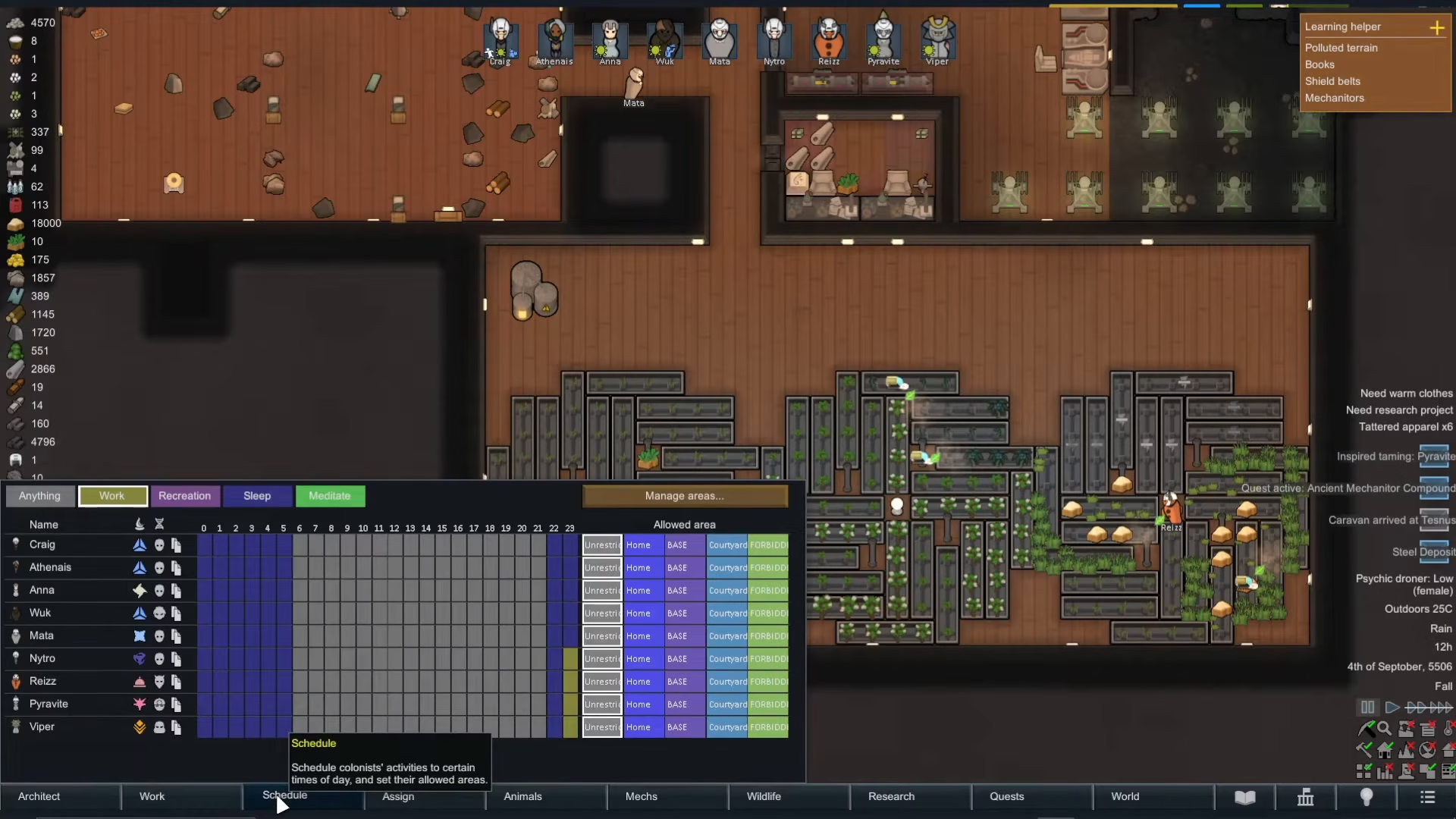
You can also set time zones in your schedule, allowing you to specify what colonists are allowed to do during specific times—meditate, sleep, recreate, work, or nothing at all.
Practical Application: Forbidding a Room
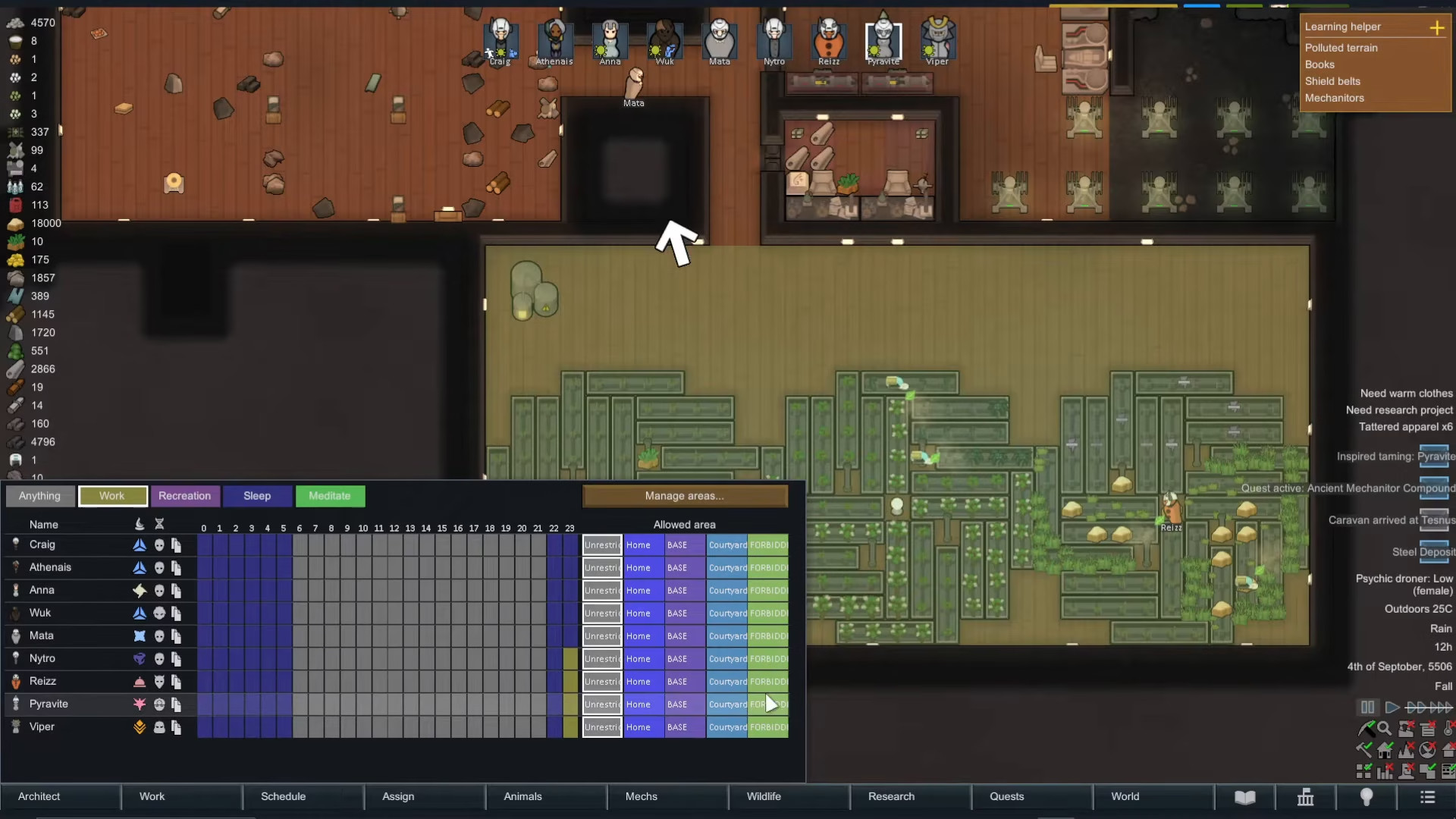
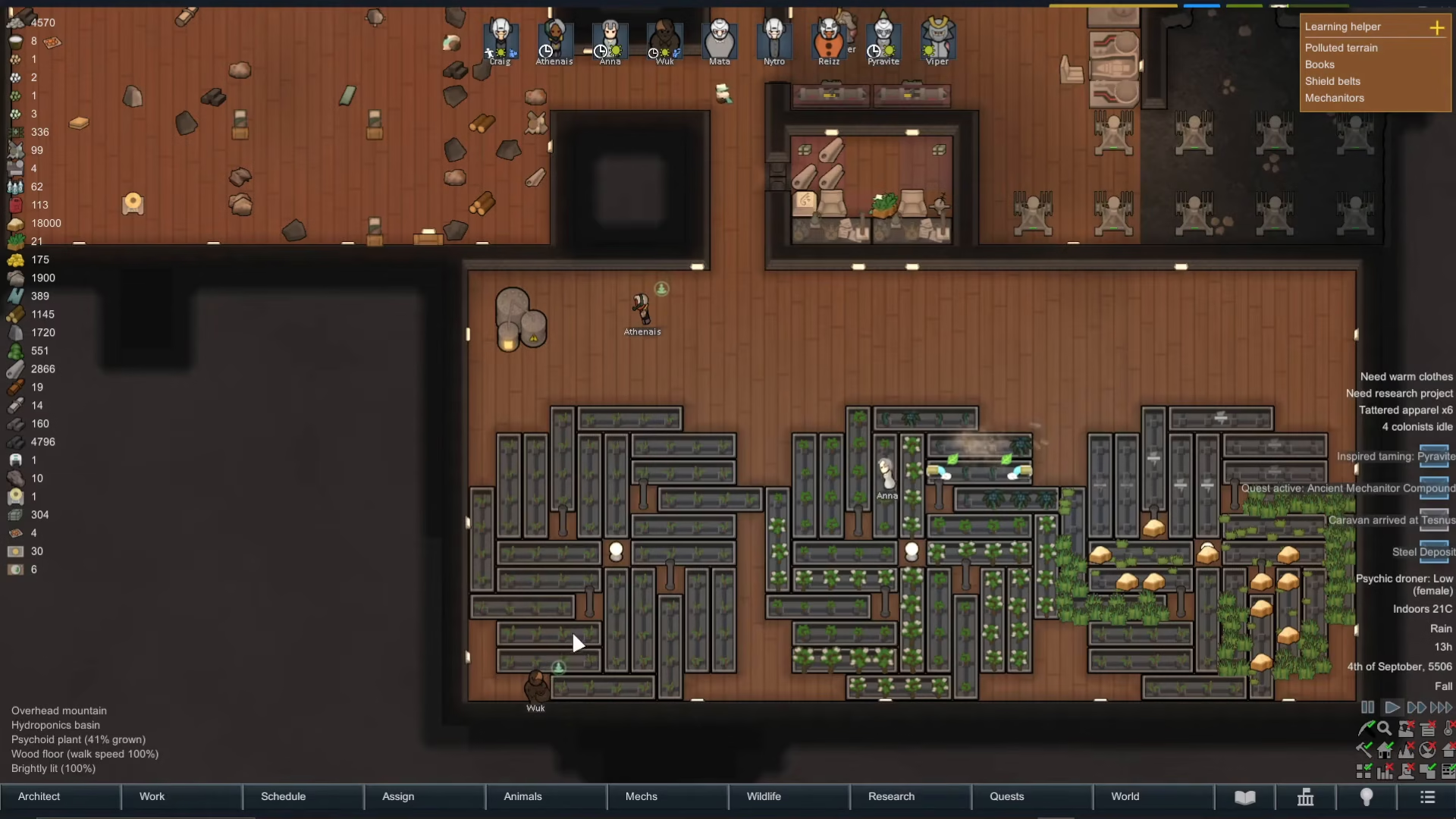
Let’s say you want to forbid colonists from entering a specific indoor greenhouse. First, create an area covering that greenhouse and name it appropriately. Then go to your Schedule settings and click on the Forbidden tab.
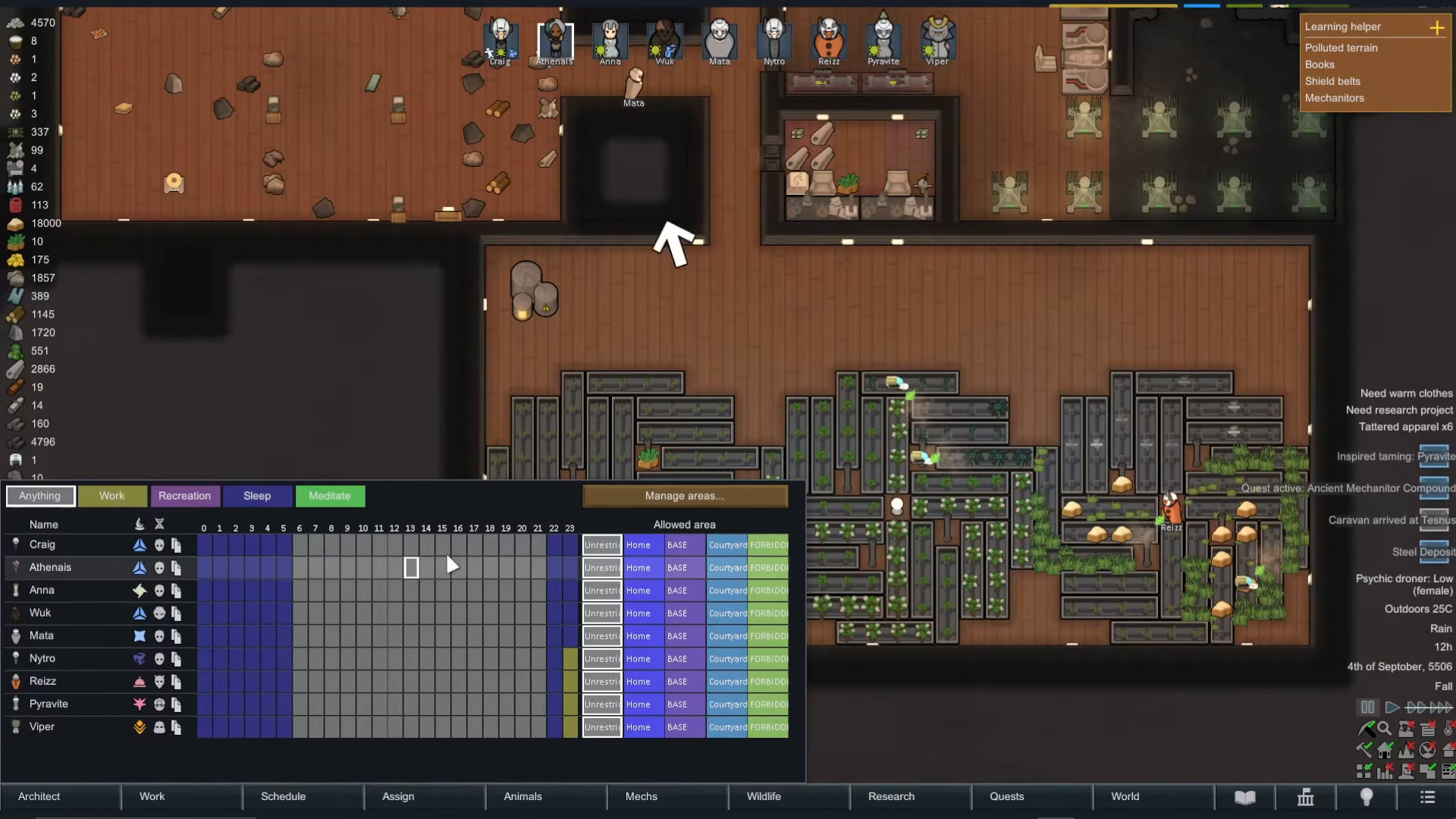
If you select the greenhouse as an allowed area, your colonists will only be permitted inside that room and nowhere else—the opposite of what you want.
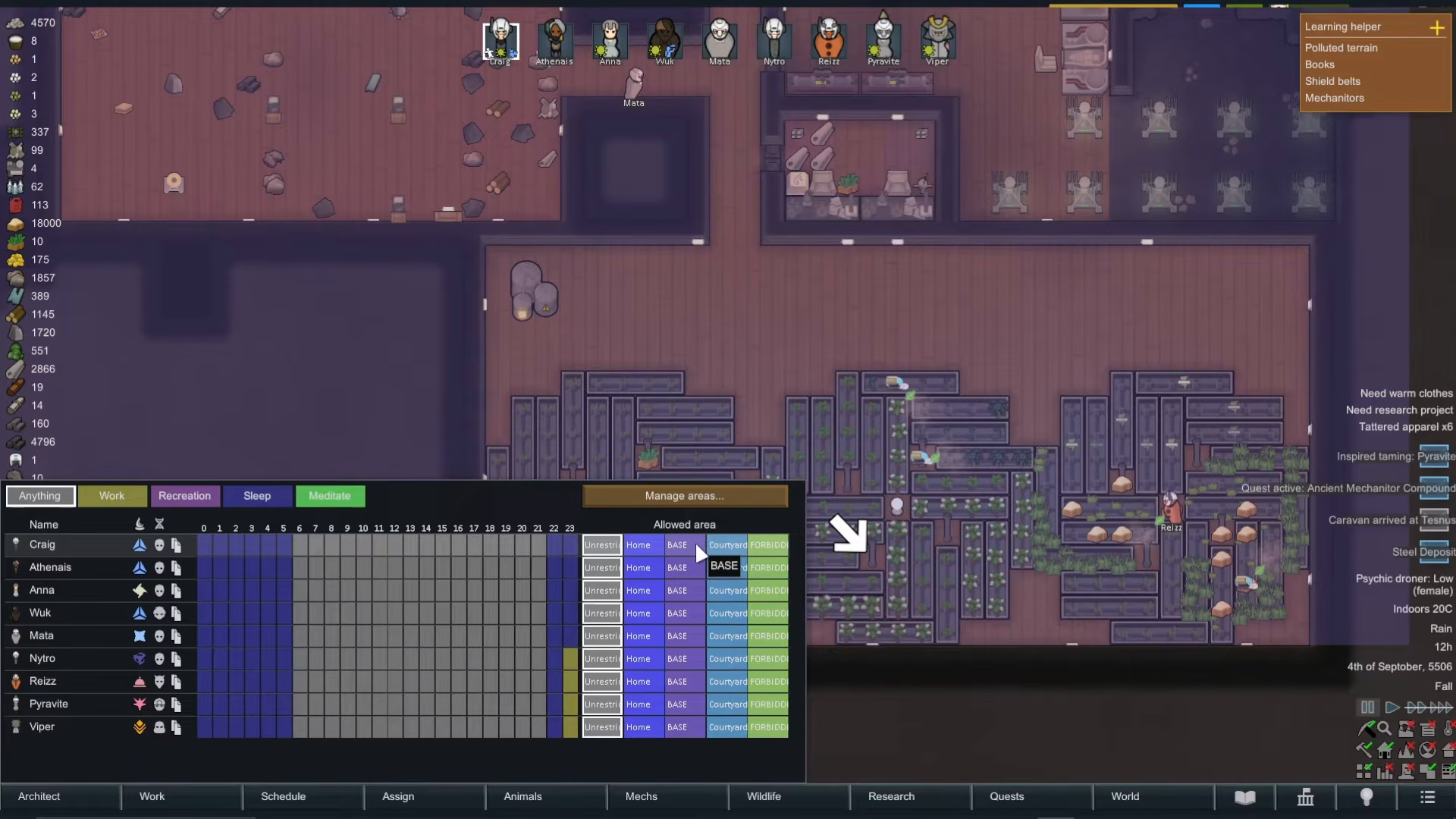
Instead, invert the area so that the forbidden zone is everywhere except the greenhouse. Then, when you assign colonists to the forbidden area, they’ll be allowed everywhere in your colony except that specific room.
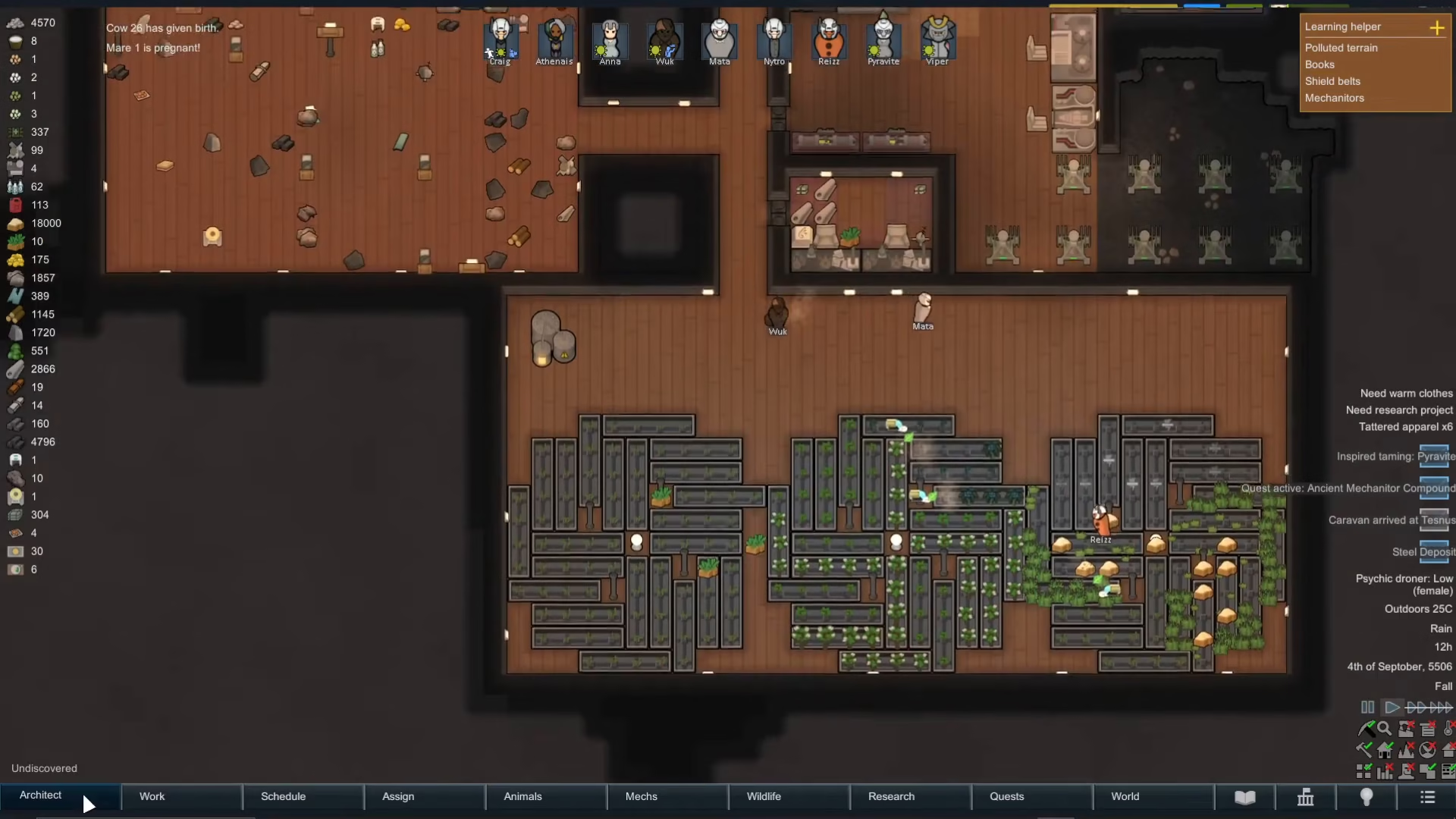
When you press play, you’ll see your colonists immediately leave the restricted area and won’t return until you change the permissions.
Testing Your Forbidden Areas
Once you’ve set everything up, test your restrictions by pressing play. Watch as your colonists behave according to the zones you’ve defined. If a colonist is meditating in a restricted area, they’ll finish their activity and then leave—they won’t stay in a forbidden zone once they’re done with their current task.
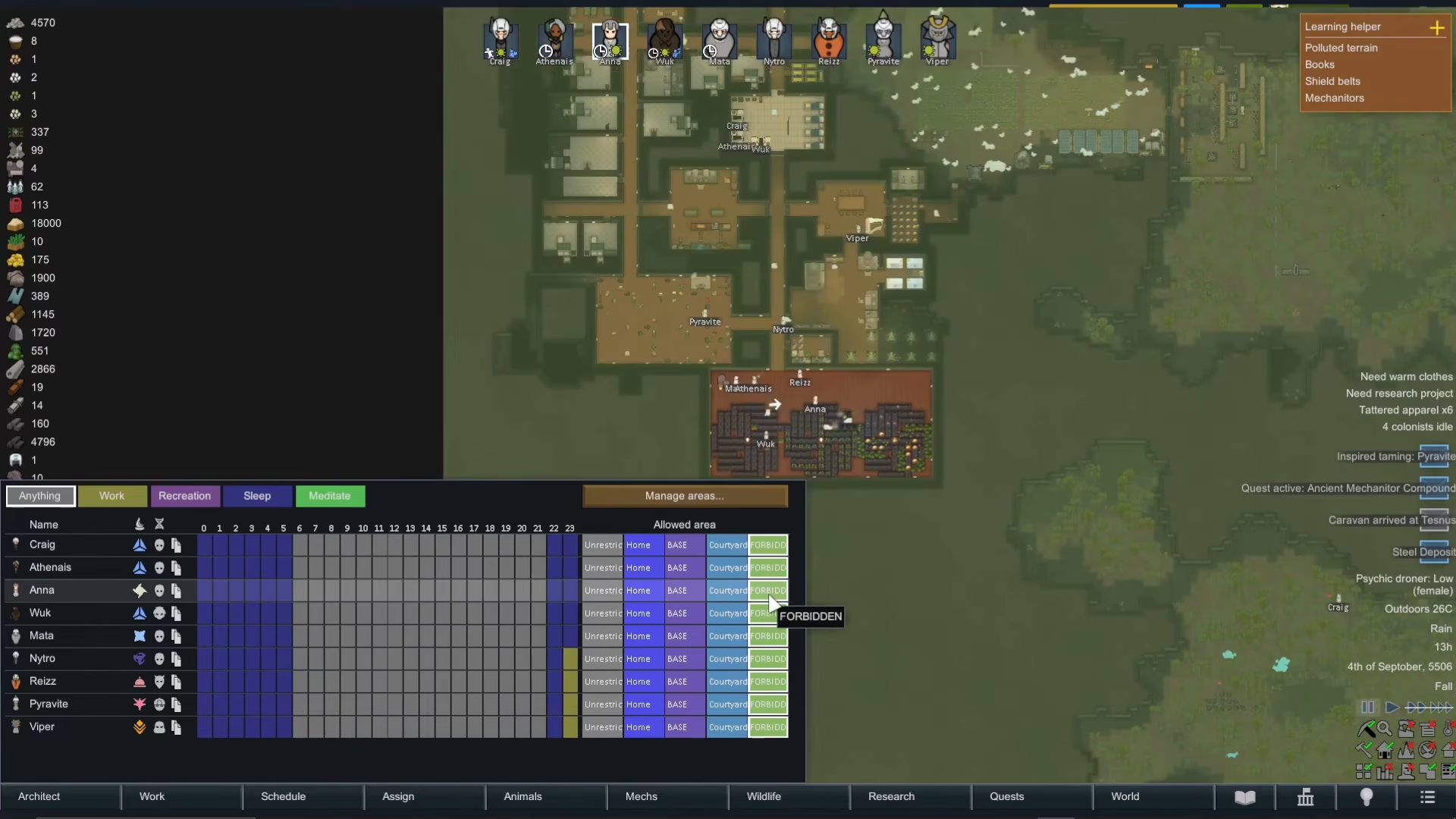
This system works for animals too, technically, giving you complete control over movement throughout your colony.
Pro Tip: Use Inversion for Efficiency
Remember: when you’re trying to forbid a small, specific area, always use the invert option rather than trying to manually map out the entire rest of your colony. It’s much faster and less error-prone. Simply create a small zone around the area you want to restrict, invert it, and you’re done.
Conclusion
Forbidding areas in Rimworld is straightforward once you understand the inversion mechanic. By creating zones and using the Forbidden tab in your schedule, you can precisely control where your colonists and animals are allowed to roam. This is invaluable for protecting dangerous areas, keeping colonists out of production zones during downtime, or creating safe spaces for specific activities. With practice, you’ll master area management and run an even more efficient colony.
— Want to Support? —
If you would like to help us continue making these guides – please consider joining our patreon here – https://www.patreon.com/c/JaviHeals
Alternatively – you can join our discord here – https://discord.gg/zD7Gjt6MHF