How To Put Out Fires In Rimworld
How To Put Out Fires In Rimworld
Fires in Rimworld can be catastrophic if left unchecked, especially if your base is constructed primarily from wood. In this guide, we’ll walk you through the essential methods to prevent fires from spreading and destroying your colony. Whether you’re dealing with a fire started by a storm or managing fire prevention systems, understanding these mechanics is crucial to your colony’s survival.
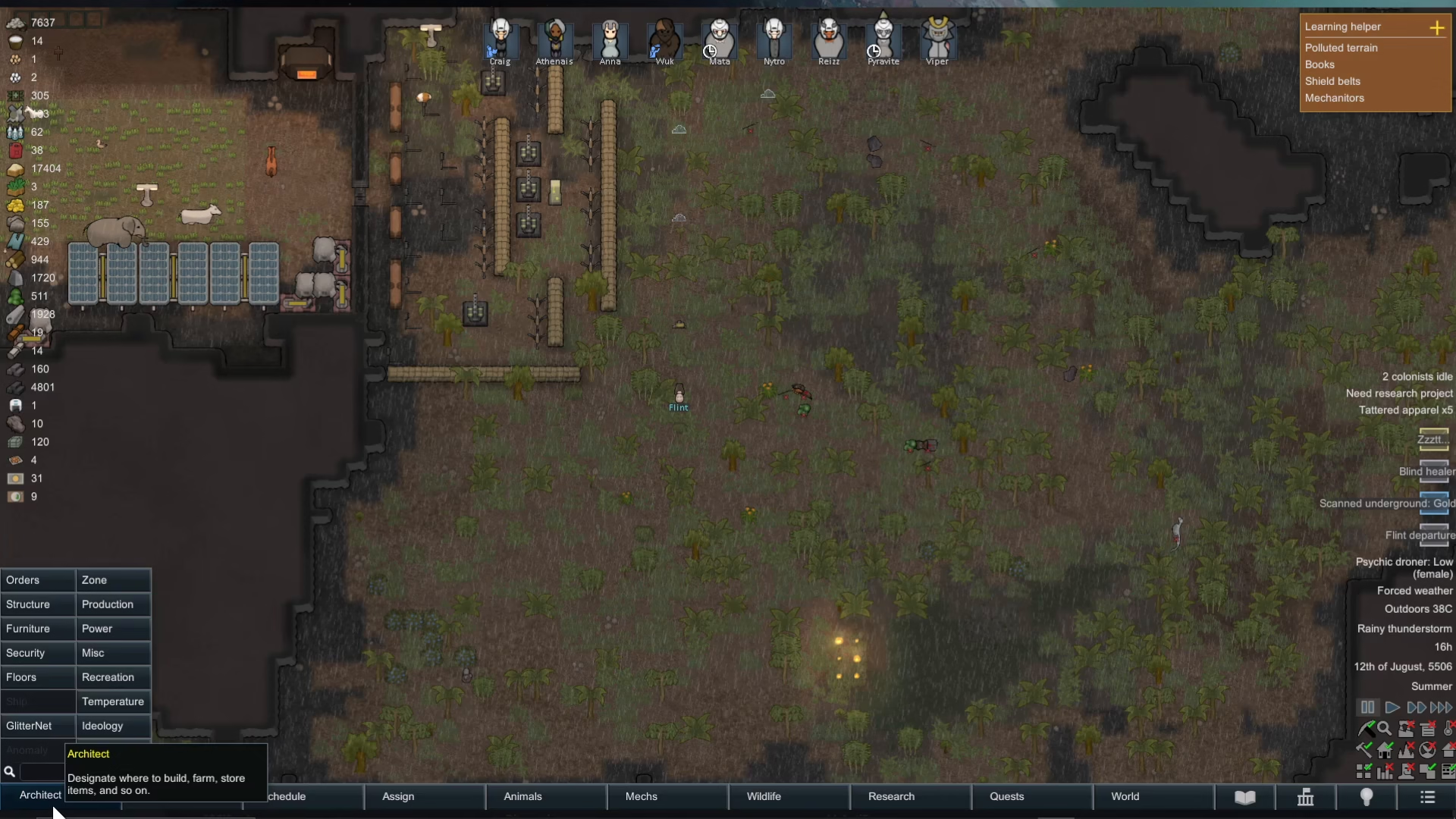
Understanding the Home Area
The most important concept for fire management in Rimworld is the home area. Your colonists will only automatically repair buildings and extinguish fires within this designated zone. By default, the home area expands whenever you construct new buildings, but you have full control over its boundaries.
To access home area settings, navigate to Architect > Zone. Here you’ll see two options:
Expand home area
Clear home area
Click on “Expand home area” and drag across the area you want your colonists to maintain. The blue highlighted zone shows your current home area—this is where your colonists will actively fight fires without requiring manual intervention.
Setting Fire Fighting as a Top Priority
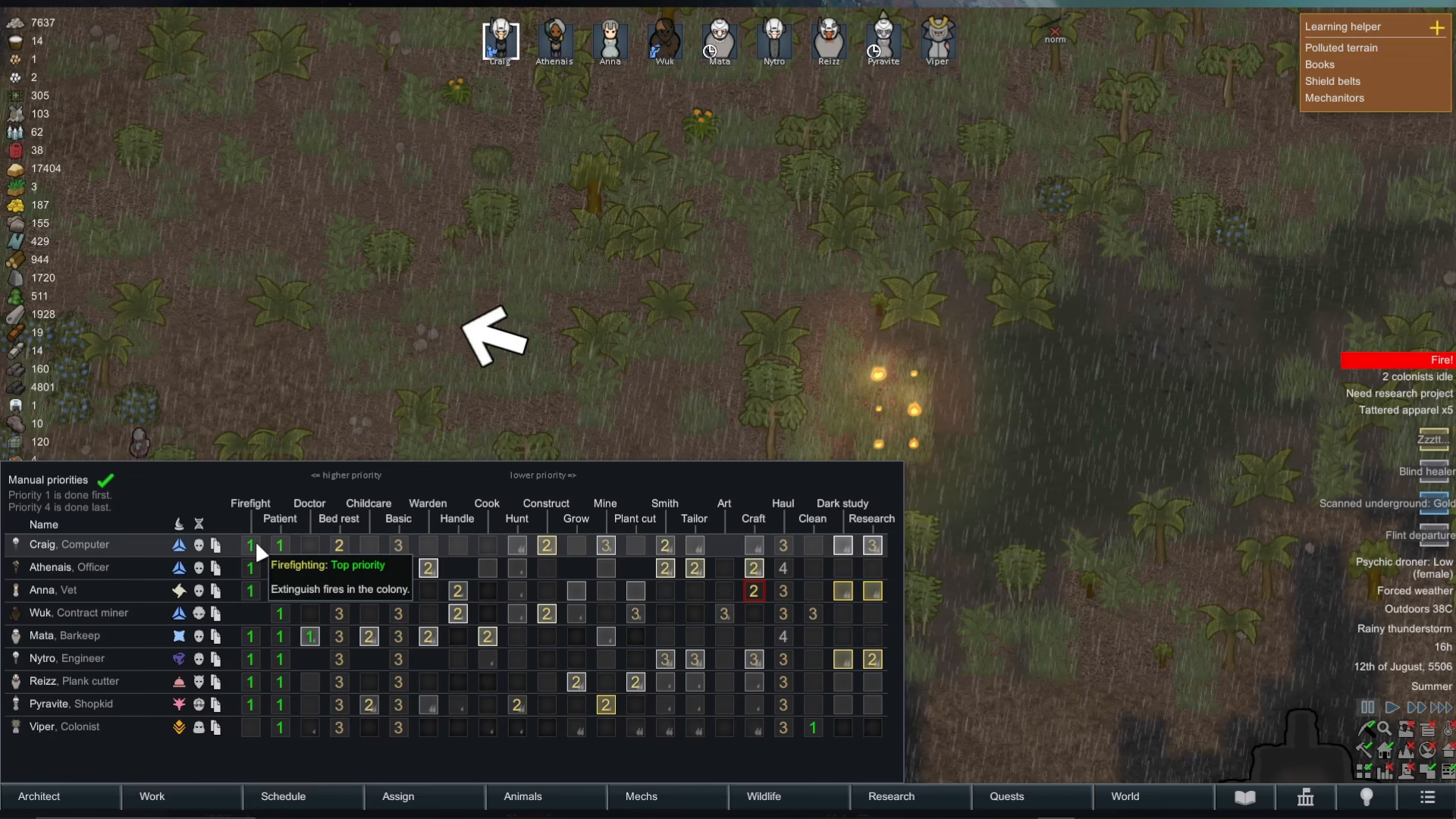
Once a fire breaks out within your home area, you’ll receive a notification alert. To ensure your colonists respond immediately, you must set fire fighting as a priority task.
Go to the Work tab and set Firefight to priority level 1. This is the highest priority setting. When firefighting is set to level 1, your colonists will automatically abandon other tasks and rush to extinguish any fires within the home area.
Manual Fire Prioritization
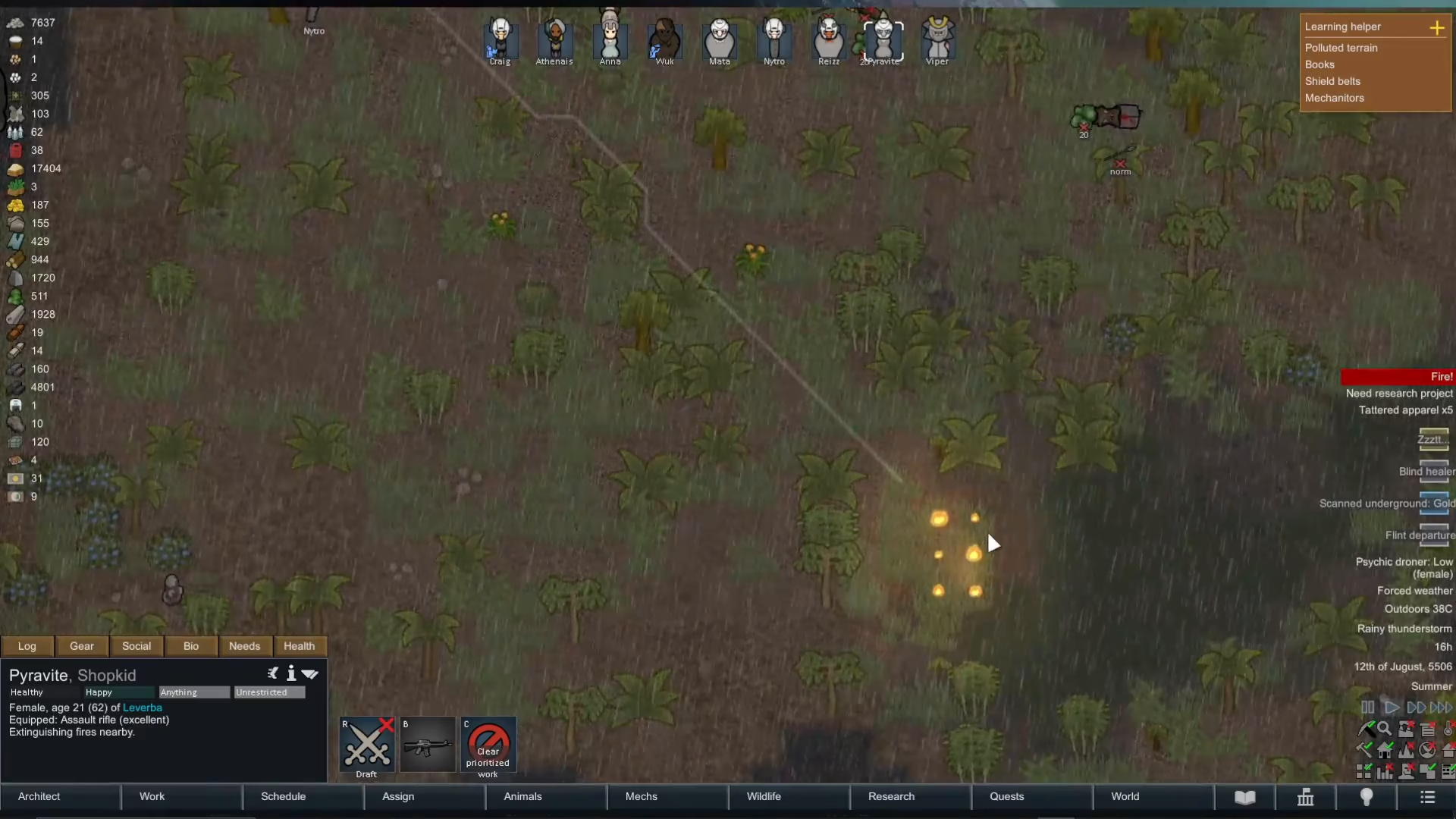
Sometimes your colonists might be occupied with other tasks and don’t respond quickly enough to a fire. In these cases, you can manually force a colonist to prioritize fire suppression.
Right-click directly on the fire and select “Prioritise extinguishing fire” from the context menu. This command will take precedence over their current activity, and they will immediately head to the fire to put it out.
This manual override works even if the fire is outside your home area, giving you direct control when automated systems aren’t responding fast enough.
Using Fire Foam Poppers for Automatic Protection
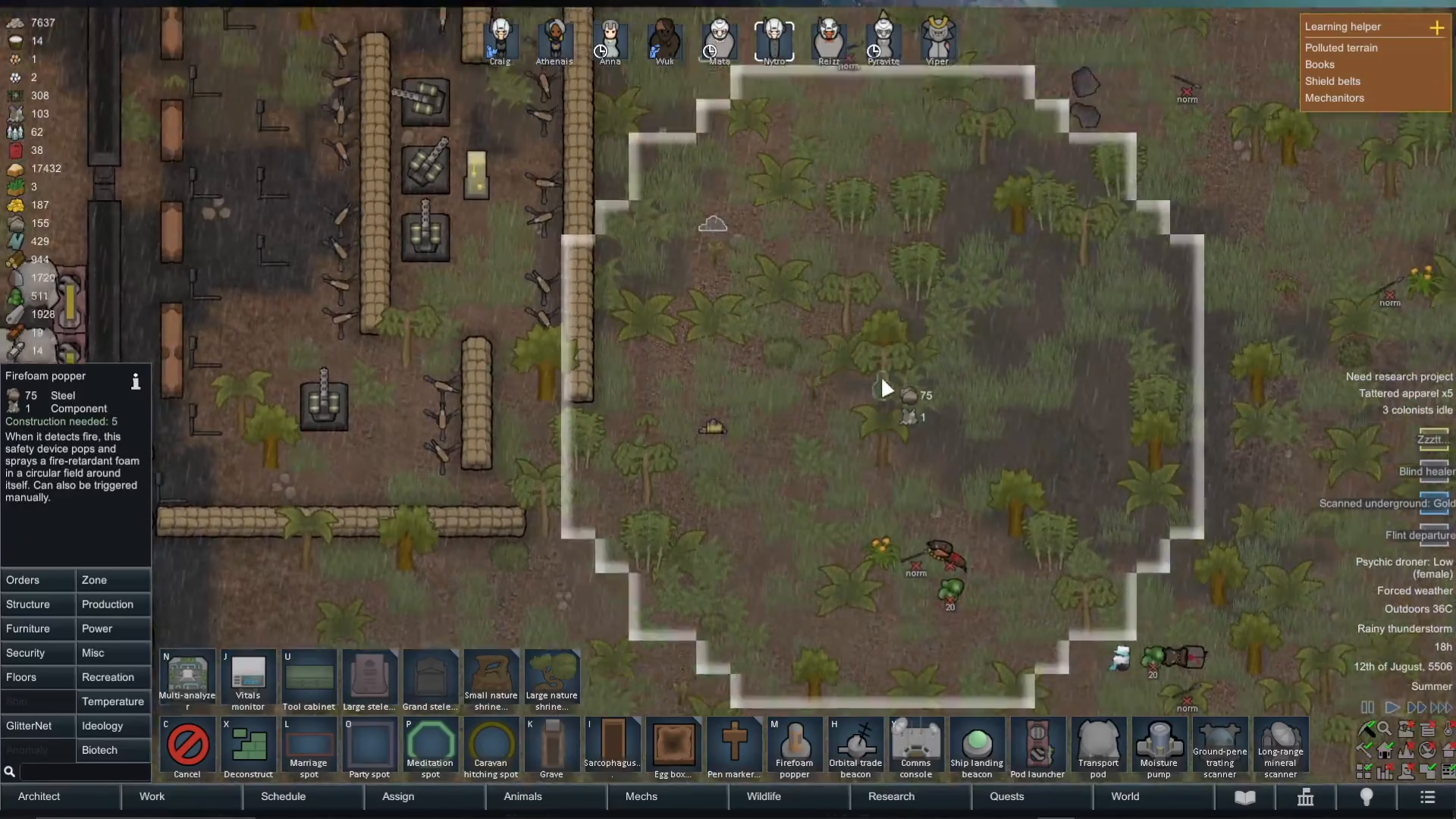
For an additional layer of fire protection, Rimworld offers the Fire Foam Popper—a safety device that provides automatic fire suppression.
Access Fire Foam Poppers through Architect > Miscellaneous. This device works in two ways:
Automatic Detection: When the Fire Foam Popper detects a fire nearby, it automatically activates and sprays fire foam in a circular radius around itself, similar to a fire extinguisher
Manual Activation: You can manually trigger the Fire Foam Popper at any time, even if no fire is detected
The effective radius of each Fire Foam Popper is displayed as a blue circle when you place it. Position these devices in high-risk areas (such as near ammunition stockpiles or flammable storage) to create an automated safeguard against fires spreading out of control.
Summary
Protecting your Rimworld colony from fires requires a multi-layered approach. First, ensure fires occur within your home area so colonists will respond automatically. Second, keep Firefight as priority level 1 in the Work tab for immediate response times. Third, use manual right-click prioritization when you need instant intervention. Finally, install Fire Foam Poppers in vulnerable areas for automated protection. By implementing these strategies, you’ll significantly reduce the risk of your base burning down.
— Want to Support? —
If you would like to help us continue making these guides – please consider joining our patreon here – https://www.patreon.com/c/JaviHeals
Alternatively – you can join our discord here – https://discord.gg/zD7Gjt6MHF