
How To Operate In Rimworld
How To Operate In Rimworld
Performing surgical operations on your colonists in Rimworld is a crucial skill that can save lives and improve your colony’s efficiency. Whether you’re replacing a burned-off limb with a bionic prosthetic or installing advanced medical implants, this guide will walk you through the entire process step-by-step. Learn how to queue operations, assign your best surgeons, and ensure successful medical procedures.
Accessing the Health Tab
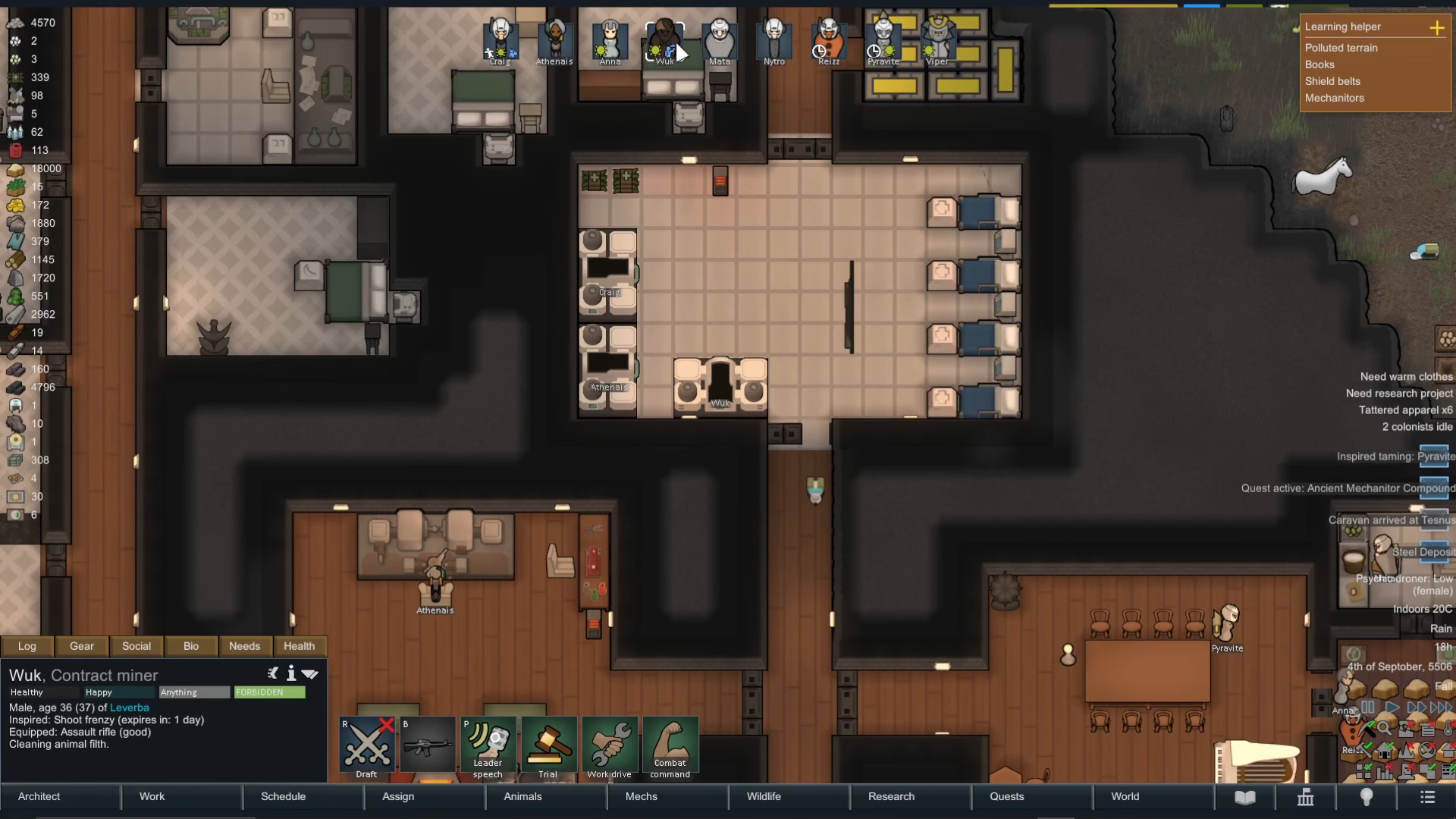
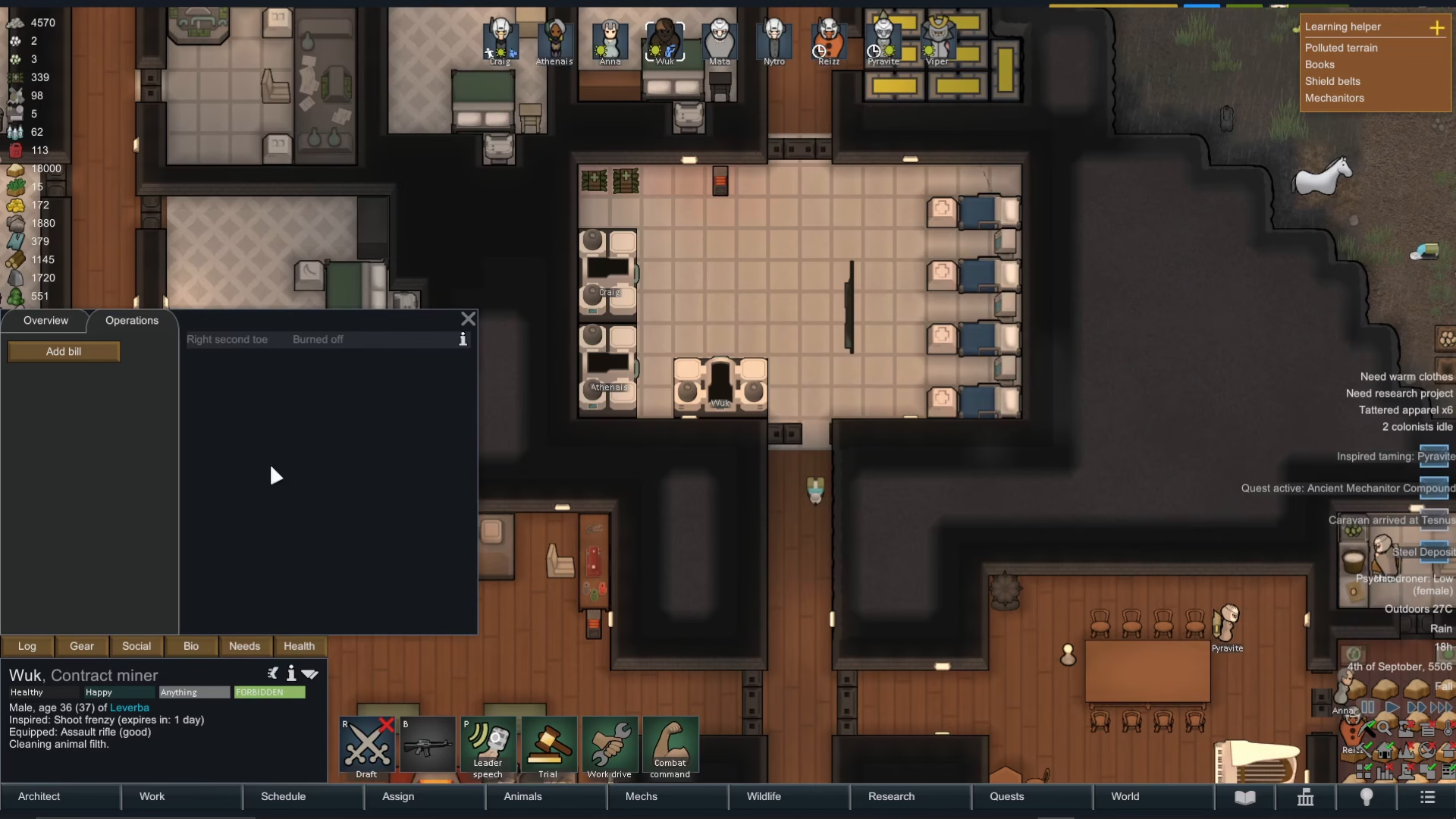
To begin any surgical operation, you’ll need to access your colonist’s health information. Start by opening the Health tab to review their current medical condition. Here, you can see all injuries, infections, and missing body parts that require treatment. In this example, we discovered that a colonist had their right second toe burned off—a condition that can be remedied through surgery.
Adding a Surgical Bill
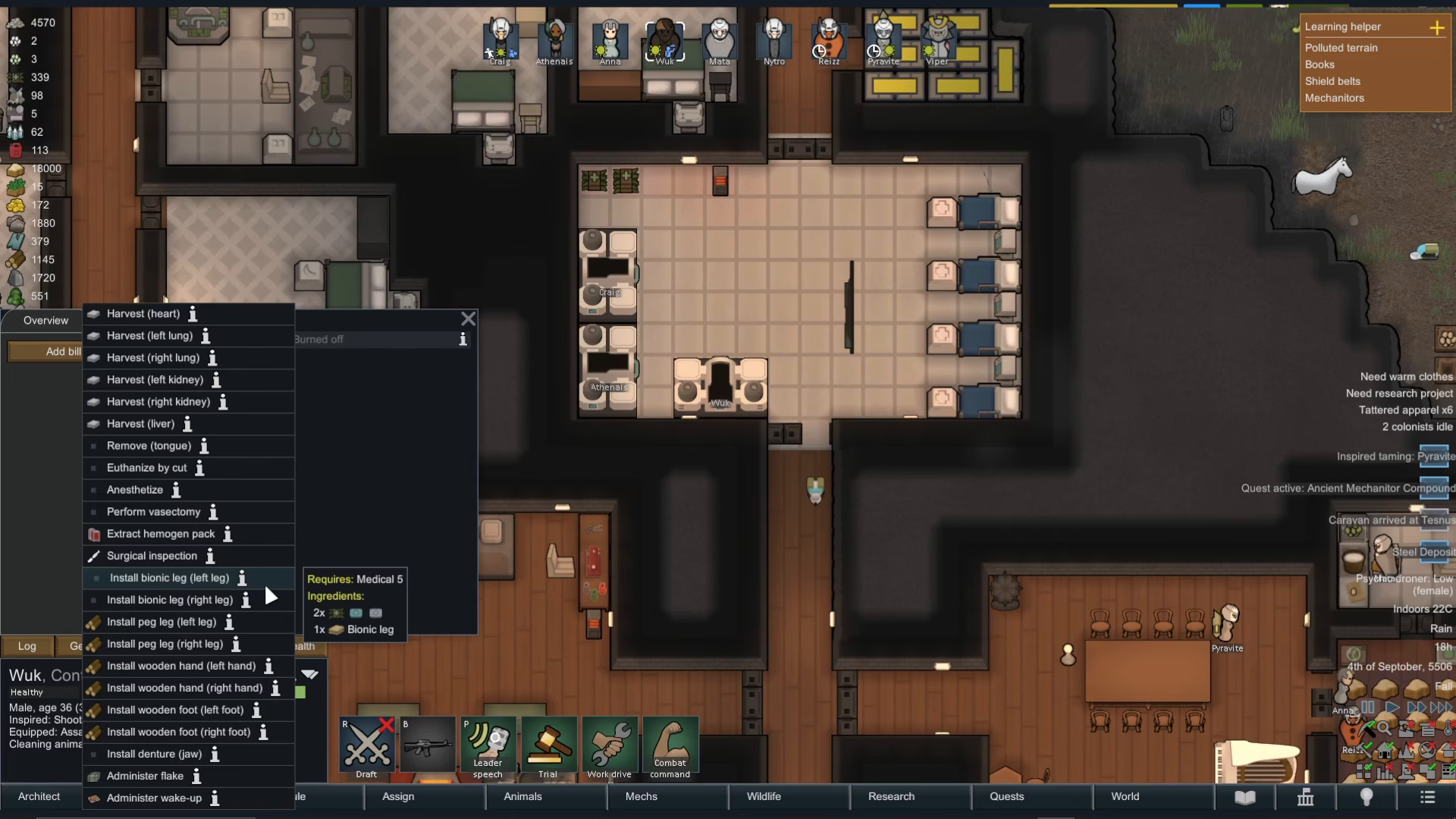
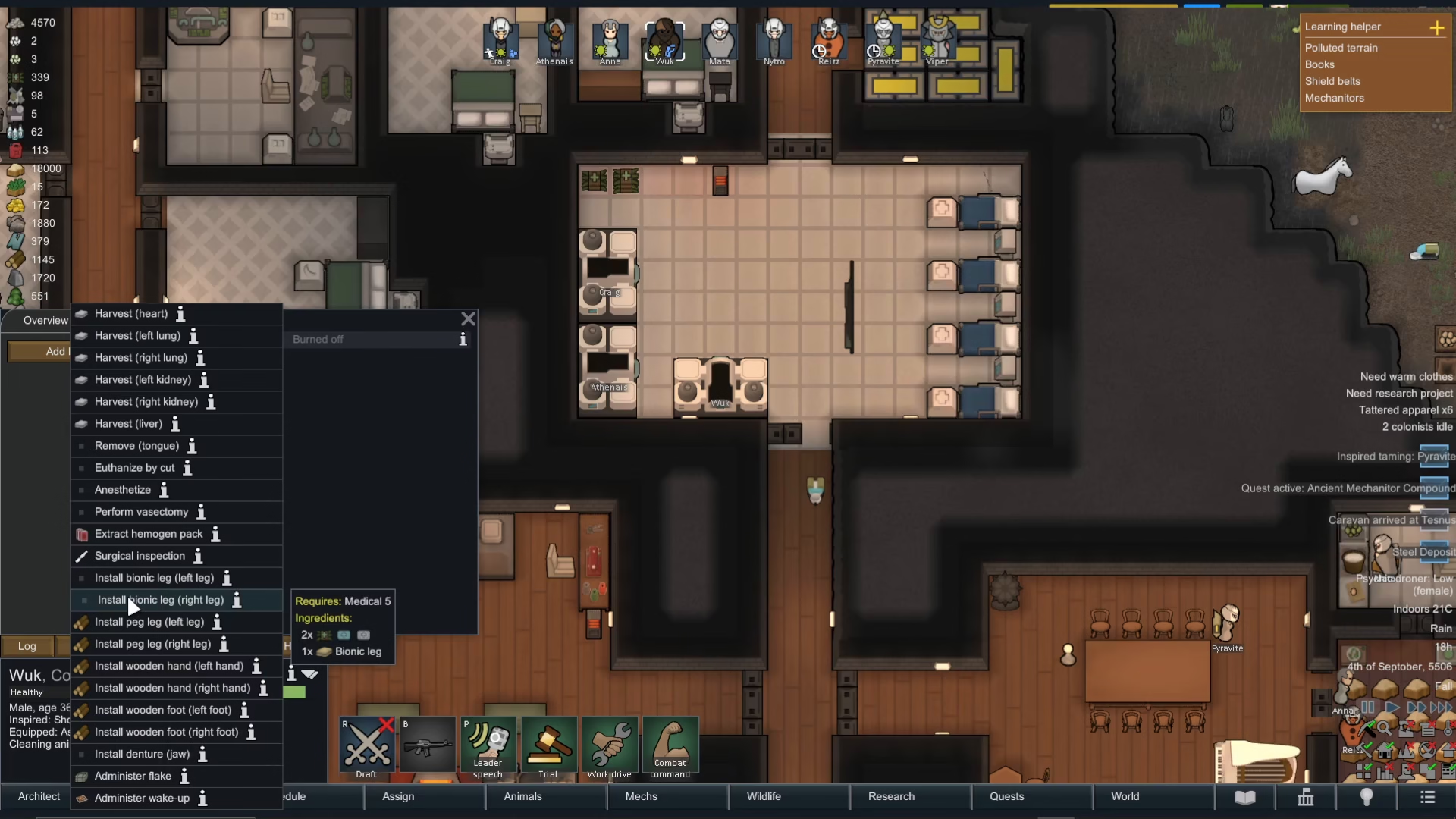
Once you’ve identified the injury or missing body part, you can add a surgical bill from the Health tab. Click to add a bill and you’ll see several surgical options available. You can perform:
Surgical inspections
Invasive surgery to find hidden abnormalities
Installation procedures for prosthetics and bionics
Selecting the Right Procedure
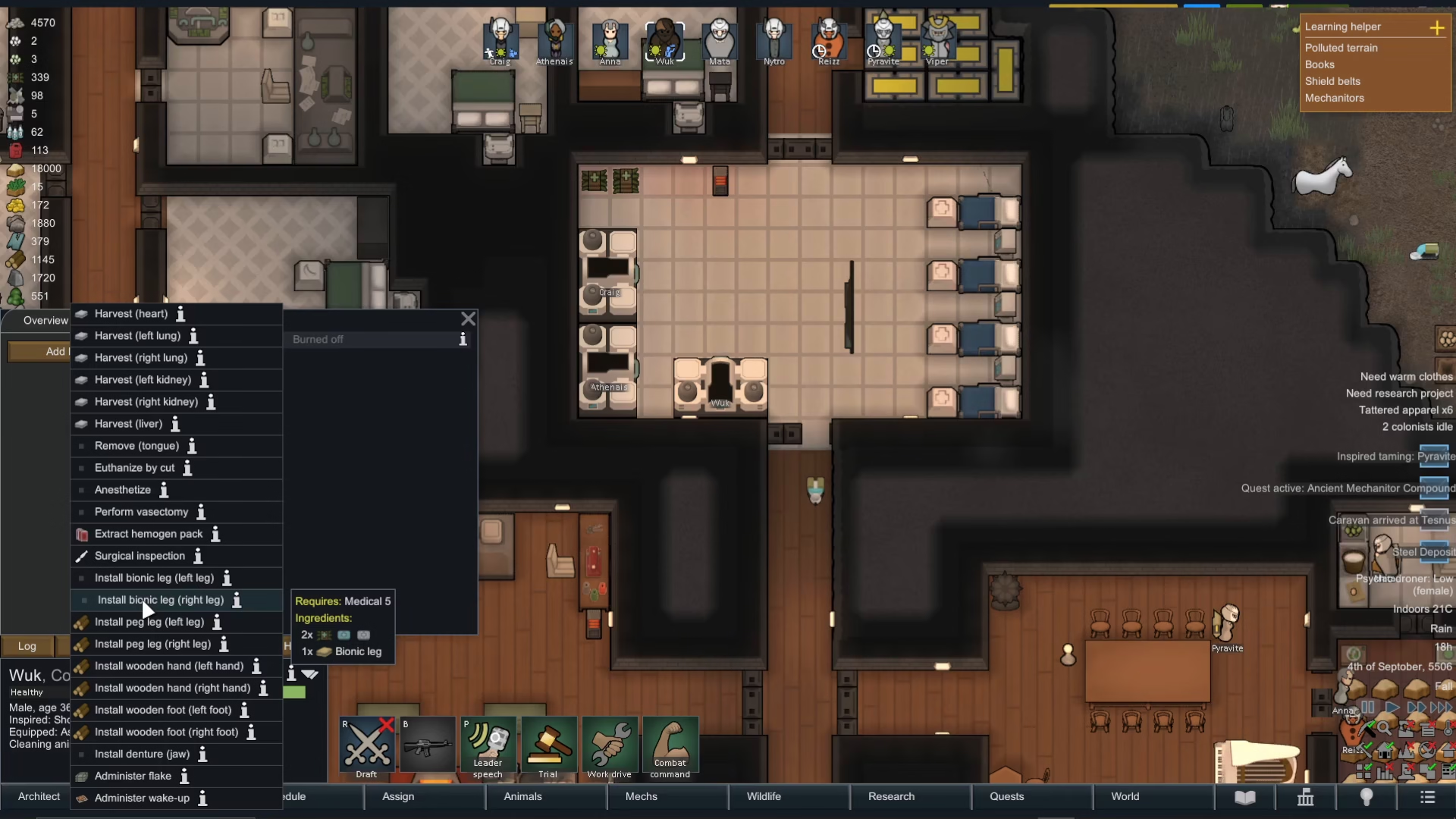
For replacing a damaged or missing limb, you’ll want to navigate to the “Install” section. Here you can choose to install a bionic leg, peg leg, wooden foot, or other prosthetics depending on what’s available. In our case, we selected “install bionic leg on the right side” for the colonist with the burned toe.
Important: Having Required Parts in Stock
Before you can queue any operation, you must already have the necessary prosthetics or bionics available in your colony’s inventory. If you don’t have the required parts, the operation won’t appear on the surgery list. This means you need to plan ahead and ensure you have the necessary medical supplies before attempting surgery. If you don’t have advanced bionics, you can always substitute with simpler alternatives like peg legs or wooden feet to replace missing limbs.
Queuing the Operation
Once you’ve selected the appropriate surgical procedure and confirmed you have the necessary parts, click to add it to the operations queue. This doesn’t immediately start the surgery—it simply schedules it for your medical team to perform when other priorities are handled.
Preparing the Patient for Surgery
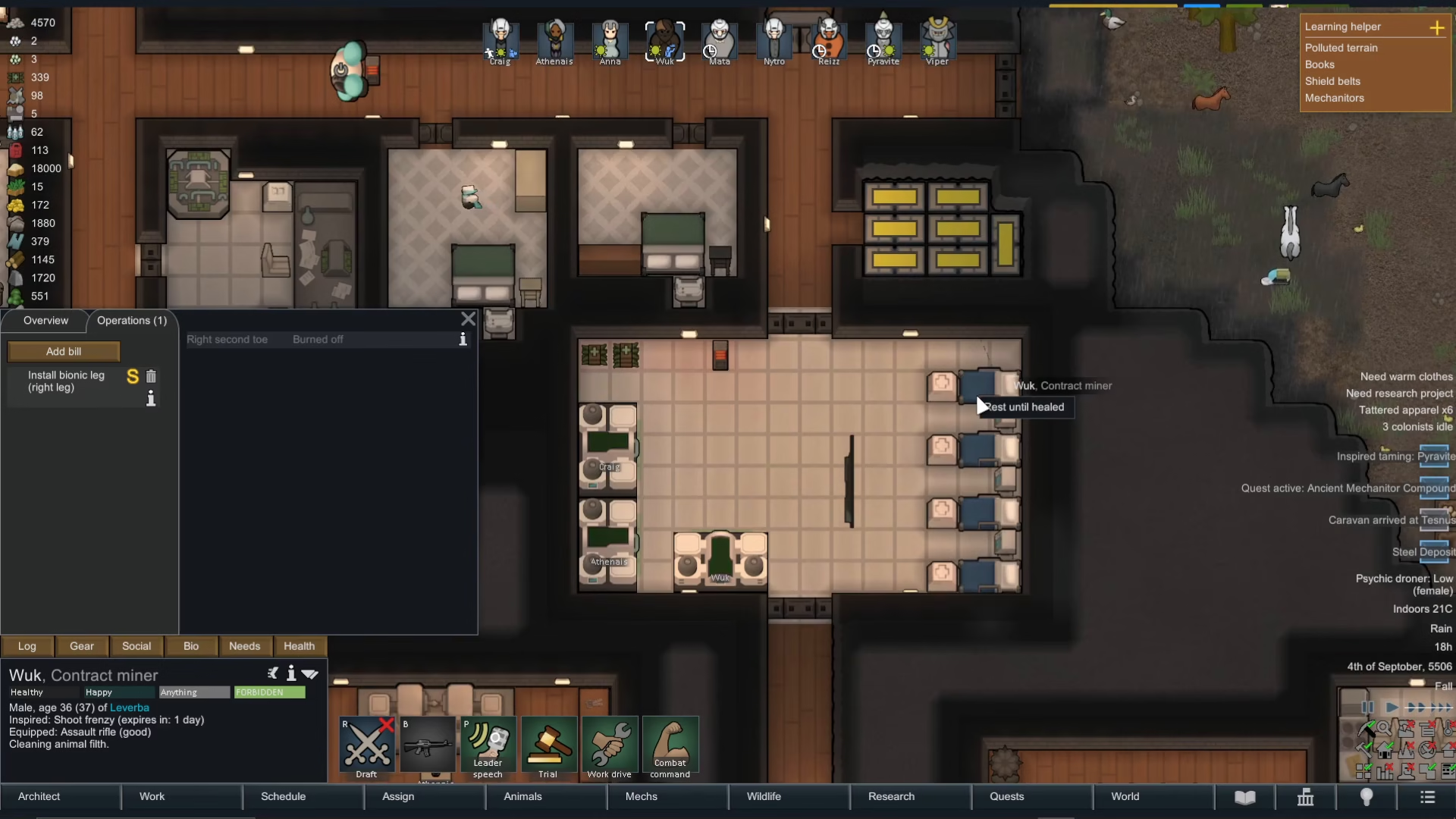
Before surgery can begin, your patient needs to rest and be available at a medical bed. Simply pressing play will cause colonists to go about their regular tasks, which may delay surgery. Instead, right-click on a medical bed and select “rest until healed” to force the patient to go to bed immediately. This ensures they’re in position when the surgeon is ready to operate.
Assigning Your Best Surgeon
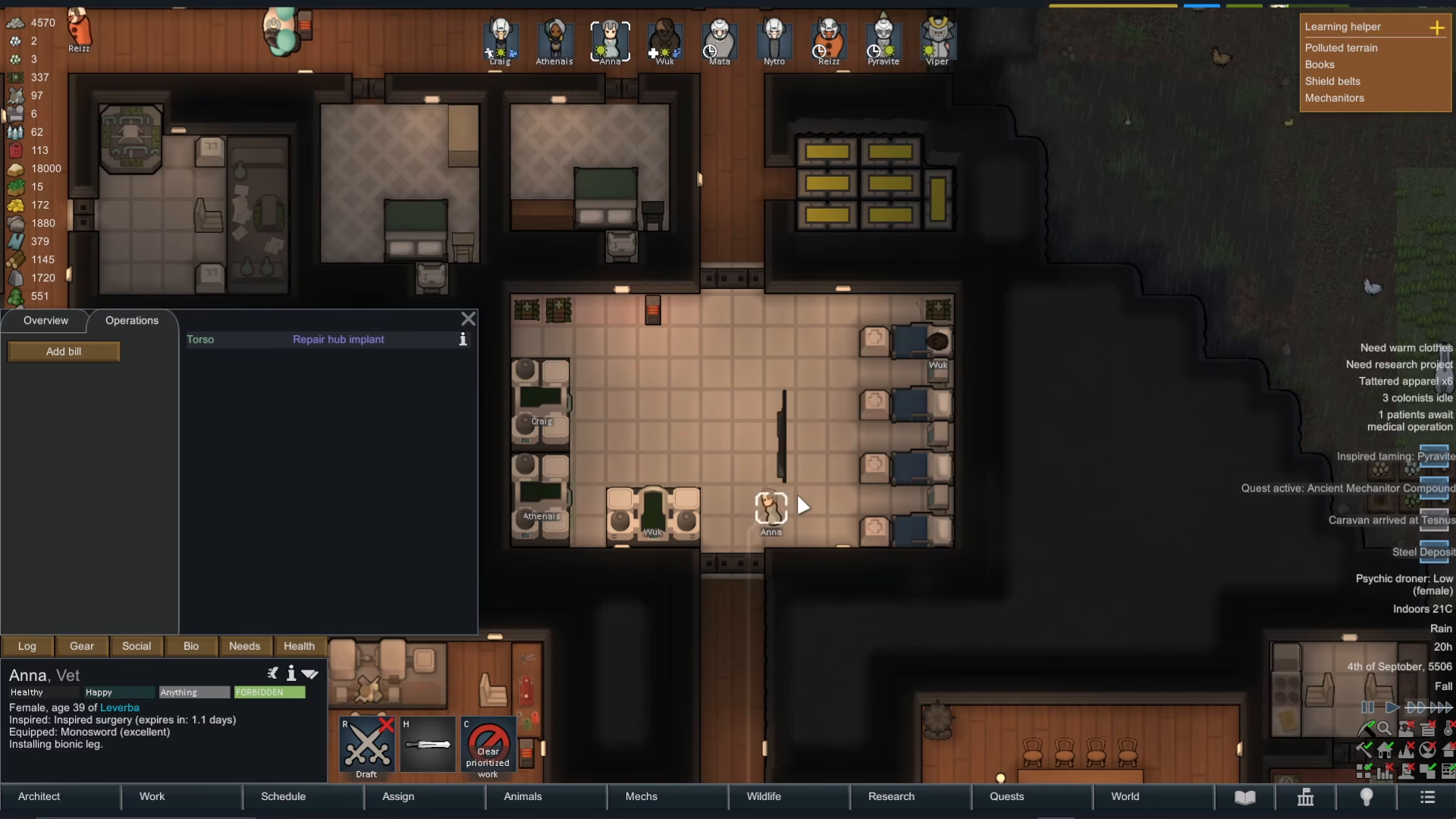
Surgery success rates depend heavily on your surgeon’s skill level. After queuing the operation and getting your patient to a medical bed, you should assign your most skilled surgeon to the task. Right-click on the “work” priority and select “prioritize operating on work.” This ensures your best medical professional handles the procedure. In this example, Anna was selected as the primary surgeon because she had the highest surgical skill on the team.
Watching the Operation Unfold
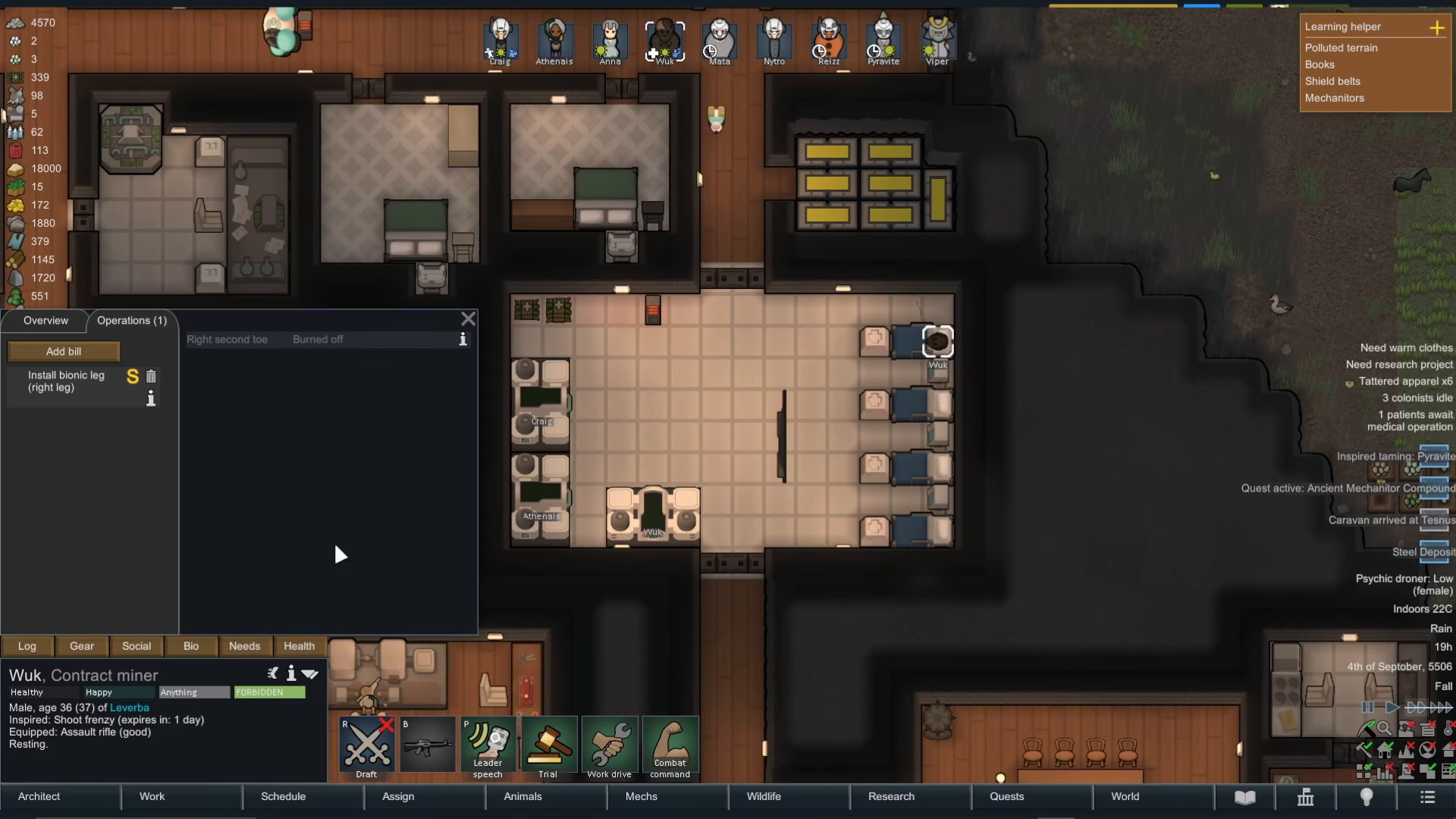
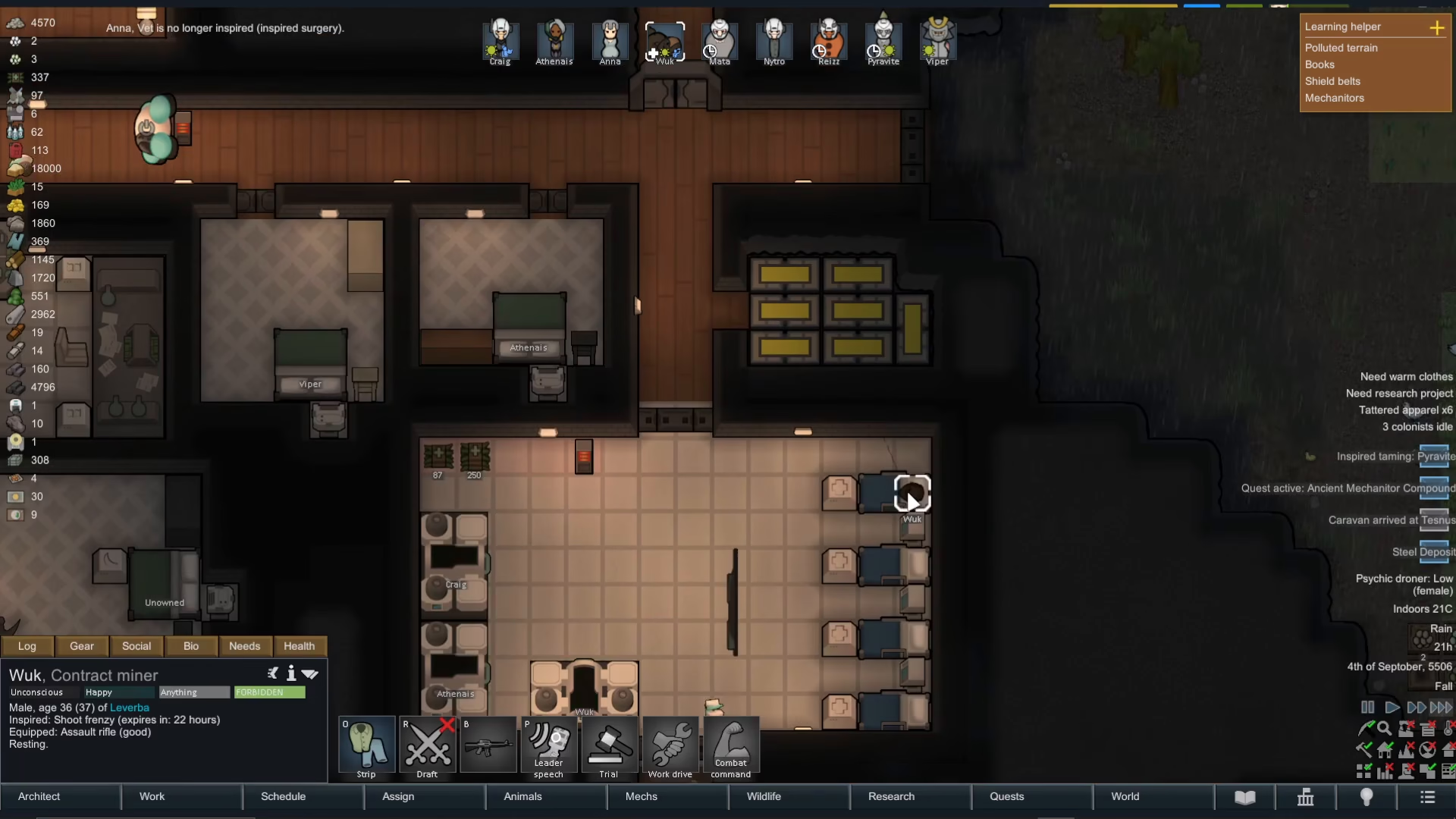
Once the surgeon begins their work, they’ll automatically gather the necessary medicine and required parts (like the bionic leg). They’ll then proceed to the patient’s bedside and begin the surgical procedure. Operations can take some time to complete, so patience is important. You’ll see your surgeon working on the patient until the operation concludes.
Post-Operation Care and Recovery
After a successful operation, your colonist will be sedated for approximately one day while the anesthesia wears off. During this recovery period, they won’t bleed or take damage—unlike injuries sustained in combat or accidents in the field. The surgical environment provides a controlled, safe setting for medical procedures. Once the anesthetic wears off, your colonist will naturally get up and resume their normal activities.
Results and Efficiency Gains
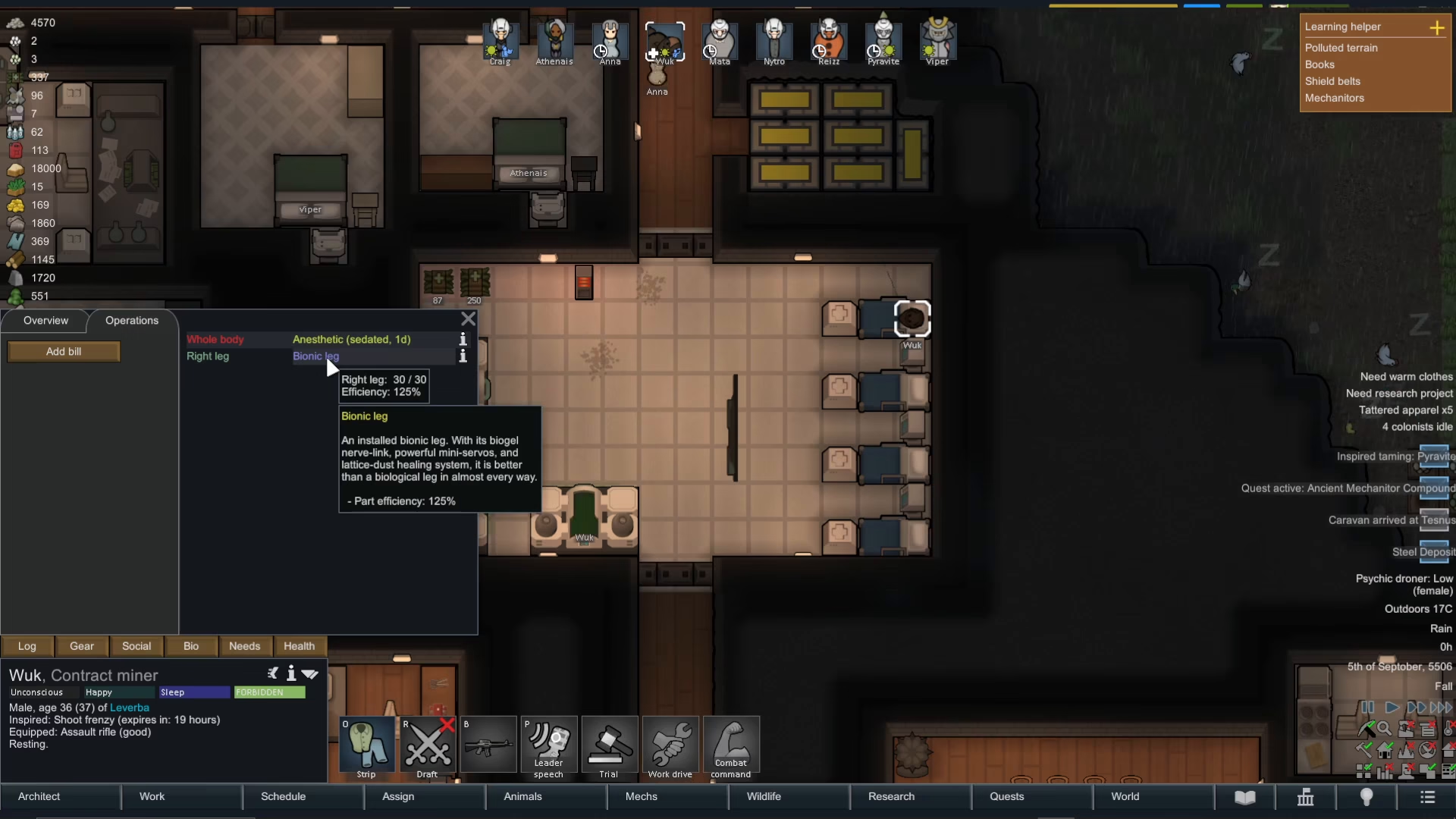
Successfully installed prosthetics and bionics provide significant benefits to your colonists. In this case, the bionic leg was installed with 125% efficiency, meaning the colonist’s movement and work capacity actually exceeded their baseline before the injury. The previous problem of the burned toe is completely resolved, and the colonist can return to full productivity.
Summary
Operating in Rimworld involves a straightforward process: access the Health tab, identify the injury or missing body part, add a surgical bill with the appropriate procedure, ensure you have the necessary parts in stock, prepare the patient by getting them to a medical bed, assign your best surgeon, and then let the procedure run its course. With proper planning and skilled surgeons, you can keep your colonists healthy, functional, and more efficient than ever before. Successful surgery is far safer than treating injuries sustained in the field, making it a valuable part of colony management strategy.
Want to Support?
If you would like to help us continue making these guides – please consider joining our patreon here – https://www.patreon.com/c/JaviHeals
Alternatively – you can join our discord here – https://discord.gg/zD7Gjt6MHF