






How Hot Depositing Works in Grounded
How Hot Depositing Works in Grounded
After a thorough exploration session in Grounded, your inventory can quickly become overflowing with items. Managing multiple chests and manually sorting items can be tedious and time-consuming. Fortunately, Grounded offers a convenient feature called “hot depositing” that streamlines your storage process. This guide will walk you through how to use this feature effectively and why it’s essential for organized base management.
Understanding Hot Depositing Basics
Hot depositing is a game mechanic in Grounded that allows you to automatically deposit items into chests without manually selecting each one. When you have a large quantity of items from exploring, hot depositing eliminates the need to manually search through multiple chests to find the right storage location.
How to Use Hot Depositing
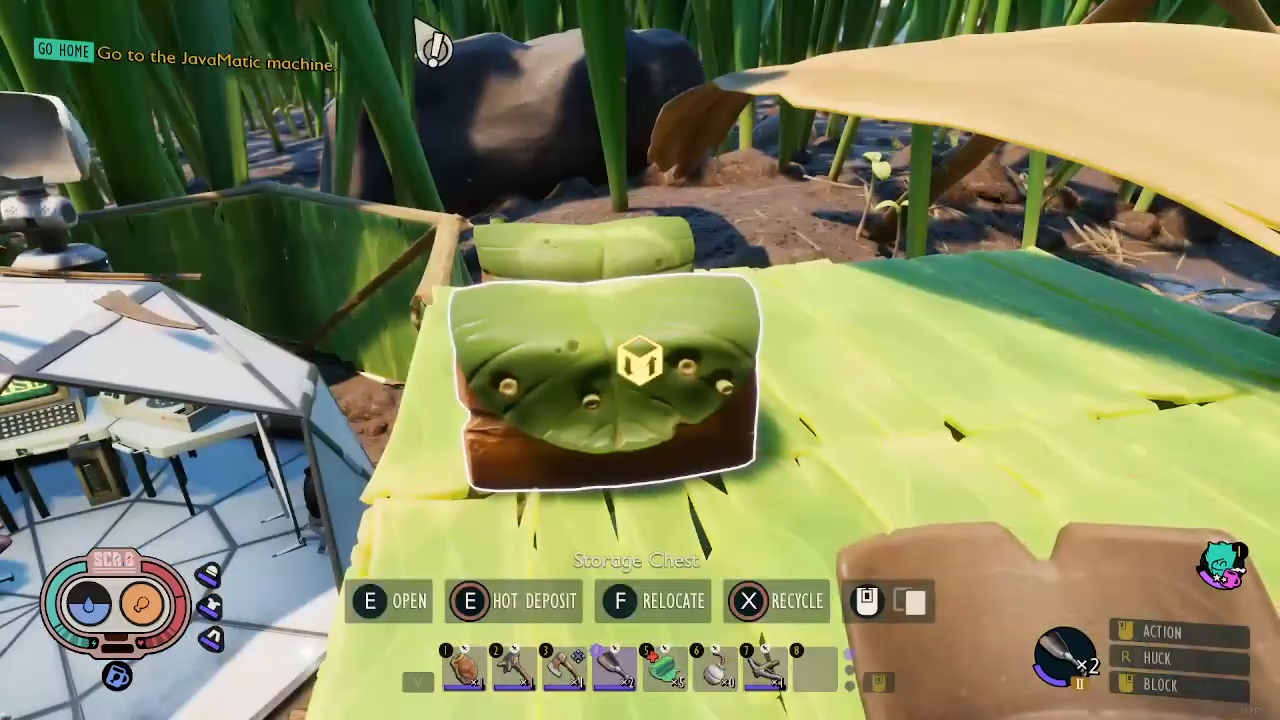
Using hot depositing is straightforward. Simply walk up to any chest and hold the E key. The game will automatically scan the contents of that chest and deposit any matching items from your inventory into it.
How Hot Depositing Prioritizes Items
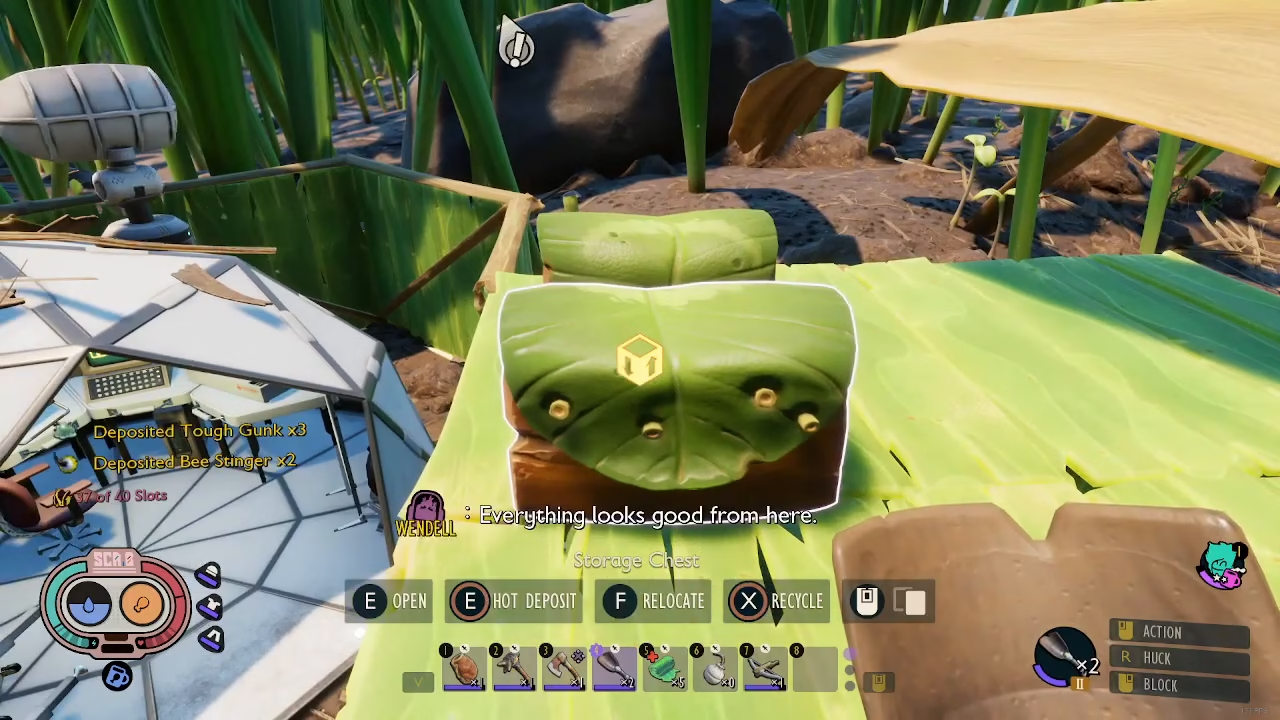
Hot depositing works by matching items in your inventory with items already stored in the chest. For example, if a chest already contains bee stingers and tough gunk, using hot depositing will automatically place any bee stingers and tough gunk from your inventory into that same chest.
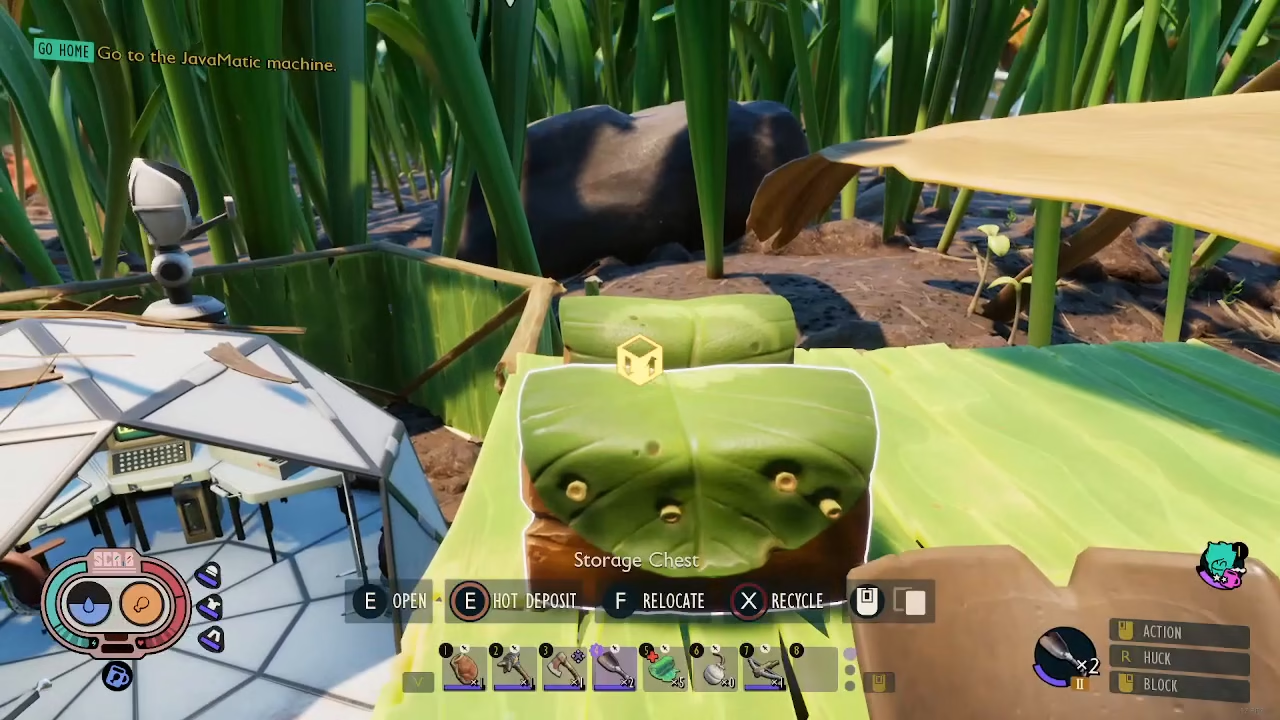
In another chest that contains bee fuzz, laid back parts, and ladybird shells, hot depositing will automatically deposit matching items from your inventory into that storage location.
Benefits of an Organized Chest System
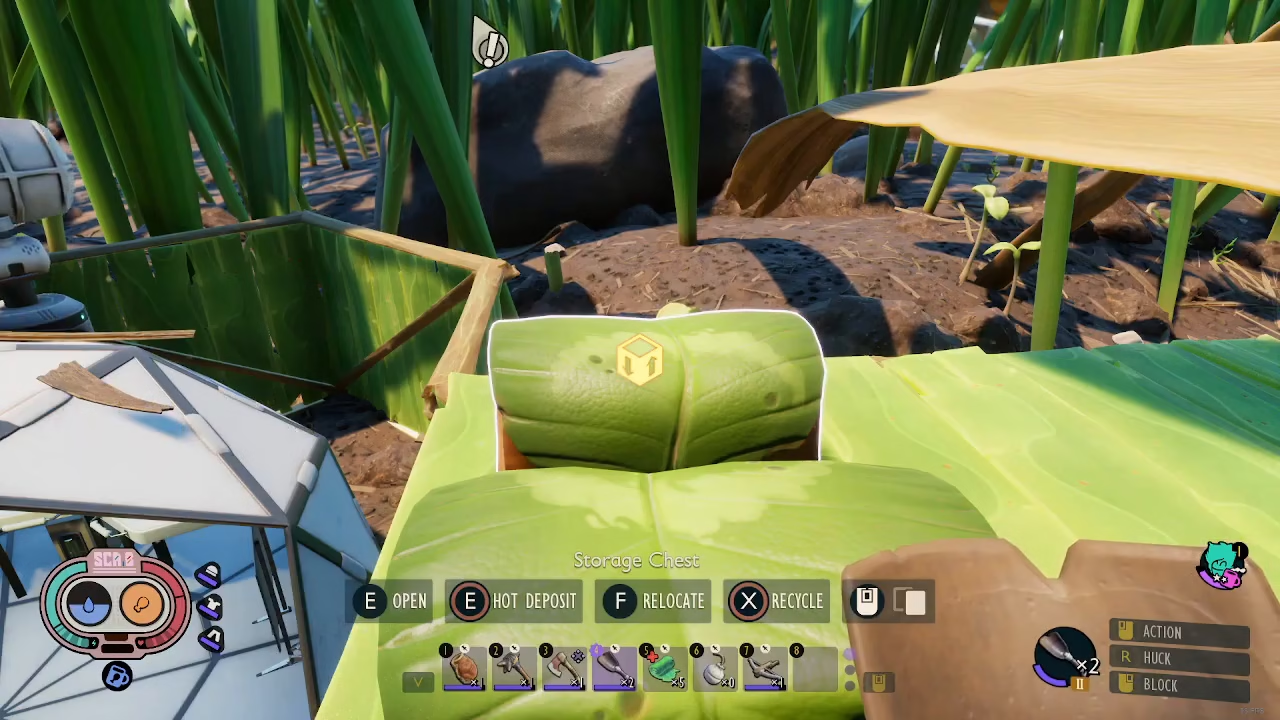
Hot depositing becomes significantly more efficient when you organize your chests by item type. By maintaining an organized storage system, you can deposit your entire inventory quickly without manually checking each chest. This is especially valuable when you’re carrying many different items and need to store them rapidly.
Rather than asking yourself “where’s this chest, where’s that chest?” you can simply move between your organized chests and use hot depositing to place items in their designated locations.
Summary
Hot depositing in Grounded is a time-saving feature that automatically deposits items into chests based on what’s already stored inside. By holding E at a chest, matching items from your inventory are instantly placed into storage. To maximize this feature’s efficiency, organize your chests by item type so you can quickly deposit everything without searching through multiple storage containers. This makes inventory management much faster and keeps your base organized.
Want to Support?
If you would like to help us continue making these guides – please consider joining our patreon here – https://www.patreon.com/c/JaviHeals
Alternatively – you can join our discord here – https://discord.gg/zD7Gjt6MHF



