





How to Power and Use The Resource Surveyor in Grounded
How to Power and Use The Resource Surveyor in Grounded
The Resource Surveyor is an essential tool in Grounded that helps you locate items you’ve already discovered on your map. This guide will walk you through the process of powering it on and using it effectively to find valuable resources within your explored territory.
Finding the Resource Surveyor Location
Heading to Hedge Ascent
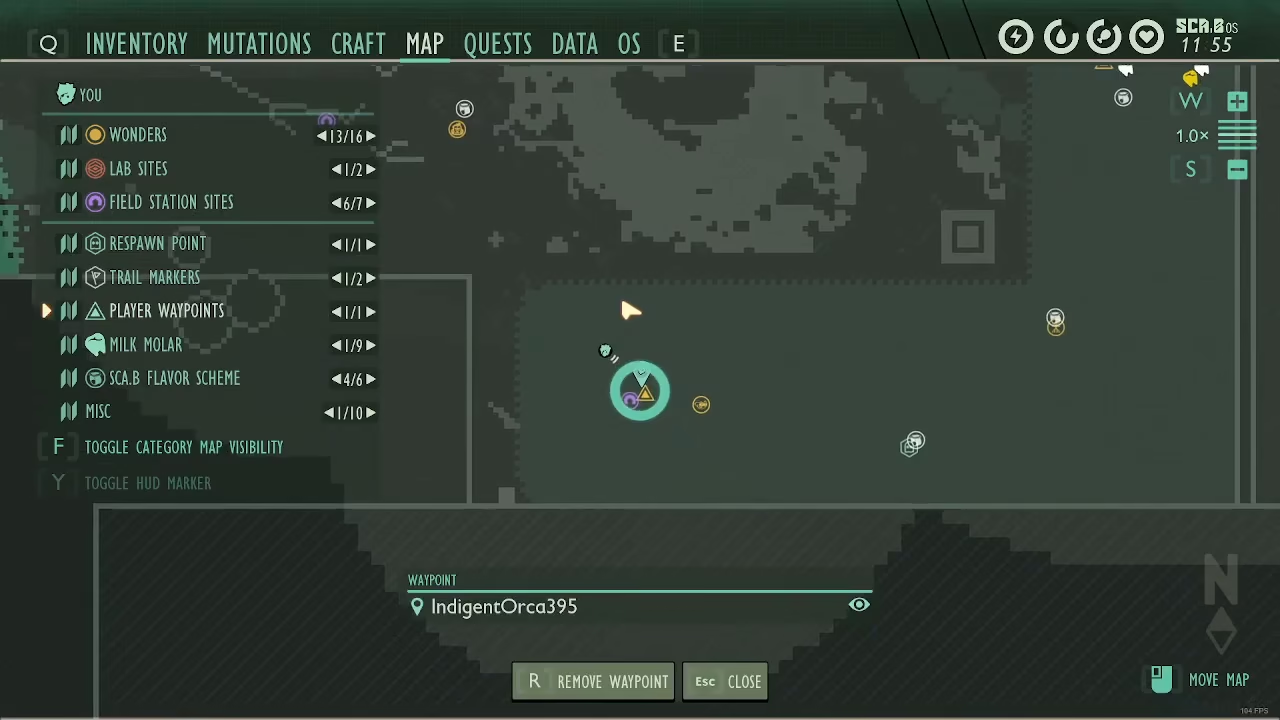
To begin your journey, navigate to the hedge area. Look for the triangle marker labeled “Hedge Ascent” in the bottom corner of the map. This is your starting point for accessing the Resource Surveyor.
Following the Hedge Clippers Trail
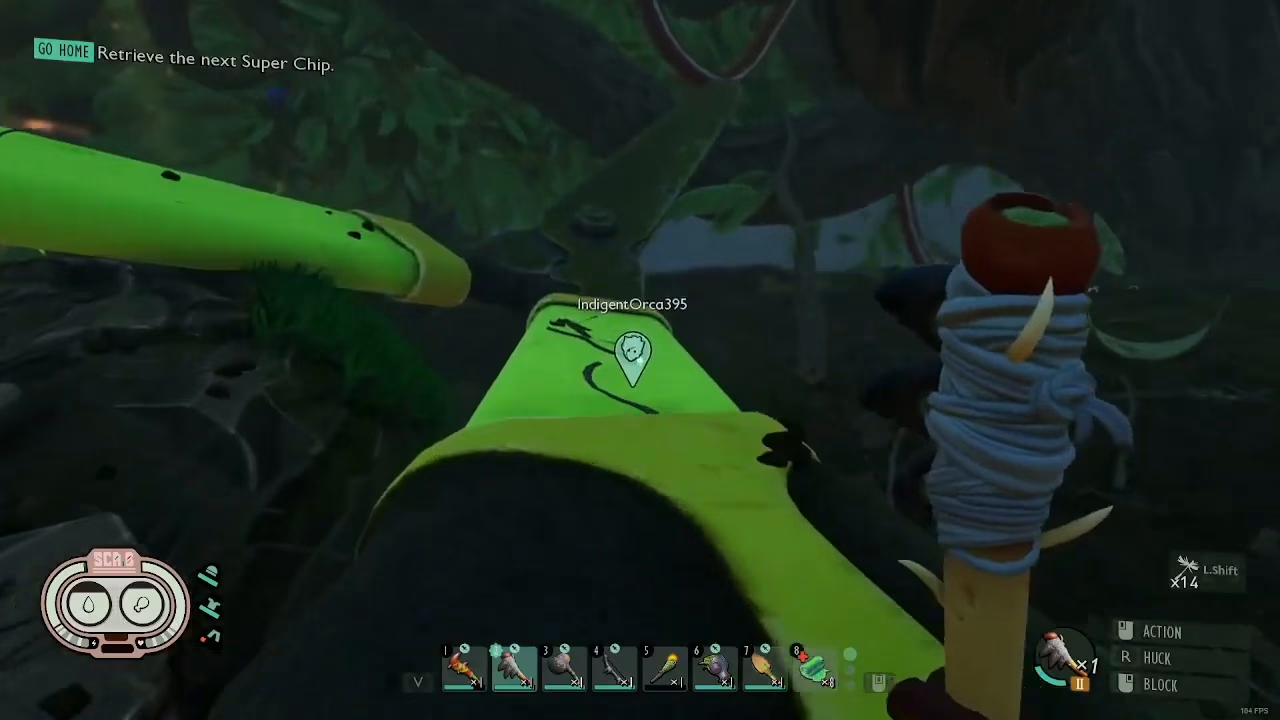
Start by following the hedge clippers upward. You’ll run up this path, then turn right to reach the field station. Once you arrive at the field station, enter it and discover it if you haven’t already.
Climbing the Branch Route
From the field station, continue running up the branch in front of you. Keep ascending along this branch as far as you can. Once you reach the end, hop onto the larger branch below and continue climbing upward.
Navigating Through the Mushrooms and Zip Line
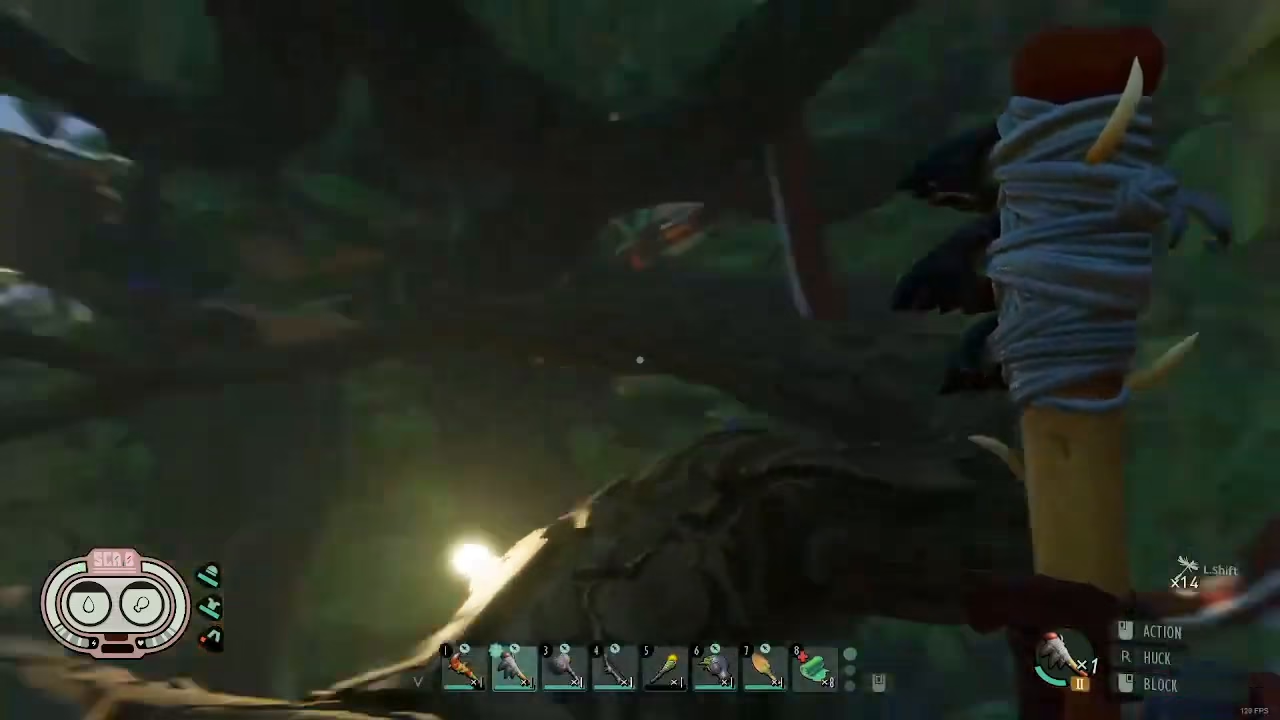
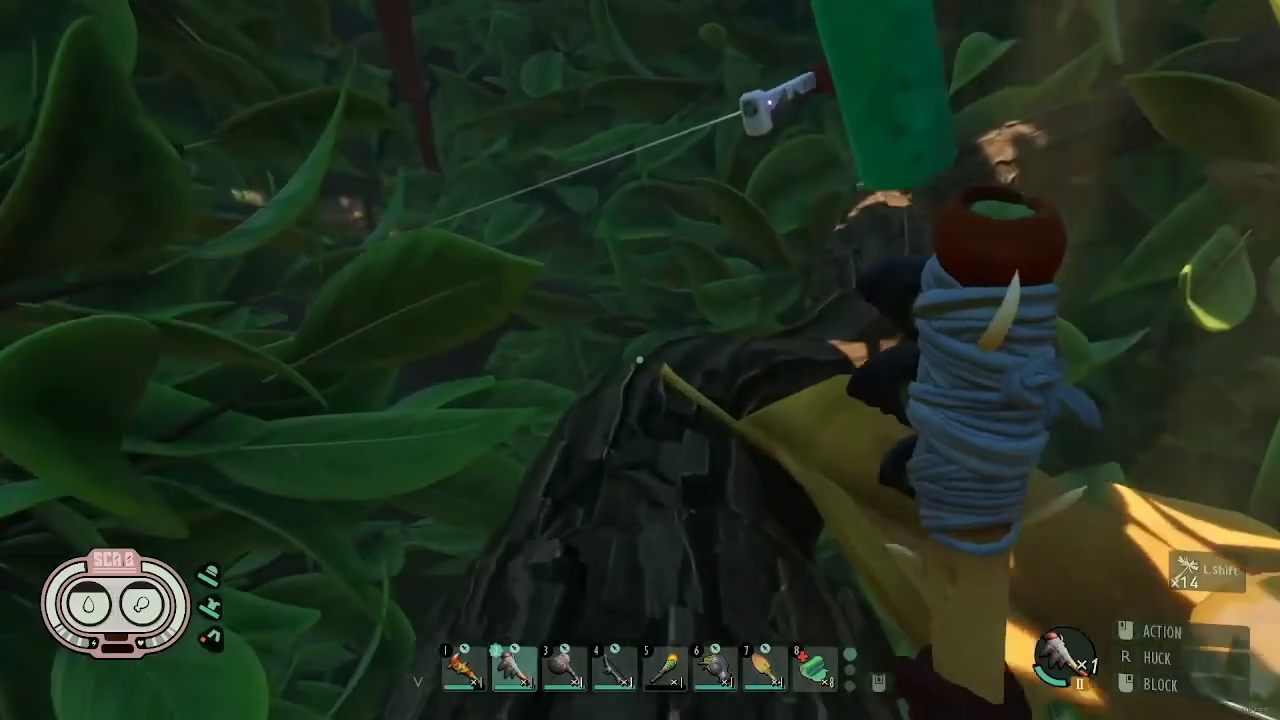
As you keep climbing, you’ll encounter hanging mushrooms attached to the branch. Jump onto these mushrooms and make your way to the skinny branch ahead. From there, head toward the zip line. Press E to activate the zip line and ride it all the way down.
Finding the Lab Section
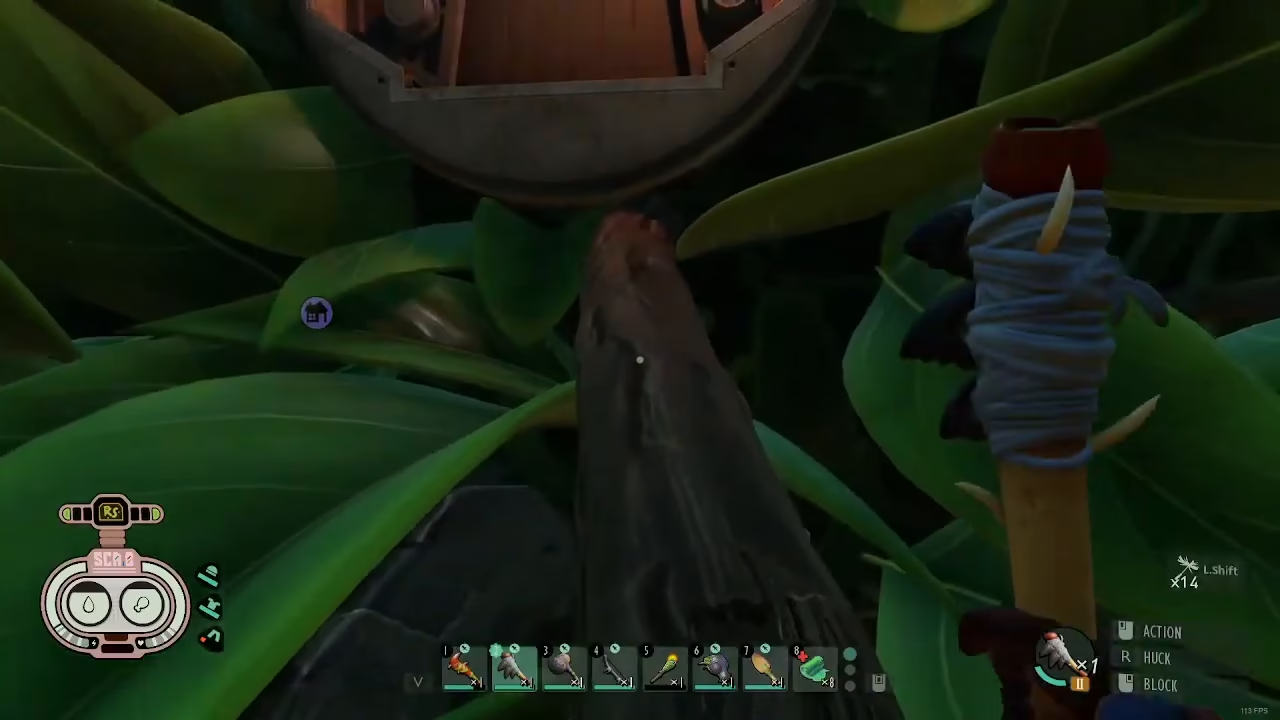
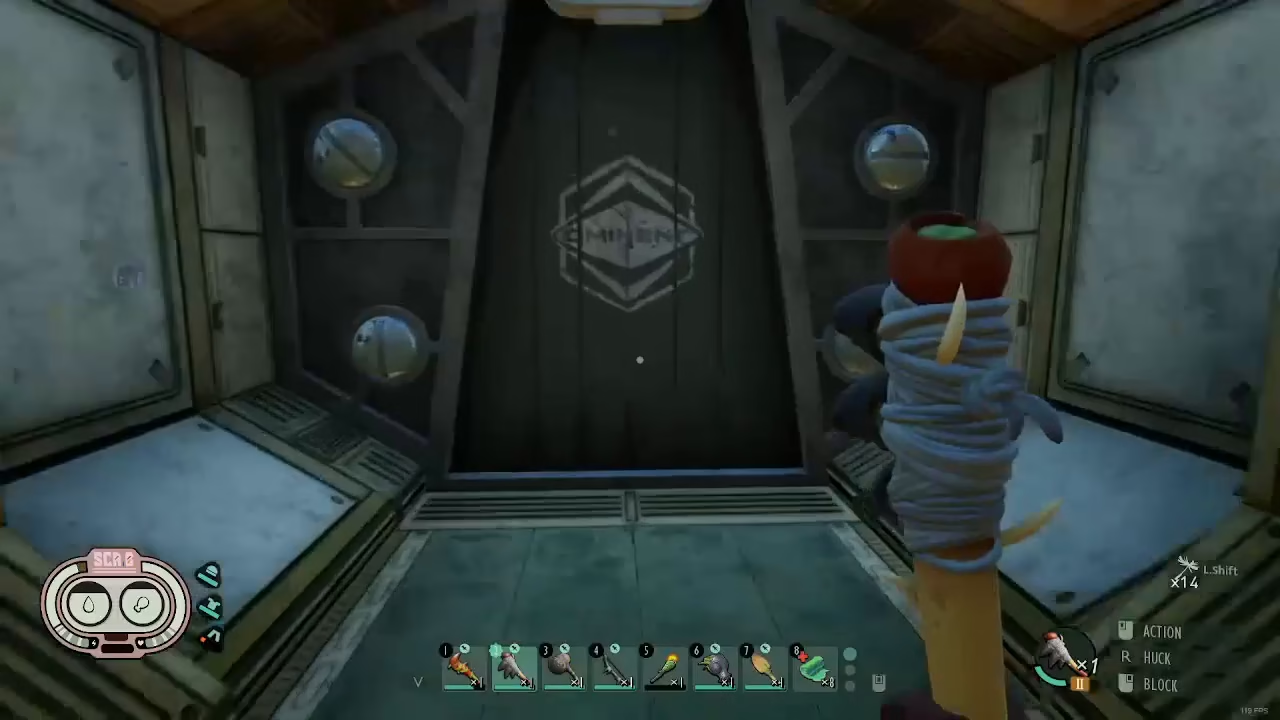
After arriving at the bottom of the zip line, backtrack slightly and follow the larger log upward. You’ll notice a door with a green marking above it. Walk through this door to enter the lab section, which will eventually lead you to the Resource Surveyor.
Powering On the Resource Surveyor
Locating the Power Lever
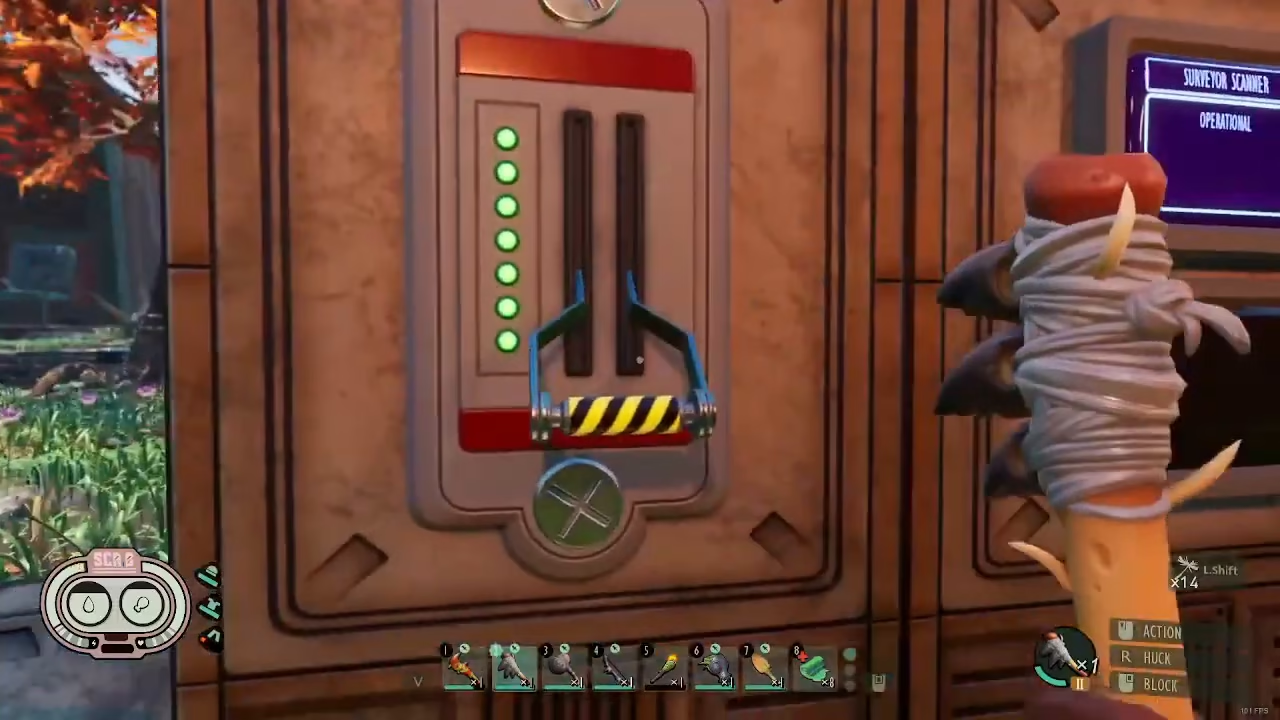
Once you’re in the lab section, follow the path until you reach the Resource Surveyor. Turn to your left and look for a lever. If you haven’t activated it yet, the lever will be in the up position.
Activating the Device
Press E on the lever to pull it down. A brief cutscene will play, and the Resource Surveyor will be activated. Congratulations—you now have access to this powerful tool!
Using the Resource Surveyor
Accessing the Surveyor at Field Stations
Once activated, you can access the Resource Surveyor at any field station or your base. The surveyor will help you locate any item that you’ve previously researched and discovered in the game.
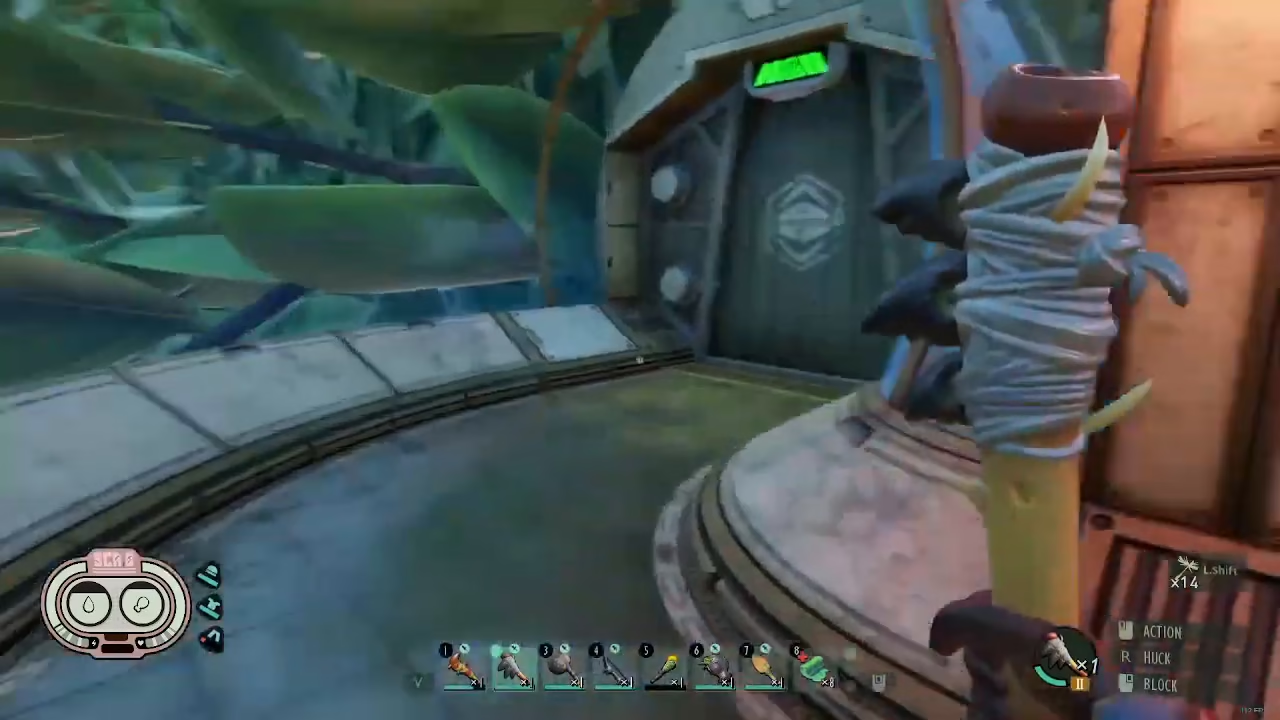
Understanding the Research Requirement
The Resource Surveyor only works with items you’ve already researched. If you haven’t researched an item yet, it won’t appear in the surveyor’s results. Make sure to research items at your base before searching for them.
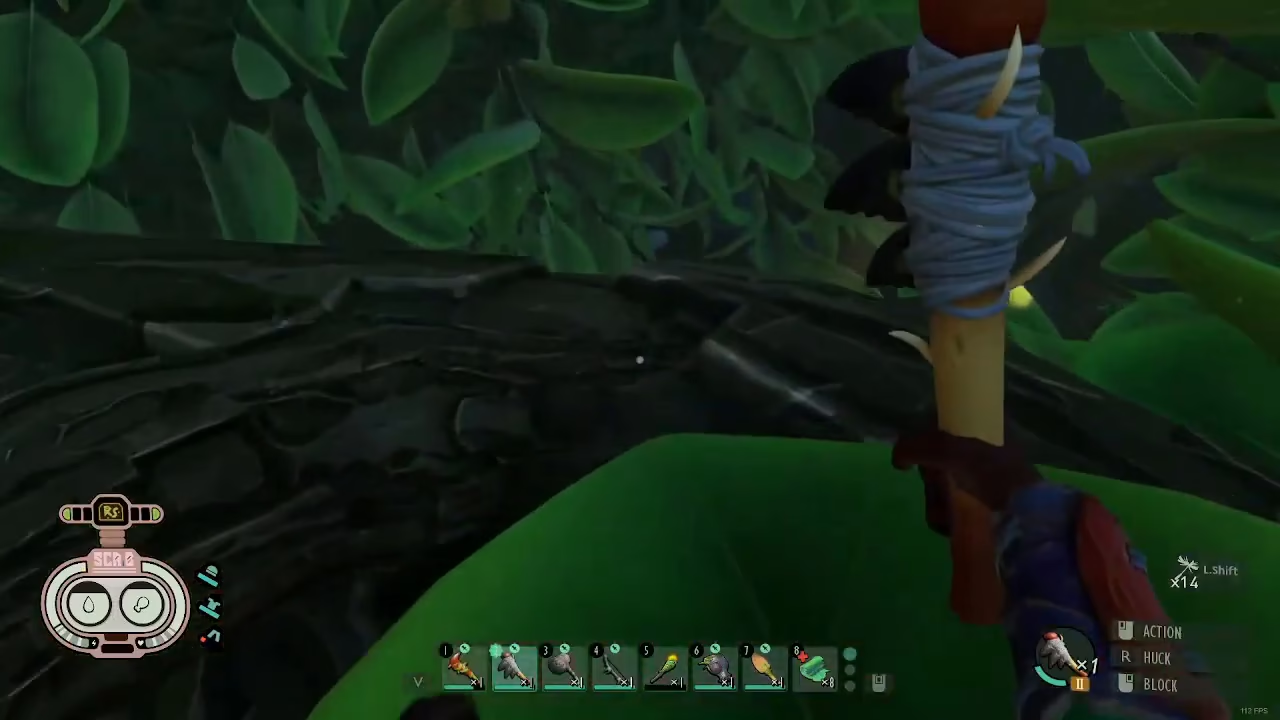
Reading the Resource Map
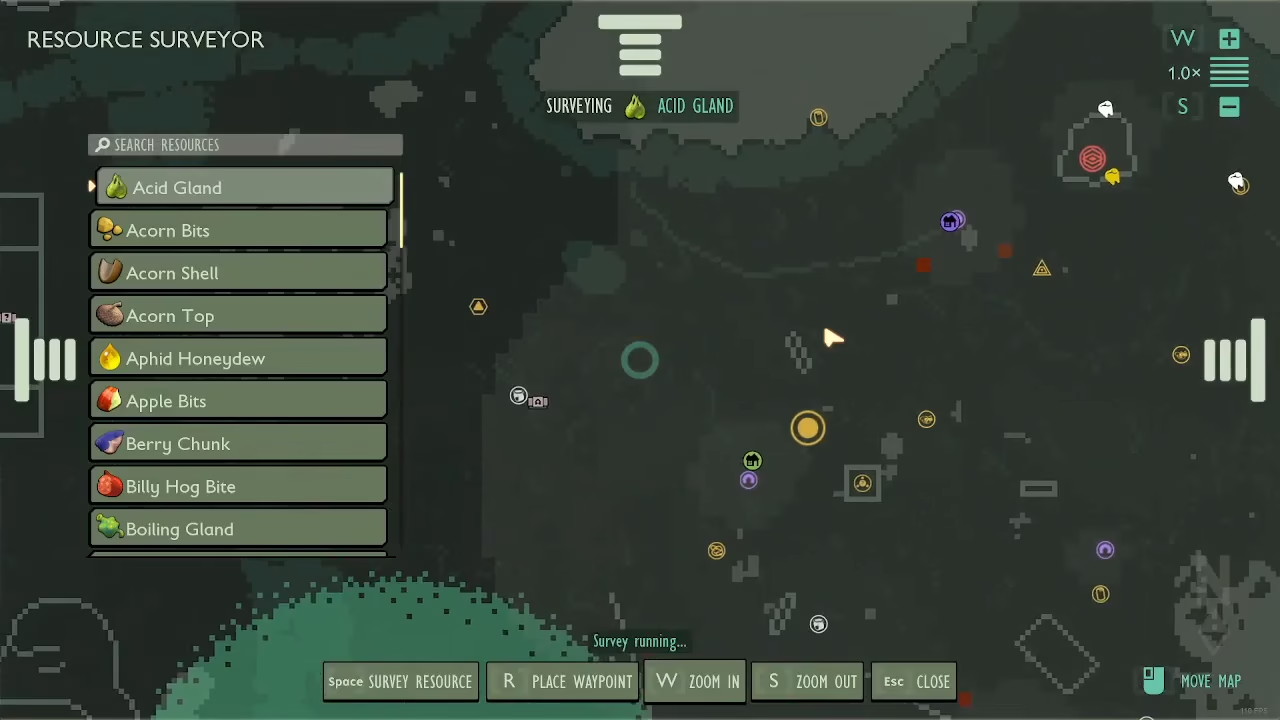
When you access the Resource Surveyor at a field station, you’ll see your map displayed with various shaded areas. Lighter and darker sections indicate resource concentration levels within the radius of discovered areas around that field station.
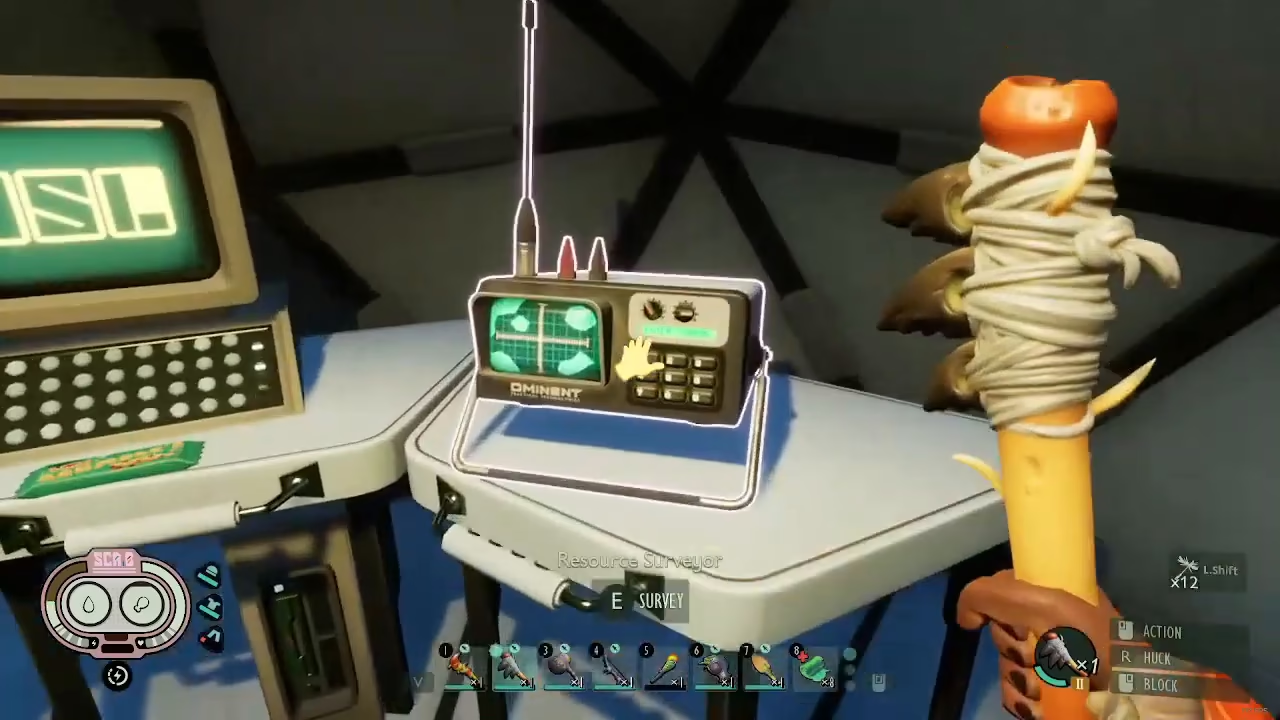
Searching for Specific Items
To find a specific item, press the spacebar while looking at the map. The surveyor will display all locations of that item within your discovered map radius. For example, if you search for “Acid Glands,” the surveyor will show you every location where you can obtain them.
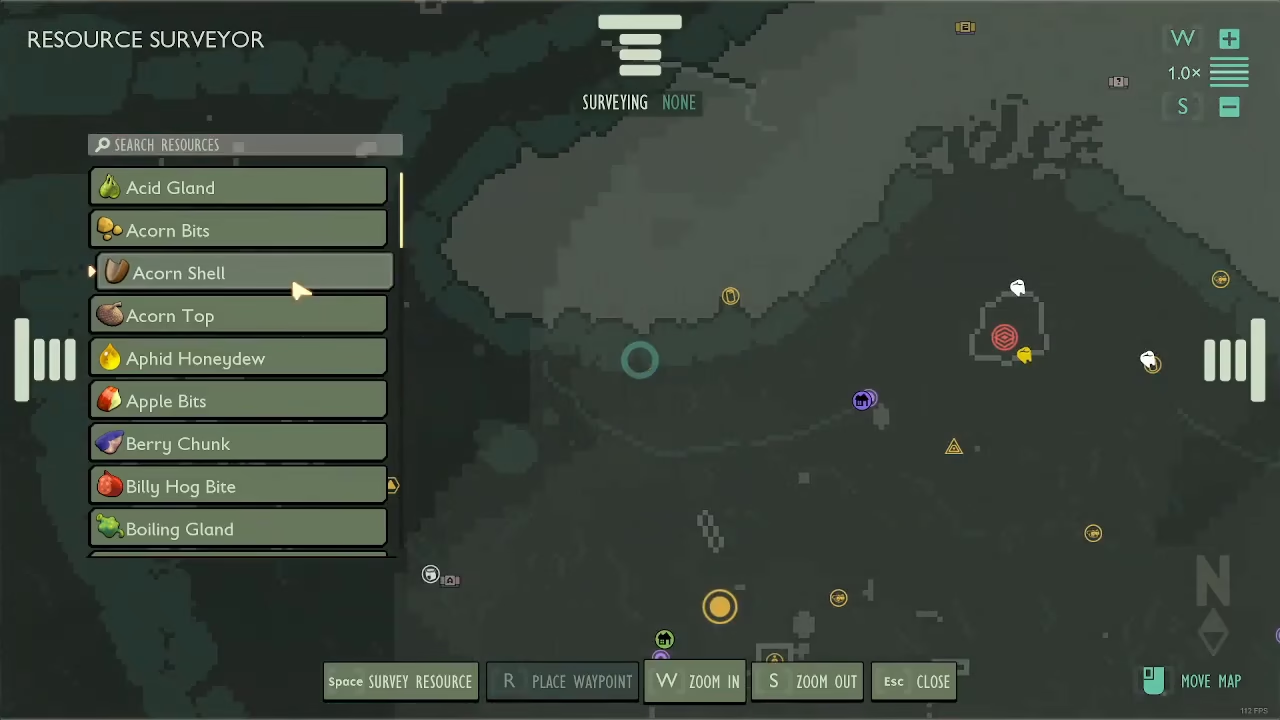
Identifying Concentrated Resources
The Resource Surveyor uses color coding to indicate resource density. Darker red squares represent more concentrated sources of your target item, while lighter areas indicate sparser distribution. Use this information to prioritize which locations to visit for efficient resource gathering.
Summary
The Resource Surveyor is a game-changing tool for efficient resource gathering in Grounded. By following the Hedge Ascent route through the field station, branch climbing sections, and the lab area, you can activate this device at the power lever. Once powered on, the surveyor will display researched items’ locations on your map, with darker red squares indicating concentrated resource areas. This tool becomes invaluable as you progress through the game and need to farm specific materials for crafting and progression.
Want to Support?
If you would like to help us continue making these guides – please consider joining our patreon here – https://www.patreon.com/c/JaviHeals
Alternatively – you can join our discord here – https://discord.gg/zD7Gjt6MHF



