
How to Get Unlimited Money In Farming Simulator 25
How to Get Unlimited Money in Farming Simulator 25
Learn the fastest way to generate unlimited money in Farming Simulator 25 using the Government Subsidy placeable. This guide walks you through downloading the DLC, placing subsidy generators on your farm, and maximizing your monthly earnings. Follow these simple steps to accumulate millions in just days.
Download the Government Subsidy DLC
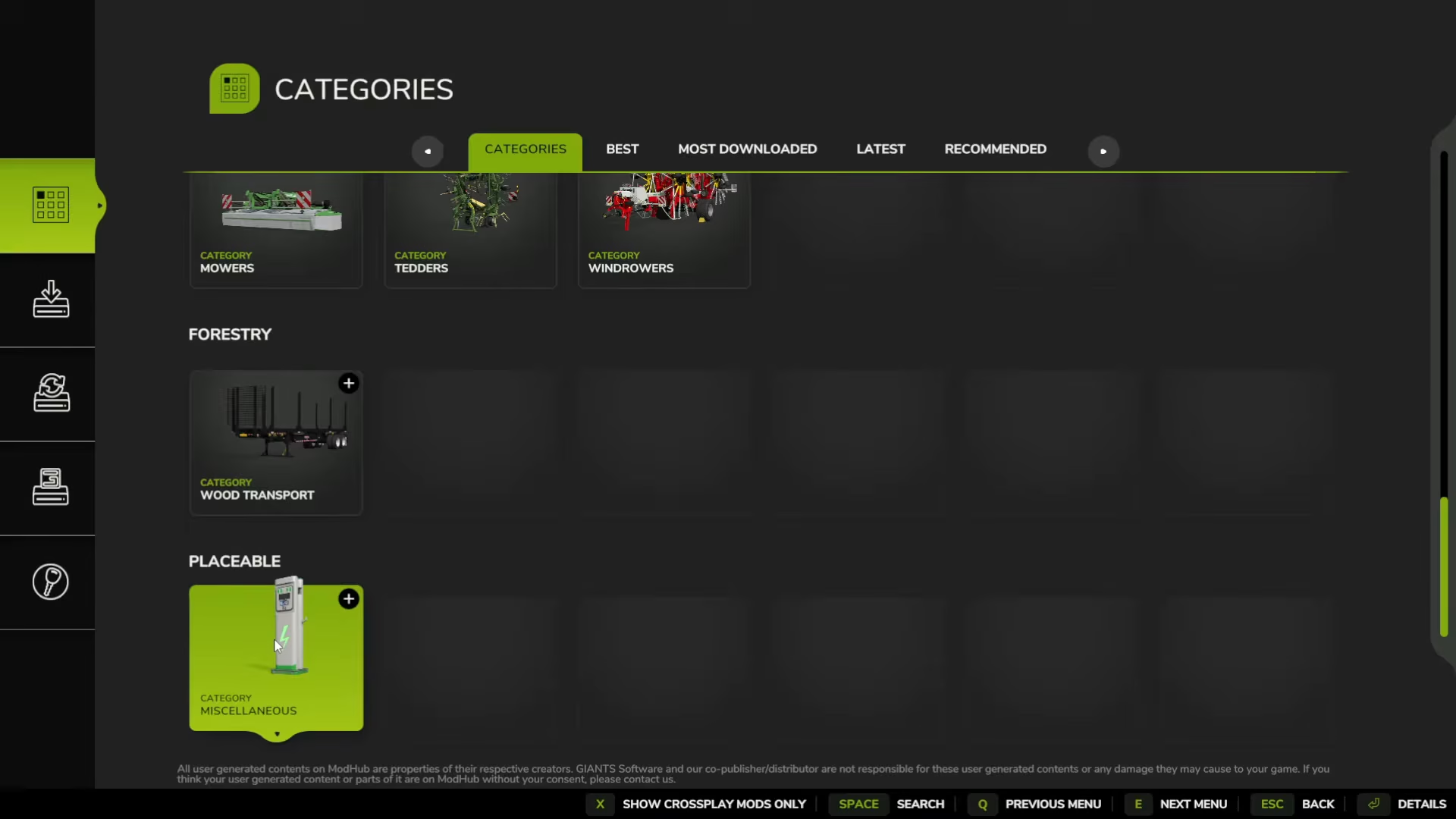
Start by navigating to the main menu and accessing the downloadable content section. Find the main categories tab and scroll to the bottom where you’ll see “Placable.” Click on it to reveal the Government Subsidy option. Double-click into the Government Subsidy to view its contents—it comes with two tiers that you can ignore for now.
Click Enter to install the mod. You’ll see a confirmation message: “Mod Government Subsidy was added to the download list.” Check the installed tab (the second tab) to verify the download has completed successfully.
Enable the DLC in Your Save Game
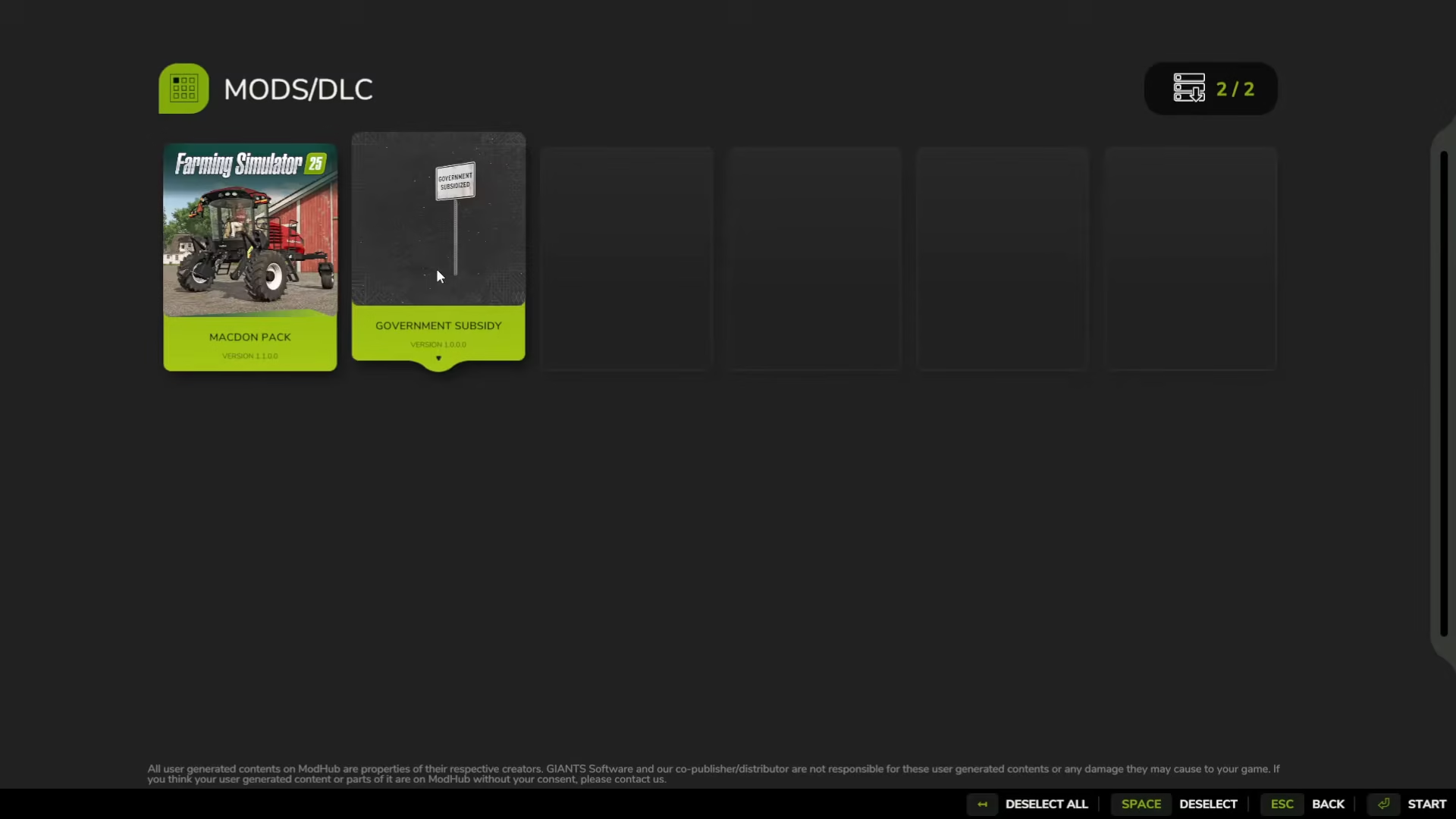
Navigate to Career and select My Save Game, then open your game save file. You’ll see an option to select which DLC you have enabled. Double-click on the Government Subsidy to toggle it on—green indicates it’s active, while black means it’s off. Make sure it’s set to green (enabled) before starting your game.
Access Build Mode
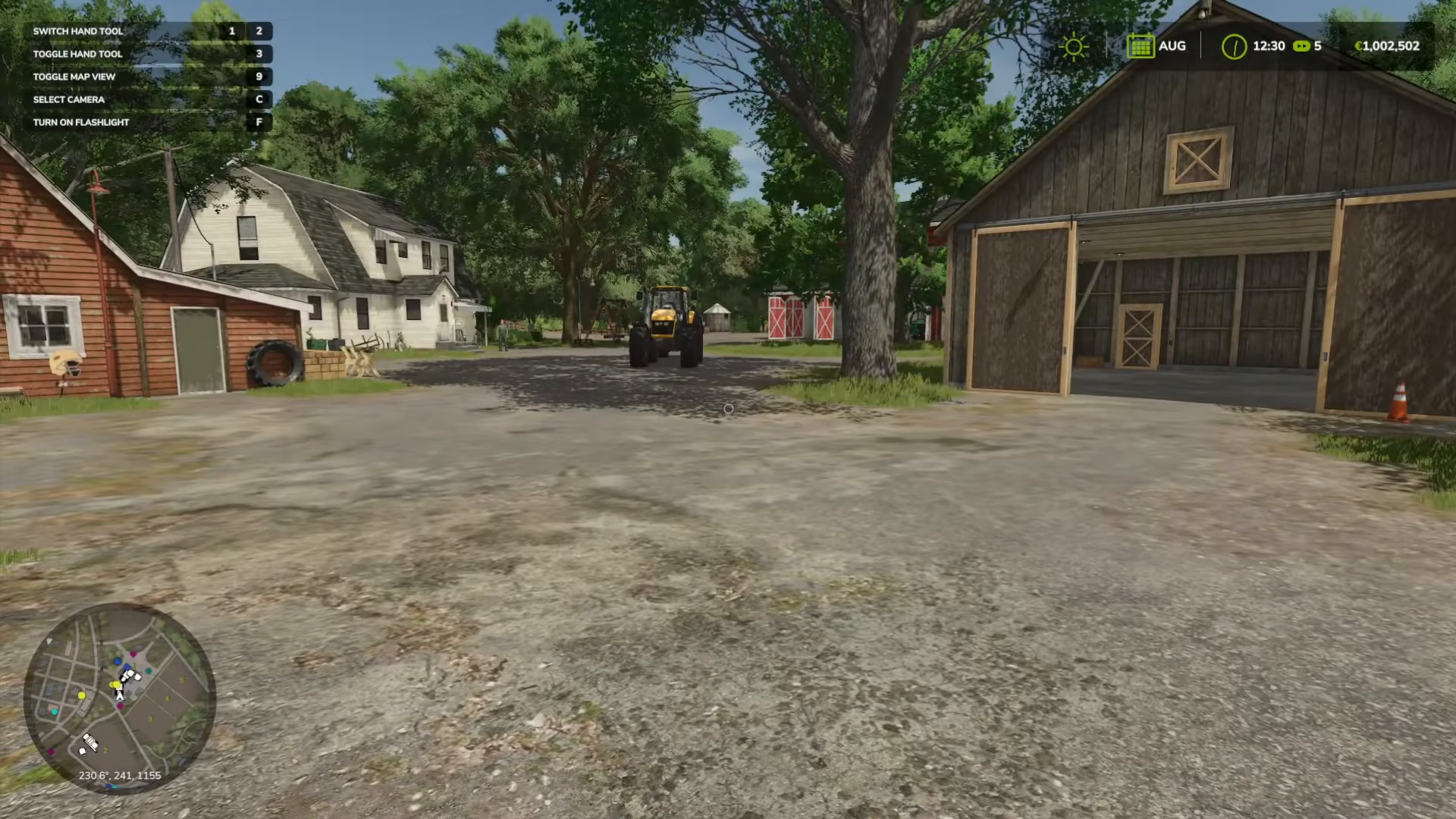
Once you’re in the game, open your menu and enter Build Mode. On PC, press Left Shift + P to activate Build Mode. If you’re using a console or need to find the alternative controls, check your menu under Controls, then navigate to Construction and Build Mode to see your system’s specific key binding.
Locate and Place Government Subsidy Generators
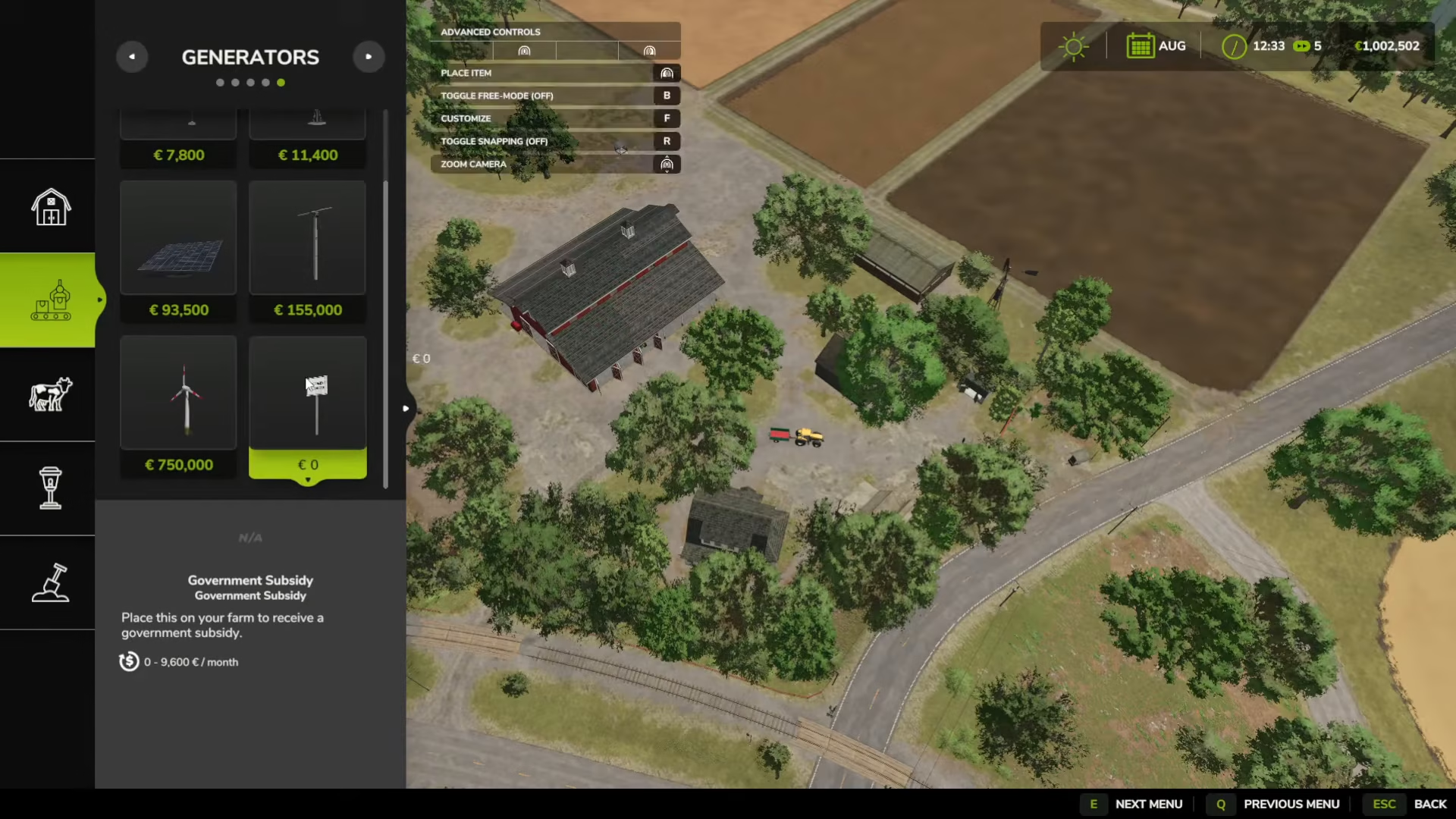
In Build Mode, scroll through the tabs until you reach the second tab down. At the end of this tab, you’ll find the Generators section marked with a green dot. Look for “Government Subsidy” in the list. Click on it to select the placeable.
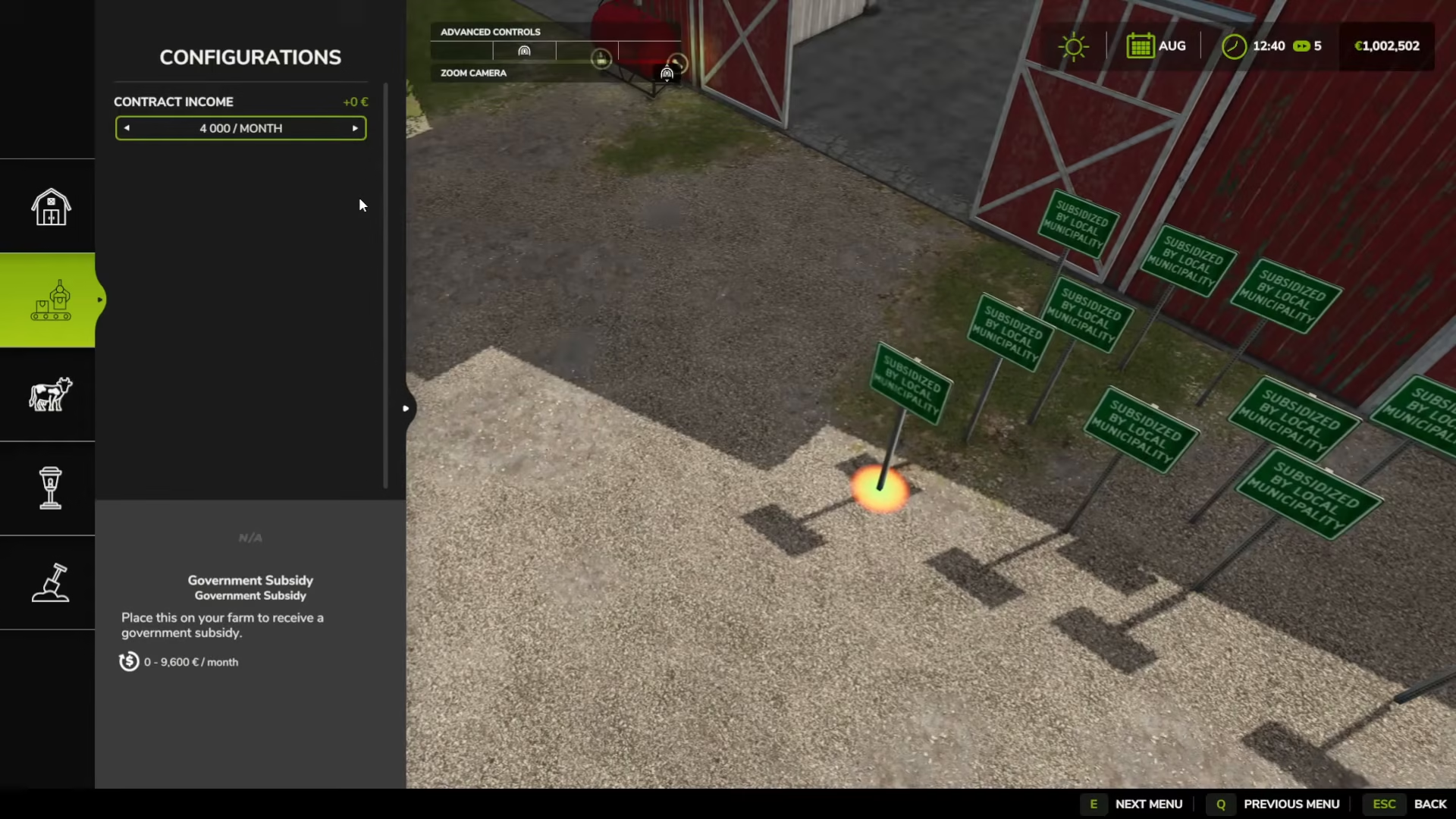
You can now place Government Subsidy generators anywhere on your farm. Each one is completely free—the cost is 0, meaning you can place as many as you want without spending a single dollar. Zoom in and rotate the structure as needed to position it properly on your farm.
Customize Your Subsidies for Maximum Income
Once you’ve placed a Government Subsidy generator, press F to customize it. The default version provides 9,600 per month, but you have options. Customize each subsidy to generate 4 million per month instead—a significantly better return. You can place multiple subsidies with this higher tier to exponentially increase your monthly income. Each customized subsidy will generate 4,812,000 or more per month.
Sleep to Complete the Month and Collect Your Earnings
To maximize your earnings quickly, set your game settings so that one month equals one day. This allows you to complete a full month (and collect your subsidy payment) every single in-game day.
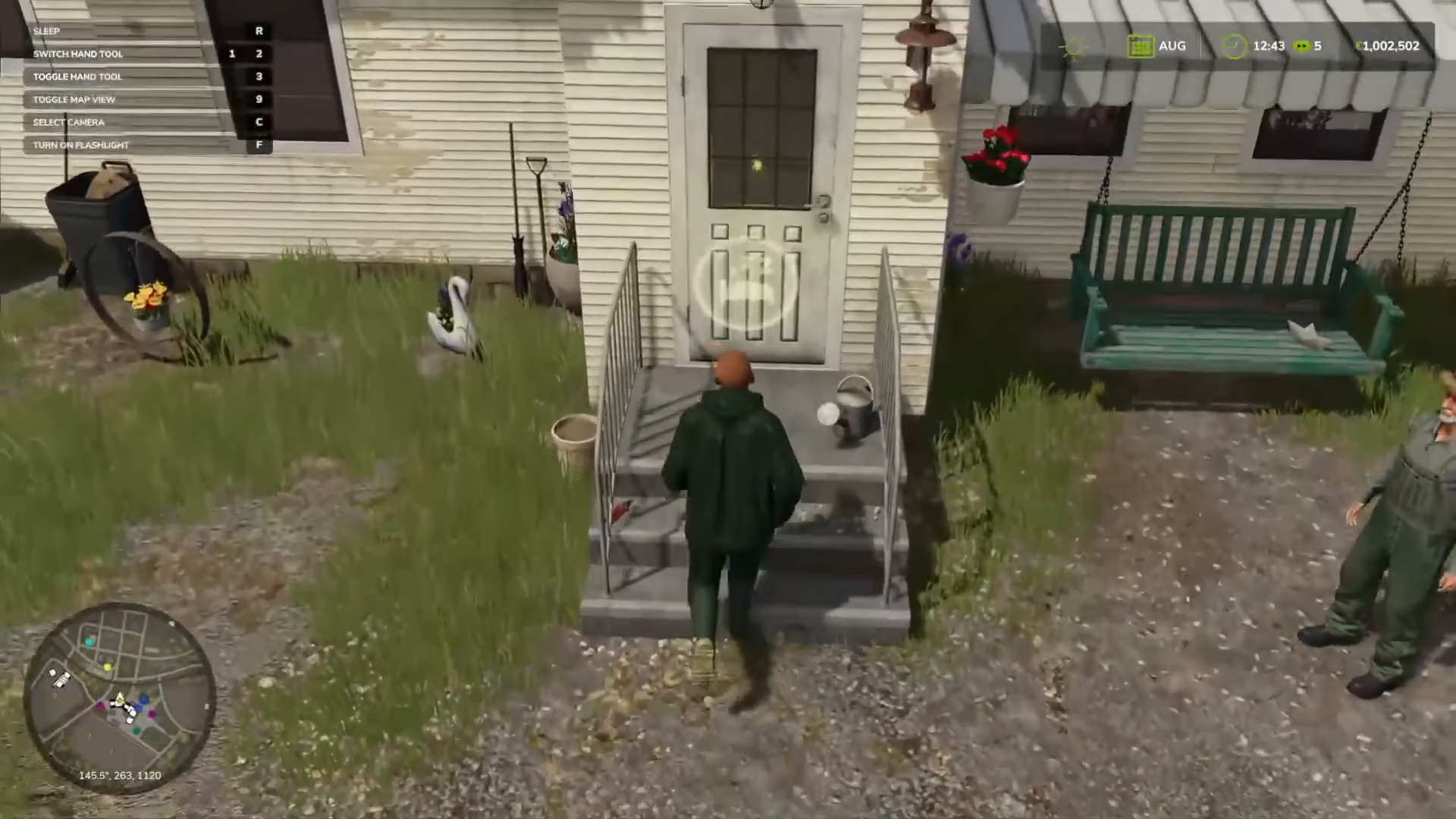
Head to your house and locate the bed icon. Press R to sleep and select what time you want to wake up—try 11:30 PM. When you wake up, it will be the next day and the next month, triggering your subsidy payment. You’ll immediately see your money total increase in the top right corner of your screen. With multiple high-tier subsidies in place, you can accumulate millions in just a few in-game days.
Summary
Getting unlimited money in Farming Simulator 25 is straightforward: download the Government Subsidy DLC, enable it in your save game, enter Build Mode (Left Shift + P on PC), place multiple Government Subsidy generators set to 4 million per month, and sleep through in-game days to collect payments. With one month per day enabled, you’ll accumulate millions of in-game currency rapidly, giving you unlimited funds to expand your farm operations.
Want to Support?
If you would like to help us continue making these guides – please consider joining our patreon here – https://www.patreon.com/c/JaviHeals
Alternatively – you can join our discord here – https://discord.gg/zD7Gjt6MHF