Barley Complete Guide How To Grow, Harvest & Sell Barley In Farming Simulator 25
Barley Complete Guide: How To Grow, Harvest & Sell Barley In Farming Simulator 25
In this comprehensive guide, you’ll learn everything you need to know about preparing fields, sowing seeds, fertilizing, managing weeds, harvesting, and selling barley in Farming Simulator 25. Whether you’re a beginner or looking to optimize your farming process, this step-by-step tutorial covers all the essential mechanics you need to succeed.
Game Settings and Options
Before you start farming, it’s important to configure your game settings to match your playstyle. Access the menu, go to Options, then Game Settings to review the following options:
Crop Destruction: Controls whether crops are destroyed when you drive over them. When harvesting, you’ll want your harvester’s header at the front.
Periodic Plowing Required: Toggle whether you need to plow your fields regularly. You can turn this on or off depending on your preference.
Field Stones: Determines if stones can appear in your fields during plowing, which can damage equipment. Beginners may want to disable this.
Lime: Controls whether you need to lime your fields. Liming is optional but recommended for better crop yield.
Weeds: Toggles weed growth in your fields. Weeds can reduce crop yield but add complexity to the game.
Liming Your Fields
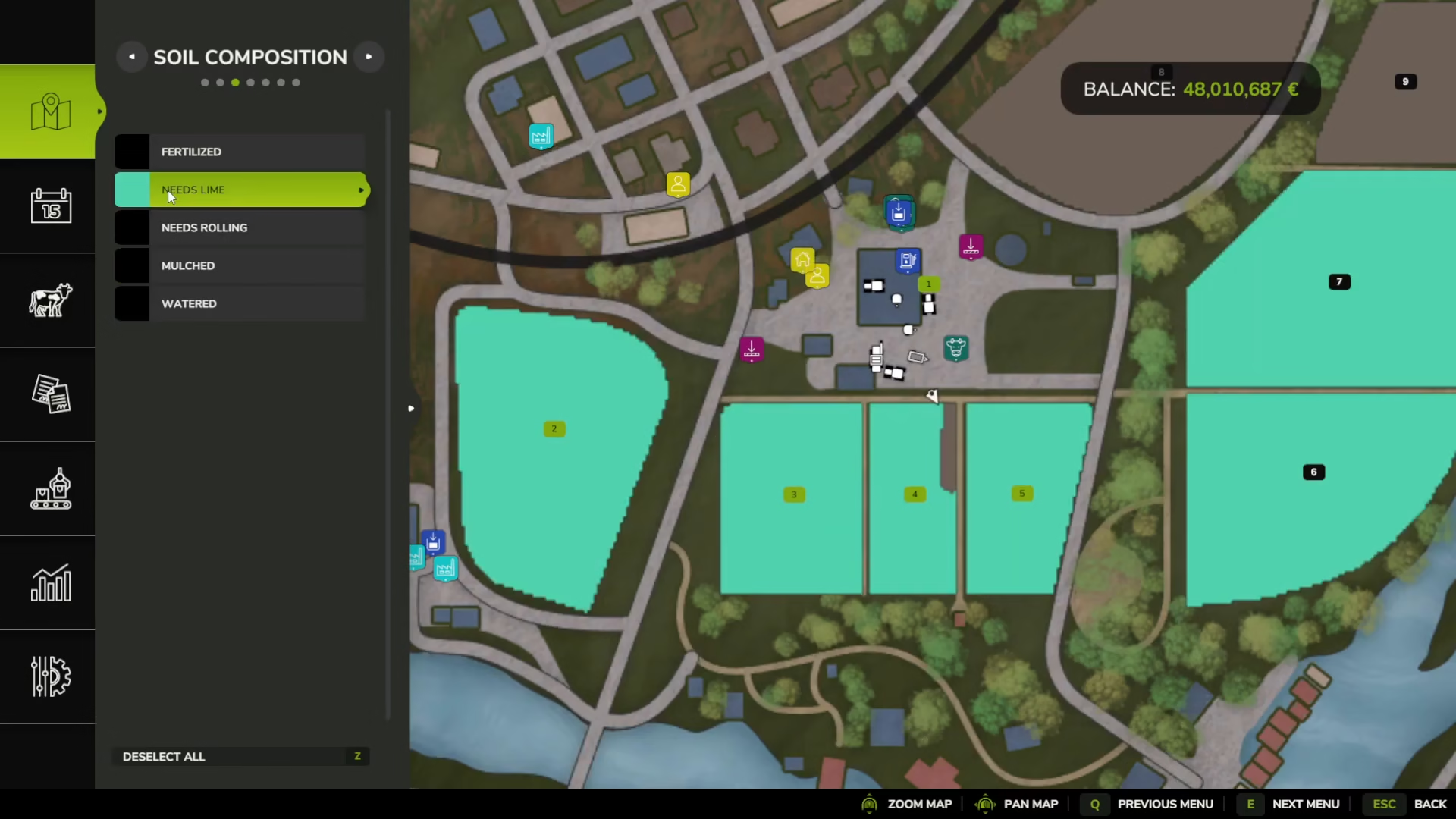
Liming is one of the first steps in preparing your fields for planting. To identify which fields need liming, access your map and enable the soil composition view. Look for aquamarine or turquoise colored areas labeled “needs lime.” Brown areas indicate fields that have already been limed.
Purchasing Liming Equipment
To lime your fields, you’ll need:
A tractor (any small tractor will work)
A fertilizer spreader capable of spreading lime
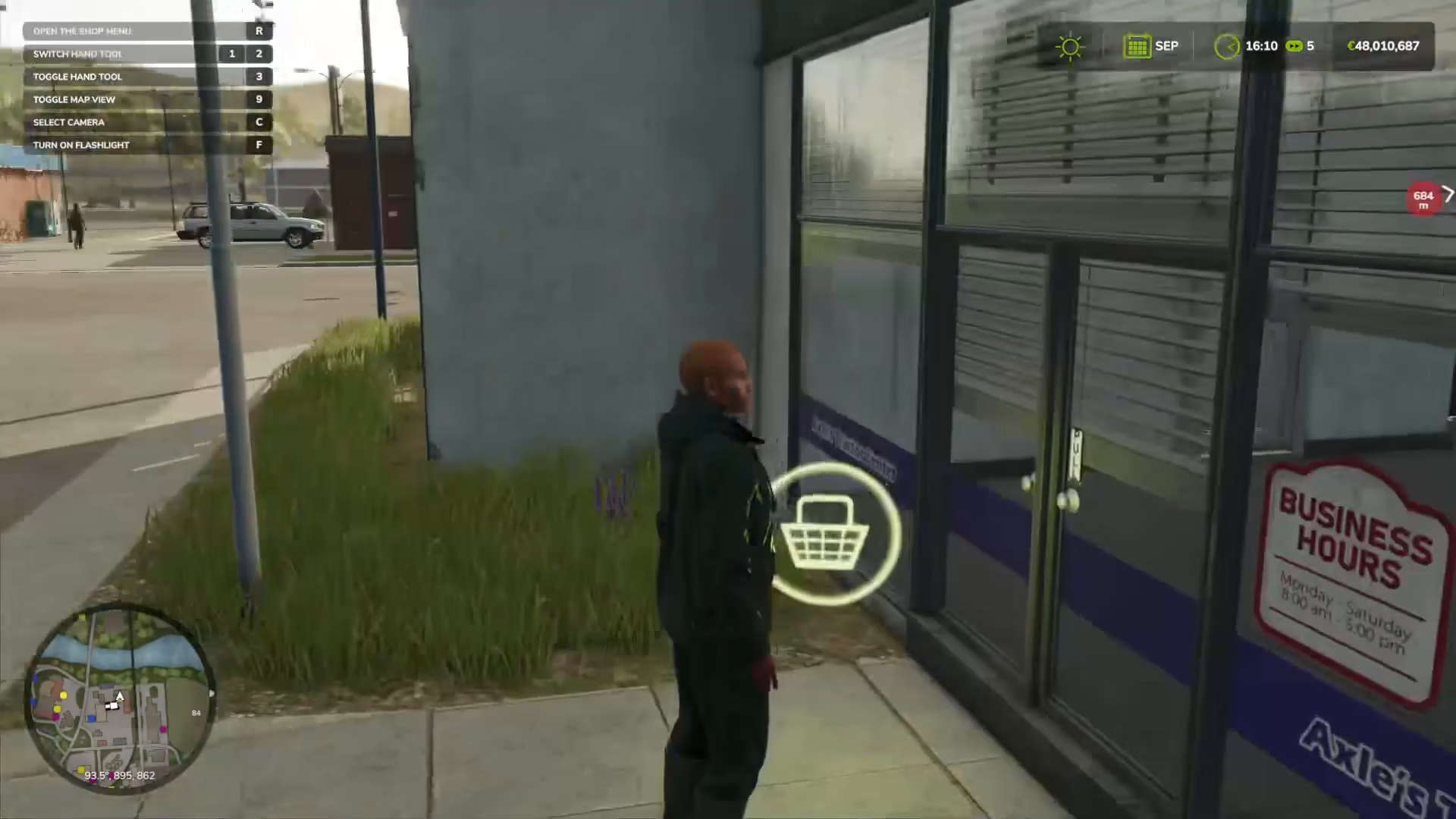
Visit the shop and purchase the Brenadel K150105 lime spreader (45,000 credits). This machine features a lime logo, unlike other fertilizer spreaders that have seed bag icons. You’ll also need to buy lime consumables from the Yield Improvements > Consumables section. Purchase 3-4 units of lime to start.
Attaching and Operating the Lime Spreader
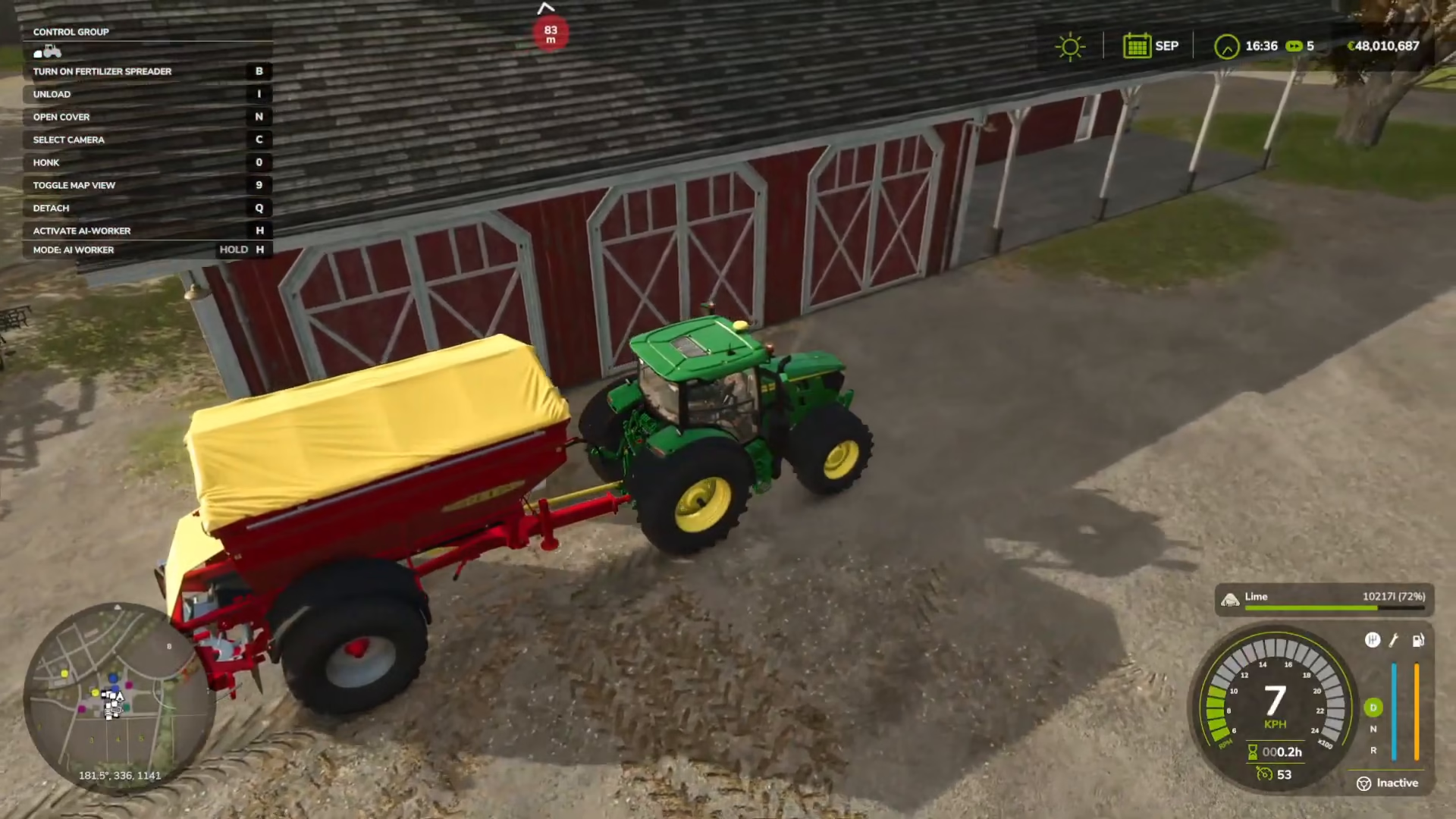
Reverse your tractor up to the lime spreader until you see the “Attach Brenadel K150105” prompt at the bottom of your screen. Press Q to attach the equipment to your tractor.
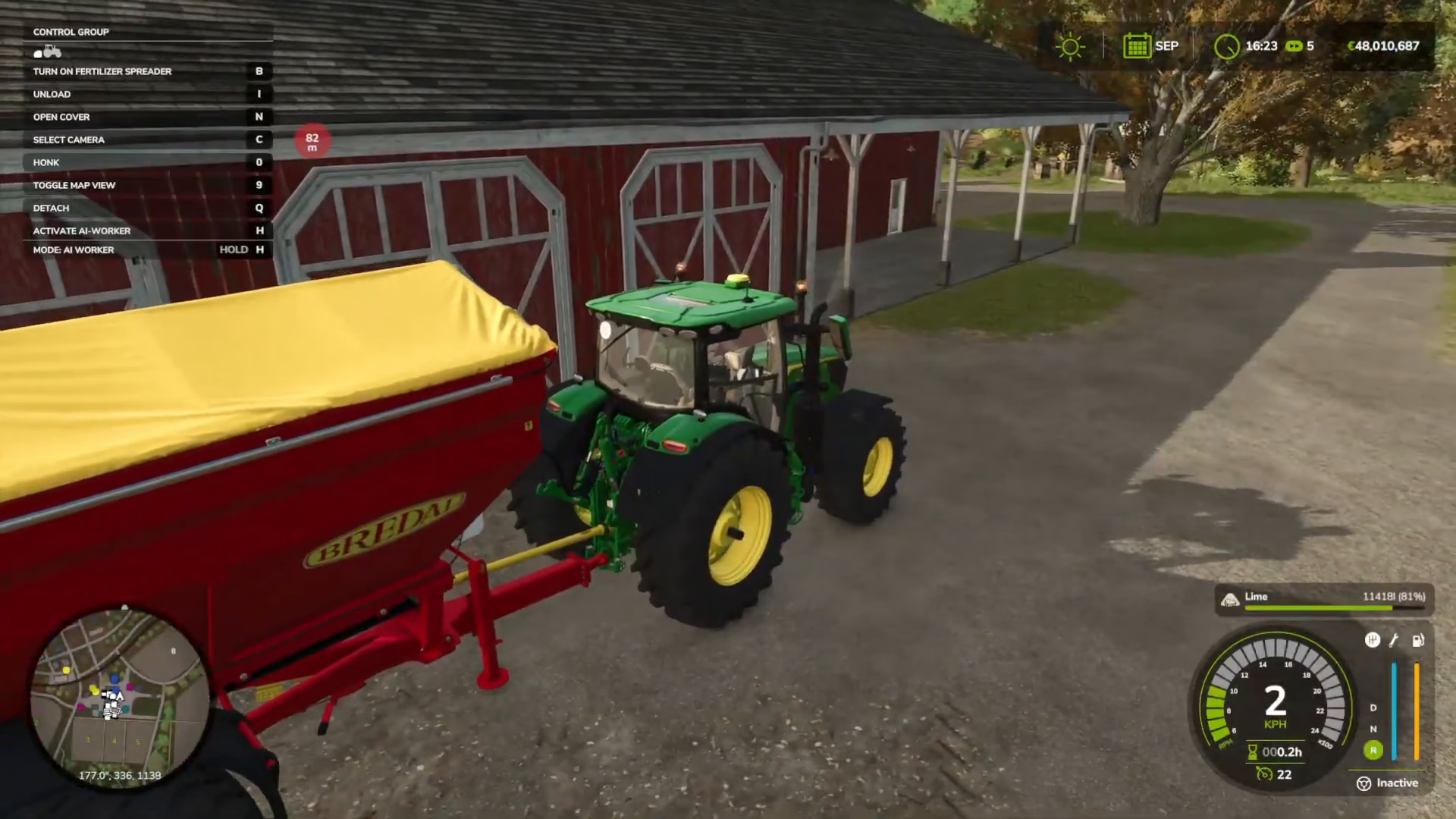
Position your tractor-spreader combination next to the lime piles in the car park. Press N to open the spreader lid. Press R to load lime into the spreader. You may need to press R multiple times to fully fill the tank. Once loaded, press N again to close the lid.
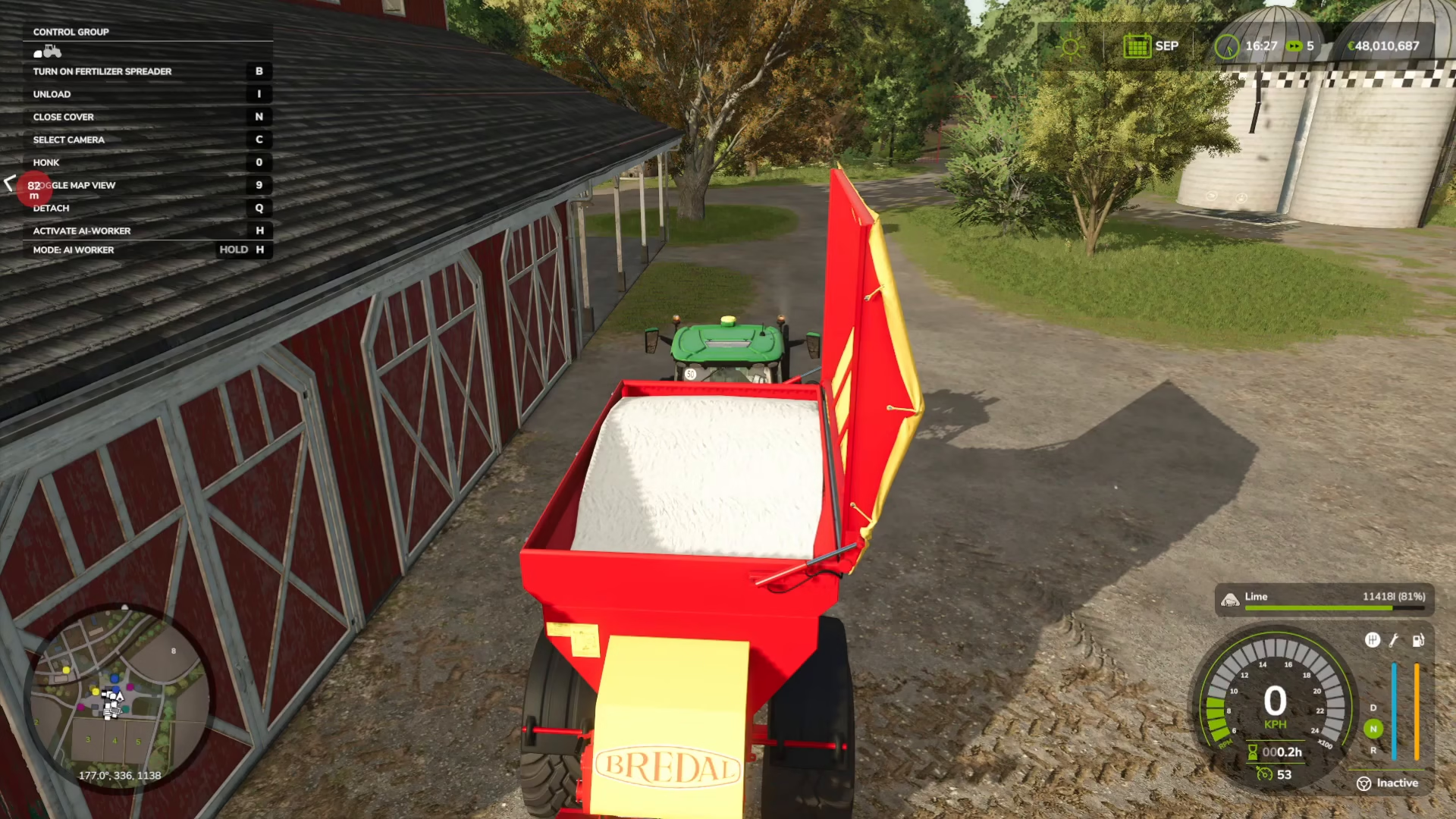
Drive your tractor and spreader to the field that needs liming. Press B to start spreading lime across the field. You’ll see visible lime being spread on the soil. Drive slowly to avoid overturning the tractor, as they can be unstable at high speeds.
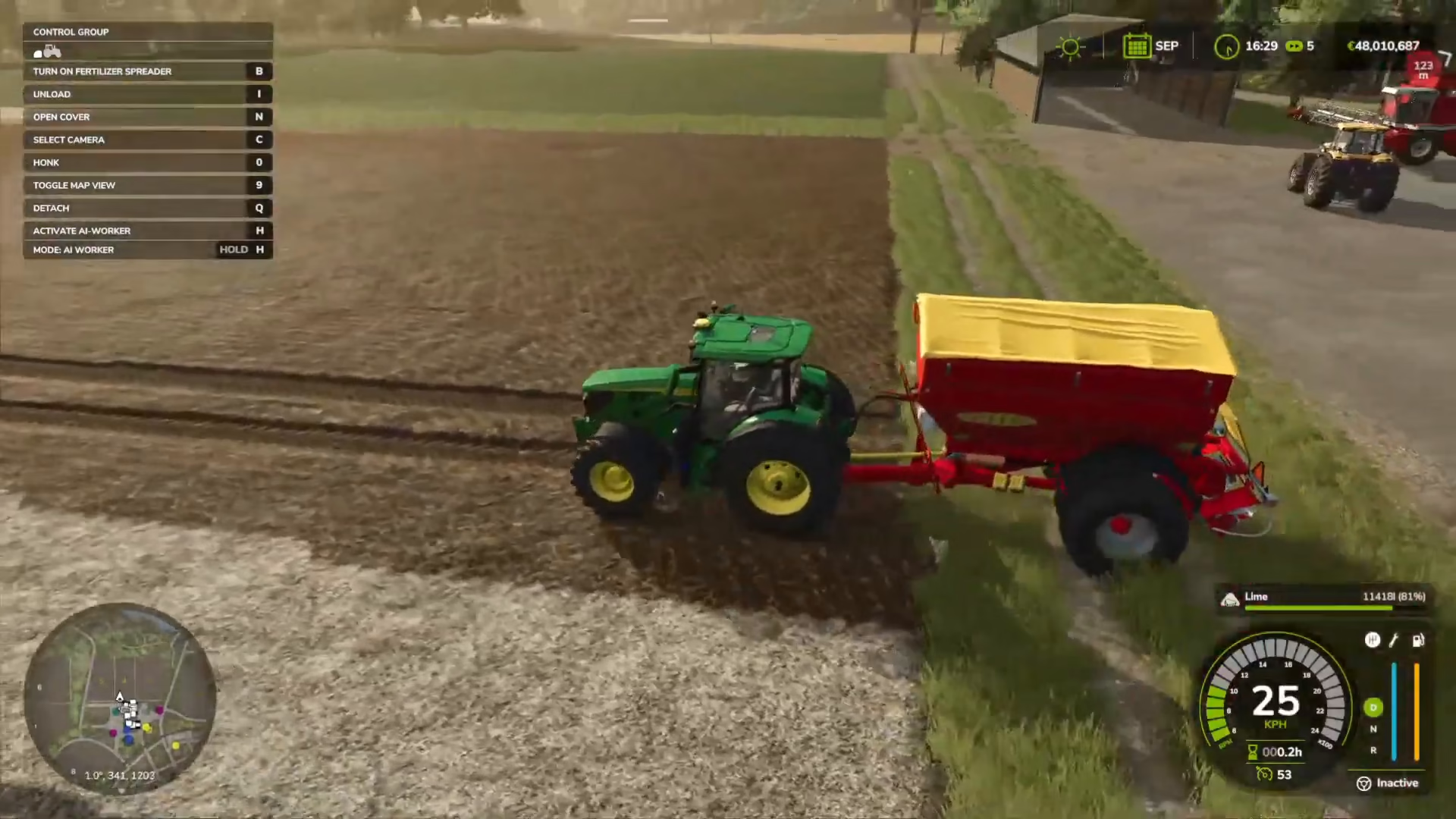
Note: Liming is optional but recommended. If you skip liming, your crop yield will be reduced during harvest. The soil composition map will no longer show lime-colored areas once liming is complete.
Plowing Your Fields
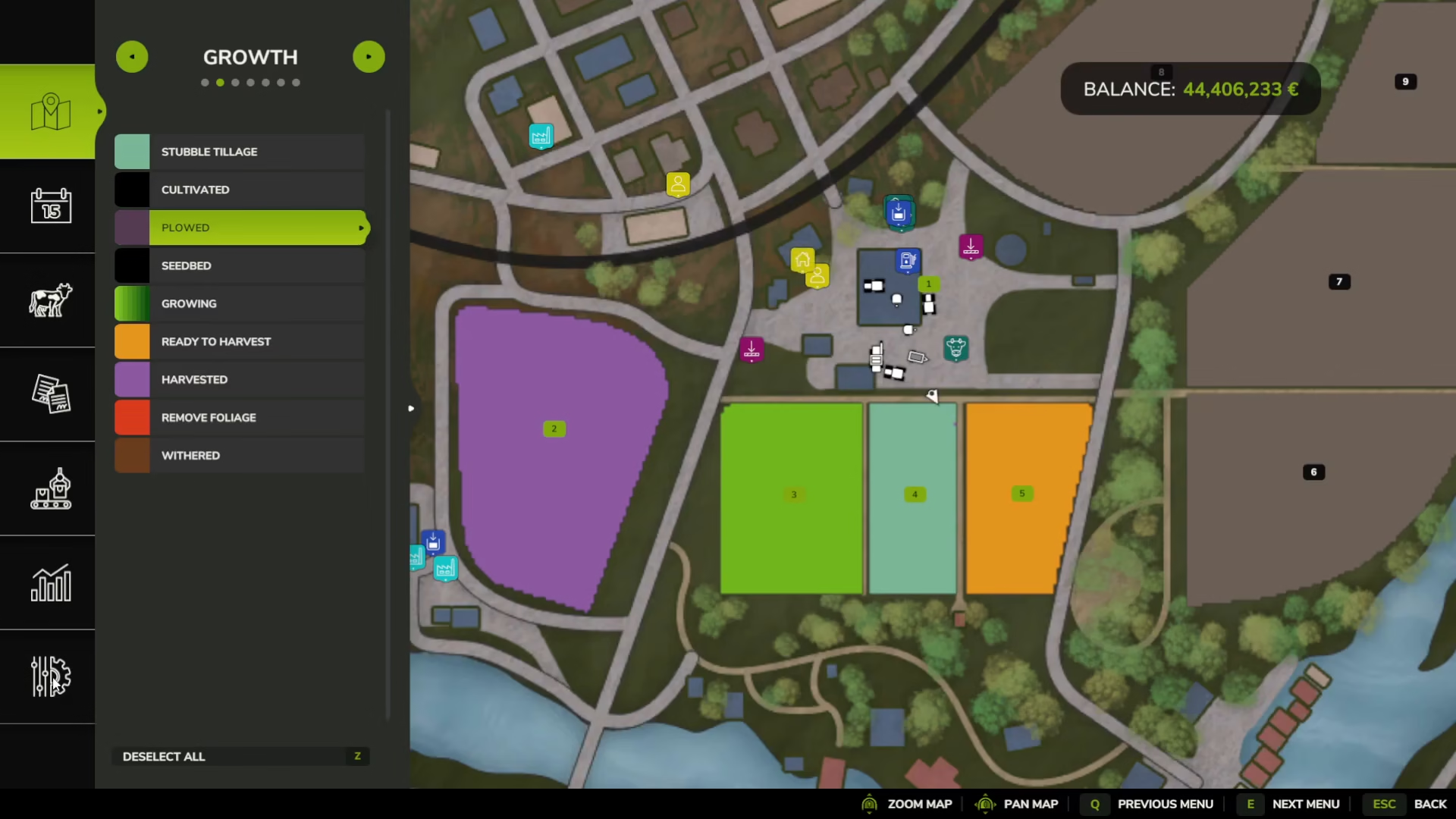
If you’re starting a new field or have enabled “Periodic Plowing Required” in your settings, you’ll need to plow your field before planting. Check your map’s soil composition view and look for areas marked as “Stubble Tillage” (remnants of previous harvests).
Purchasing and Attaching Plowing Equipment
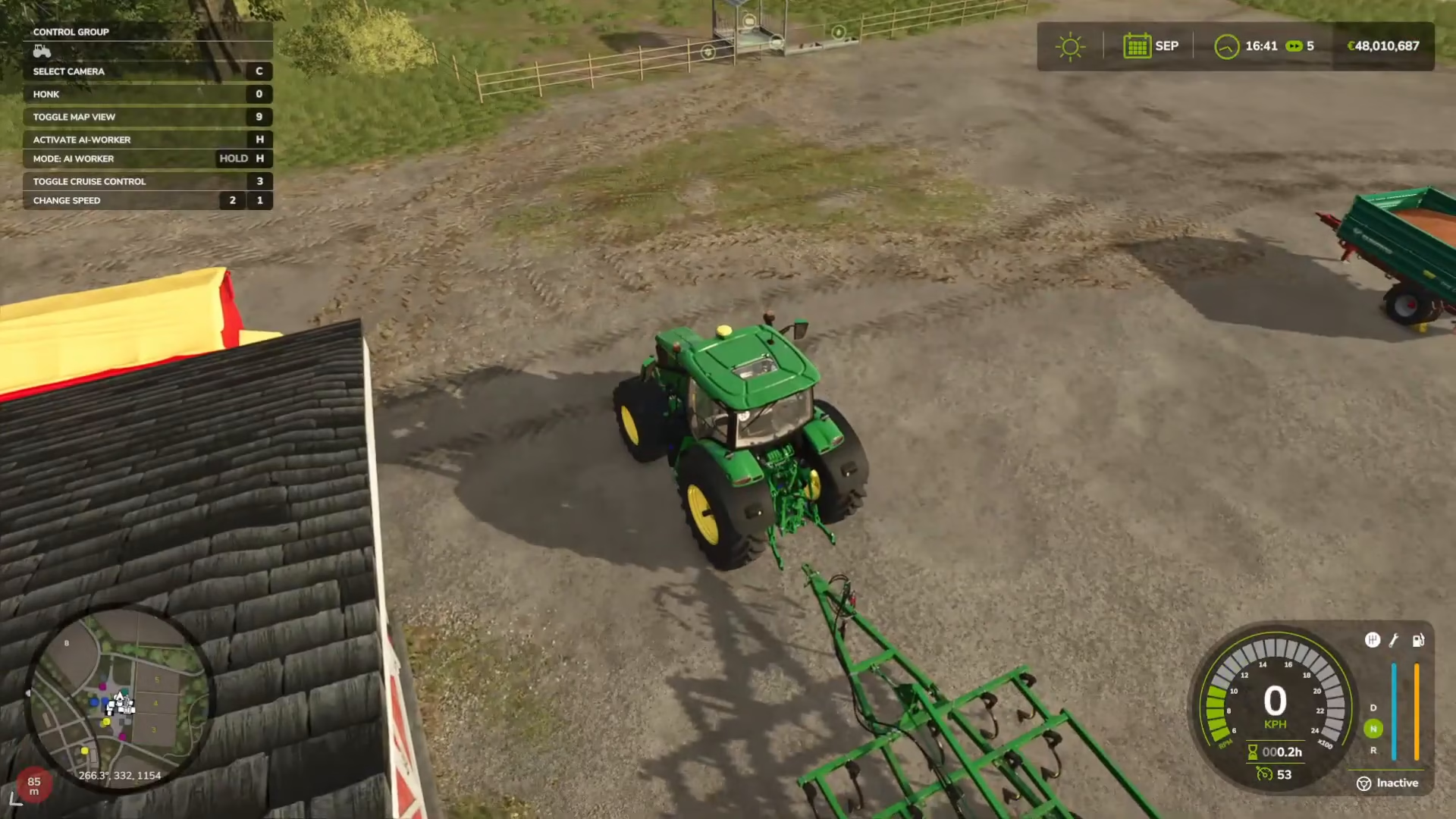
In the shop, go to Soil Cultivation to purchase a cultivator. The John Deere 980 is a reliable option. Cultivators prepare fields for the next sowing, while plows create new fields from scratch. Choose the equipment that matches your needs.
Operating the Cultivator
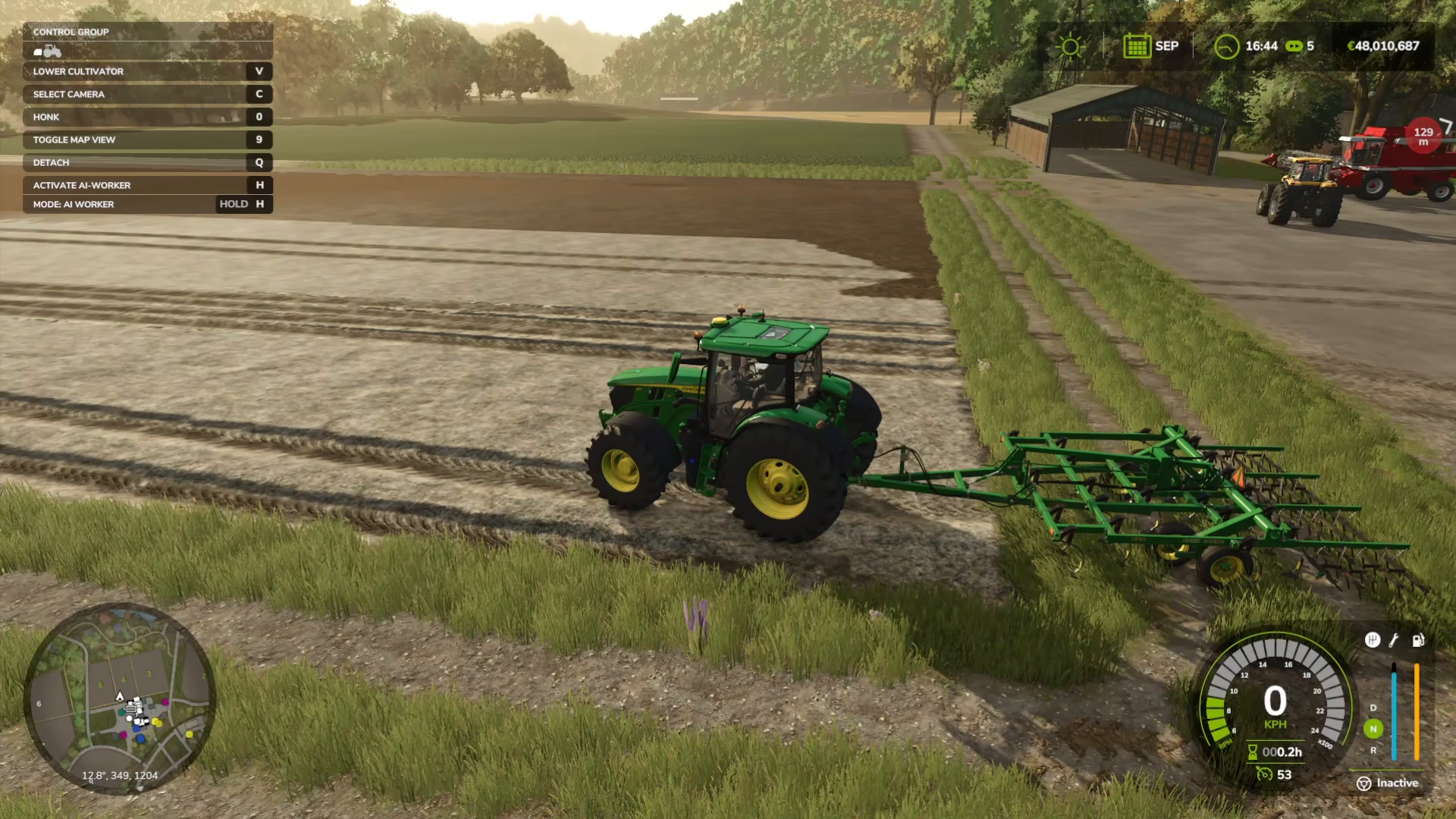
Reverse your tractor up to the cultivator until you see the attachment prompt. Press Q to attach the equipment. Drive to your field and press V to lower the cultivator to the ground. The machine will automatically cultivate the soil as you drive forward. Press V again to lift the cultivator when you’re finished with an area.
Seeding Your Barley
Once your fields are limed and plowed, you’re ready to plant barley. You’ll need a seeder and barley seeds.
Purchasing Seeds and Seeders
In the shop, navigate to the equipment section and look for seeders. The Great Plains Solid Stand 1500 is the most affordable option and is included with starter farms. This seeder can handle multiple crop types, including barley.
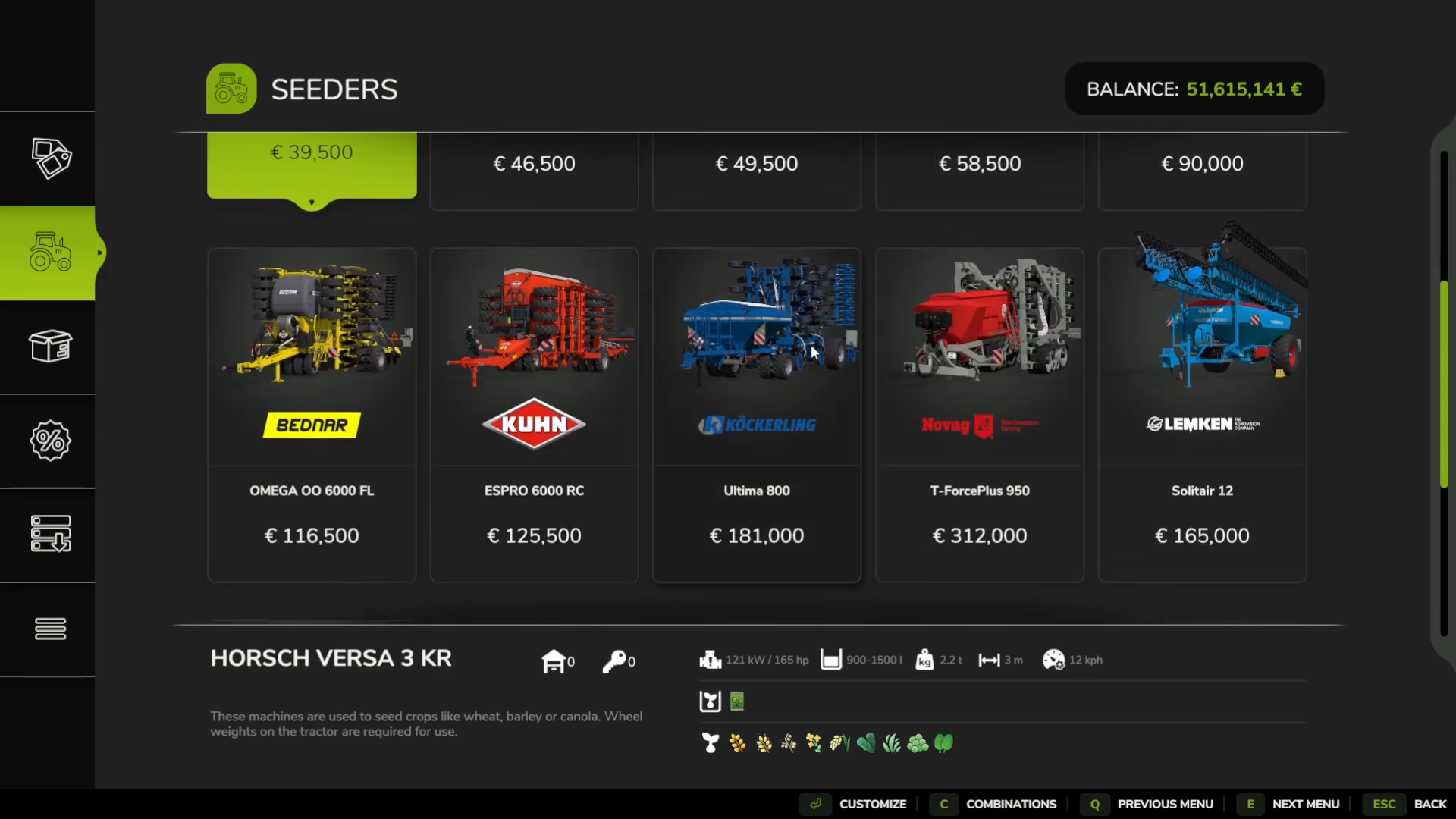
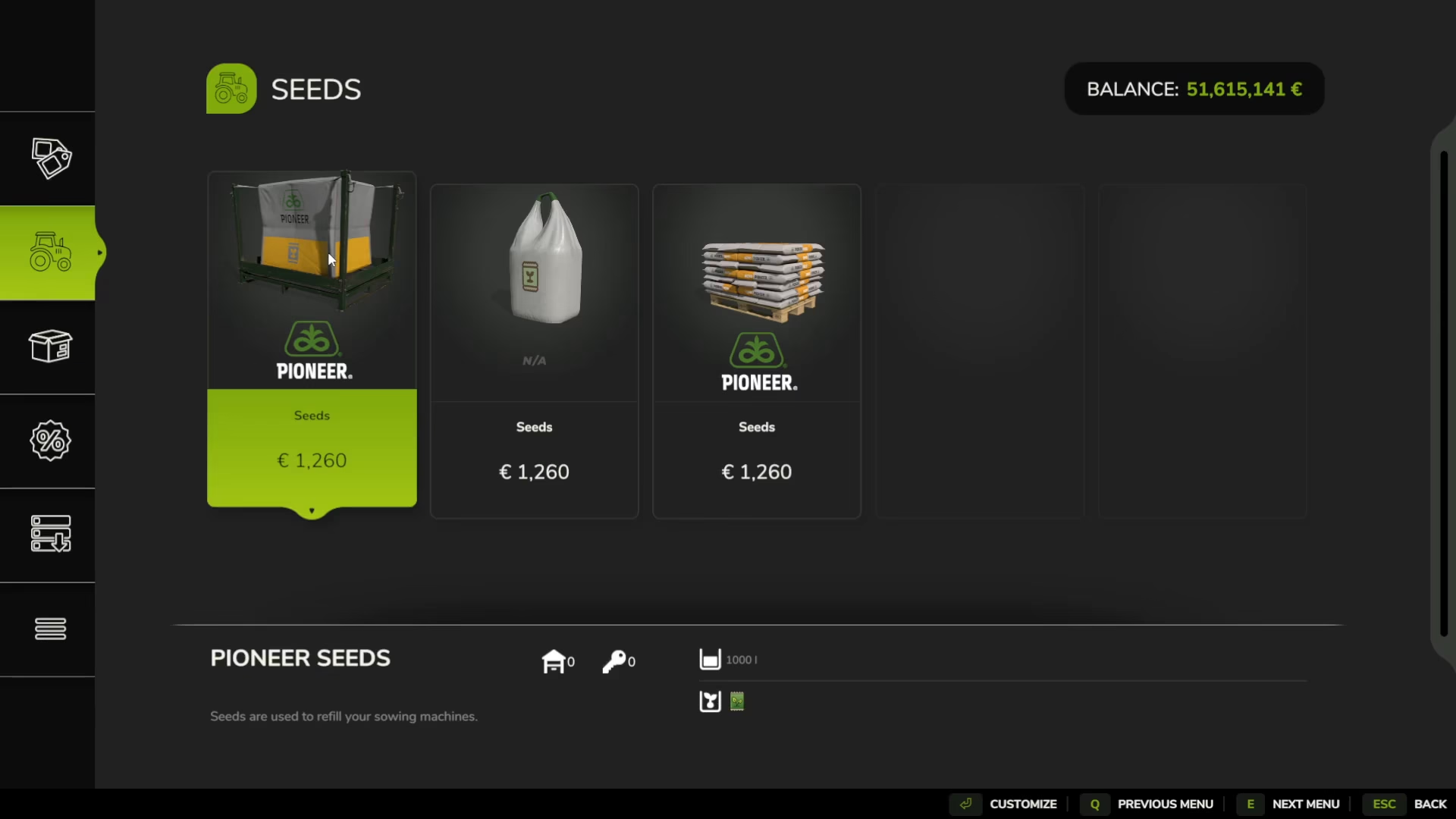
Go to the Seeds category in the shop and purchase barley seeds. You can buy them individually in bags or pallets. Transport your seeder to the shop and park it next to your seed supply.
Loading Seeds and Selecting Your Crop
Reverse your tractor up to the seeder and press Q to attach it. Position the seeder next to your seed supply. Press N to open the seed compartment.
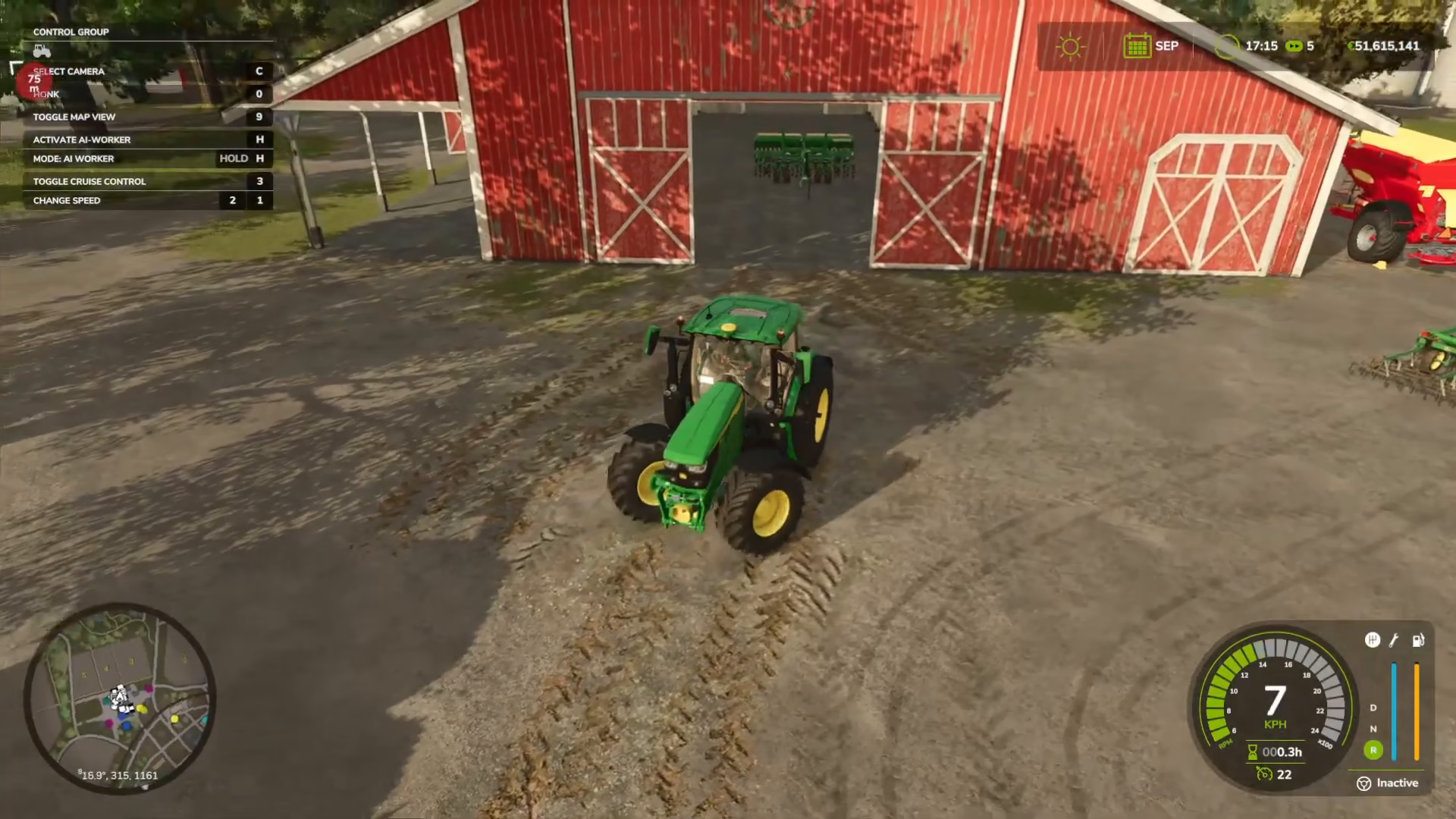
Press Y to cycle through available crops until you reach Barley. The crop indicator on the right side of your screen will show the currently selected crop.
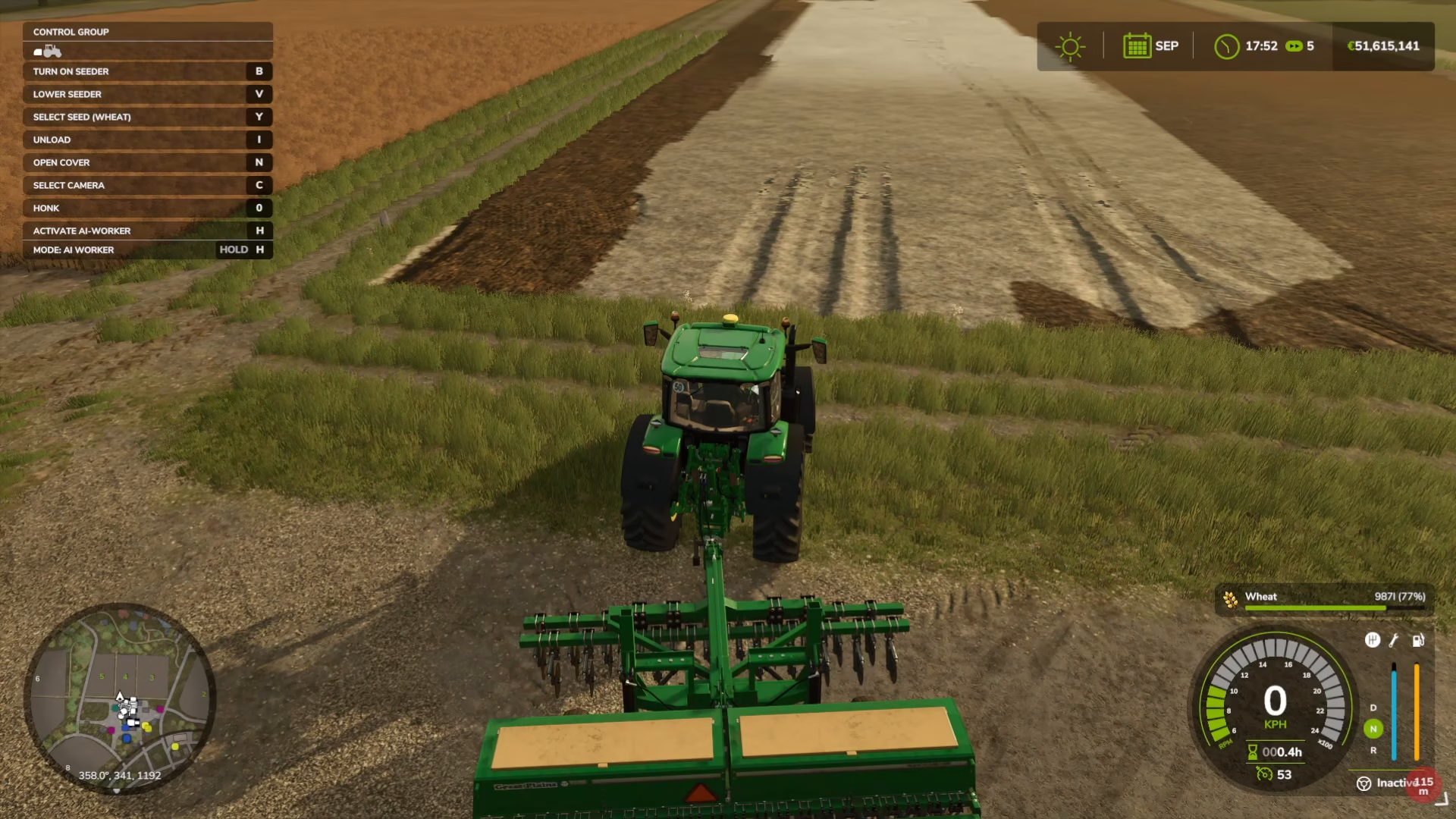
Load seeds by pressing the appropriate key (check your key binds at the top left). Once loaded, press N to close the seed compartment.
Planting Barley in Your Field
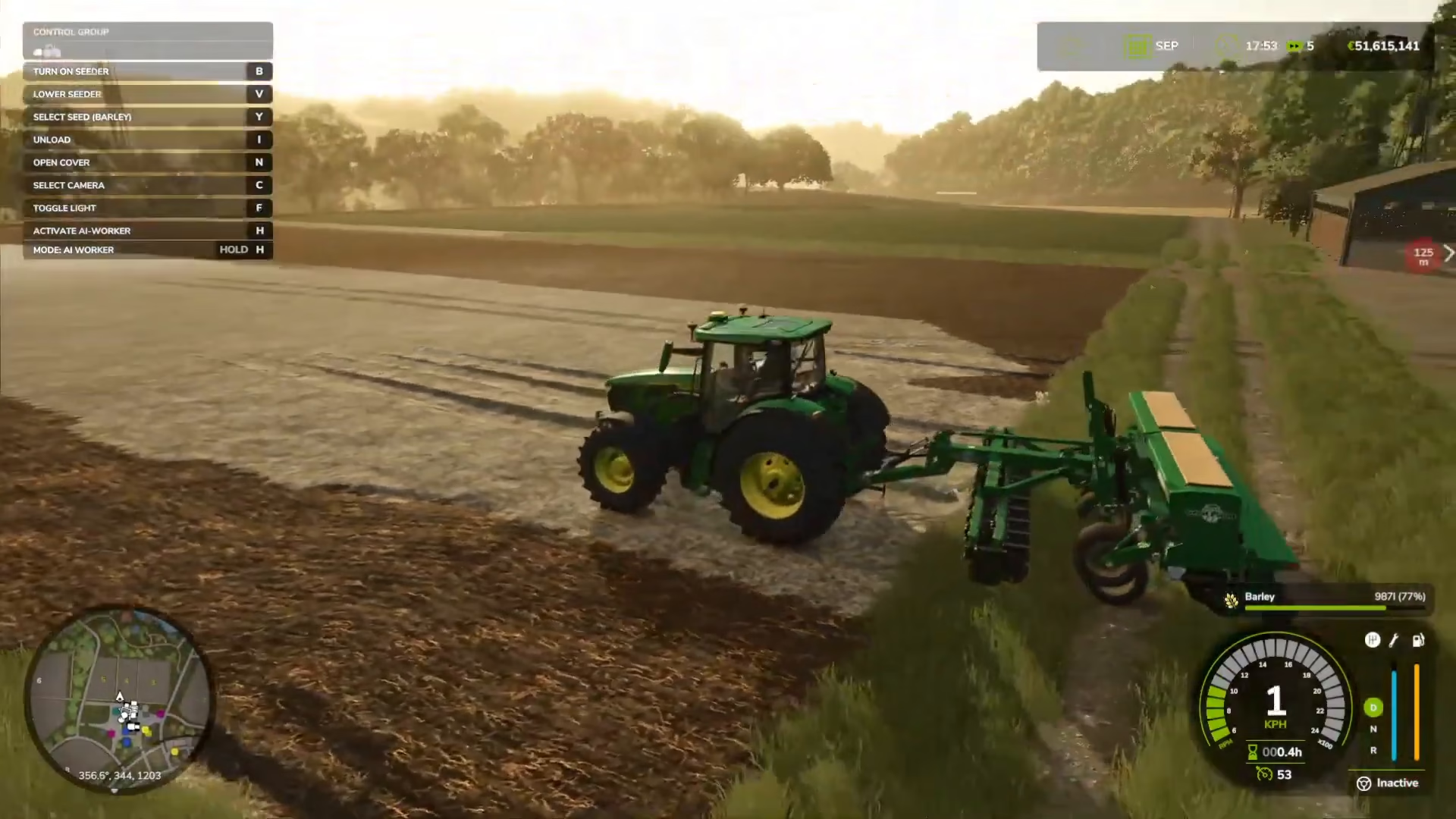
Drive your tractor and seeder to your prepared field. Press V to lower the seeder to the ground. Press B to activate the seeder and begin planting barley. You’ll see barley being planted in rows as you drive forward.
Seasonal Growth and Calendar Settings
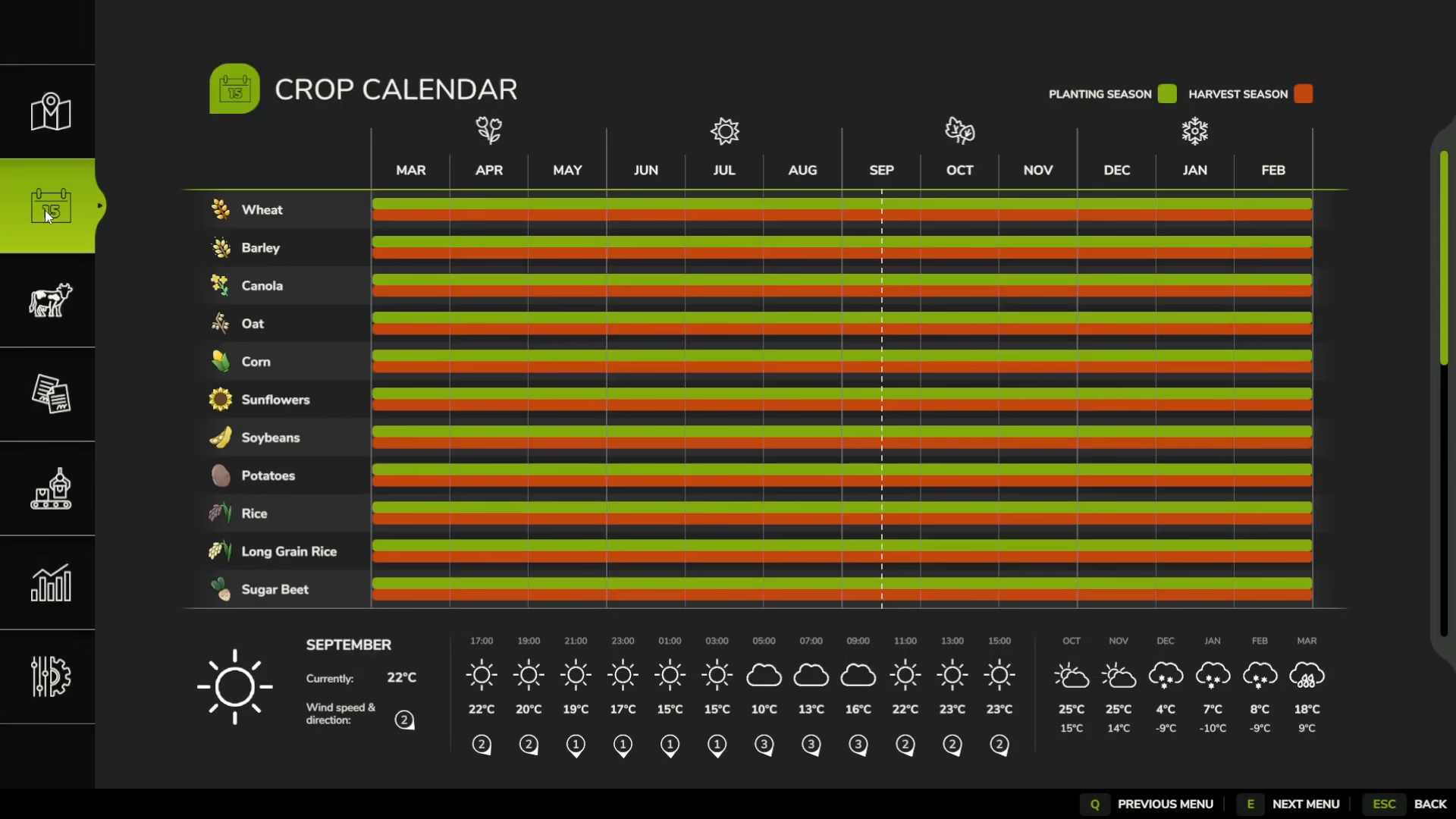
In your menu, access the Crop Calendar to view planting and harvesting schedules. If you have “Seasonal Growth” enabled in your game settings, you can only plant and harvest barley during specific months:
Planting: September and October
Harvesting: June and July
You can also adjust “Days Per Month” in your game settings. The default is 1 day per month, but you can change it to 28 days for a more realistic growing timeline.
Fertilizing and Weed Management
After planting, you have two optional maintenance tasks: fertilizing and weeding.
Fertilizing Your Crops
Fertilizer increases your crop yield output. In the shop, purchase a Fertilizer Spreader from the Yield Improvements section (different from the lime spreader, which has a seed bag icon). Buy fertilizer from the Consumables section. The process for applying fertilizer is identical to liming: attach the spreader, load it, and drive across your field while pressing B to spread.
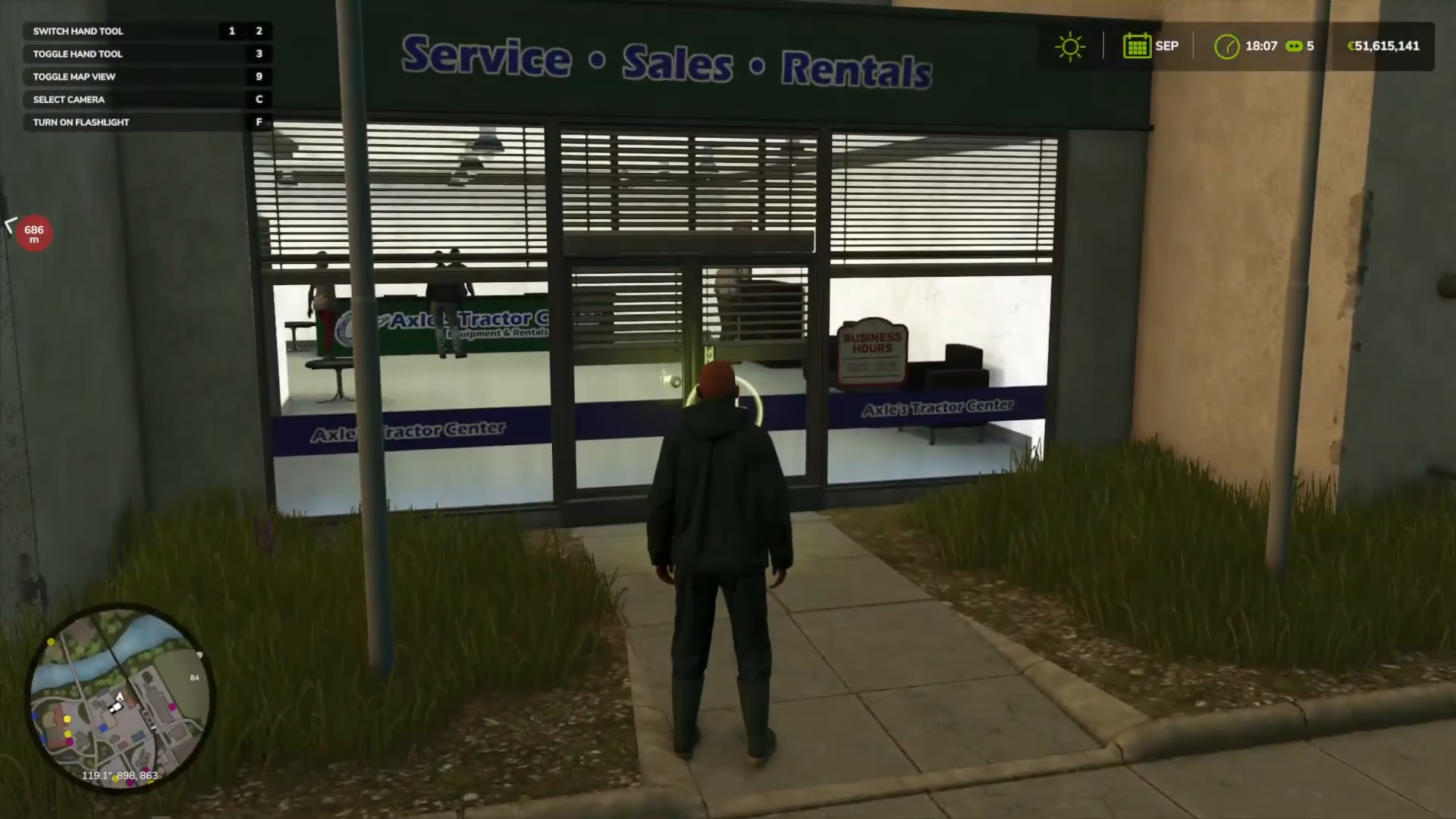
Weeding
Weeds can destroy your crops if left unmanaged. However, weeding adds significant complexity to the game. If you’re a beginner, consider disabling weeds in your game settings. To manually manage weeds, purchase a sprayer and weed killer from the shop and apply them similarly to fertilizer.
Harvesting Barley
When your barley is ready for harvest, you’ll need a combine harvester with a front header attachment.
Setting Up Your Harvester
Ensure your combine harvester has the appropriate front header attached (look for a barley header). Reverse your tractor up to the harvester and press Q to attach it.
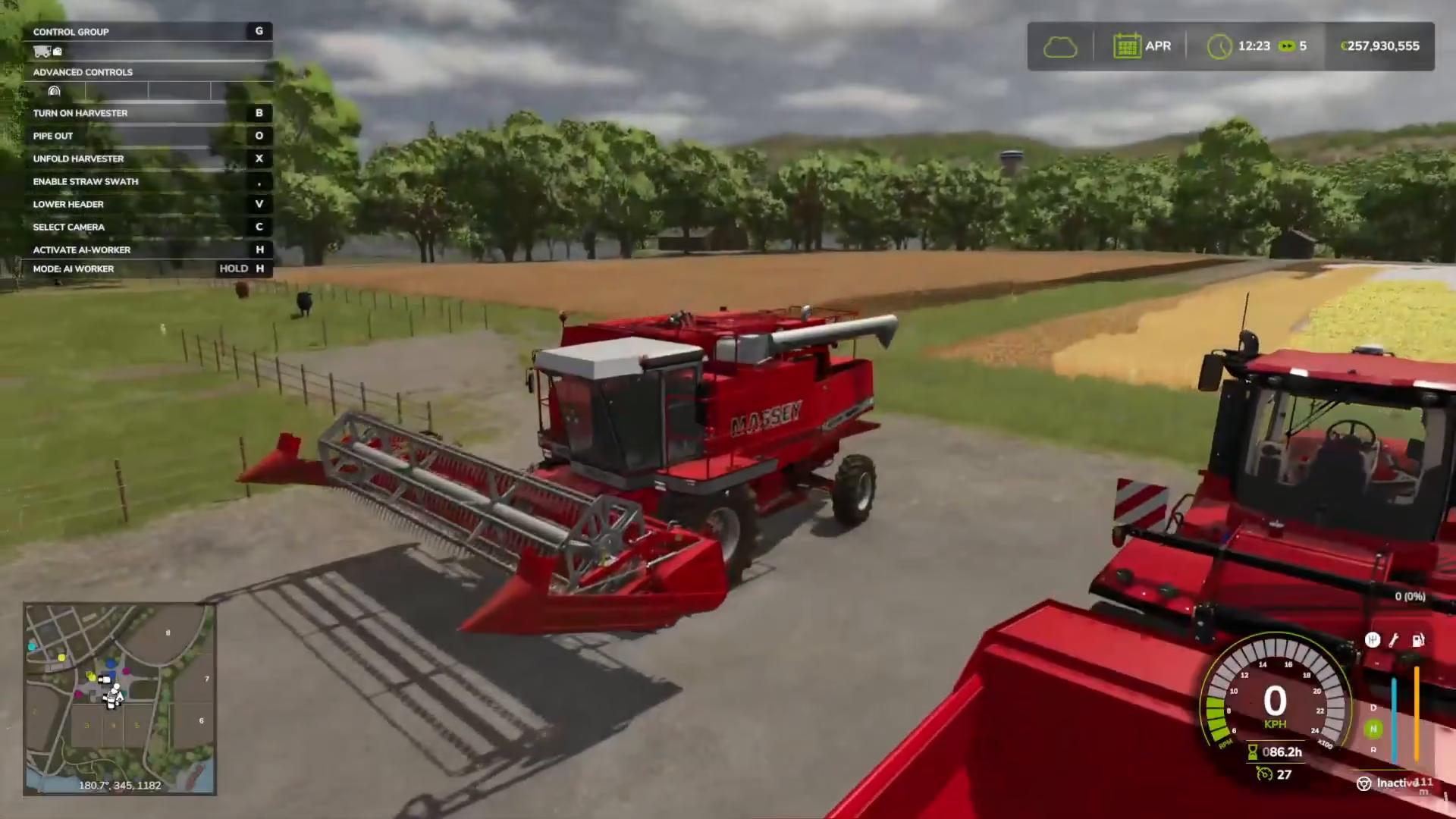
Operating the Harvester
Drive your harvester to your barley field. Press V to lower the header to the ground. Some harvesters require you to press X to unfold the header first. Press B to activate the harvester and begin collecting barley.
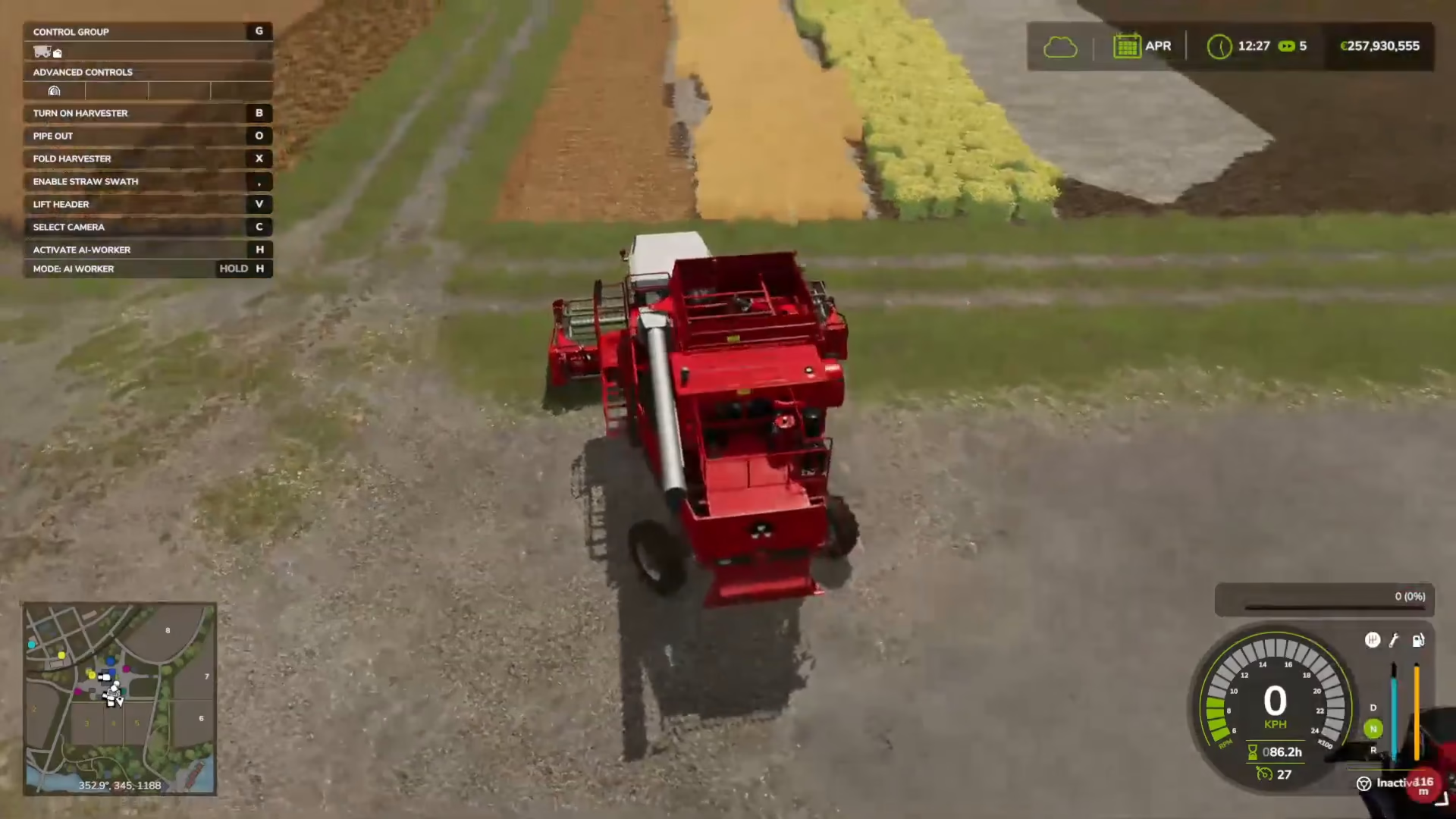
As you harvest, you’ll see a storage bar fill up on the right side of your screen, indicating how much barley you’ve collected. The barley is stored in the combine’s tank. Continue harvesting until the tank is full or you’ve finished the field.
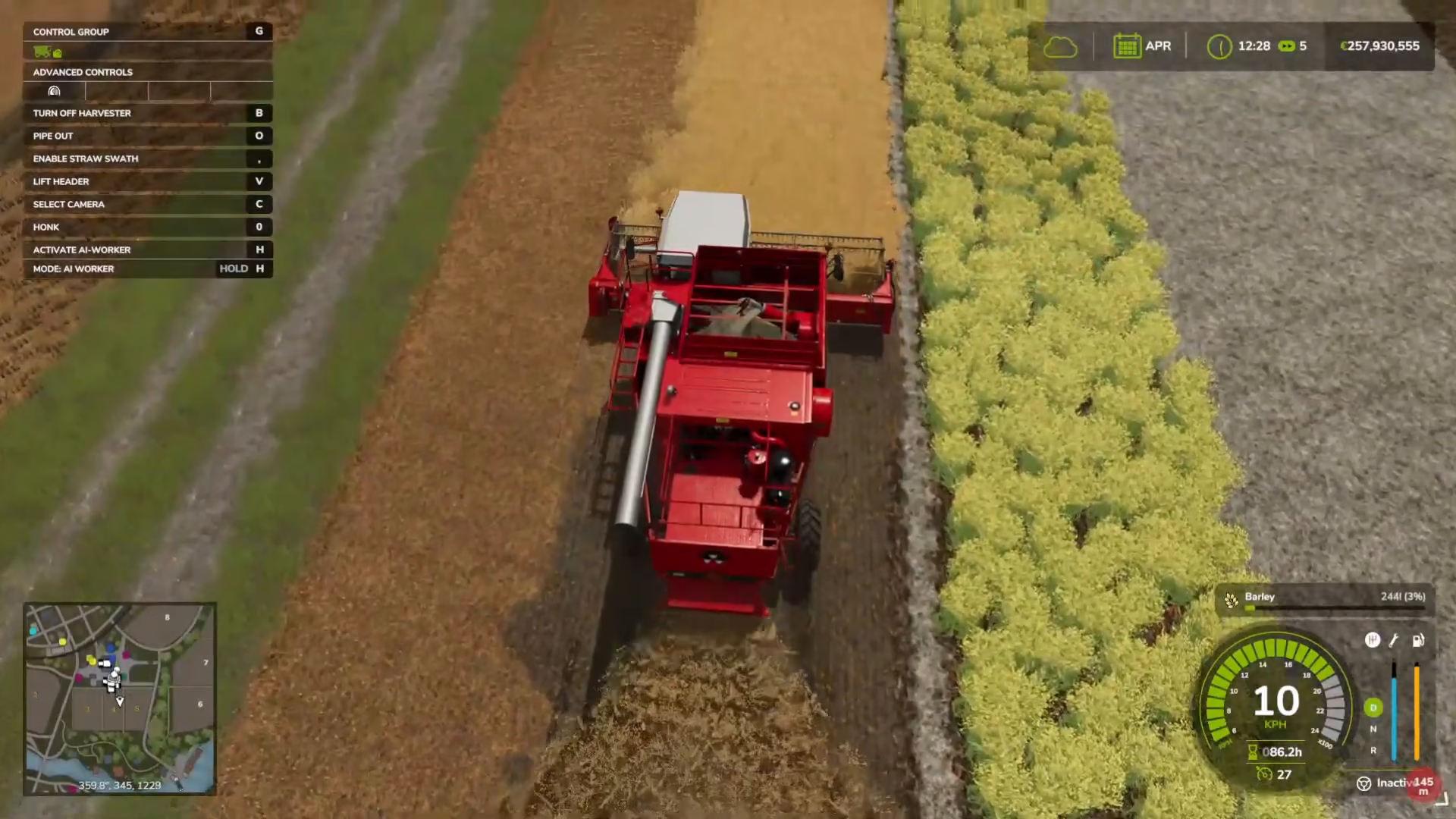
Storing or Selling Your Barley
Once you’ve harvested your barley, you have two options: store it in a silo for later sale or sell it immediately.
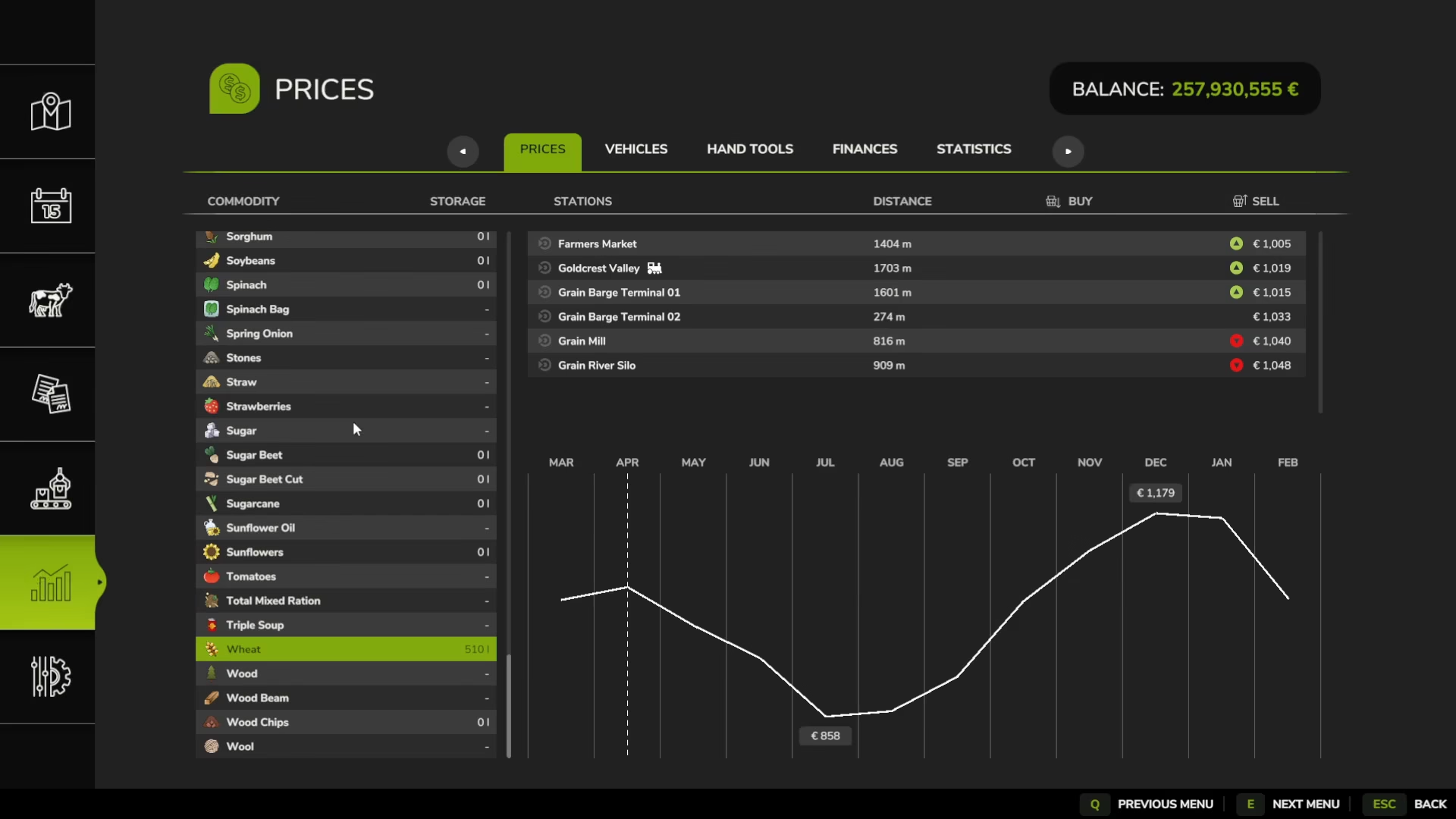
Checking Market Prices
Before deciding when to sell, check the Statistics menu to view barley prices across different months. Prices fluctuate seasonally:
July: ~800 euros per unit
December: ~1,100 euros per unit
If prices are low in your current month, consider storing barley in a silo to sell during higher-price months.
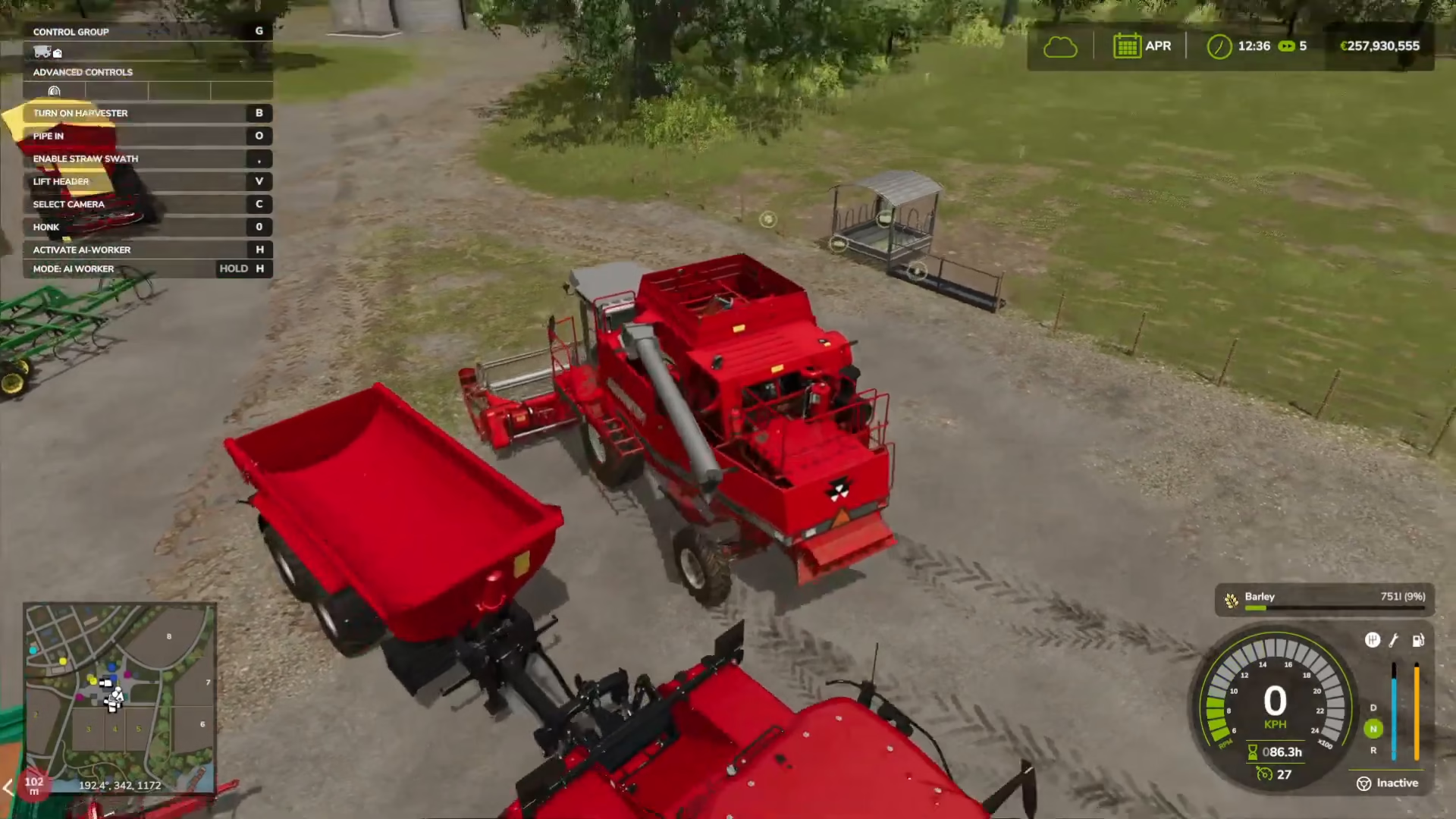
Unloading Barley into a Trailer
Position a trailer next to your harvester. Press O to extend the unload pipe from your harvester. The barley will automatically flow into the trailer. Press O again to retract the pipe when finished.
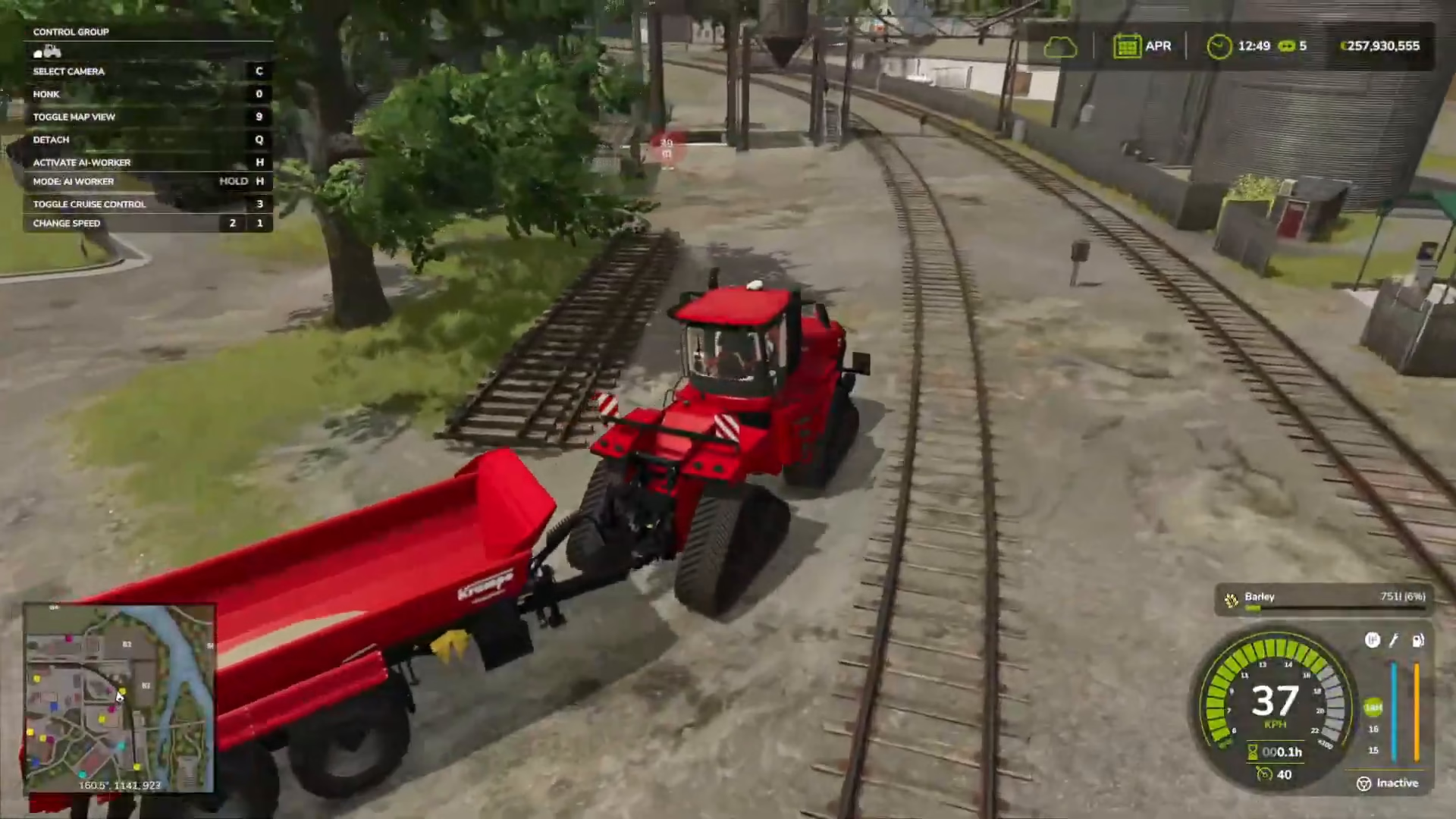
Selling Barley at the Grain Silo
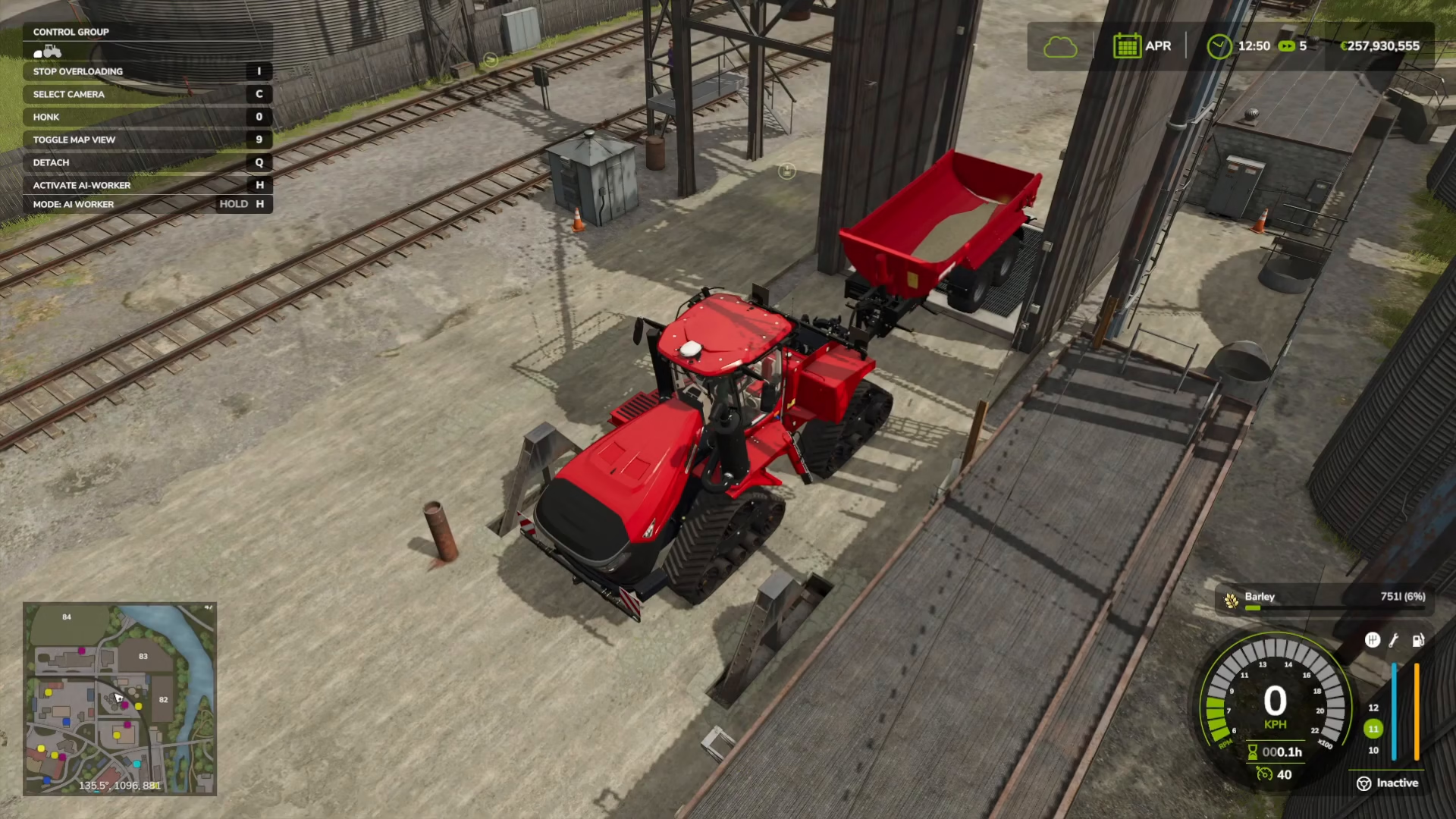
Transport your barley-filled trailer to a grain silo or warehouse in town. On the map, look for grain silo locations marked in orange. Drive your trailer up to the dump point (a mesh or grate area at the silo). You’ll see a “Dump Barley” prompt at the bottom of your screen. Position your trailer correctly and the barley will automatically unload.
Once unloaded, the barley is sold and the payment is added to your account. You can then return to your farm with an empty trailer to begin the cycle again.
Summary
You now have a complete understanding of the barley farming process in Farming Simulator 25. The workflow is straightforward: lime your fields, plow the soil, plant barley seeds, maintain your crops through fertilizing and weeding (if enabled), harvest with a combine, and finally sell or store your barley for profit. Remember to adjust game settings to match your preference for complexity, especially if you’re new to farming simulators. With patience and practice, you’ll develop an efficient farming operation and maximize your barley yields and profits.
— Want to Support? —
If you would like to help us continue making these guides – please consider joining our patreon here – https://www.patreon.com/c/JaviHeals
Alternatively – you can join our discord here – https://discord.gg/zD7Gjt6MHF