
How To Get Seeds In Farming Simulator 25
How To Get Seeds In Farming Simulator 25
Getting seeds is one of the essential first steps in Farming Simulator 25. This guide will walk you through everything you need to know about purchasing, locating, and loading seeds into your seeding machines so you can start planting crops right away.
Accessing the Store to Buy Seeds
The easiest way to purchase seeds is by pressing P if you’re playing on PC. Alternatively, you can navigate directly to the store through the game menu—both methods will get you to the same place.
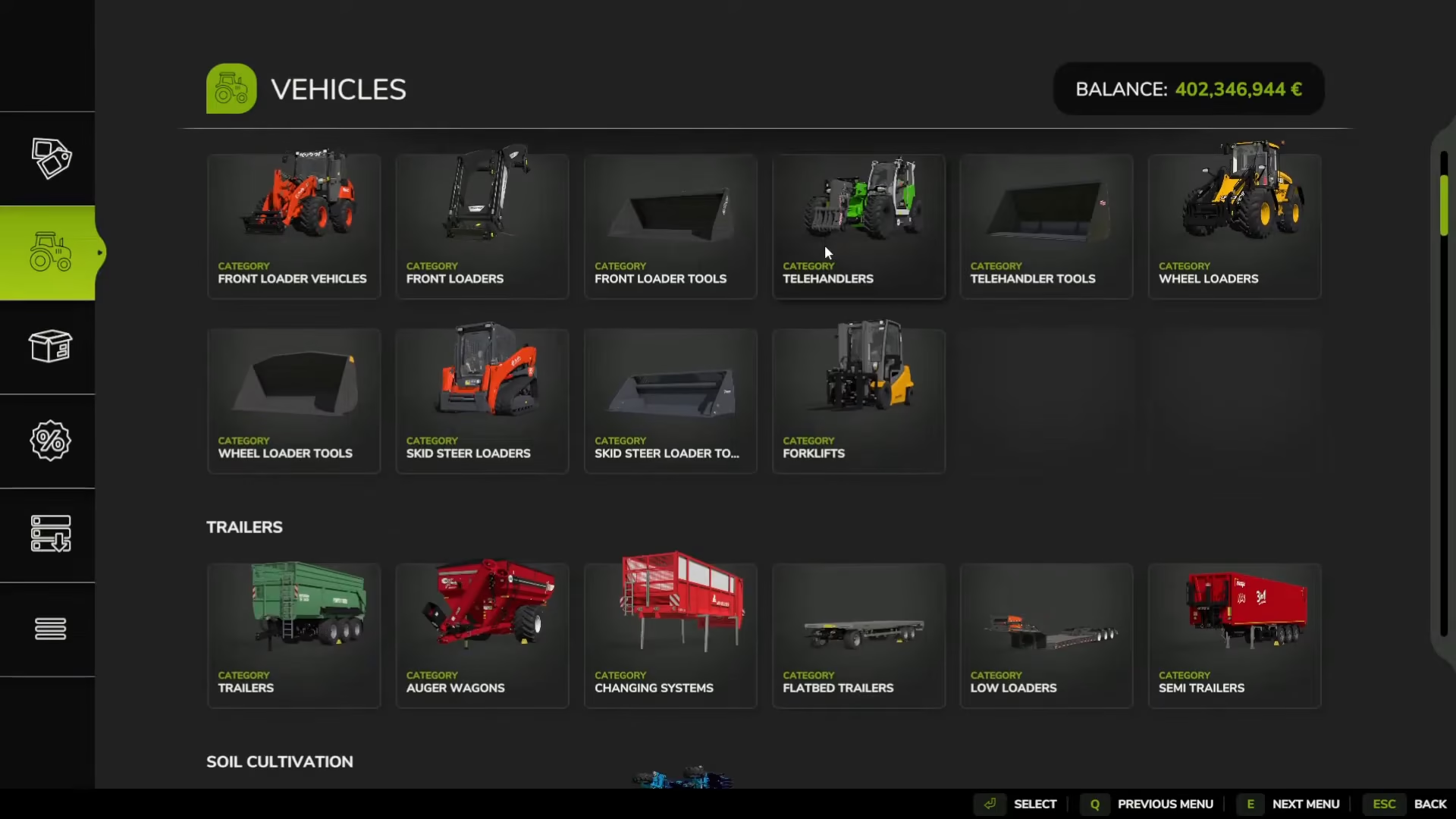
Once you’re in the store interface, look for the track icon and navigate down to the seeding section. Here you’ll find a complete selection of seeds available for purchase.
Understanding Seed Types
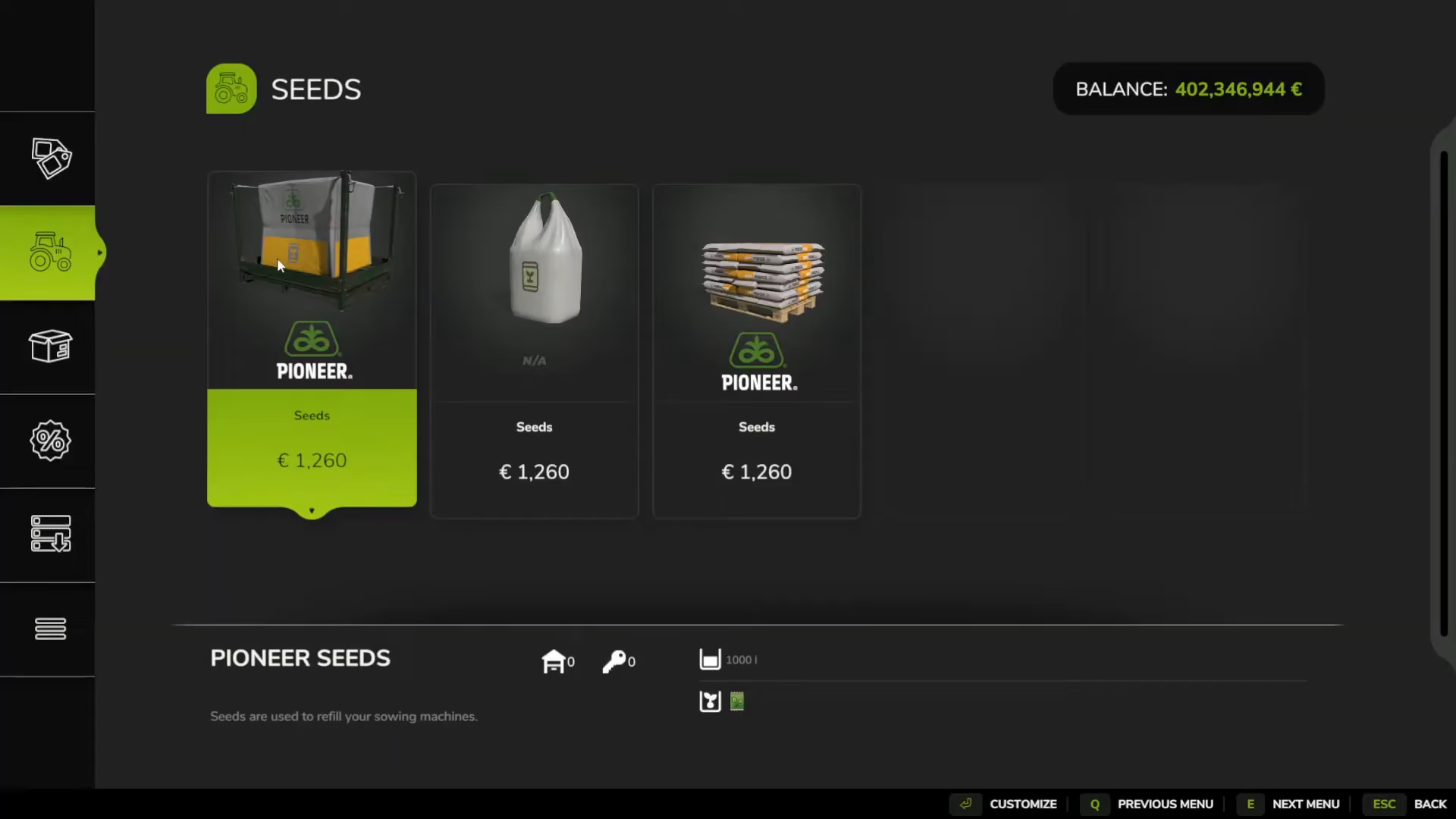
When browsing the seeds section, you’ll notice two different purchasing options:
Palette Version – Seeds packaged on pallets
Bag Version – Seeds packaged in bags
The format you choose determines how you’ll transport them. Palette versions can be moved using forklifts, palette lifters, or front-loaded bag extensions. However, the easiest option is simply to drive your vehicle directly up to the seed bags for loading.
Picking Up Your Seeds from the Store
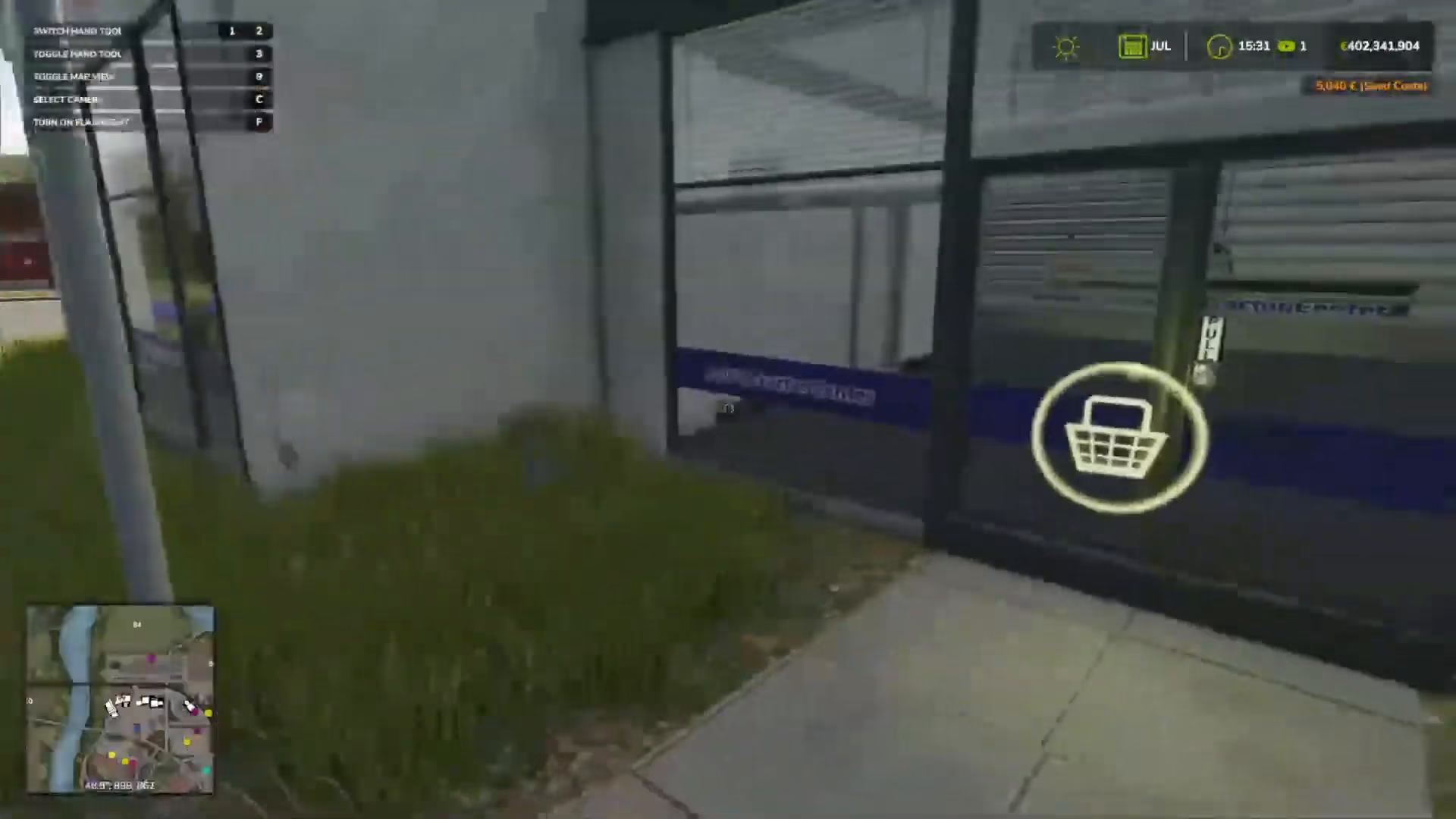
After you’ve purchased your seeds (for example, four bags of seeds), they will be waiting for you at the store location. Visit the vehicle shop store area, and you’ll see all the seed bags you’ve bought stacked and ready for collection.
Loading Seeds Into Your Seeding Machine
To actually plant seeds, you’ll need two pieces of equipment:
A tractor
A seeder/cedar machine
Hook these two vehicles together to form a working unit. The seeder is the machine that will hold and distribute your seeds as you work.
Refilling Your Seeder
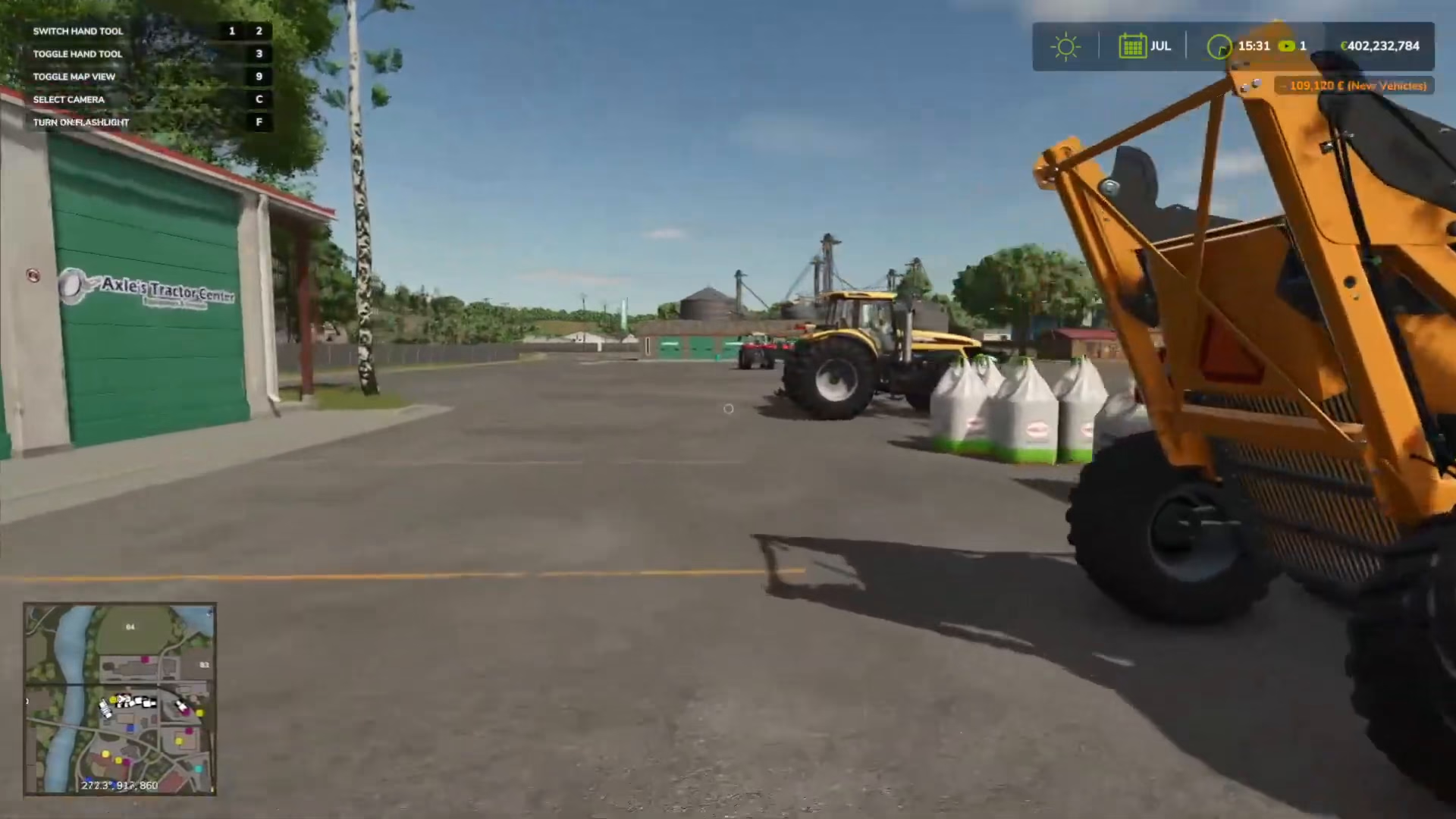
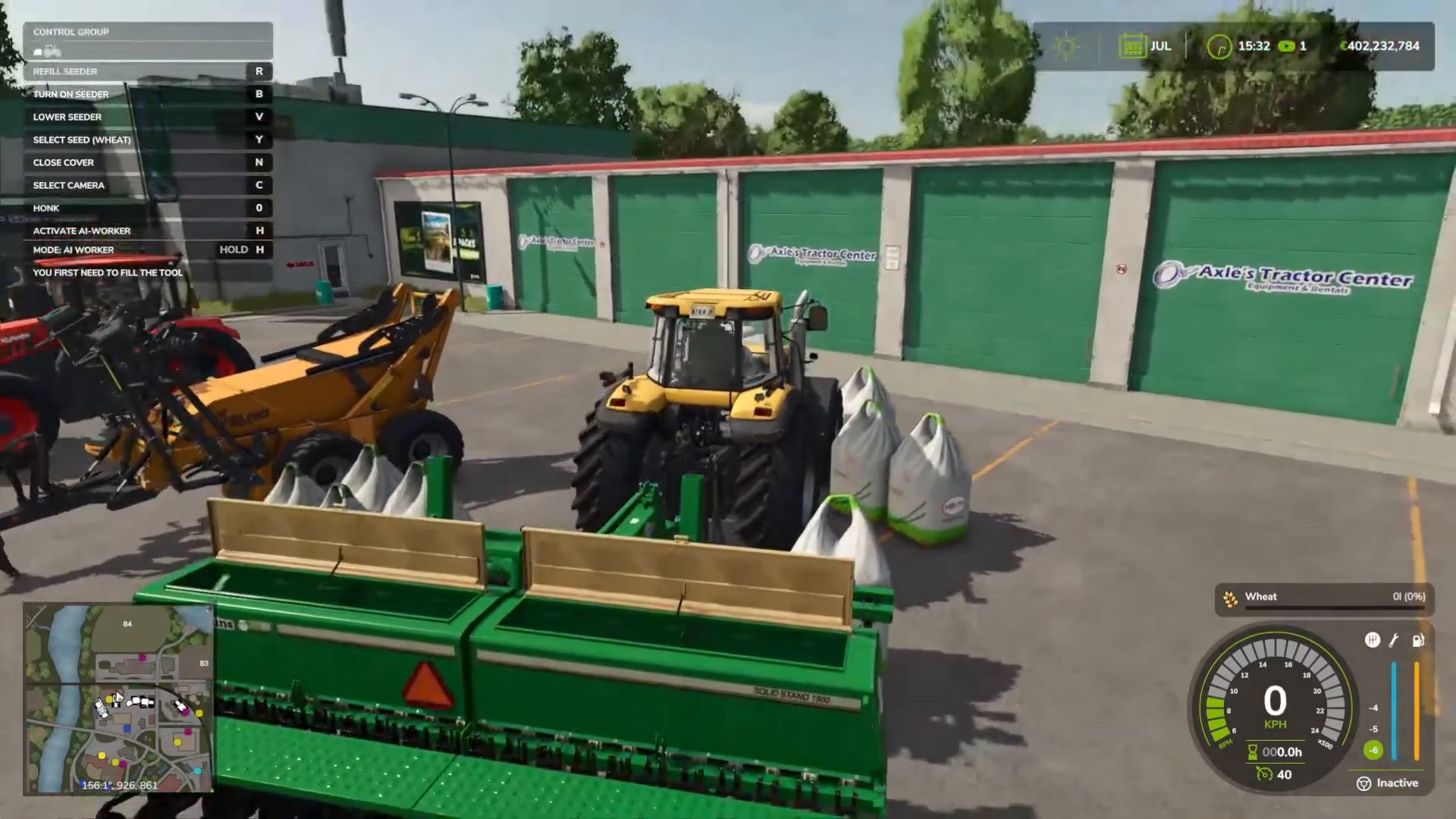
Drive your hooked-up tractor and seeder directly to where your seed bags are located. Once you’re positioned correctly, you’ll see a prompt on the top left of your screen that reads: “Refill cedar with the R key.”
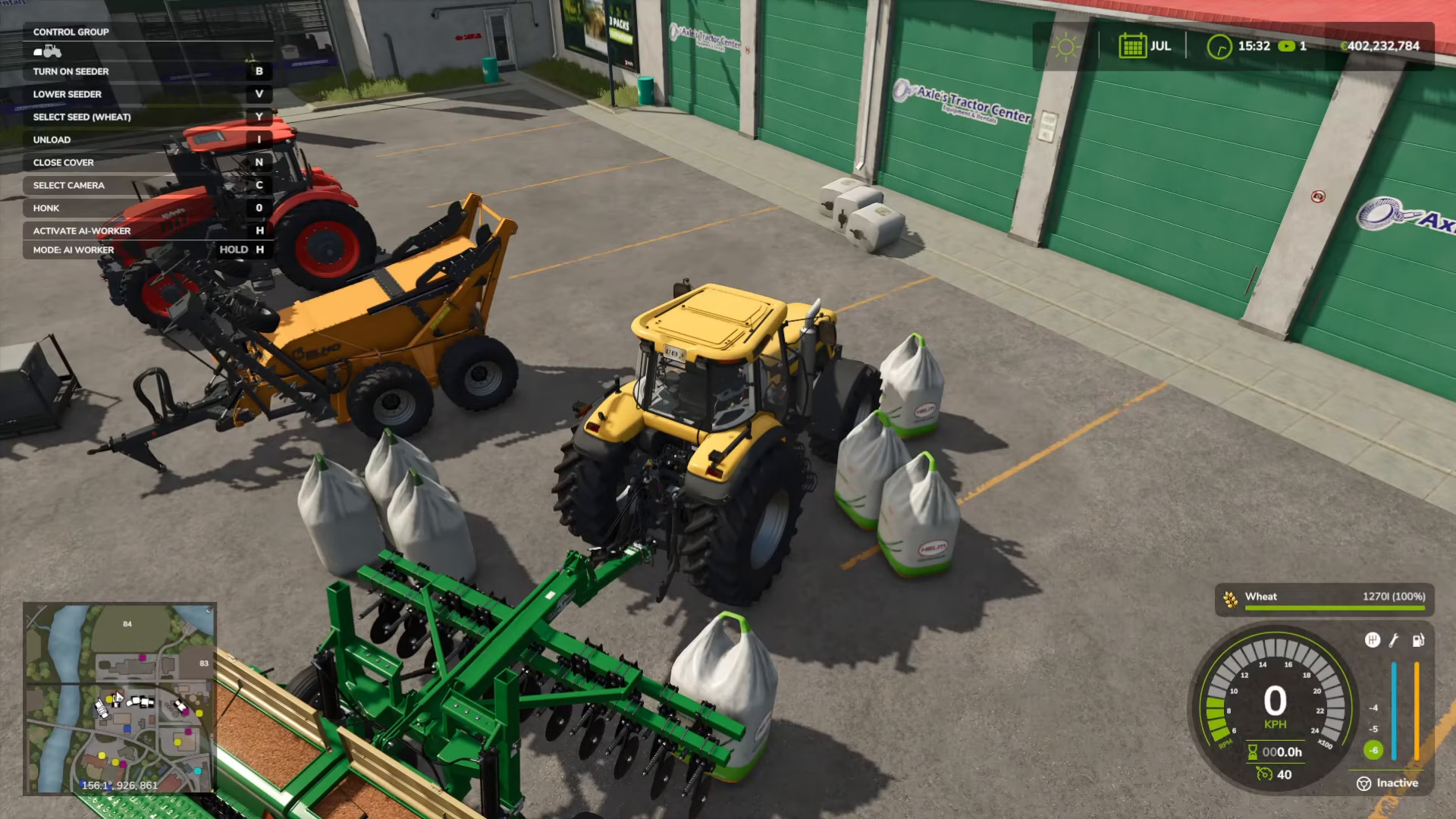
Press R to begin filling your seeder with seeds from the nearby bags. You’ll see the seeds transfer into your machine, and each bag that’s used will disappear. Continue pressing R to fill the seeder completely with available seed bags.
Choosing Your Seed Type
On the right-hand side of your screen, you’ll see the current seed type displayed (for example, “wheat”). You can cycle through different seed options by pressing the Y key.
An important note: the seeds available in Farming Simulator 25 are universal seeds, meaning they aren’t restricted to specific crops. This gives you flexibility in choosing what to plant.
Summary
Getting seeds in Farming Simulator 25 is straightforward: purchase them from the store using the P key (or menu navigation), collect them from the store location, hook up your tractor and seeder together, drive to the seeds, and press R to fill your machine. Use the Y key to select which seed type you want to use. You’re now ready to start planting!
— Want to Support? —
If you would like to help us continue making these guides – please consider joining our patreon here – https://www.patreon.com/c/JaviHeals
Alternatively – you can join our discord here – https://discord.gg/zD7Gjt6MHF