How To Open Build Mode In Farming Simulator 25
How To Open Build Mode In Farming Simulator 25
Build Mode in Farming Simulator 25 is essential for customizing your farm, managing structures, and demolishing unwanted buildings. This guide walks you through accessing Build Mode on both PC and console, exploring all available options, and using the demolition feature to delete or sell items on your farm.
Accessing Build Mode on PC
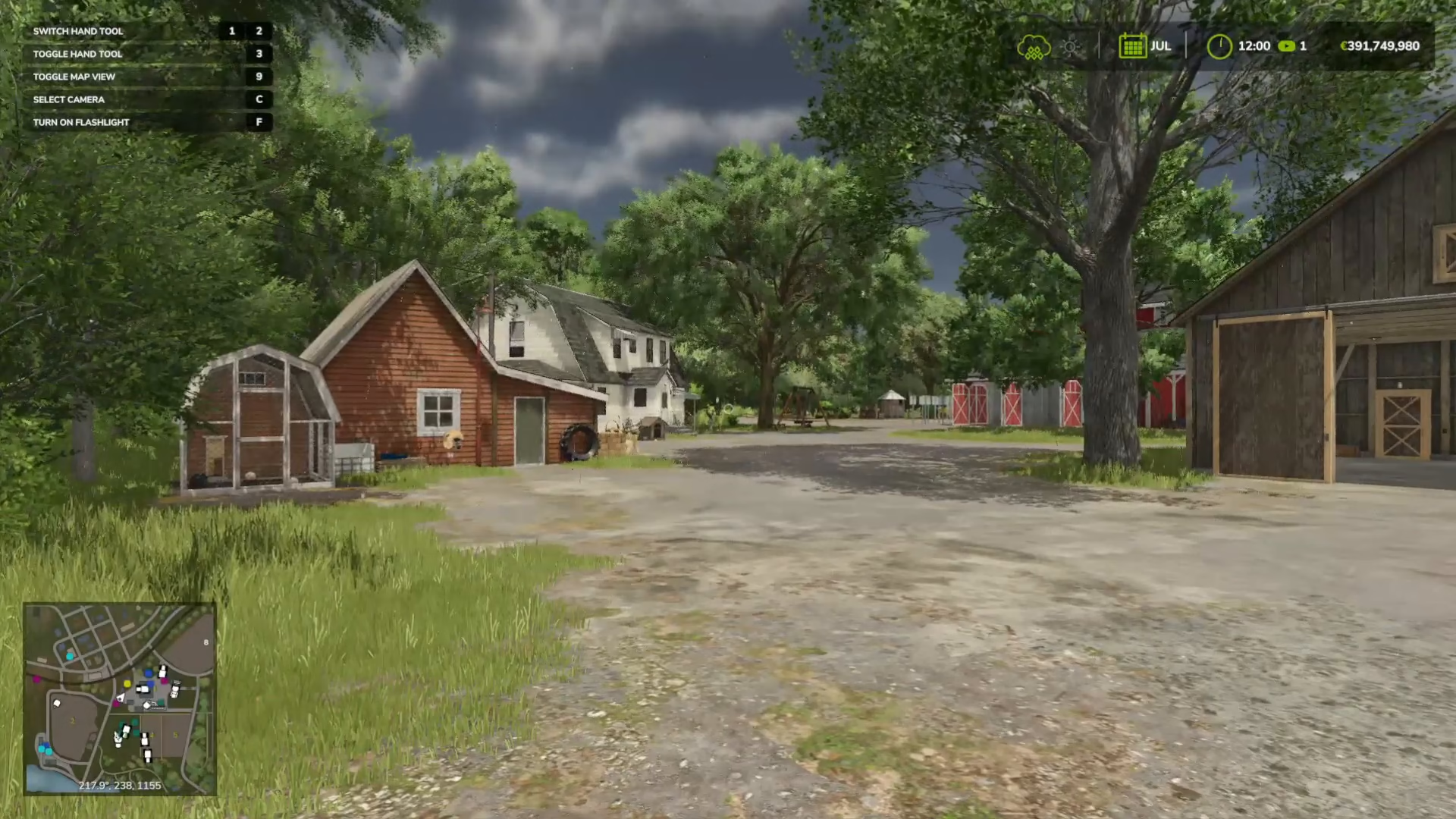
If you’re playing on PC, accessing Build Mode is straightforward. Simply press Shift + P (P for “Puppa”) to open the Build Menu.
Finding Build Mode Controls on Console
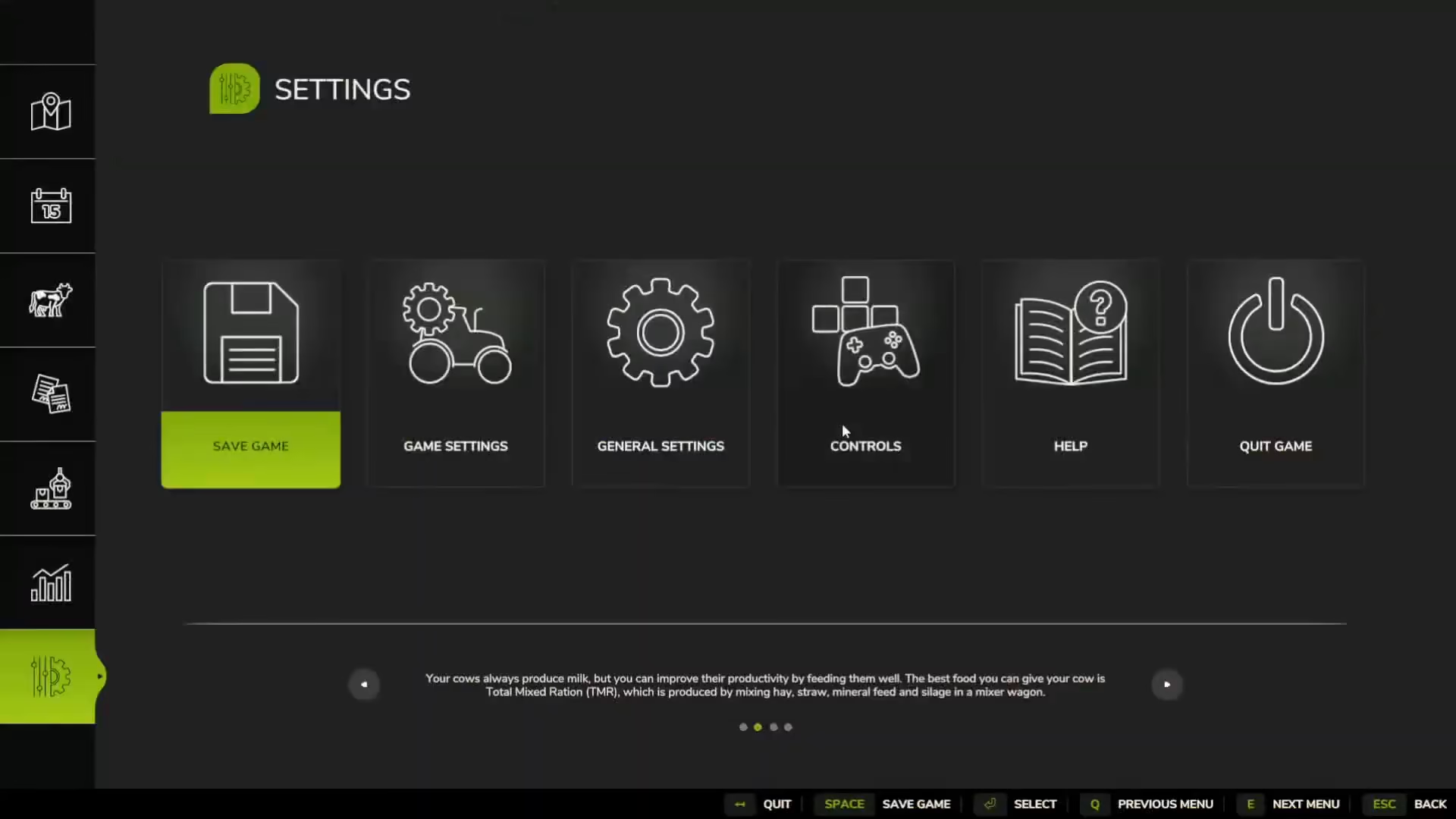
Console players may need to check their specific key bindings. To locate the Build Mode control, navigate to Options, then select Controls. Scroll down to the Construction section to find your system’s designated button. The default binding shows Left Shift + P, though it’s not immediately obvious without checking the controls menu.
Understanding Build Mode Options
Once you enter Build Mode, you’ll find several categories to work with:
Available Build Mode Categories
Landscaping and Painting — Modify terrain and apply textures
Decorative Items — Place or remove fences and decorative structures
Animals — Manage animal houses and related facilities
Factories and Generators — Build and modify industrial structures
Cultivation — Adjust crop-related buildings and tools
Shed, Farmhouses, Tools, and Containers — Manage storage and residential structures
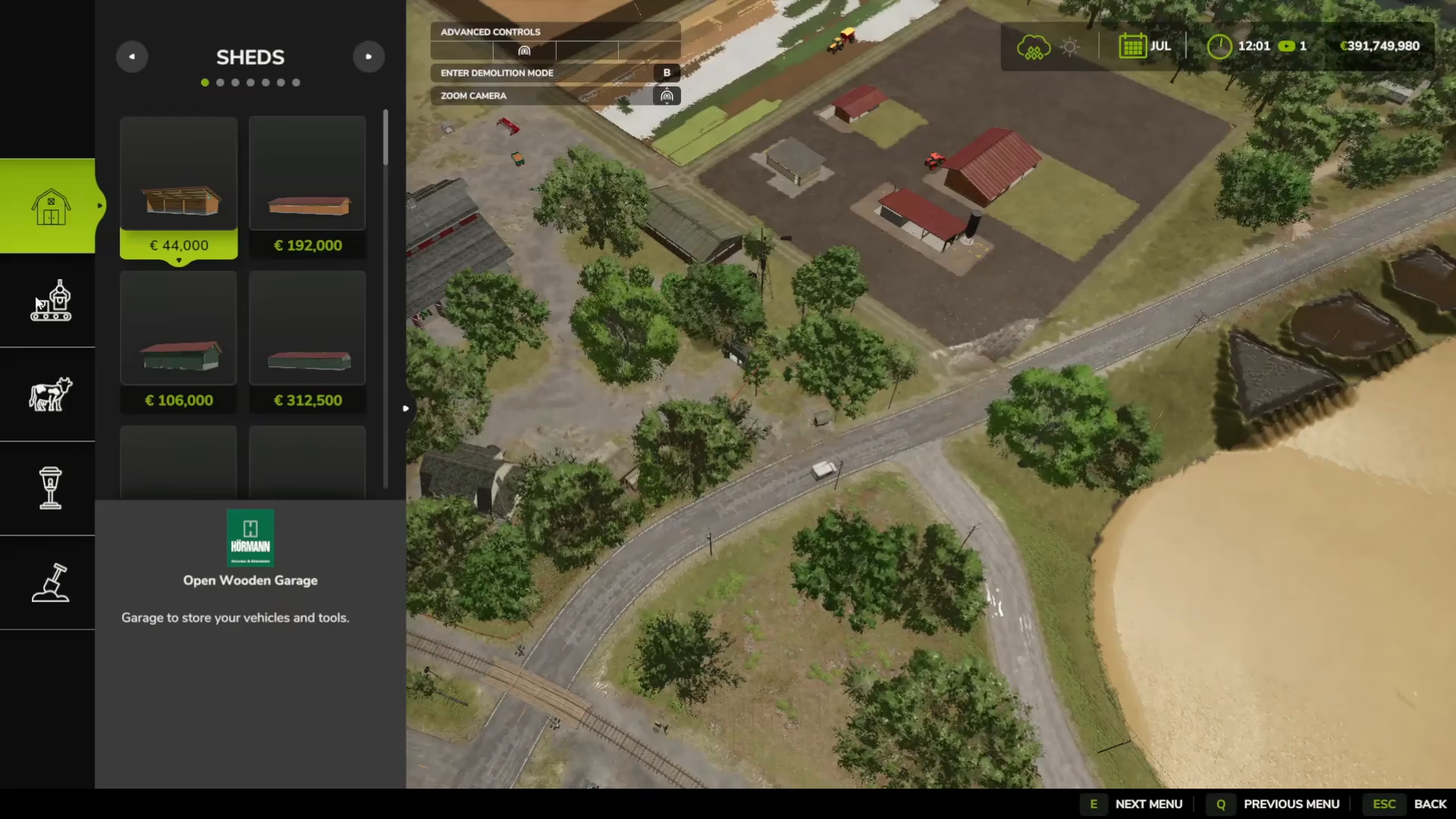
Using Demolition Mode
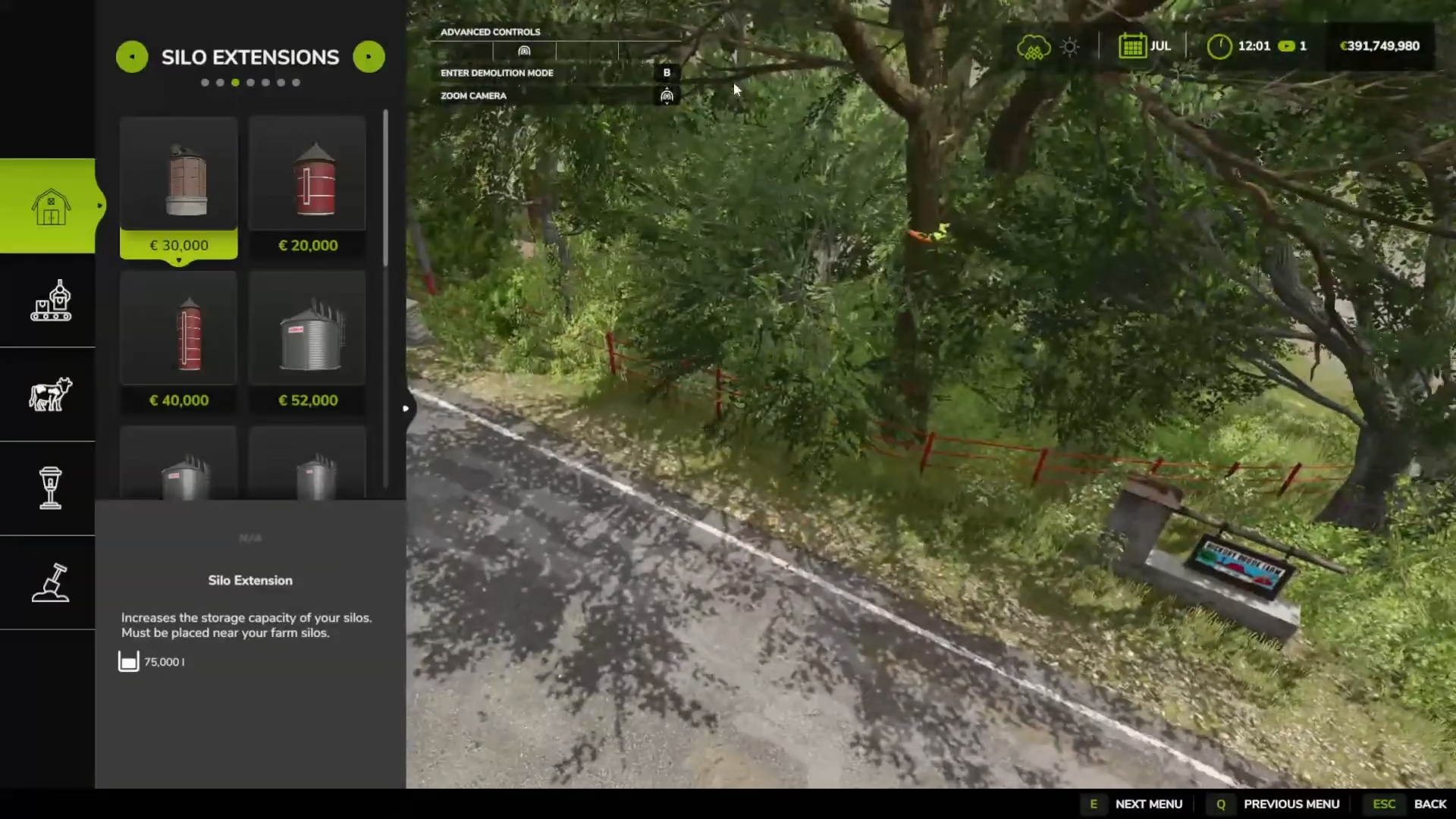
To delete or sell items on your farm, enter Demolition Mode by pressing B. You’ll see a prompt at the top of the screen saying “enter demolition mode.” Once activated, simply click on any structure or item you wish to remove. You’ll have the option to delete the item or sell it for in-game currency.
Summary
Build Mode in Farming Simulator 25 gives you complete control over your farm’s layout and structures. Remember the shortcut: Shift + P to open Build Mode and B to enter Demolition Mode. With these tools, you can organize, customize, and manage every aspect of your virtual farm efficiently.
— Want to Support? —
If you would like to help us continue making these guides – please consider joining our patreon here – https://www.patreon.com/c/JaviHeals
Alternatively – you can join our discord here – https://discord.gg/zD7Gjt6MHF