Corn Complete Guide How To Grow, Harvest & Sell Corn In Farming Simulator 25
Corn Complete Guide: How To Grow, Harvest & Sell Corn In Farming Simulator 25
This beginner-friendly guide covers everything you need to know about preparing fields, growing, harvesting, and selling corn in Farming Simulator 25. Whether you’re just starting out or looking to optimize your corn farming operations, this comprehensive guide will walk you through each step of the process with clear instructions and helpful tips.
Field Preparation: Cultivating the Soil
Before you can plant corn, you need to prepare your fields properly. Unlike some crops, corn does not require plowing—cultivation alone is sufficient. To cultivate your field, you’ll need a cultivator attached to your tractor.
Drive your tractor up to the cultivator in the field, then press Q to attach the machine. If your cultivator is large, you can unfold it using the X key. Once unfolded, press V to lower the cultivator into position. The machine will then drag across the soil to cultivate the land as you drive.
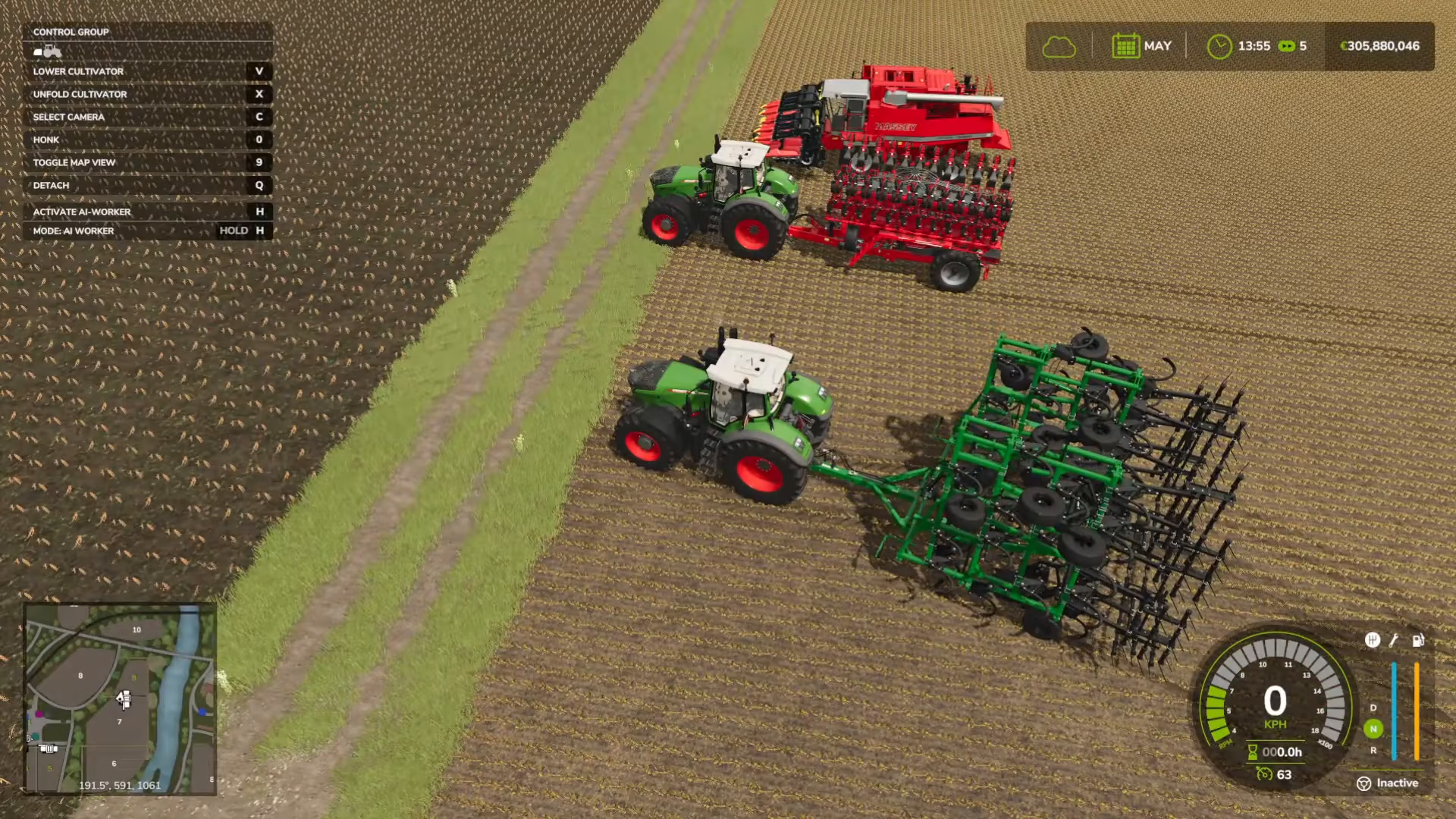
If you have a very large cultivator, ensure your tractor is powerful enough to handle it—some combinations may be too heavy for smaller tractors.
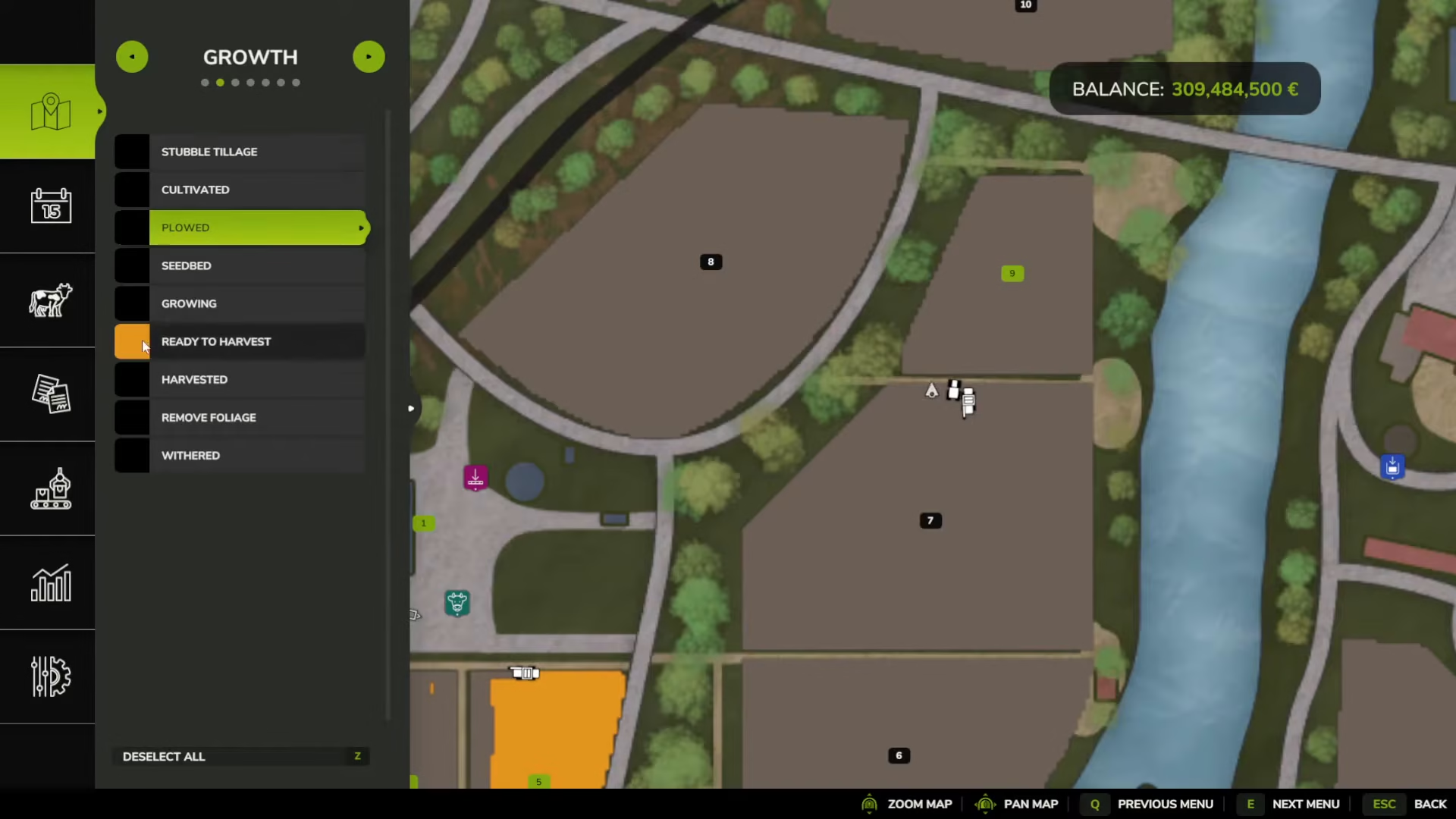
To verify that your field has been cultivated, open your map and navigate to the “Growth” tab. Click on “Cultivated” to check the status of your field. A green indicator will confirm that cultivation is complete.
Planting: Seeding Your Corn
Once your field is cultivated, it’s time to plant your corn seeds. You’ll need a seeder—specifically a planter that supports corn. Visit the store and navigate to the Seeds category under Seeding to purchase corn seed bags.
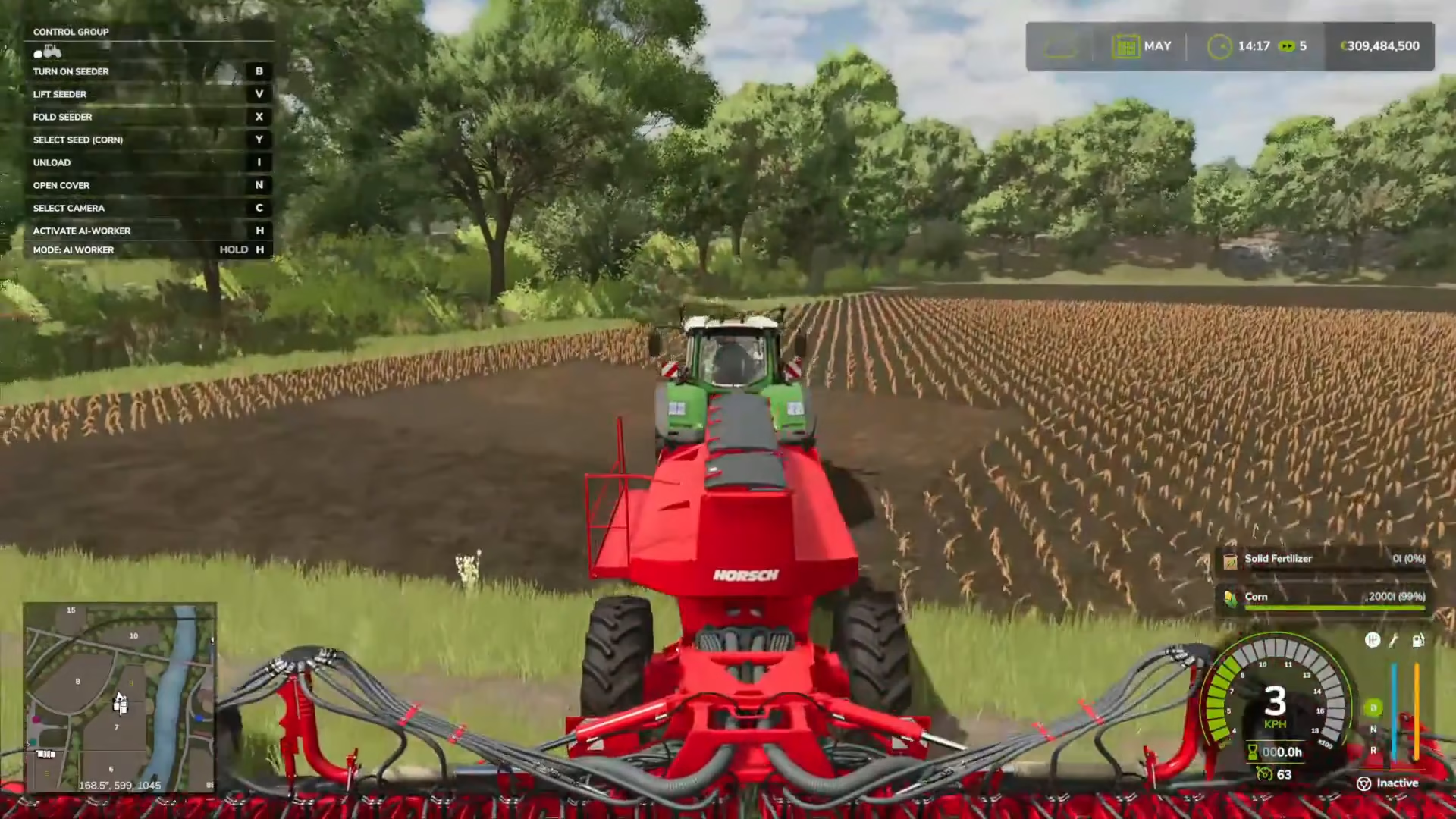
Bring your seeder next to the seed bags and press R to fill it up. Once loaded, position your seeder in the field. You can cycle through different seed types using the Y key—options include green beans, sorghum, and corn. Select corn for your operation.
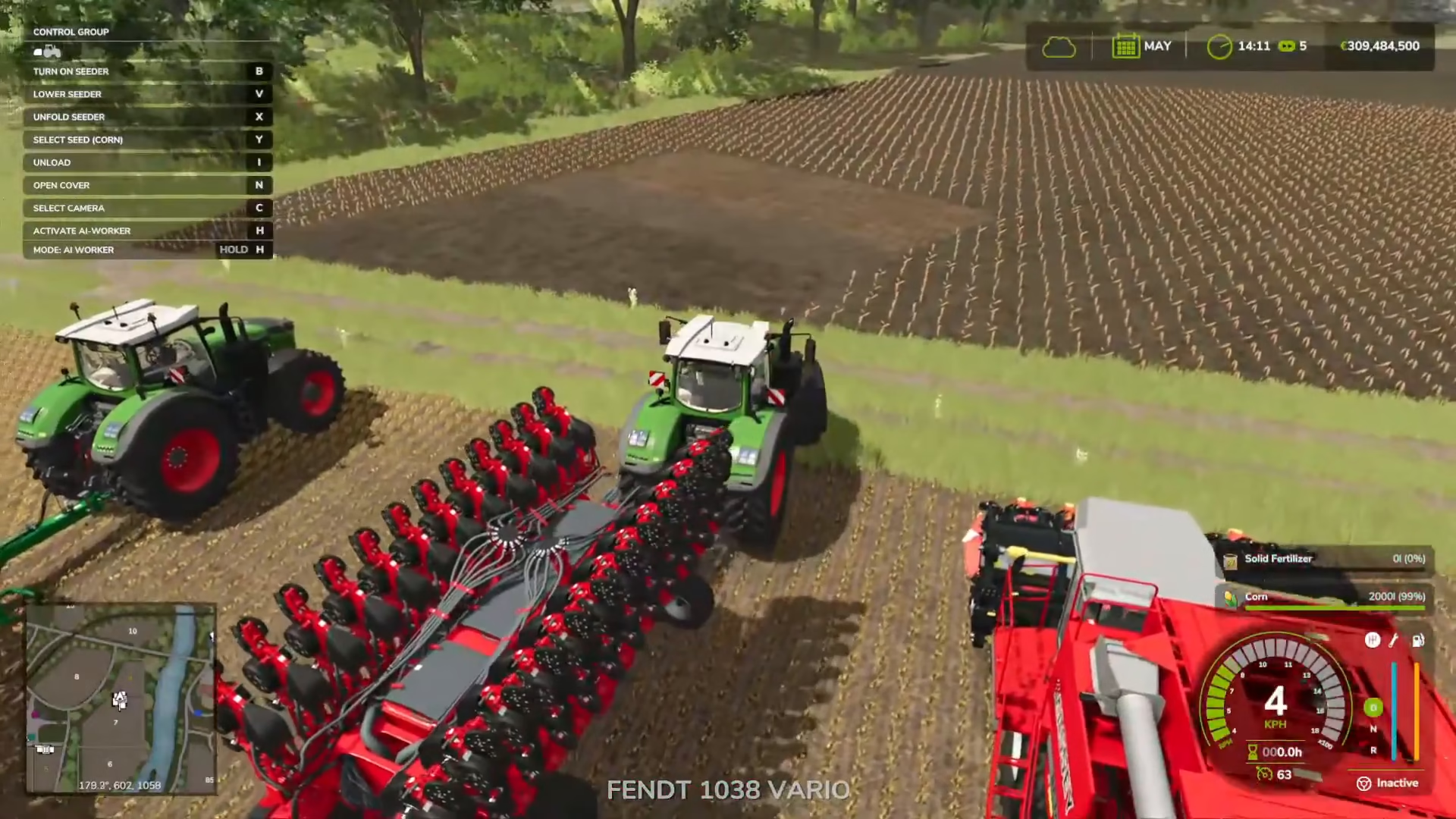
Lower the seeder by pressing V, then turn it on with B. The seeder will now plant corn seeds across your field as you drive. For best results, seed your entire field, not just a small section.
Soil Care: Liming Your Fields
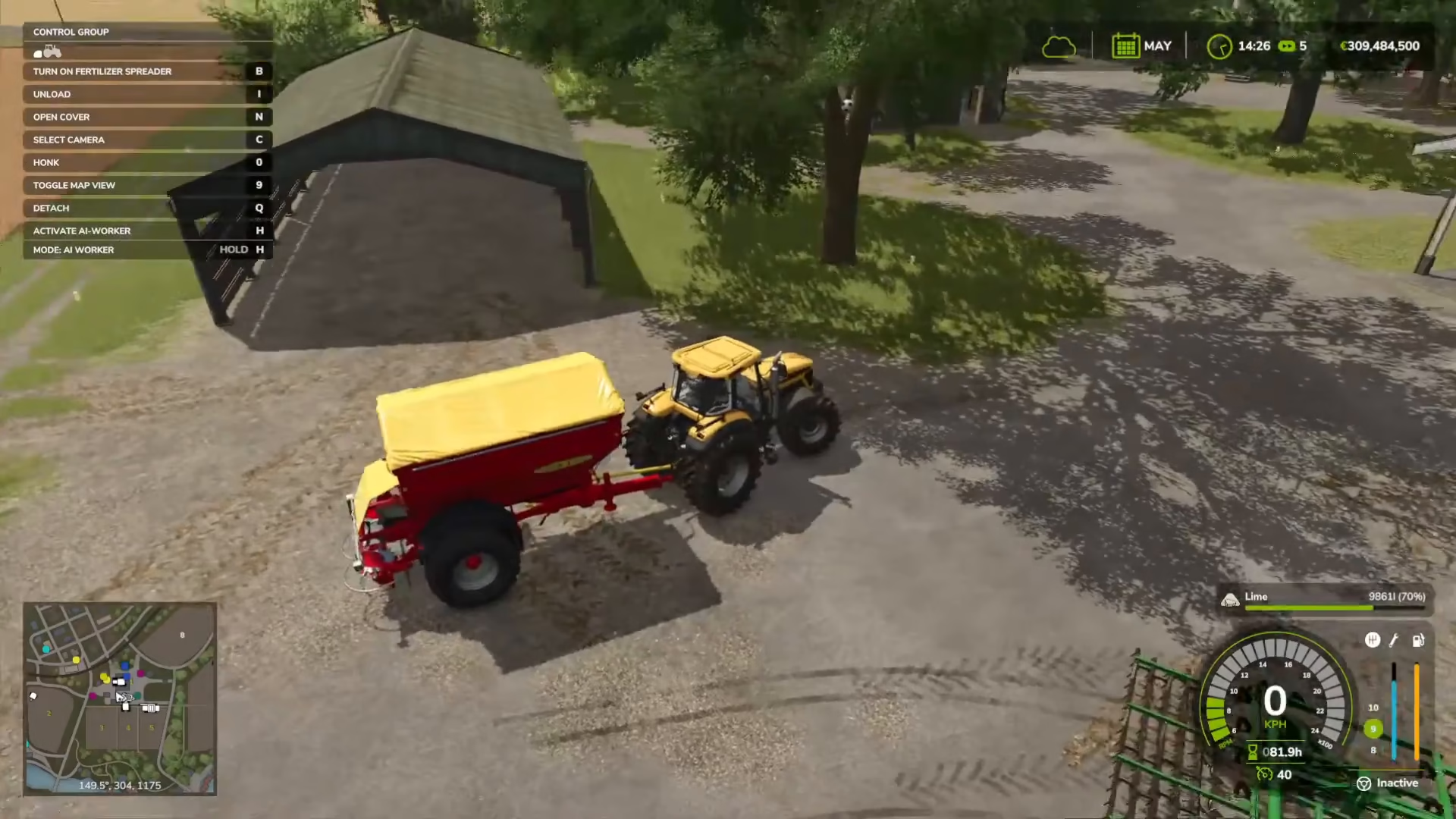
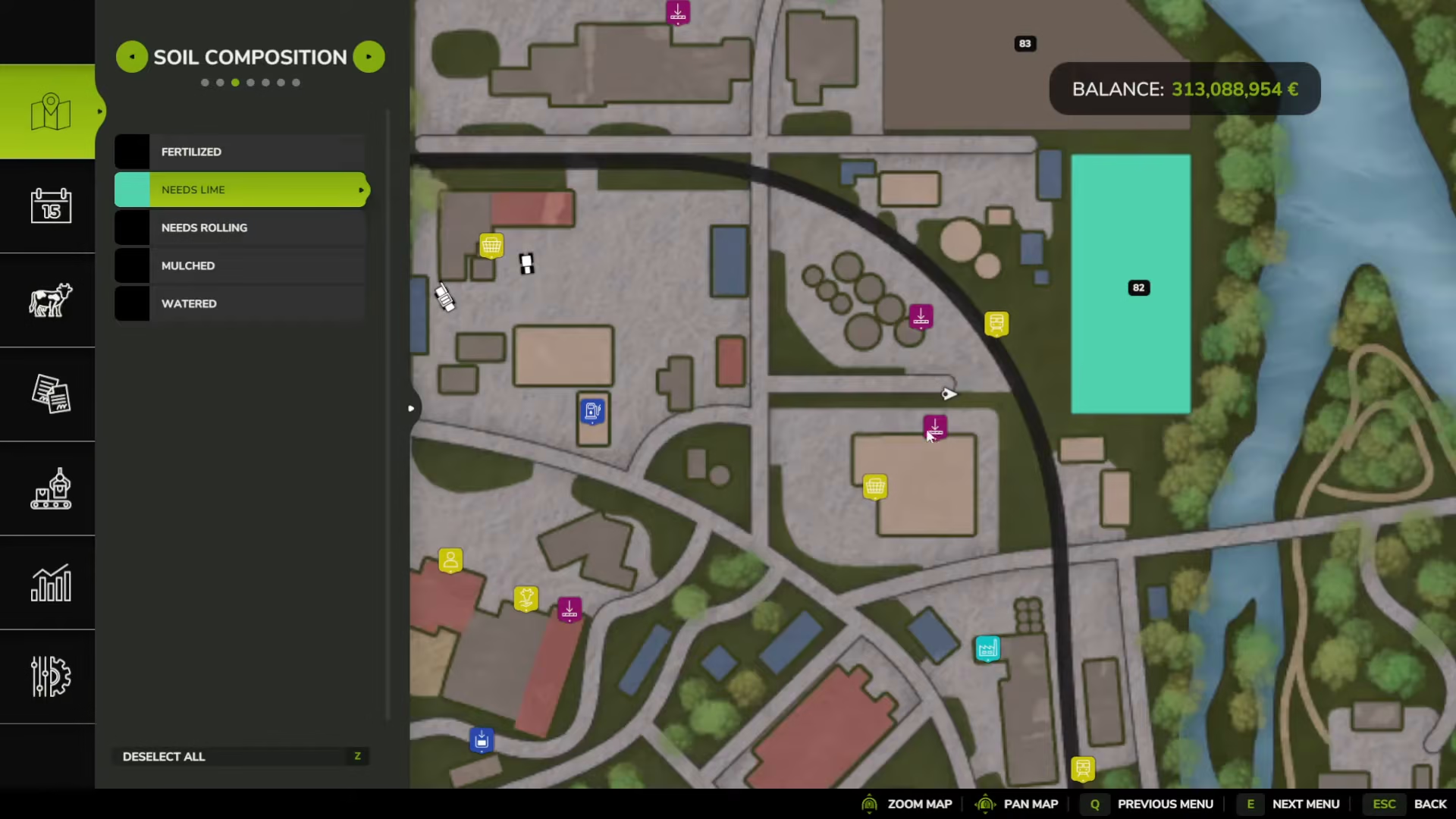
After seeding, you should lime your field to improve crop output. While not mandatory, liming will significantly increase your yield. Check your field’s needs by opening the map and selecting “Soil Composition.” If it shows “Needs Lime,” you’ll want to apply lime to that field.
Purchase lime bags from the store and attach a lime spreader (also called a “breeder”) to your tractor. Position the spreader near your lime bags and press B to start the liming process. The machine will distribute lime across your field as you drive.
Soil Care: Fertilizing Your Fields
Fertilizing is another important step to maximize crop yield. You can use the same spreader machine for both solid and liquid fertilizers. Visit the store’s Fertilizer Spreaders category to purchase a spreader if you don’t already have one.
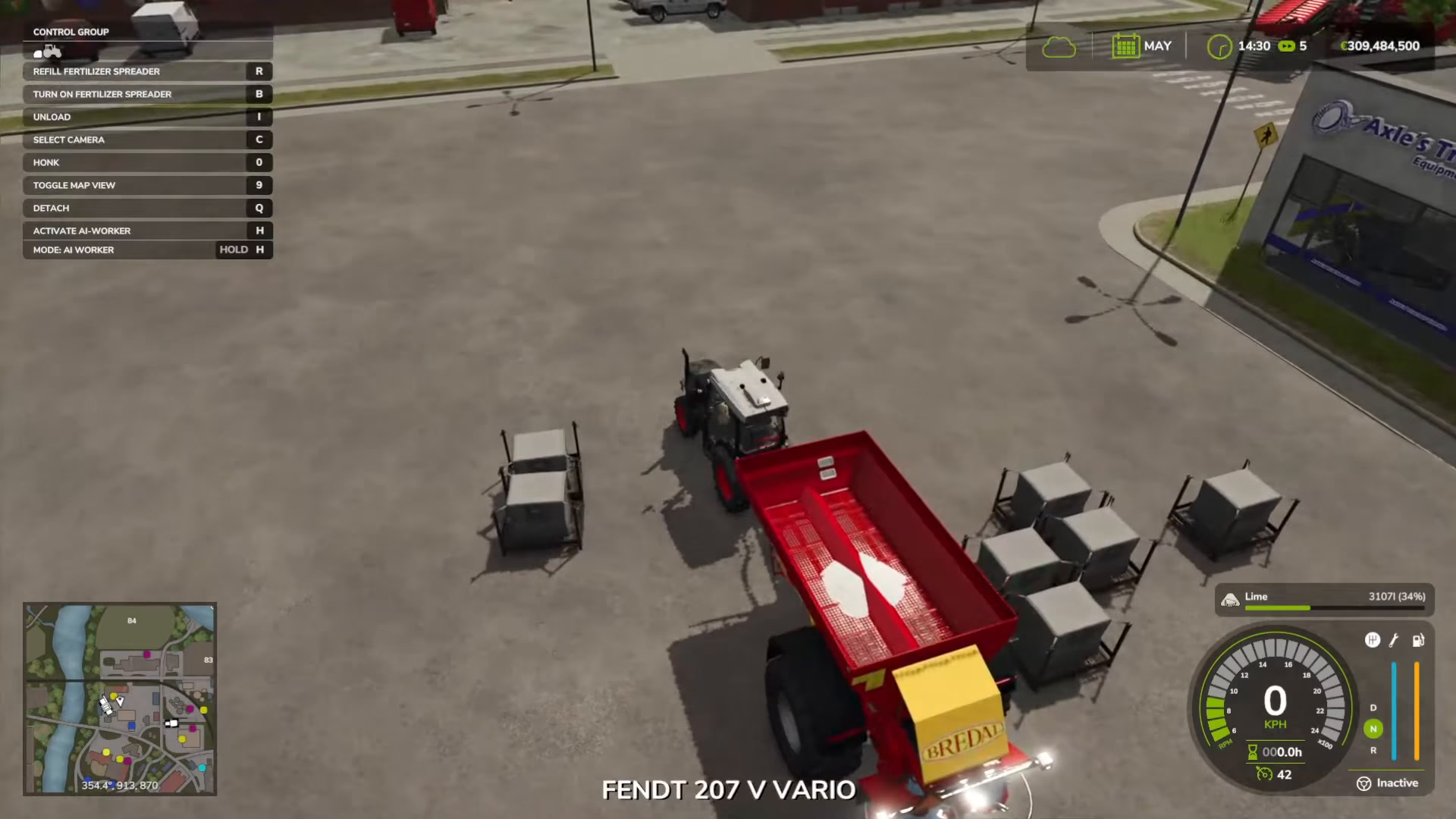
Many planters come with built-in fertilizer applicators, which is convenient. If yours doesn’t, you can buy a separate fertilizer spreader. When you have fertilizer bags purchased, drive your spreader next to them and select “Refill Fertilizer Spreader” to load it up. Then drive across your field with the spreader active to apply fertilizer.
Optional: Weeding and Rolling
If you have weeds enabled in your game settings (under Game Settings > Weeds), you’ll need to weed your crops regularly—weeds can destroy your crop if left unchecked. Purchase a weeder from the store and use it on your field to eliminate weeds.
Additionally, you can improve soil quality by rolling your field with a roller. This increases your output by a few percent and can be done after planting. Rollers are available in the store’s soil care category.
Essential Equipment Checklist
Before you begin your corn farming operation, make sure you have the following equipment:
Tractor: To pull all your machinery
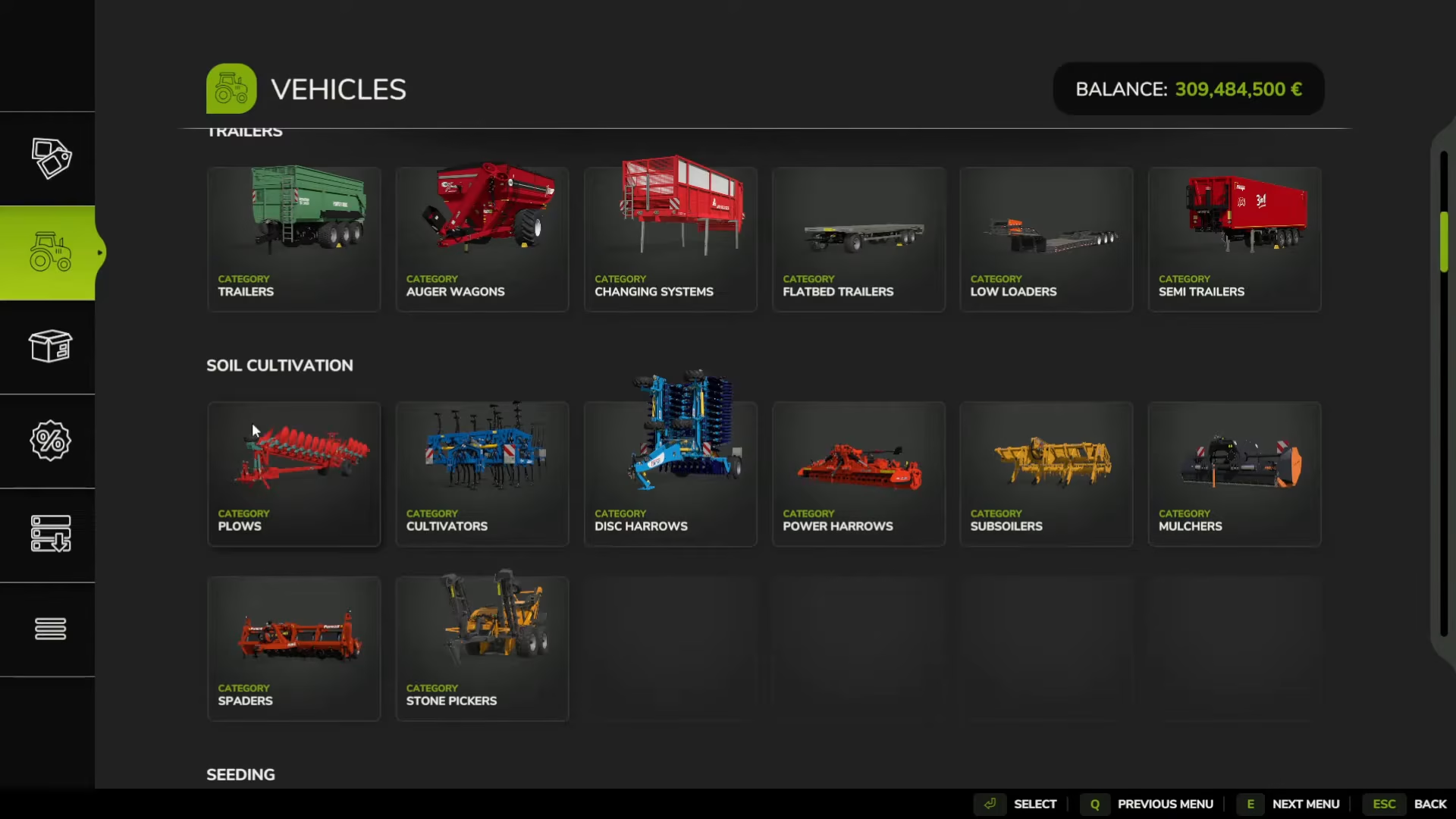
Cultivator: From the Soil Cultivation category
Planter: Must have the corn icon to support corn planting
Corn Seeds: Purchase from the Seeds category
Fertilizer Spreader: For solid or liquid fertilizer (check for the leaf icon)
Lime Spreader (Breeder): For liming your fields
Weeder: If weeds are enabled in your settings
Roller: Optional, but improves soil quality
Combine Harvester: For harvesting your corn
Corn Headers: Specialty headers required for harvesting corn
Trailer: To transport harvested corn
Choosing the Right Planter
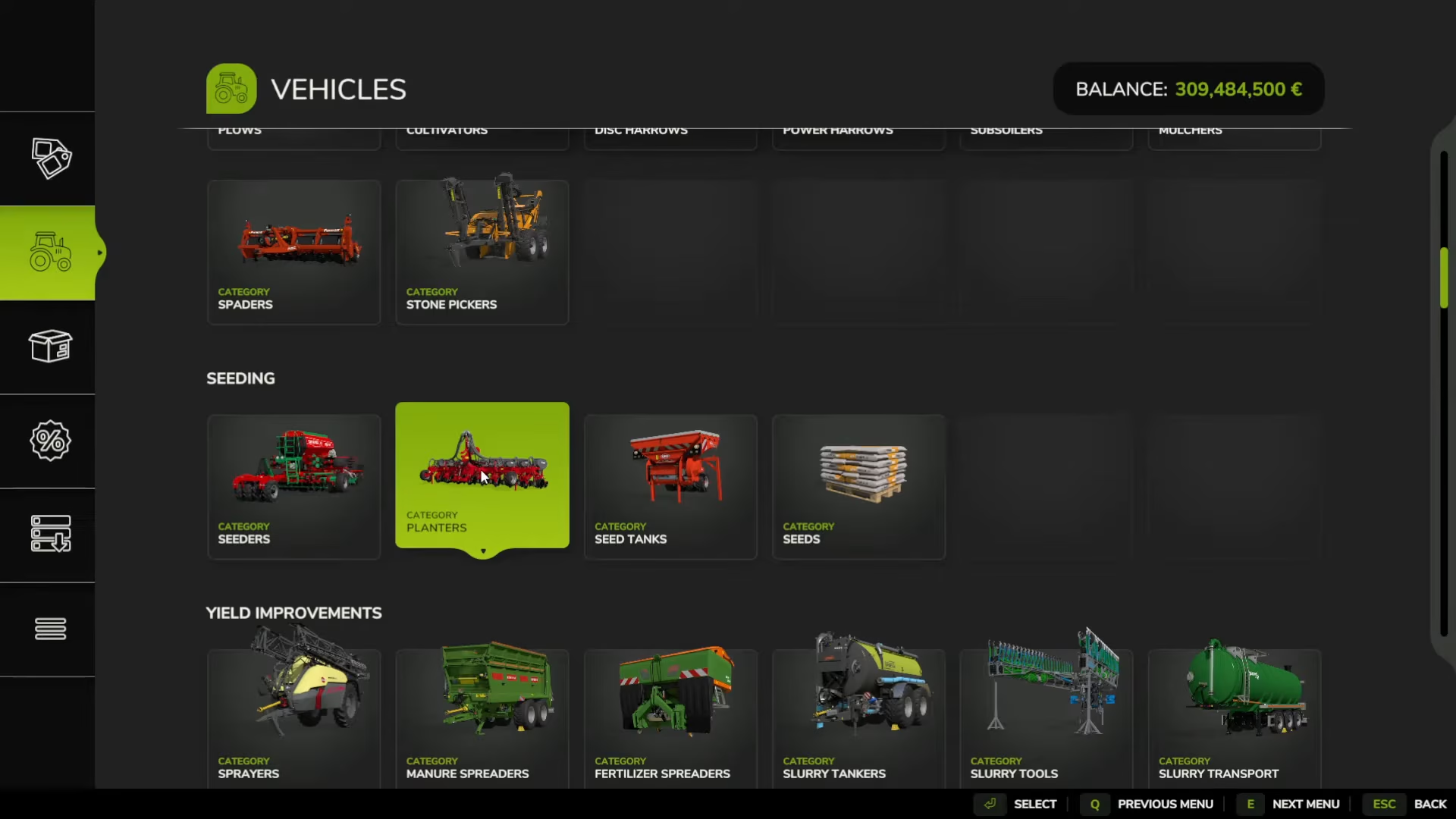
When selecting a planter, always check for the corn icon. Not all planters support corn—for example, the Grimme Matrix 1800 does not have corn capability, while other models do. Some planters come with built-in fertilizer spreaders (indicated by a liquid bottle with a leaf icon), which can save you money and inventory space. Some advanced planters can even cultivate soil at the same time, providing extra efficiency.
Renting vs. Buying Equipment
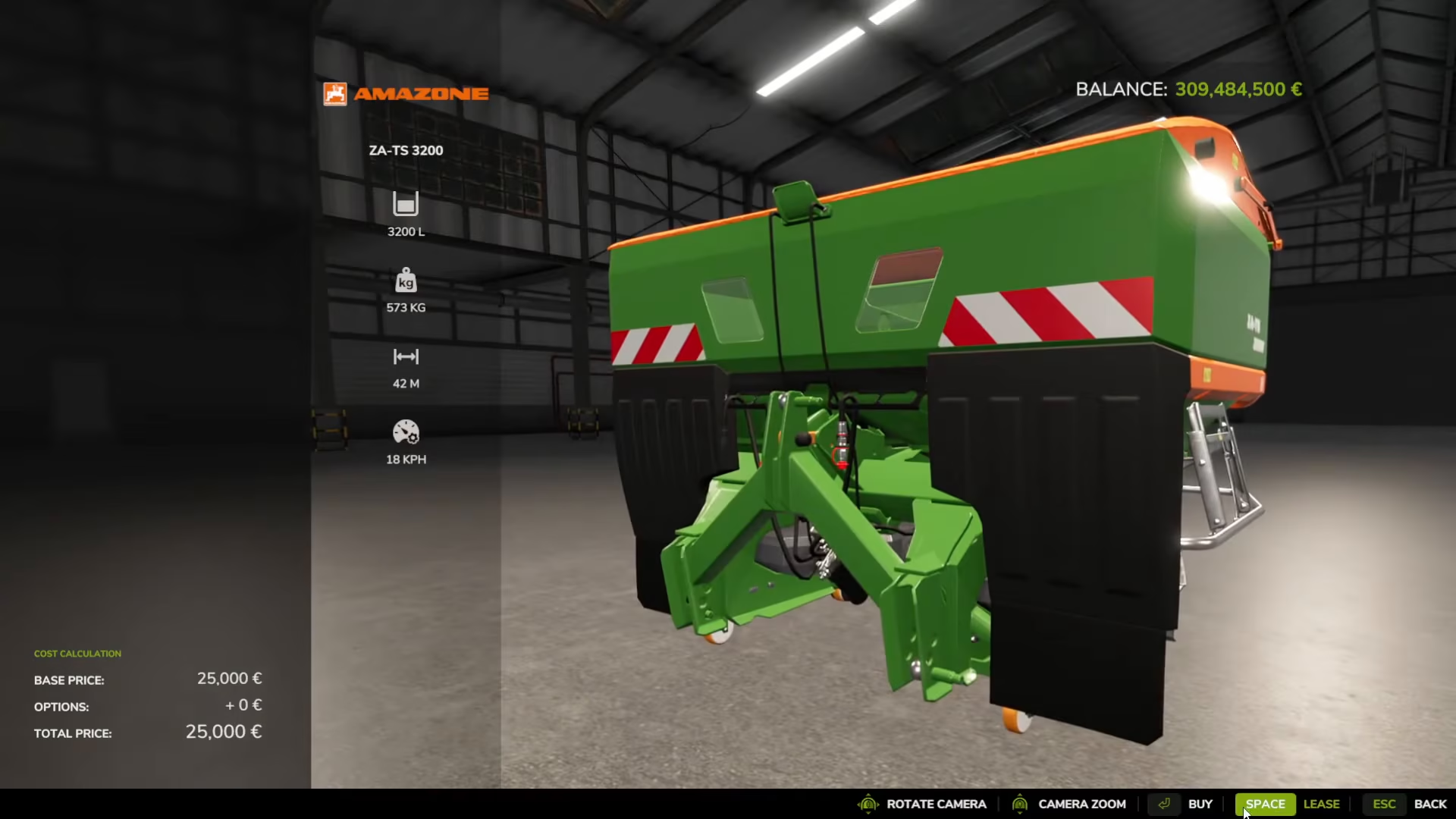
If you’re short on cash, you can rent equipment instead of buying it. For example, a fertilizer spreader might cost $25,000 to buy, but you can lease it for $500. This is a great way to start your operation without breaking the bank. Check the “Lease” option when viewing equipment details in the store.
Harvesting Your Corn
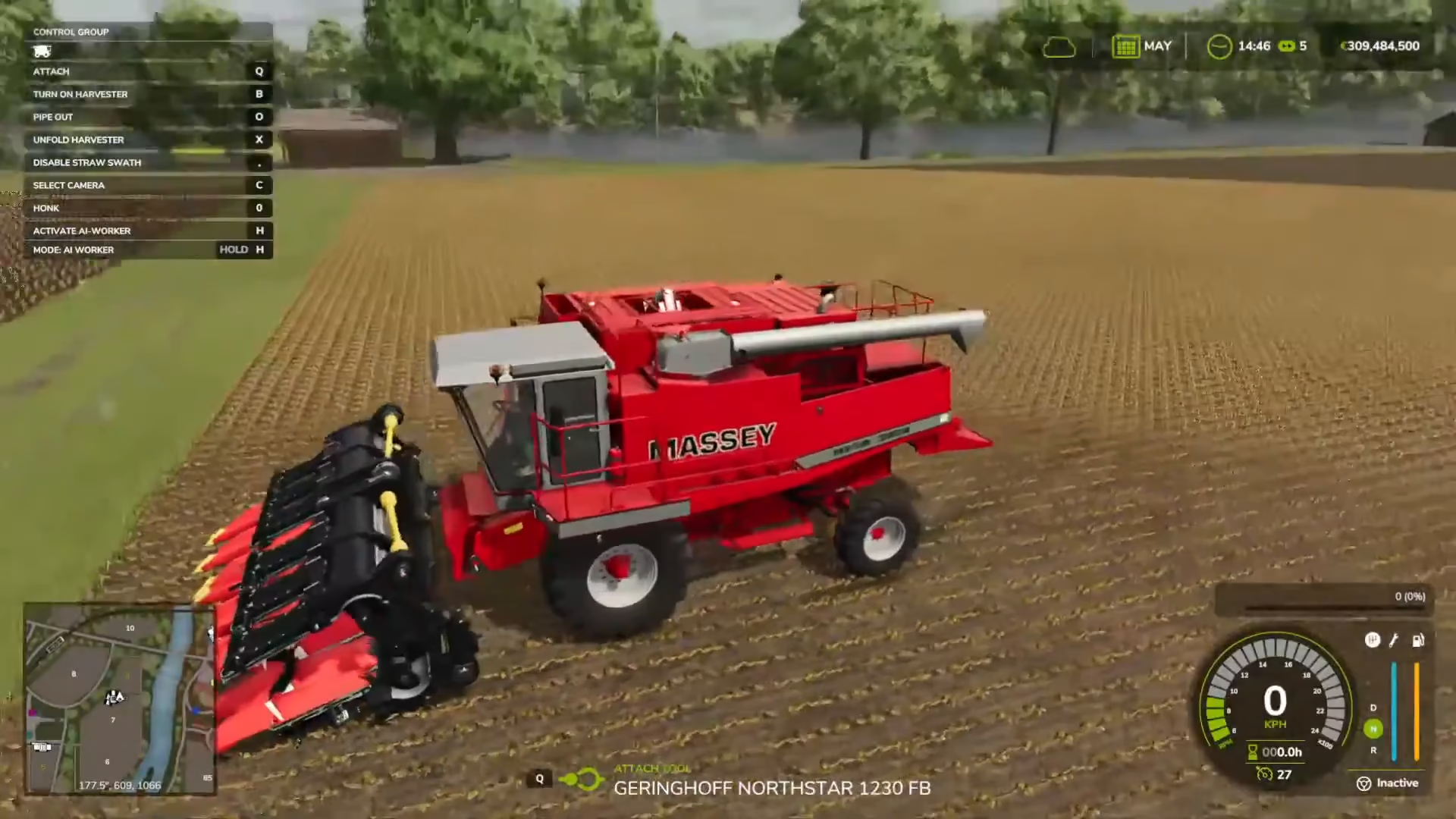
Once your corn is fully grown, it’s time to harvest. Position your combine harvester in the field with the corn headers attached to the front. If your headers are folded, press X to unfold them. Press V to lower the headers into position.
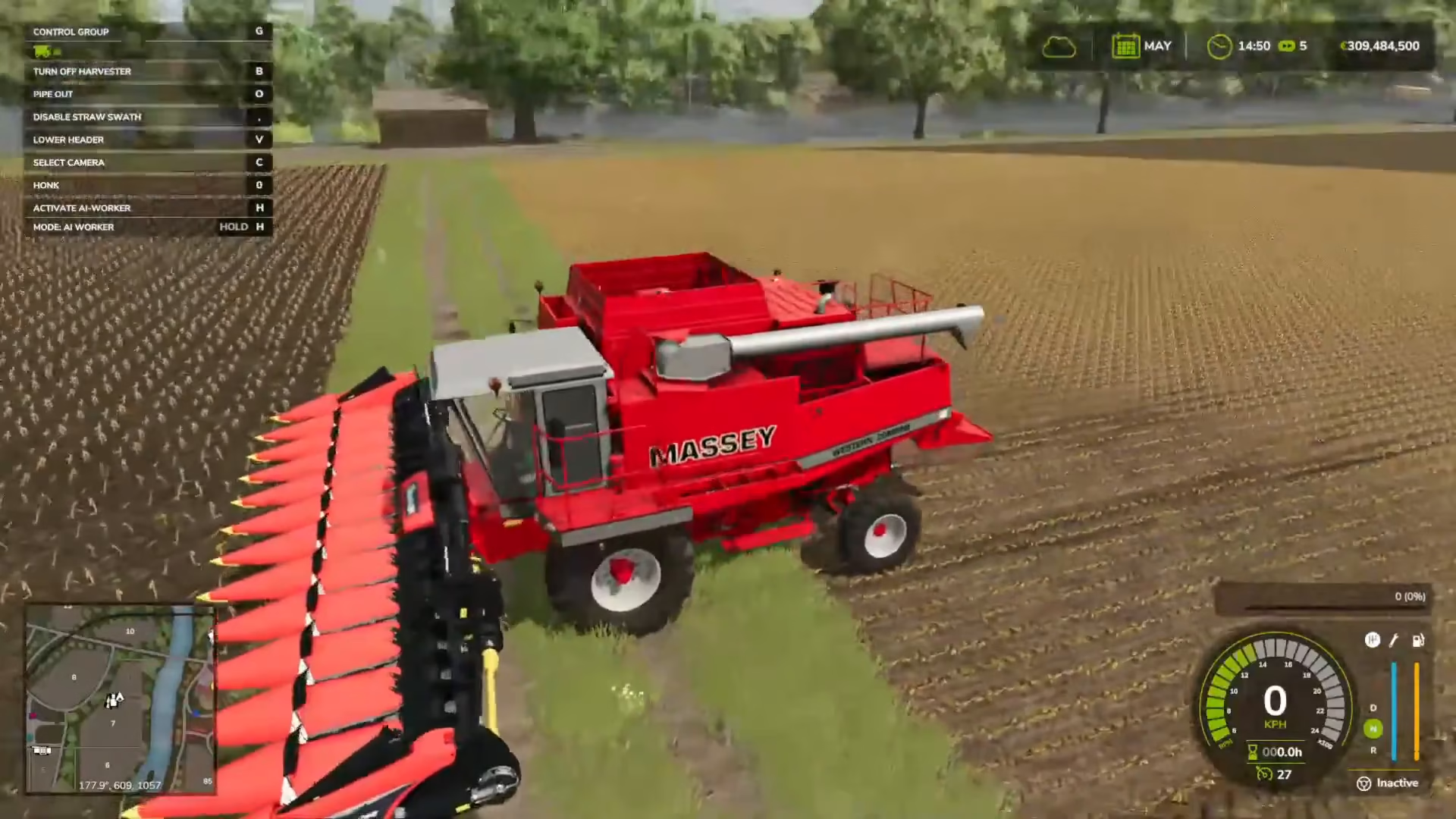
Press G to switch focus to the header and harvester, then unfold the main harvester unit if needed. Turn on the harvester with B and begin driving through your corn field. The combine will automatically harvest the corn as you drive.
Transferring Corn to a Trailer
As your combine harvester fills up with corn, you’ll need to transfer it to a trailer for transport. Park your trailer next to the combine’s discharge pipe, positioning it so the corn can flow into it smoothly.
From inside the combine harvester, press O to activate the pipe and angle it toward your trailer. The harvester will automatically begin unloading the corn into the trailer. Make sure your trailer is properly aligned to catch all the corn.
Storing vs. Selling Your Corn
Once you’ve harvested your corn, you have two options: store it in a silo or sell it immediately. The choice depends on corn prices and market timing.
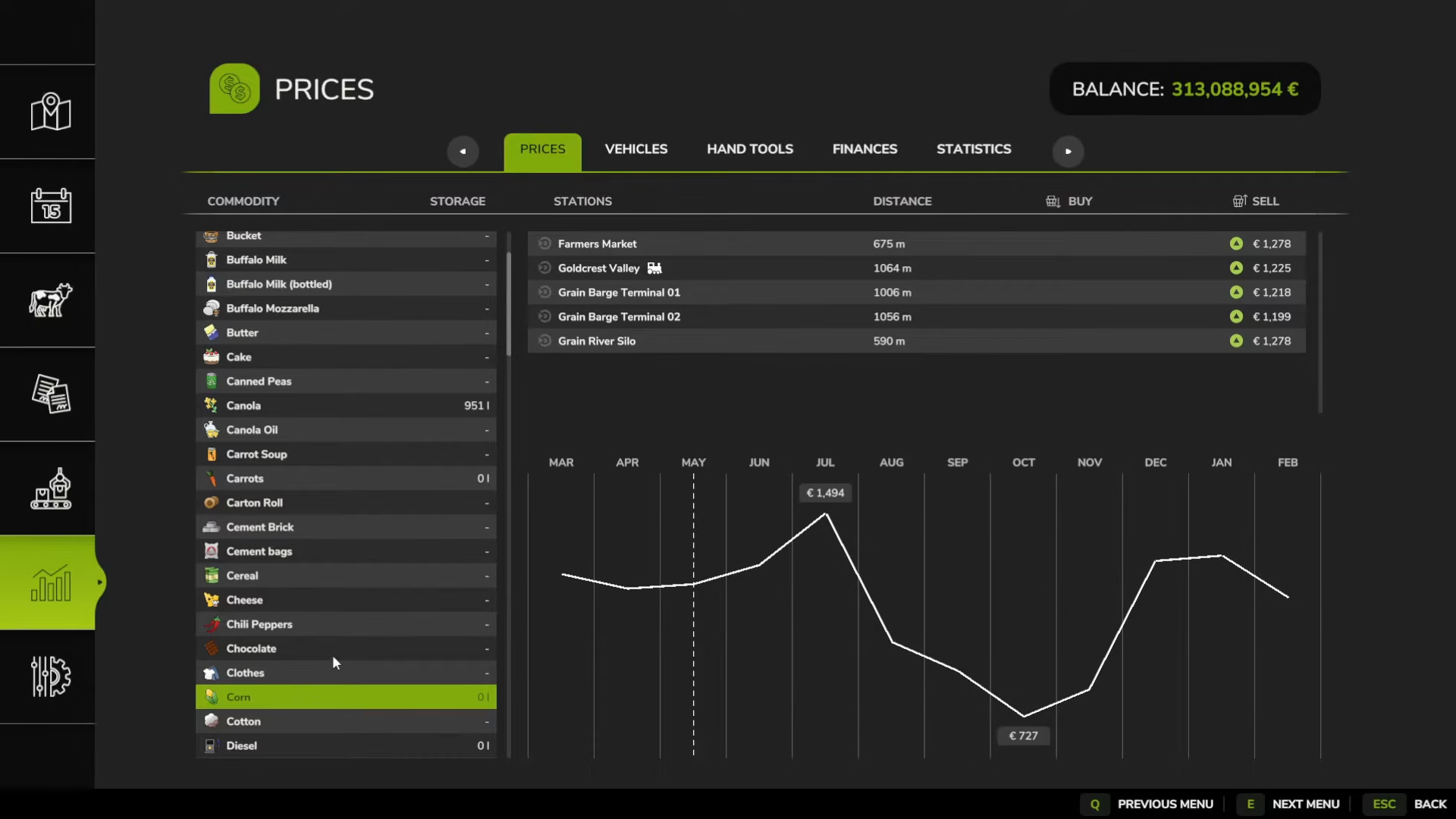
Corn prices fluctuate throughout the year. For example, July typically offers much higher prices than October—potentially double the price. If you harvest in October, you can store your corn in a silo and wait until July to sell it at peak price for maximum profit.
To check seasonal growth and harvest times, open Game Settings and look at Seasonal Growth. With seasonal growth enabled, corn is planted in April and May, then harvested in October and November. You can disable seasonal growth if you prefer to plant and harvest whenever you want.
Selling Your Corn
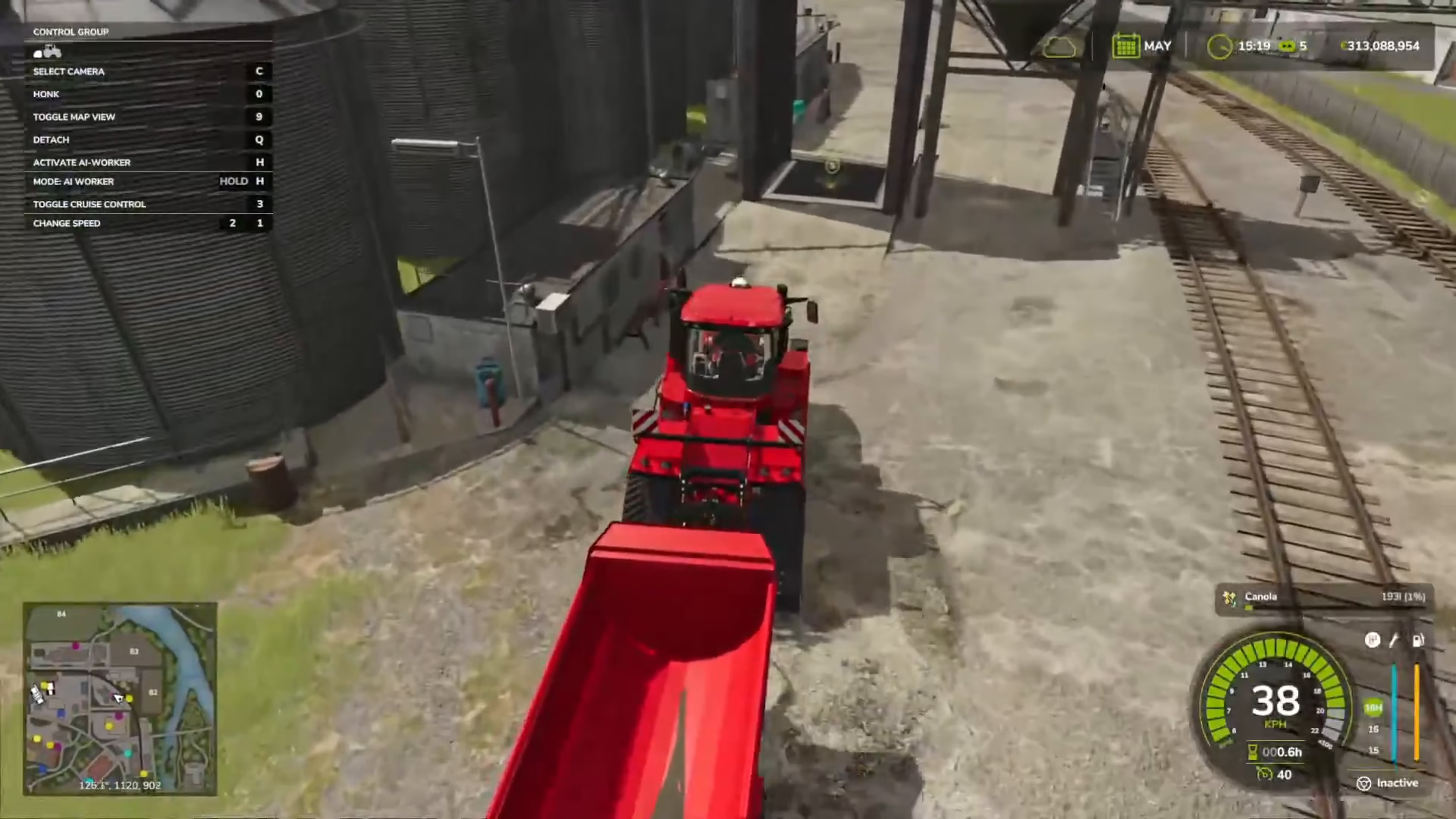
To sell your corn, locate a selling point on your map (marked with a special icon). Drive your trailer up to the tipping point and line it up with the grain chute. Press I to dump your corn into the selling point. Your money will be added to your account immediately.
If you prefer to store your corn first, drive your trailer over a silo instead and press I to unload. Your corn will be stored safely until you’re ready to sell.
You can check current corn prices at different selling locations on your map to find the best deal before selling.
Summary
Growing and selling corn in Farming Simulator 25 involves careful planning and the right equipment. Start by cultivating your field, then plant your corn using a dedicated planter. Maintain your crop by liming and fertilizing, and optionally weeding and rolling. When your corn is ready, harvest it with a combine equipped with corn headers, transfer it to a trailer, and sell it at the best price. With patience and attention to market prices, you can build a profitable corn farming operation.
— Want to Support? —
If you would like to help us continue making these guides – please consider joining our patreon here – https://www.patreon.com/c/JaviHeals
Alternatively – you can join our discord here – https://discord.gg/zD7Gjt6MHF