







How To Activate Head Camera In Phasmophobia
How To Activate Head Camera In Phasmophobia
The head camera (also called a headlight) is an essential tool in Phasmophobia that allows you to see clearly in dark environments. This guide will walk you through the simple steps to activate and use this equipment effectively during your ghost hunts.
What is the Head Camera?
The head camera is a wearable device that functions as a headlight in Phasmophobia. It’s particularly useful for illuminating dark areas and revealing details you might otherwise miss. The head camera comes in different tiers (tier one, tier two, and tier three), each with its own unique appearance and lighting capabilities.
How to Activate the Head Camera
To turn on your head camera, simply press the T key on your keyboard. Once activated, the headlight will illuminate and you’ll be able to see everything around you much more clearly, especially in night mode conditions.
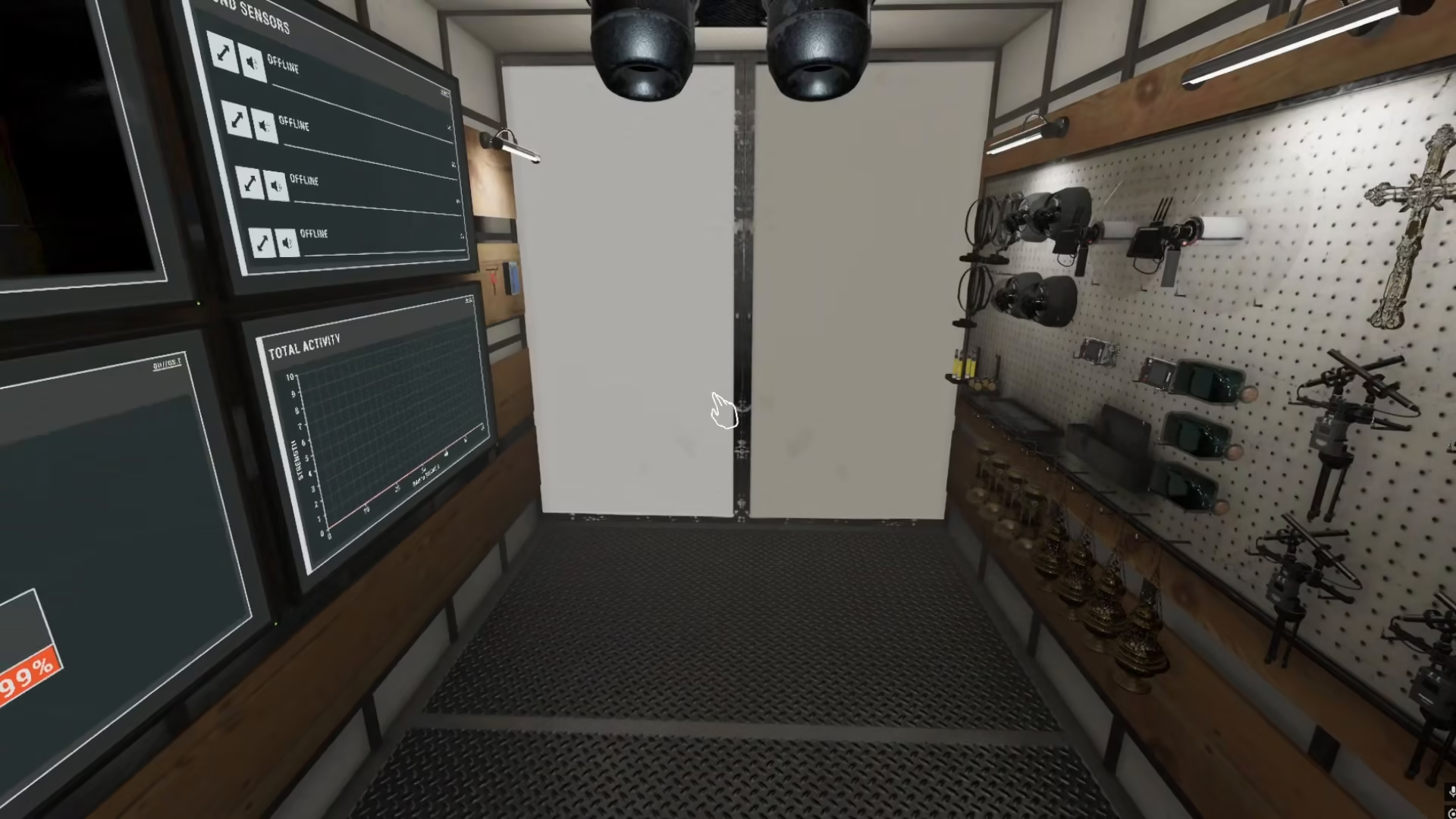
When you first activate the head camera at tier three, it will display as a bright light source that significantly improves visibility in dark environments.
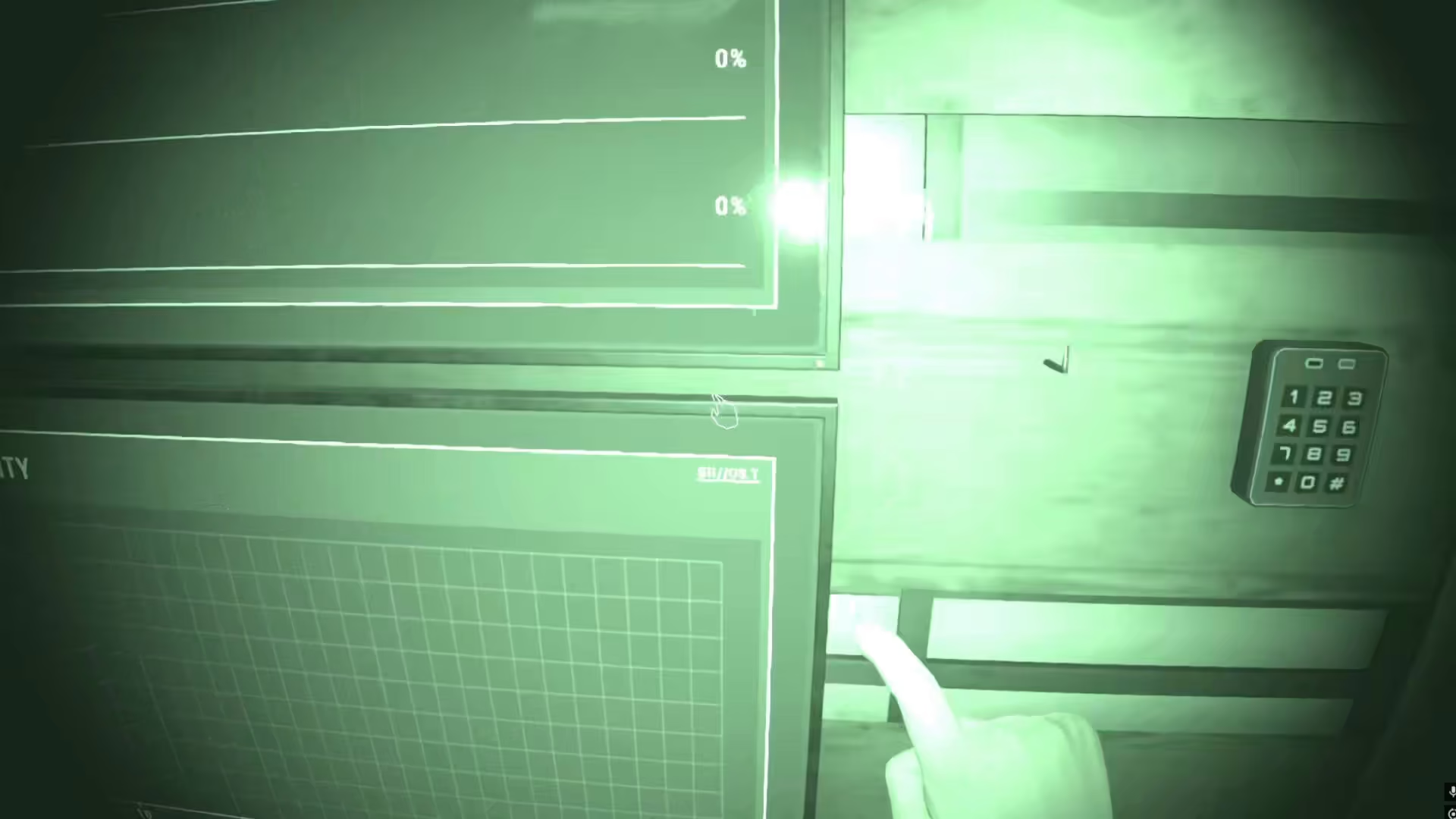
How to Deactivate the Head Camera
To turn off your head camera, simply press the T key again. This will deactivate the headlight and return you to normal lighting conditions.
Head Camera Tiers and Variations
The head camera comes in three different tiers, each with distinct visual designs and functionality:
Tier One
The tier one head camera features a torch design, providing basic illumination for dark areas.
Tier Two
The tier two head camera looks like an actual camera and offers improved lighting compared to tier one.
Tier Three
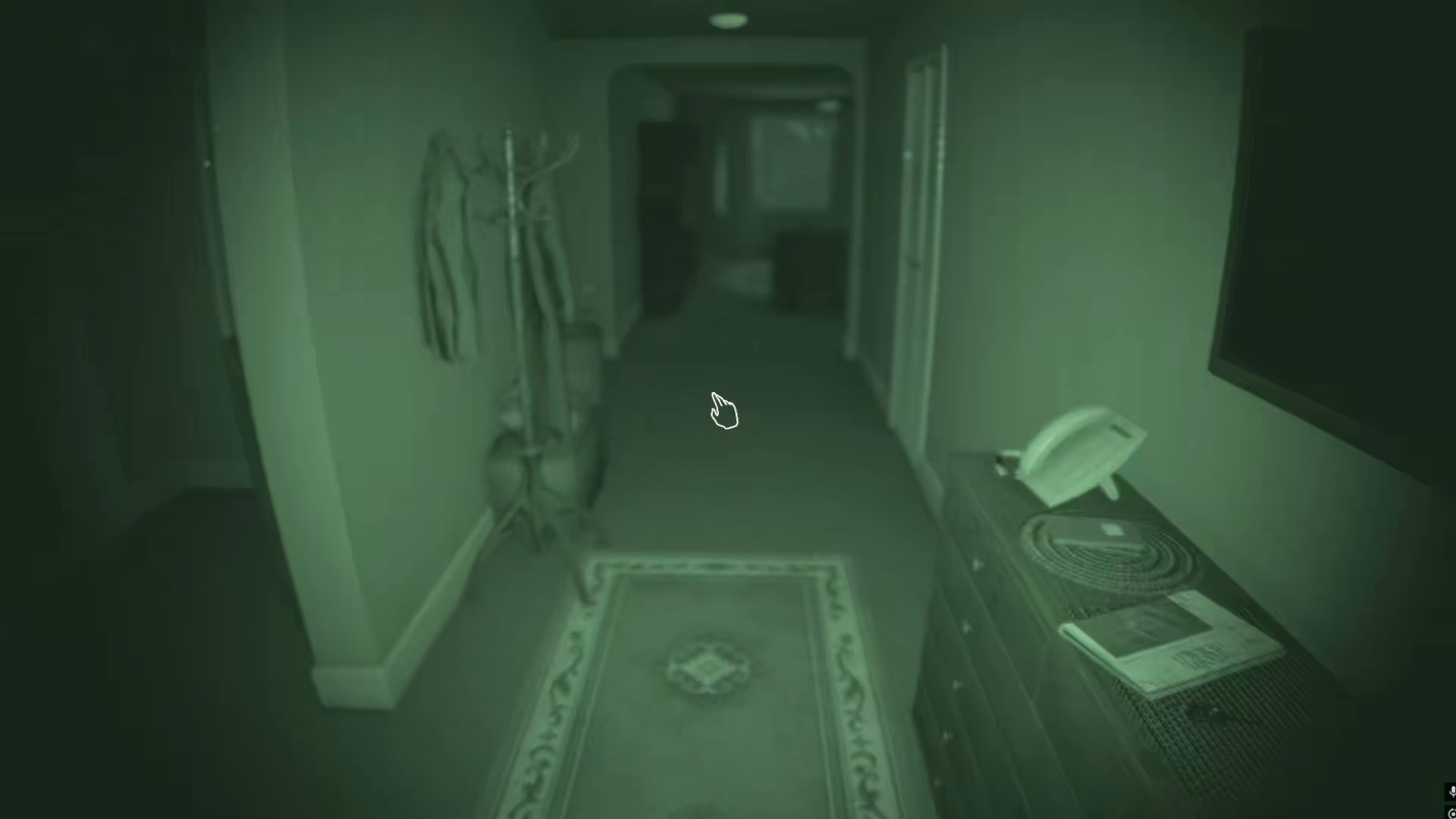
The tier three head camera is equipped with night vision technology, allowing you to see clearly even in complete darkness with enhanced detail and clarity.
Summary
Using the head camera in Phasmophobia is straightforward: press T to activate and press T again to deactivate. All three tiers operate the same way mechanically, though they offer different visual styles and lighting capabilities. Whether you’re using the torch, camera, or night vision variant, this tool is essential for navigating dark locations and spotting ghostly activity during your investigations.
— Want to Support? —
If you would like to help us continue making these guides – please consider joining our patreon here – https://www.patreon.com/c/JaviHeals
Alternatively – you can join our discord here – https://discord.gg/zD7Gjt6MHF



