





How To Assign Canteen In Prison Architect
How To Assign Canteens in Prison Architect
Managing your prison’s food distribution is a crucial part of keeping your inmates happy and your facility running smoothly. In this guide, we’ll walk you through the straightforward process of assigning canteens in Prison Architect, including how to assign kitchen cooks and individual prisoners to specific dining areas.
Accessing the Food Distribution Menu
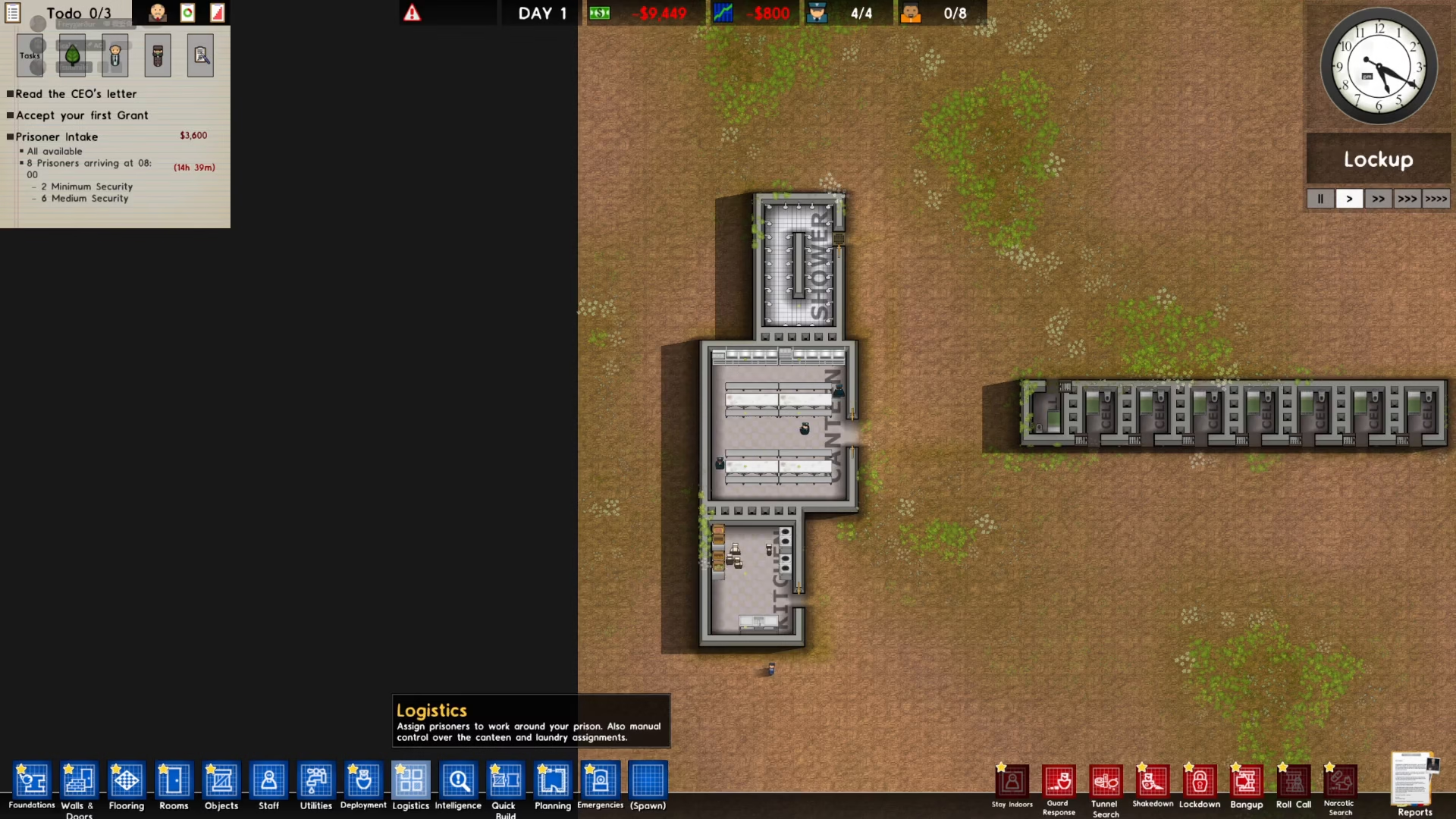
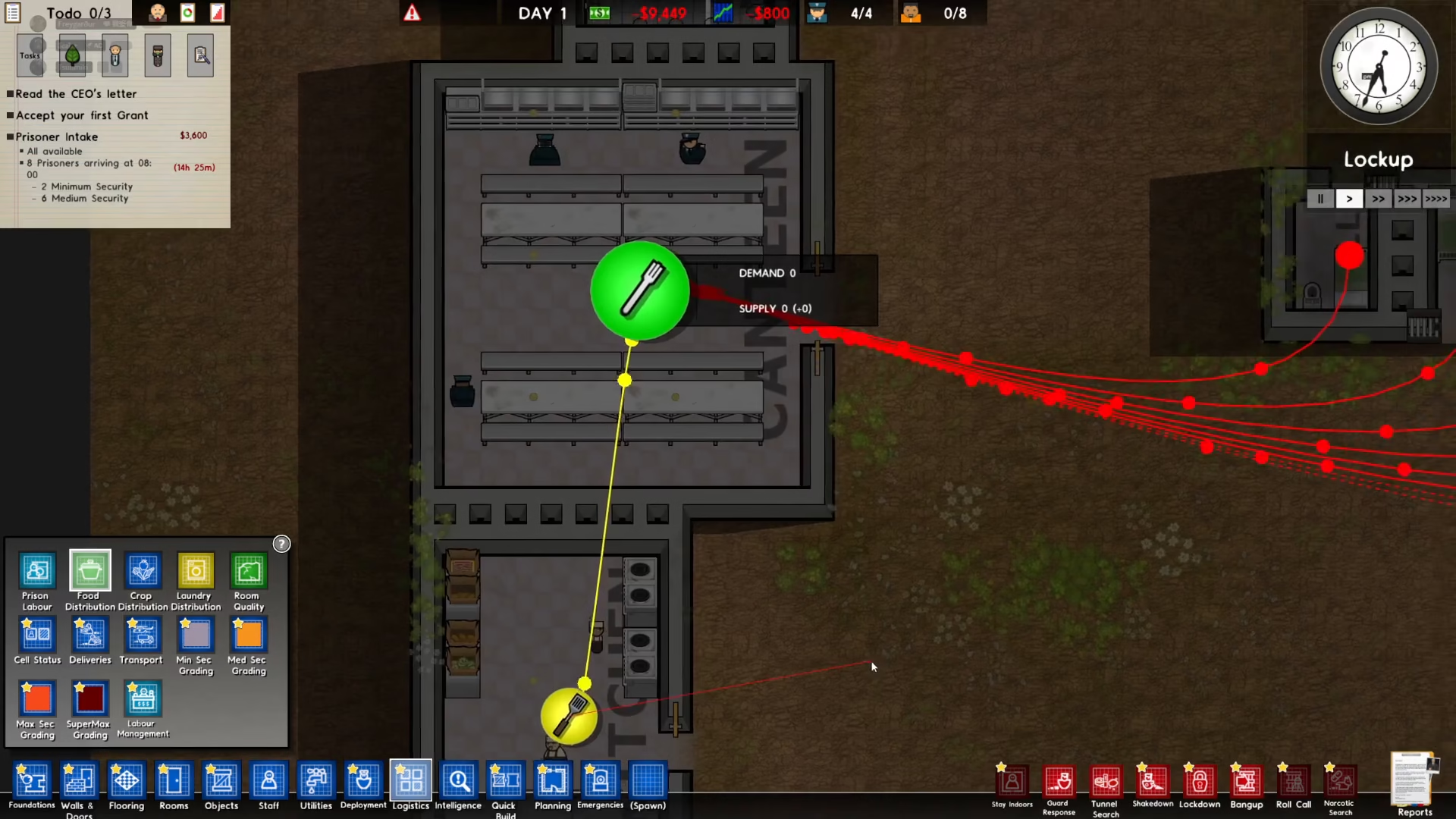
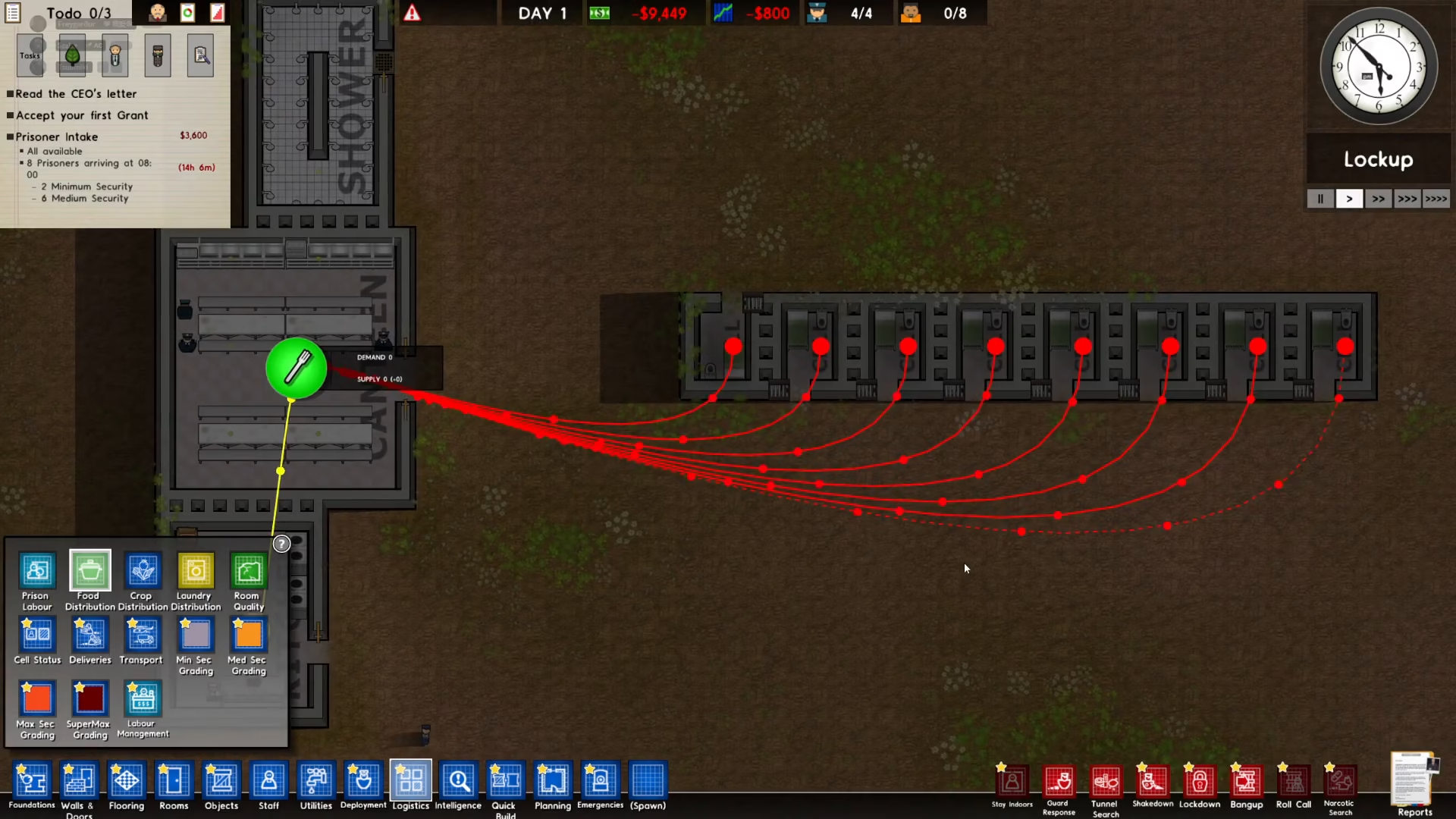
To begin assigning canteens, start by clicking on Logistics located in the bottom left corner of your screen.
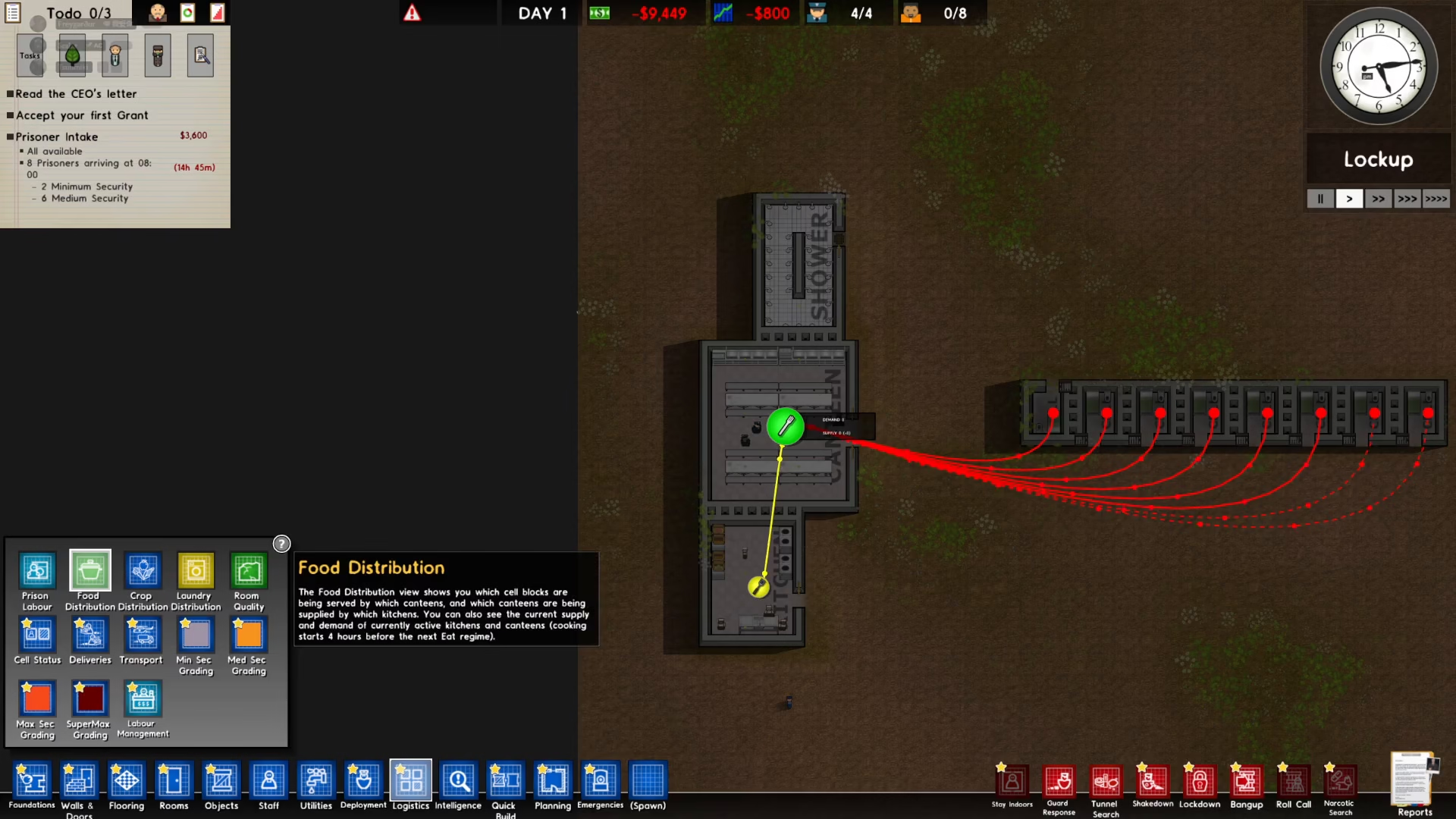
Once Logistics opens, look to the left side of the menu and click on Food Distribution. This will display all your current food distribution settings.
Assigning Kitchen Cooks to Canteens
Within the Food Distribution menu, you’ll see your kitchen cooks listed. To assign them to a specific canteen, simply click on the kitchen cook entry you want to assign.
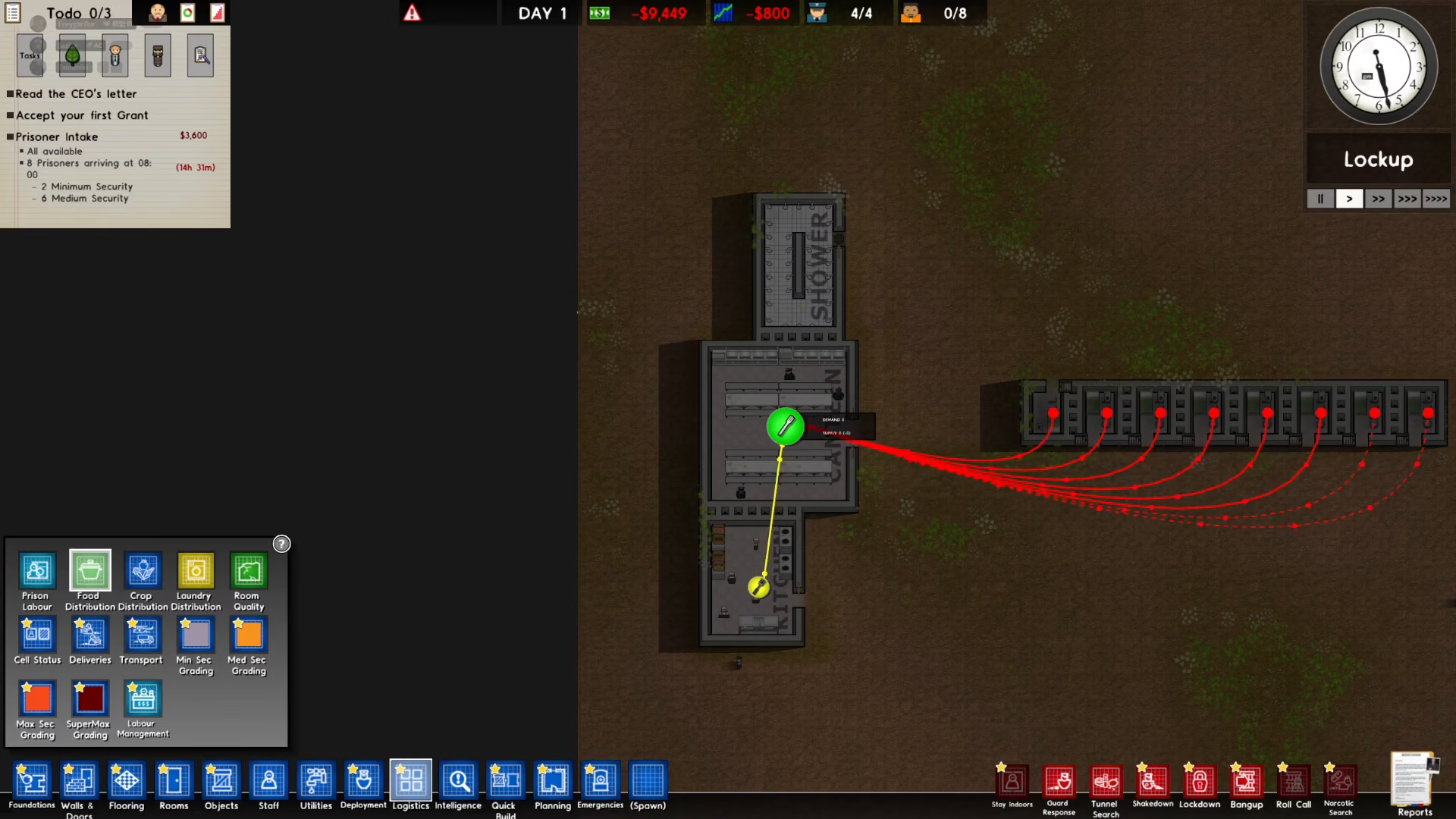
Once clicked, the cook is automatically assigned to the canteen. It’s that simple—no additional confirmation needed.
Assigning Prisoners to Specific Canteens
If you want to assign individual prisoners to a particular canteen, follow these steps:
First, click on the prison cell of the prisoner you wish to assign.
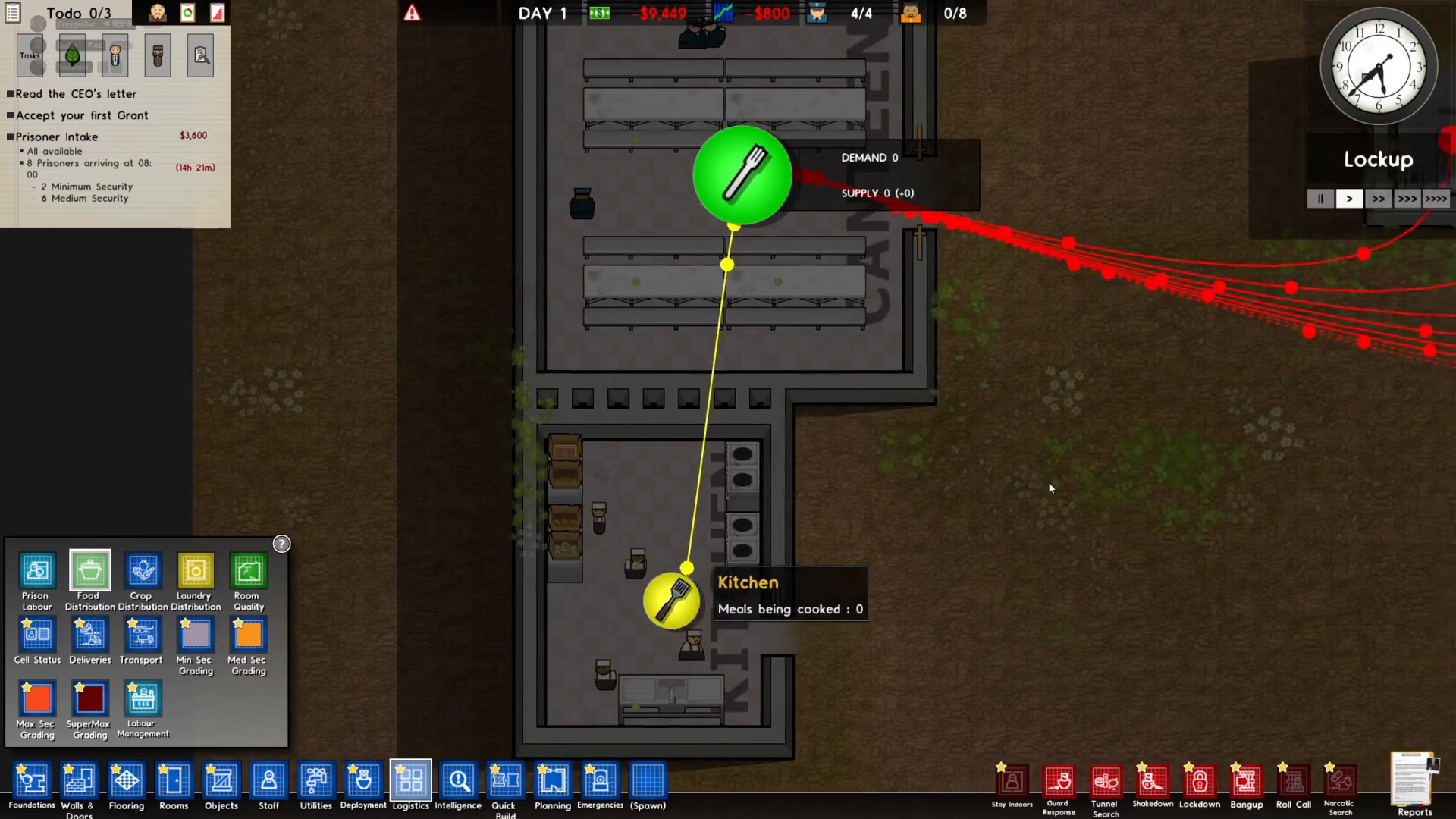
Next, click on the canteen you want to assign that prisoner to.
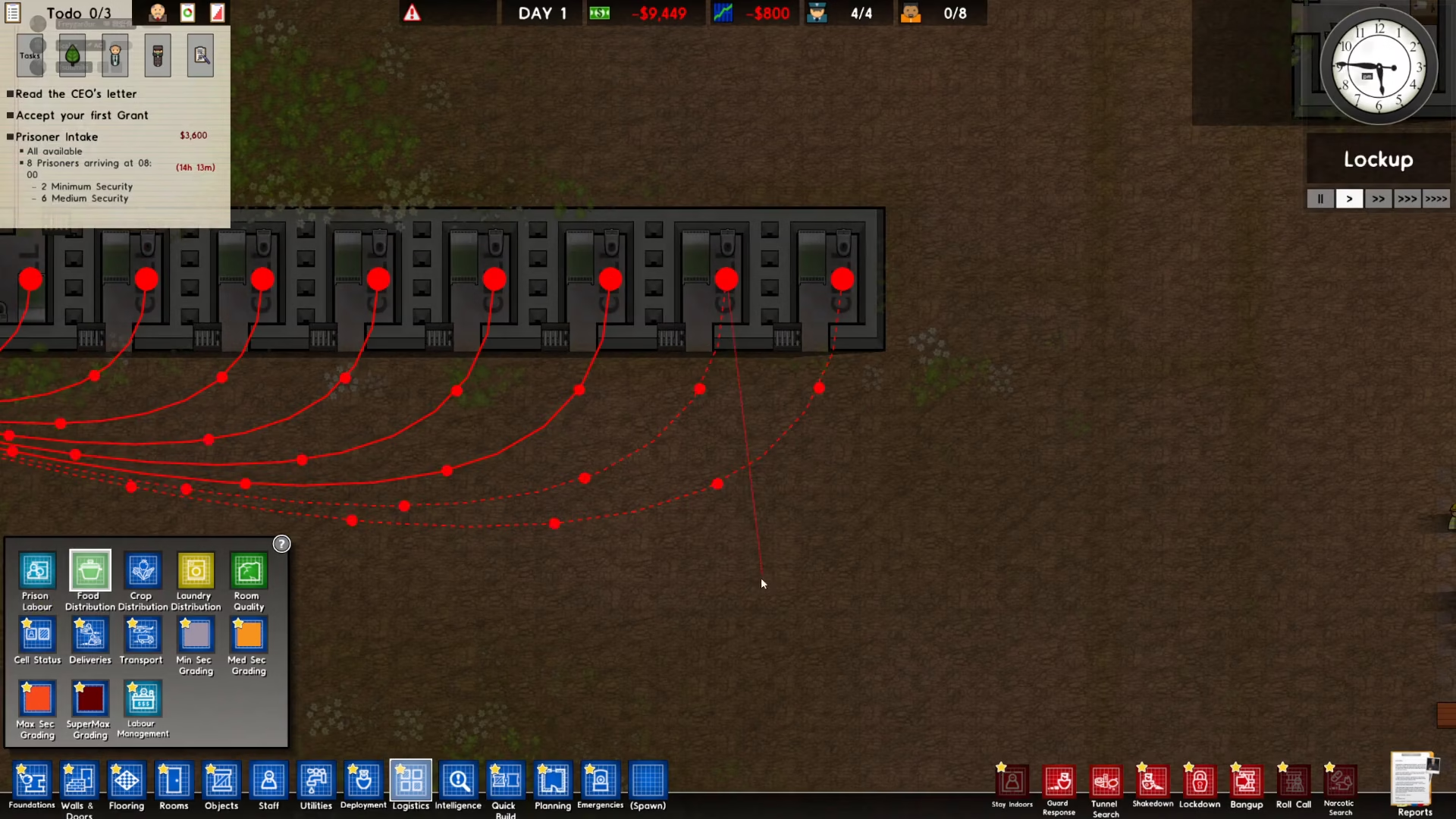
The prisoner is now assigned to that specific canteen.
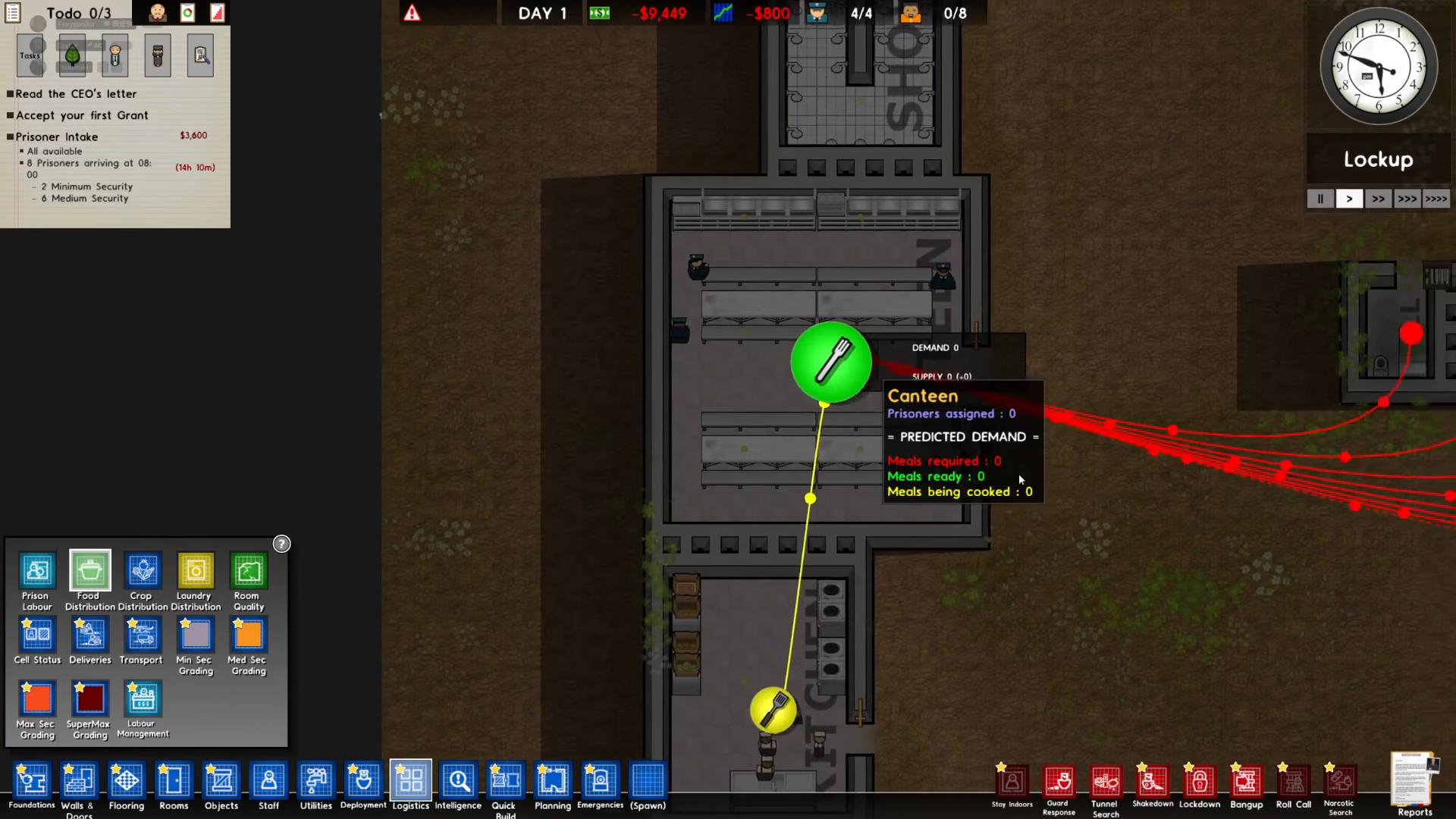
Default Canteen Assignment
It’s worth noting that by default, prisoners in Prison Architect are automatically assigned to the nearest canteen to their location. This means you only need to manually assign prisoners if you want them to use a canteen that isn’t the closest one to them.
Summary
Assigning canteens in Prison Architect is a straightforward process. Access the Food Distribution menu through Logistics, assign your kitchen cooks to canteens with a single click, and manually assign prisoners only if you need them to use a non-default canteen. With these settings configured, your prison’s food service will run efficiently and keep your inmates well-fed and satisfied.
Want to Support?
If you would like to help us continue making these guides – please consider joining our patreon here – https://www.patreon.com/c/JaviHeals
Alternatively – you can join our discord here – https://discord.gg/zD7Gjt6MHF