How To Assign Guards To Patrol Routes In Prison Architect
How To Assign Guards To Patrol Routes In Prison Architect
Managing your prison security effectively is crucial in Prison Architect, and one of the best ways to do this is by assigning guards to patrol routes. This tutorial will walk you through the simple steps needed to set up and assign guards to patrol routes in your prison, ensuring your facility maintains order and safety.
Creating and Assigning Patrol Routes
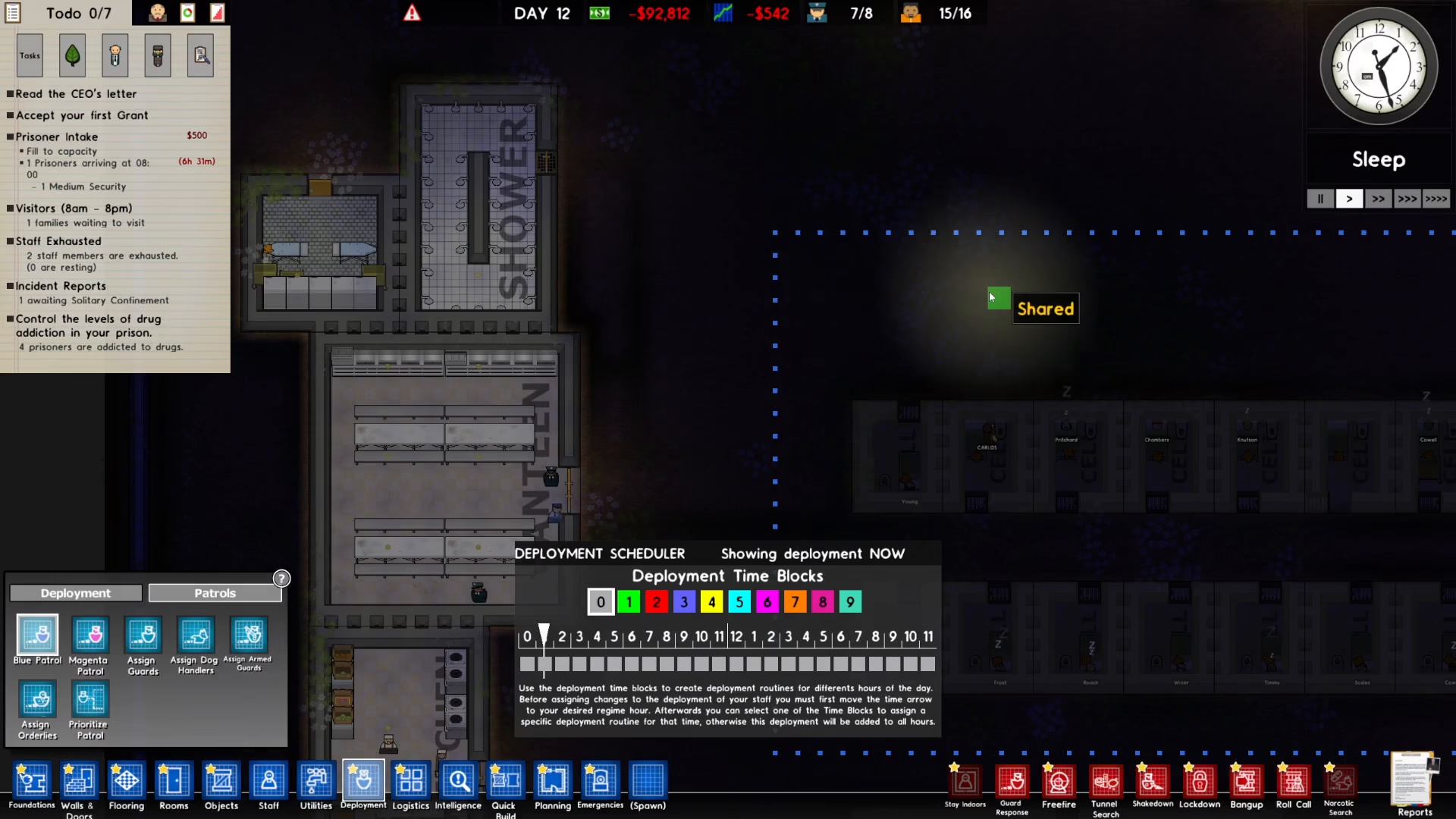
Step 1: Draw Your Patrol Route
Start by creating a patrol route in your prison. Design the path where you want your guards to walk by clicking and dragging to outline the route you’d like them to follow.
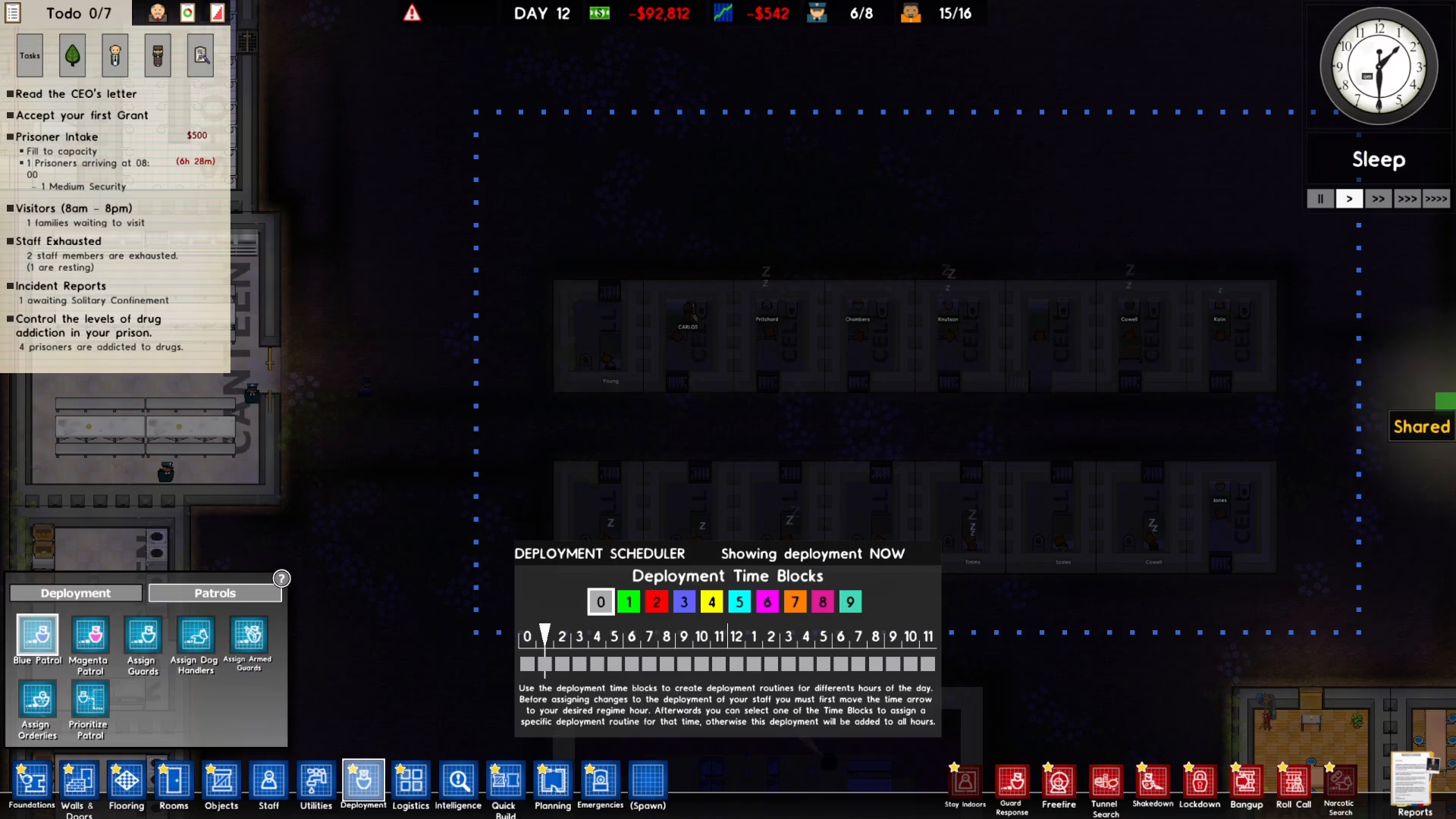
Step 2: Access the Assign Guards Menu
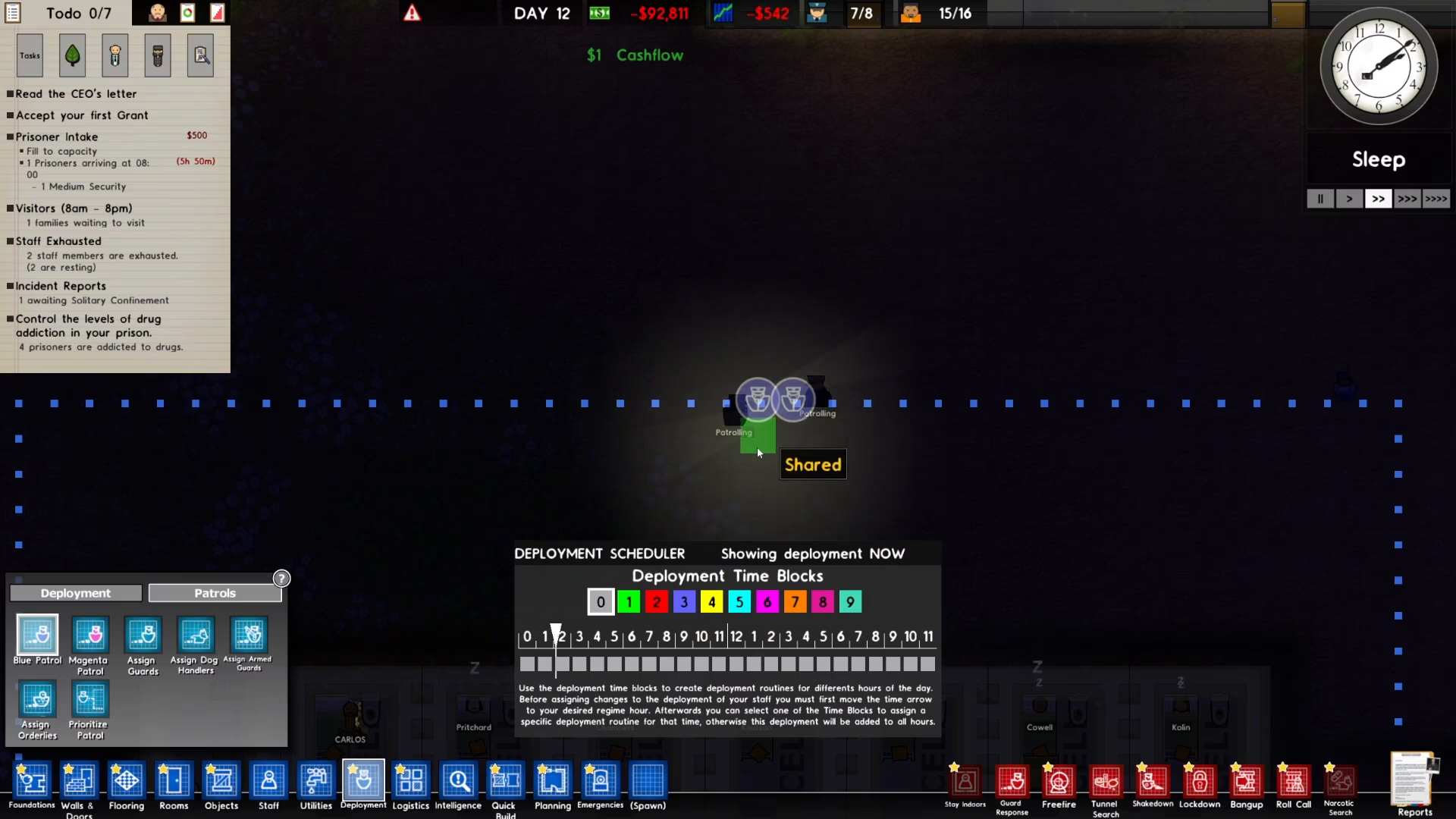
Once your patrol route is created, navigate to the bottom left of your screen and click on the “Assign Guards” button to begin assigning guards to your route.
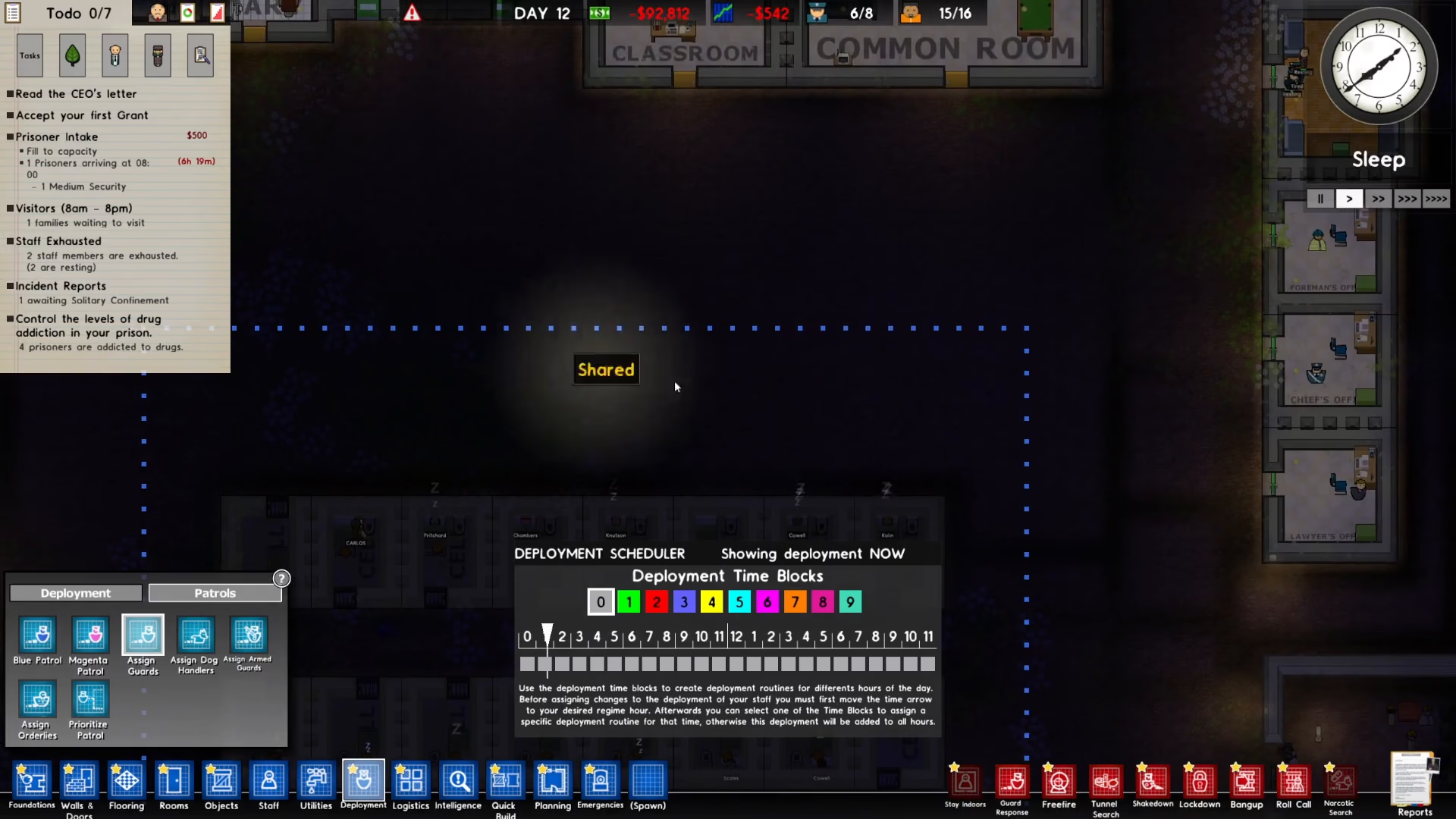
Step 3: Set Guard Positions on the Route
Click on different points along your patrol route to set where you want your guards to be positioned. You can click on multiple locations to assign multiple guards or to set waypoints for a single guard’s patrol pattern.
Step 4: Activate the Patrol Route
After you’ve set your desired positions and waypoints, your guards will begin patrolling the route automatically. Simply wait a moment for them to spawn and start their assigned patrol.
Summary
Assigning guards to patrol routes in Prison Architect is straightforward: create your route, click “Assign Guards” in the bottom left menu, select your desired positions along the route, and watch as your guards begin their patrols. This simple system helps you maintain security throughout your prison and ensures coverage of critical areas. With guards actively patrolling, you’ll see a noticeable improvement in your facility’s safety and order.
Want to Support?
If you would like to help us continue making these guides – please consider joining our patreon here – https://www.patreon.com/c/JaviHeals
Alternatively – you can join our discord here – https://discord.gg/zD7Gjt6MHF