
How To Build A Farm in Civ 6
How to Build a Farm in Civilization 6
Building farms is one of the essential early-game strategies in Civilization 6. Farms increase your city’s food production, allowing your population to grow faster and your civilization to expand more quickly. This guide walks you through the simple steps needed to construct your first farm.
Create a Builder
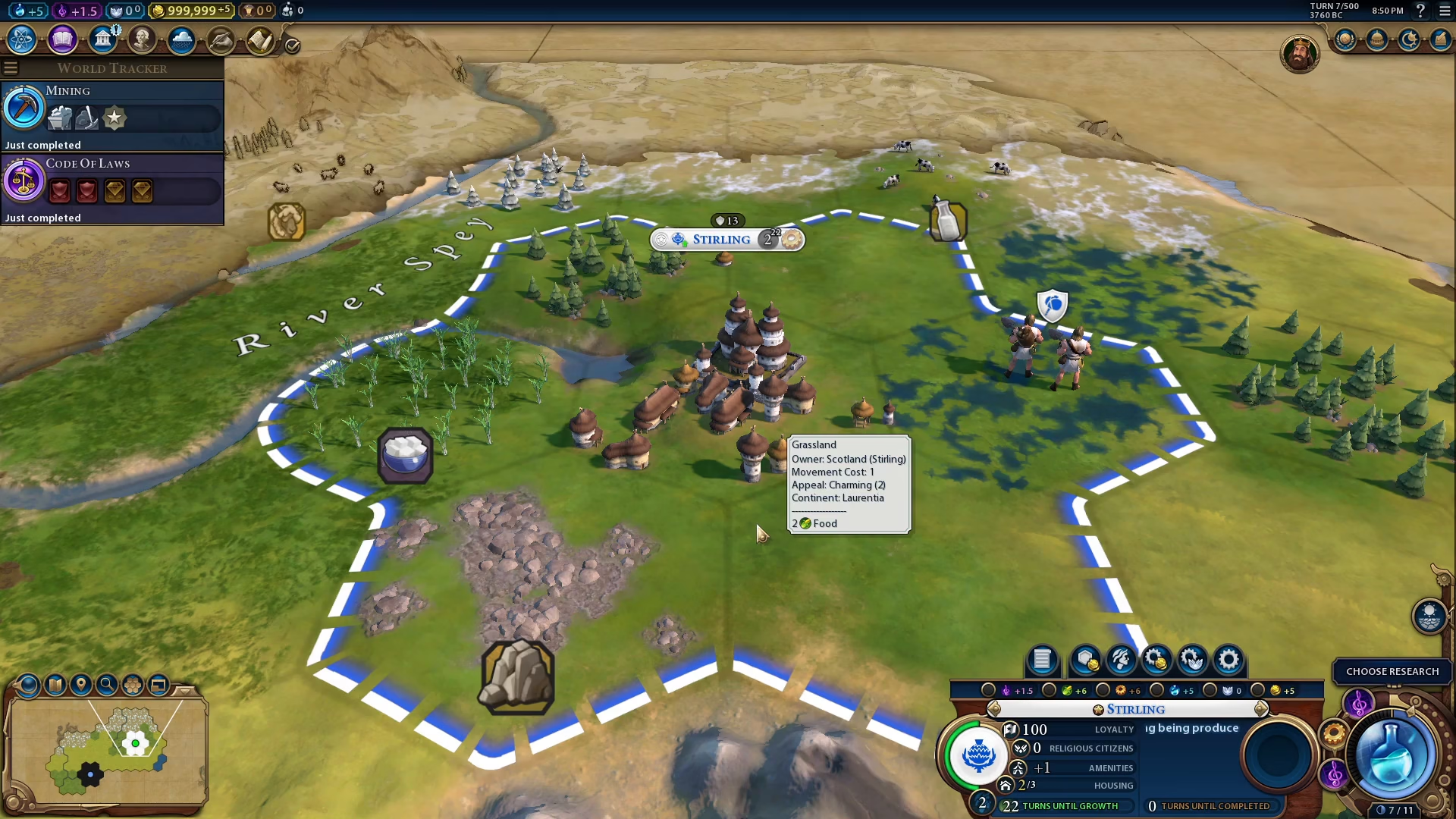
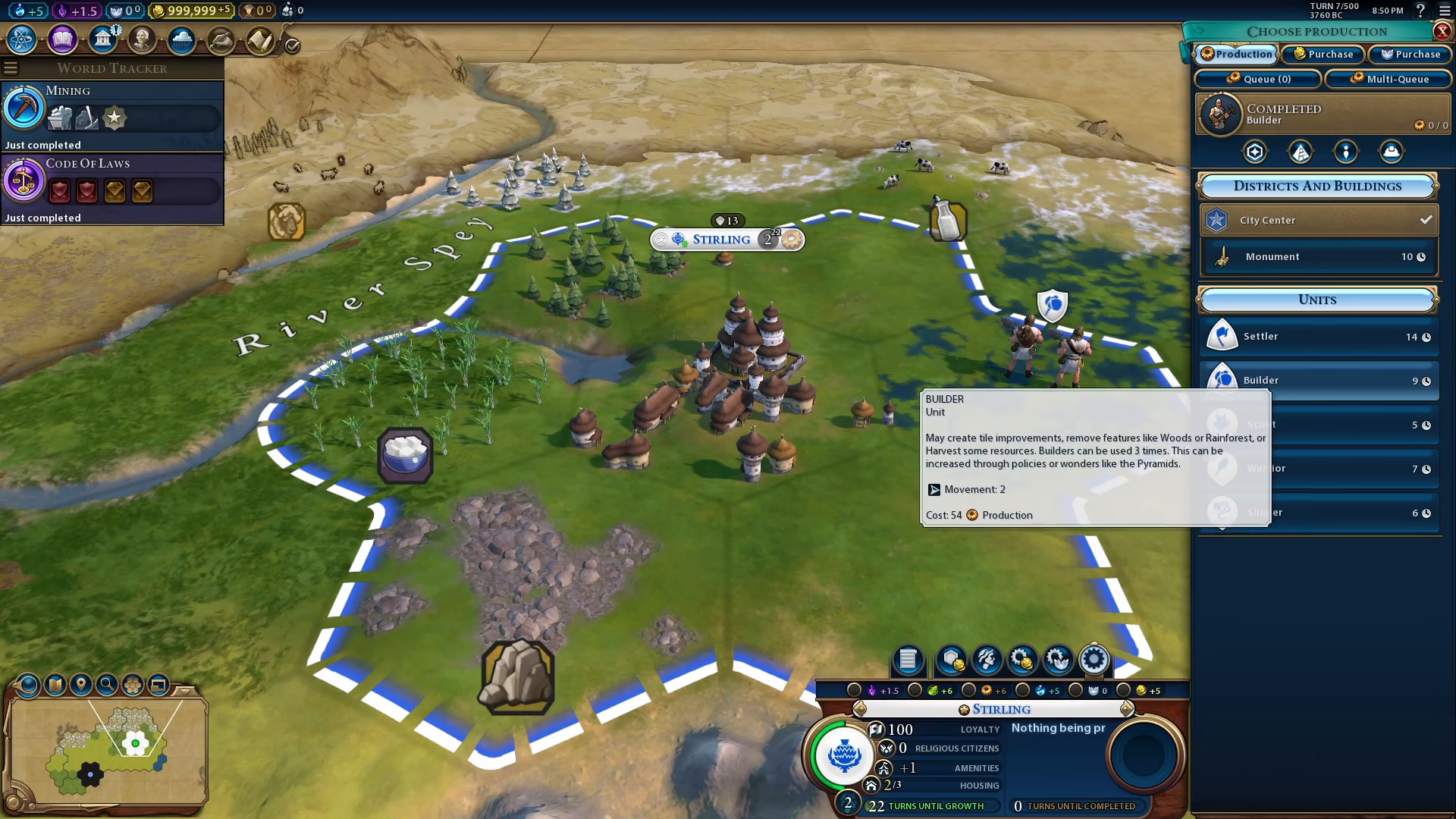
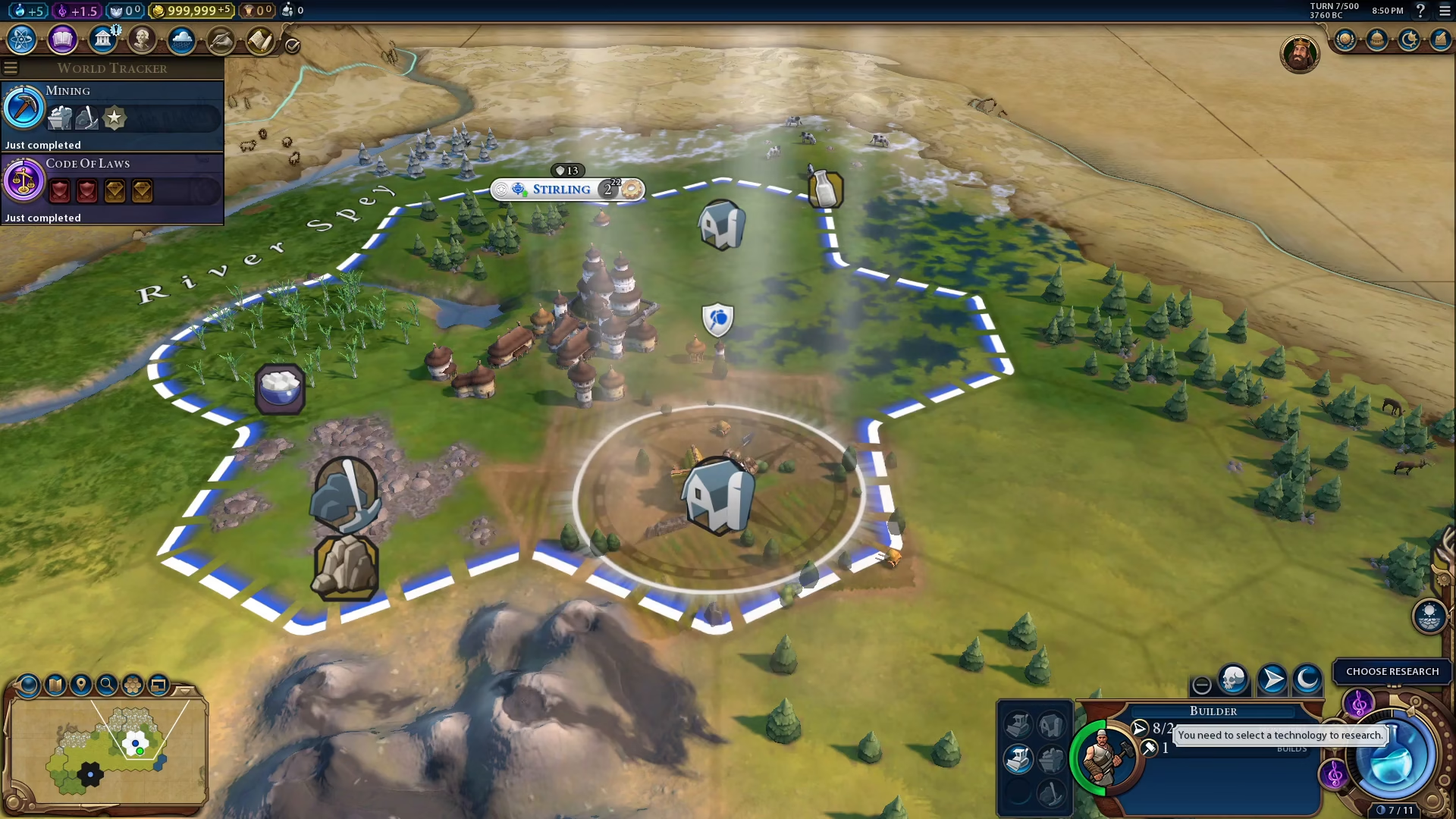
The first step to building a farm is to create a Builder unit. To do this, click on your city to select it. You’ll see the change city production panel appear in the bottom right corner of your screen.
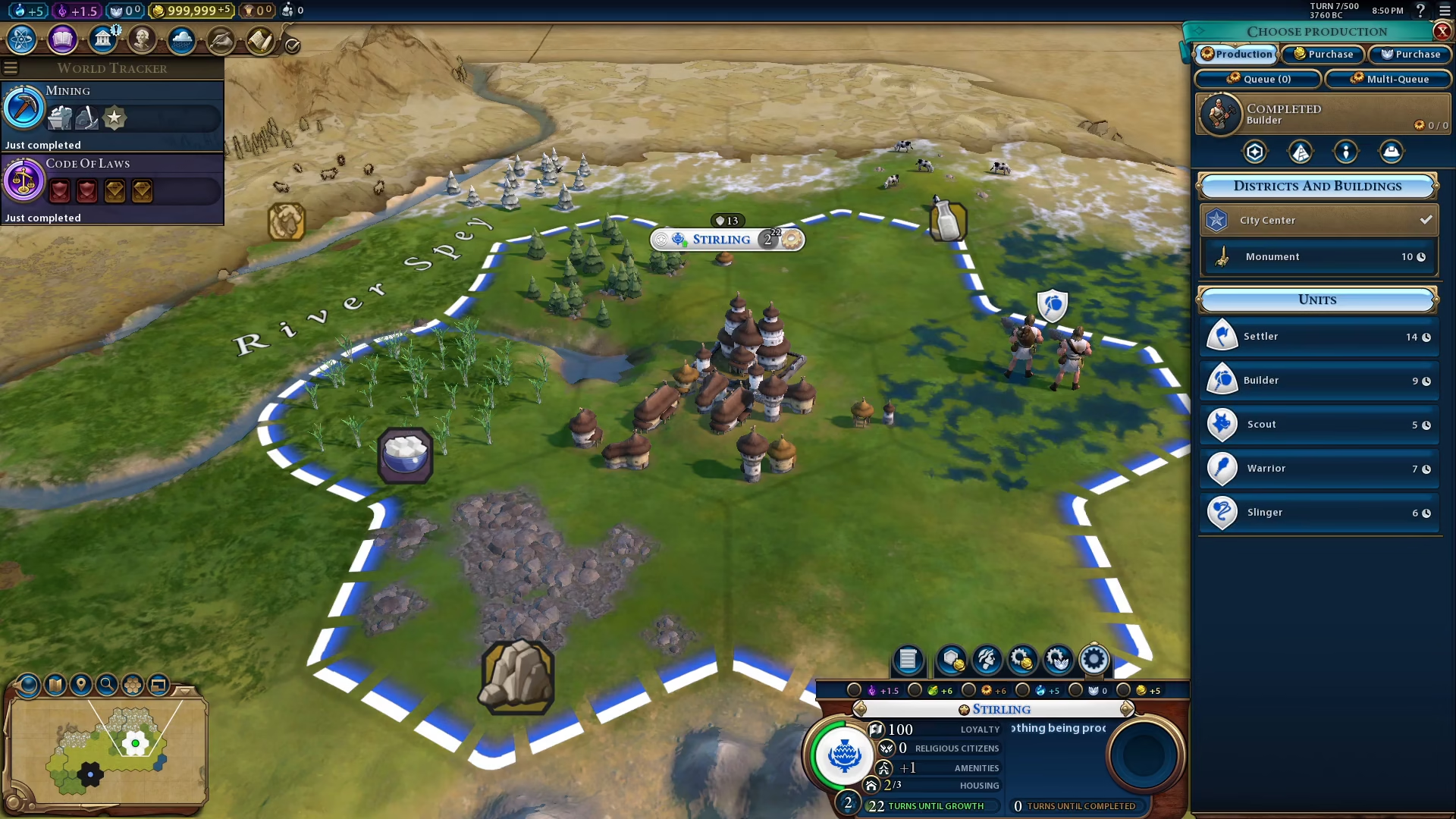
Under the Units section in this panel, you’ll find the Builder unit. Click on it to begin production.
Position Your Builder
Once your Builder is created, move it to an appropriate location for farming. Grassy flatland tiles are ideal for farm placement, as they provide good agricultural potential.
Build the Farm
With your Builder positioned on the desired tile, look at the bottom right corner of your screen. You’ll see the farm option available. Click on it to construct the farm.
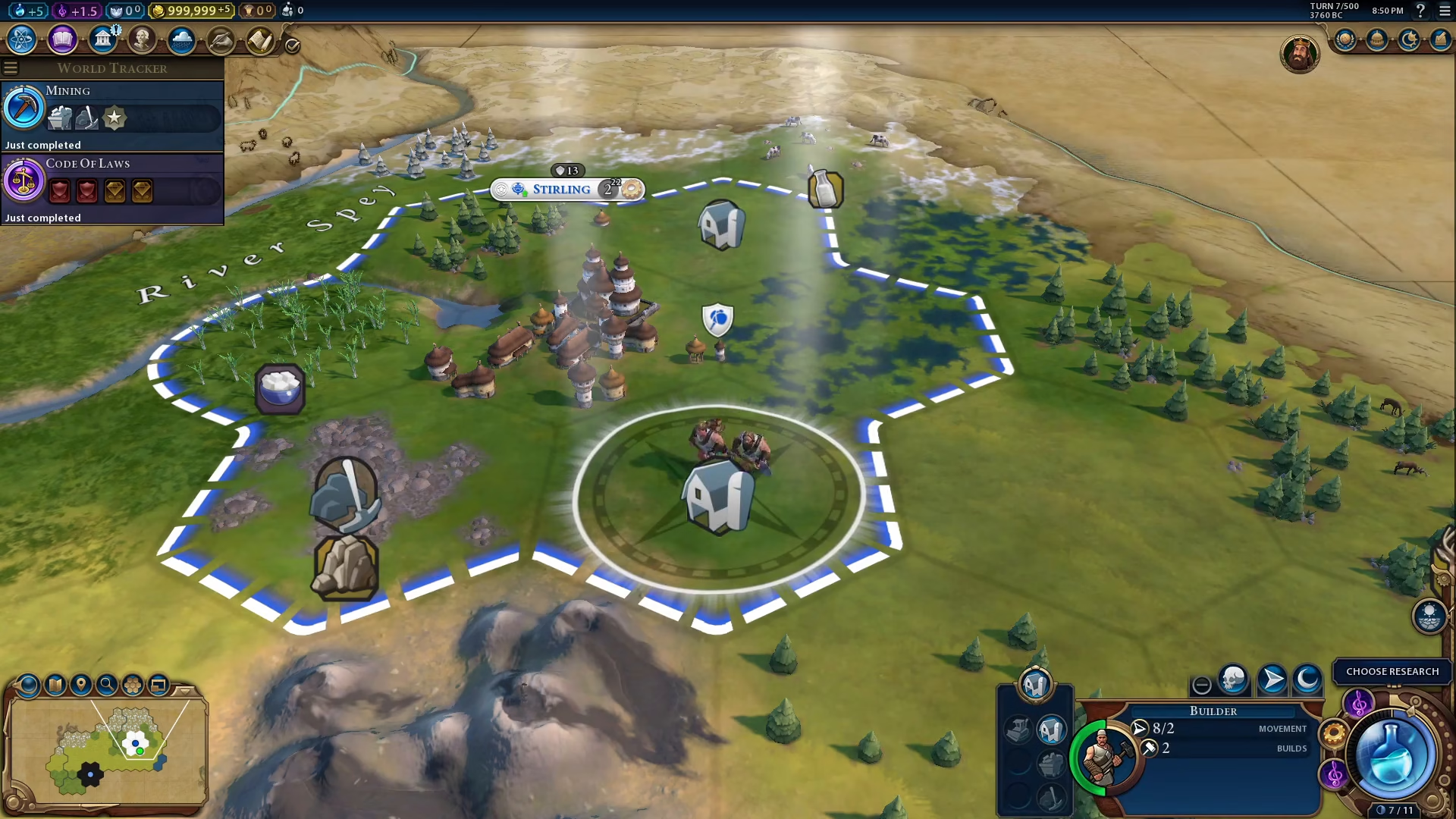
Your Builder will immediately begin construction, and the farm will be completed shortly after.
Conclusion
Building farms in Civilization 6 is straightforward once you know the process. Simply create a Builder unit from your city’s production menu, move it to suitable farmland, and select the farm option. With farms in place, your cities will produce more food, enabling faster population growth and stronger economic development throughout the game.
Want to Support?
If you would like to help us continue making these guides – please consider joining our patreon here – https://www.patreon.com/c/JaviHeals
Alternatively – you can join our discord here – https://discord.gg/zD7Gjt6MHF