






How to Build Floors in Grounded
How to Build Floors in Grounded
Building floors is one of the essential mechanics in Grounded, allowing you to expand your base vertically and create multi-level structures. This guide walks you through unlocking the floor-building feature and placing your first floors.
Prerequisites: Unlocking Floor Building
Before you can build floors in Grounded, you need to unlock the necessary technology. Start by traveling to the O-Club and locating Burkel. Once you’ve activated the mysterious machine in this location, head to the ASL terminal, also found in the O-Club.
Access the Science Shop through the ASL terminal and look for the upgrade called “Tiered Bases.” This unlocks your ability to construct stairs and floors throughout your base.
Building Your First Floor
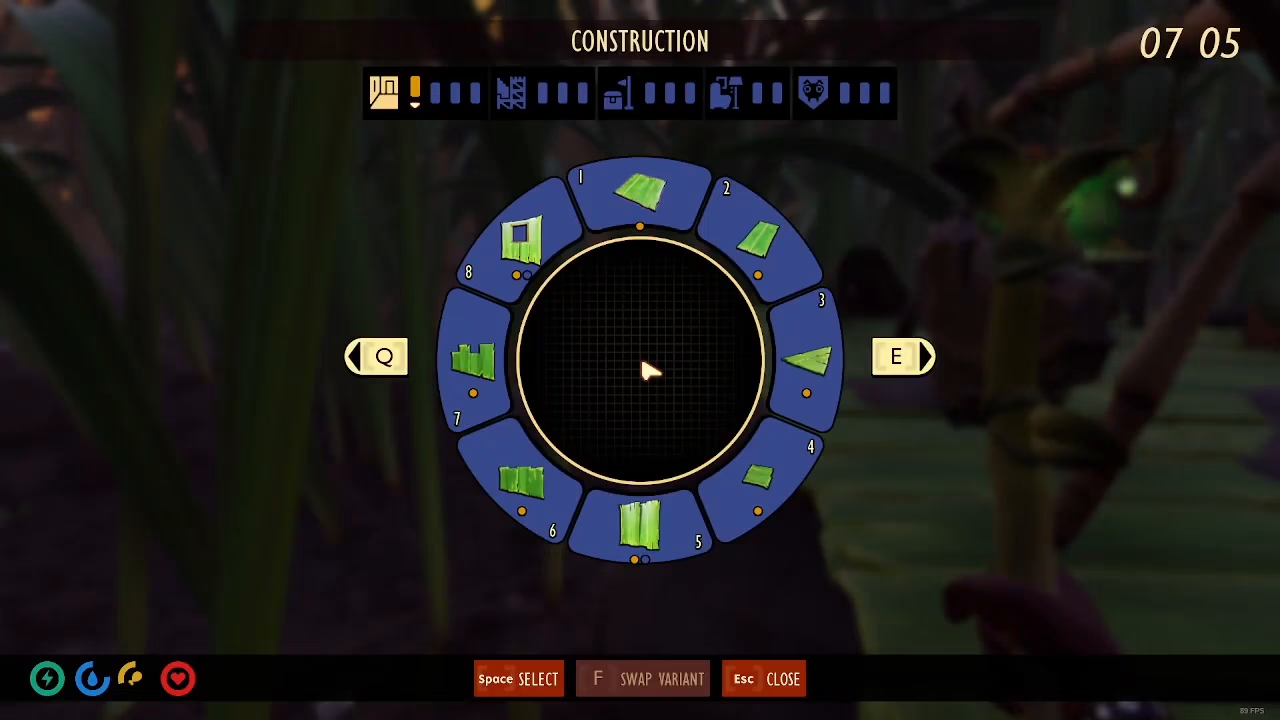
After you’ve unlocked the Tiered Bases upgrade, you’re ready to start building. To access the building menu, press the B key on your keyboard.
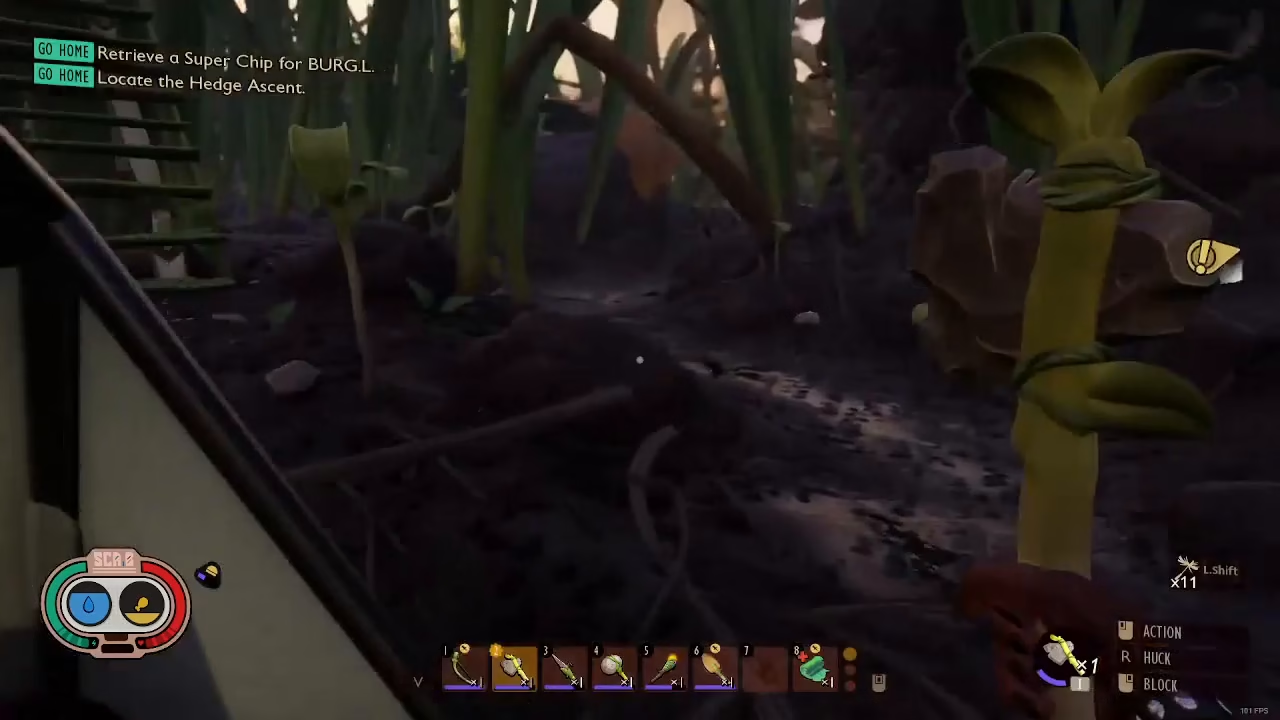
In the building menu, navigate to the first section where you’ll find the Grass Floor option. This is listed as piece number one and serves as your basic floor tile.
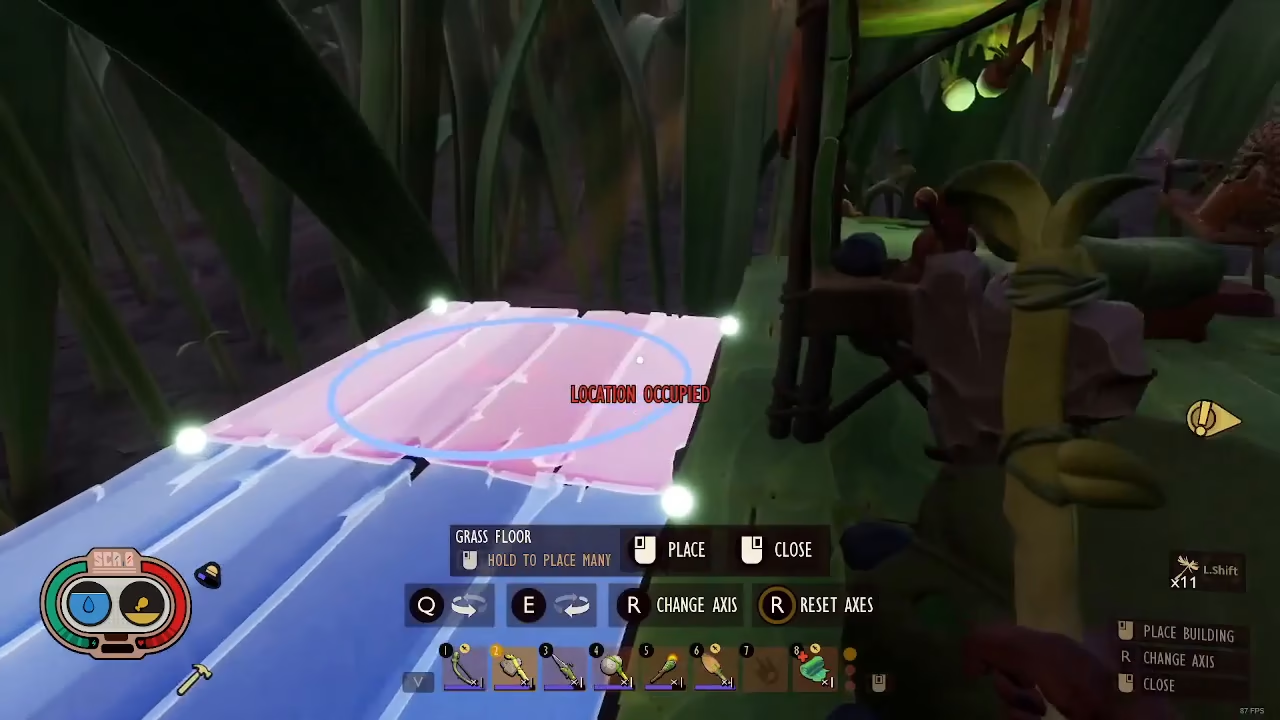
To place a Grass Floor, simply left-click on any supported surface where you want the floor to connect. The floor will snap into place, and you can continue clicking to build additional floors in your desired pattern.
Summary
Building floors in Grounded is straightforward once you’ve unlocked the Tiered Bases upgrade from the Science Shop in the O-Club. Simply press B to open the building menu, select Grass Floor from the first section, and left-click on supported surfaces to place your floors. With this knowledge, you’re ready to expand your base vertically and create the multi-level structure of your dreams.
Want to Support?
If you would like to help us continue making these guides – please consider joining our patreon here – https://www.patreon.com/c/JaviHeals
Alternatively – you can join our discord here – https://discord.gg/zD7Gjt6MHF



