





How to Buy & Change Clothes in Pokemon Legends Z-A
How to Buy & Change Clothes in Pokemon Legends Z-A
In Pokemon Legends Z-A, customizing your character’s appearance is an essential part of your adventure. This guide will walk you through the process of finding clothing stores, purchasing new outfits, and equipping them to your character. Whether you’re looking to refresh your style or complete a specific look, follow these straightforward steps to manage your wardrobe.
Finding a Clothing Store
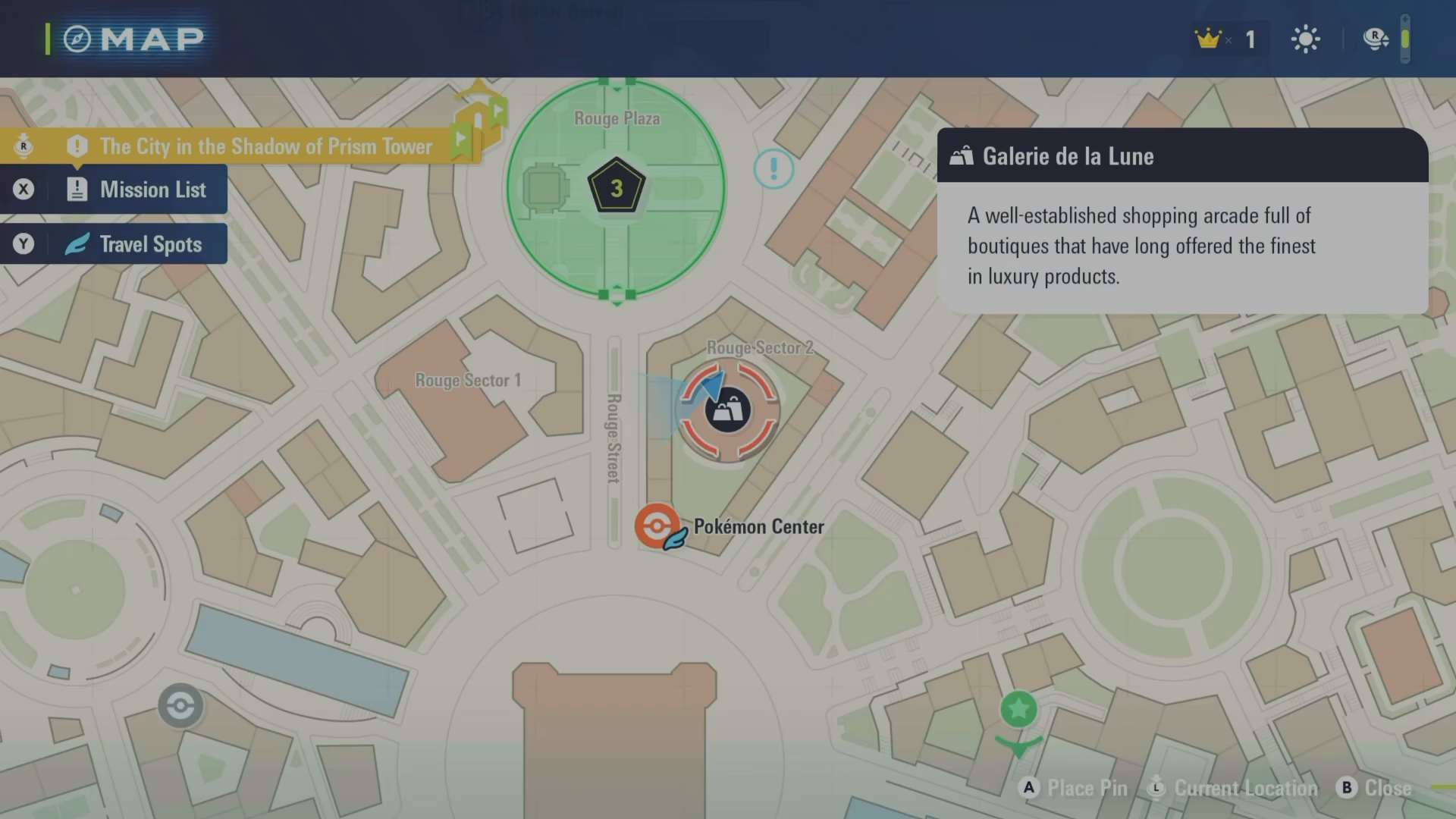
The first step is to locate a clothing shop in the game world. Clothing stores are scattered throughout various locations. For example, you’ll find one near Wild Zone 1 called Galaria Balloon. Approach the shop and interact with it by pressing Enter to access the store’s inventory.
Purchasing New Clothes
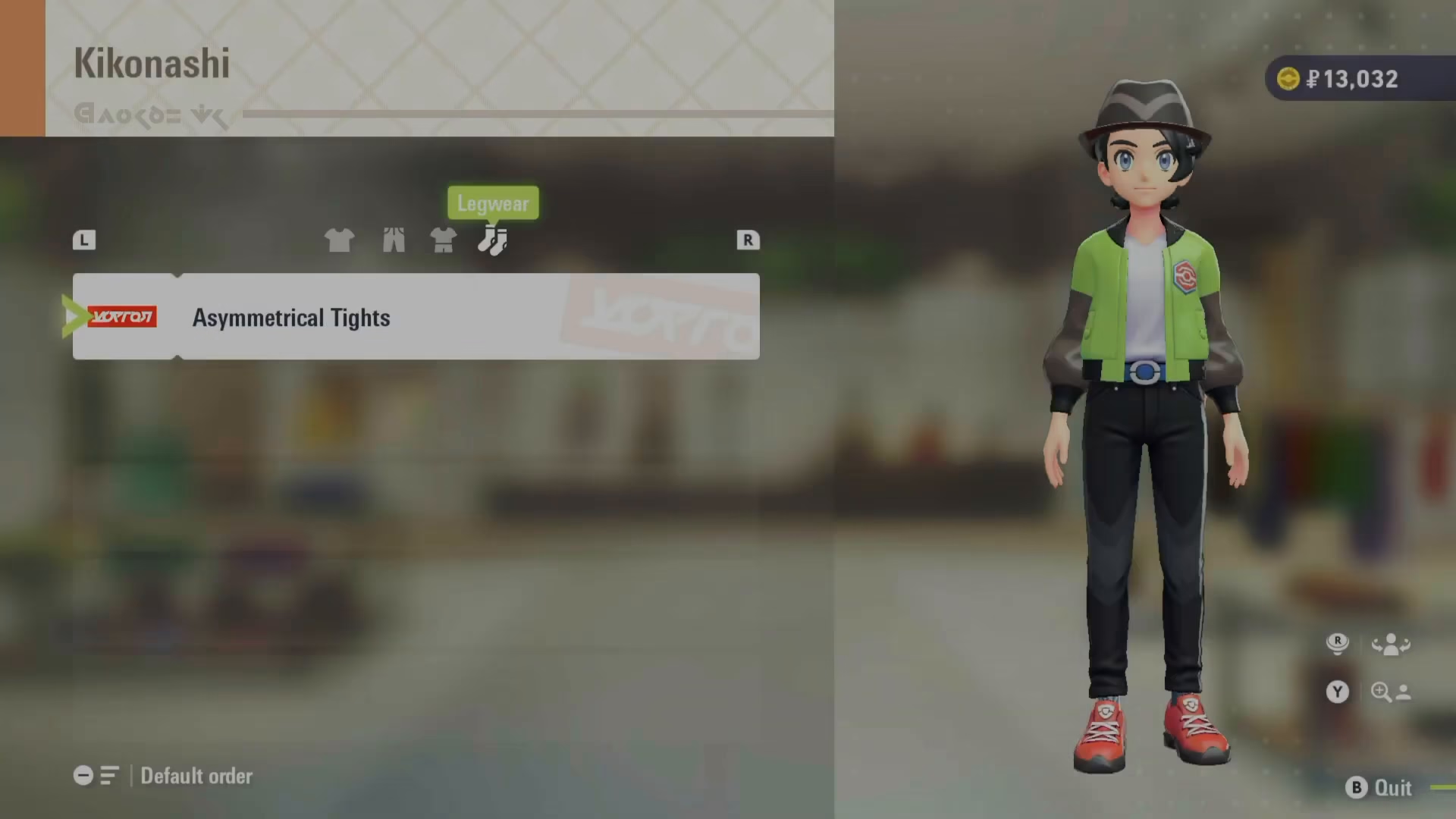
Once you’ve entered the clothing store, you’ll see all available items displayed on your screen. To purchase an item, simply select it and press A. This will add the new clothing to your inventory, expanding your outfit options.
Accessing Your Outfit Management
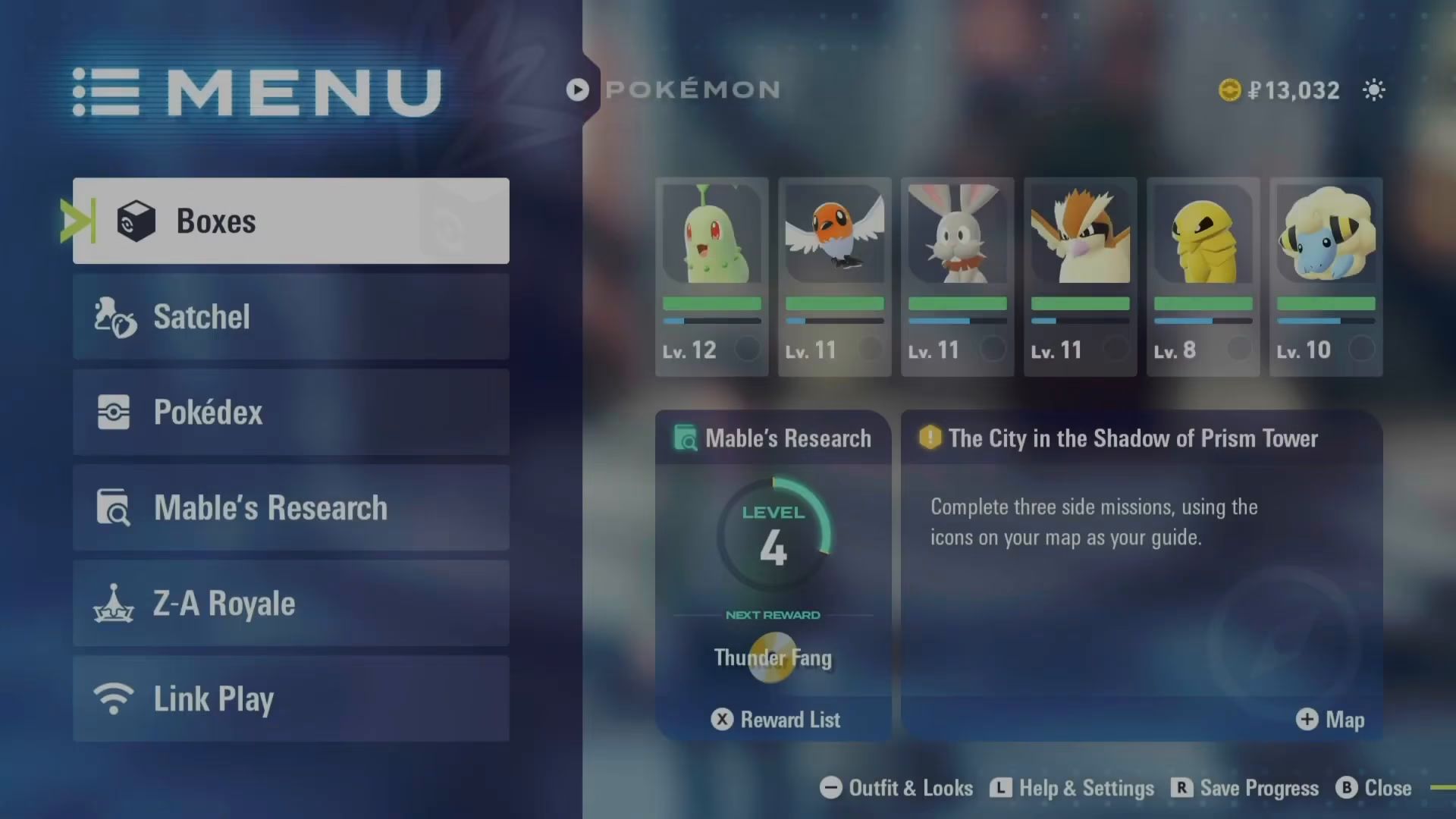
To equip the clothes you’ve purchased, you need to access your inventory first. From your inventory screen, look at the bottom of your display—you’ll see an option labeled “minus outfit and looks.” This is your gateway to clothing customization.
For Nintendo Switch 2 Players
If you’re playing on the Switch 2, press the minus button on your controller to open the clothing menu. This will take you directly to your outfit customization screen.
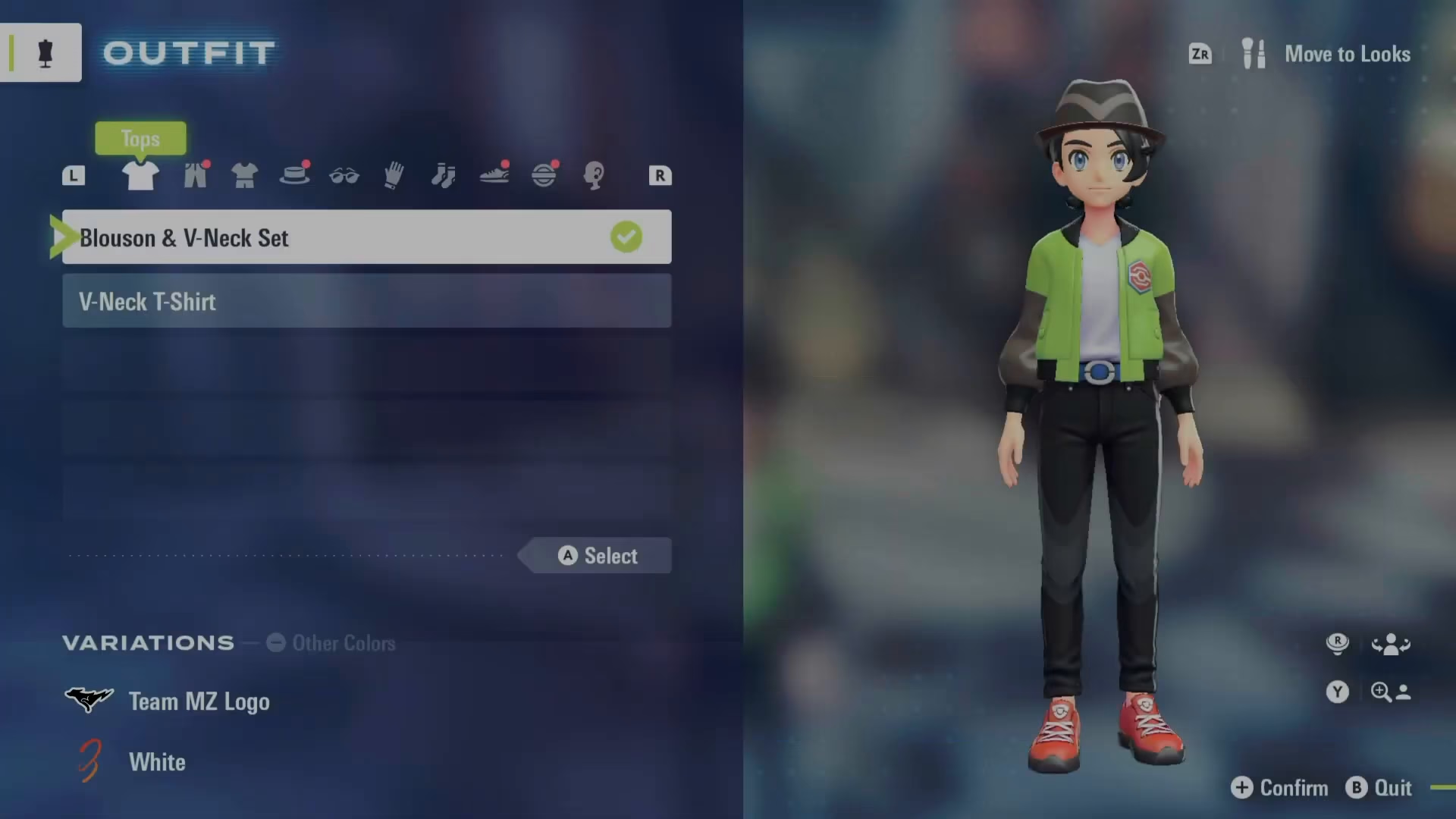
Changing and Equipping Clothes
Once in the clothing menu, you can navigate through different clothing categories using the tab function. For instance, tab over to “hats” to view and select headwear options. If you want to remove an item—such as taking off a hat—simply press X to deselect it.
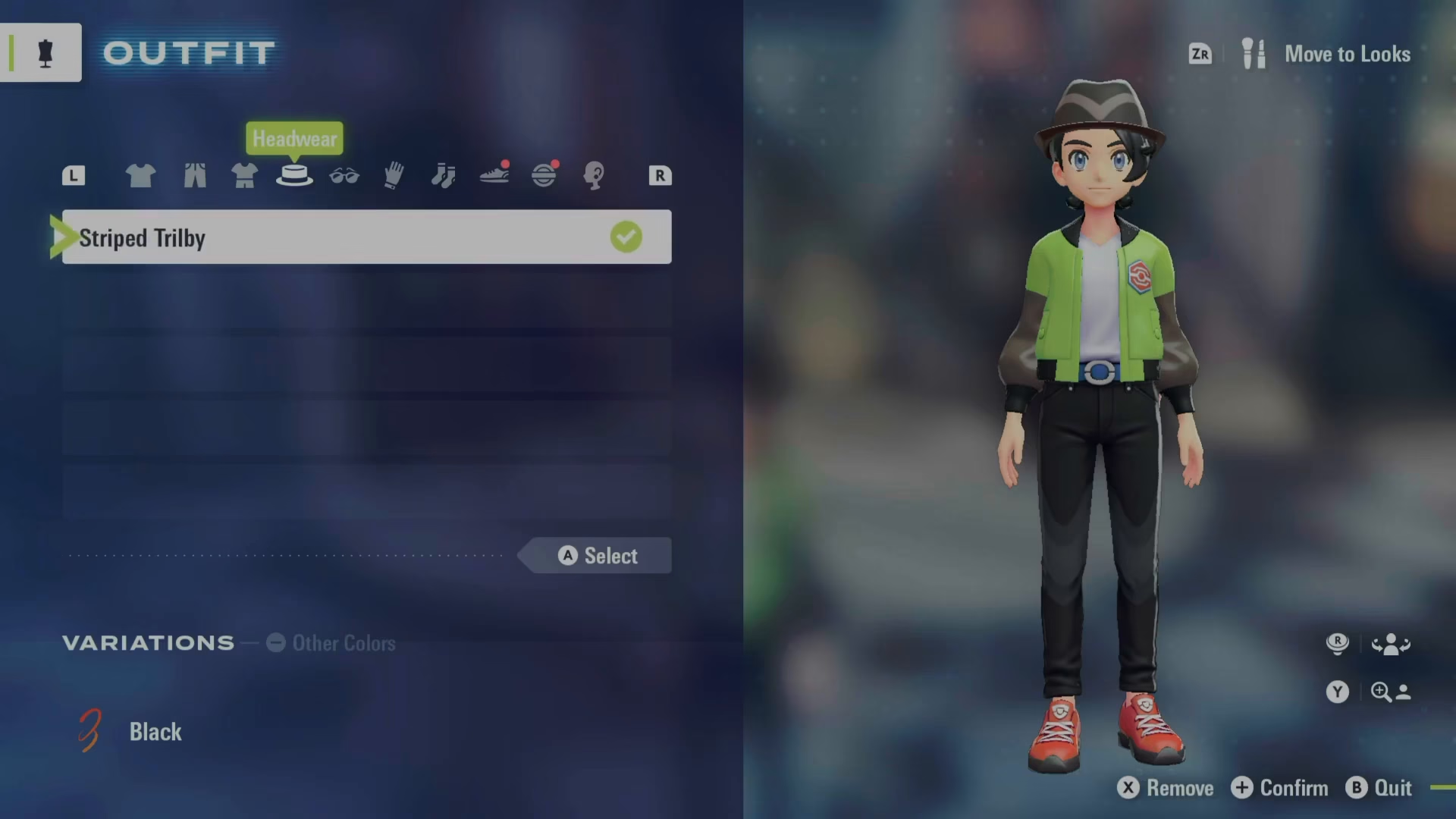
Identifying New Items
As you browse your clothing collection, look for a small red icon next to items. This indicator shows you which pieces are newly acquired and haven’t been equipped yet. This makes it easy to spot fresh additions to your wardrobe.
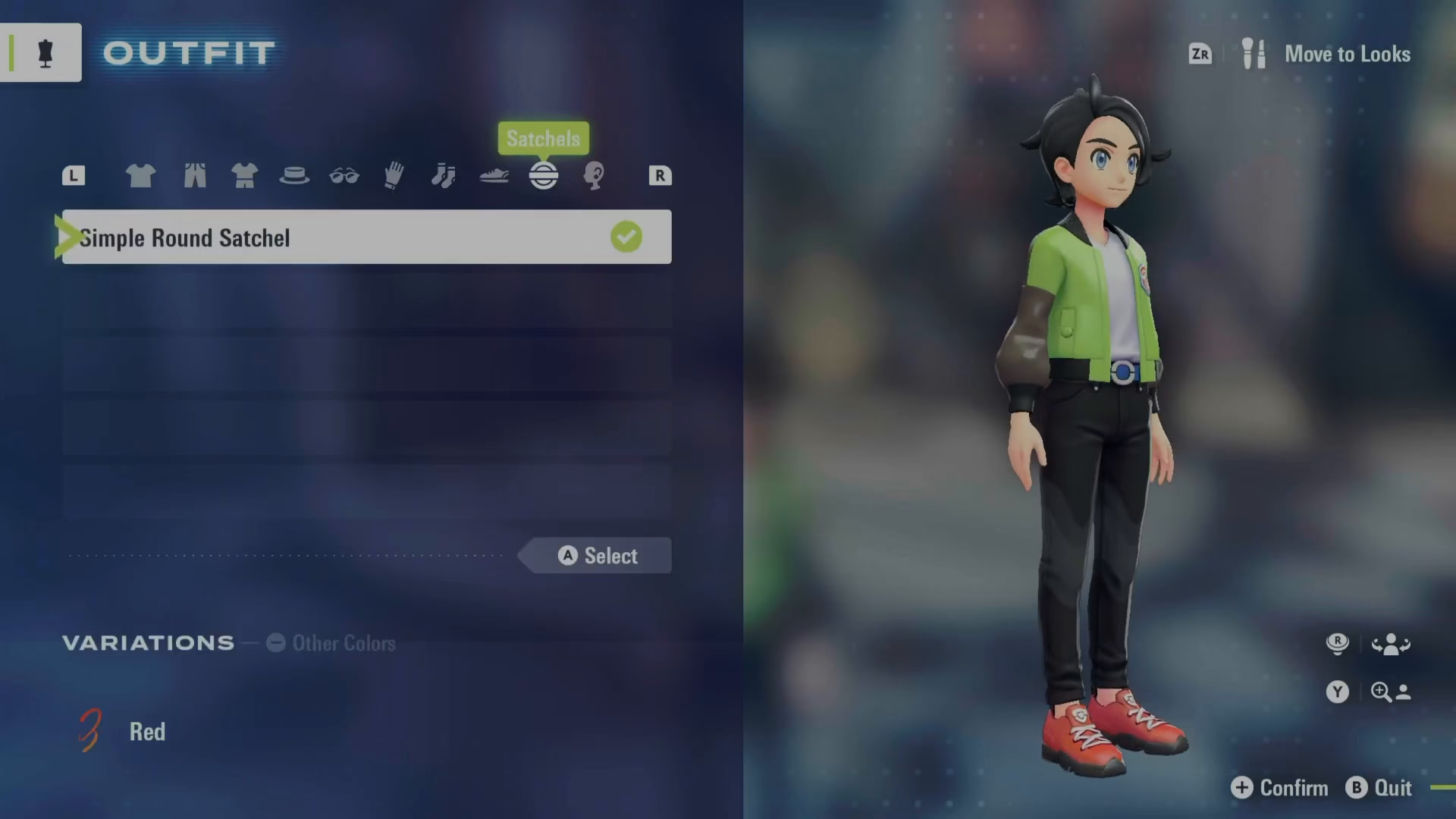
Summary
Customizing your character in Pokemon Legends Z-A is simple once you know the steps. Find a clothing store like Galaria Balloon near Wild Zone 1, purchase the items you like, then access your inventory and navigate to “minus outfit and looks.” From there, you can equip hats, remove items, and manage your entire wardrobe. Use the red icons to quickly identify your newest clothing pieces, and enjoy expressing your personal style throughout your journey.
Want to Support?
If you would like to help us continue making these guides – please consider joining our patreon here – https://www.patreon.com/c/JaviHeals
Alternatively – you can join our discord here – https://discord.gg/zD7Gjt6MHF



