How To Change Character In Phasmophobia
How To Change Character In Phasmophobia
Customizing your character in Phasmophobia is a straightforward process that lets you personalize your in-game appearance to match your style. Whether you want to change your hairstyle, accessories, or entire outfit, this guide will walk you through every step of the character customization menu.
Accessing the Customization Menu
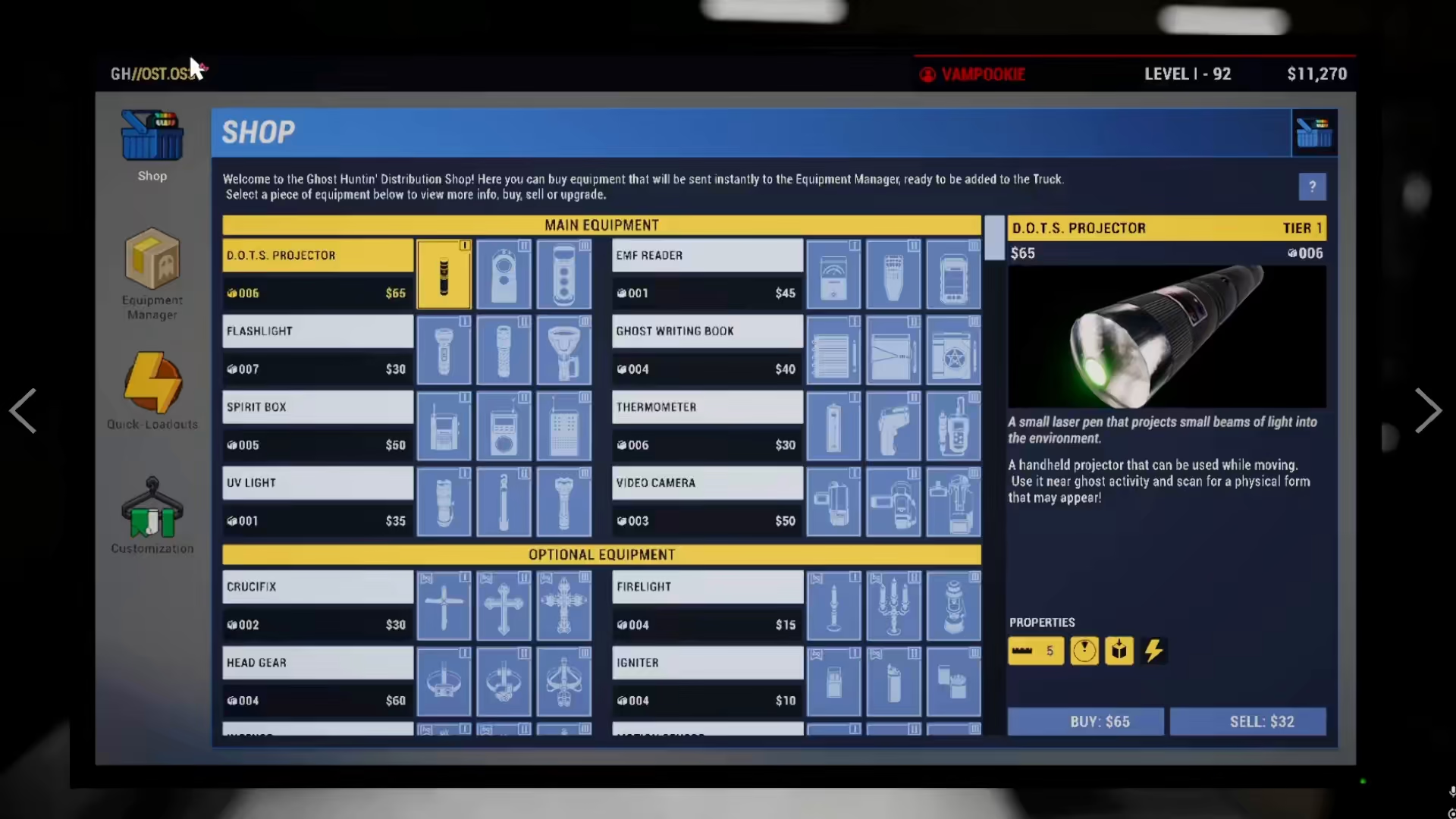
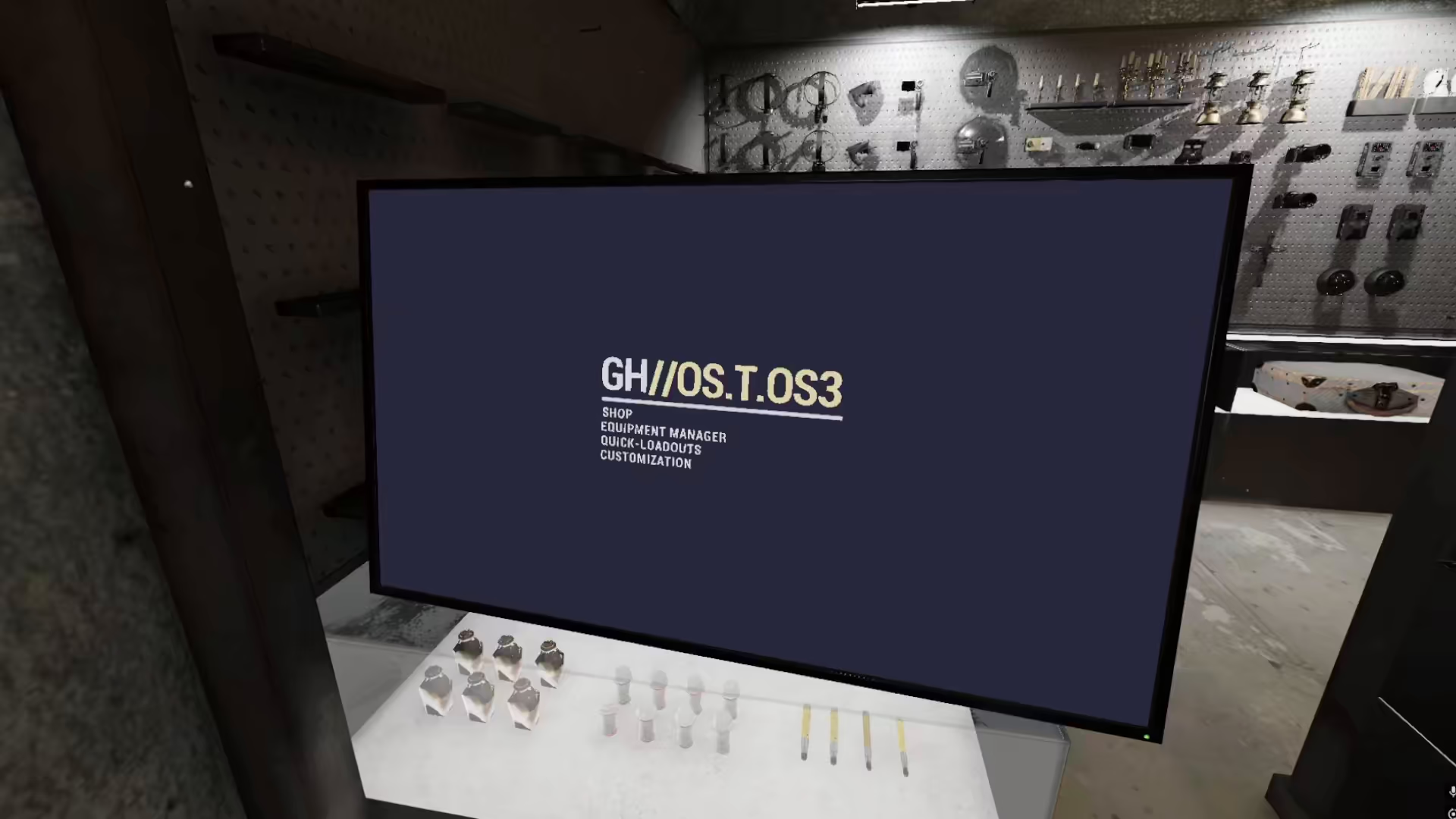
To begin changing your character, locate the menu on the right side of your van. From this main menu, navigate to the Customization option.
Character Customization Options
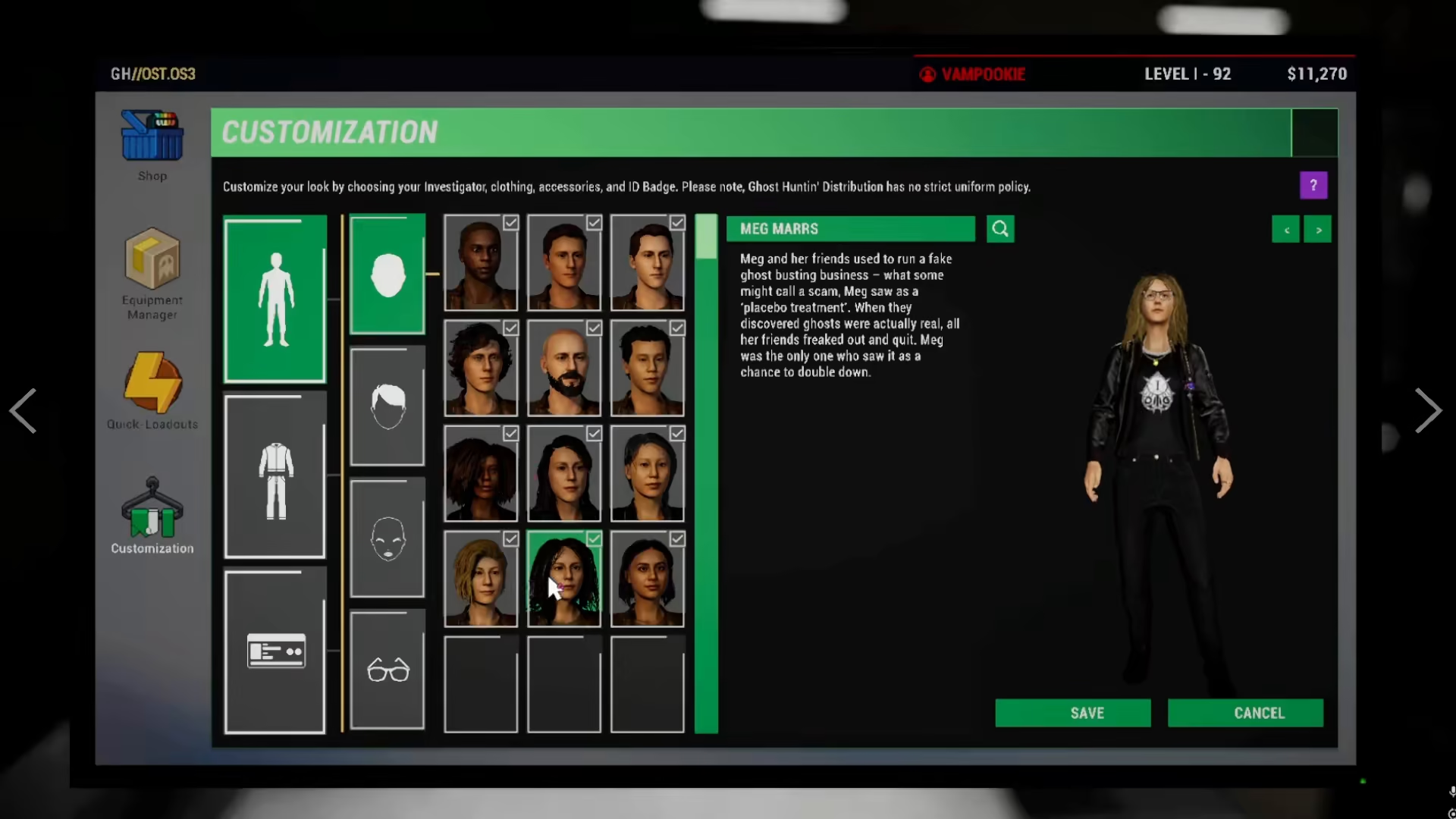
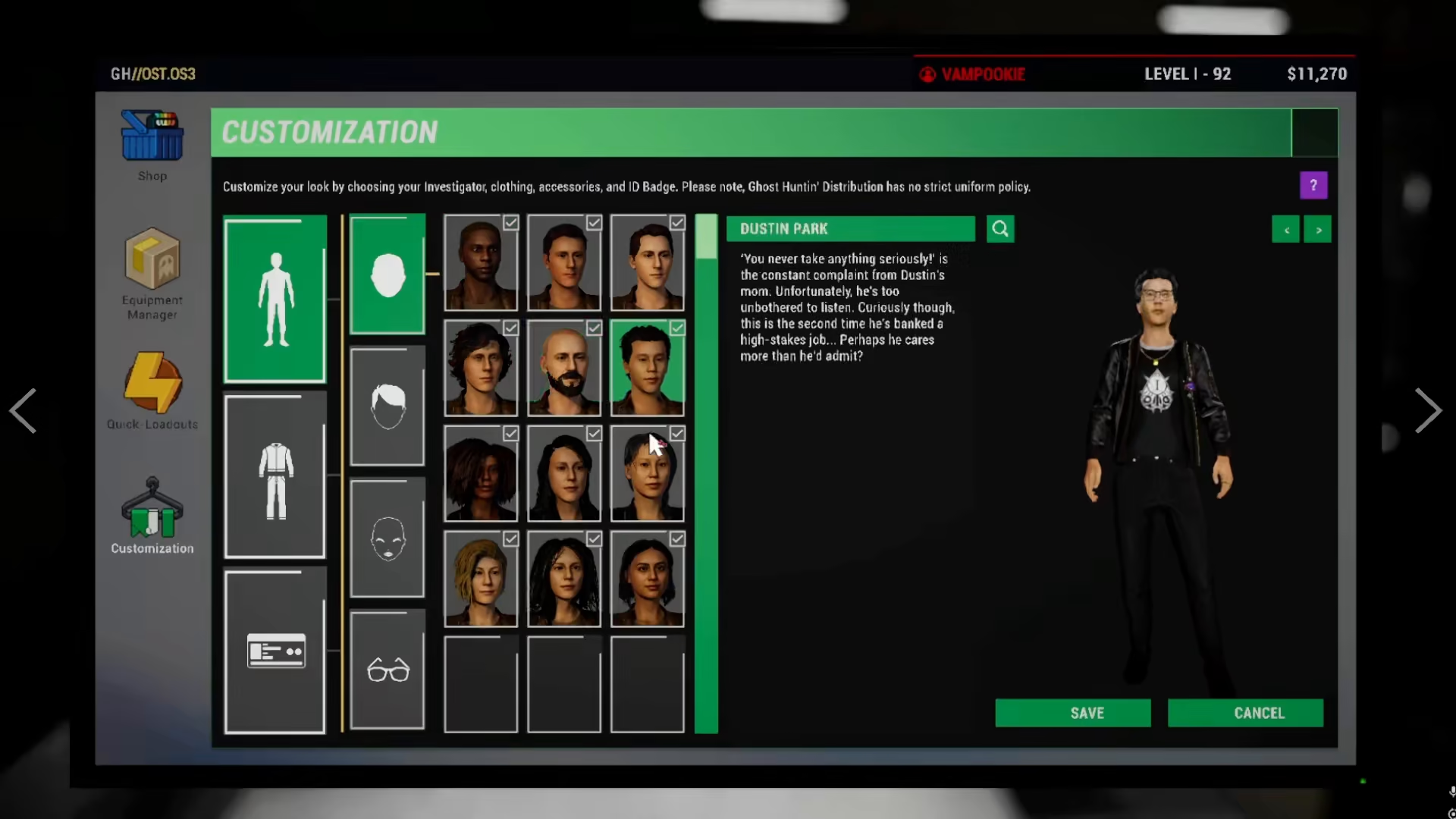
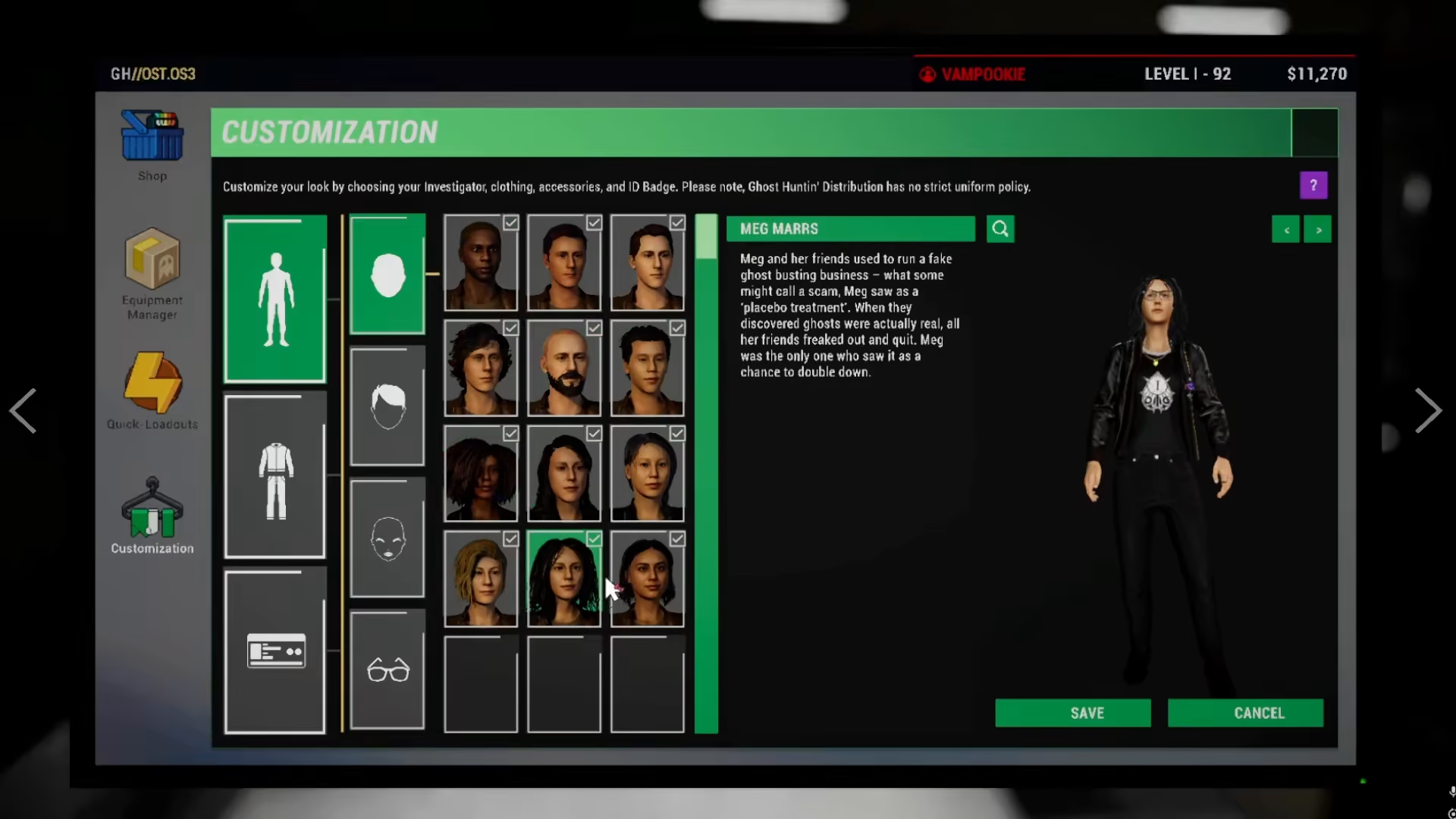
Once you’re in the Customization menu, you’ll have access to a variety of appearance options. The game provides multiple field characters to choose from, allowing you to completely transform your in-game persona.
Changing Your Character
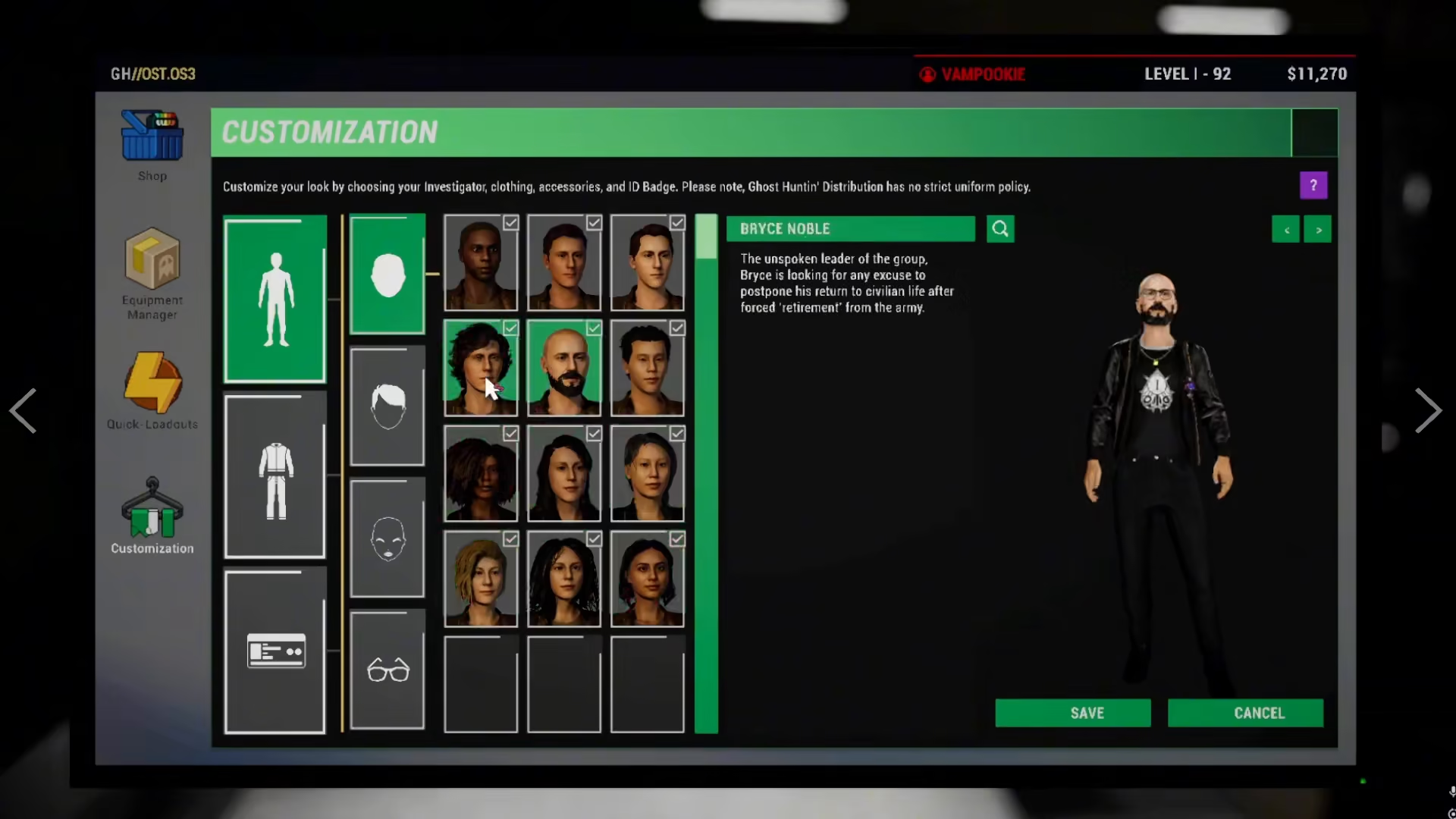
From the customization menu, you can select any of the available field characters to become that character entirely.
Adjusting Hairstyles
One of the primary customization options available is changing your hairstyle. You can select from various hairstyle options to personalize your character’s look.
Adding Accessories
Accessories are another way to customize your appearance. The customization menu allows you to add or remove accessories to further personalize your character.
Changing Clothing Items
You can also change your character’s clothing items to create a completely unique outfit. The coding items feature allows you to customize what your character wears during investigations.
Summary
Changing your character in Phasmophobia is quick and easy. Simply access the menu from your van, go to Customization, and choose from the available options including different characters, hairstyles, accessories, and clothing items. With these tools at your disposal, you can create a character that truly represents your playstyle.
Want to Support?
If you would like to help us continue making these guides – please consider joining our patreon here – https://www.patreon.com/c/JaviHeals
Alternatively – you can join our discord here – https://discord.gg/zD7Gjt6MHF