How To Capture Sounds With a Sound Recorder In Phasmphobia
How To Capture Sounds With a Sound Recorder In Phasmophobia
Learning how to record sounds in Phasmophobia is essential for documenting paranormal activity during your investigations. The sound recorder is a valuable piece of equipment that allows you to capture audio evidence of ghost interactions. This guide will walk you through the simple steps needed to effectively use a sound recorder and save your recordings to your media gallery.
Understanding the Sound Recorder Equipment
The sound recorder is a handheld device you can use during investigations in Phasmophobia. One example of a sound recorder you can use is the Gears Brie one. However, there are other Gears variants available that function similarly, so you have options depending on your equipment preferences.
How to Record Sounds
Starting the Recording
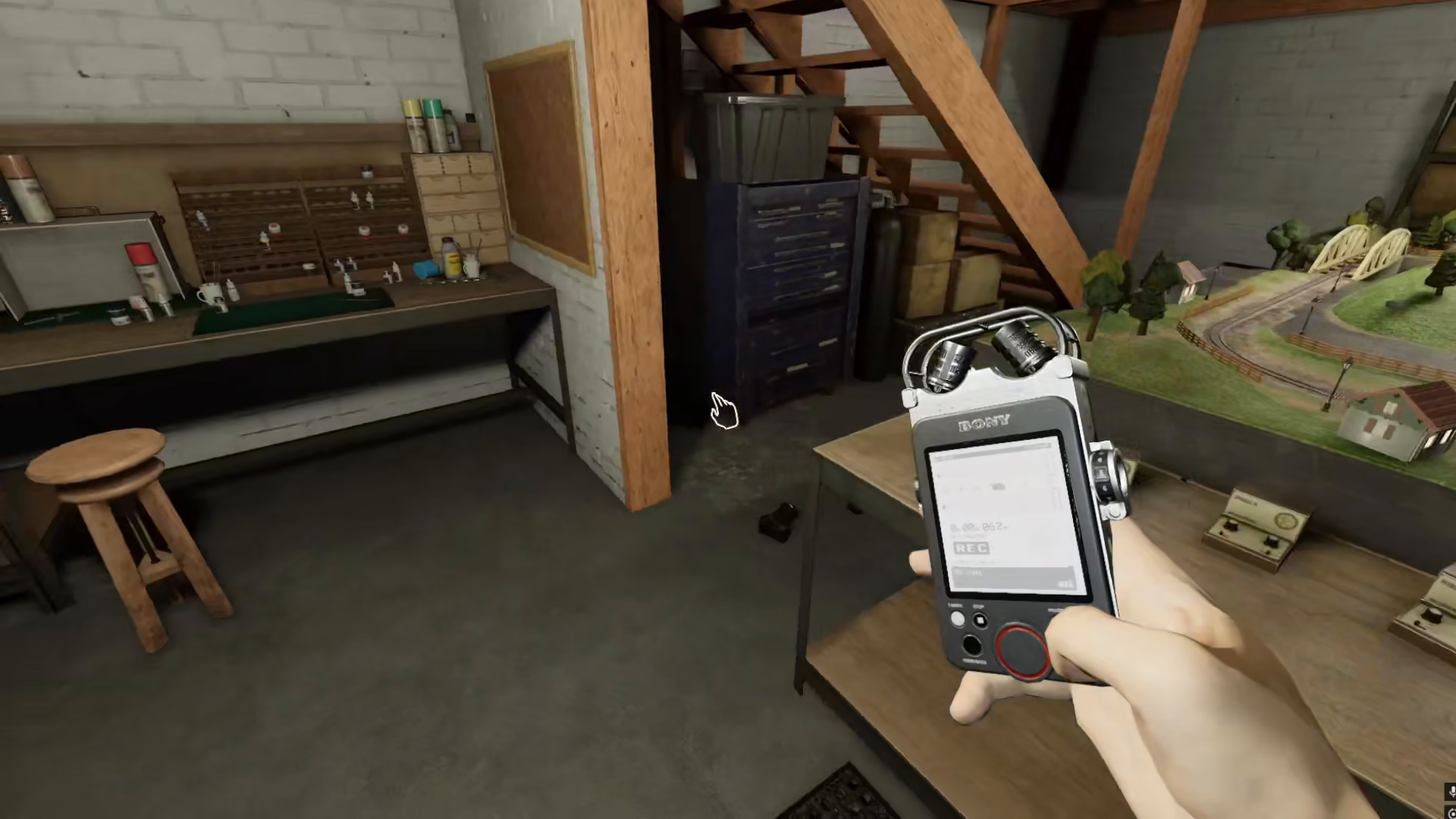
To begin recording sounds, you need to use your right mouse button on the sound recorder. Click the right button of your mouse to activate the device.
The Recording Process
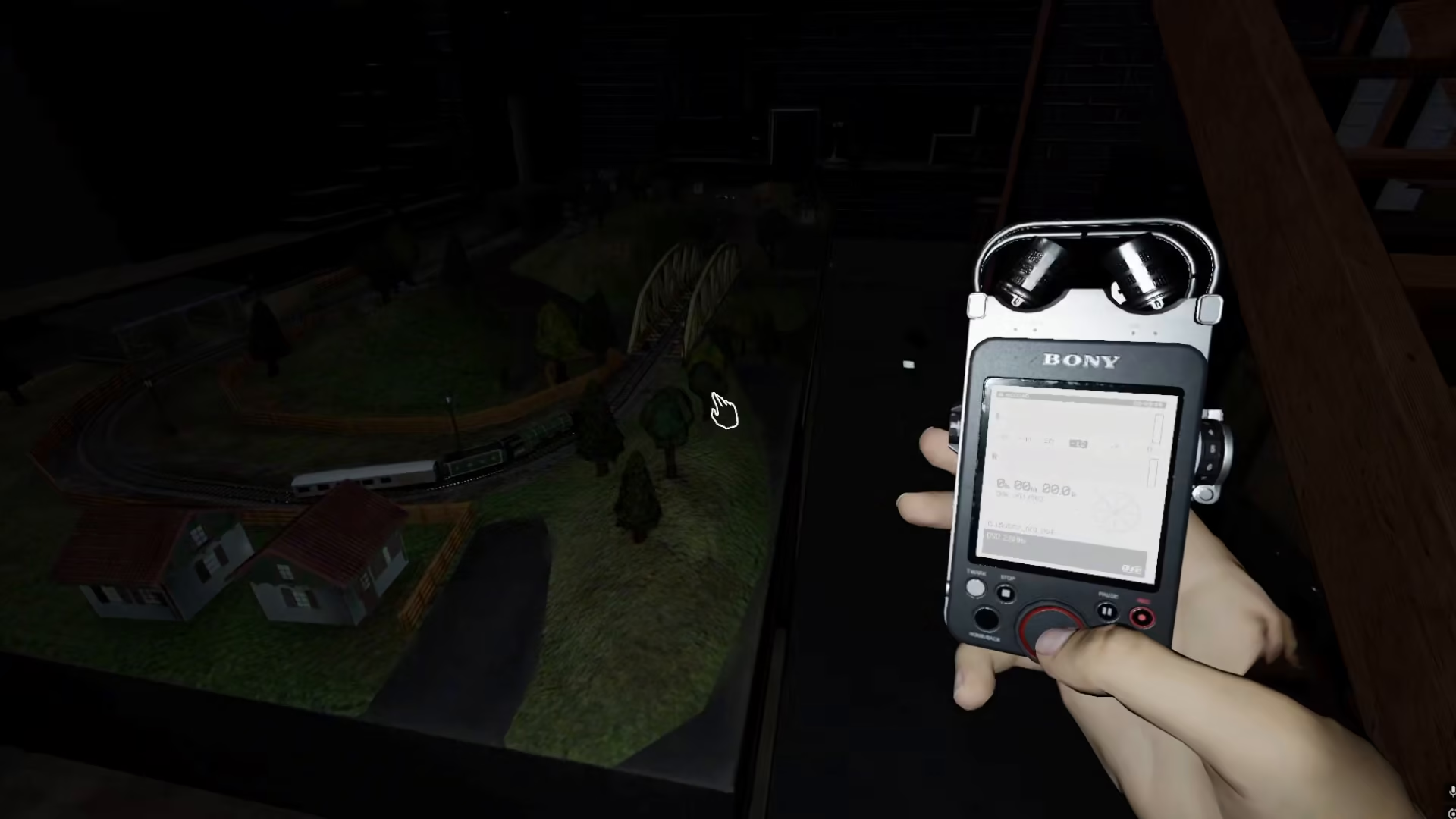
As soon as you activate the sound recorder with the right mouse button, the device will make a noise and begin recording. While holding down the right button, keep the recorder pointed at the sound source you want to capture. The recording will continue as long as you maintain pressure on the right mouse button.
Saving Your Audio Evidence
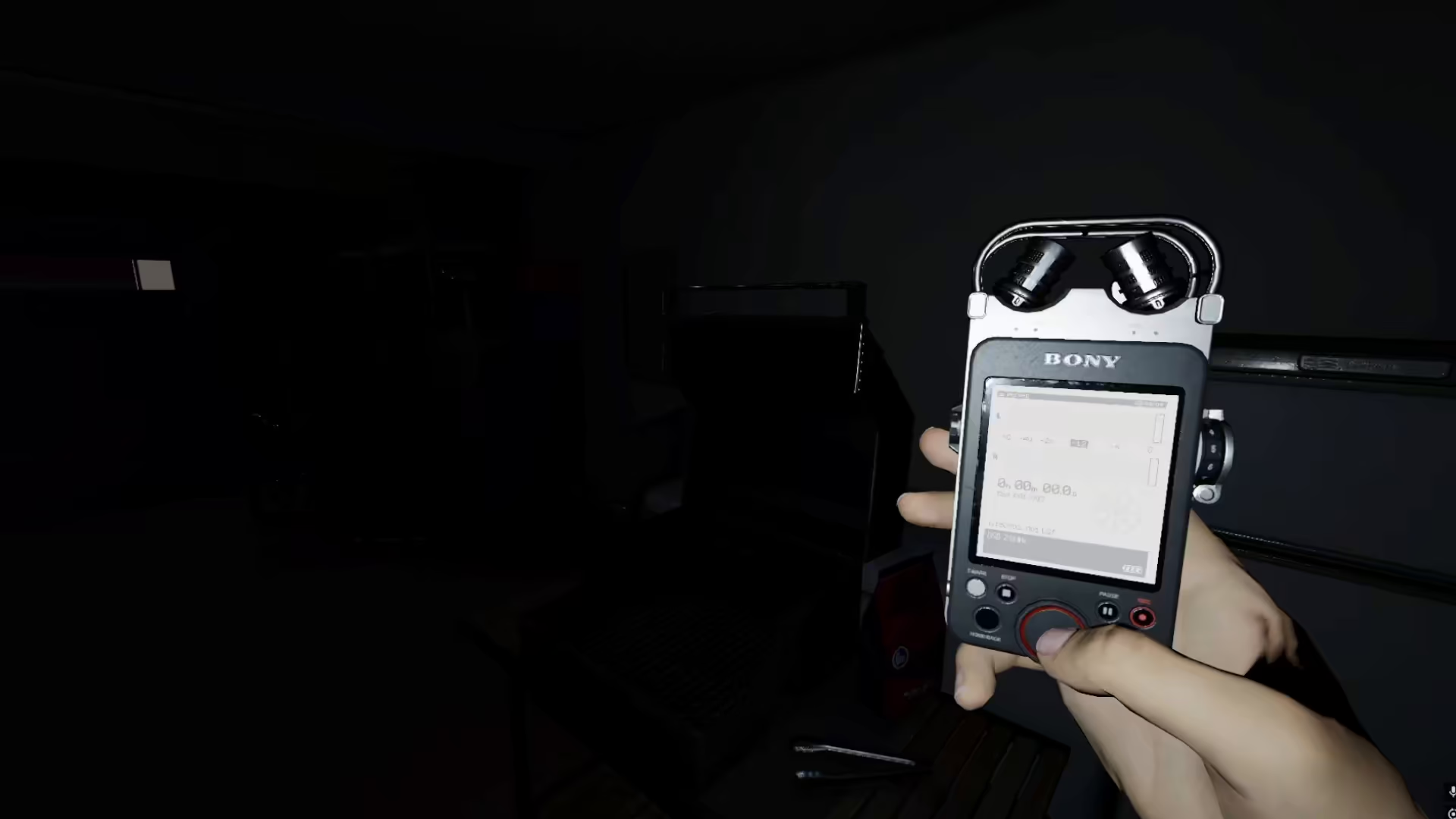
Once you release the right mouse button, your recording will automatically be saved to your media gallery. The media gallery is where all captured sounds are stored for later review and analysis. Your audio evidence is now safely archived and can be accessed whenever you need to review it.
Summary
Recording sounds in Phasmophobia with a sound recorder is straightforward: equip the device, right-click to start recording, hold while capturing audio, and release to save. Whether you’re using a Gears Brie or another Gears variant, the process remains consistent. Your recordings will be safely stored in your media gallery for future reference during your paranormal investigations.
— Want to Support? —
If you would like to help us continue making these guides – please consider joining our patreon here – https://www.patreon.com/c/JaviHeals Alternatively – you can join our discord here – https://discord.gg/zD7Gjt6MHF