
How To Chat In Age of Empires 4
How To Chat In Age of Empires 4
Communication is essential when playing Age of Empires 4, whether you’re coordinating with allies or engaging with opponents. This guide walks you through the simple steps to start chatting during your gameplay.
Opening the Chat Window
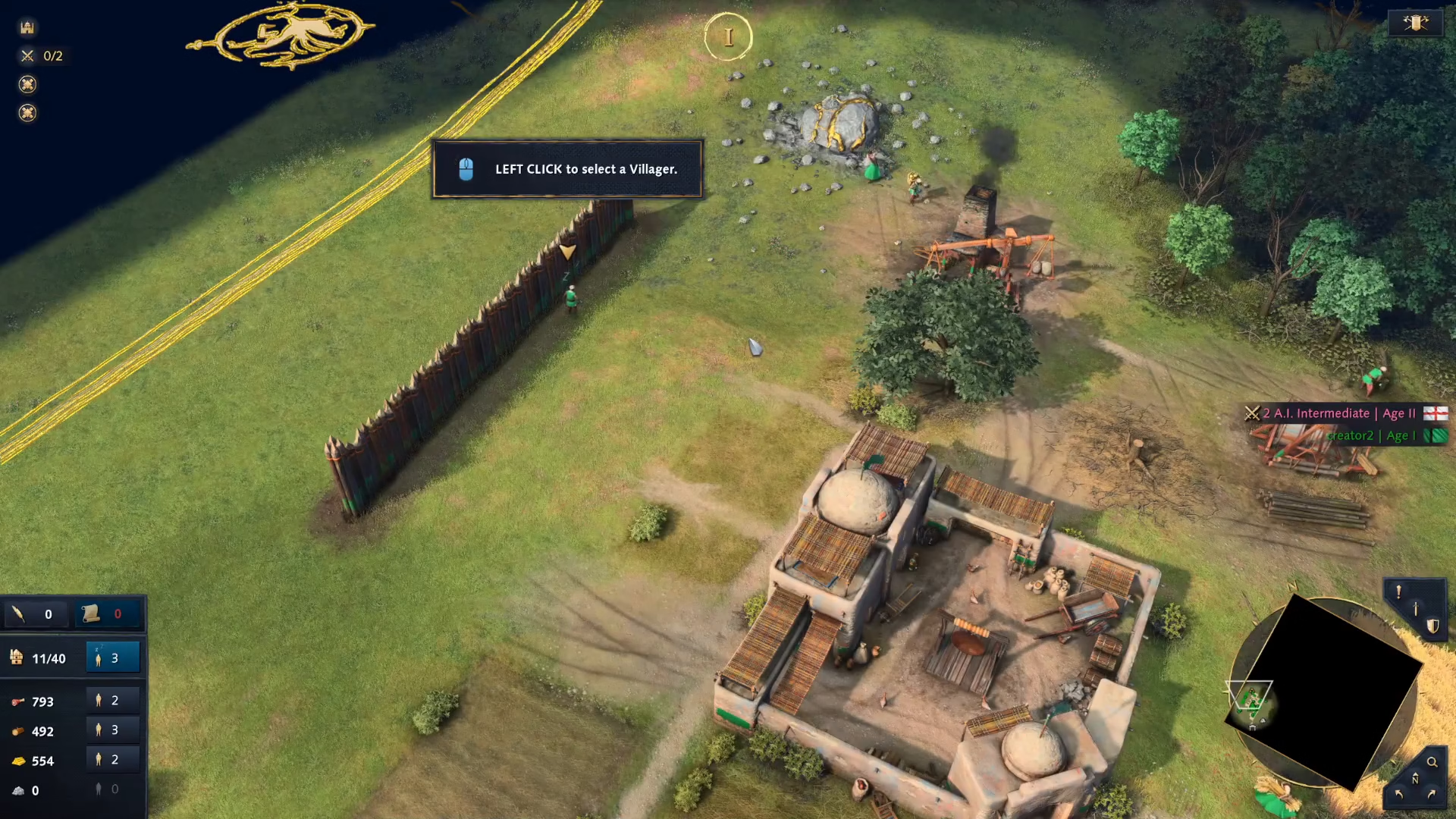
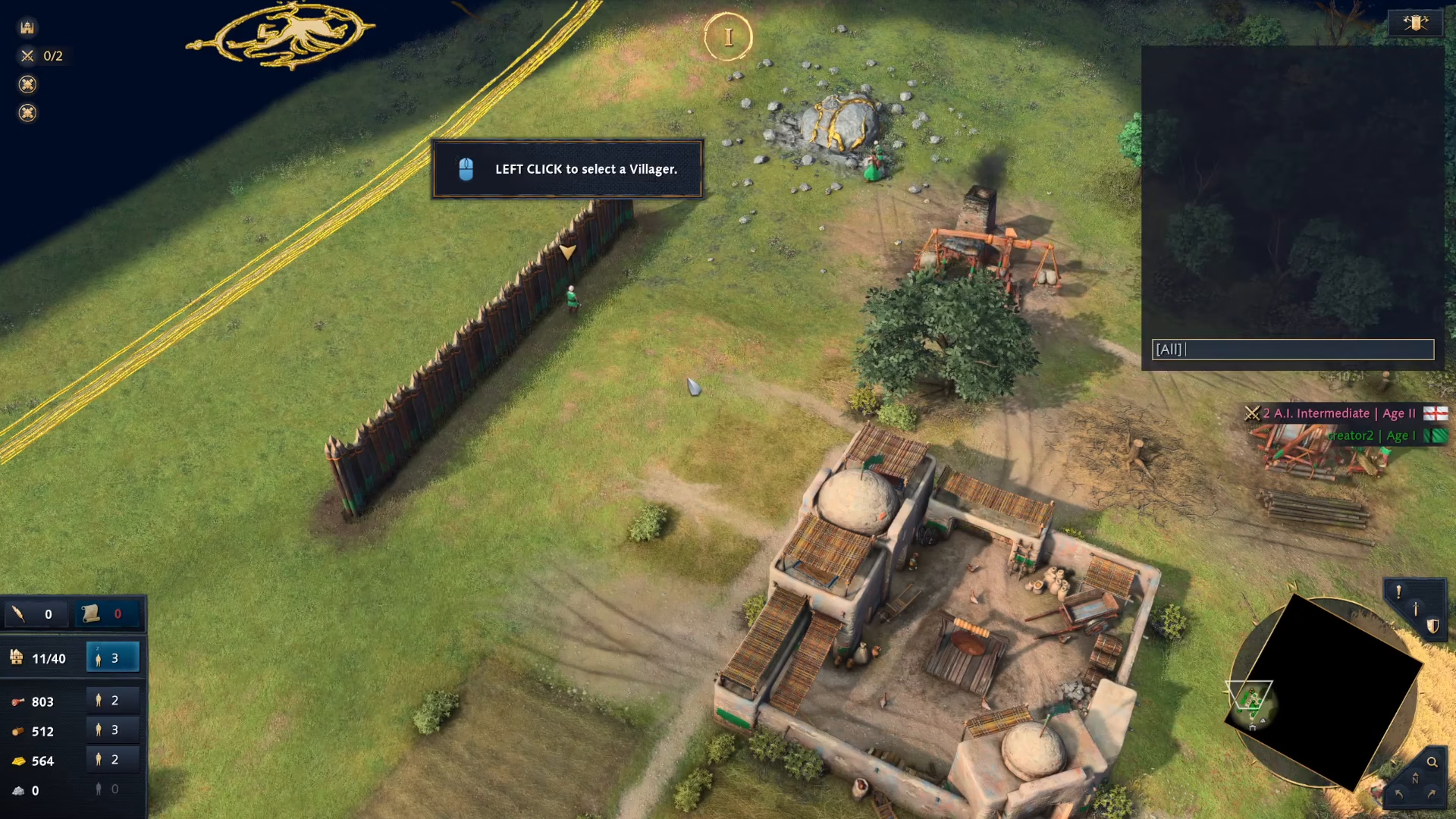
To begin chatting, look at the right side of your screen and press the Enter key on your keyboard.
Sending Your Message
Once the chat window is active, type whatever message you want to send. After you’ve finished typing your message, press Enter again to send it to other players.
Summary
That’s all there is to it! Chatting in Age of Empires 4 is straightforward: press Enter to open the chat, type your message, and press Enter once more to send. This simple mechanic allows you to communicate effectively during matches.
— Want to Support? —
If you would like to help us continue making these guides – please consider joining our patreon here – https://www.patreon.com/c/JaviHeals
Alternatively – you can join our discord here – https://discord.gg/zD7Gjt6MHF