






How To Check Companion Affinity In Fallout 4
How To Check Companion Affinity In Fallout 4
Tracking your companion’s affinity level is essential for building strong relationships and unlocking perks in Fallout 4. Whether you’re bonding with Dogmeat, Piper, or any other companion, knowing their exact affinity score helps you understand your progress. This guide shows you the quickest method to check companion affinity using the game’s console commands.
Opening the Console
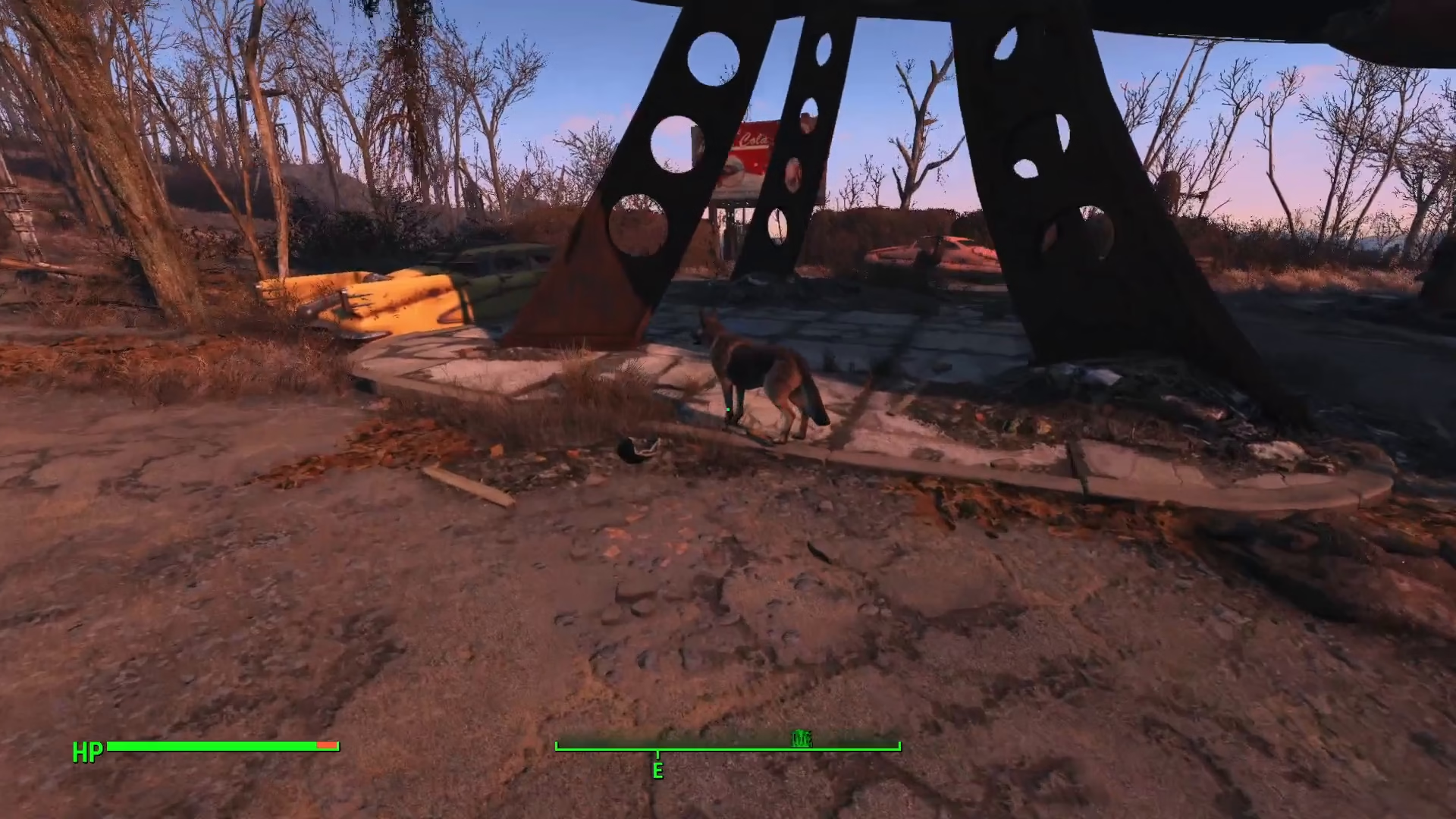
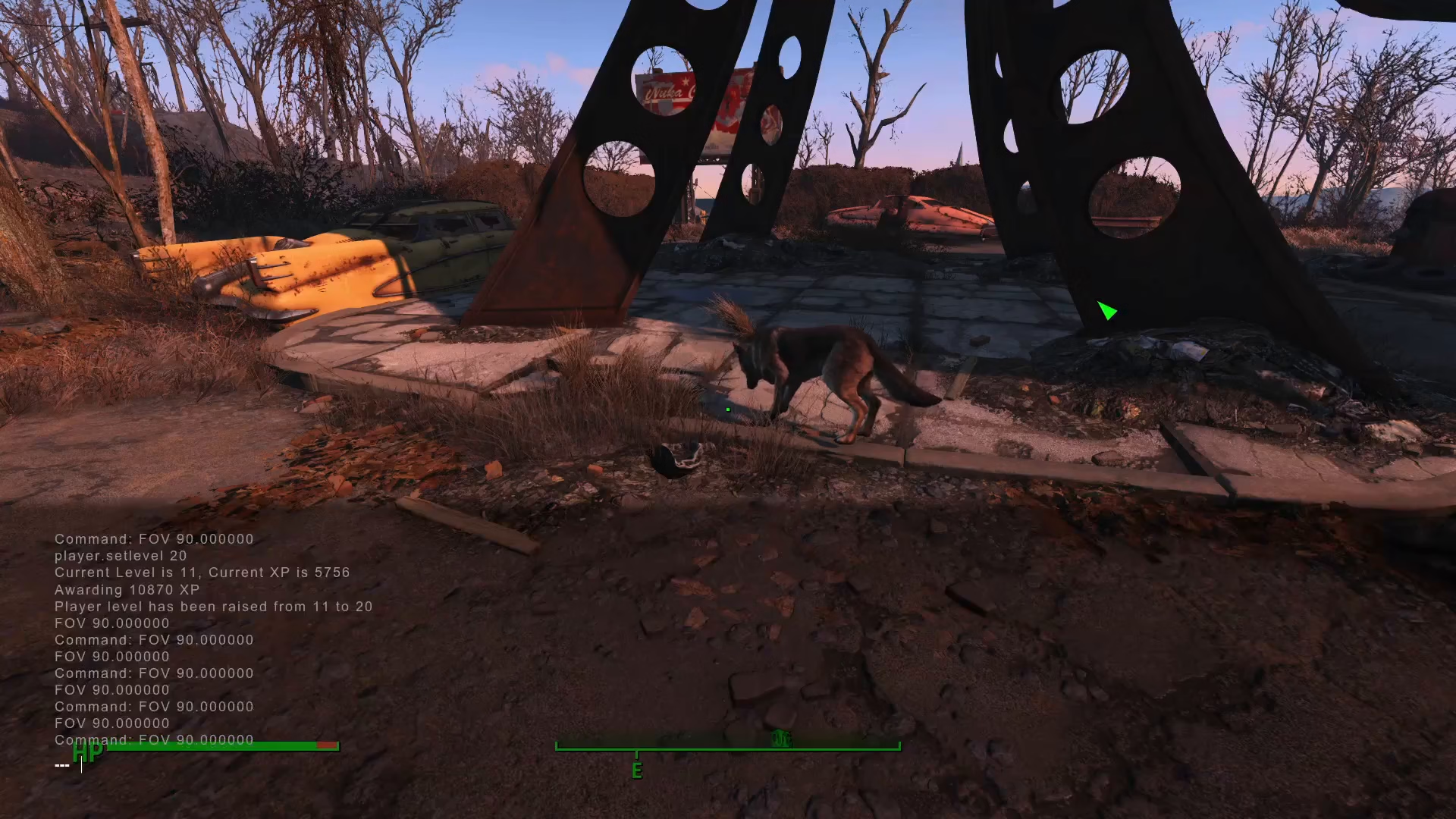
To begin checking companion affinity, you need to access Fallout 4’s developer console. Press the tilde key (~), which is located directly below the Escape key on your keyboard. The console window will open, allowing you to input commands.
Selecting Your Companion
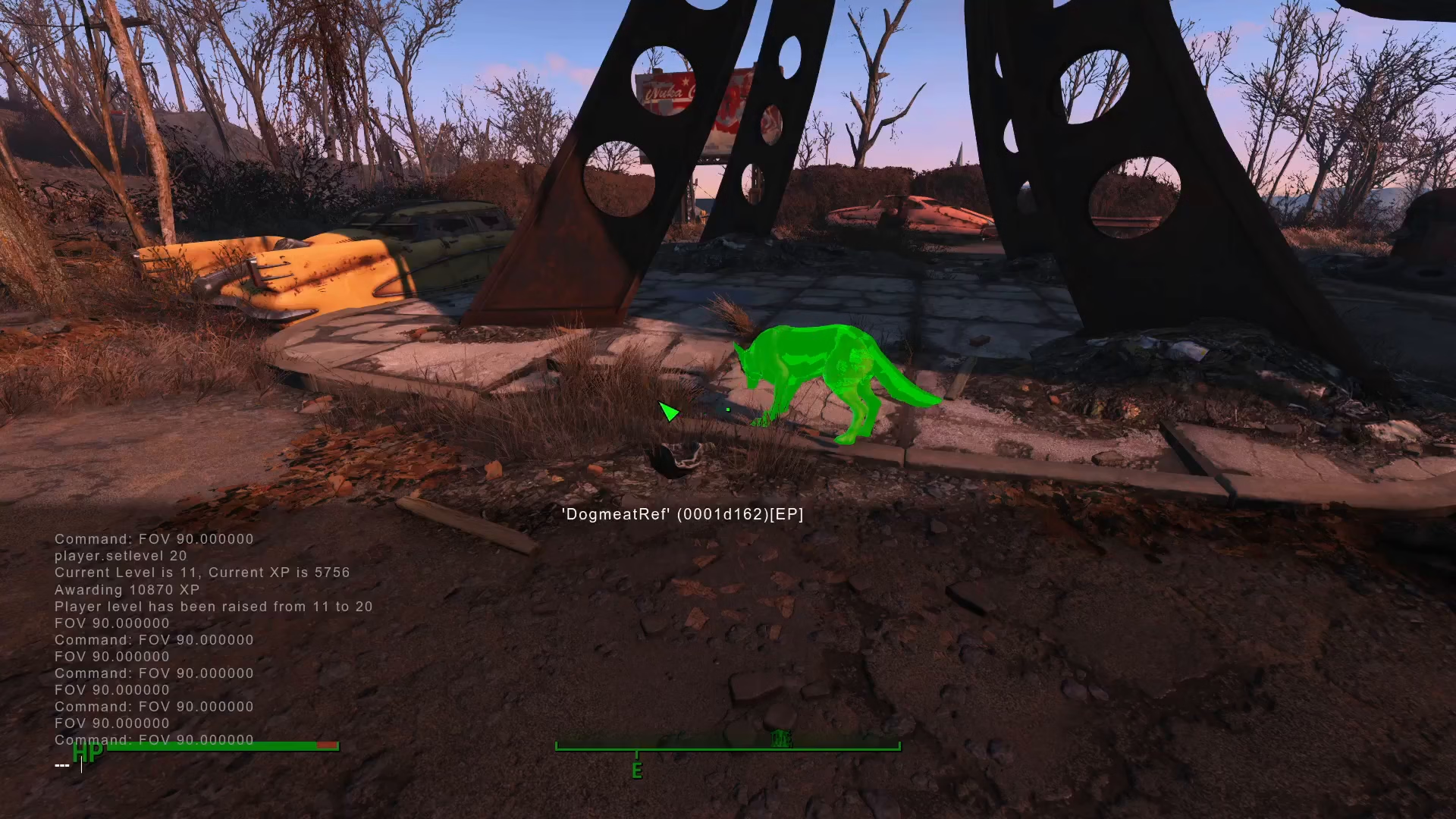
Once the console is open, click on the companion whose affinity you want to check. This targets them for your command input. The selection will be registered by the console.
Entering the Affinity Command
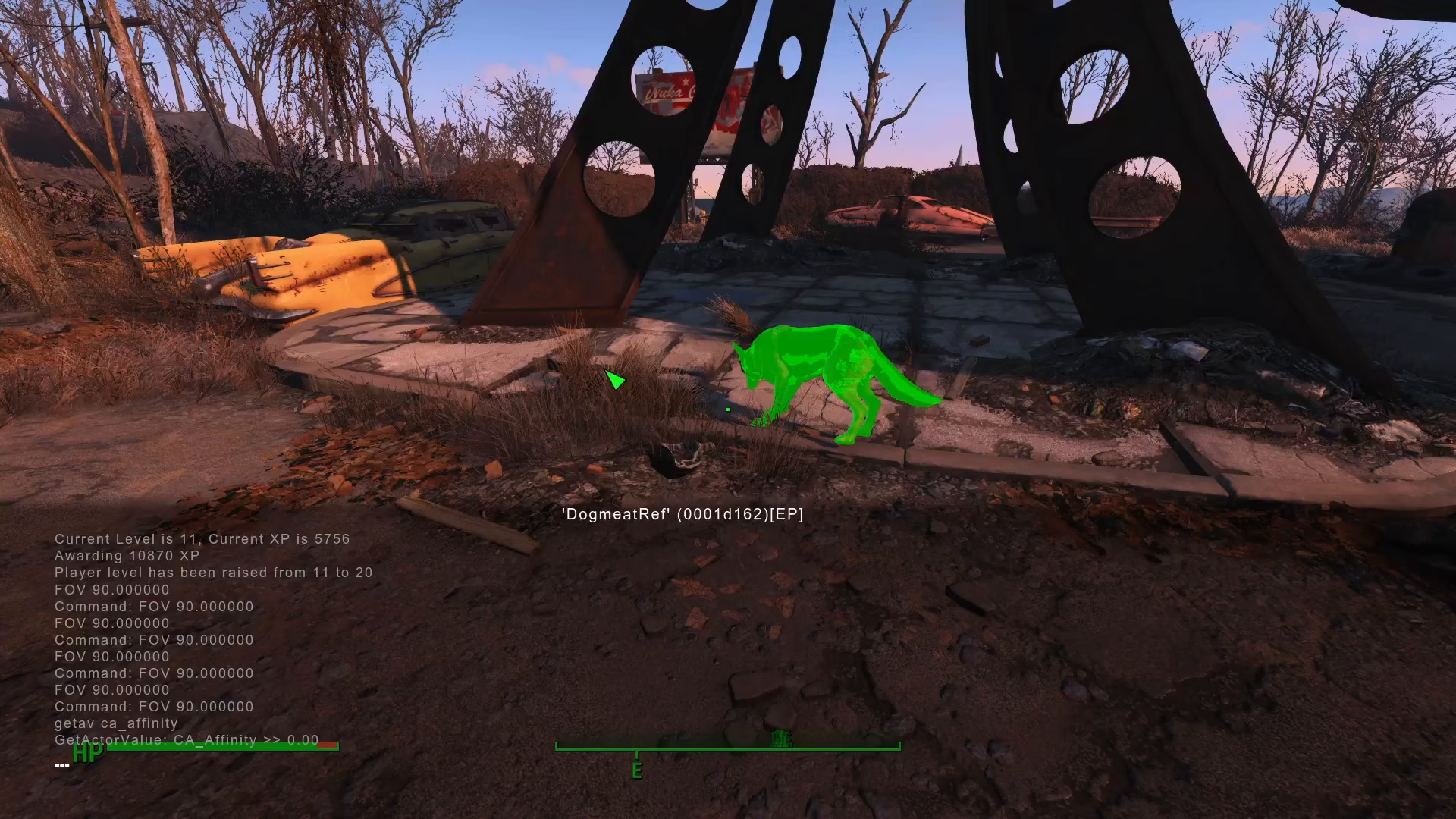
With your companion selected, type the following command into the console:
getav ca_affinity
This command queries the companion affinity value for the selected companion. Press Enter to execute the command.
Reading Your Results
The console will display your companion’s affinity value. The output shows ca_affinity = [number]. For example, if you haven’t interacted much with a companion like Dogmeat, the value may show 0. Higher numbers indicate stronger affinity and better companion relationships.
Summary
Checking companion affinity in Fallout 4 is straightforward once you know the steps. Simply open the console with the tilde key, click on your companion, and type getav ca_affinity to instantly see their affinity level. This method works for every companion in the game and provides exact numerical values so you can track your progress toward unlocking companion perks and bonuses.
Want to Support?
If you would like to help us continue making these guides – please consider joining our patreon here – https://www.patreon.com/c/JaviHeals
Alternatively – you can join our discord here – https://discord.gg/zD7Gjt6MHF