






How To Clear Rubble In Fallout 4
How to Clear Rubble in Fallout 4
Clearing rubble and debris from settlements is one of the essential tasks in Fallout 4. Whether you’re establishing a new settlement or cleaning up an existing one, knowing how to efficiently remove trash and scrap materials will help you create the perfect base. This guide walks you through the simple process of clearing rubble using the workshop system.
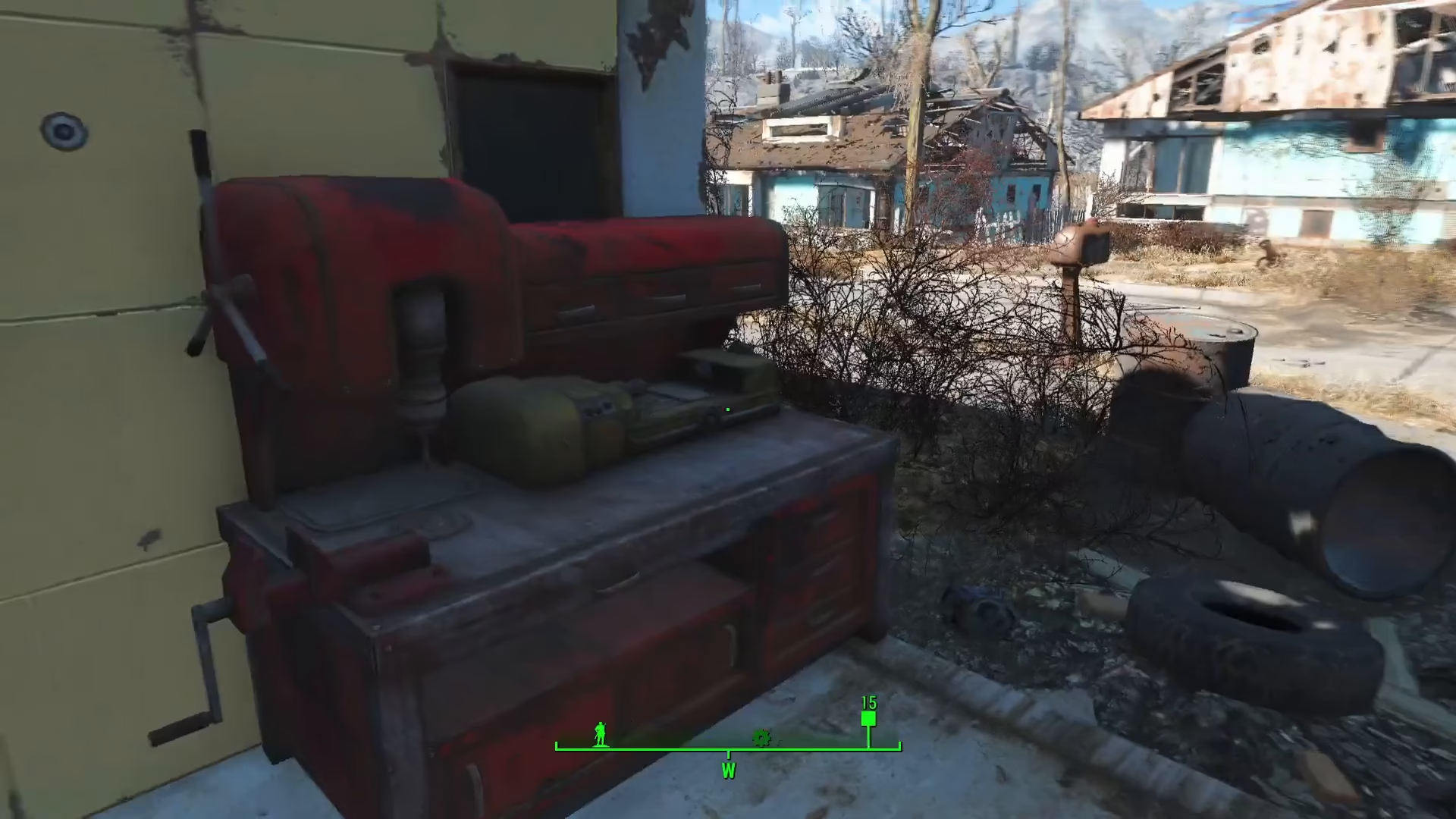
Accessing the Workshop
The first step to clearing rubble is finding and activating the workshop in your settlement. Once you’ve located the workshop, interact with it to begin your cleanup operation. The workshop is your gateway to managing all settlement resources and debris removal.
Scrapping Rubble and Debris
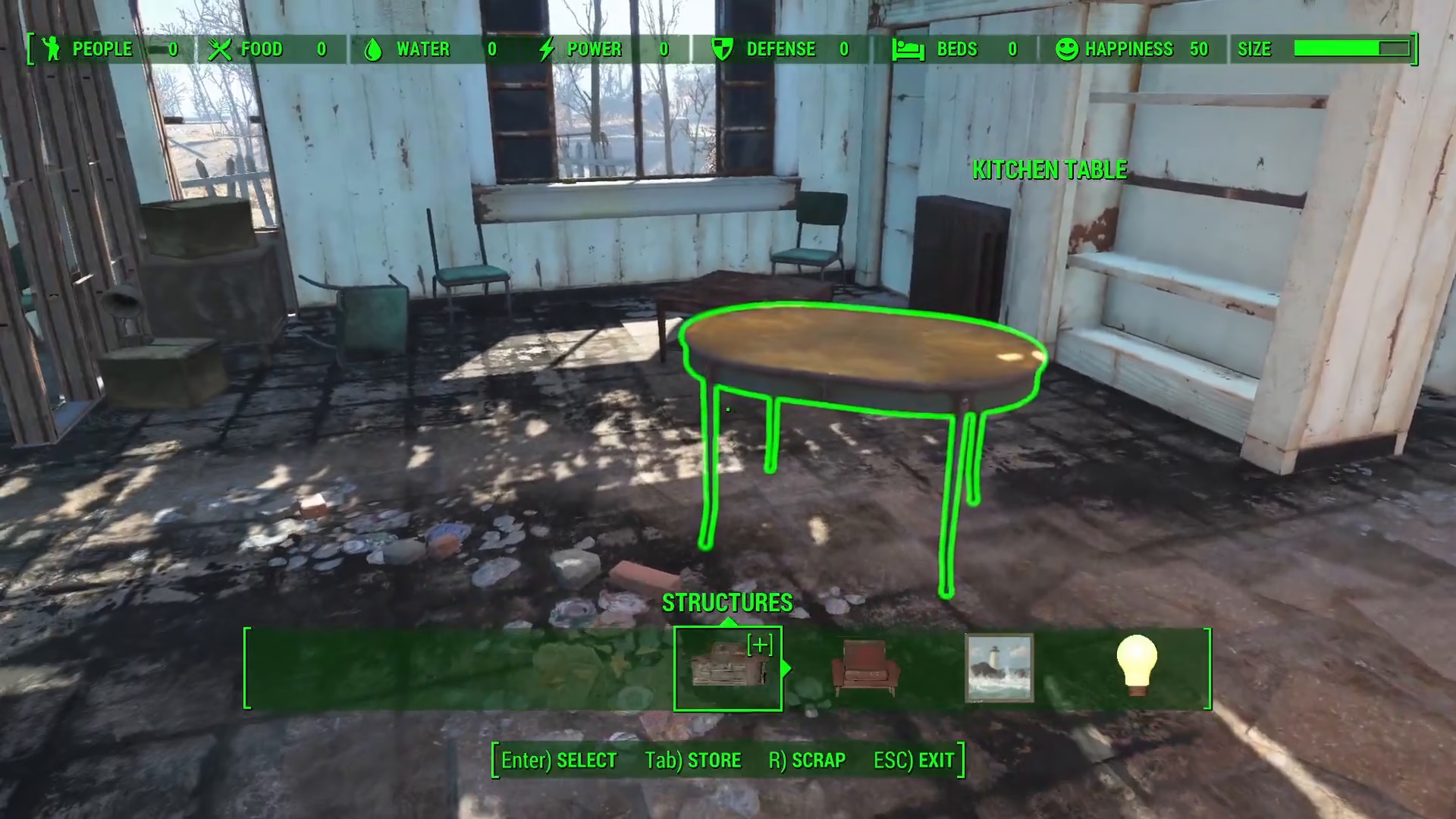
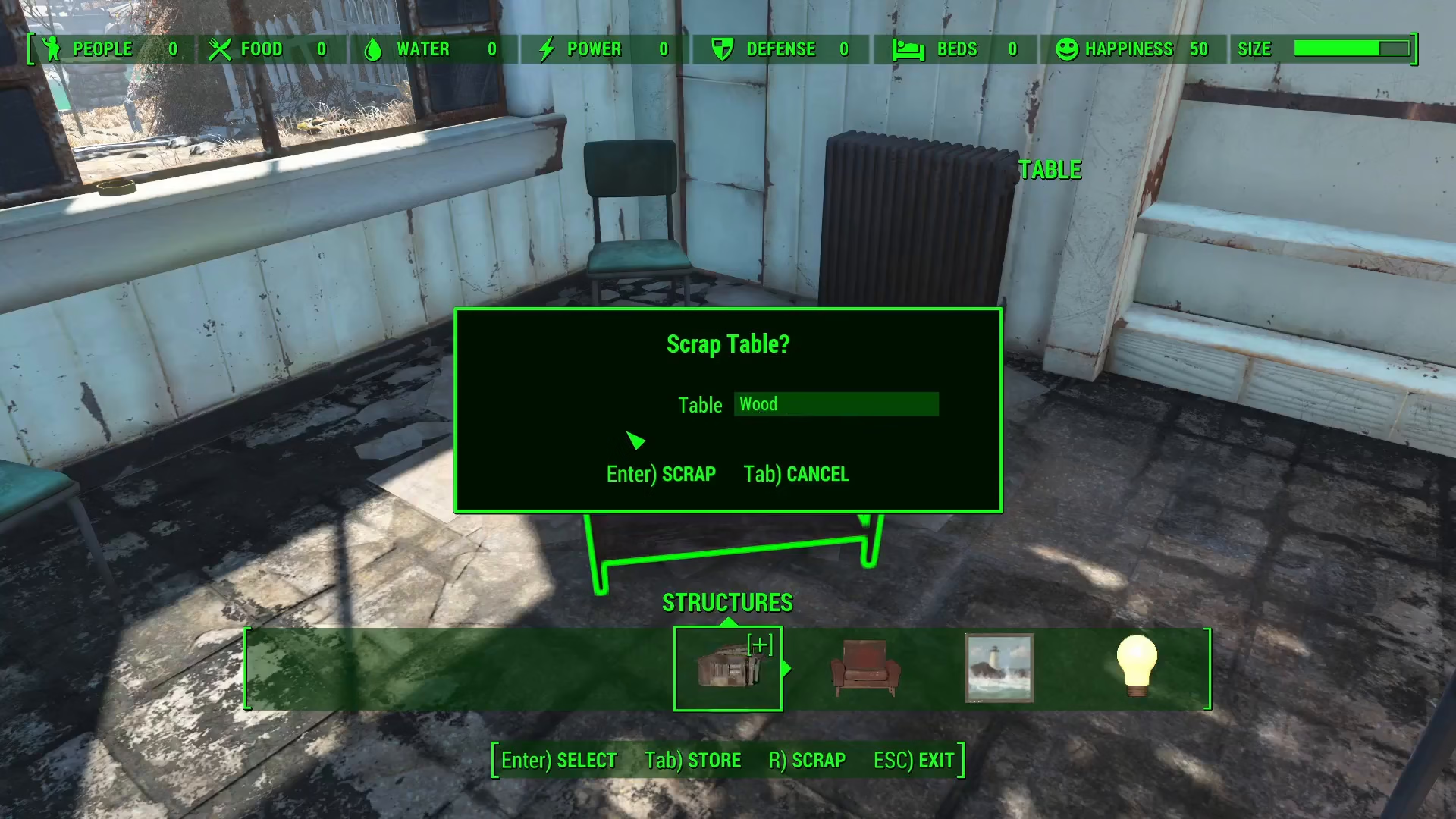
With the workshop activated, you can now begin scrapping items throughout your settlement. For smaller scrap and rubble pieces scattered about, approach the item and press the Arkey on your keyboard. This will open the scrap window, which displays exactly what materials you’ll receive from scrapping that particular item.
Once you’ve reviewed the materials breakdown in the scrap window, press E or Enter to confirm and scrap the item. You can scrap various types of debris this way, including assorted furniture and smaller refuse items.
Clearing Large Debris
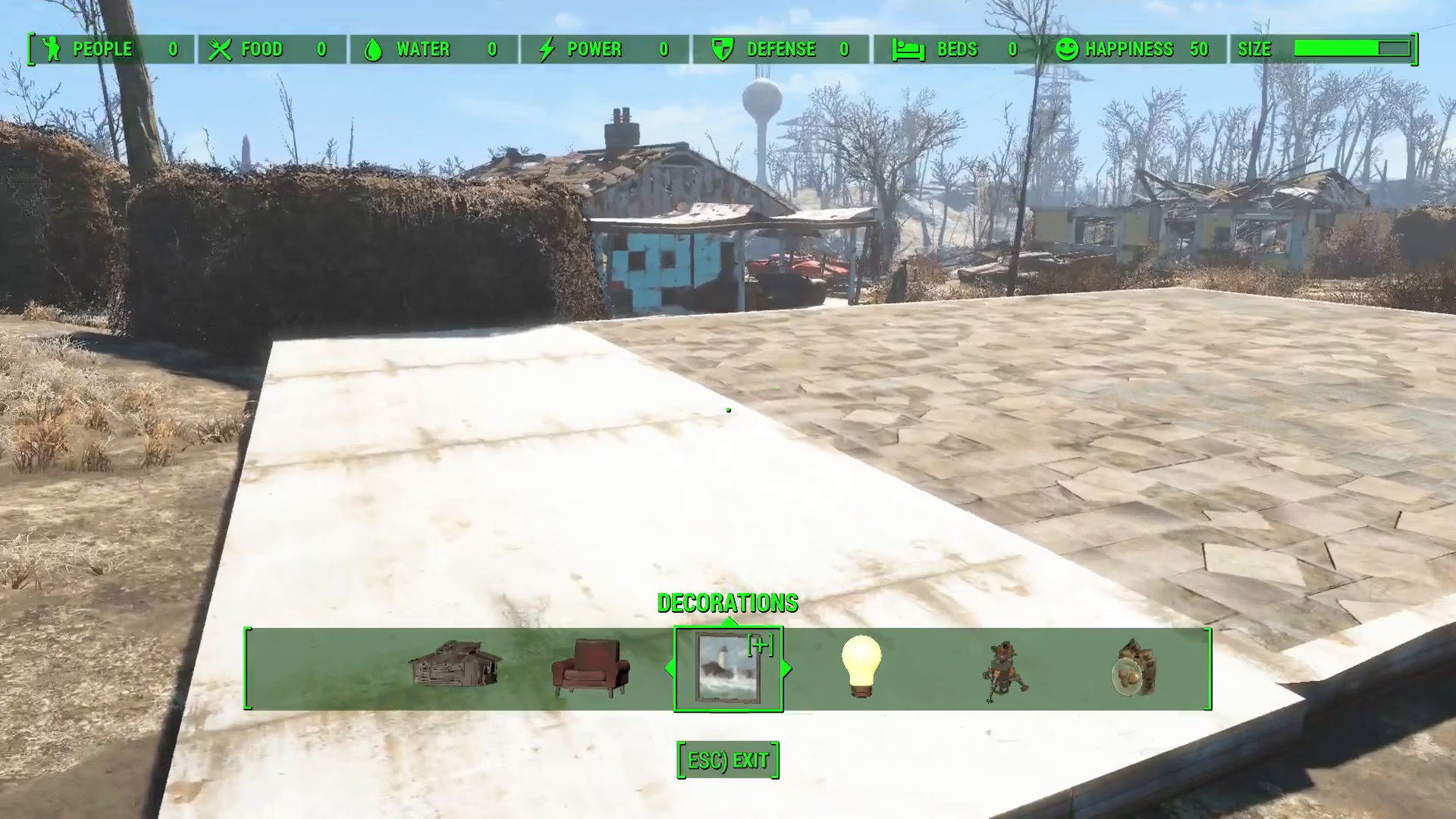
For larger debris pieces—such as sections of collapsed houses or major structural rubble— the process is slightly different. Approach the large debris object and press R on your keyboard to scrap it completely. This will instantly remove the entire debris structure and leave you with a clean, blank foundation to build upon.
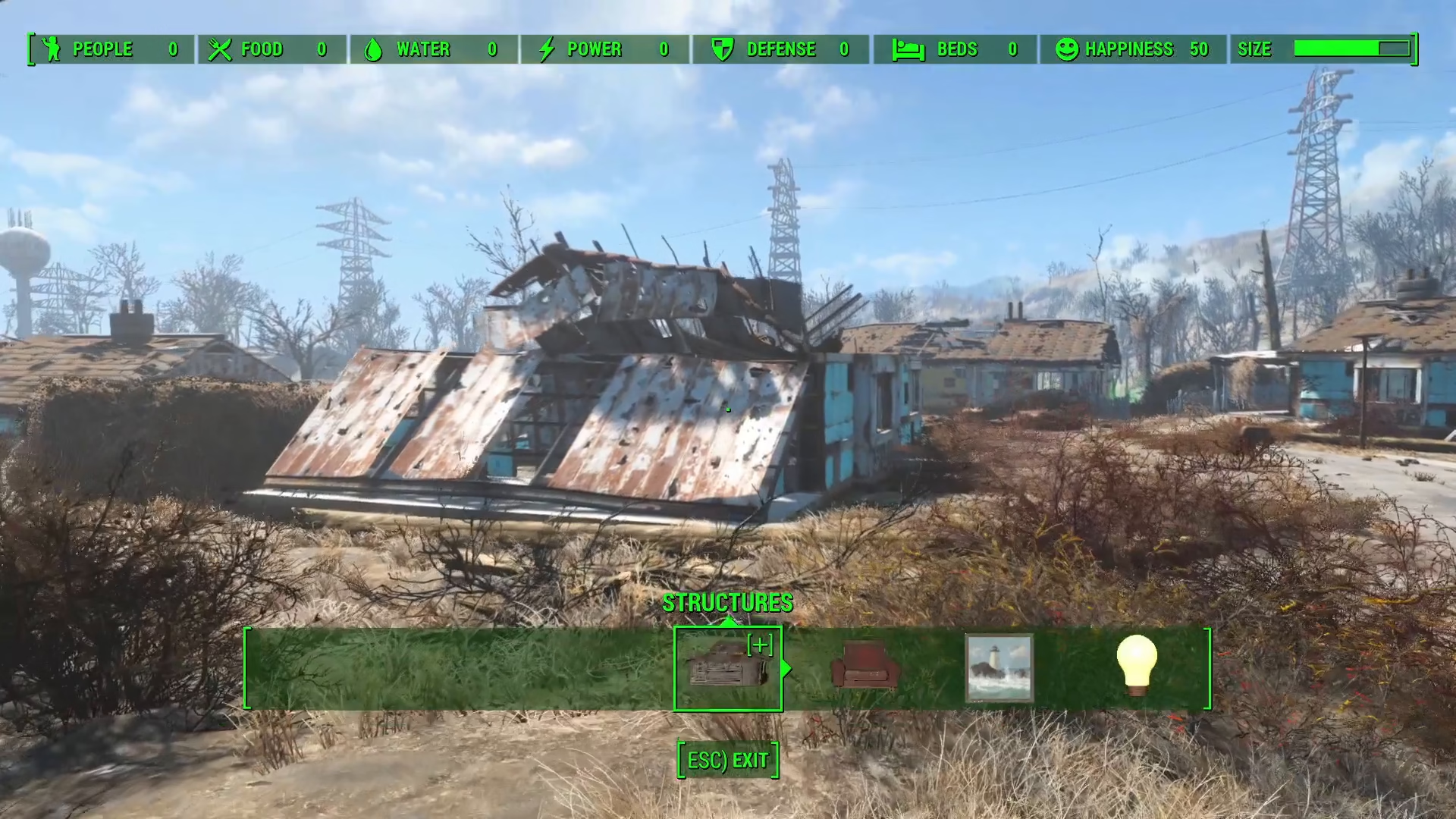
By using the R key on large rubble pieces, you can quickly clear away substantial amounts of debris without needing to navigate through item-by-item menus. This method is perfect for prepping settlement areas for new construction projects.
Summary
Clearing rubble in Fallout 4 is straightforward once you understand the workshop system. For small scrap items, use the Arkey to open the scrap window, then press E to confirm. For large debris structures, simply press R to remove them instantly. With these tools at your disposal, you’ll be able to transform cluttered, abandoned settlements into clean, organized bases ready for development.
Want to Support?
If you would like to help us continue making these guides – please consider joining our patreon here – https://www.patreon.com/c/JaviHeals
Alternatively – you can join our discord here – https://discord.gg/zD7Gjt6MHF