






How To Know When Vendors Restock In Fallout 4
How To Know When Vendors Restock In Fallout 4
Vendor restocking is a crucial mechanic in Fallout 4 that allows you to refresh merchant inventories and purchase items you may have missed on previous visits. Understanding the restock timer and how to trigger it will help you maximize your trading opportunities and keep your settlements well-stocked with supplies.
Vendor Restock Time Requirements
In Fallout 4, vendors follow the same restocking timeline as previous Fallout games. It takes approximately 48 to 72 in-game hours for vendors to restock their inventory. This means you’ll need to wait between two to three in-game days before a vendor’s stock refreshes with new items.
How to Wait for Vendor Restocking
Finding a Place to Wait
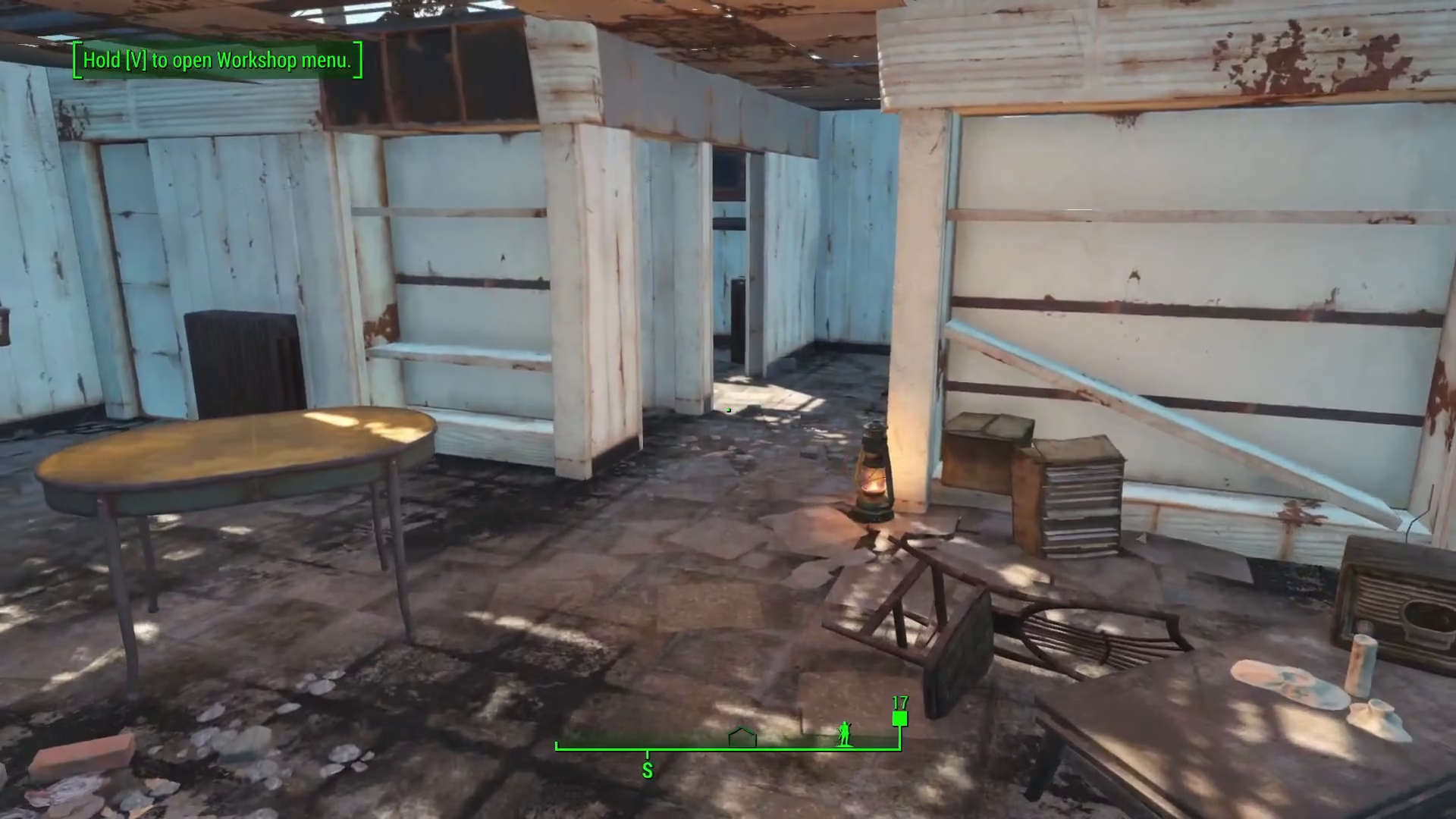
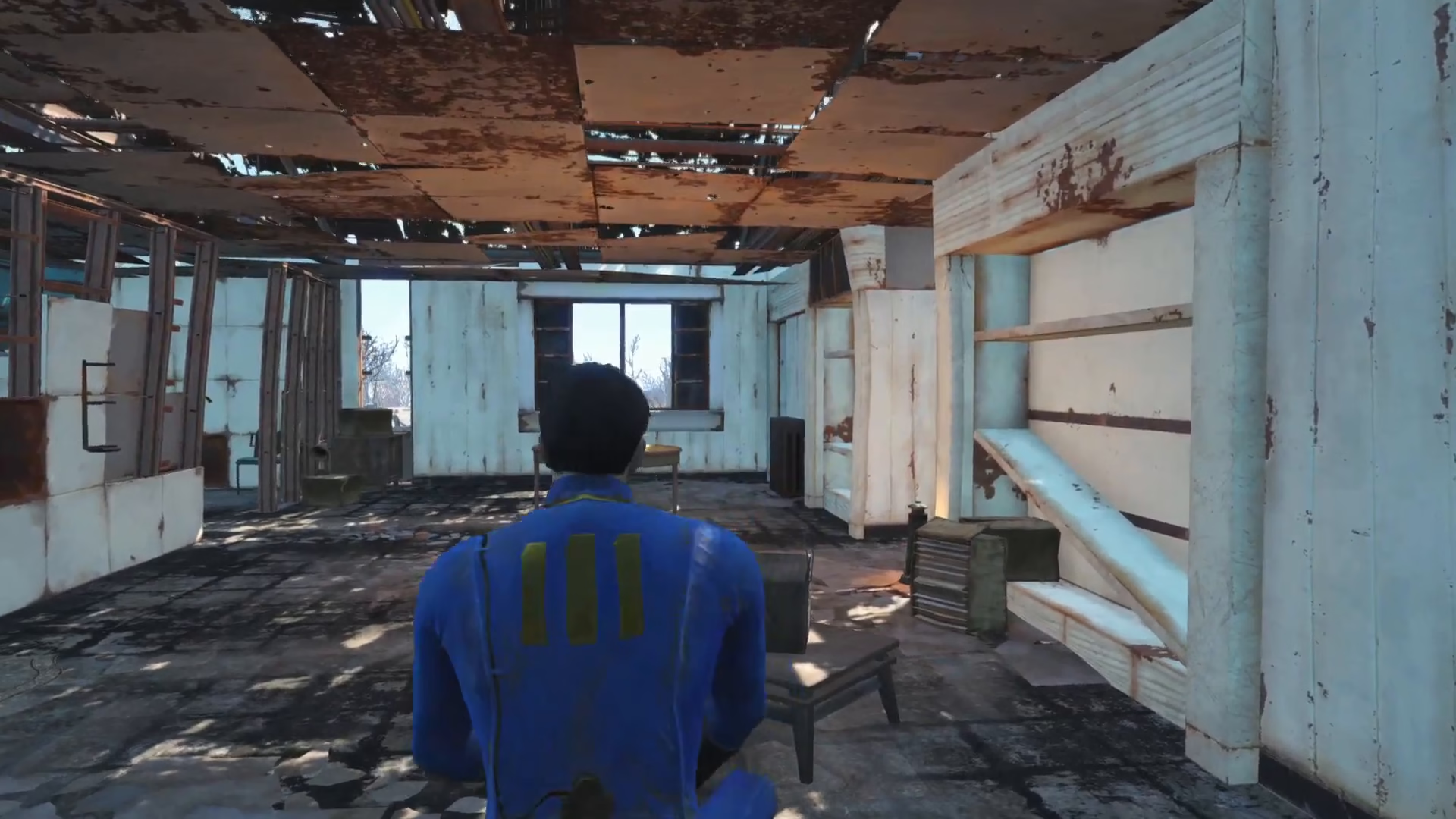
To trigger the restock timer, you need to be sitting down in a chair or seat. Most settlements throughout the game feature seating areas where you can wait. Diamond City, for example, has multiple chairs available for this purpose. You can use any chair in the game—the location doesn’t matter as long as you’re seated.
Using the Wait Function
Once you’re seated in a chair, press the T key to open the wait menu. From here, you can advance time in the game. The recommended approach is to wait 24 in-game hours at a time. Repeat this process two to three times to accumulate the necessary 48 to 72 in-game hours needed for vendors to restock.
Guaranteed Restock After 72 Hours
After you’ve waited for a total of 72 in-game hours, you’re guaranteed that vendors will have restocked their supply. This means their inventory will be completely refreshed with new items available for purchase.
Summary
Vendor restocking in Fallout 4 is straightforward once you know the mechanics. Simply find a seat in any settlement, wait 24 in-game hours two or three times for a total of 72 hours, and vendors will refresh their inventory guaranteed. This method ensures you never miss out on rare items or supplies you need for your playthrough.
— Want to Support? —
If you would like to help us continue making these guides – please consider joining our patreon here – https://www.patreon.com/c/JaviHeals
Alternatively – you can join our discord here – https://discord.gg/zD7Gjt6MHF