






How to Deploy Pal to Work at Your Base In Palworld
How to Deploy Pal to Work at Your Base In Palworld
Getting started in Palworld can feel overwhelming, especially when you’re trying to set up your base operations. One of the essential mechanics you’ll need to master early on is deploying Pals to work at your base. This guide walks you through the simple process of assigning your caught Pals to perform tasks around your base, helping you establish an efficient operation from day one.
Understanding Your Base Perimeter
When you first establish your base in Palworld, you’ll notice blue lines appearing in the distance. These blue lines mark the perimeter of your base — the boundary area where your Pals can work and operate. Understanding this visual indicator is crucial, as it shows you exactly where your base’s influence extends and where deployed Pals will be active.
Setting Up Your Pal Box Management System
The key to deploying Pals at your base is using a Pal Box (also called a Pal Box Management Box). This structure is what creates and defines your base perimeter. Simply place one of these boxes at your desired base location.
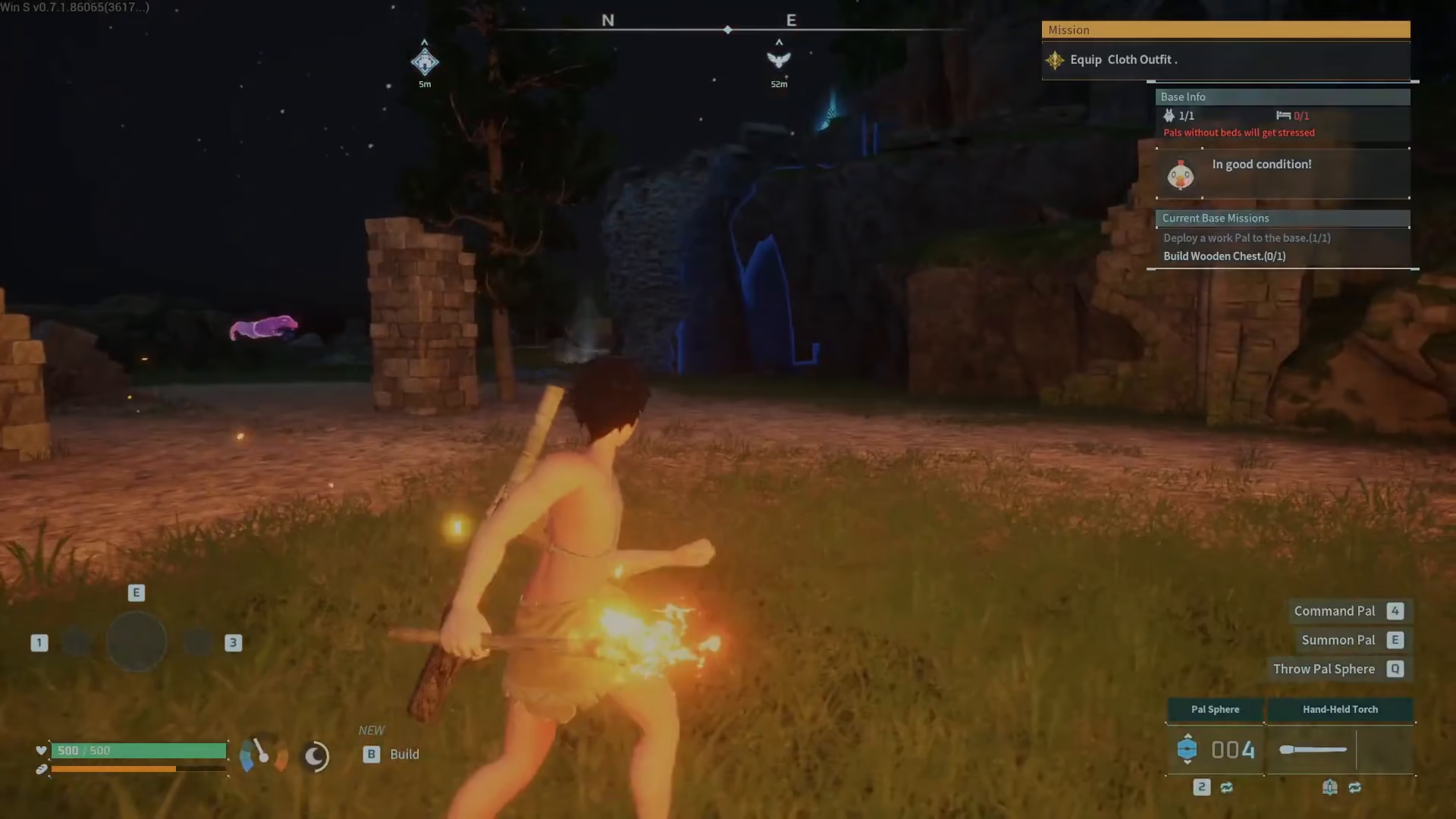
How to Deploy Pals to Your Base
Once you have your Pal Box set up, access it by interacting with it. When you open the Pal Box interface, you’ll see your collected Pals listed on the top left of the screen.
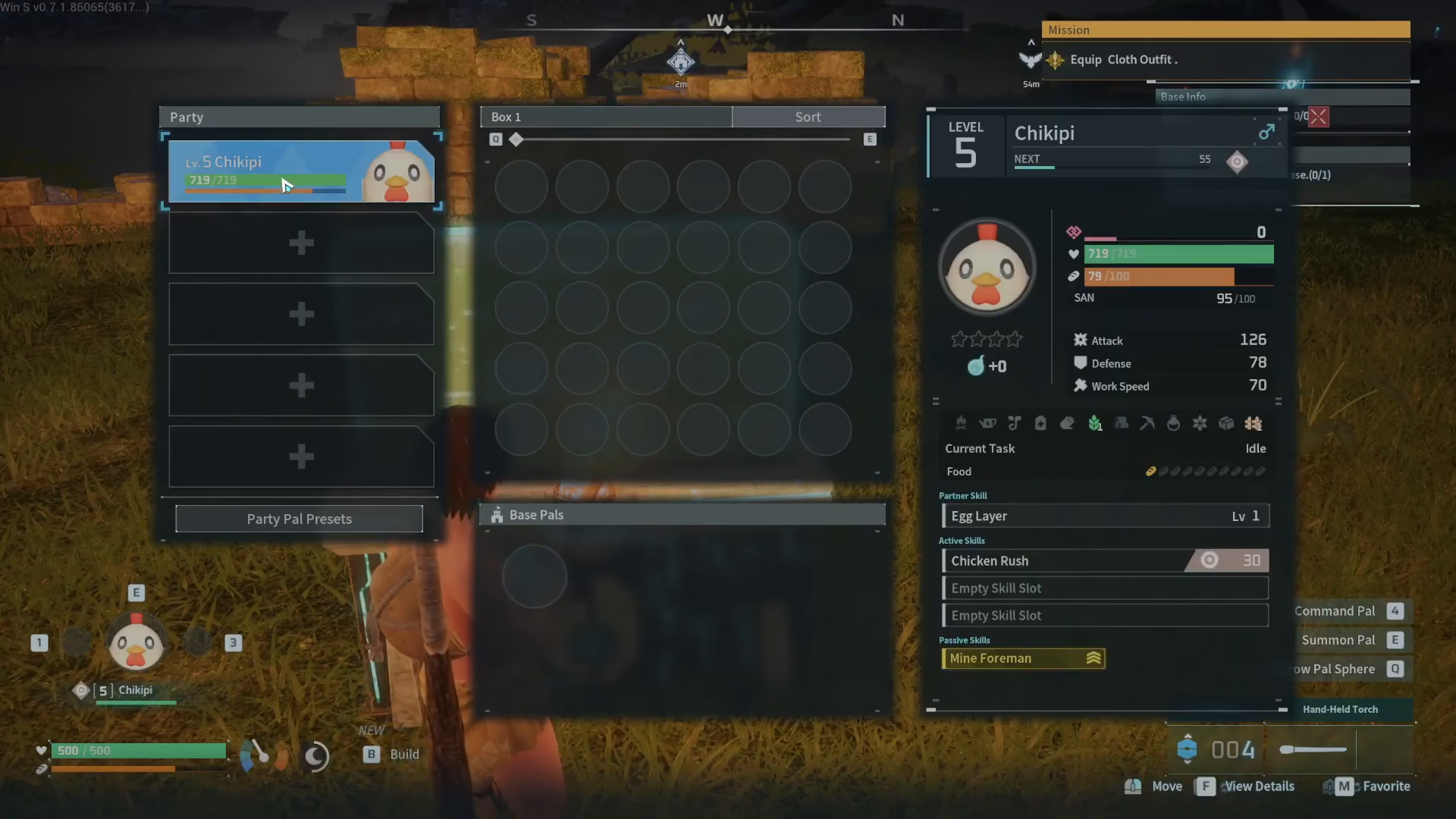
To deploy a Pal to work at your base, simply drag the Pal from your collection list down into the “Base Pals” section at the bottom of the interface. Once you’ve moved a Pal into the Base Pals area, that Pal is now officially deployed and will begin working at your base.
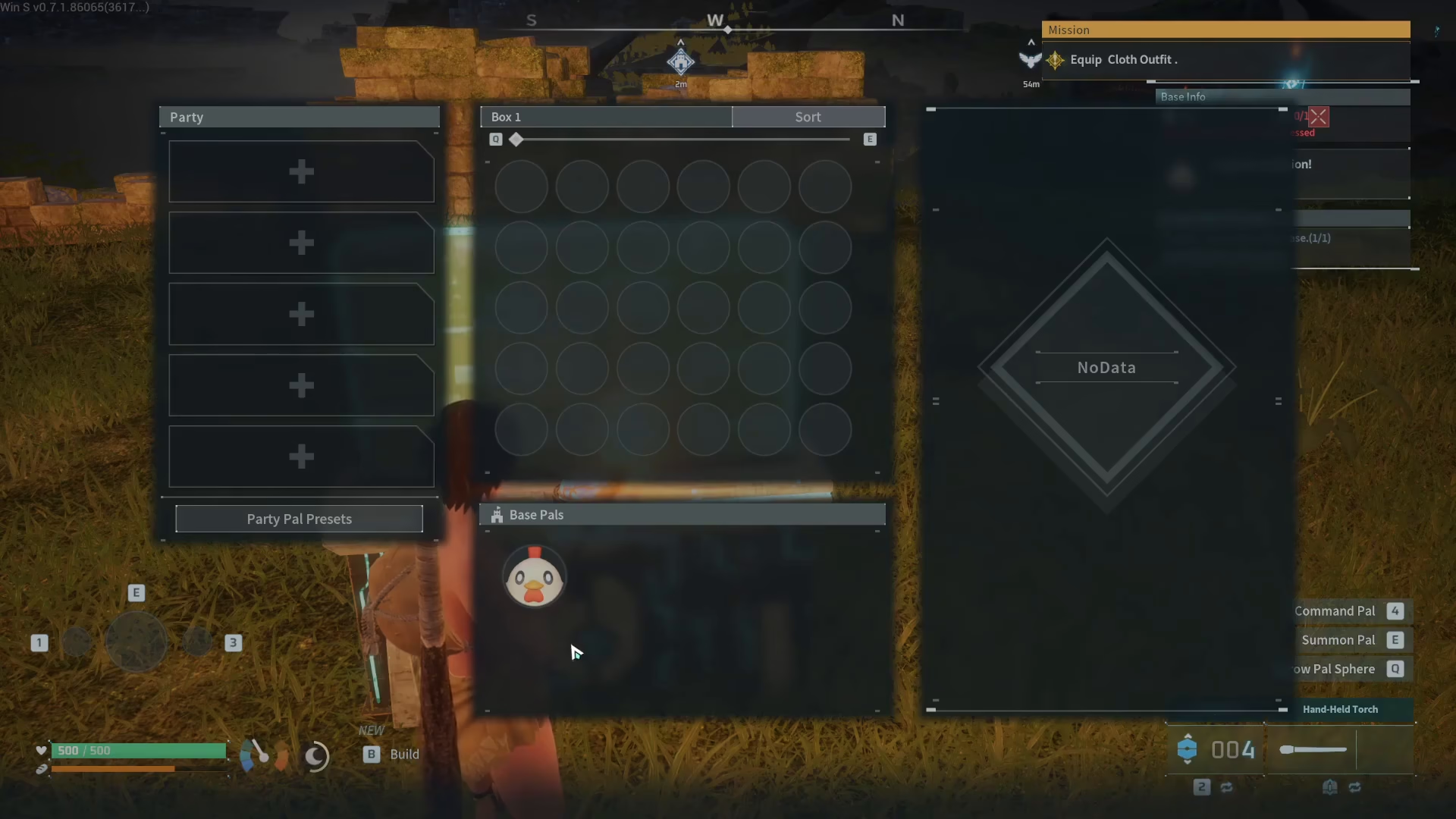
Summary
Deploying Pals to work at your base in Palworld is a straightforward process once you know where to look. Build a Pal Box to establish your base perimeter, open the management interface, and drag your Pals from your collection into the Base Pals section. That’s all it takes to get your Pals working for you. Start small, deploy your first Pals, and watch your base grow into an efficient operation.
Want to Support?
If you would like to help us continue making these guides – please consider joining our patreon here – https://www.patreon.com/c/JaviHeals
Alternatively – you can join our discord here – https://discord.gg/zD7Gjt6MHF



