






How To Dismiss Companion In Fallout 4
How To Dismiss Companion In Fallout 4
Managing your companions is an essential part of your Fallout 4 adventure. Whether you need to travel solo or want to reassign your companion to a settlement, dismissing them is a straightforward process. This guide walks you through the simple steps to dismiss any companion in Fallout 4.
Dismissing Your Companion
To dismiss a companion, approach them and press the talk button to open the dialogue menu.
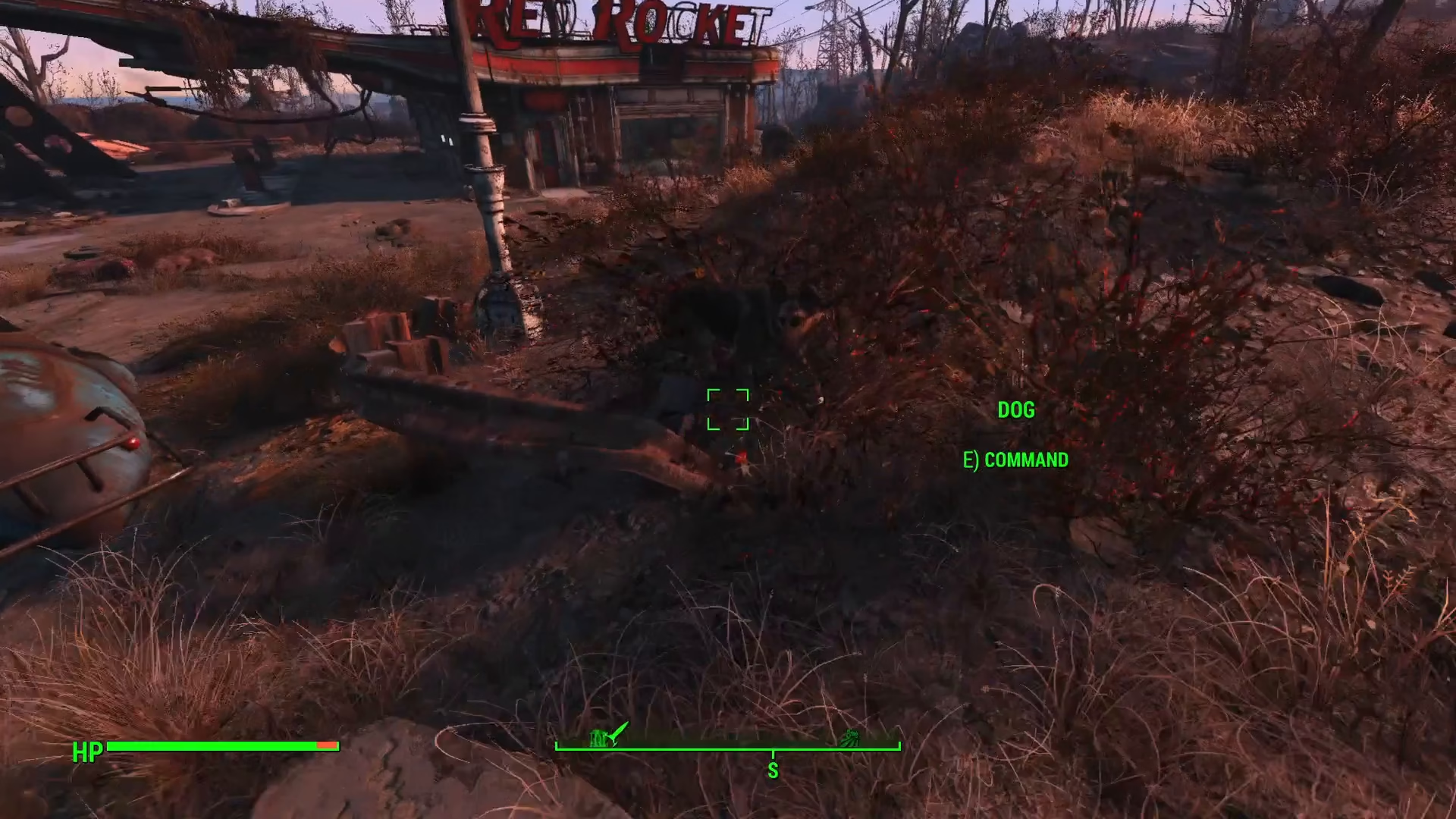
Once the dialogue menu appears, click the dismiss option. You’ll now have two choices for where your companion goes.
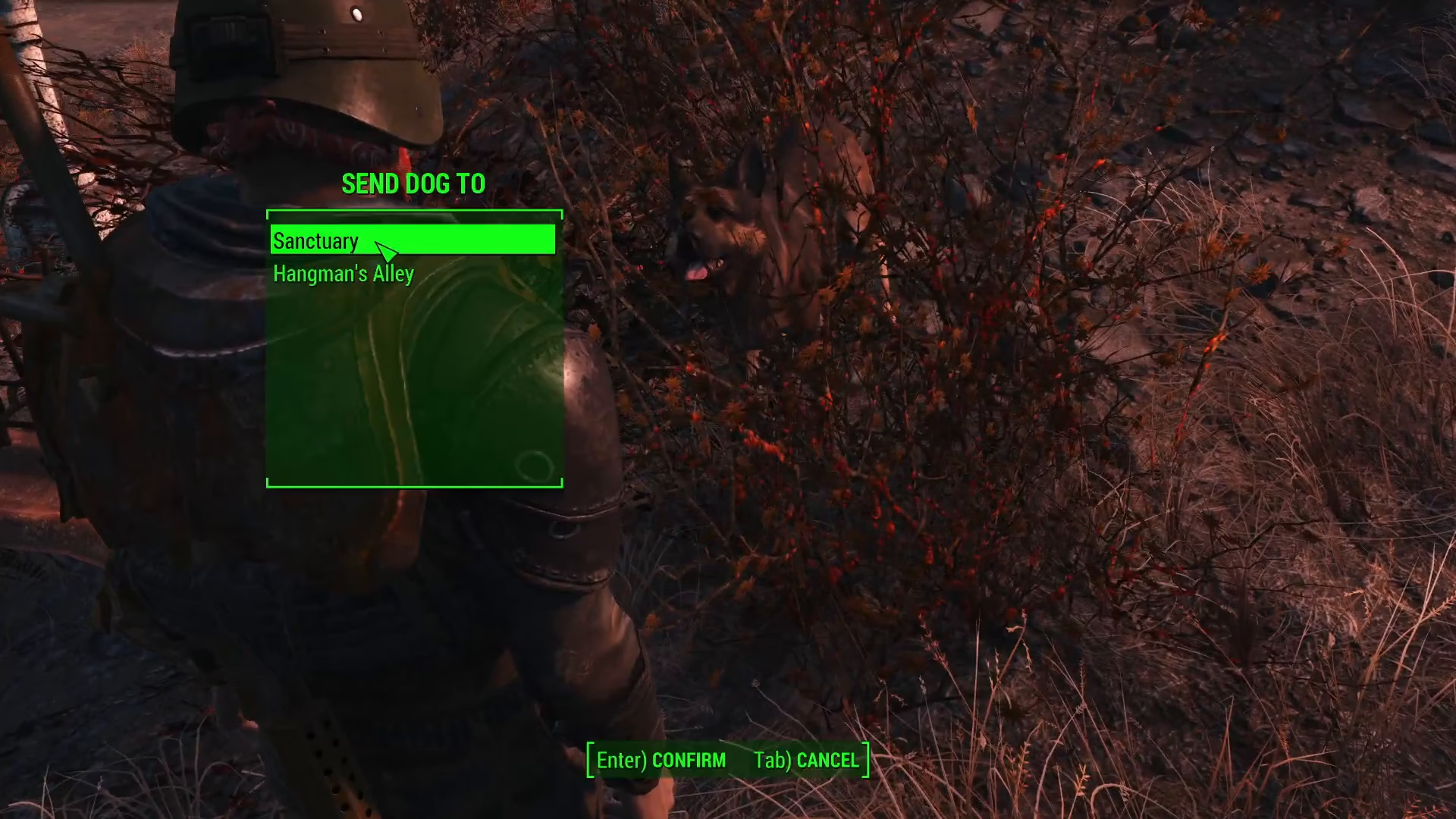
Choosing Your Companion’s Destination
Send to a Settlement
When you click dismiss, you can send your companion to one of your settlements if you have any established. This is useful if you want them to help defend or work at a specific settlement.
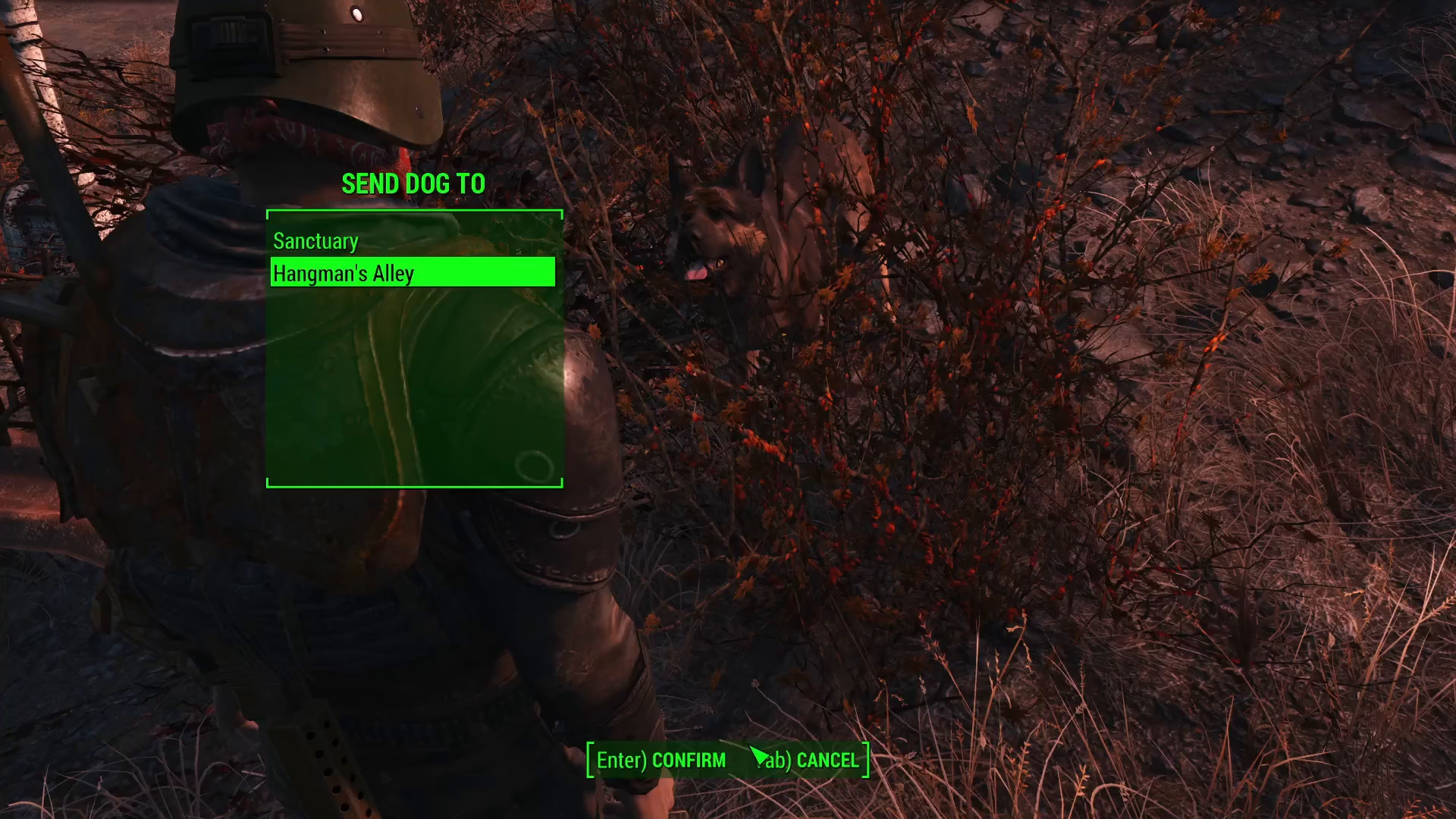
Return to Original Location
If you press cancel instead, your companion will return to the location where you first found them. This is the default option if you don’t specify a settlement.
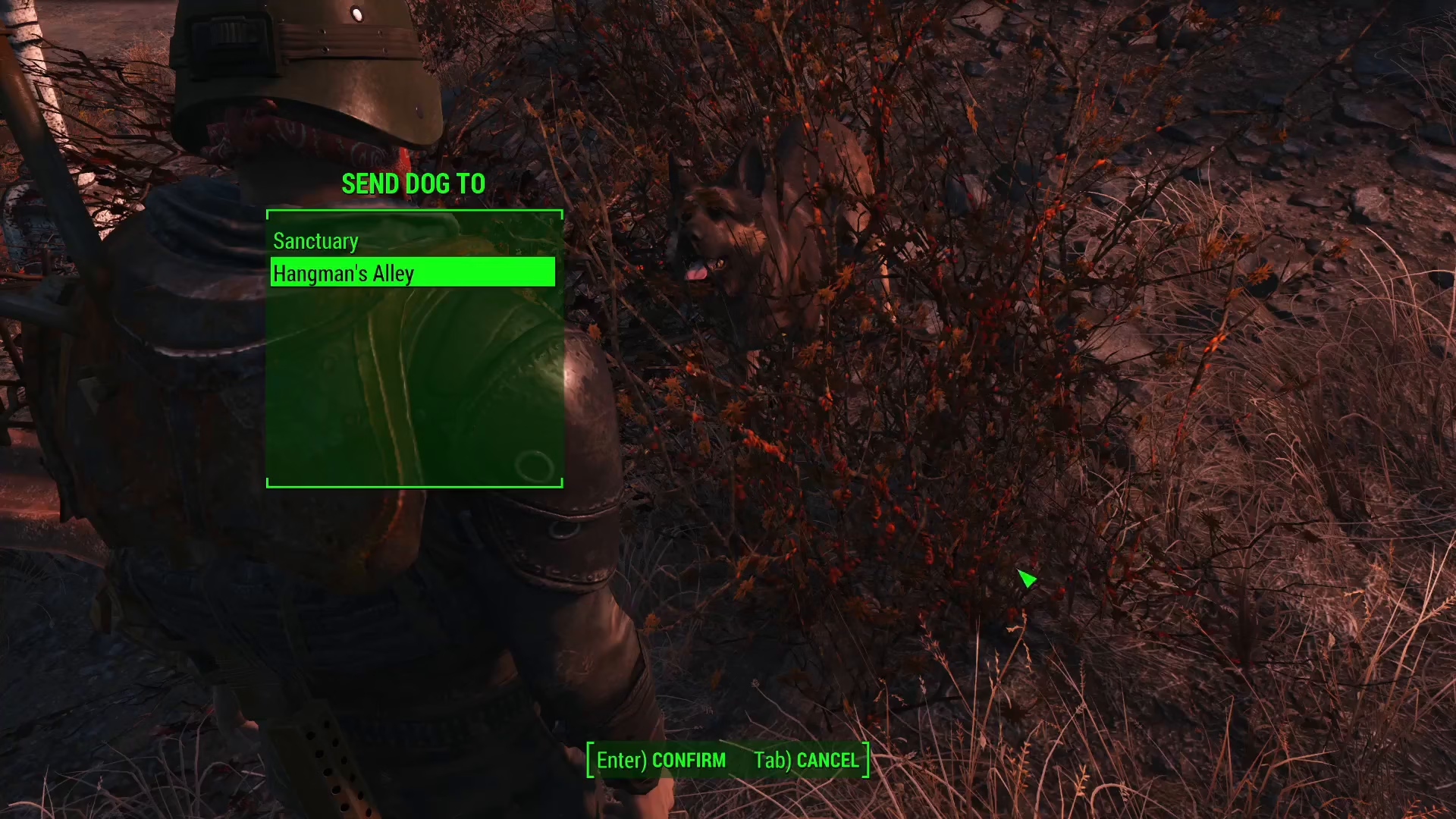
Example: Dismissing Dogmeat
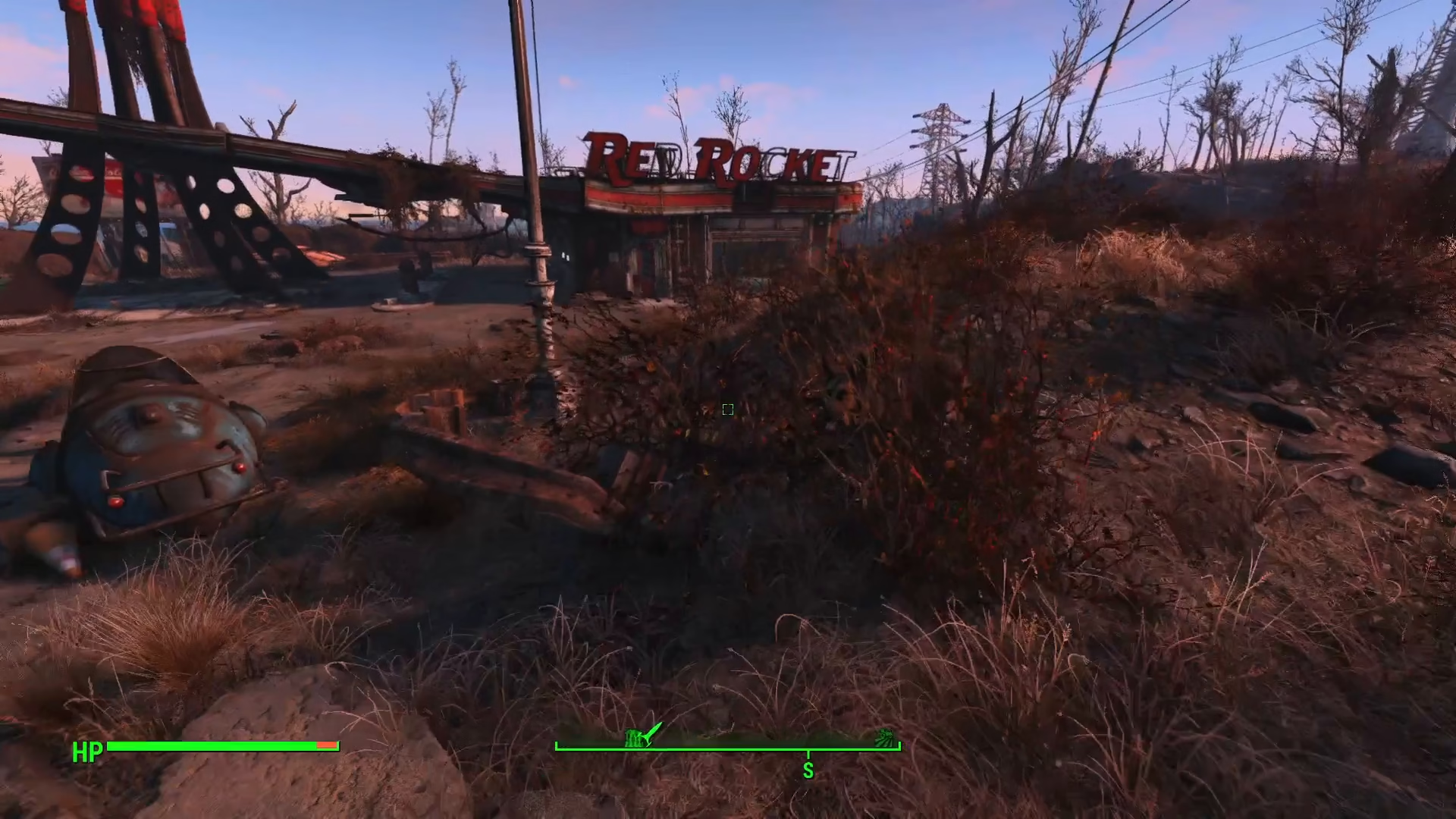
For example, when dismissing Dogmeat, you can send them to Red Rocket or any other settlement you control. Once dismissed, you will be traveling alone and free to explore the Wasteland without your companion.
Summary
Dismissing companions in Fallout 4 is simple: approach your companion, select talk, choose dismiss, and then decide whether to send them to a settlement or have them return to their original location. This gives you flexibility in managing your team and allows for solo exploration when needed.
— Want to Support? —
If you would like to help us continue making these guides – please consider joining our patreon here – https://www.patreon.com/c/JaviHeals
Alternatively – you can join our discord here – https://discord.gg/zD7Gjt6MHF