






How To Display Items In Fallout 4
How To Display Items In Fallout 4
Learn how to showcase your favorite weapons and items in Fallout 4 using display cases. This quick guide will walk you through the process of opening display cases and positioning items exactly where you want them in your settlement.
Opening the Display Case
Start by locating a display case in your settlement. Once you’ve found one, approach it and press E to open its front panel.
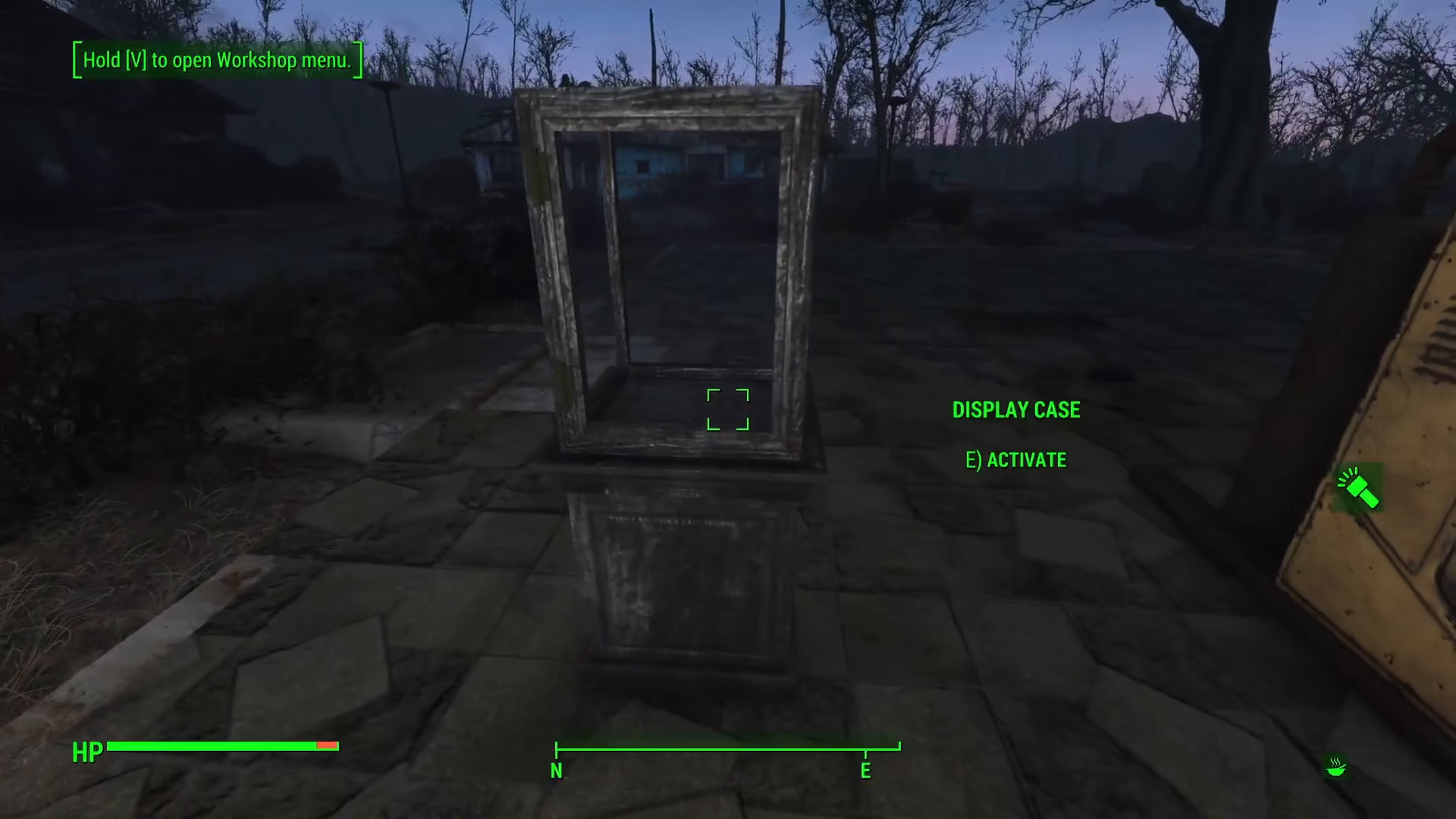
Dropping Items Into the Display
With the display case panel open, you can drop any item you wish to display inside. Simply select the item from your inventory and drop it into the case. For example, you can display weapons like machetes or any other gear you want to showcase.
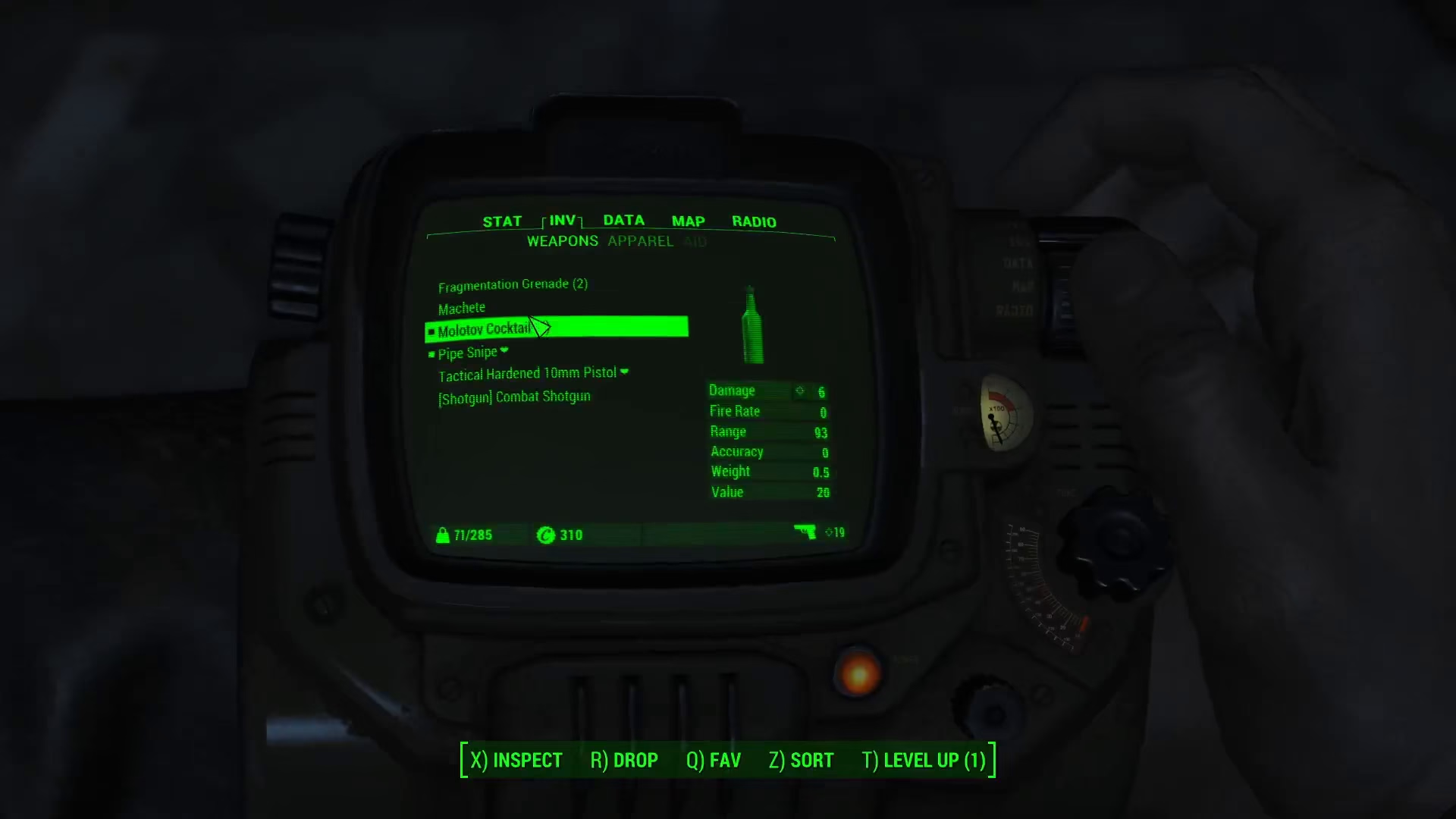
Positioning Your Items
Once an item is in the display case, you can fine-tune its position. Hold down E and use your cursor to grab and manipulate the item. You can move it around within the case to find the perfect placement. Note that positioning can be a bit tricky and may require some patience to get it just right.
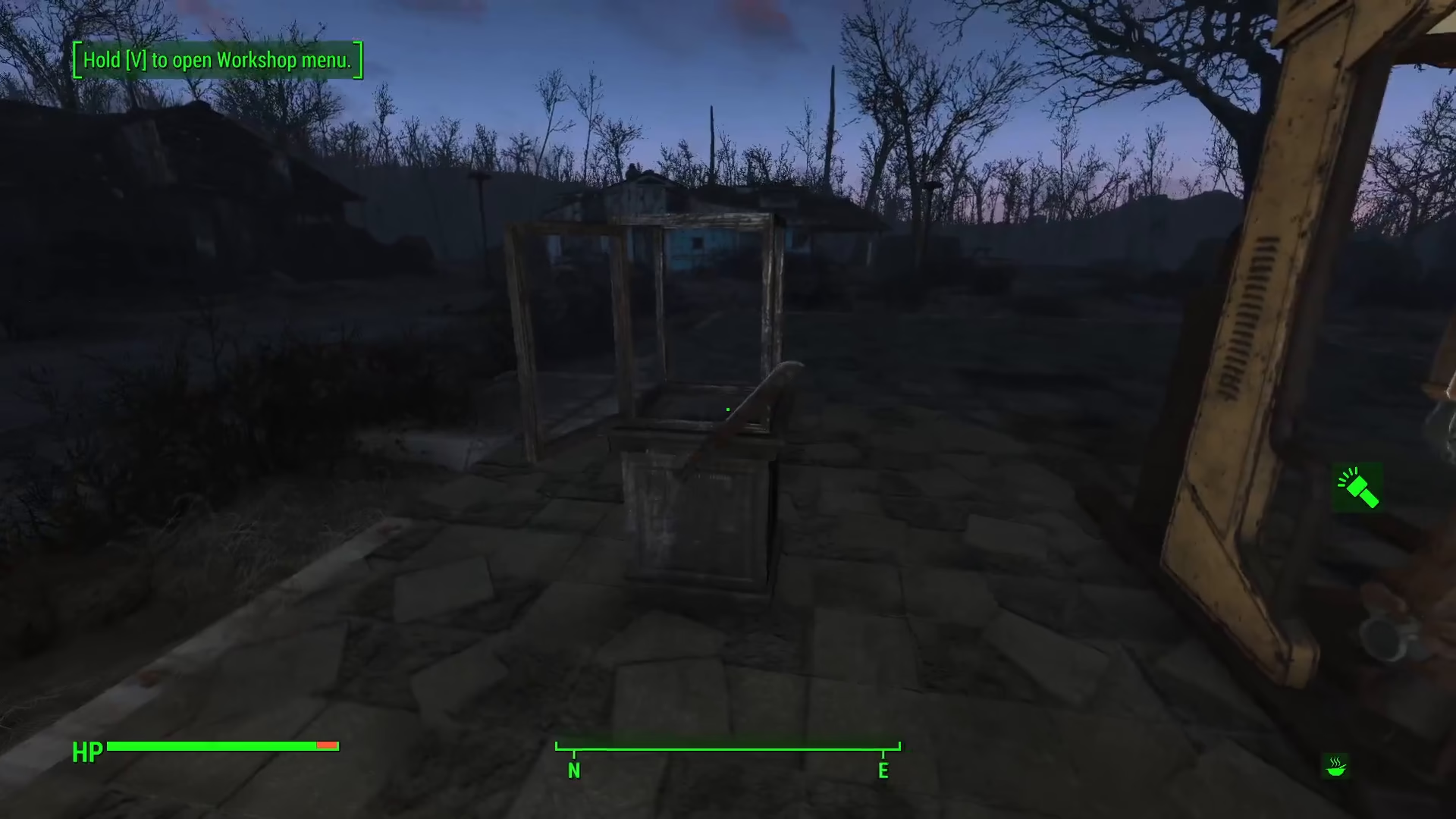
Finalizing Your Display
Once you’re satisfied with the item’s position, close the display case. Your item will now be on display for you to admire in your settlement.
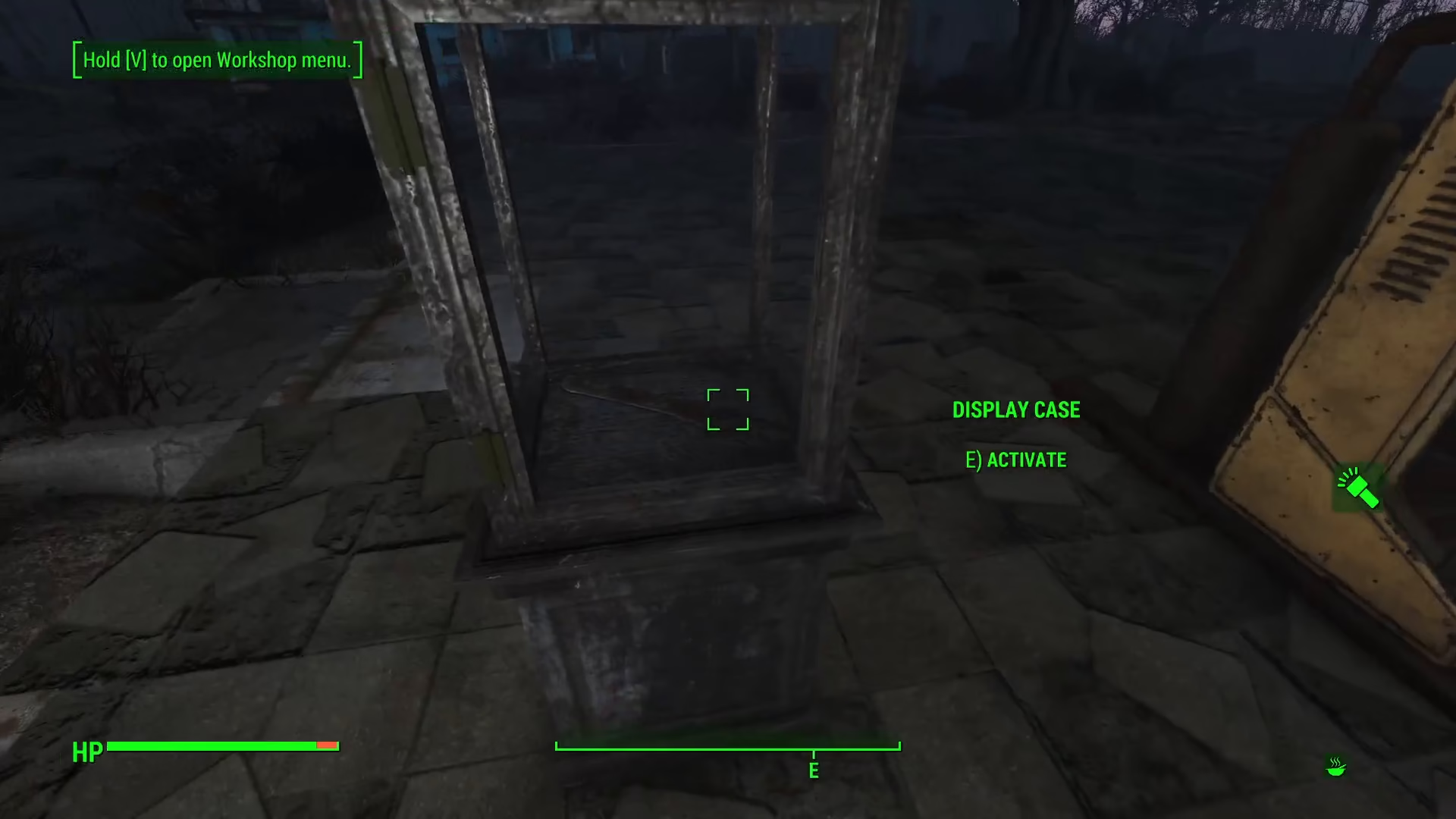
Summary
Displaying items in Fallout 4 is straightforward: open a display case with E, drop your desired item inside, position it by holding E and adjusting as needed, then close the case. This is a great way to showcase your favorite weapons and equipment throughout your settlement. With a bit of practice, you’ll be able to create impressive displays that highlight your most prized possessions.
— Want to Support? —
If you would like to help us continue making these guides – please consider joining our patreon here – https://www.patreon.com/c/JaviHeals
Alternatively – you can join our discord here – https://discord.gg/zD7Gjt6MHF