






How To Eat In Fallout 4
How To Eat In Fallout 4
Managing your character’s hunger and health is essential to surviving in the post-apocalyptic wasteland of Fallout 4. One of the most straightforward mechanics in the game is consuming food to restore your health and satiety. In this guide, we’ll walk you through the simple steps needed to eat and maintain your character’s well-being.
Opening Your Inventory
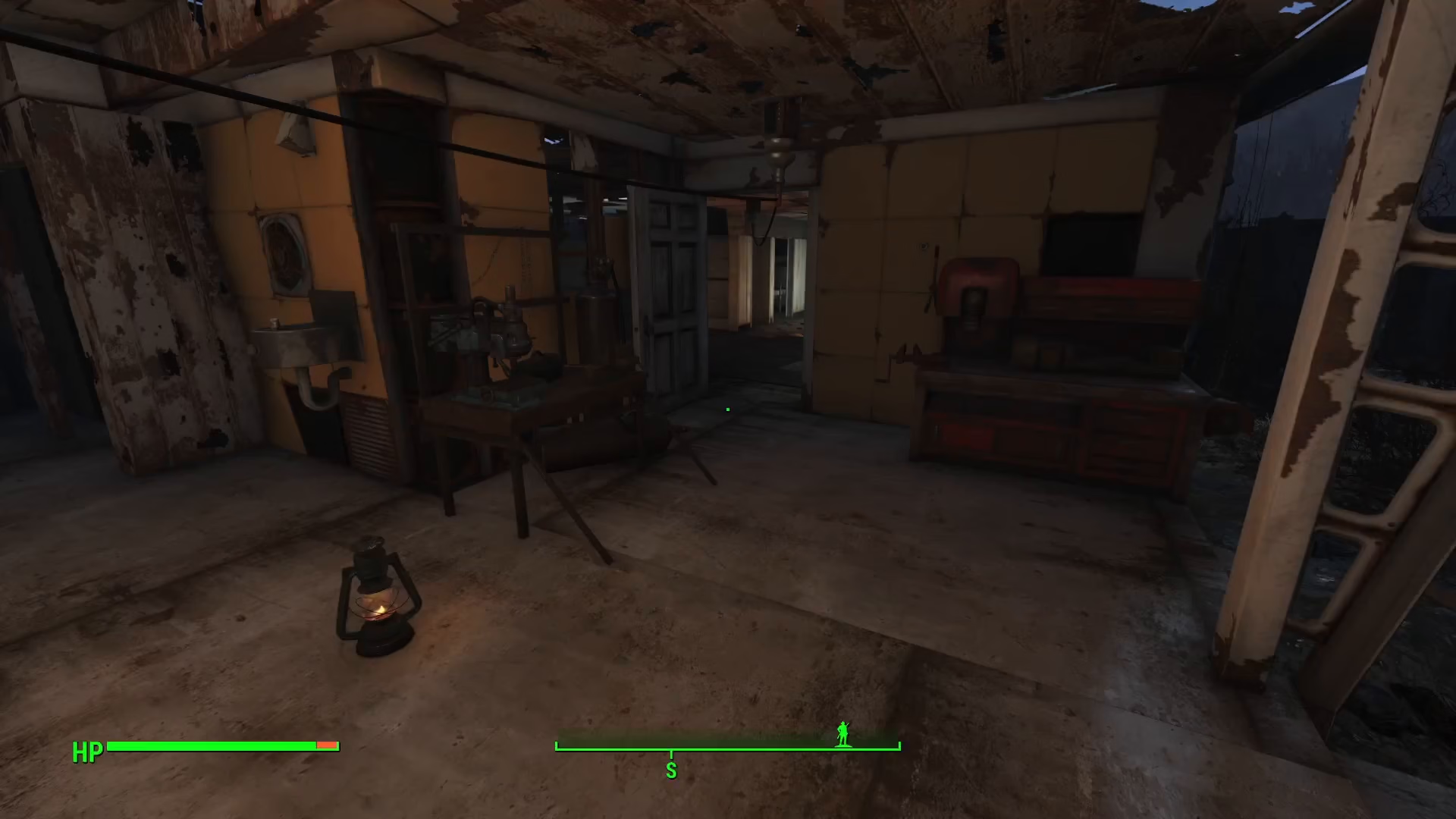
To begin eating in Fallout 4, start by opening your PipBoy. Once the PipBoy interface is displayed on your screen, navigate to the Inventory tab.
Locating Your Food
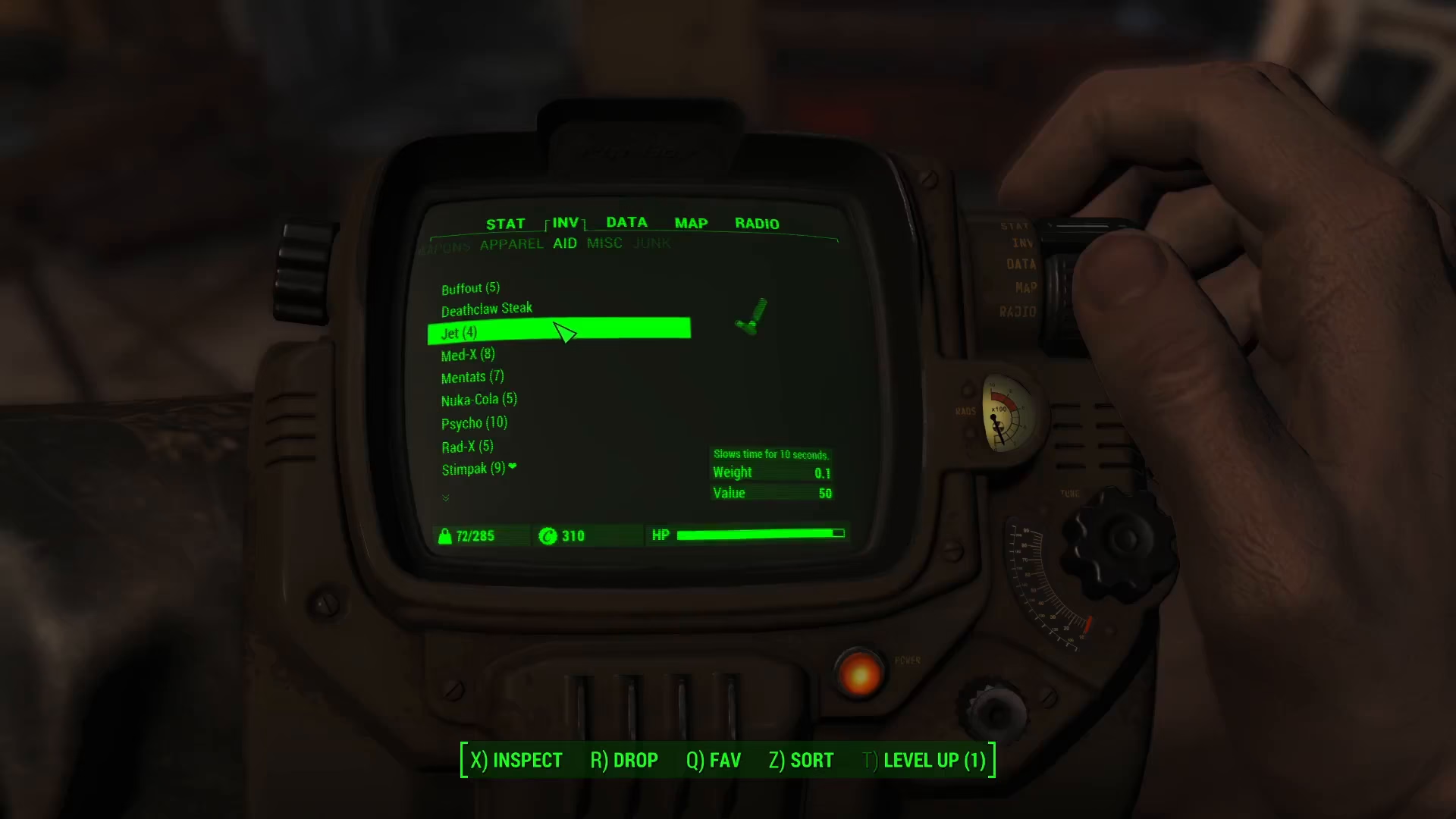
Within your Inventory tab, select the Aid section. This is where all of your consumable items are stored, including food and various medicine supplies. Your food items will be listed alongside medical supplies in this section.
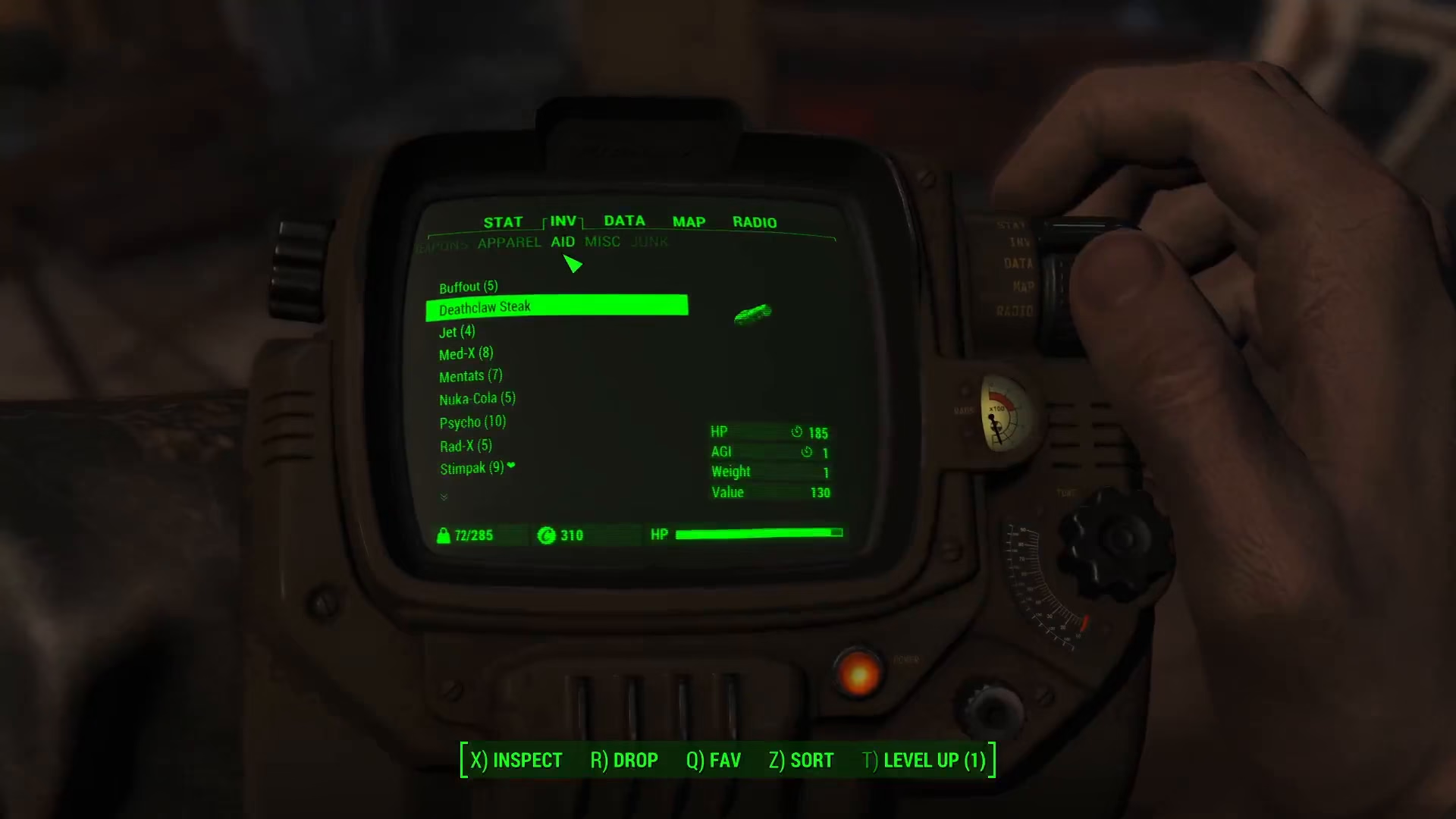
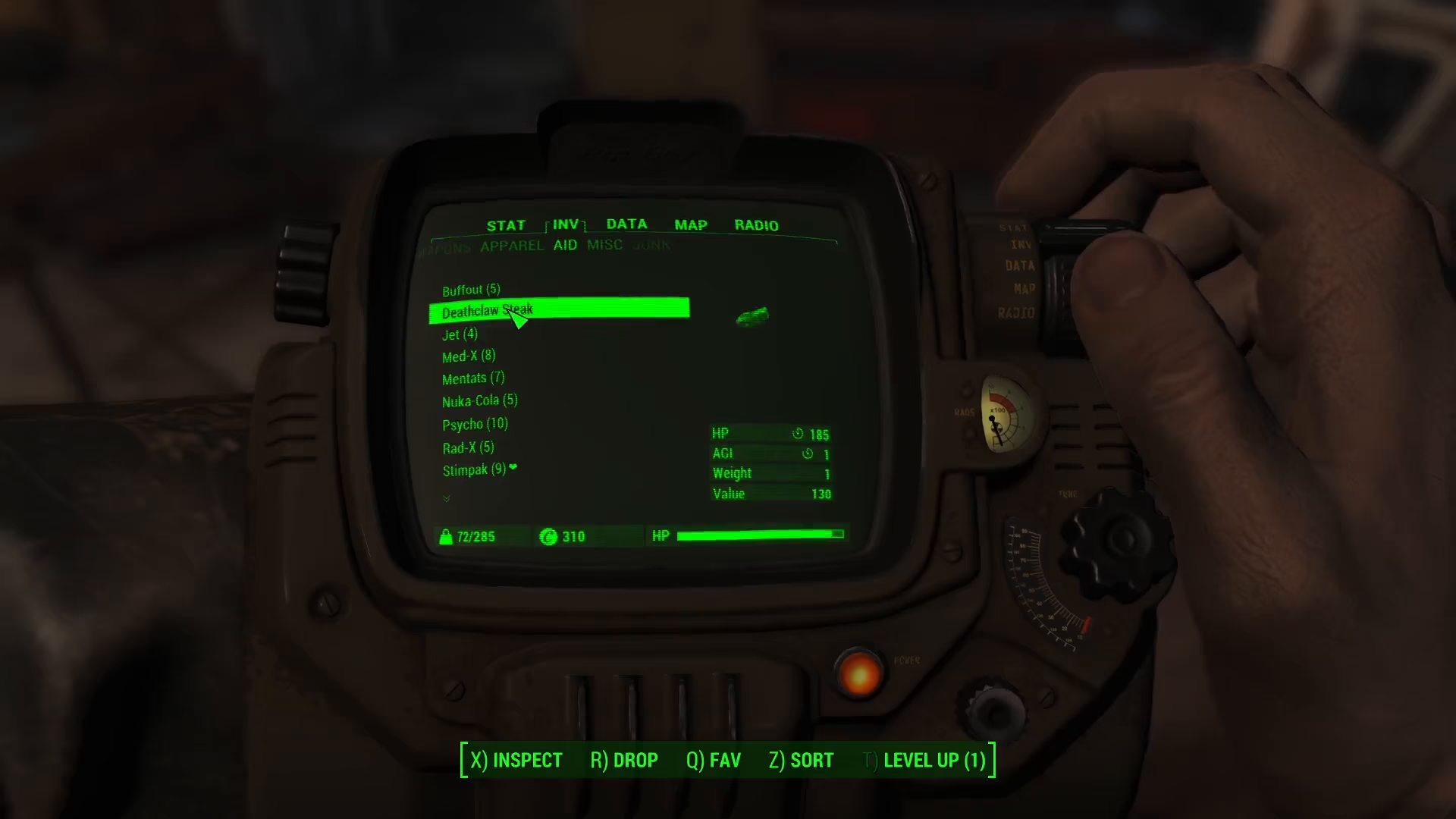
For example, you might find items like a Death-claw Steak in your Aid inventory, along with other consumables and healing items.
Consuming Food
Once you’ve located the food item you wish to eat, simply click on it. Your character will immediately consume the item, and you’ll receive any associated benefits such as health restoration or hunger satisfaction.
Summary
Eating in Fallout 4 is a quick and simple process: Open PipBoy → Navigate to Inventory → Select Aid section → Click on your food item → Consume. Master this basic mechanic and you’ll be well-equipped to manage your character’s health throughout your wasteland adventures.
— Want to Support? —
If you would like to help us continue making these guides – please consider joining our patreon here – https://www.patreon.com/c/JaviHeals
Alternatively – you can join our discord here – https://discord.gg/zD7Gjt6MHF