How To Fast Travel in Farming Simulator 25
How To Fast Travel in Farming Simulator 25
Fast travel is one of the most useful features in Farming Simulator 25, allowing you to quickly move your character and vehicles across the map. This guide will walk you through the basics of fast traveling to different locations, as well as the lesser-known technique of fast traveling your vehicles to key service points on your farm.
Fast Traveling Your Character
To fast travel your character in Farming Simulator 25, start by opening your map. Once the map is displayed, you’ll notice several small icons scattered across it—these represent all the locations you can fast travel to.
Simply click on any of these location icons to select your destination. Once you’ve selected a location, a “Visit” button will appear. Click it, and your character will be instantly transported to that location. It’s that simple—your character has now fast traveled to your chosen destination.
Fast Traveling Your Vehicles
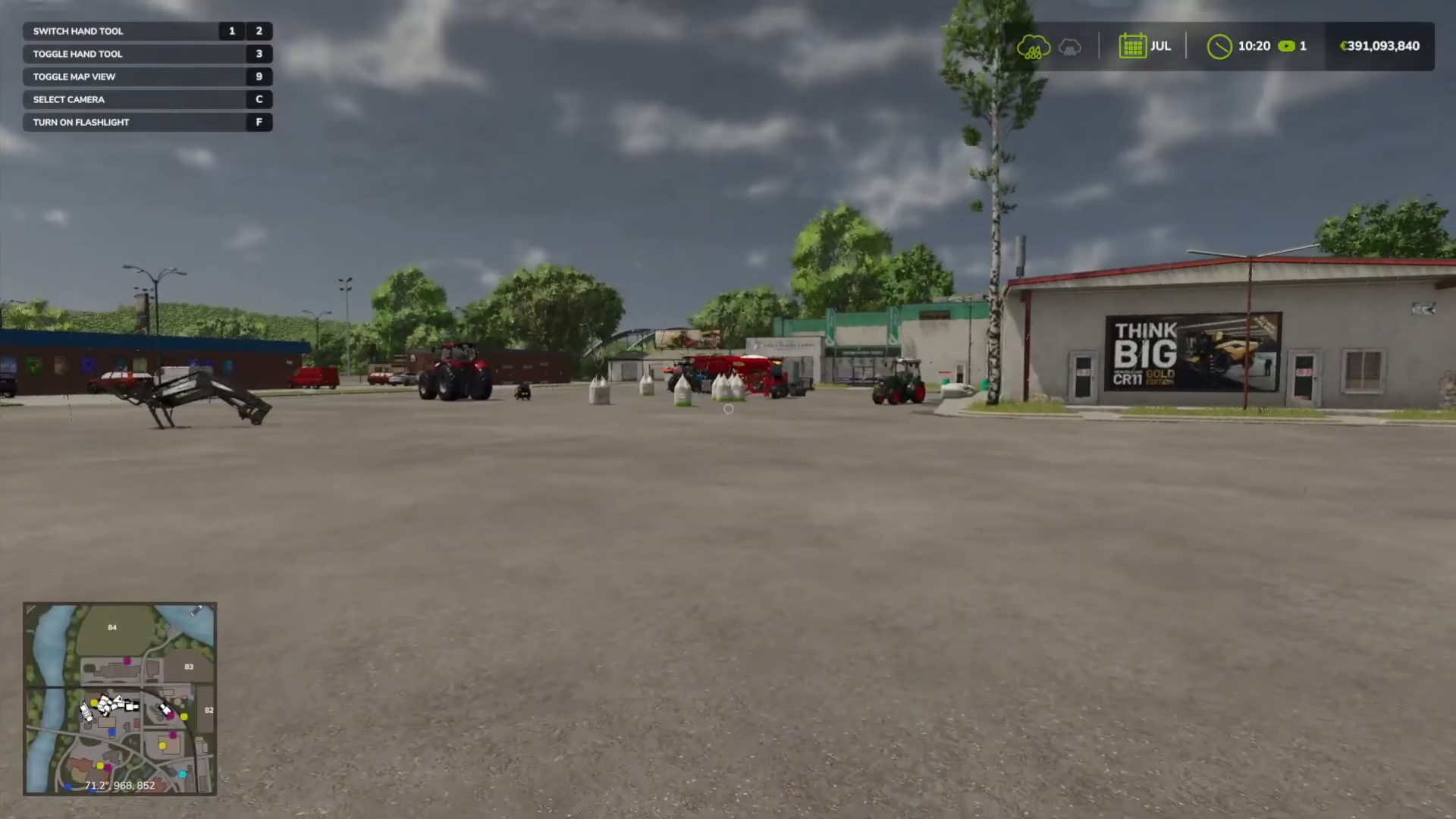
Beyond character fast travel, Farming Simulator 25 also offers a vehicle fast travel feature that many players don’t know about. This feature is particularly useful for moving your equipment to key service locations on your farm.
How to Reset and Fast Travel Vehicles
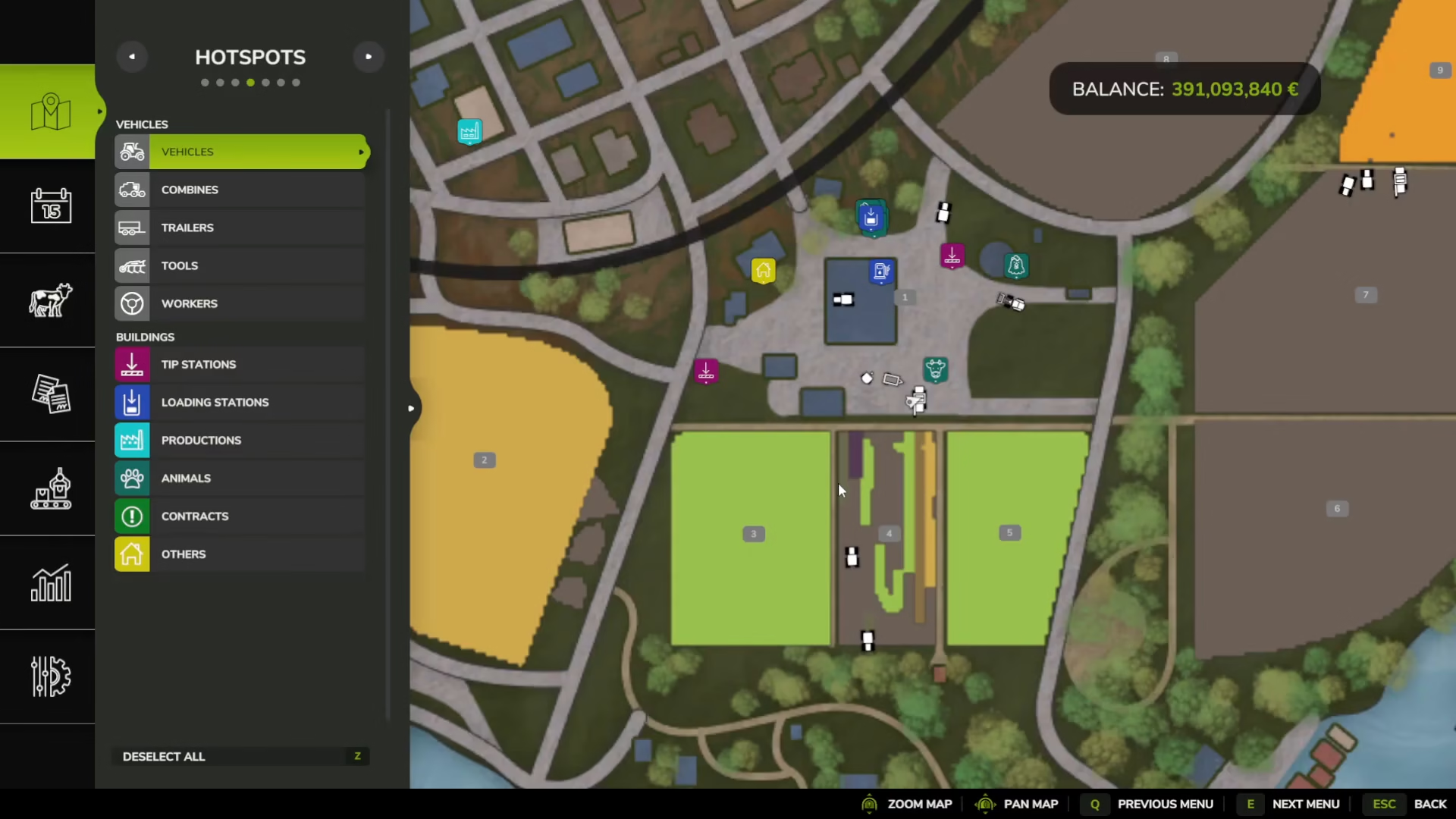
To fast travel a vehicle, you don’t need to get into it. Simply click on the vehicle you want to move—for example, a harvester or tractor. A context menu will appear with a “Reset Vehicle” option. Select this option and confirm your choice by clicking “Yes.”
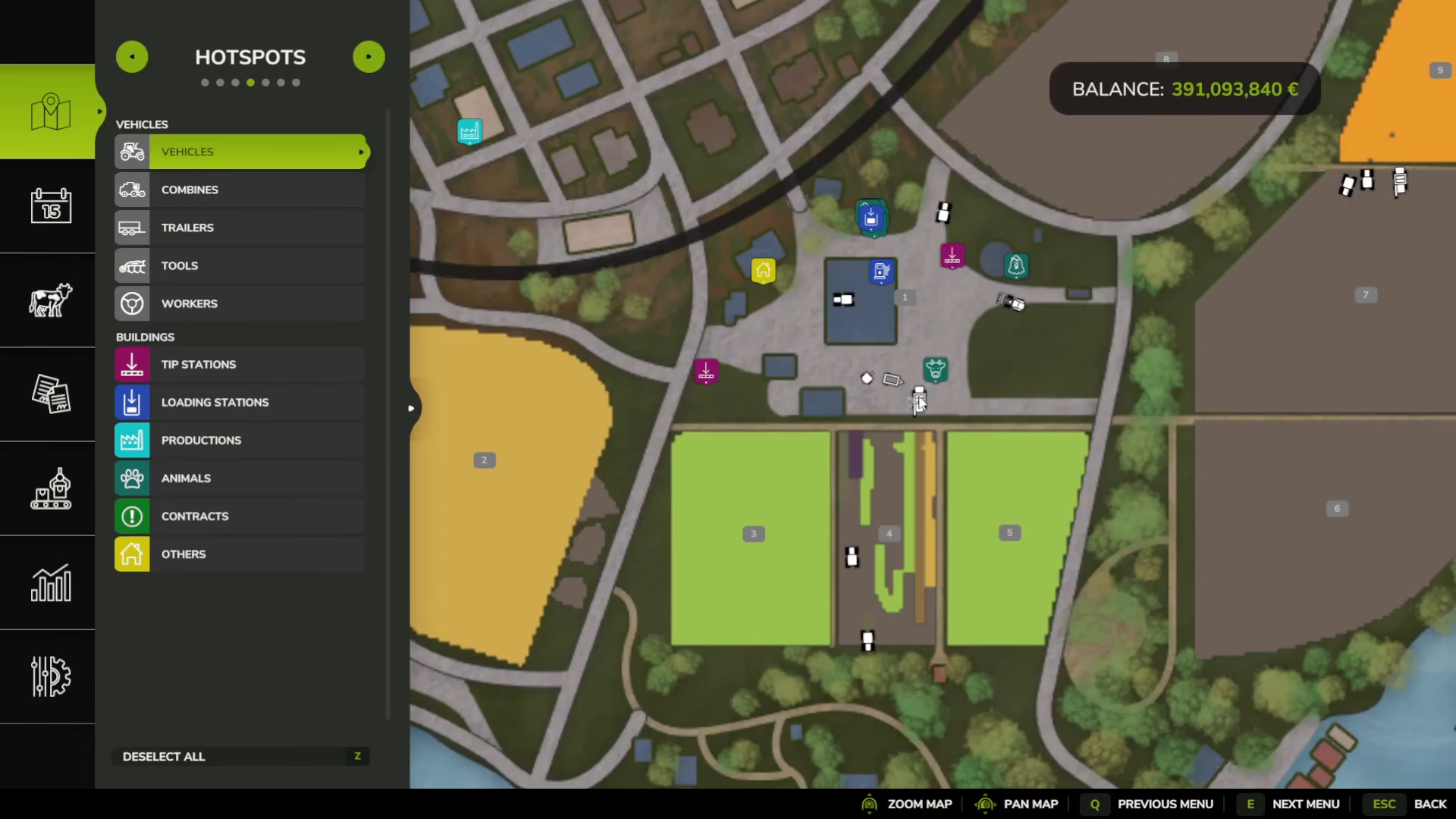
When you reset a vehicle, it will be automatically transported back to the shop where you originally purchased it. Keep in mind that any attachments or items you’ve connected to the vehicle will not travel with it—the vehicle returns to its base state.
Why Fast Travel Vehicles?
You might wonder why you’d want to fast travel your vehicles away from your farm. There are actually several practical reasons:
Fuel Management: The petrol station is located near the shop, allowing you to quickly refuel your vehicles after fast traveling them there.
Vehicle Repairs: The repair facility is positioned with the other service tractors, making it easy to maintain your equipment.
Customization and Upgrades: At the service area, you can repaint your vehicles and upgrade or customize them just like you would in the shop.
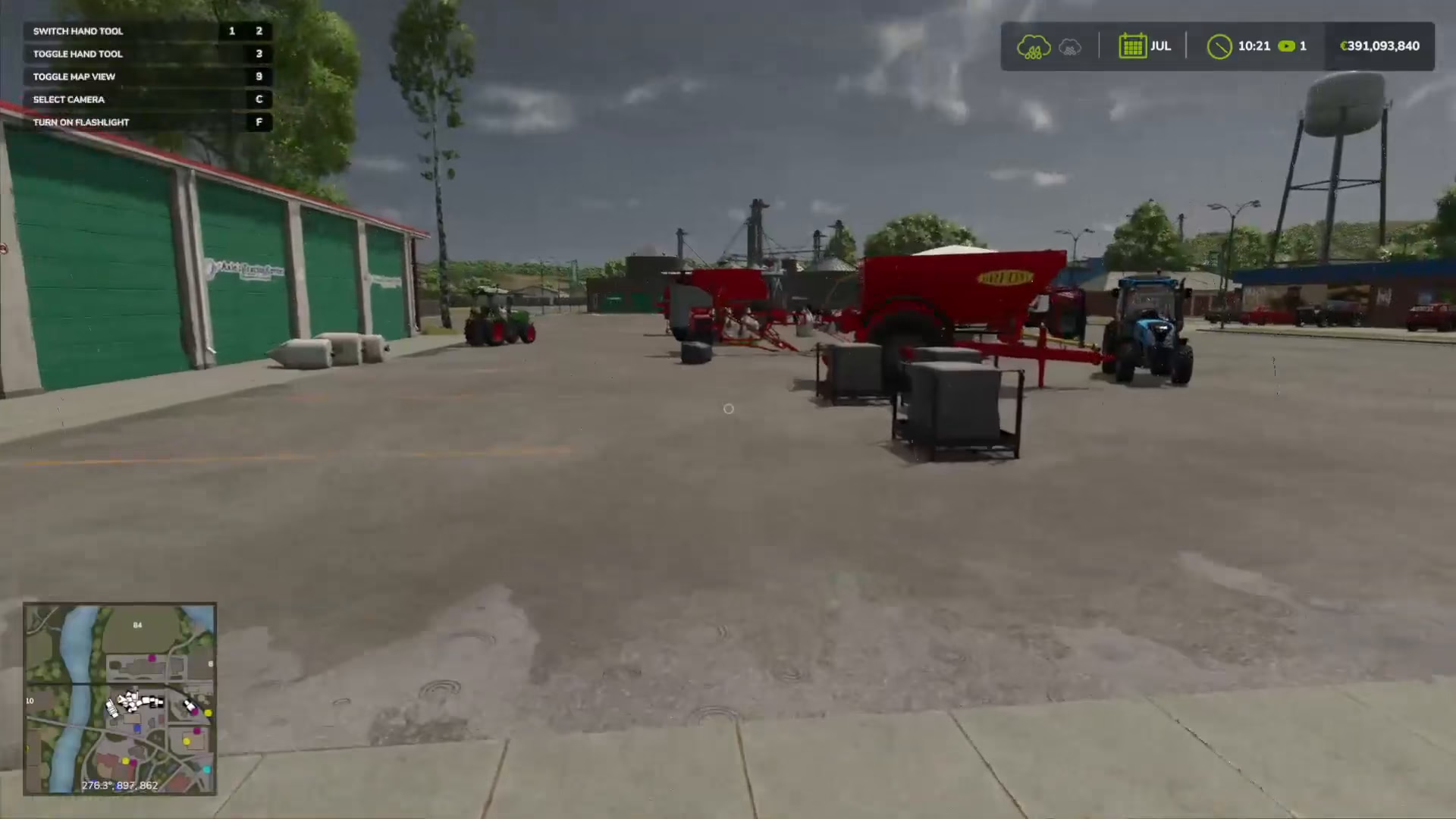
By strategically fast traveling your vehicles to these key service points, you can efficiently manage your farm’s equipment without spending time driving across the map.
Summary
Fast travel in Farming Simulator 25 is a two-part system: use your map to quickly teleport your character to different locations, and use the vehicle reset feature to transport your equipment to service hubs for repairs, refueling, and customization. Mastering both of these mechanics will significantly speed up your farm management and improve your overall gameplay experience.
Want to Support?
If you would like to help us continue making these guides – please consider joining our patreon here – https://www.patreon.com/c/JaviHeals
Alternatively – you can join our discord here – https://discord.gg/zD7Gjt6MHF