
How To Find Gang Leader In Prison Architect
“`html
How To Find Gang Leader In Prison Architect
Managing gangs in Prison Architect is an essential part of maintaining order and security in your facility. One of the most important skills you’ll need is identifying who the gang leaders are among your inmates. This guide will show you the quickest and easiest way to spot gang leaders using the game’s intelligence system.
Access the Intelligence Menu
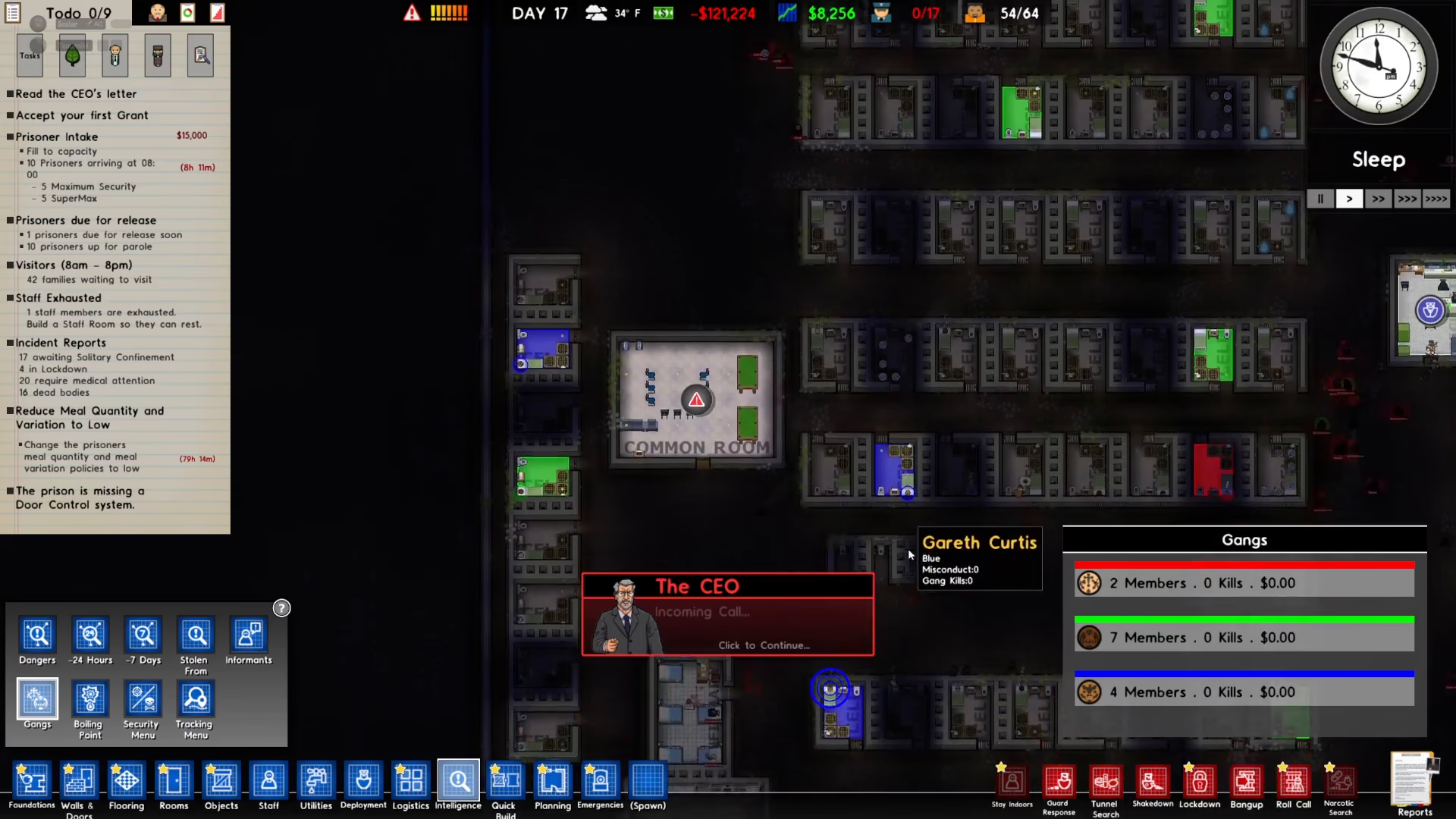
To begin finding gang leaders, click on the Intelligence option located on the bottom left of your screen.

Navigate to the Gangs Section
Once you’ve opened the Intelligence menu, click on Gangs to view all gang-related information in your prison.
Identify Gang Leaders by Their Icon
Look through your inmate list and find the member with three circles displayed next to their name. This distinctive icon indicates that the inmate is a gang leader. For example, an inmate like Drum would display this three-circle marker, clearly marking him as a gang leader.
Summary
Identifying gang leaders in Prison Architect is straightforward once you know what to look for. Simply access your Intelligence menu, navigate to Gangs, and spot any inmate with three circles next to their name. These individuals are your gang leaders and should be monitored closely to prevent prison unrest and maintain security.
— Want to Support? —
If you would like to help us continue making these guides – please consider joining our patreon here – https://www.patreon.com/c/JaviHeals
Alternatively – you can join our discord here – https://discord.gg/zD7Gjt6MHF
“`