How To Find Ghost Room Without Thermometer In Phasmophobia
How To Find Ghost Room Without Thermometer In Phasmophobia
If you’re playing Phasmophobia and don’t have a thermometer available, don’t worry — there are reliable alternative methods to locate the ghost room. This guide will walk you through identifying the ghost’s location by observing its activity patterns and using your camera equipment effectively.
Look For Ghost Doors
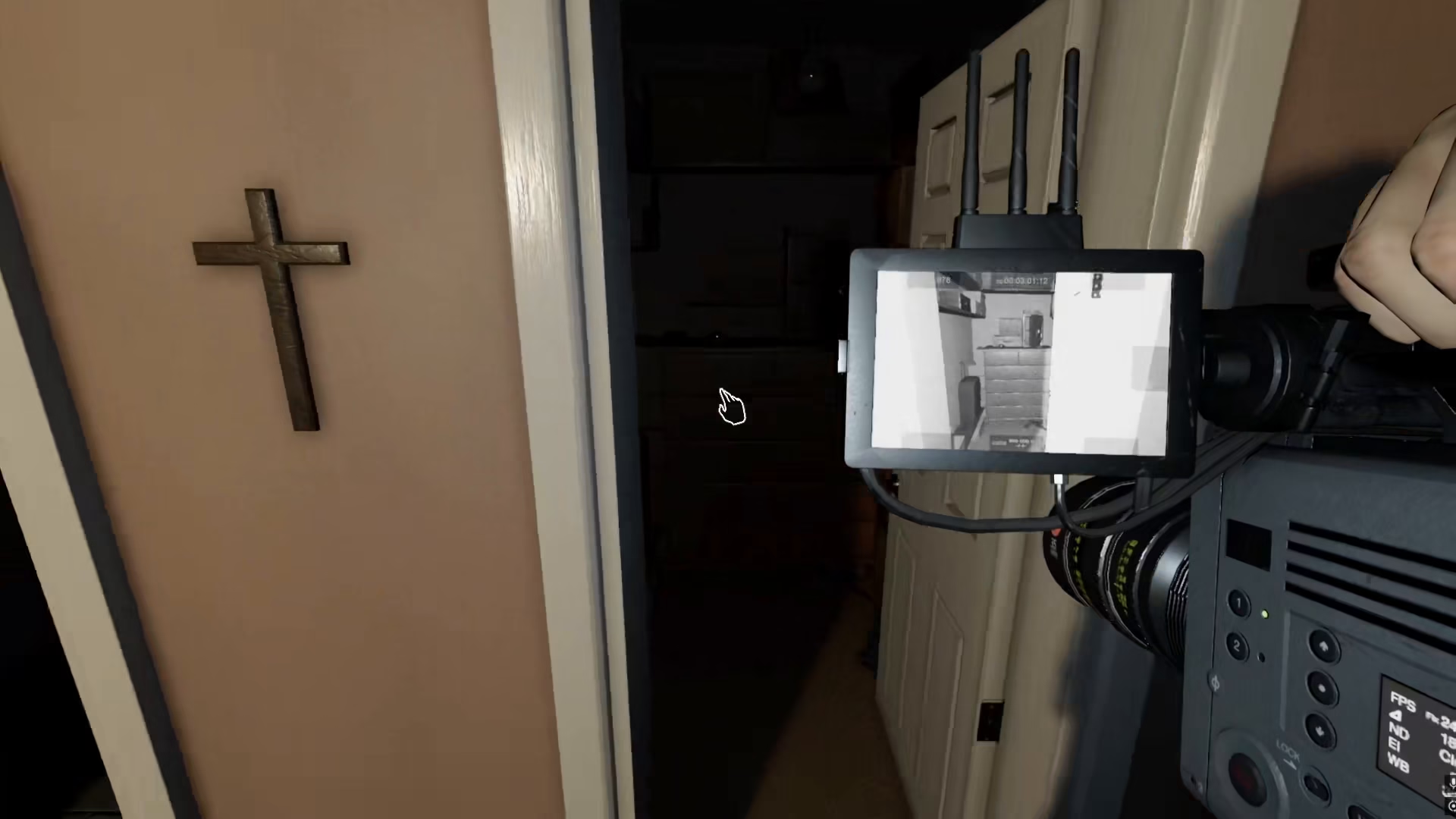
The first thing you’ll want to do is look around for the ghost’s doors. You can find them easily by picking up your camera and scanning the environment. The ghost room will be identifiable by its distinctive characteristics visible through your camera lens.
Identify High Activity Levels
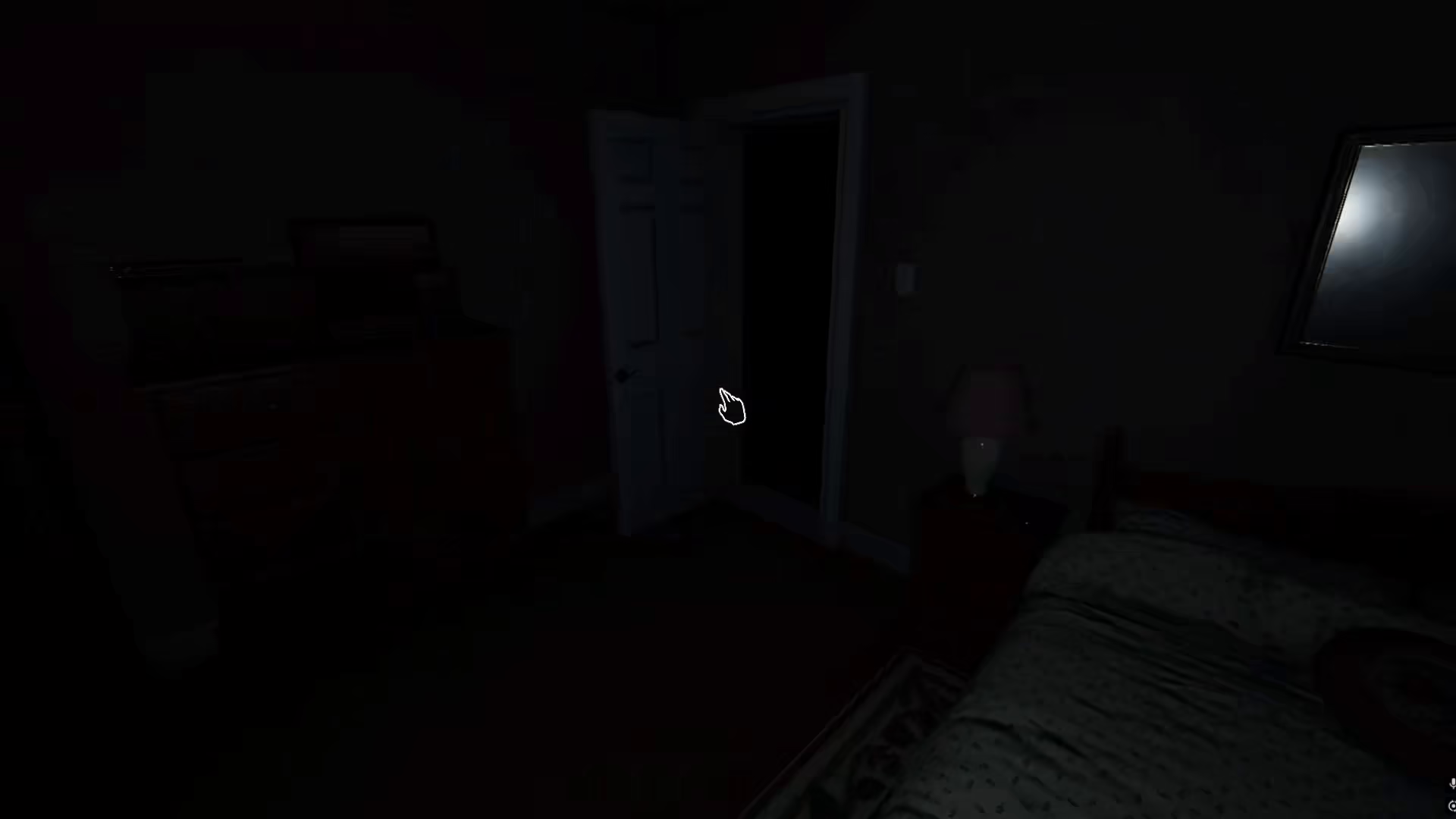
The most reliable indicator of a ghost room is extremely high activity. The ghost room will consistently show really high levels of paranormal activity compared to other areas. You can observe this by simply standing in a location and monitoring what happens around you.
Watch For Ghost Interactions
Even while you’re standing still and doing nothing, the ghost will start having activities in its room. You might see the ghost jump on lights, move objects, or interact with the environment in visible ways. This constant activity is a dead giveaway that you’ve found the ghost room.
Look For Ghost Orbs
If Ghost Orbs are listed as one of the evidence types, you’ll be able to see them in the ghost room using your camera. This visual confirmation makes it even easier to pinpoint the exact location of the ghost’s haunt.
Summary
Finding the ghost room without a thermometer in Phasmophobia is entirely possible by relying on activity observation. Focus on these key indicators: look for ghost doors, monitor the environment for high paranormal activity, watch for ghost interactions even when you’re stationary, and check for ghost orbs if applicable. The ghost room will always give itself away through constant, visible activity that stands out from the rest of the building.
Want to Support?
If you would like to help us continue making these guides – please consider joining our patreon here – https://www.patreon.com/c/JaviHeals
Alternatively – you can join our discord here – https://discord.gg/zD7Gjt6MHF