






How To Find Your Base In Astroneer
How To Find Your Base In Astroneer
Getting lost on a planet in Astroneer is easy to do, especially when you’ve wandered far from your starting location. Fortunately, the game provides two straightforward methods to locate your base quickly. This guide will walk you through both navigation techniques so you’ll never lose your way again.
Method 1: Using the Compass
The quickest way to orient yourself is by using the Compass feature. Press R on your keyboard to open the Compass menu.
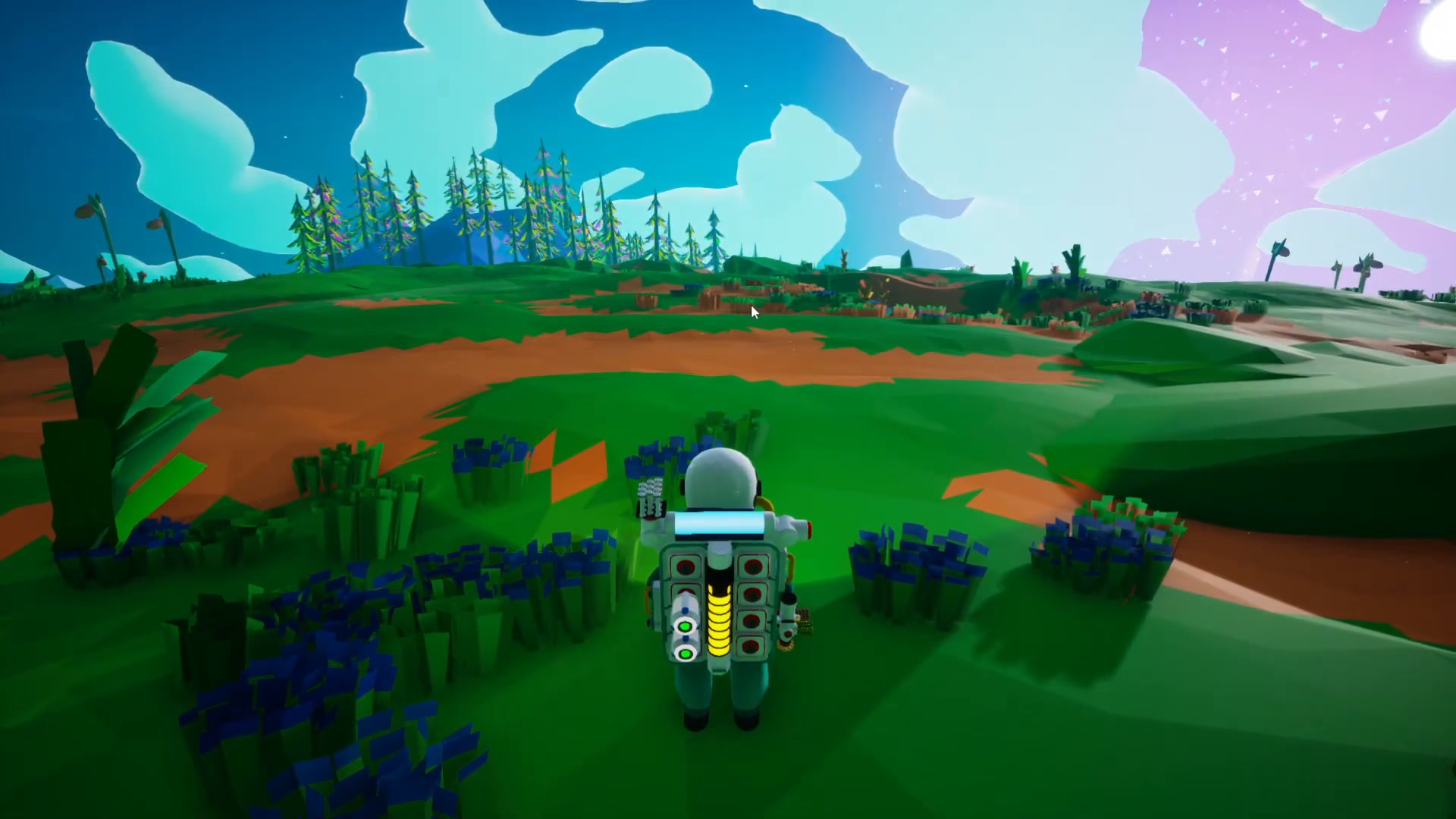
Once activated, the Compass will display your home icon on the screen, showing you the direction to your base. When you’ve finished using the Compass, simply press R again to close it and return to your normal view.
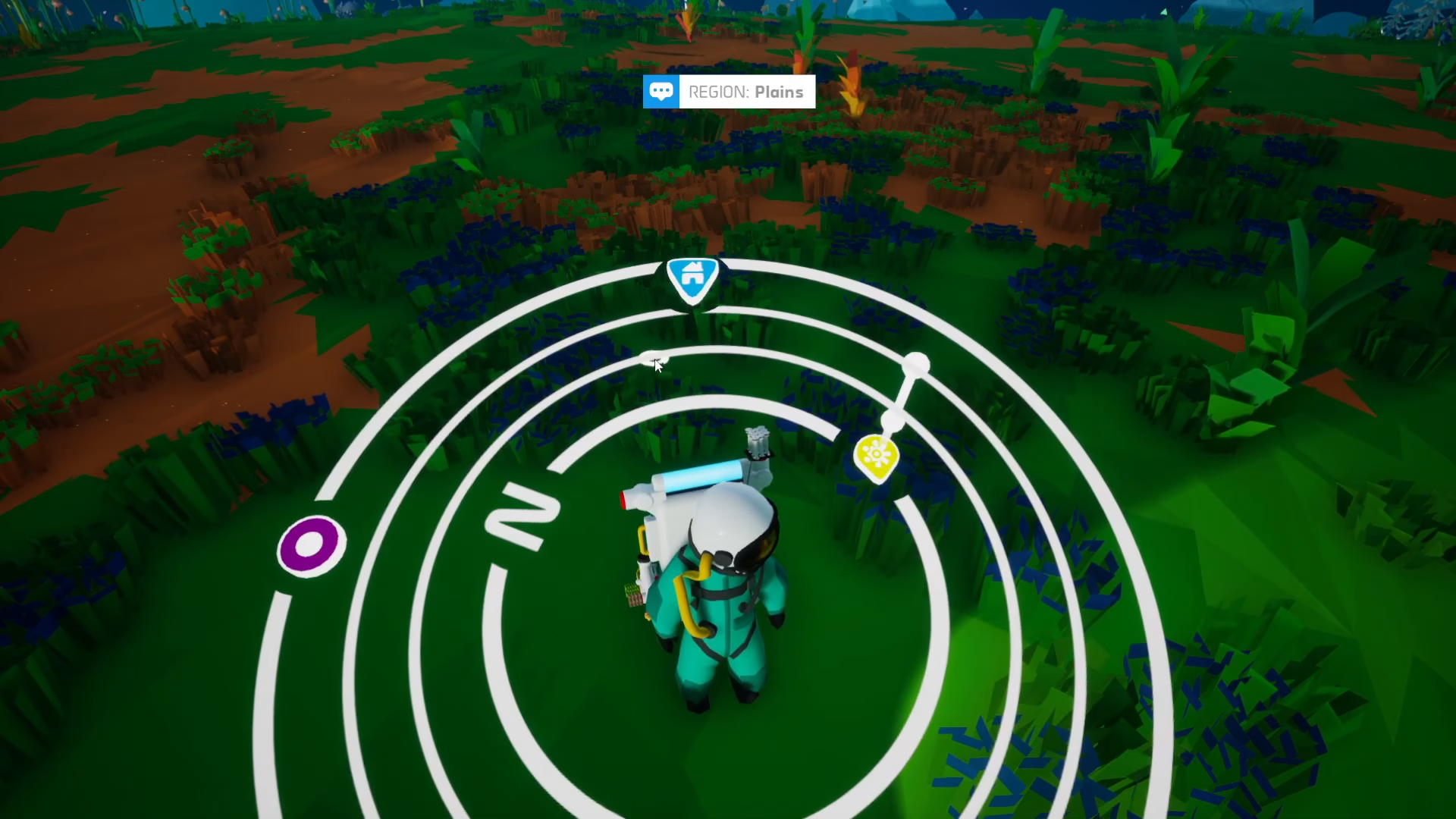
Method 2: Following the Home Icon
Even without opening the Compass menu, you can navigate visually by looking up at the sky. A home icon is always visible from anywhere on the planet, displaying the direction of your base.
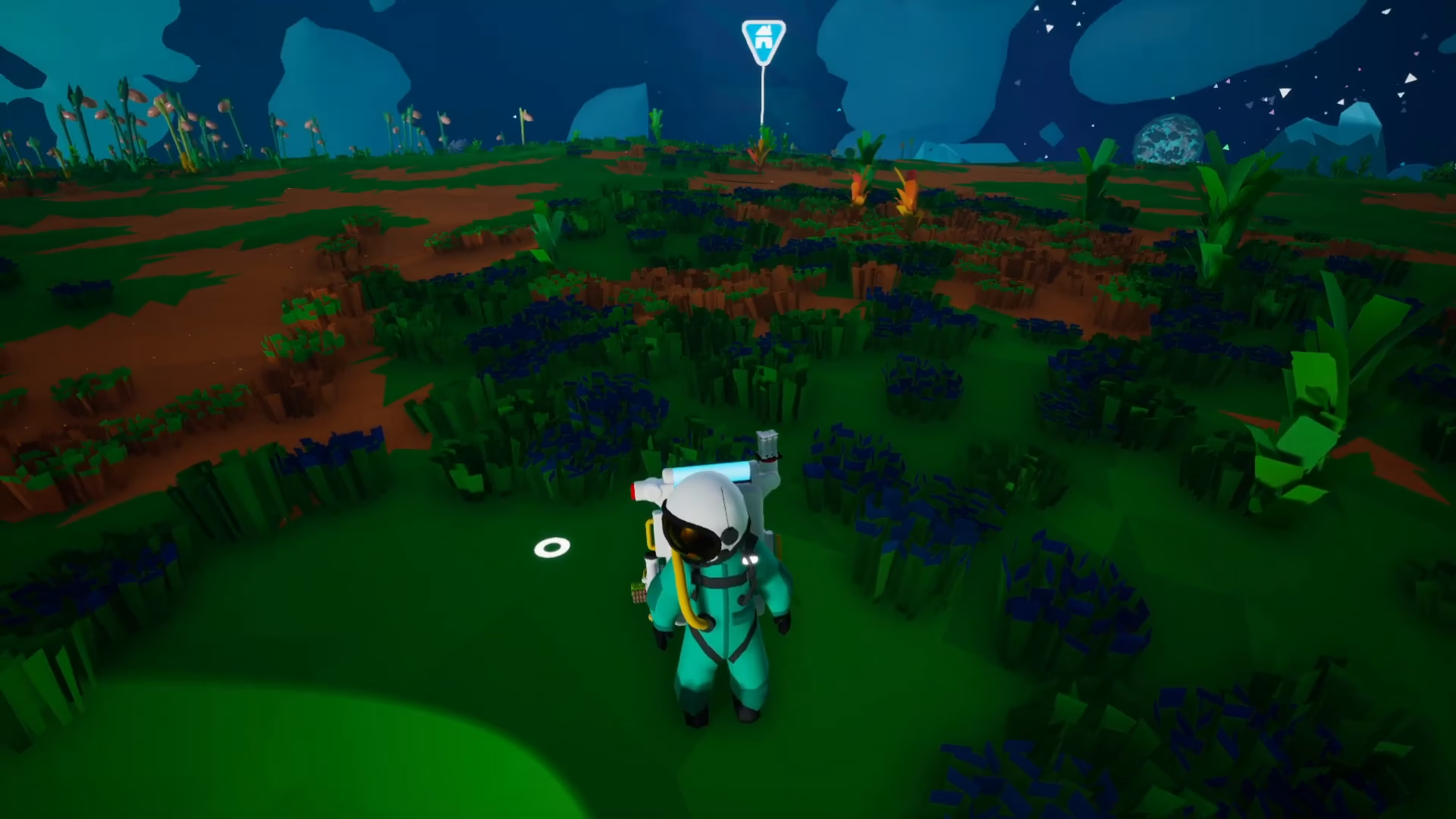
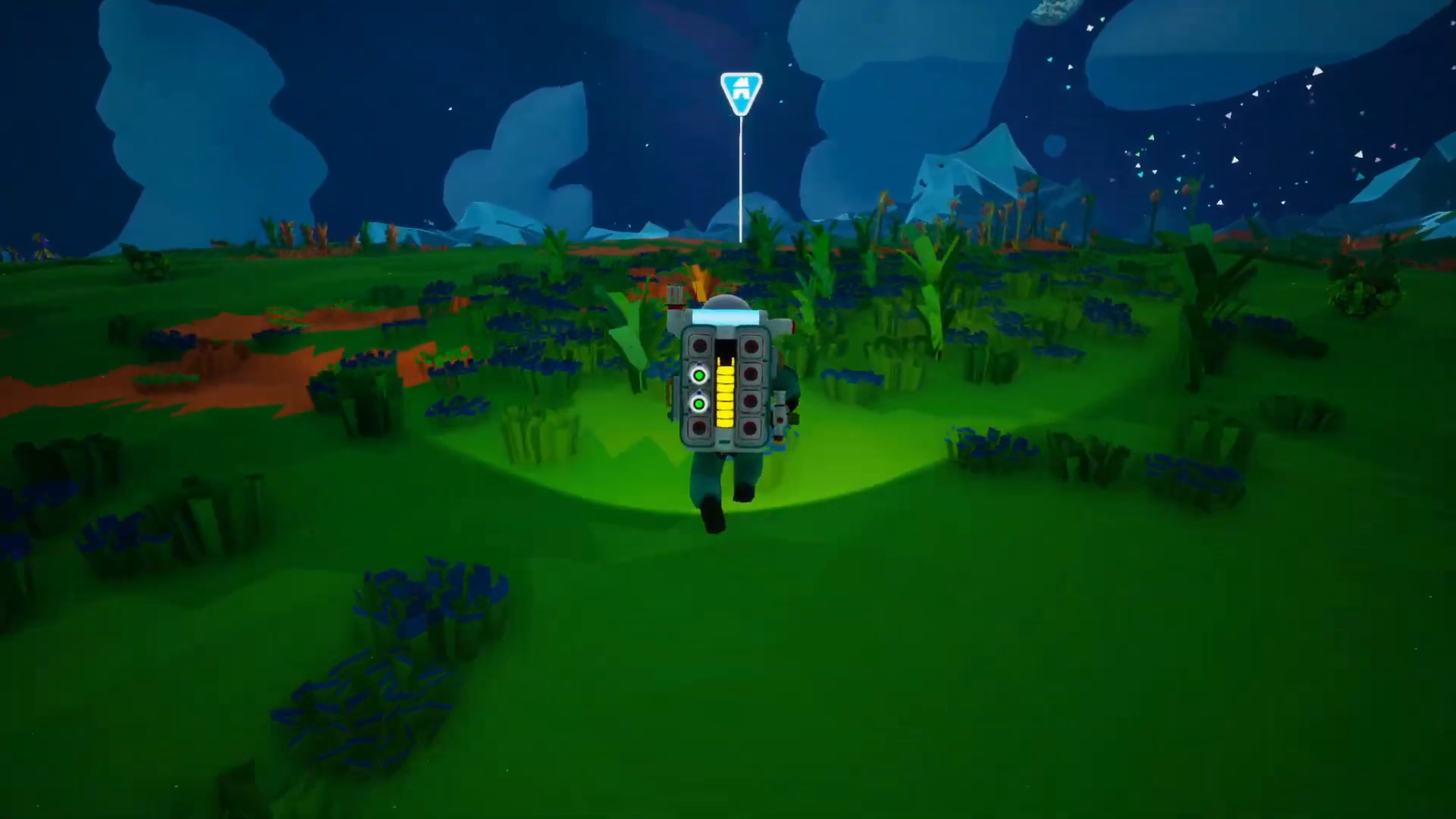
This permanent on-screen marker allows you to simply run in the direction of the icon until you reach your base. This method is particularly useful when you want to navigate without stopping to access menus.
Summary
Finding your base in Astroneer is simple with either the Compass tool (press R) or by following the home icon visible in the sky. Both methods work from anywhere on the planet, ensuring you can always find your way back no matter how far you’ve traveled.
Want to Support?
If you would like to help us continue making these guides – please consider joining our patreon here – https://www.patreon.com/c/JaviHeals
Alternatively – you can join our discord here – https://discord.gg/zD7Gjt6MHF



