





How To Find Your Map Coordinance in Valheim
How To Find Your Map Coordinates in Valheim
Need to know exactly where you are in Valheim? Finding your map coordinates is essential for navigation, marking important locations, and sharing your position with other players. This guide walks you through the simple process of enabling the console and using the POS command to pinpoint your exact location in the game.
Enable the Console
The first step is to ensure you have the console enabled in Valheim. You’ll need to add a startup script to Steam to activate this feature.
To enable the console, add the startup parameter -console in Steam’s launch options for Valheim. If you’re unfamiliar with this process, there’s a dedicated tutorial available to guide you through it step-by-step.
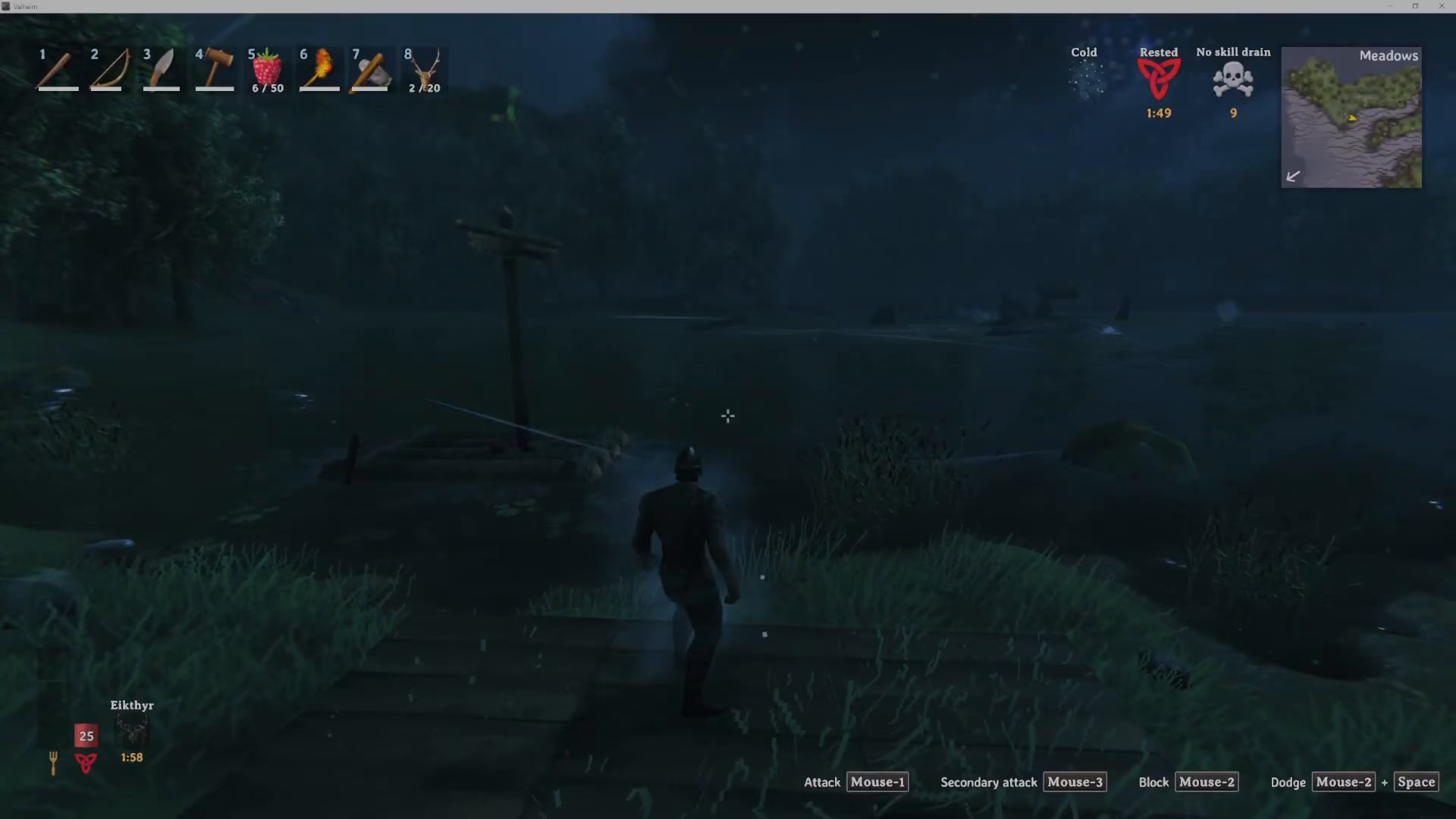
Access the Console In-Game
Once the console is enabled, accessing it is straightforward. Simply press F5 while playing Valheim to open the console window.
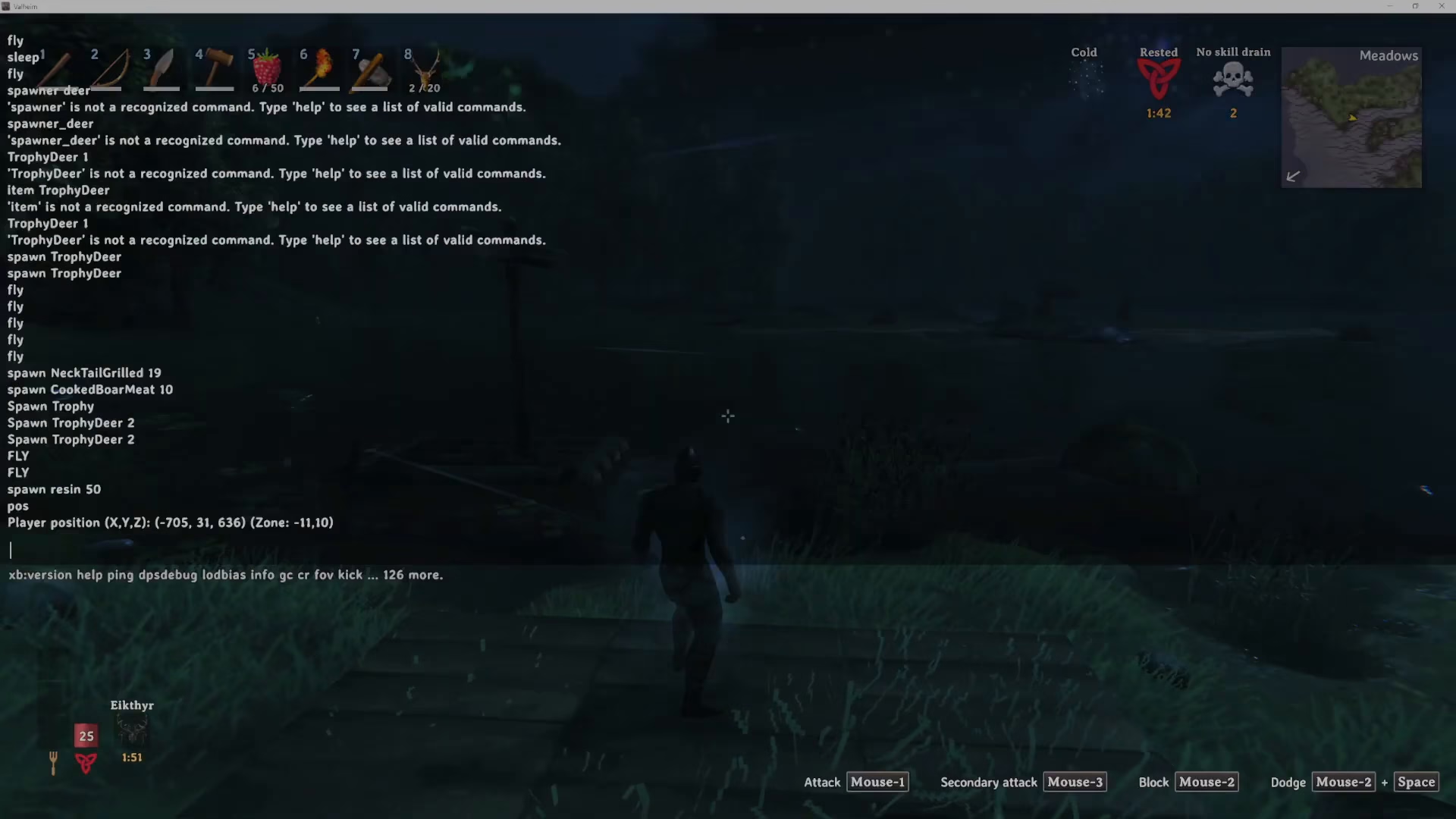
Find Your Coordinates Using the POS Command
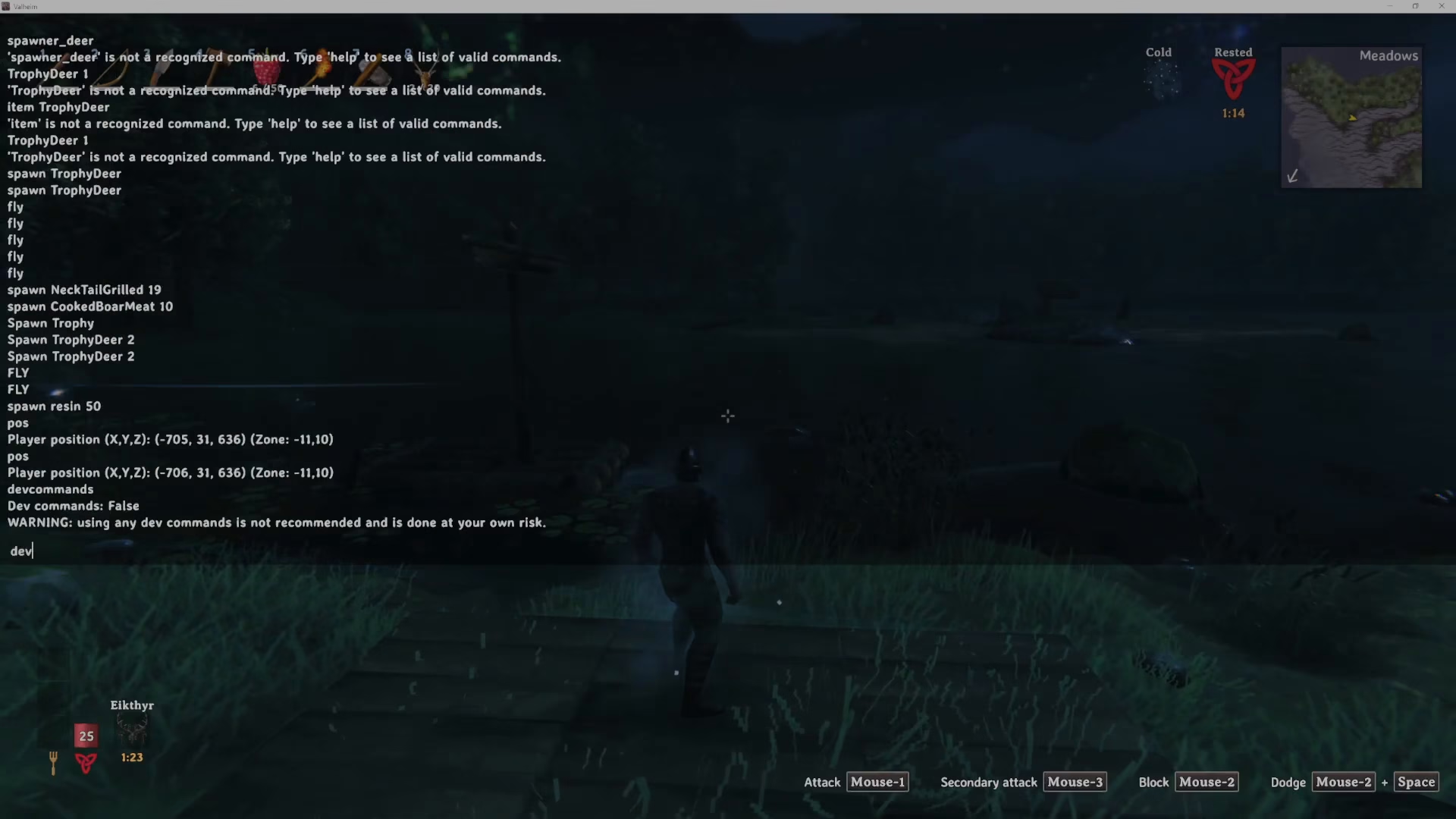
With the console open, type POS and press Enter. The console will immediately display your exact coordinates in the game world.
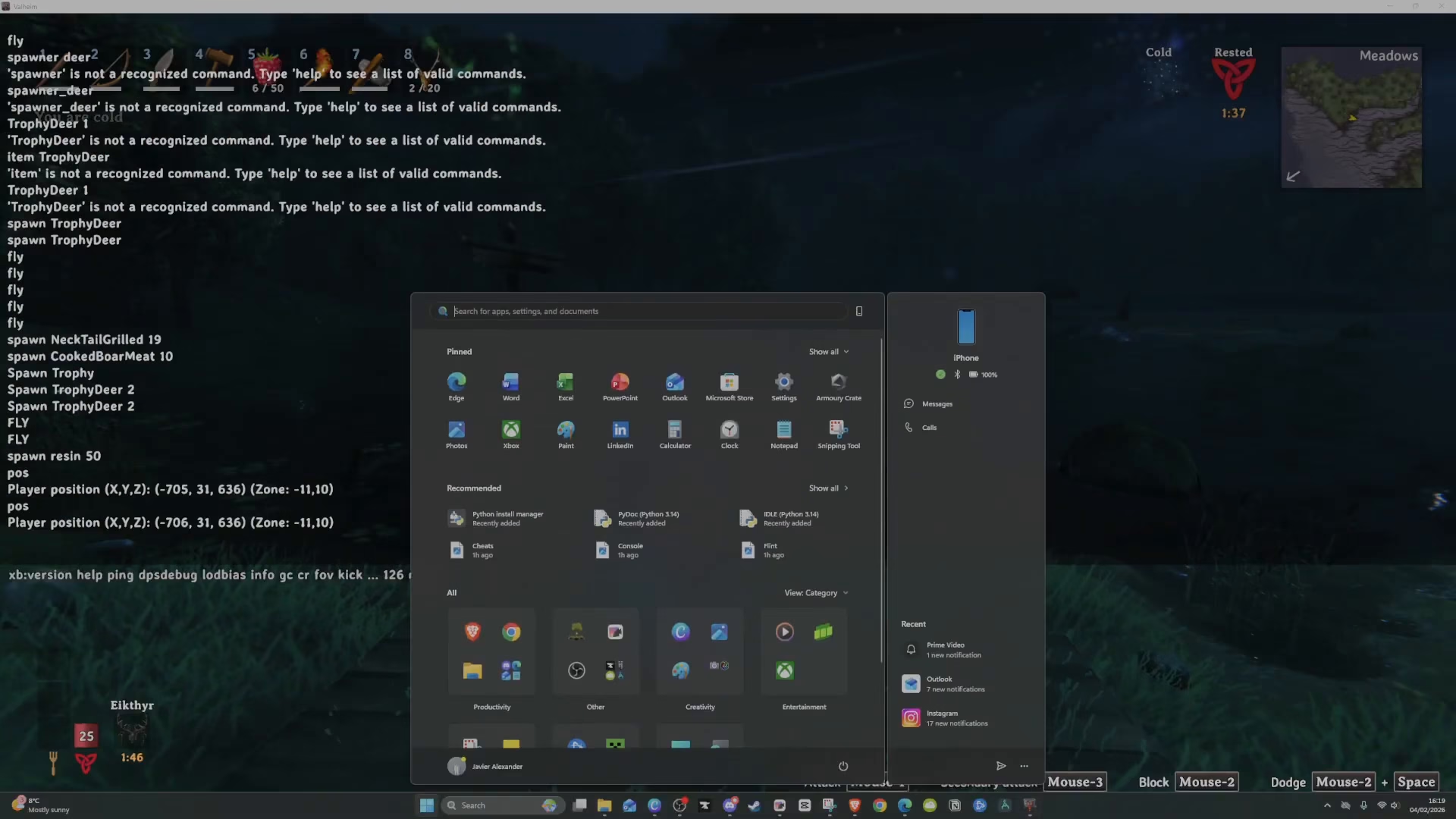
Using Developer Commands
It’s important to note that there is no legitimate in-game way to view your coordinates without using developer commands. To access the POS command, you must first enable developer mode by typing devcommands in the console.
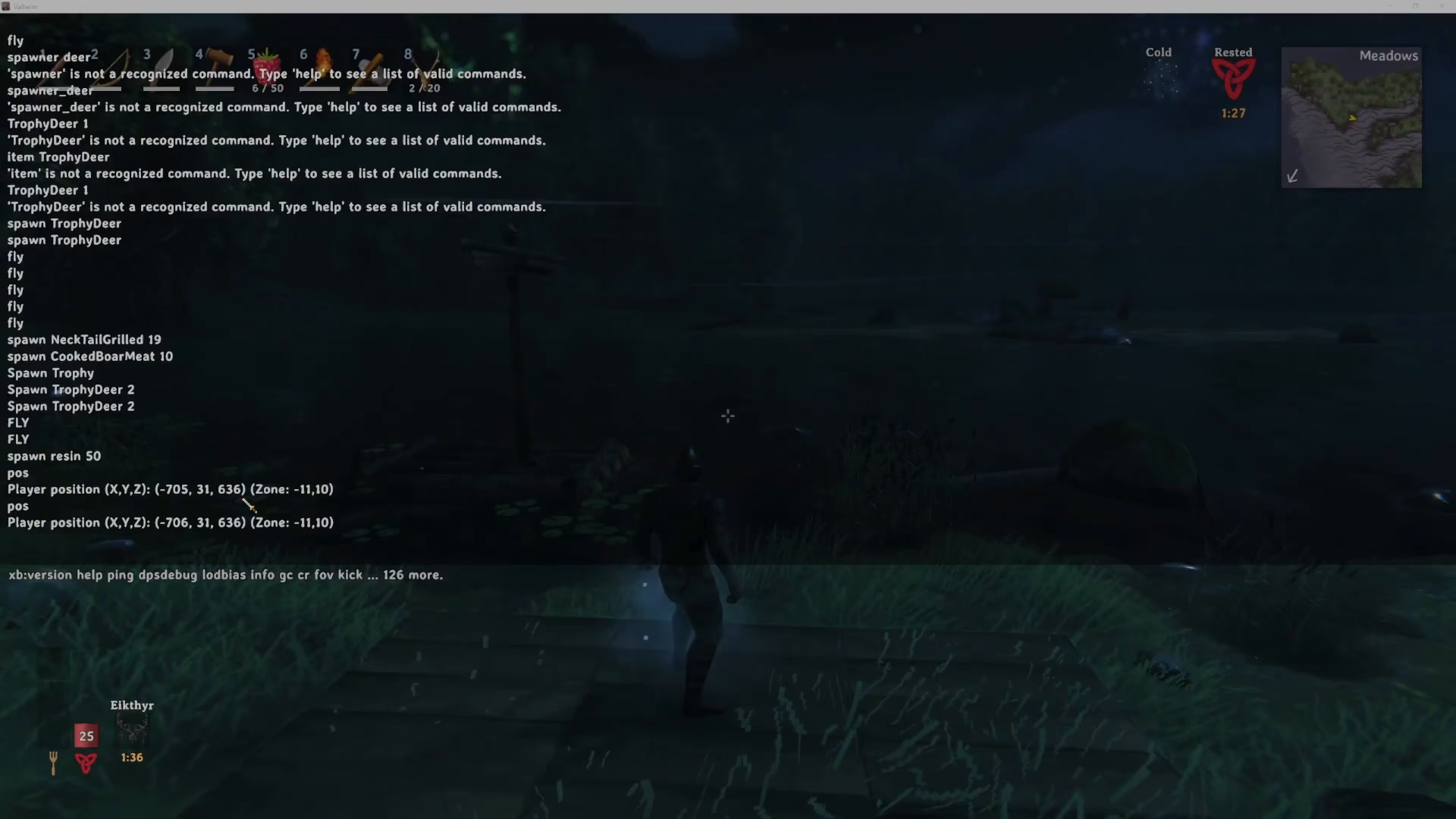
After typing devcommands, you can then use the POS command to display your player position and coordinates.
Summary
Finding your map coordinates in Valheim is quick and easy once you’ve set up the console. Remember to add the -console startup parameter to Steam, press F5 in-game to open the console, enable developer commands with devcommands, and then type POS to view your exact location. This method is essential for navigation and coordination with other players in your world.
Want to Support?
If you would like to help us continue making these guides – please consider joining our patreon here – https://www.patreon.com/c/JaviHeals
Alternatively – you can join our discord here – https://discord.gg/zD7Gjt6MHF



